Export
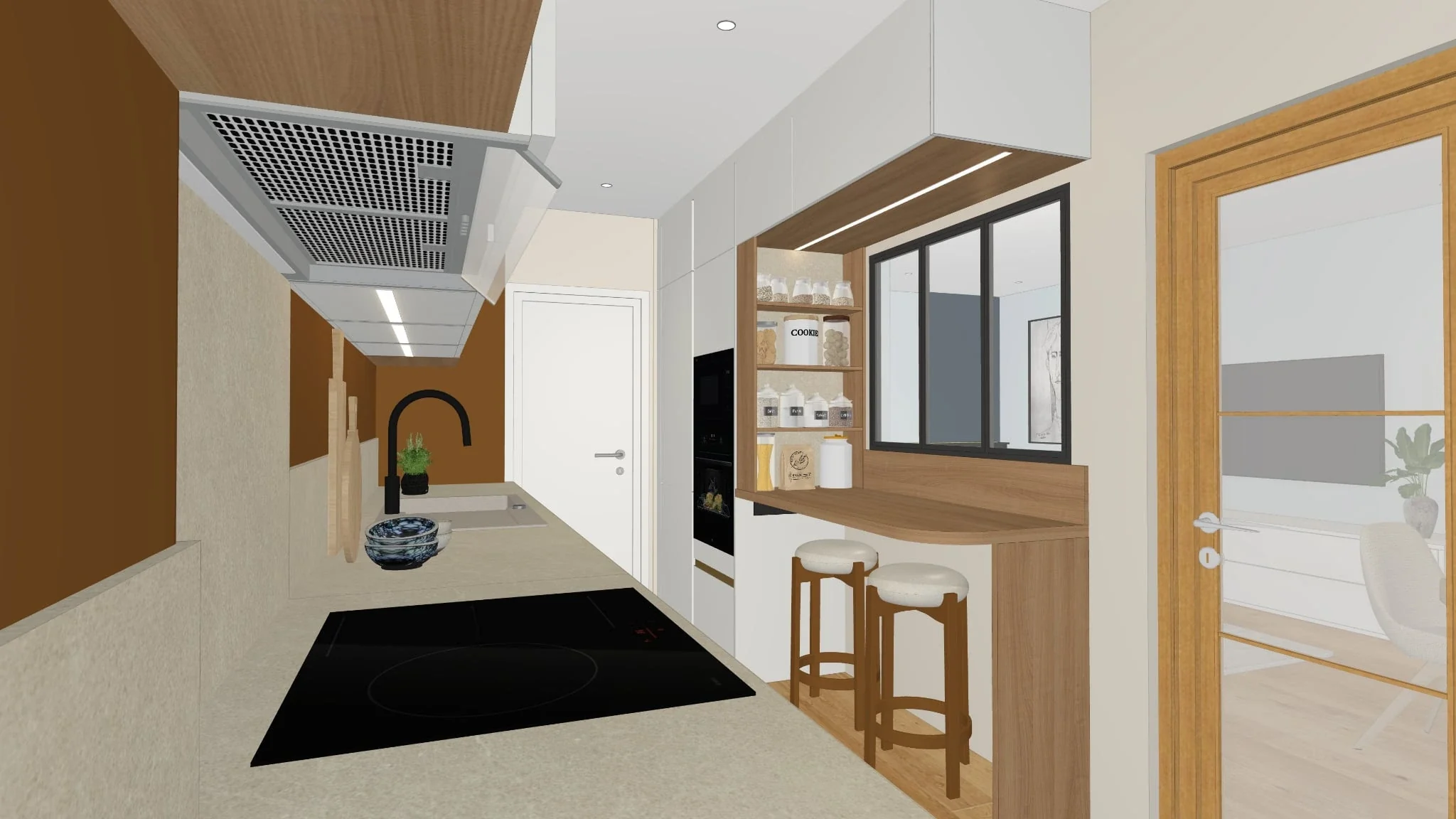
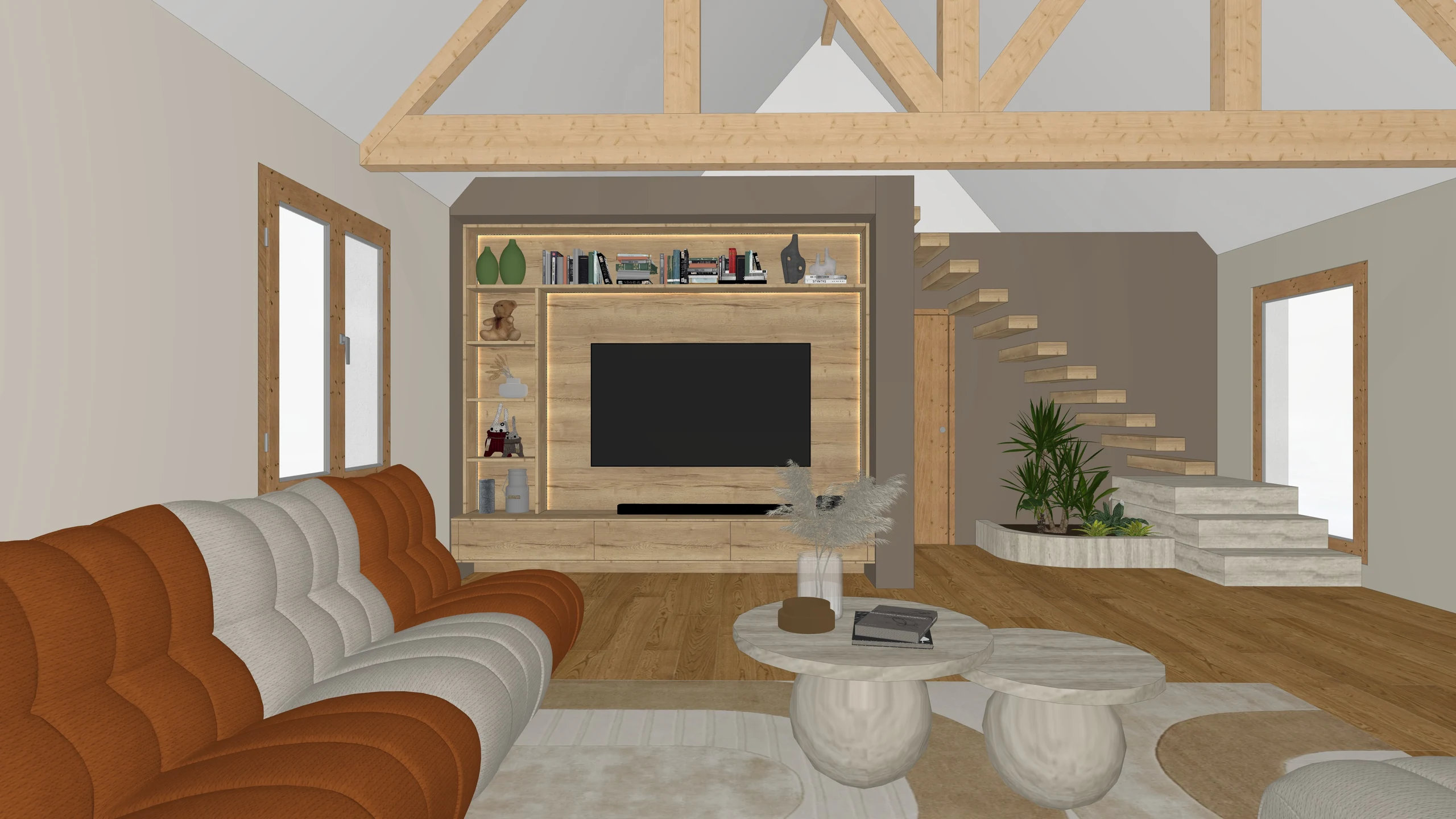
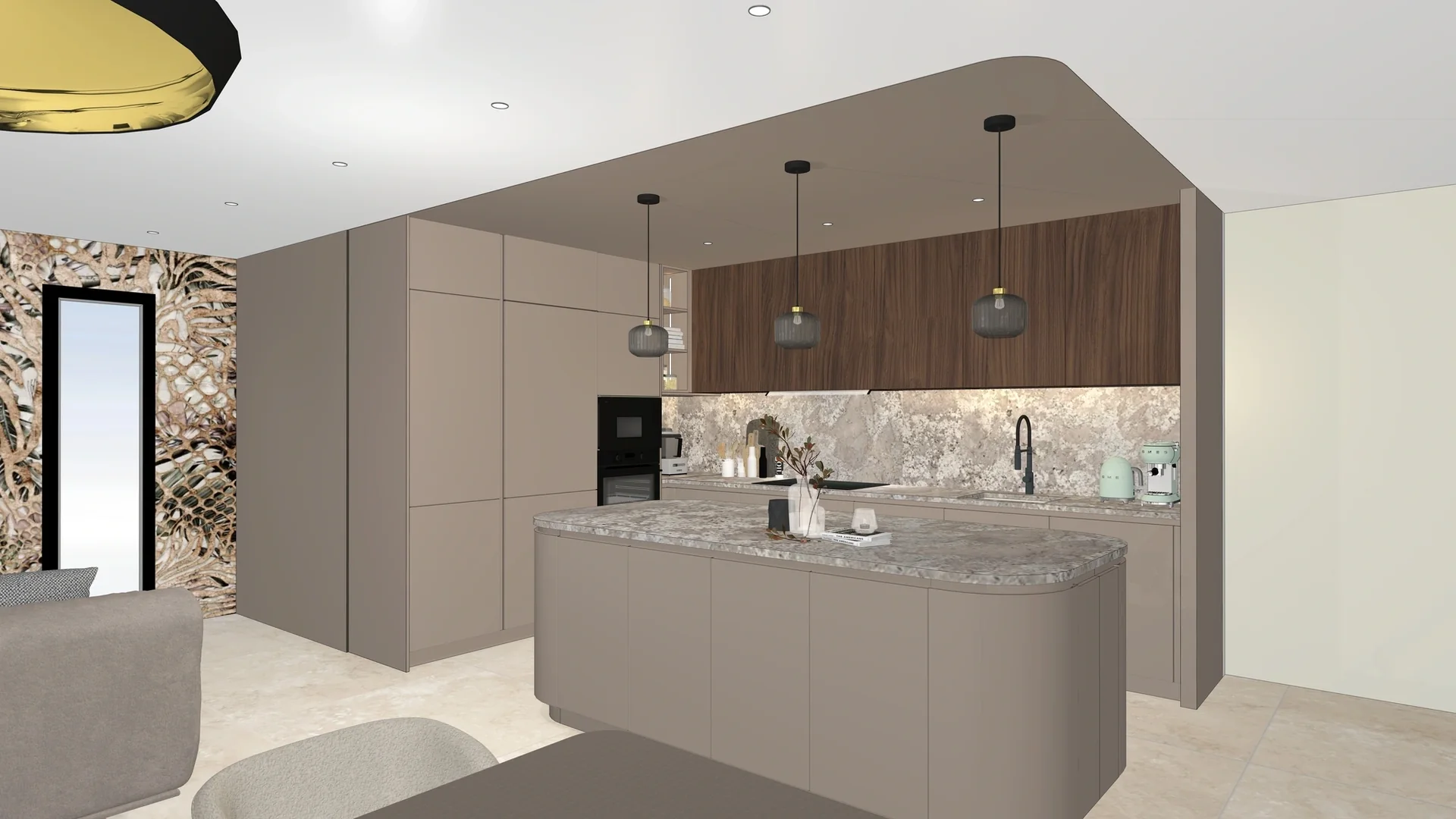
You drop the export of your software, just as it comes out.
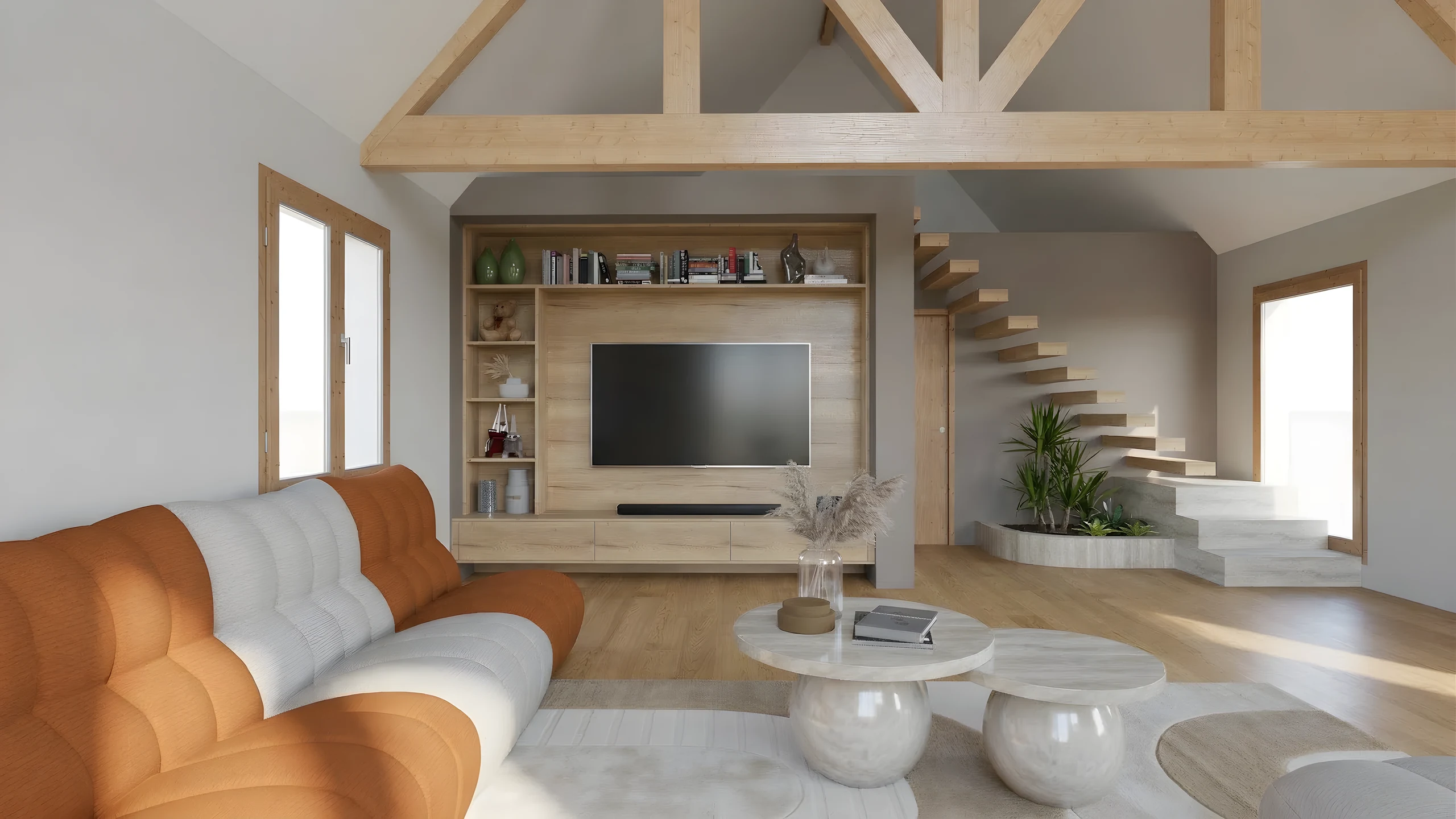
Your 3D export becomes a photorealistic image in under a minute. You brush over what must change, you publish, the client opens a link. For kitchen designers, interior architects, space planners and decorators.
They present with RenderThink






You drop the export of your software, just as it comes out.
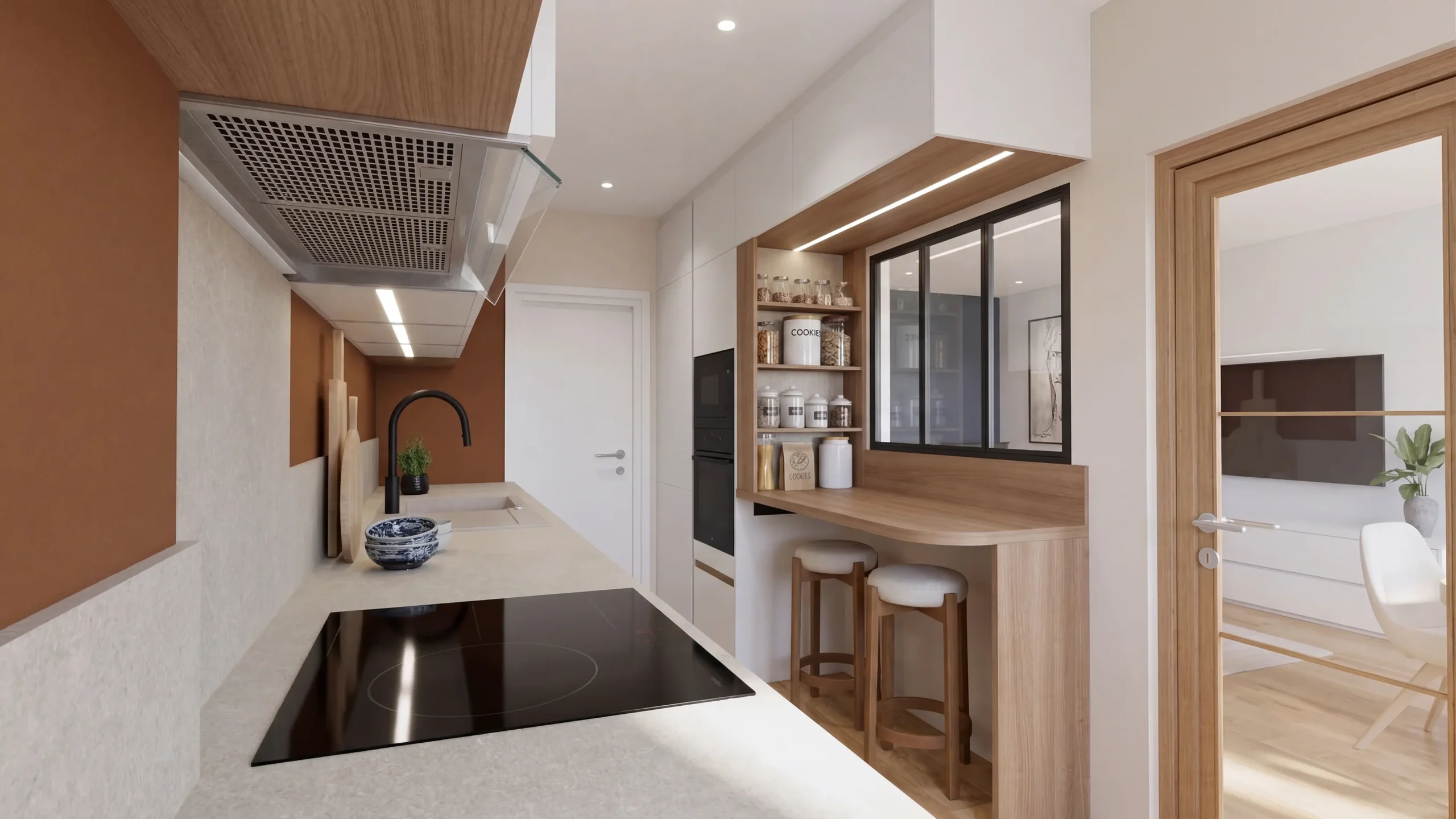
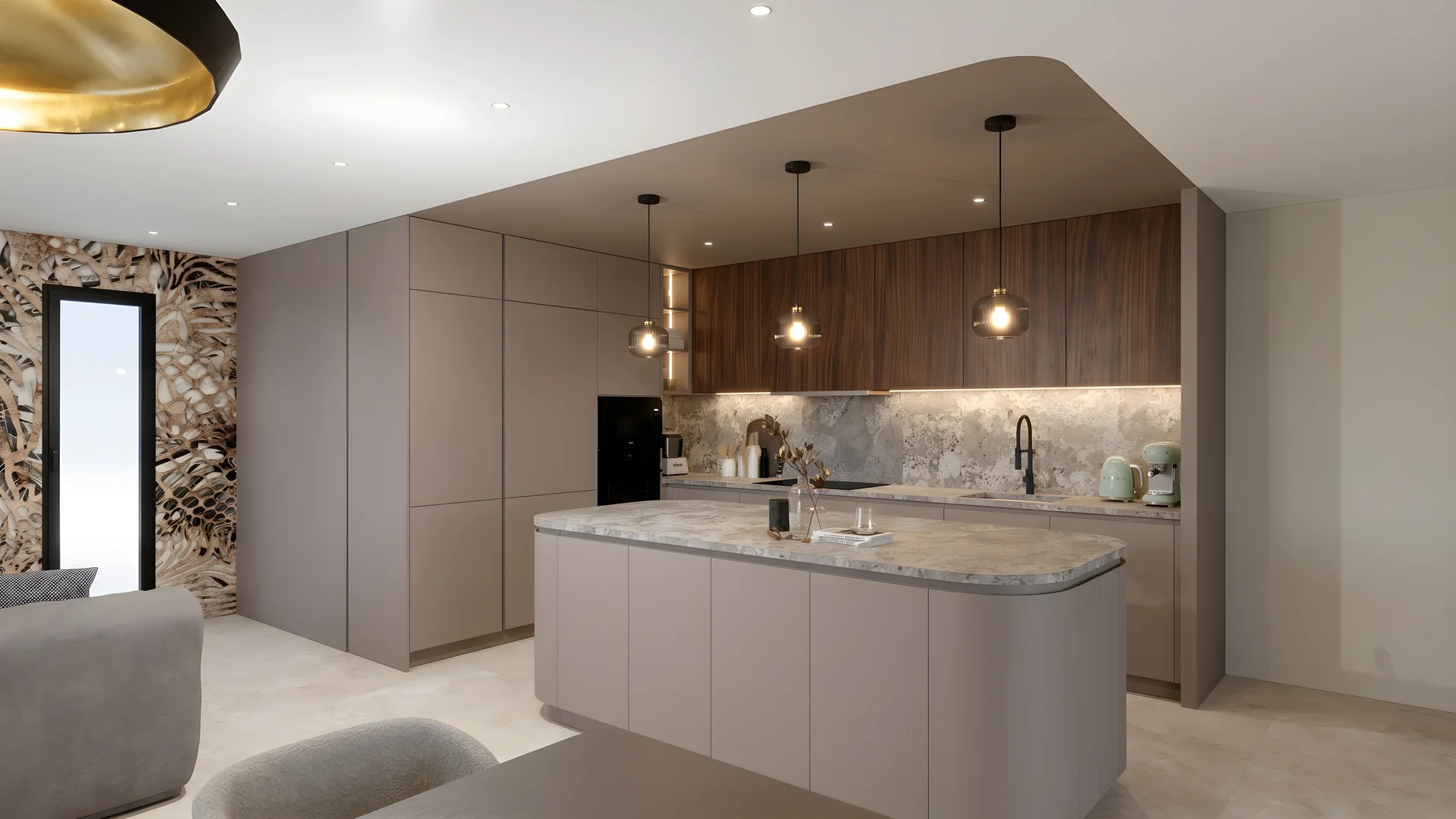
In the Studio, the displayed view turns photorealistic.
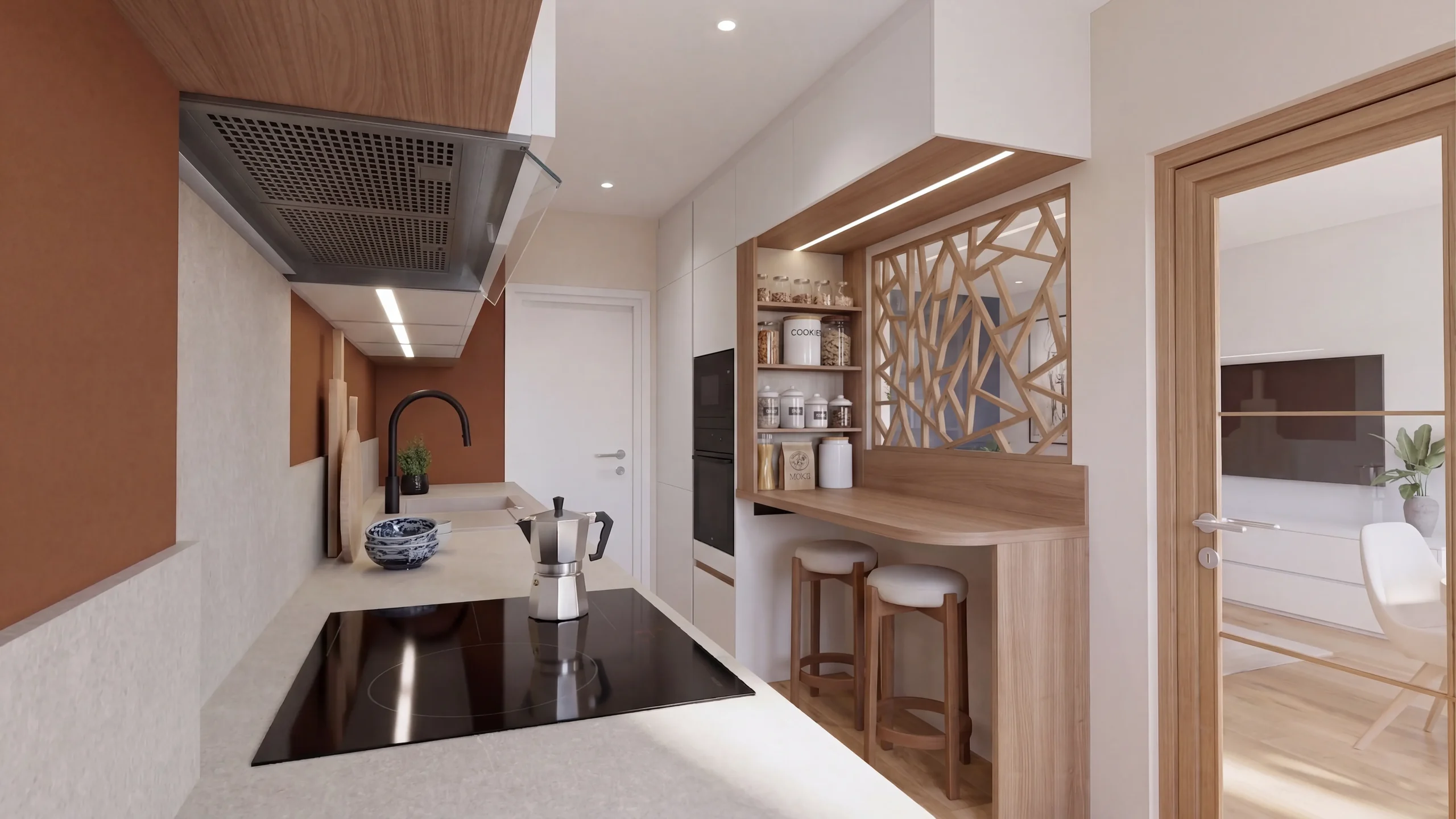
You select a zone and choose to remove, change or add elements.
The link the client receivesapp.renderthink.com/p/8f2c1a4dYou publish the presentation, the client opens it through a link.
From SketchUp
 InSituwith the plugin, or the export of any software.
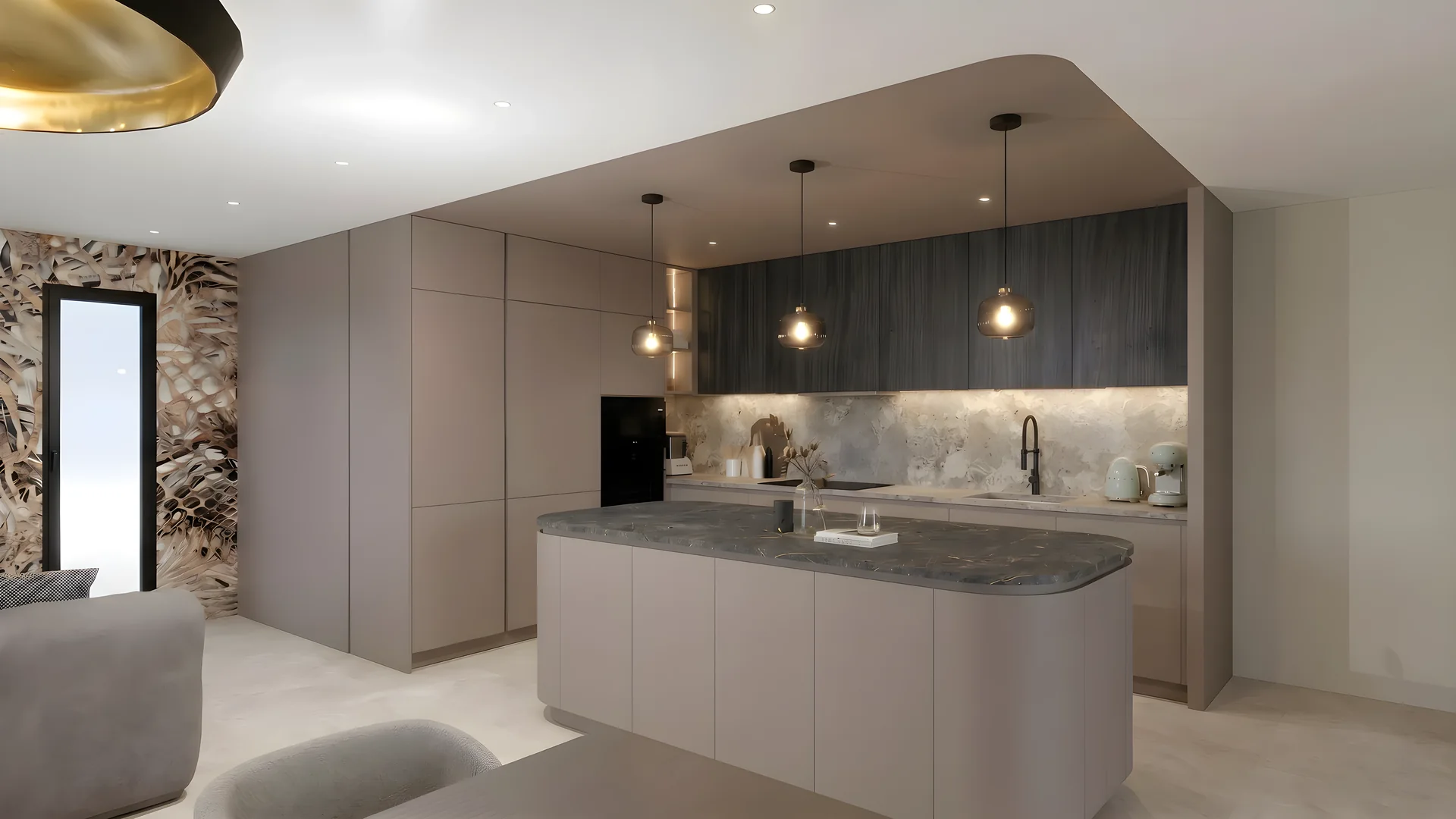
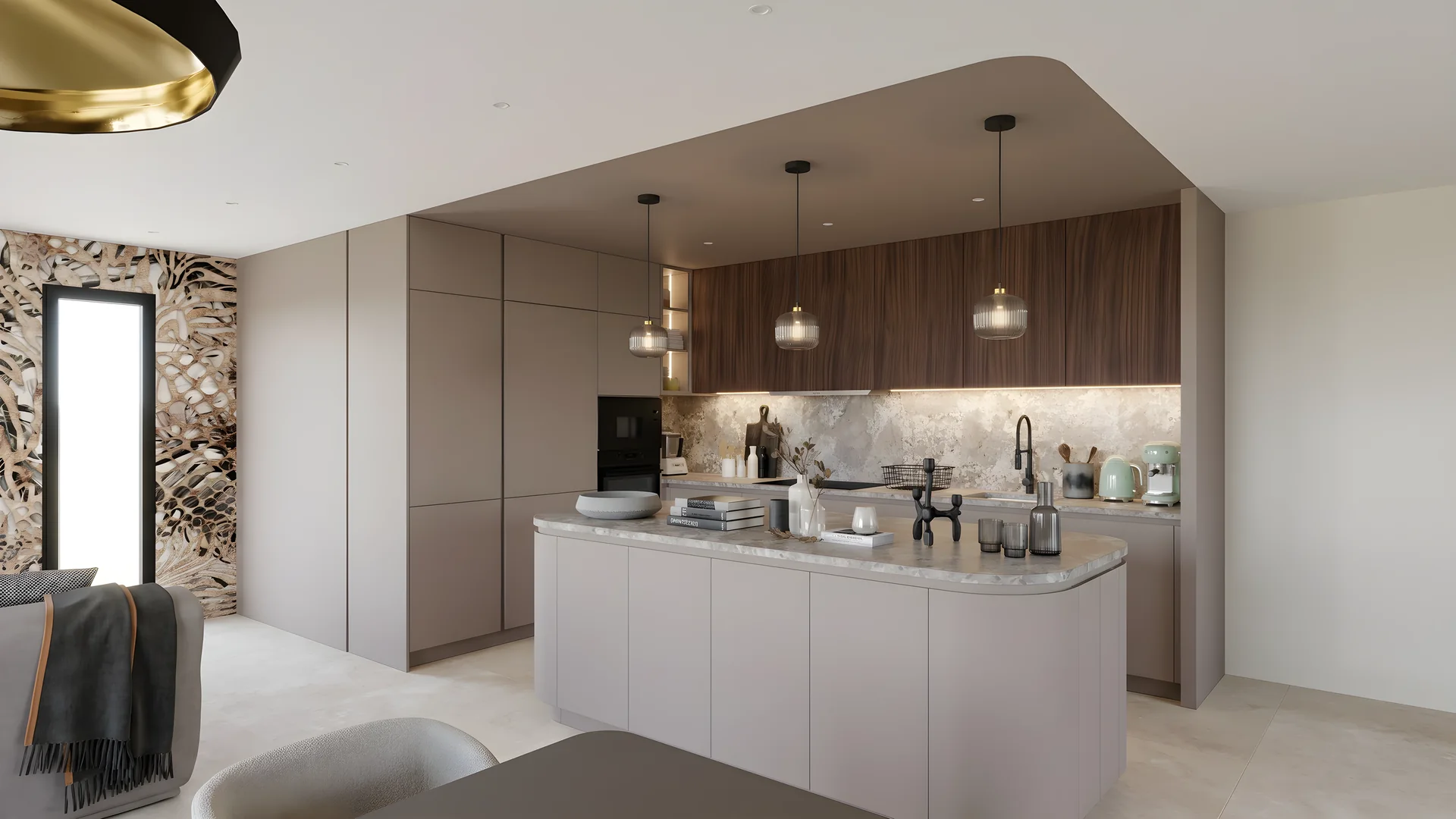
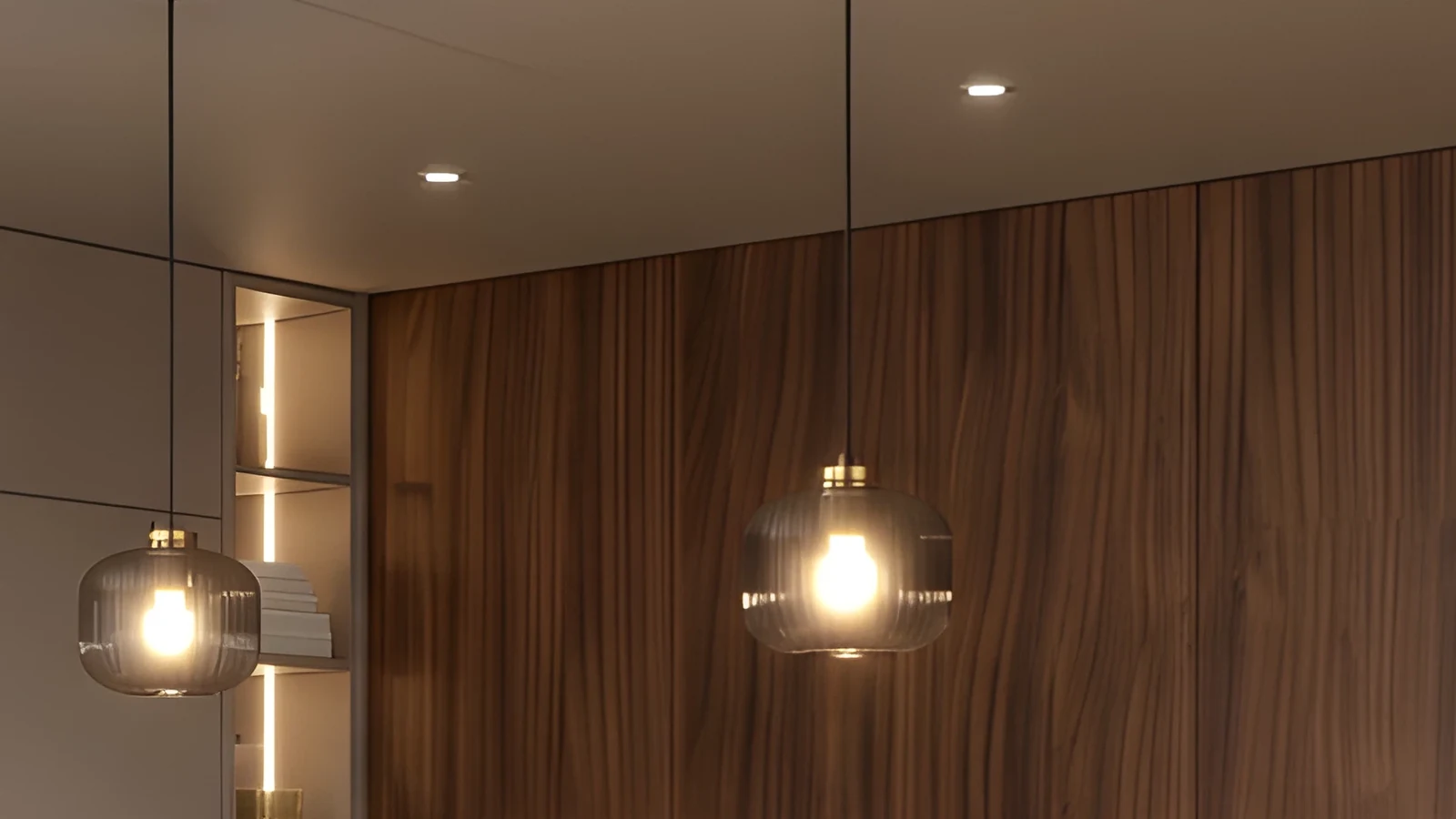
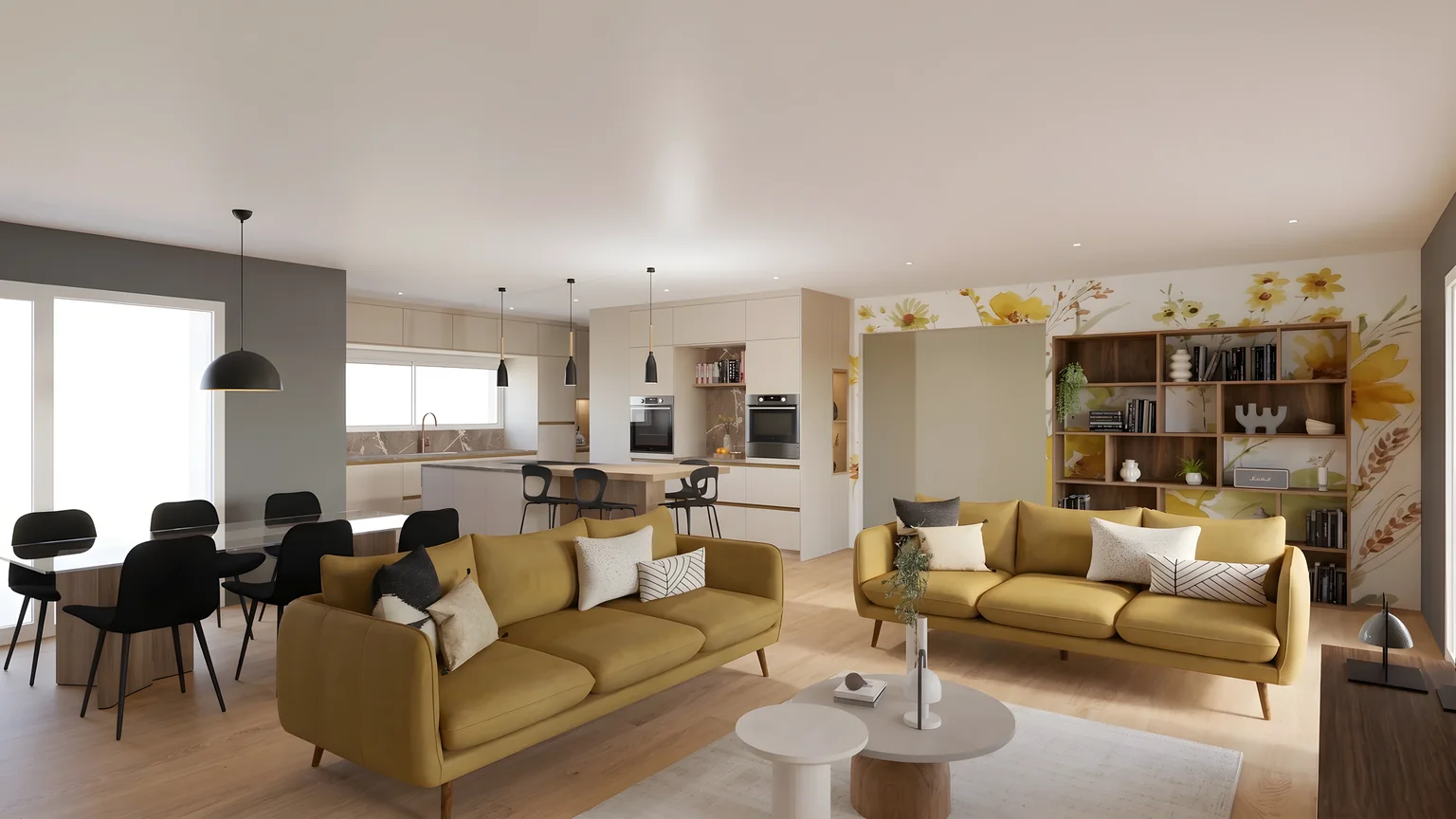
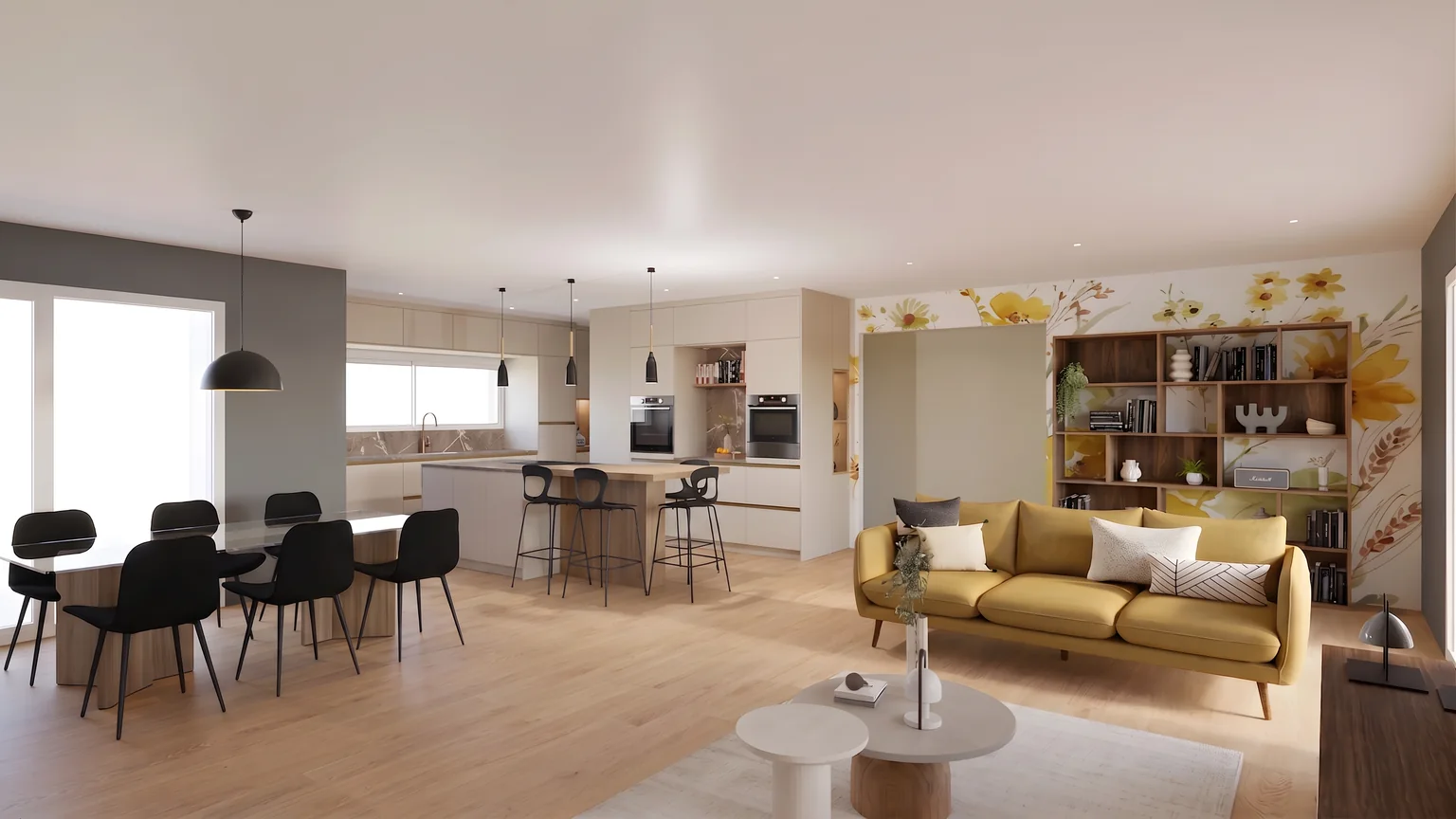
01Remove
The floor is rebuilt behind it.
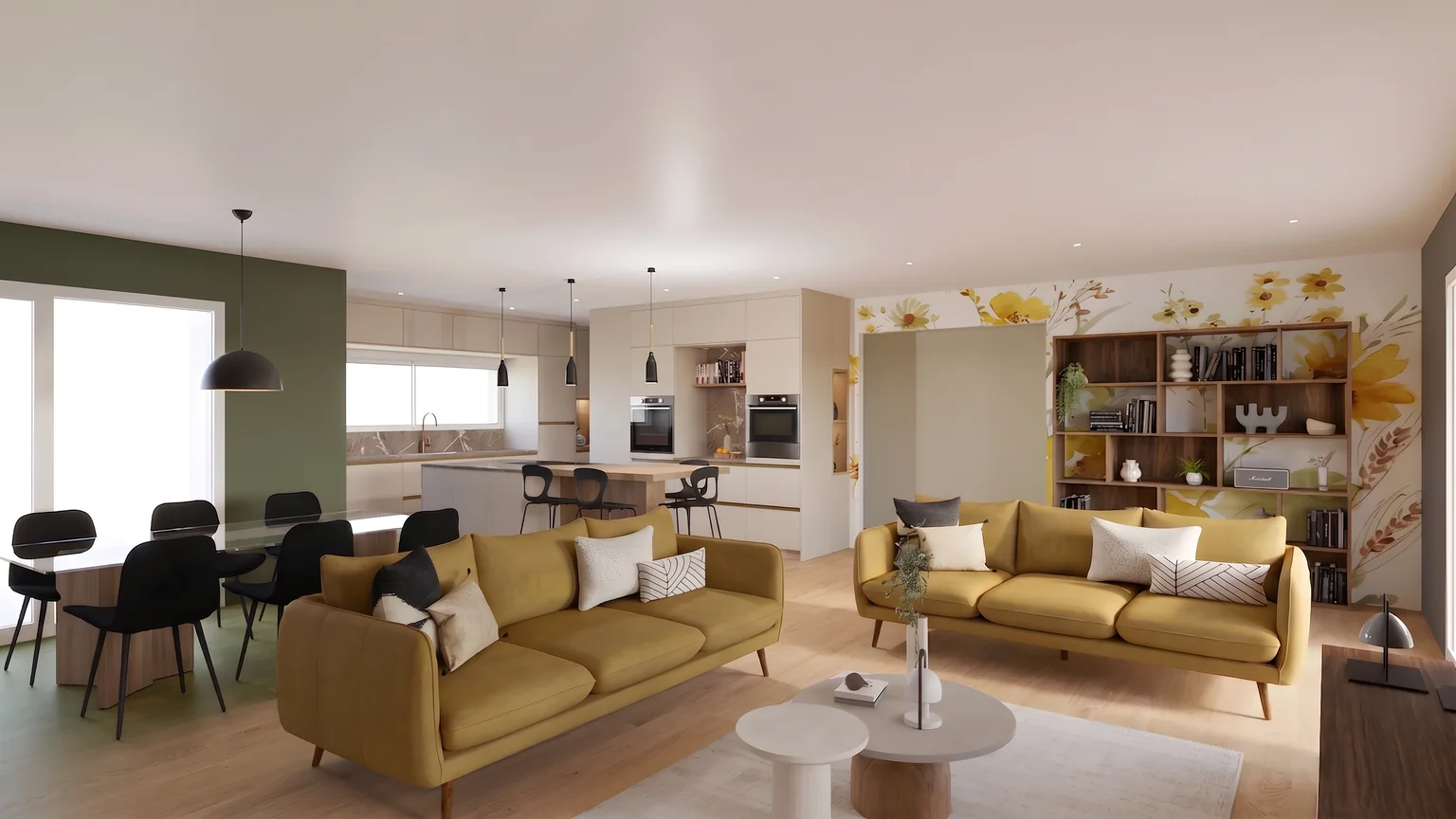
02Modify
Another shade, on the designated zone only.
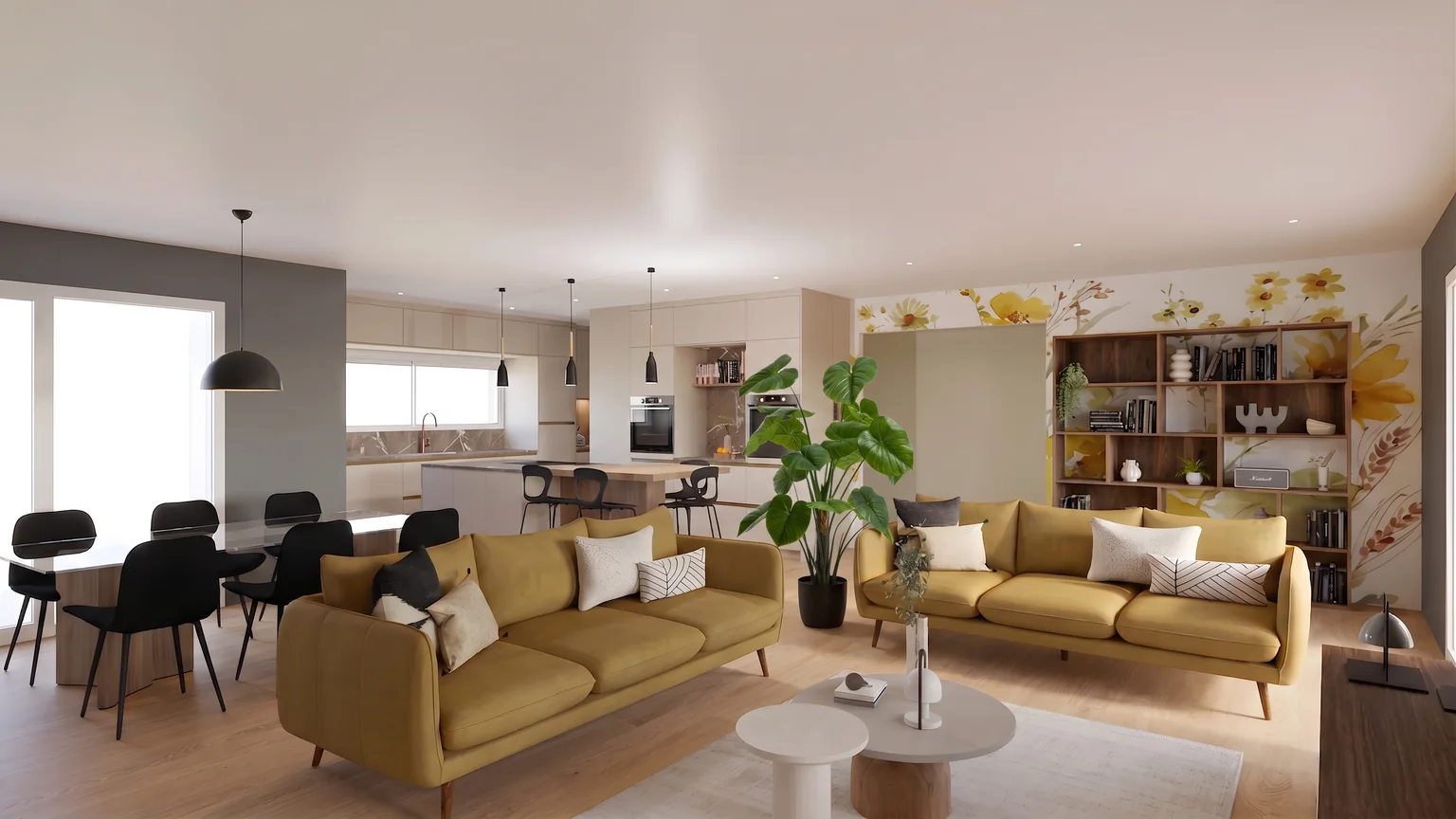
03Add
A catalogue product, placed at its real size.
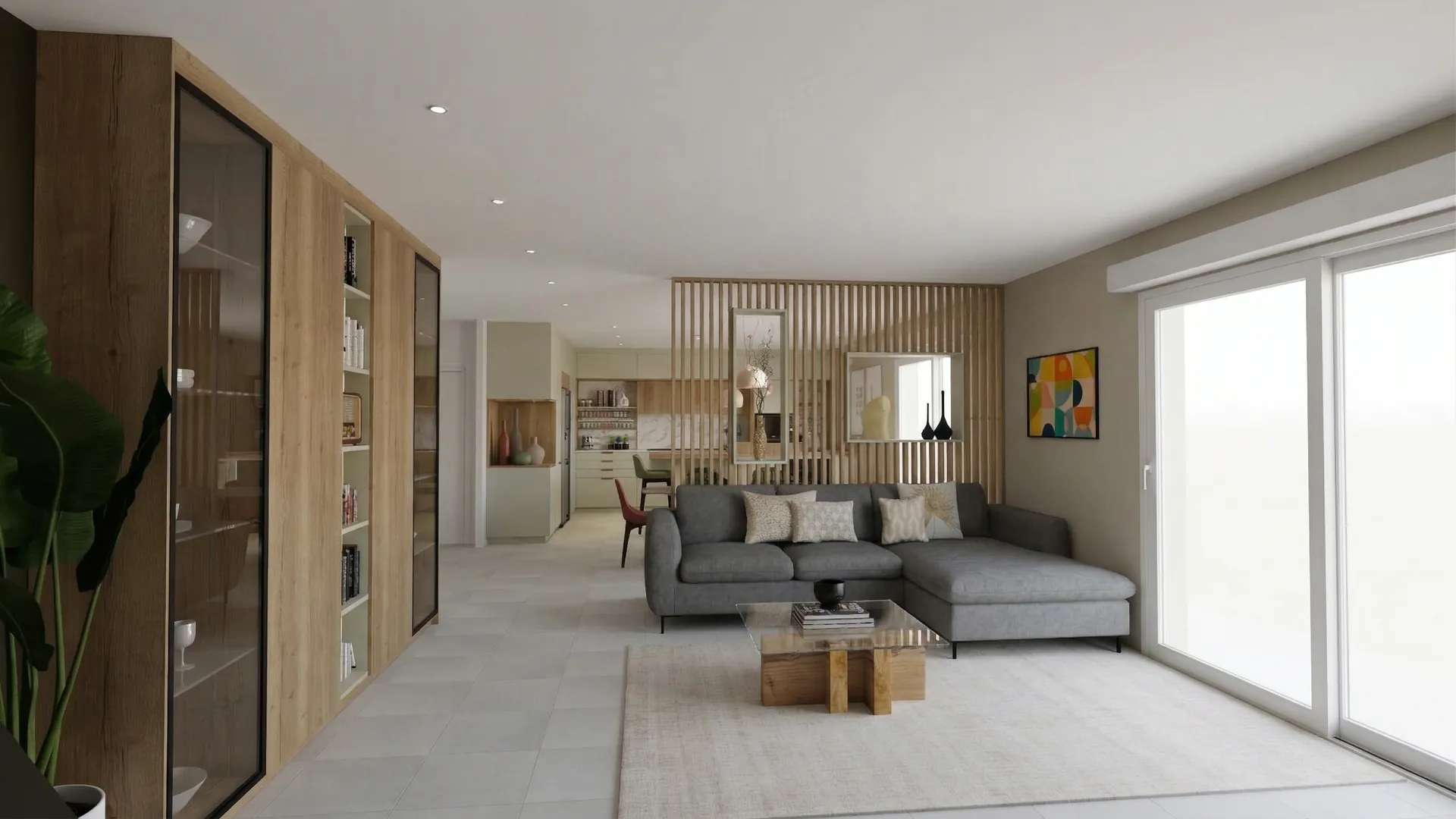
Claustra project
Fit-out of a living room opening onto the dining area, a kitchen and an entrance hall
The Laurent family · Lyon
01
The project
What you asked us for, and the answer we propose.
Architecture is the learned game, correct and magnificent, of forms assembled in the light.
02
Living and dining
Two rooms, one light: the wooden screen separates the meal from the sofa without closing off the window.
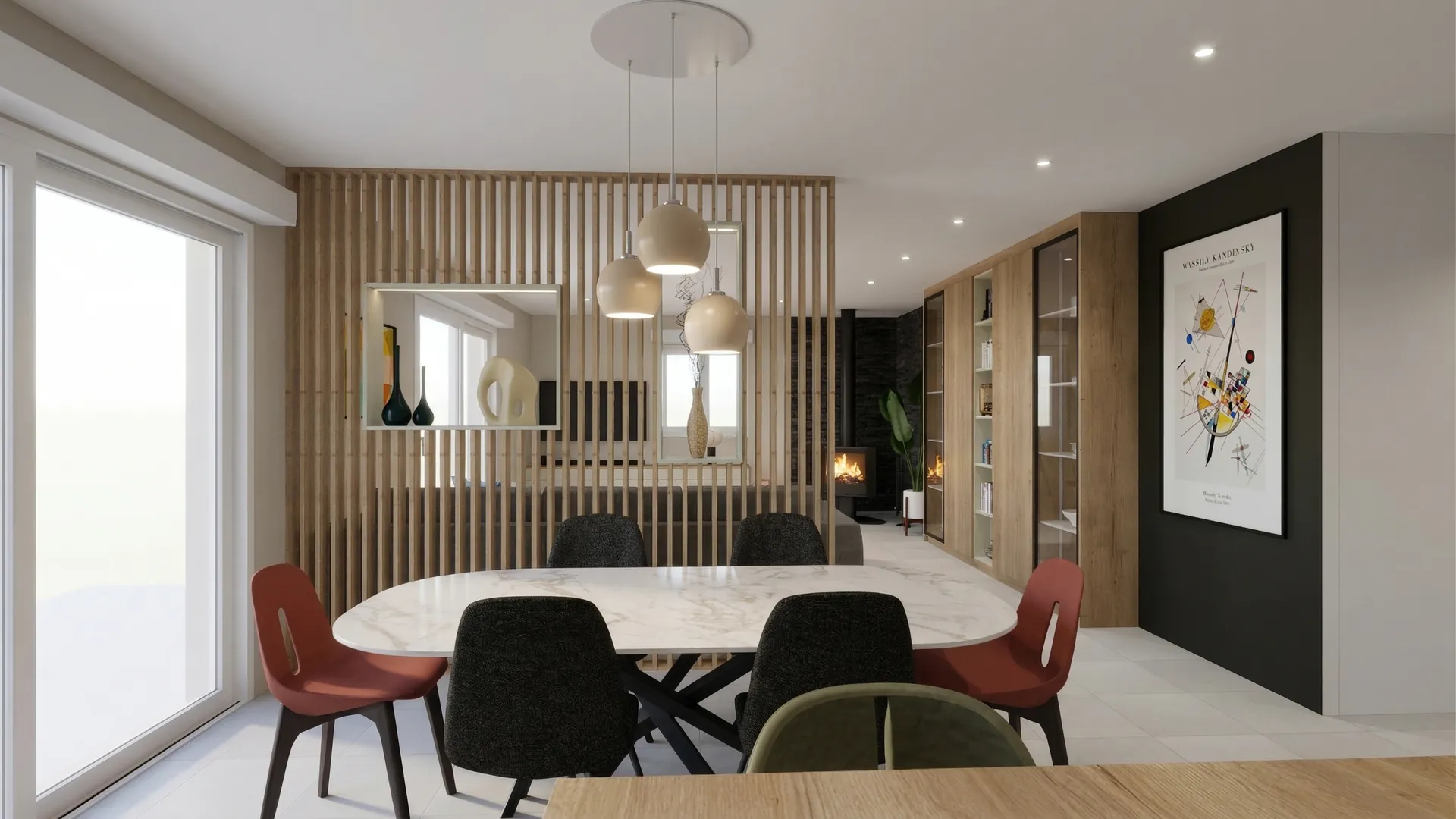
Behind the screen, the dining area stands on its own around the marble table. The mismatched chairs bring the colour the rest of the room holds back, and the matt black panel sets off the print.
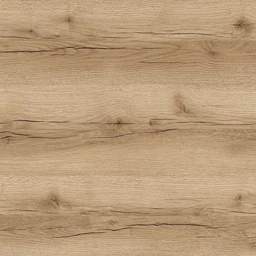 Verona oakScreen and bookcase
 Inverness taupeLiving room walls
 Santander marbleTable top
 Padua grey stoneFloor
03
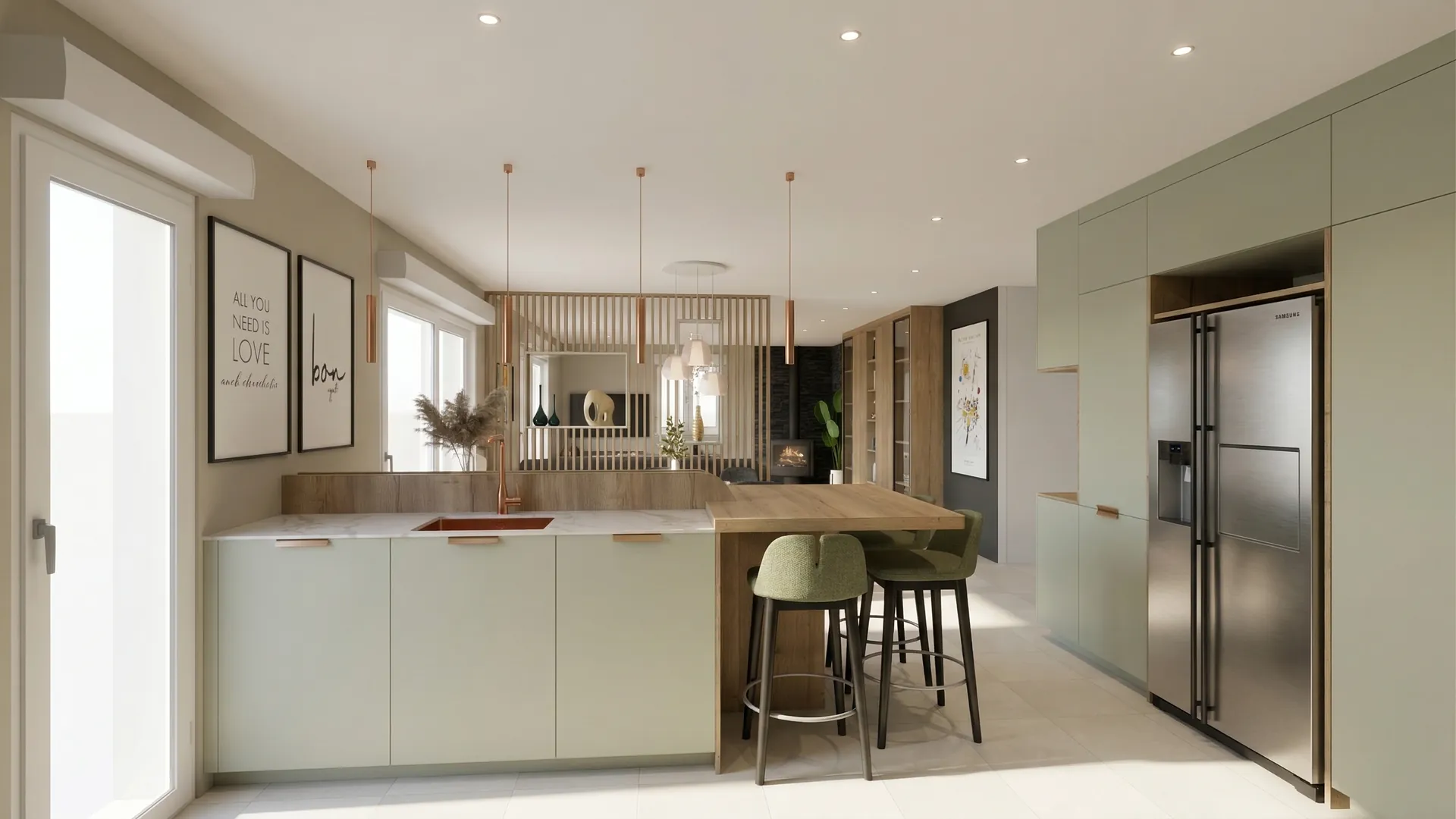
Kitchen
Sage green as the thread: fronts and island, a pale worktop, a veined stone splashback.
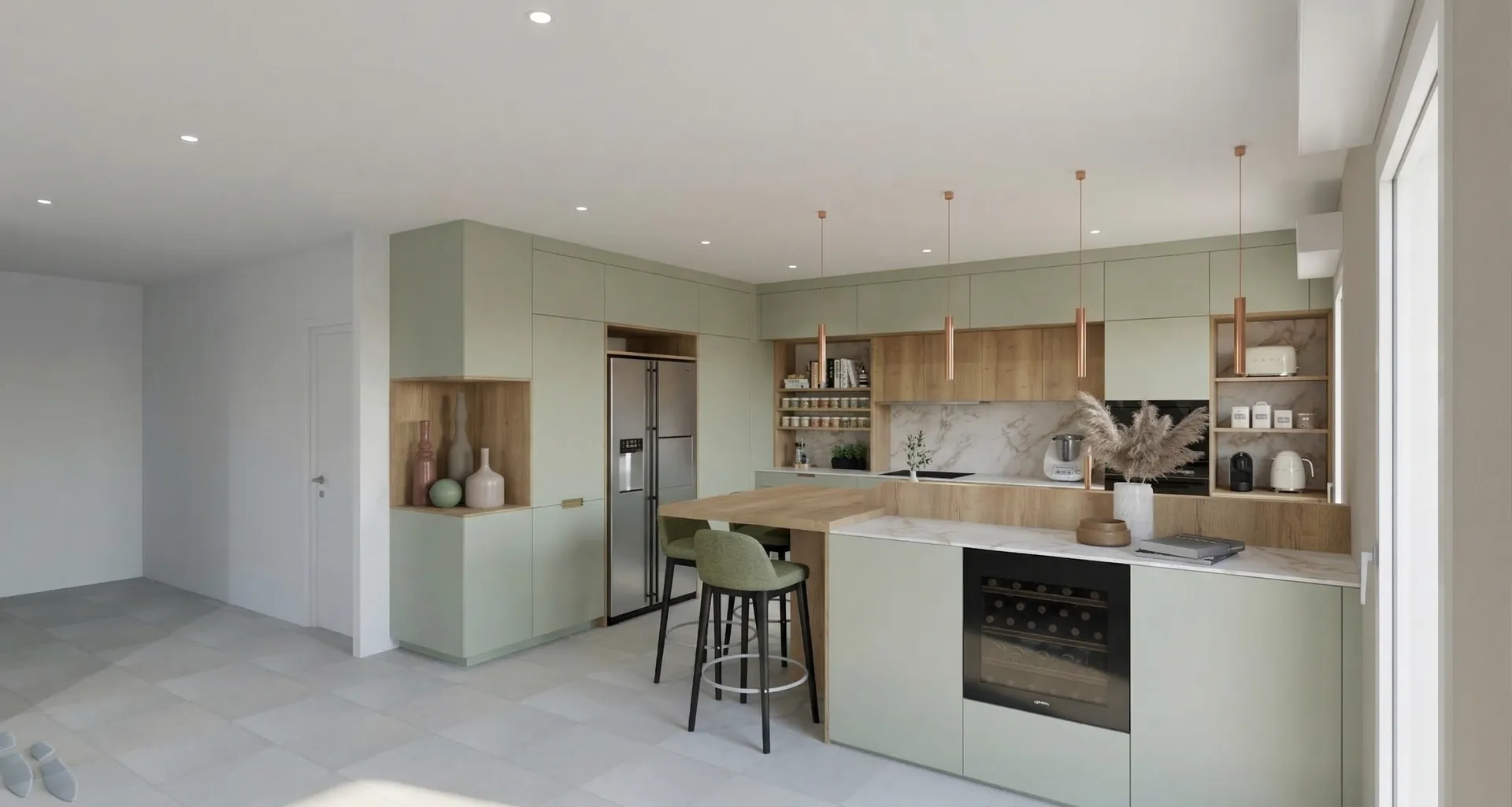
Colour palette
04
Entrance hall
A staircase that sets the tone: the first image you keep of the home.
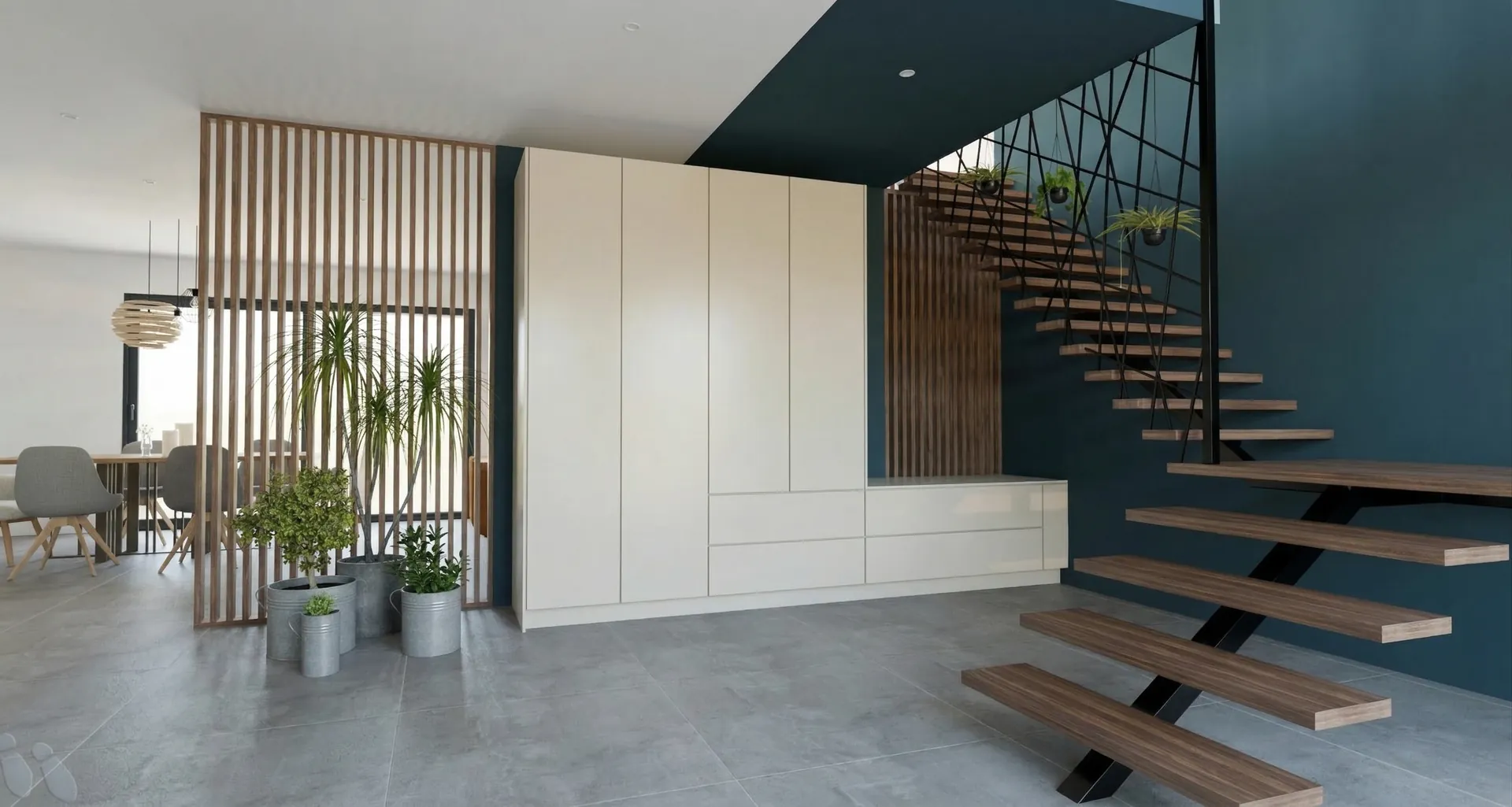
The floating wooden treads and the black handrail stand out against the deep blue-green wall. The full-height cupboard takes the whole family’s storage.
05
From design to render
Drag the slider to go from the 3D sketch to the render.
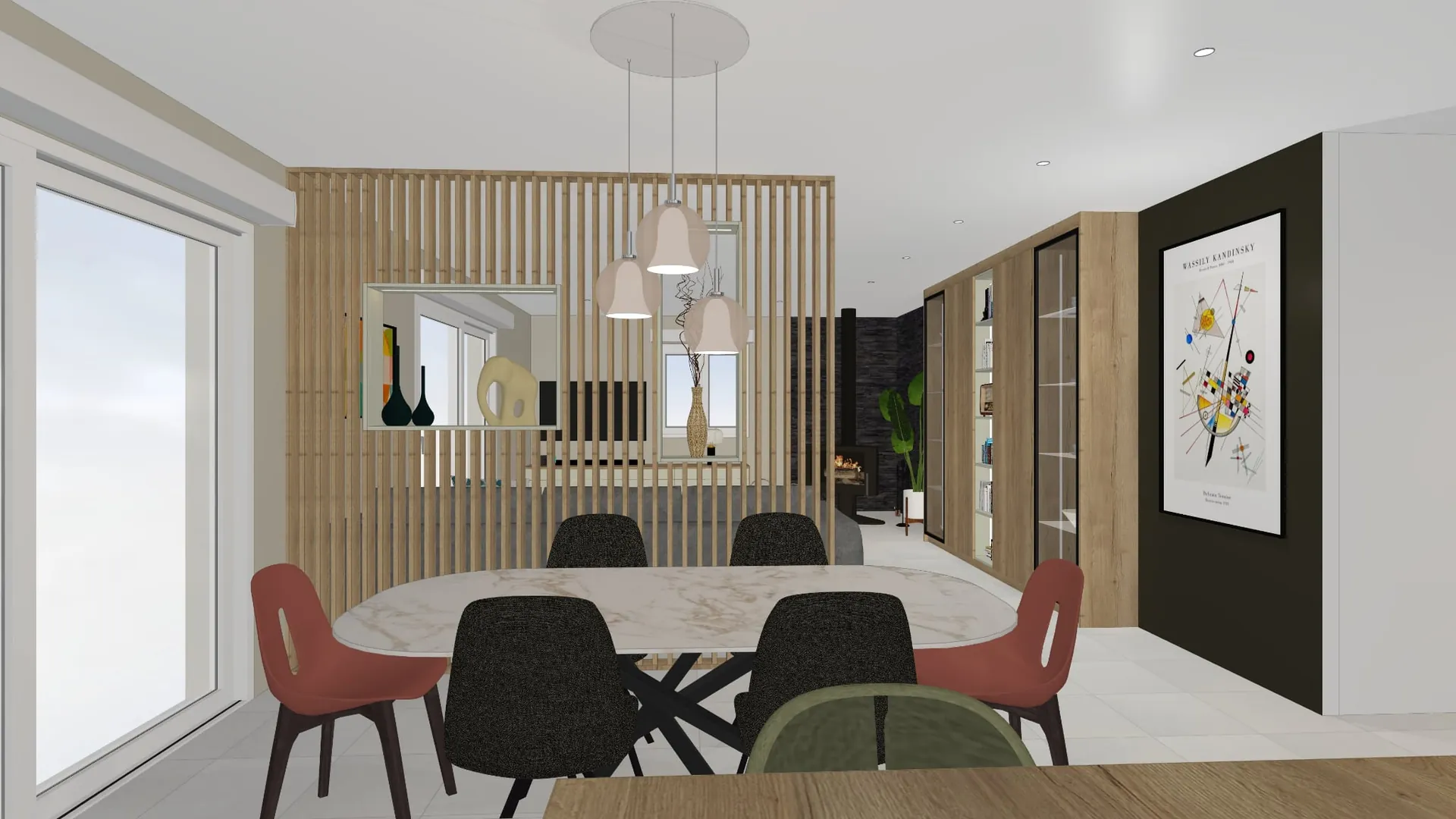
On a computer, the presentation begins
05
From design to render
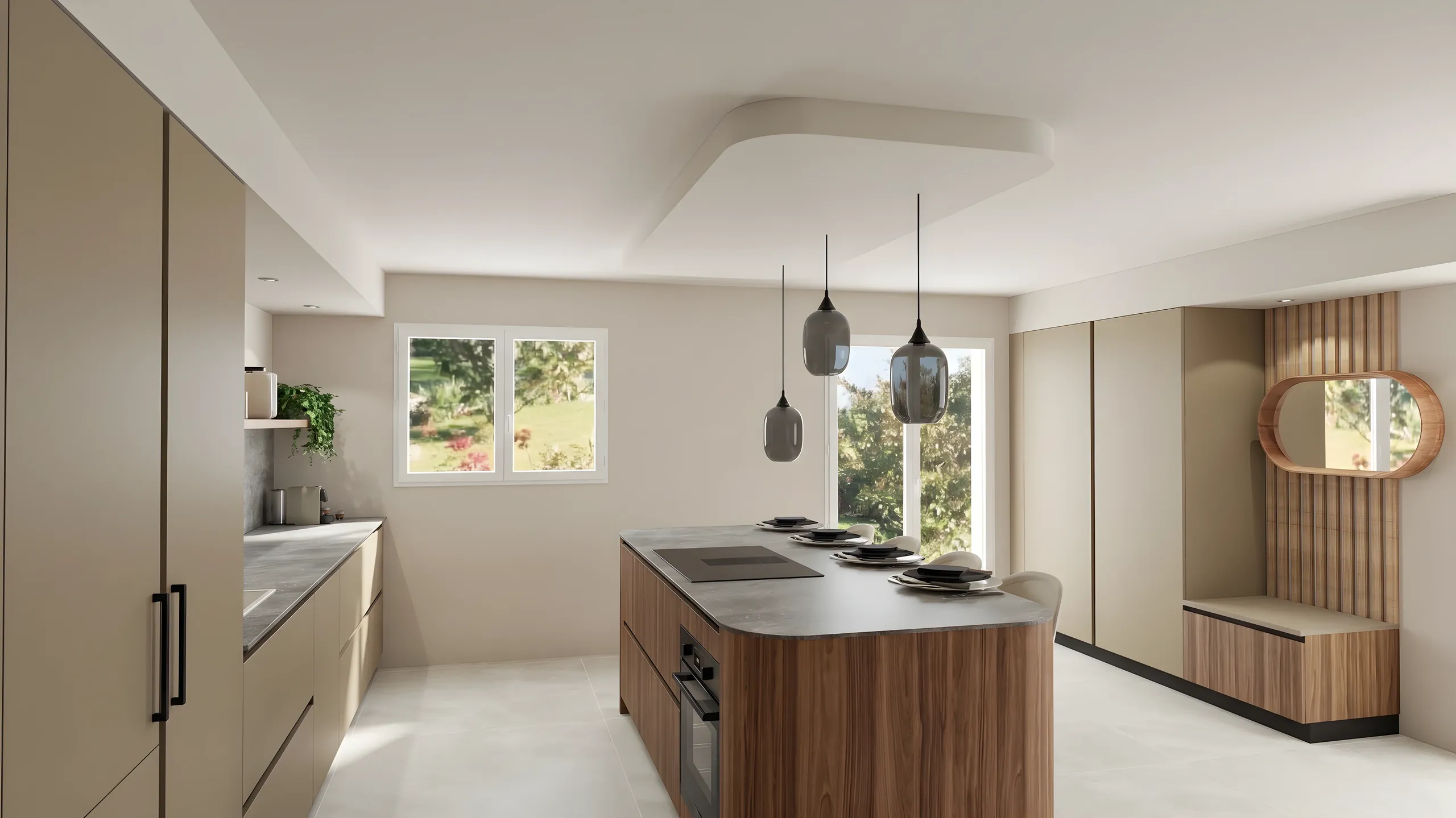
Drag the slider to go from the 3D sketch to the render.
360° tour
06
The furniture
The pieces chosen for the living room, ready to order.
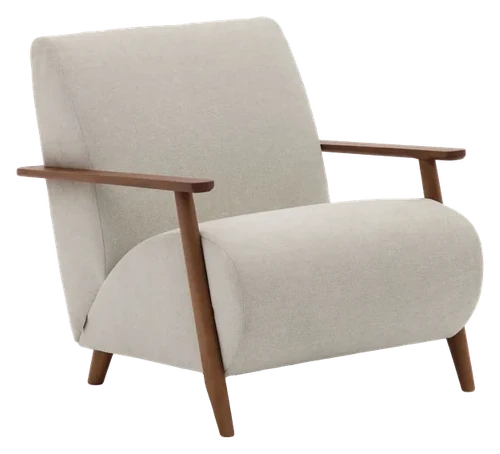 Kave HomeMeghan armchairSee the itemQuantity: 2
 Kave HomeMonsteraSee the item
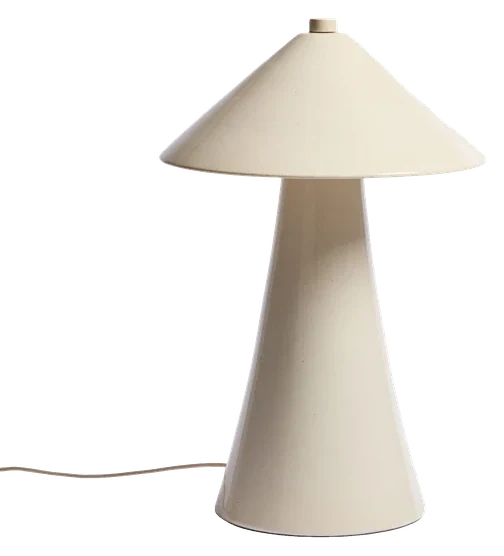
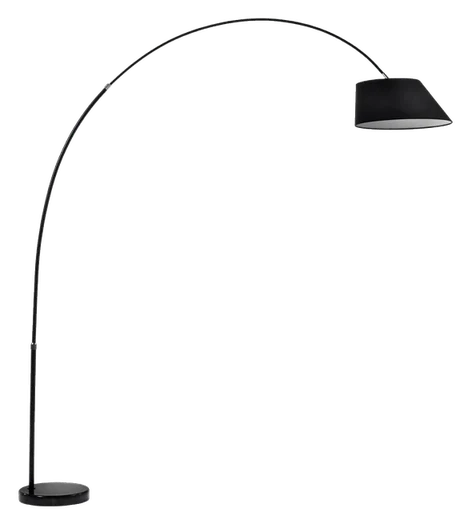 Kave HomeMay floor lampSee the item
07
Schedule
Dates firm up once the plans are approved.
Atelier Orme
Interior fit-out and architecture
On a phone, it continues
Each profession has its page: its use cases, its examples, the software it exports from.
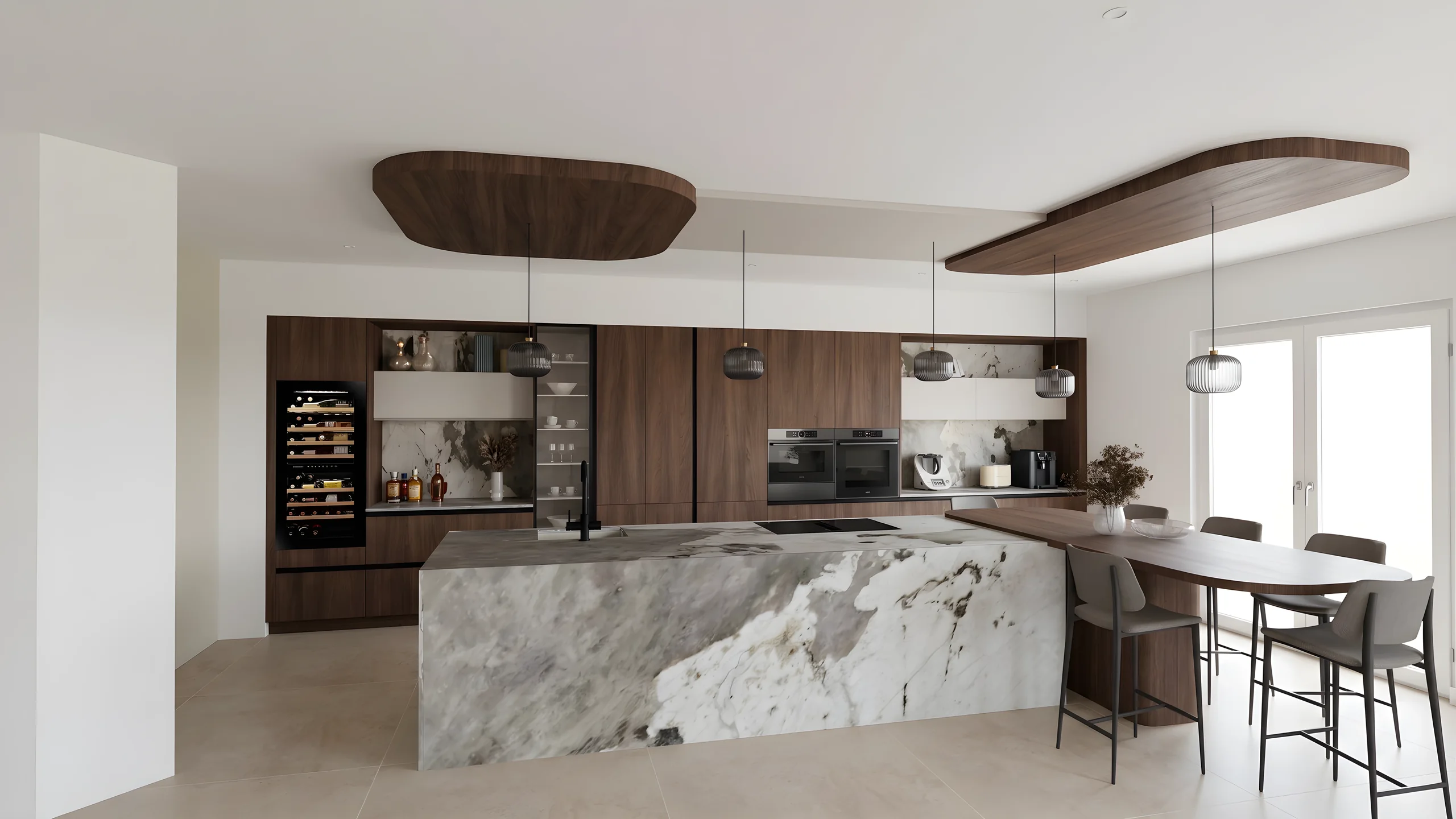 Kitchen designersTurn your Winner and InSitu exports into photorealistic renders and present them in the showroom via a secure link.
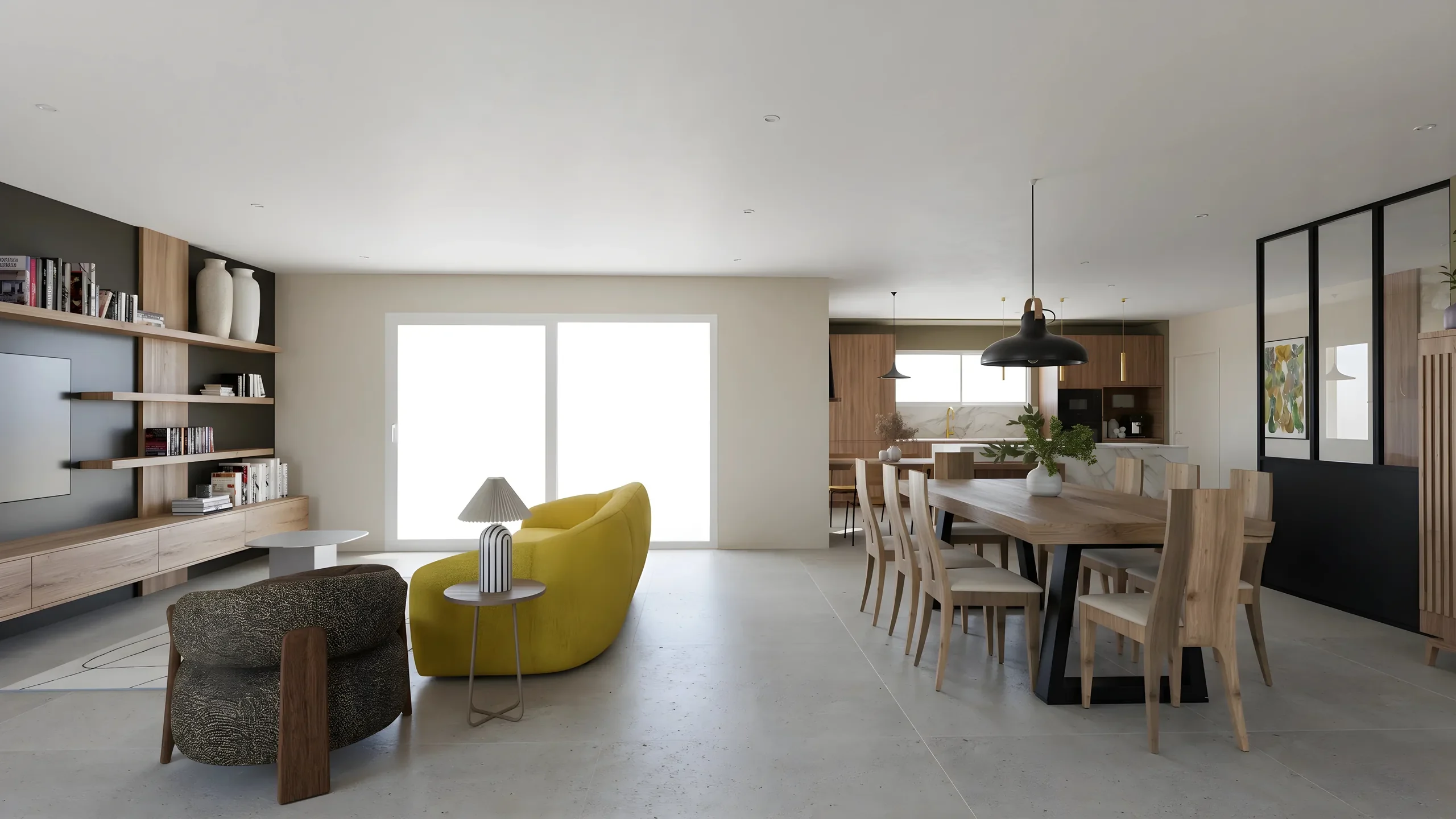 Interior ArchitectsPhotorealistic renders from your SketchUp or Revit exports, ready to present in minutes.
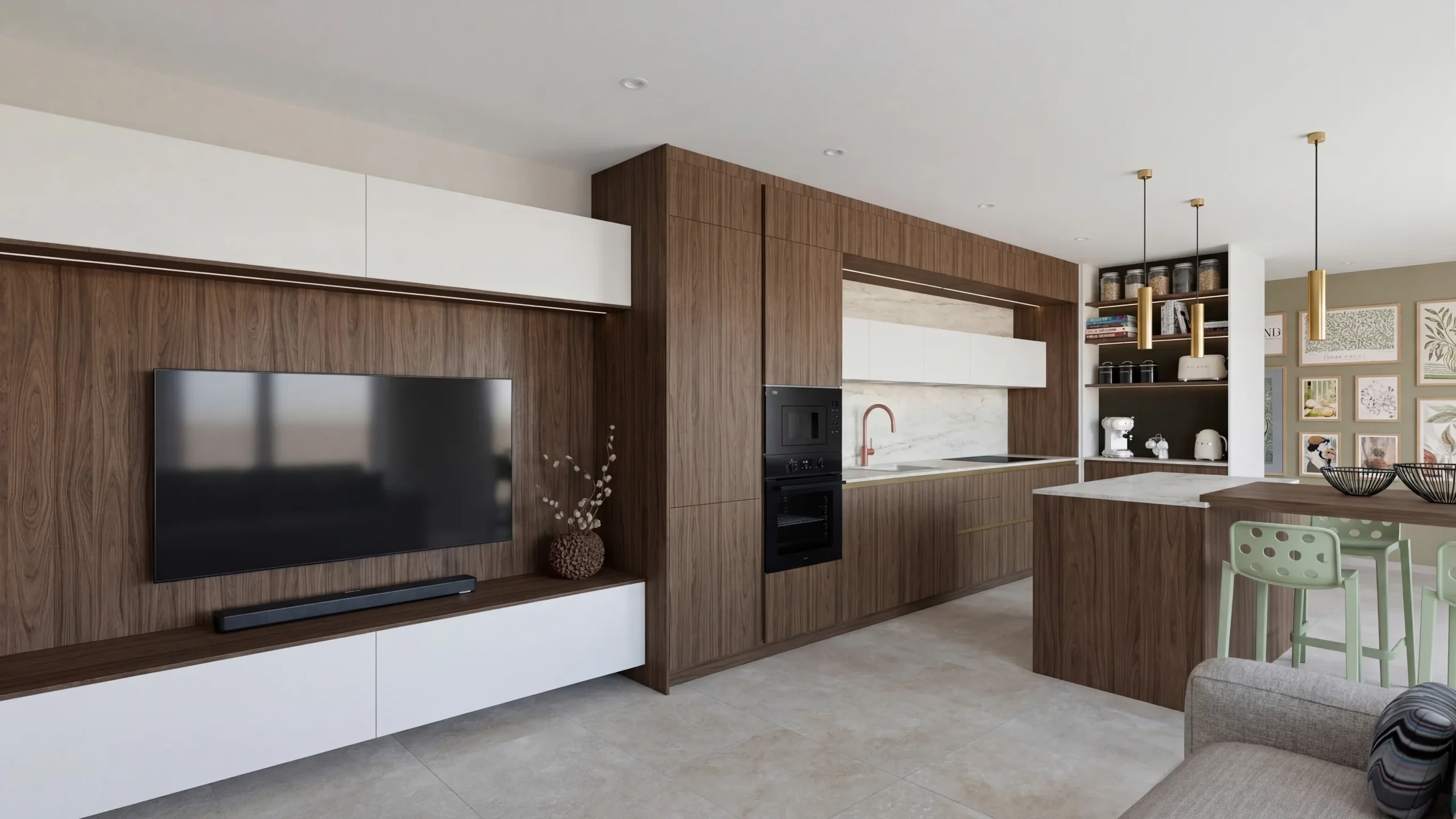 Space PlannersVisualize your office, retail and restaurant fit-outs and get them approved by your professional clients.
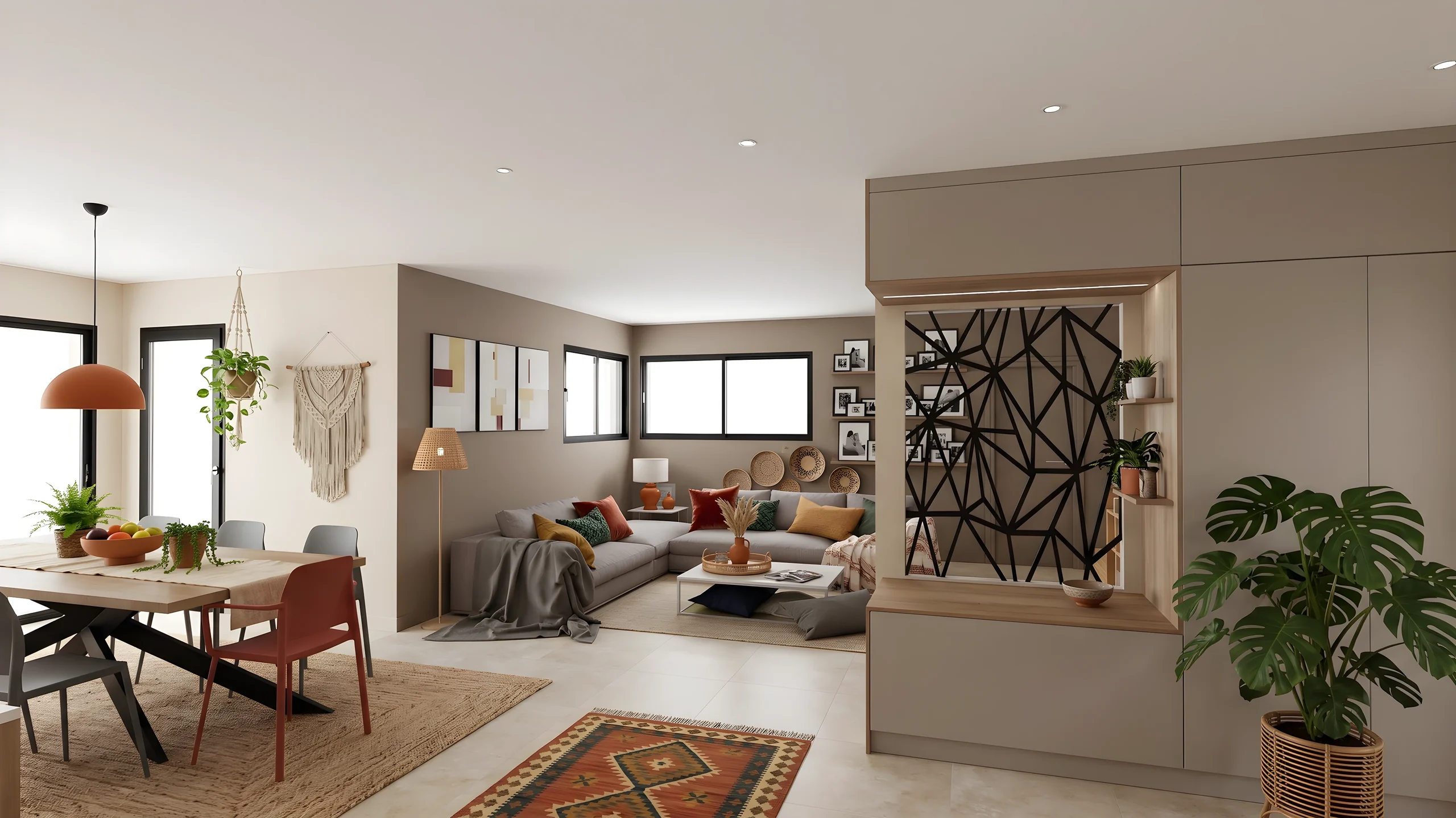 DecoratorsLet your client picture the ambiance, colors and materials before buying any furniture.
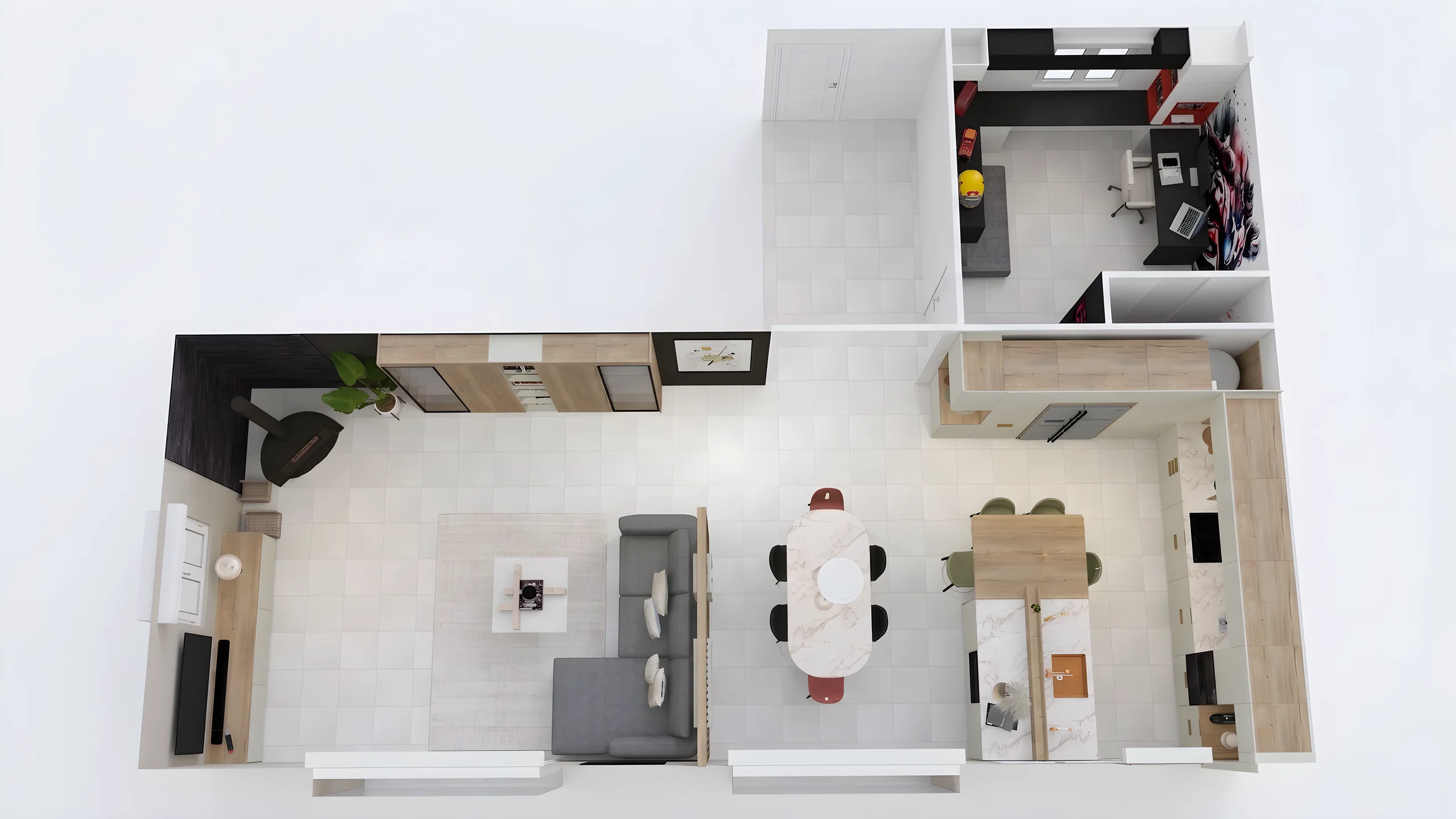 Home stagingRestyle and showcase your already-furnished listings for visuals that drive viewing requests.
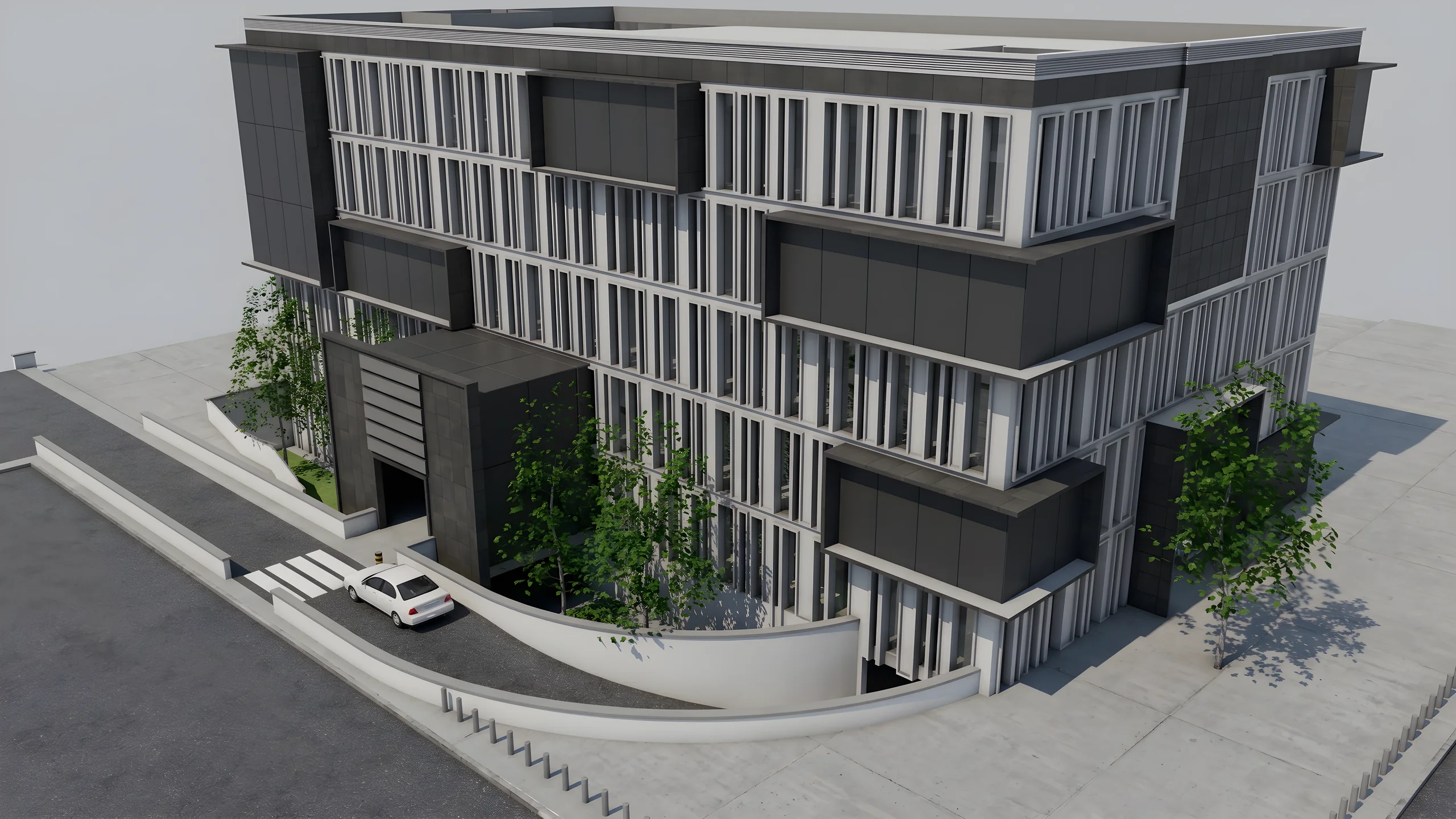 Property developersVisualize every apartment typology for off-plan sales, in minutes instead of weeks.
Import an export, start a render, edit one zone, share the link.
14 days, no commitment