Interior decoration by AI: propose several moods of an already furnished room, in one click
From an already-arranged view, the Studio dresses the room in the chosen style, or in the spirit it already has: textiles, plants, wall art and decorative objects, consistently across all your angles. Ideal to explore several moods fast; it decorates the room, it changes neither its layout nor its materials.
14 days, no commitment
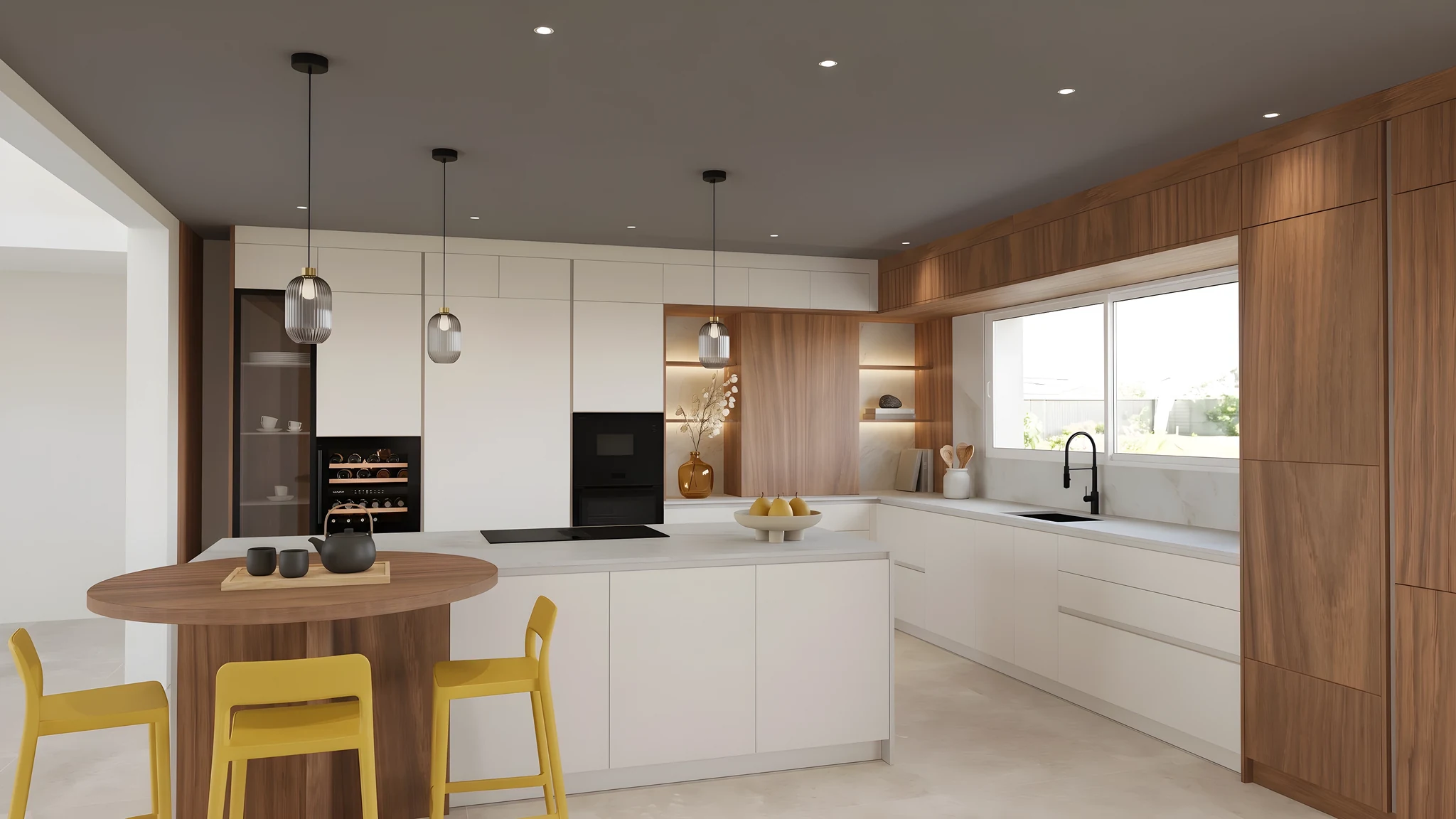
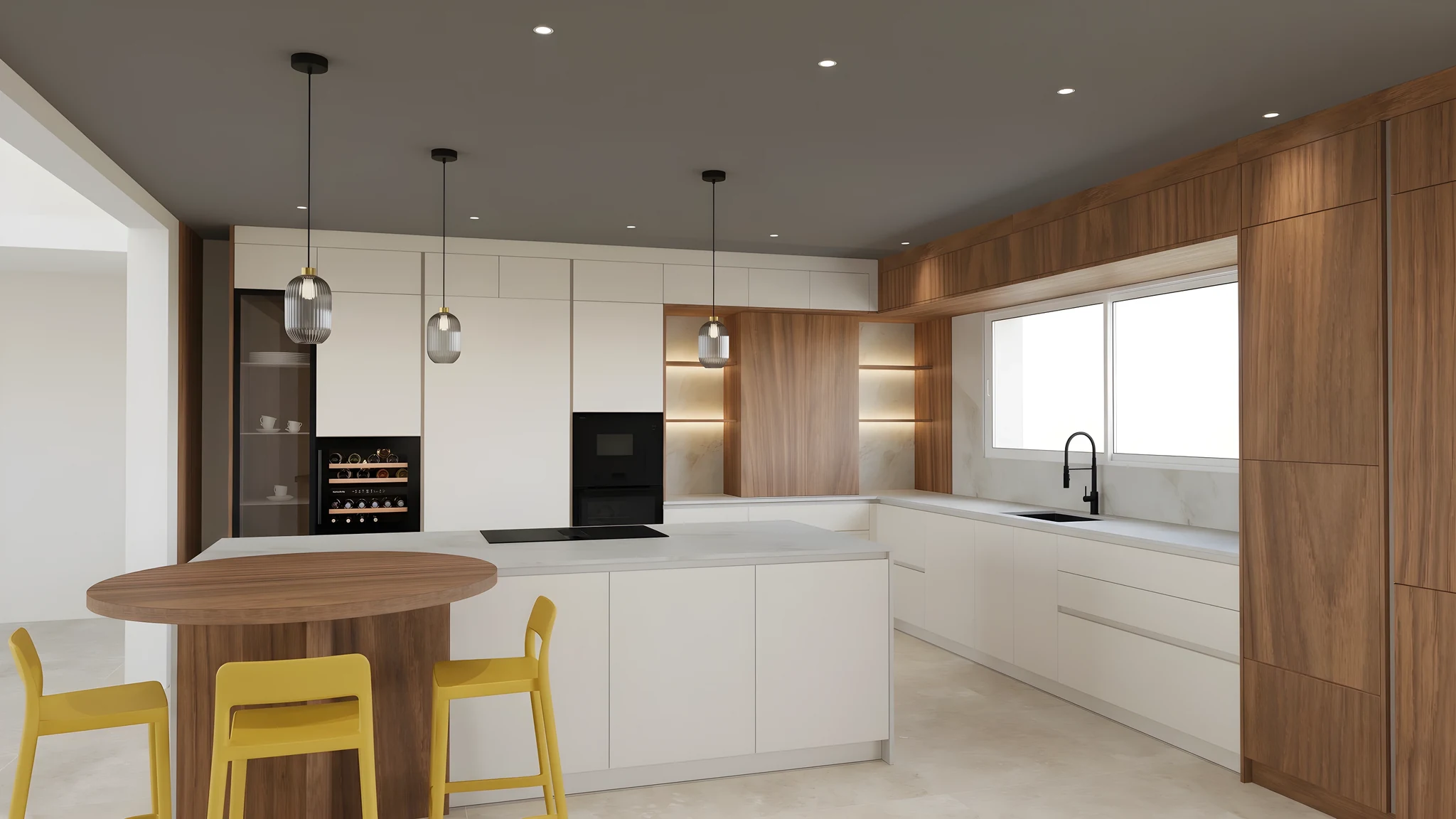
The same room, the same furniture. Another mood with every render.
Studio settings
The starting render, before any decoration.
MoodNo decor
Pick a mood: the same kitchen, dressed differently.
Each image is the same furnished kitchen, dressed according to the chosen mood. Nothing is moved, no furniture is added or replaced, materials and light remain those of the render.
Generated decor that transforms the mood
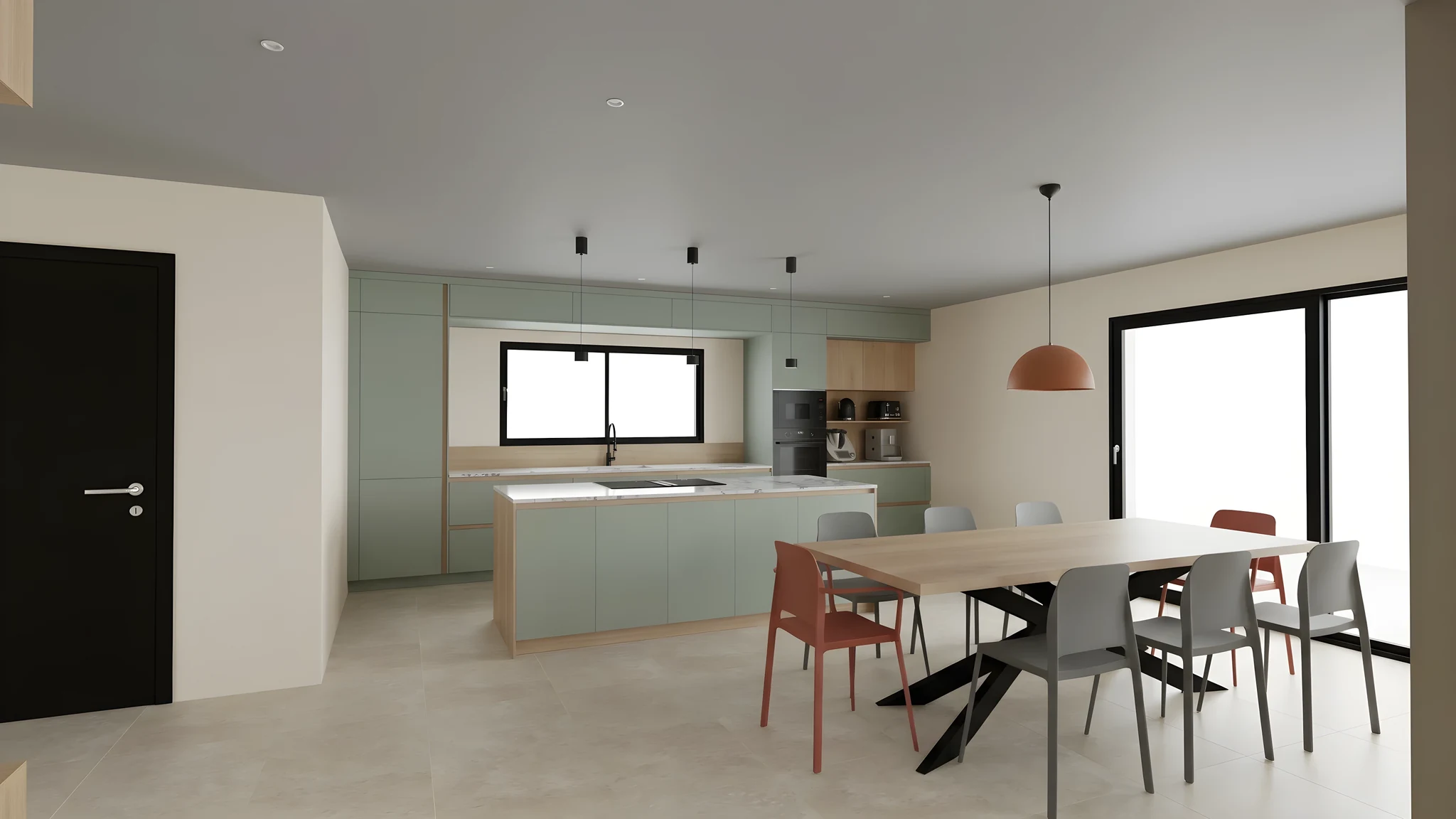
By mood theme
Pick a mood (Scandinavian, Japandi, industrial loft…) and RenderThink dresses the room in that style: textiles, plants, wall art and decorative objects, with no free-text prompt to write. Compare several directions to pin down the client's taste.
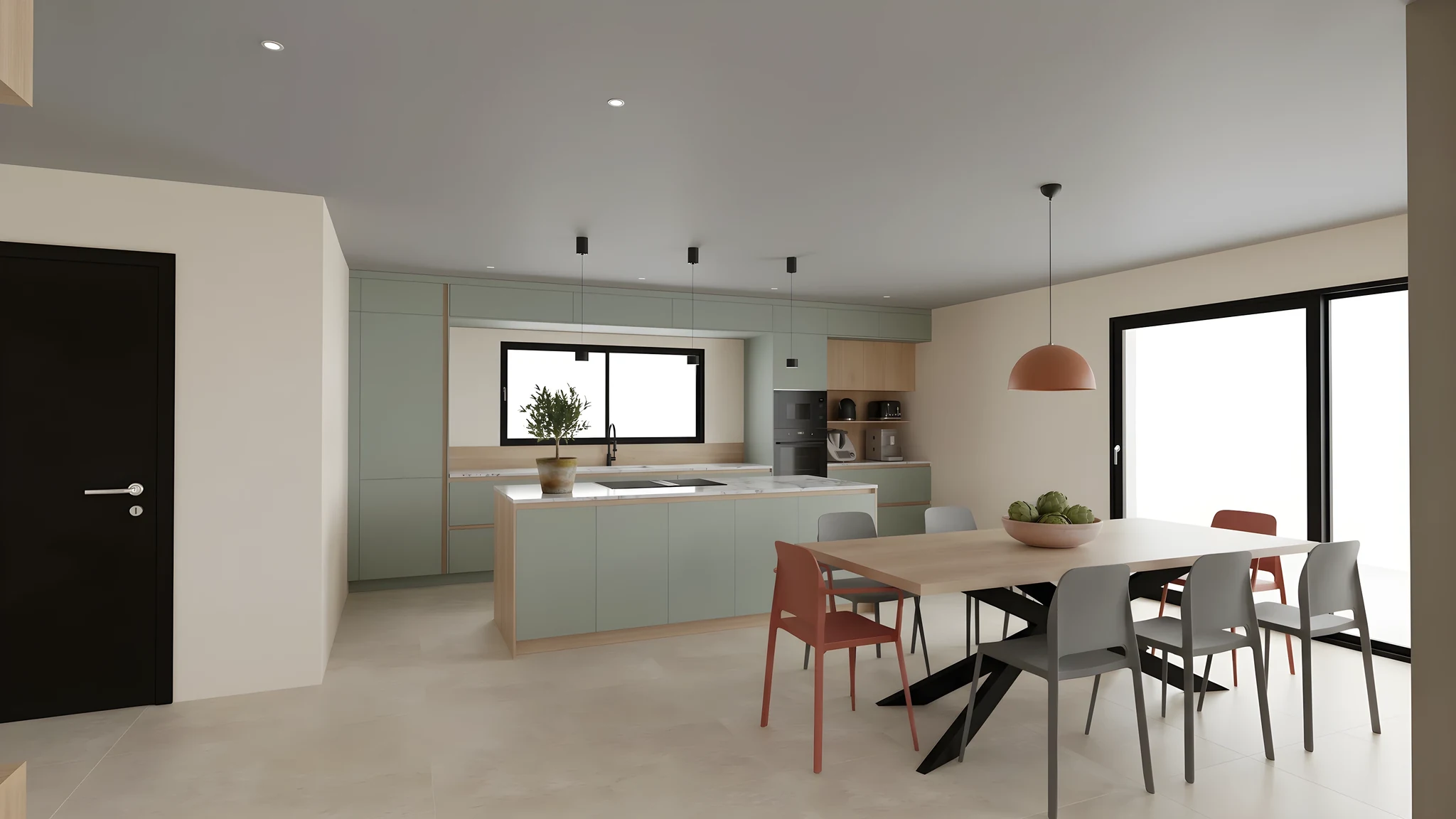
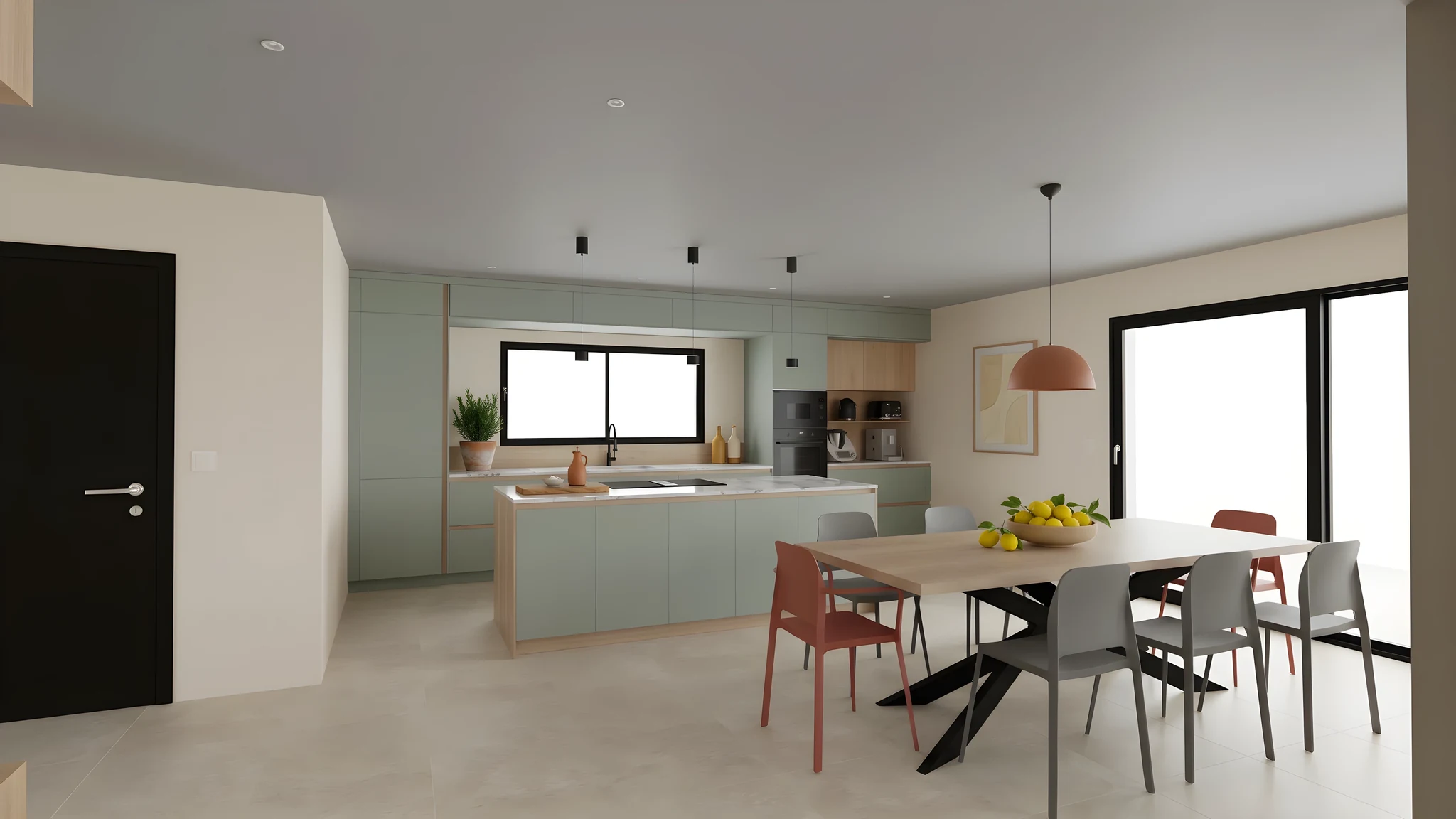
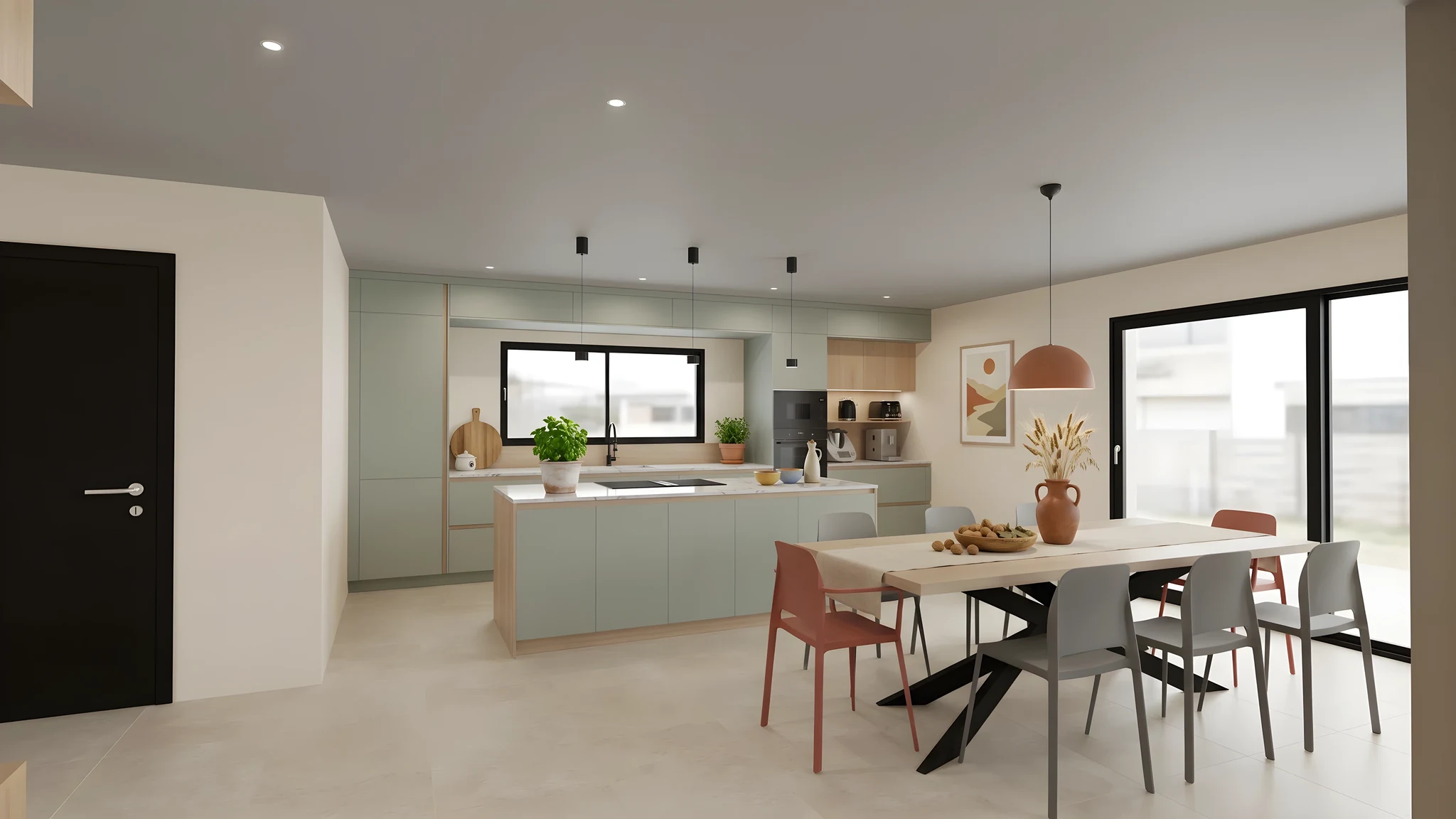
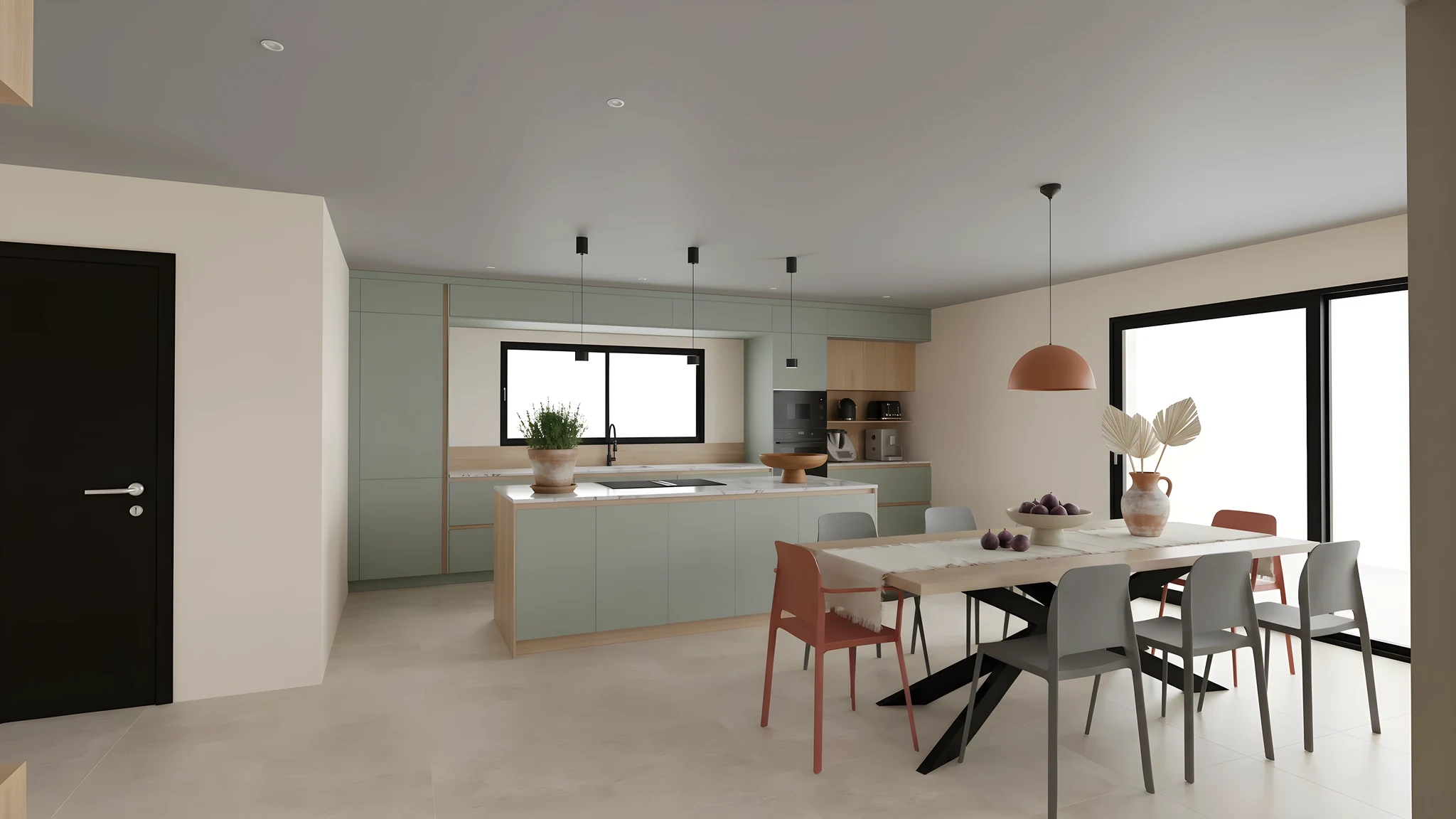
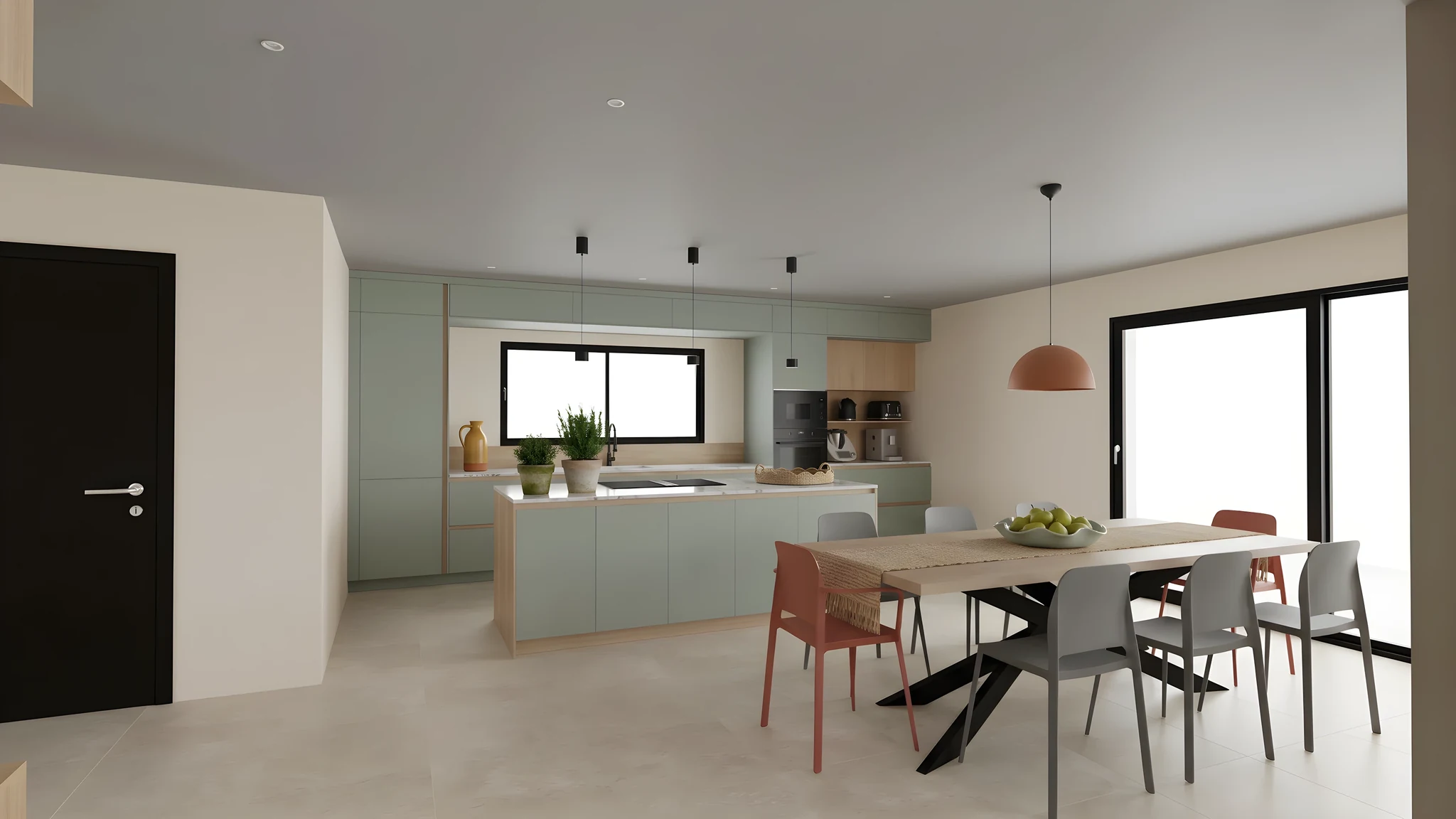
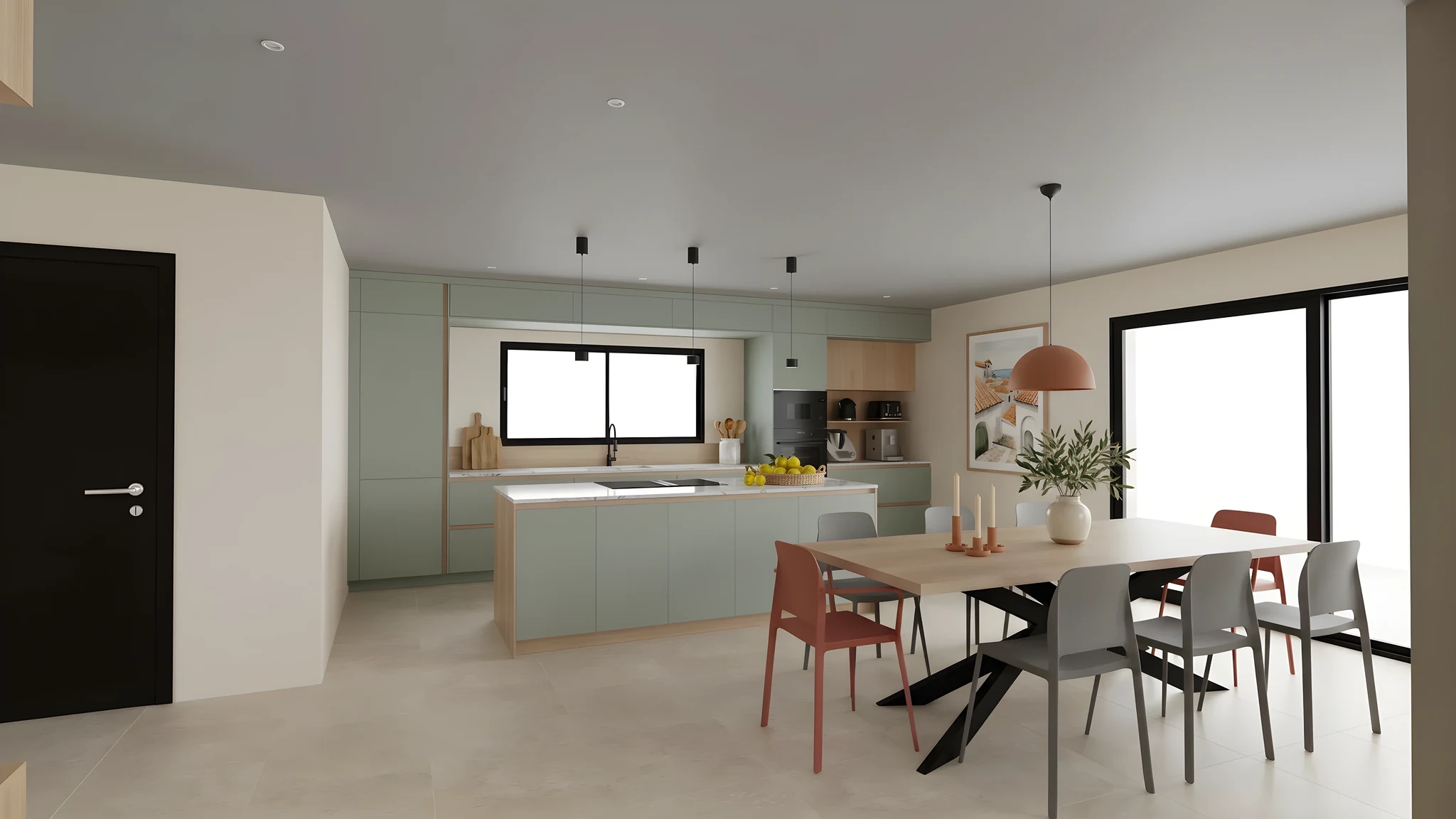
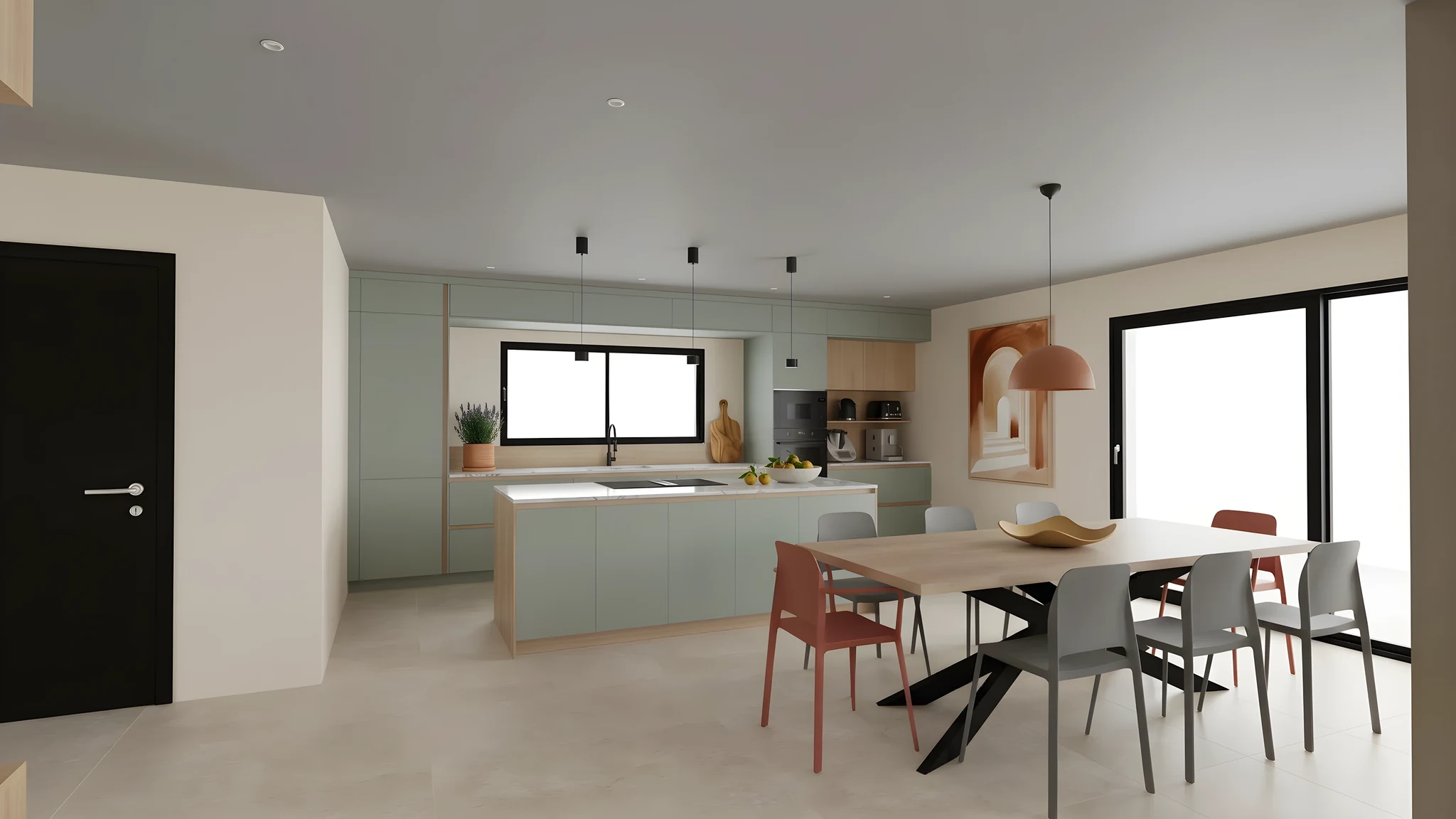 Custom · StyleMediterraneanAmount of accessoriesColorsCharacter
Change a setting: only the objects change.
Automatic or custom
In automatic mode, RenderThink carries on the mood of the room: you only choose the amount of accessories. In custom mode, you set the style, amount, colors, character and the families of objects to place.
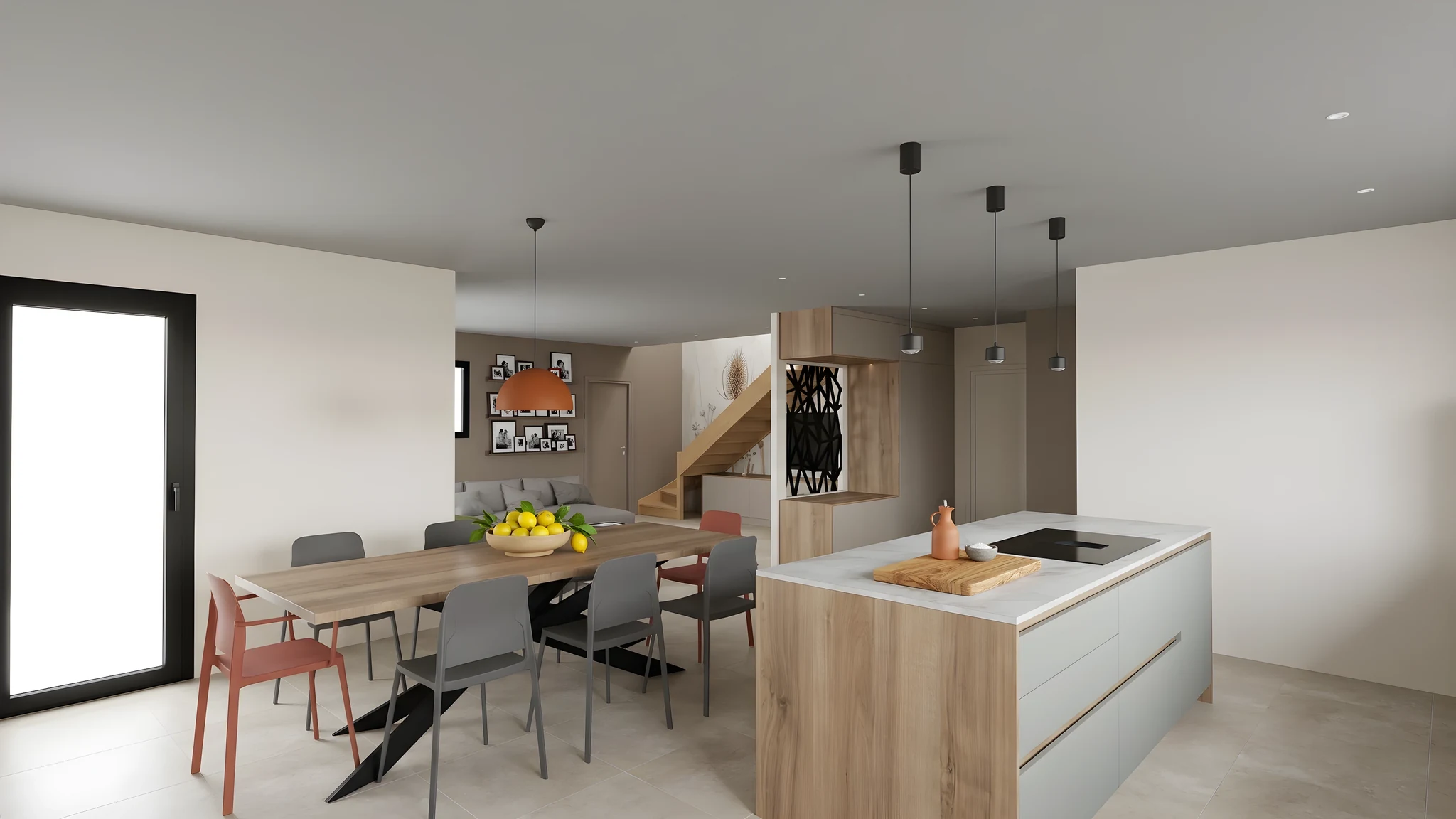 Other angle
Reference view The other views of the room
One decorated view, then “Stage other views”: the same accessories, seen from the other angles of the room, with the same settings. A real scene, not unrelated images.
How it works
Start from an already-arranged view
Import the render of a space whose layout is already in place.
Set the decoration
In automatic mode, the amount of accessories is enough. In custom mode, also choose the style, colors, character and objects.
RenderThink dresses the decoration
The accessories are placed in the chosen style, or in the room's own, then carried over to its other views.
Who it is for
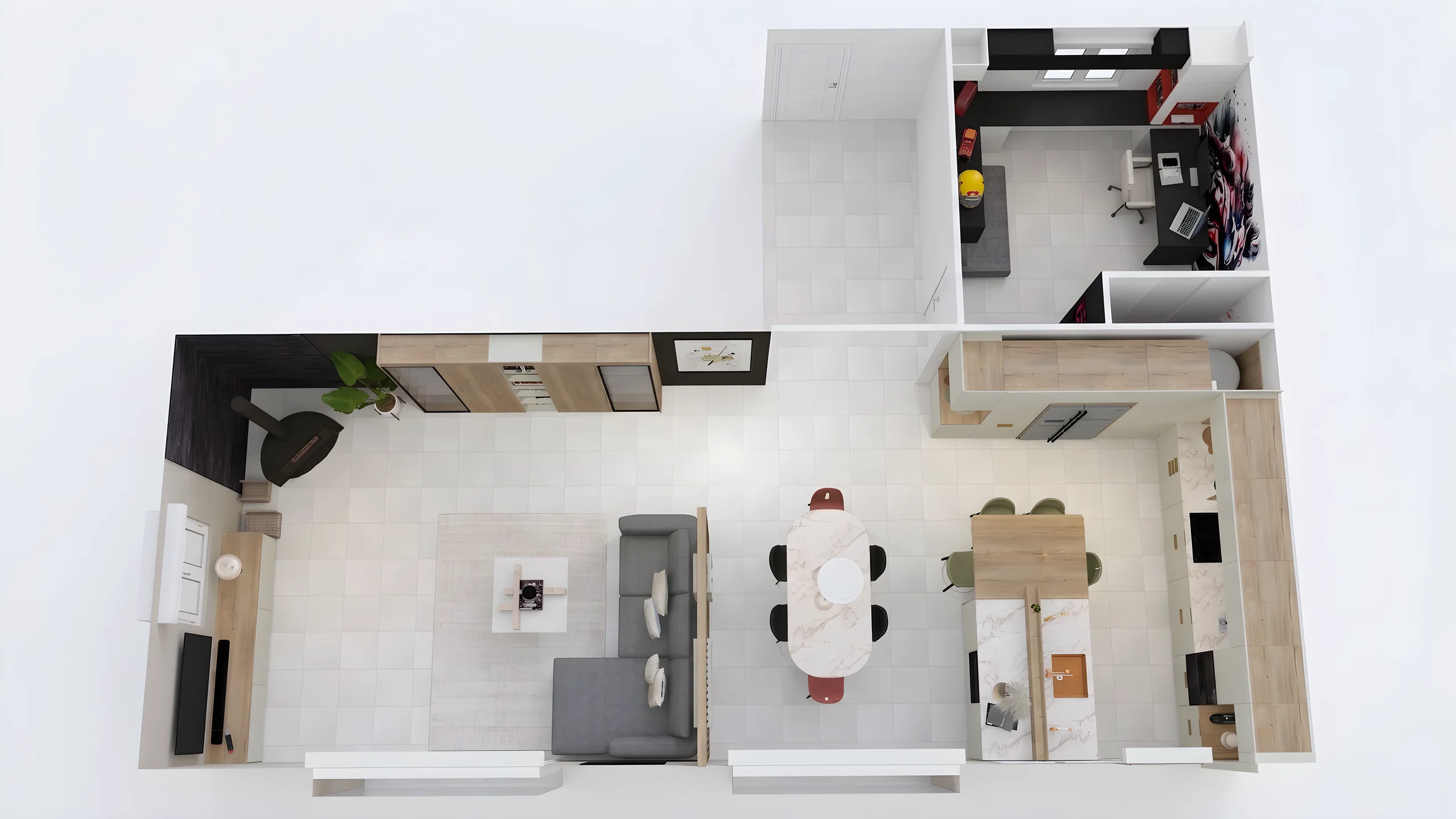
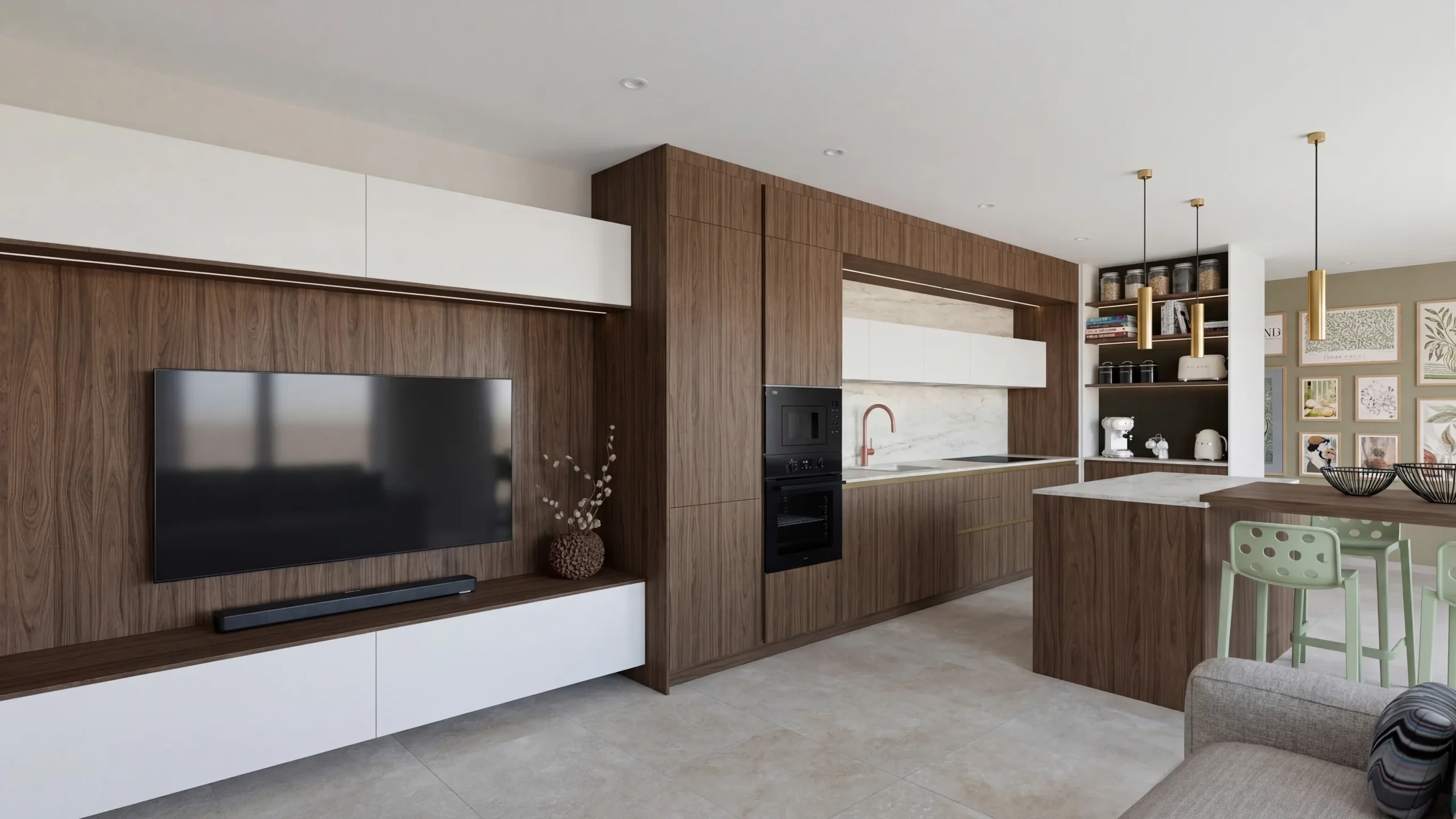 Space PlannersVisualize your office, retail and restaurant fit-outs and get them approved by your professional clients.
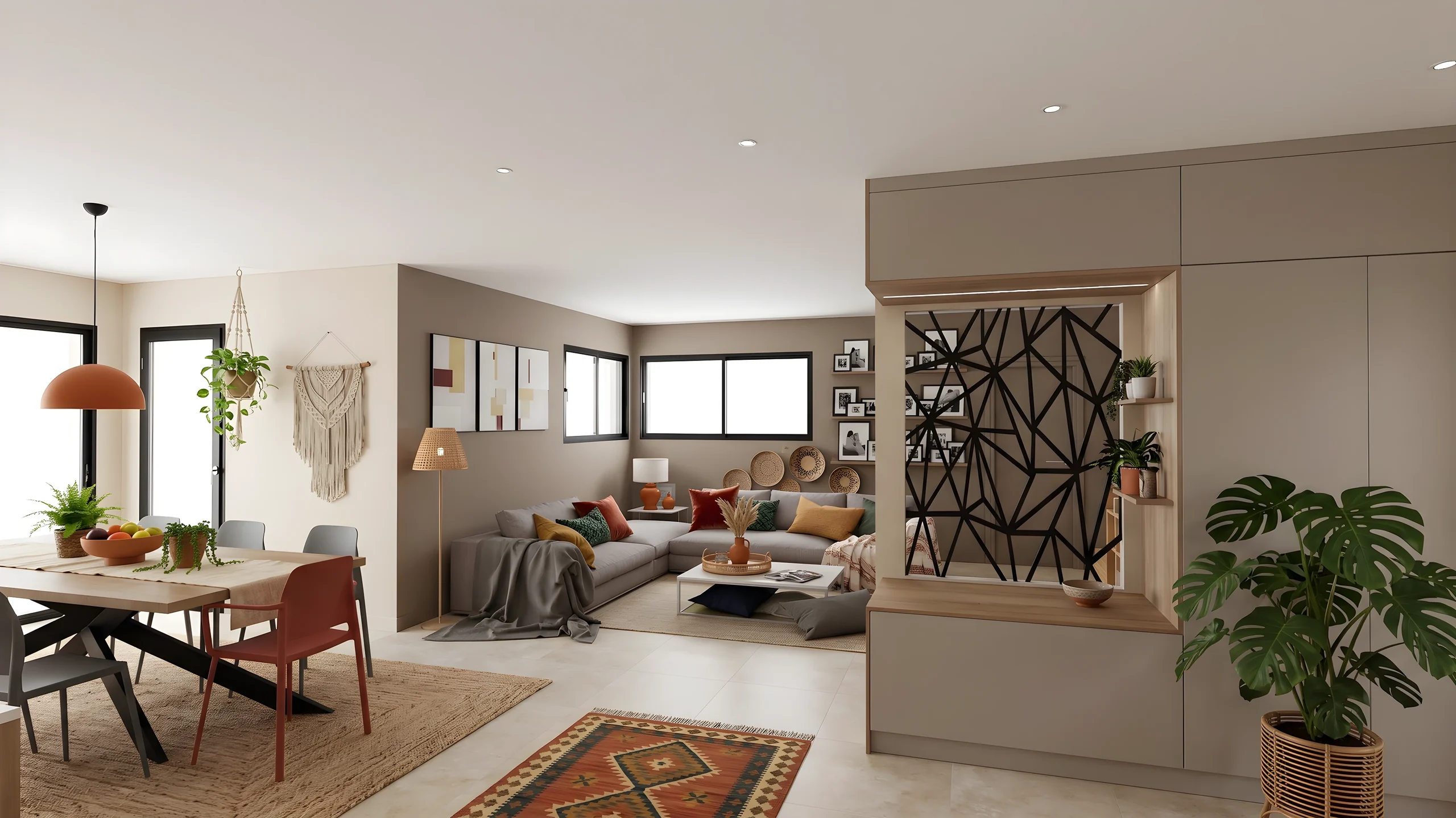 DecoratorsLet your client picture the ambiance, colors and materials before buying any furniture.
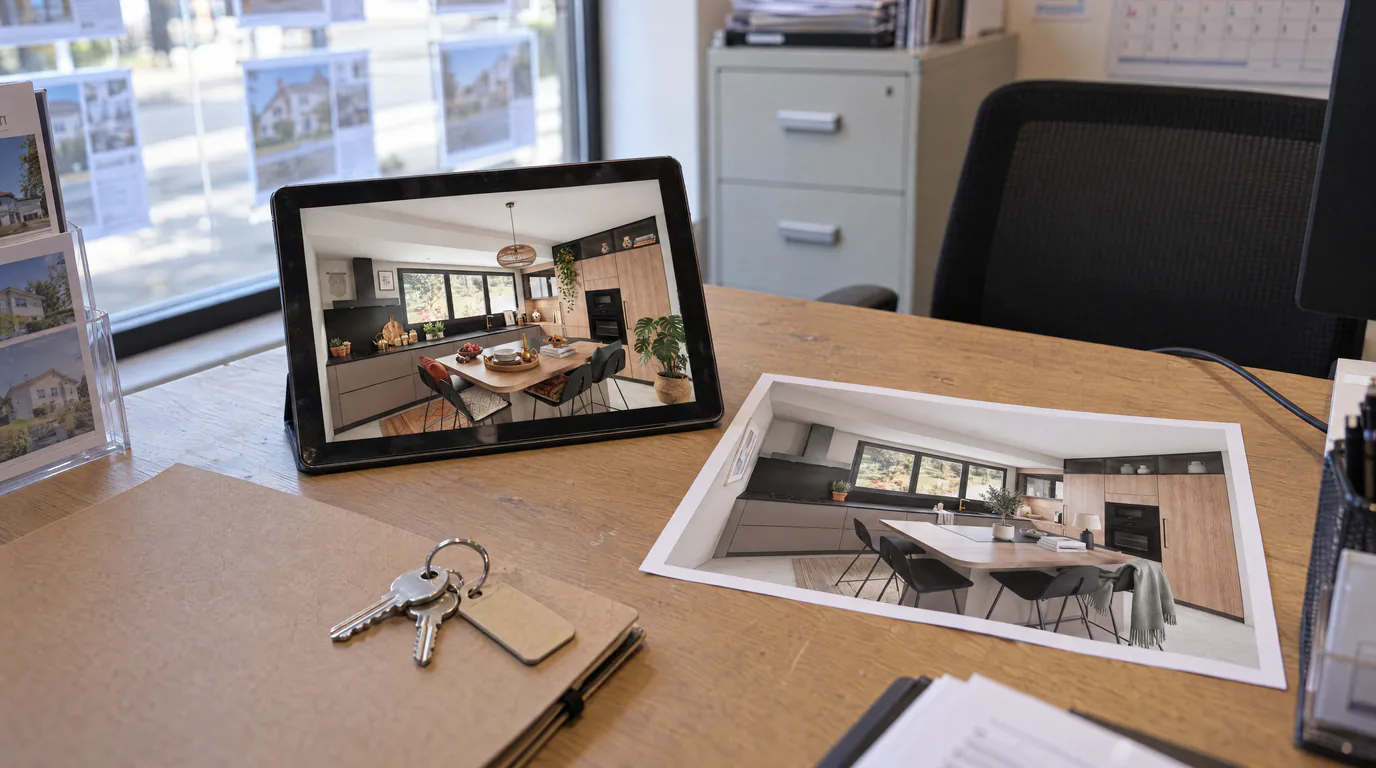
 Home stagingRestyle and showcase your already-furnished listings for visuals that drive viewing requests.
Read next
 Use cases
AI Virtual Home Staging: Enhance Your Furnished Listings
An already-furnished but dated property sells slower. Restyle the mood and refresh finishes with a brush using AI rendering and editing, without touching the furniture.
 Use cases
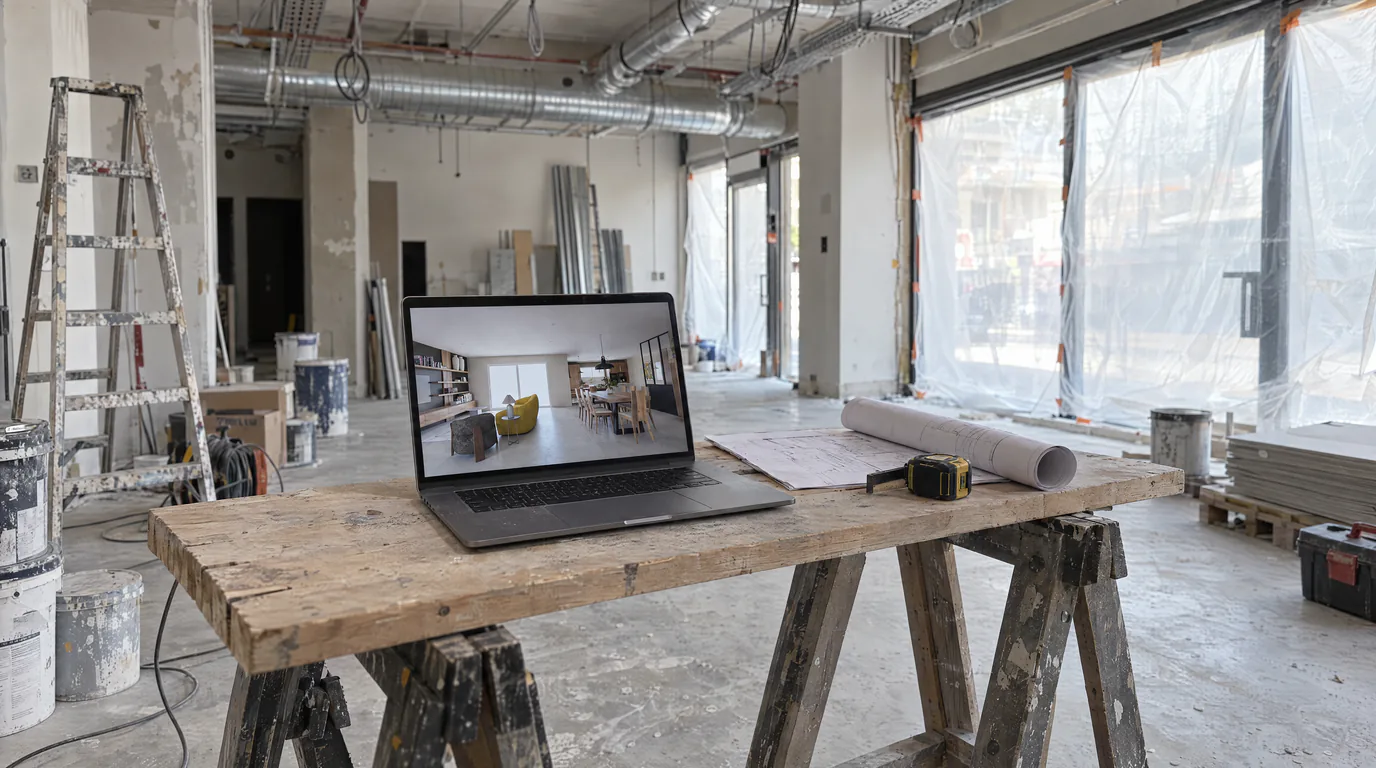
Space Planners & Decorators: AI Renders in Under a Minute
Offices, retail, restaurants: show clients the final result before any work begins. AI photorealistic renders from any 3D export, no GPU needed.
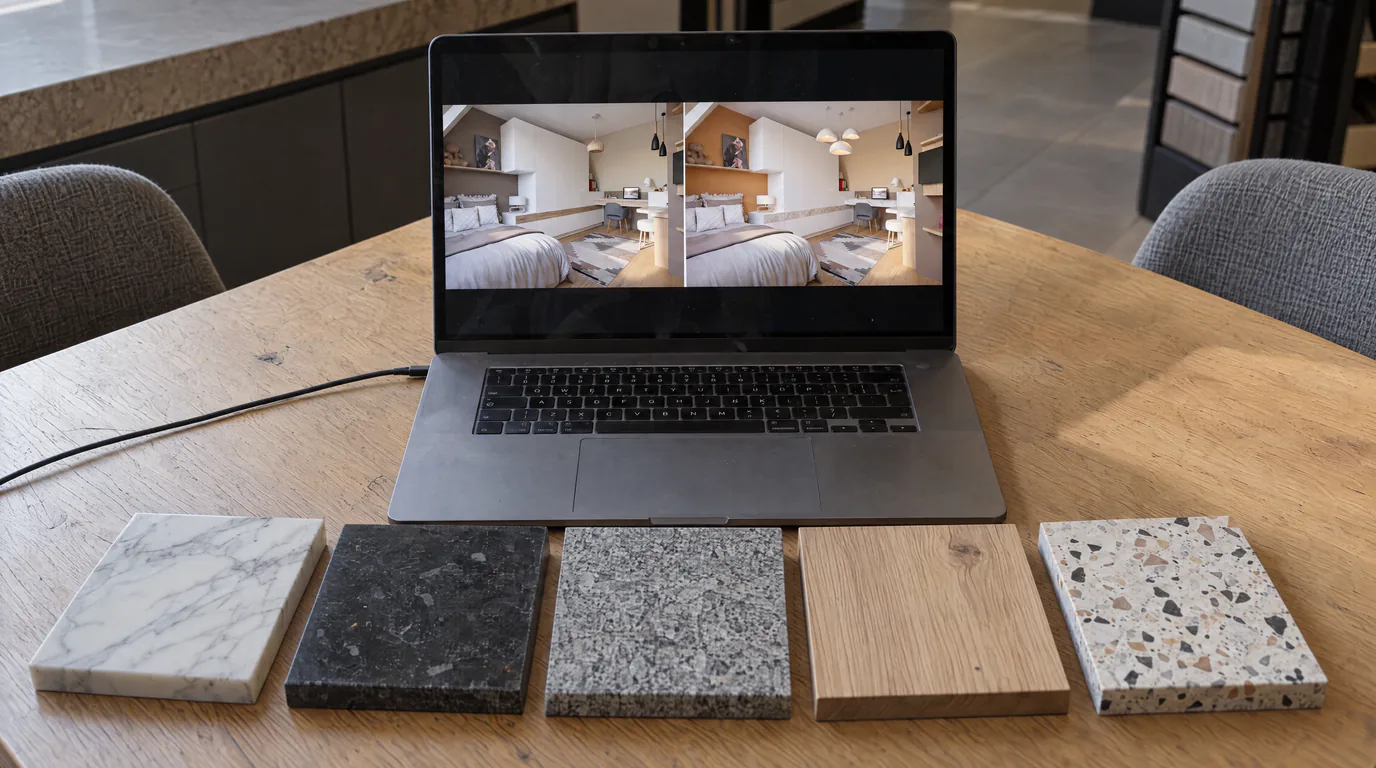 Business
10 Material Variants in 10 Minutes with AI Editing
Oak or walnut? Marble or quartz? Show every option to your client in real-time with AI-powered photorealistic render editing.
Try it on your own project.
Import an export, start a render, edit one zone, share the link.
14 days, no commitment