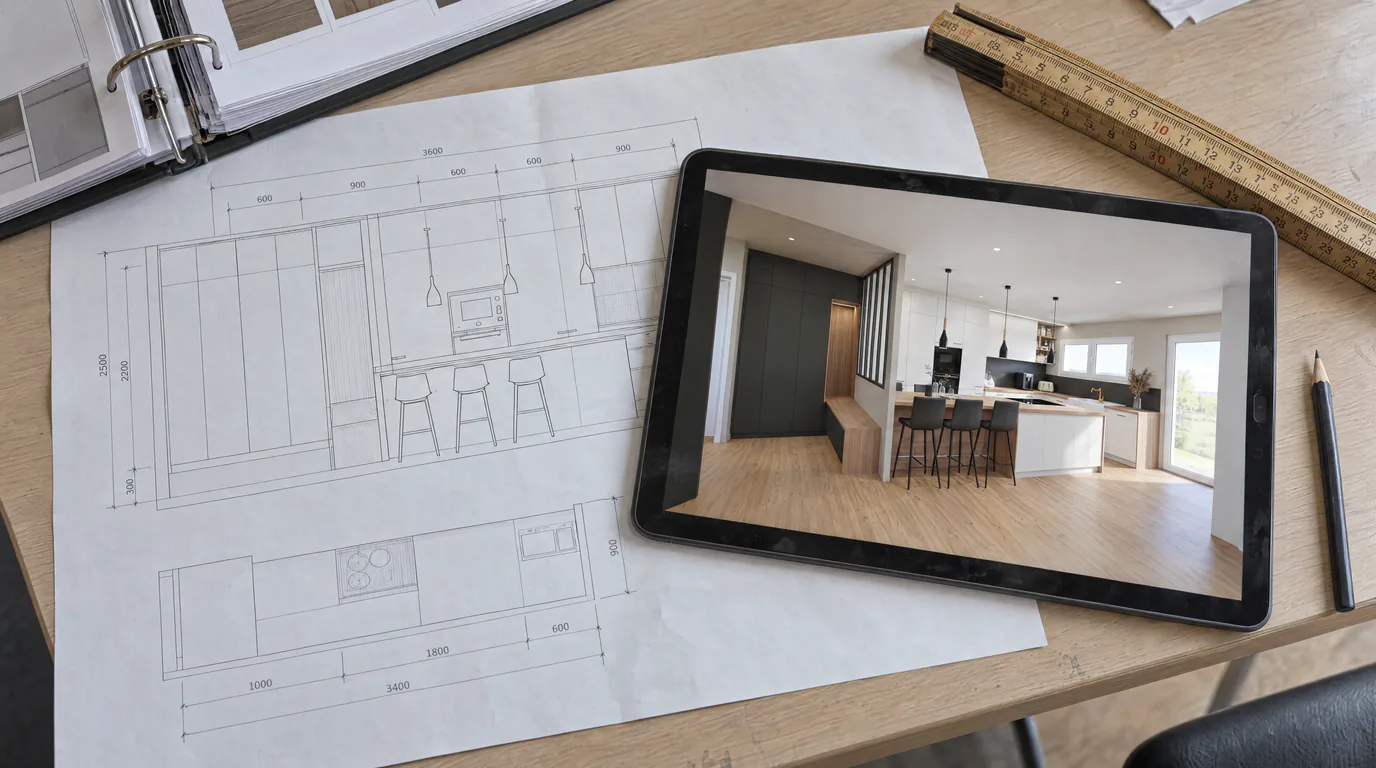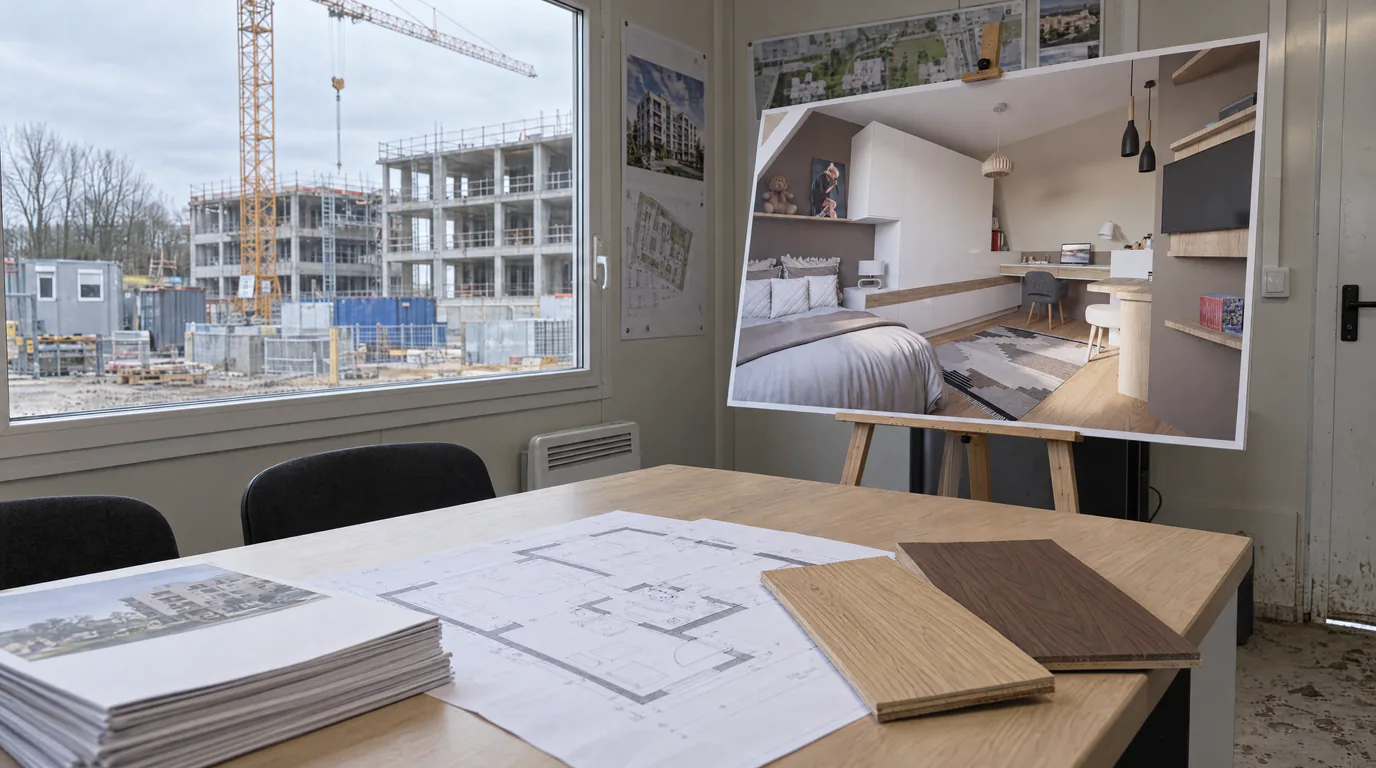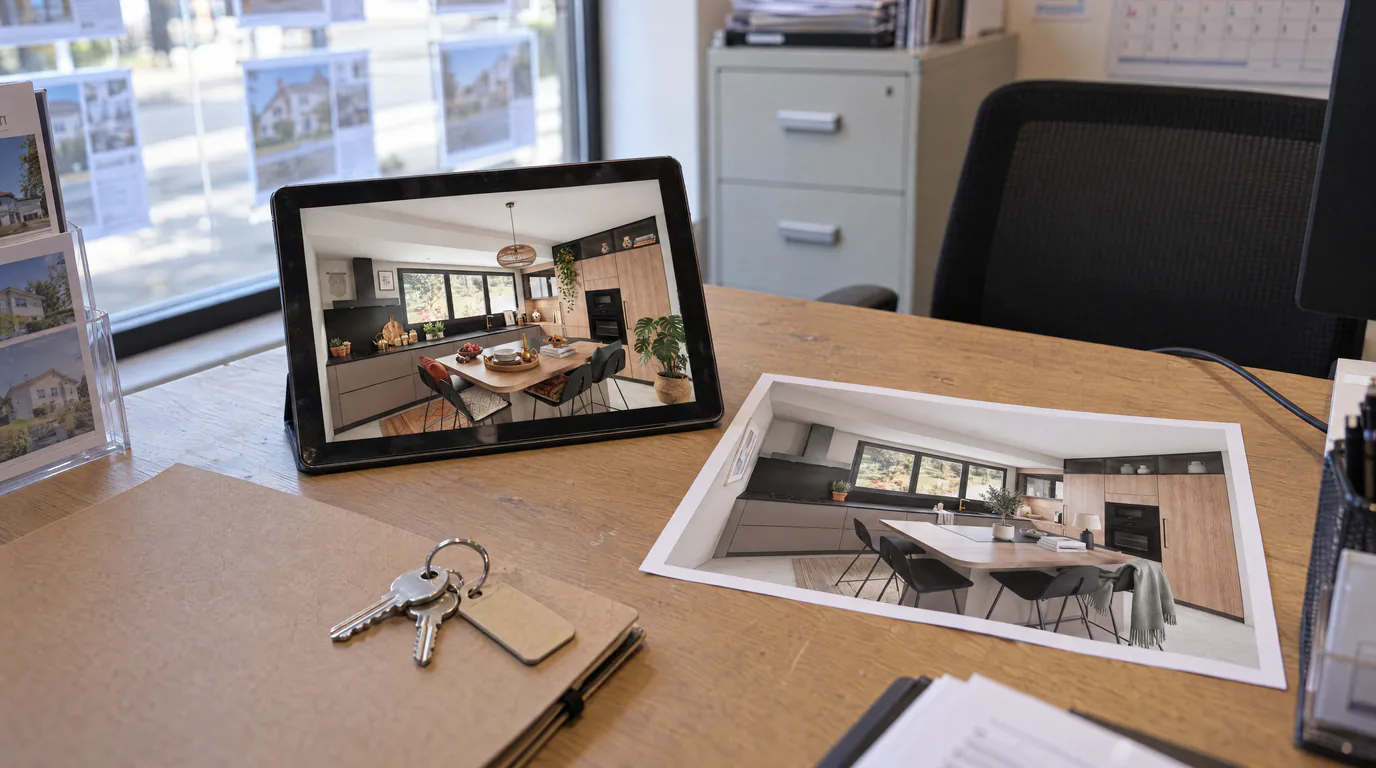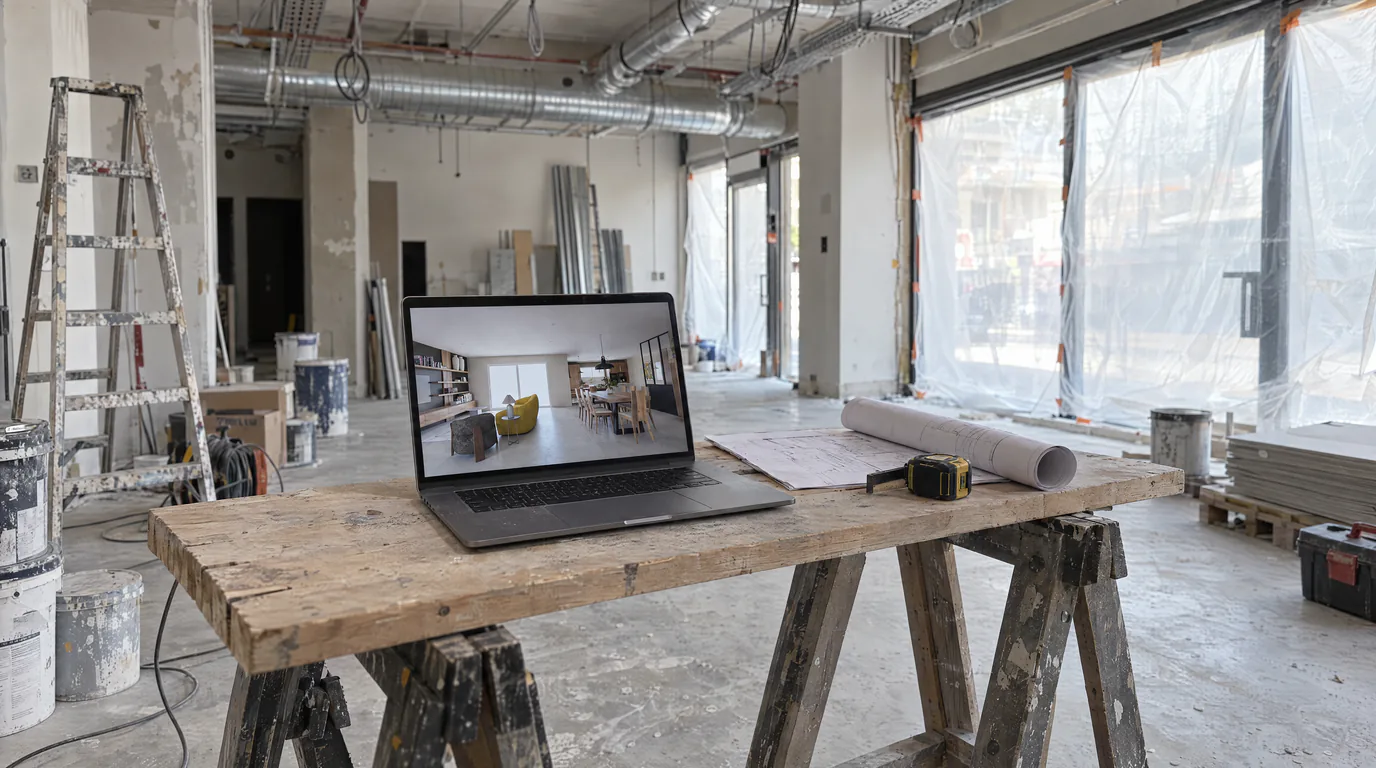
If you are a space planner or interior decorator, you know the situation: you have modeled a commercial space or office in 3D, the plan is perfect, but your client cannot visualize it. They see lines, volumes, flat colors. What they want to see is their future space as it will actually be experienced. And that is where photorealistic rendering changes everything.
The unique challenges facing space planners and decorators
Unlike residential architecture, commercial fit-out projects pose unique challenges. The spaces are often larger and more complex: a 200 m² open-plan office, a restaurant with an open kitchen, a retail store with different display zones. Each area has its own lighting constraints, traffic flow requirements, and regulations.
Your clients are different too. They are business owners, store managers, developers. They think in terms of return on investment. An office fit-out at €80,000, a store redesign at €50,000, these amounts are not decided on a wireframe plan. They are decided on a concrete, tangible vision that inspires confidence.
And then there is the deadline pressure. In commercial projects, every extra day of construction costs money. Clients want to see the result before signing. They want to approve quickly. And if you take a week to produce renders, you lose time, and sometimes the project.
From 3D plan to photorealistic render in under 2 minutes
AI-powered rendering enables space planners and decorators to transform any 3D export into a photorealistic render. You work in SketchUp? AutoCAD? ArchiCAD? 3ds Max? It does not matter, export your view as PNG, JPEG, or WebP, upload it to the platform, and the AI does the rest.
The process is straightforward. You choose your desired viewing angle, launch the generation, and in under 2 minutes, you get a photorealistic render faithful to your project. Proportions are respected, the layout is preserved, and materials are realistically reproduced. No GPU required.
Compared to a traditional render with V-Ray or Corona (expect 2 to 8 hours per image depending on scene complexity and your hardware), this is a radical shift in your workflow.
Explore material variations without losing time
One of the most valued features among space planners is the ability to test different material options quickly. Your client cannot decide between polished concrete and oak flooring? They want to see the walls in navy blue instead of charcoal gray? With AI editing, you can generate these variations in minutes.
No more going back to your modeling software, swapping textures, re-launching a render, and waiting for hours. You edit directly on the photorealistic render, and the result is immediate. It is this responsiveness that impresses clients and accelerates approvals.
Real-world examples: when a photorealistic render makes the difference
Office fit-out. A company of 40 employees wants to redesign their 300 m² floor plate. The CEO is torn between an open-plan layout and a model with private offices. You model both options in 3D, then generate photorealistic renders of both variations in under an hour. The CEO can compare visually, show the executive team, and approve the same day. Project budget: €80,000.
Retail space. A shop owner wants to rethink their 80 m² sales floor. They have seen examples on Instagram and have specific ideas, but they cannot visualize the result in their own premises. You present three different ambiances with photorealistic renders: modern minimalist, warm wood and brass, raw industrial. They choose immediately, and the project launches within the week. Budget: €50,000.
Restaurant redesign. A restaurateur wants to redo their 120-seat dining room. The stakes are twofold: the ambiance must match their cuisine, and the work must be completed during the three-week annual closure. Every validation round trip costs days. With photorealistic renders presented at the very first meeting, you eliminate two weeks of back-and-forth and the project starts on time. Budget: €75,000.
The return on investment is immediate for space planners
Let us do some simple math. A subscription costs a few dozen euros per month. A single convincing photorealistic render can unlock a project worth €50,000, €80,000, or even €100,000. The ratio speaks for itself.
But the ROI goes beyond the value of signed projects. It is also the time saved during the sales phase. Fewer meetings to convince, fewer post-hoc modification requests, fewer misunderstandings about the final result. When the client has seen a photorealistic render and approved it, they know exactly what to expect. End-of-project surprises disappear.
It is also a powerful sales tool. You can integrate photorealistic renders into your proposals and your online portfolio. Prospective clients immediately see the quality of your work, and you stand out from competitors who still present 2D plans.
Professional presentations for demanding commercial clients
Once your renders are generated, the Presentation mode lets you assemble them into a professional package. Organize your views by zone, add annotations, and share a secure link that your client can view on any device. No more heavy files sent via WeTransfer, no more PowerPoint presentations that distort your images.
If you work with a team, the built-in collaboration lets your colleagues work on the same projects with shared credits. Everyone can generate renders, build presentations, and access the project history.
Try photorealistic rendering on your next project
The best way to measure the impact of photorealistic renders on your business is to test it yourself. Start your 14-day free trial, upload one of your current projects, and see the difference firsthand. Your next commercial client deserves to see their future space as it will be, not as it appears in modeling software.