Blog
Guides, use cases and news on photorealistic rendering for interior fit-out professionals.
All articles
 News
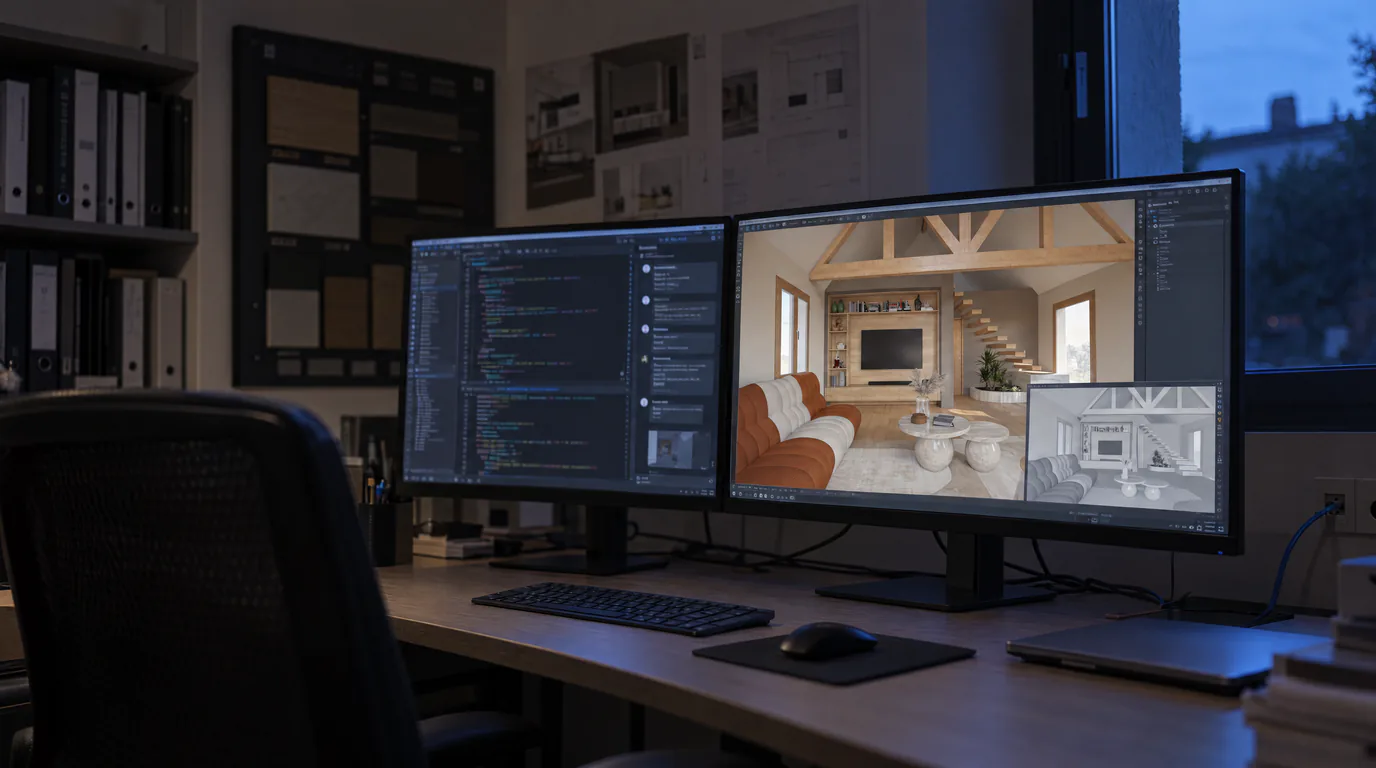
NewsRenderThink now installs inside SketchUp and InSitu
The plugin opens a RenderThink window inside your software: you frame your view, you start the render, your model stays open. No export to save, no file to hunt down. And for those who work in the browser, the app installs in two clicks.
 Guides
Integrate a 360 Panorama in Your RenderThink Presentations
The required format (2:1 equirectangular), how to export it from any 3D software, then integrate it into a photorealistic virtual tour with RenderThink.
 Guides
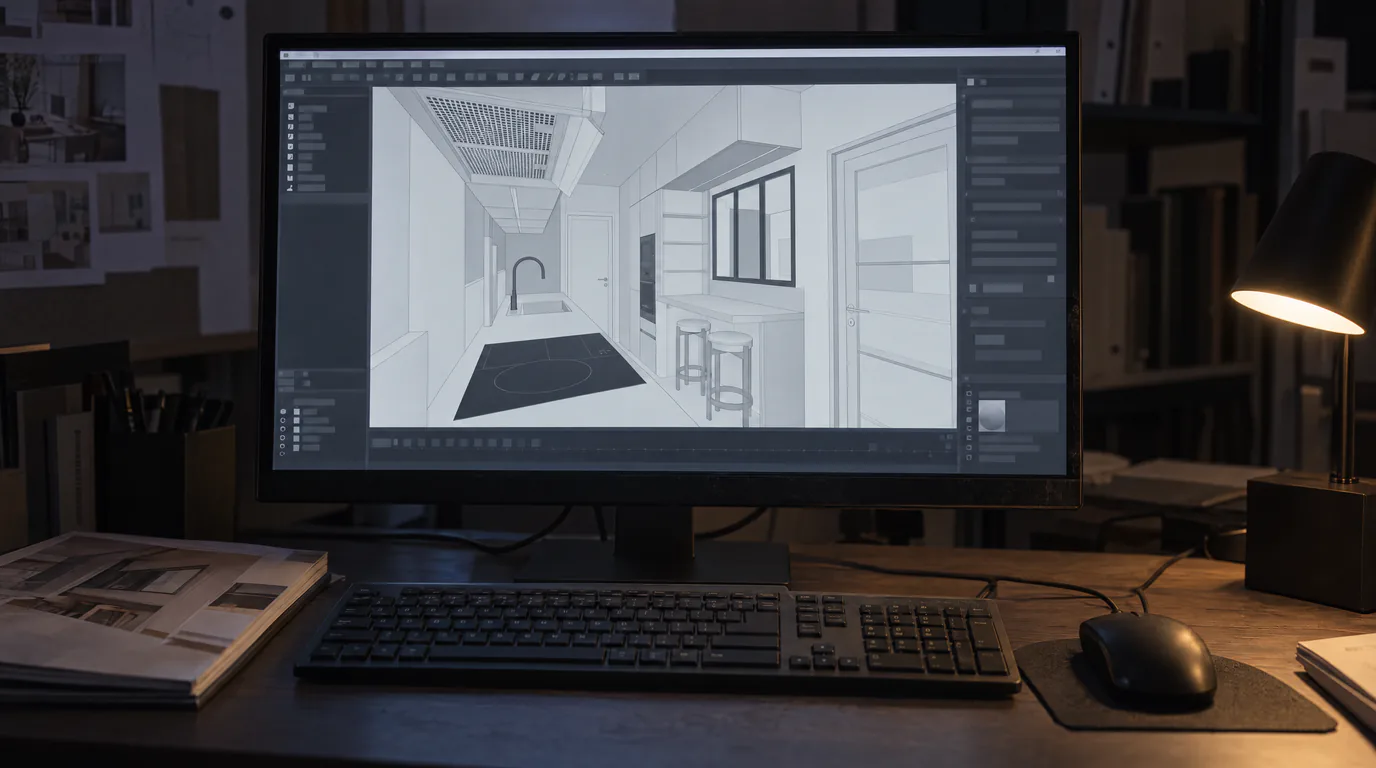
InSitu: 5 Settings for a Perfect AI Photorealistic Render
Lighting, camera, view mode and resolution: the 5 parameters to configure in InSitu before sending your scene to RenderThink for a flawless photorealistic render.
 Business
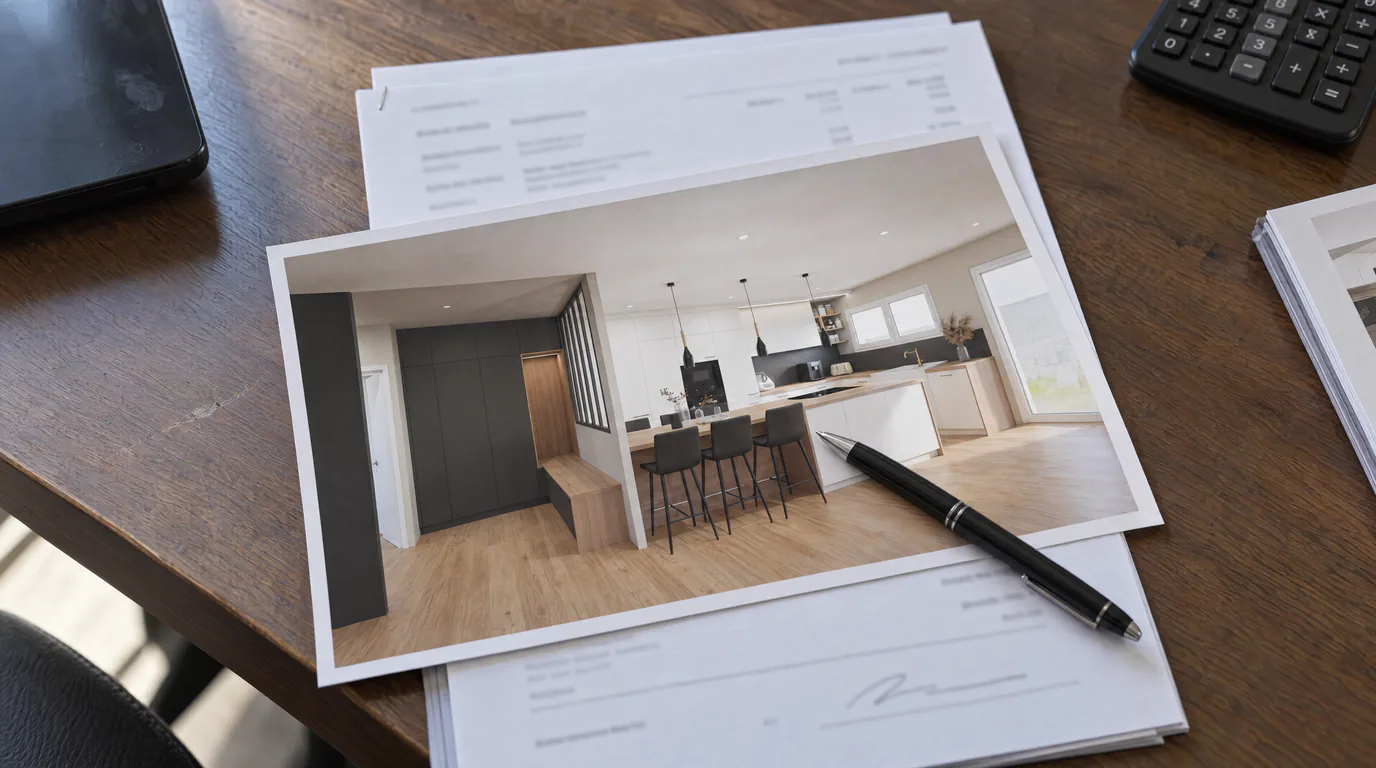
Photorealistic Rendering ROI: What Does a Render Earn?
A photorealistic render costs a few euros but can trigger €10,000+ projects. Data-driven ROI analysis for design professionals.
 Guides
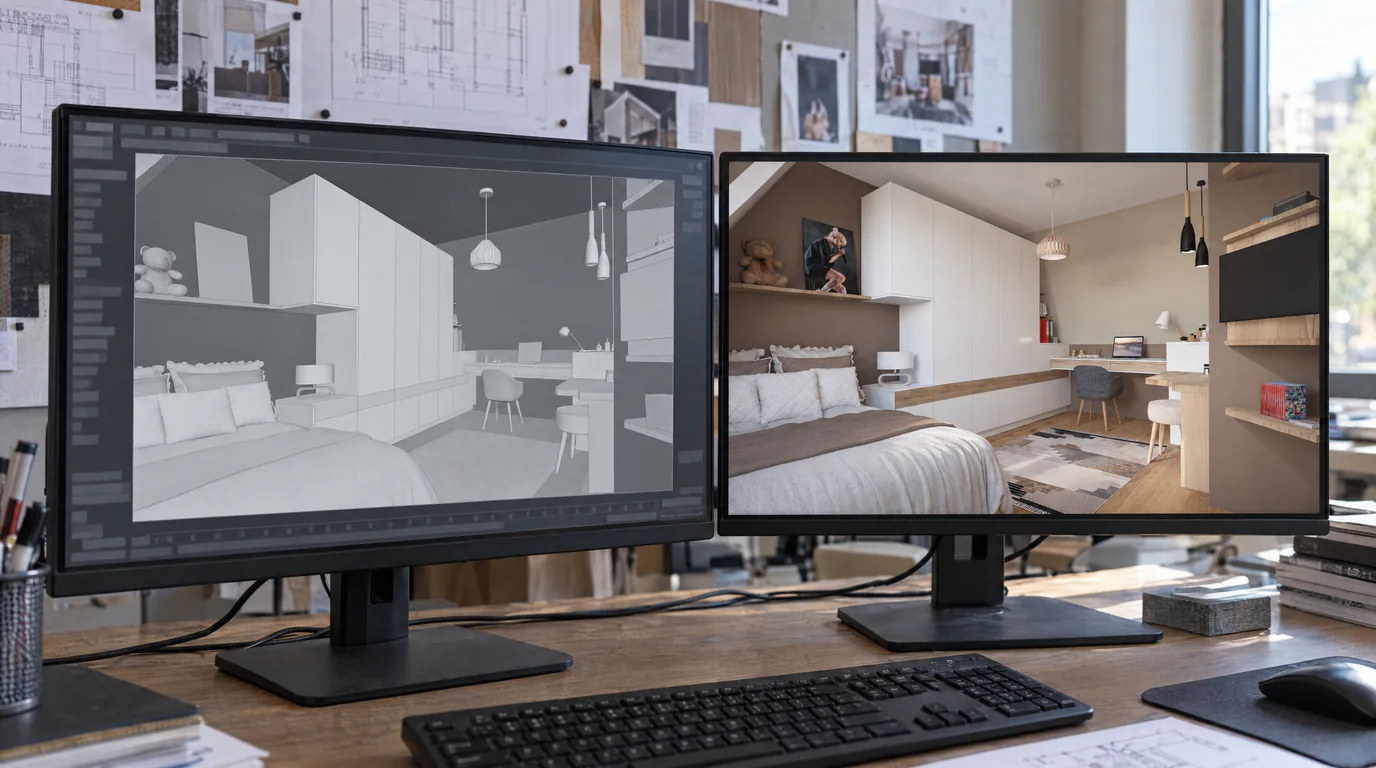
SketchUp & Winner Exports: 7 Tips for Perfect AI Renders
Practical tutorial: the export settings from SketchUp, Winner and InSitu that make the difference between a decent render and a stunning one.
 Use cases
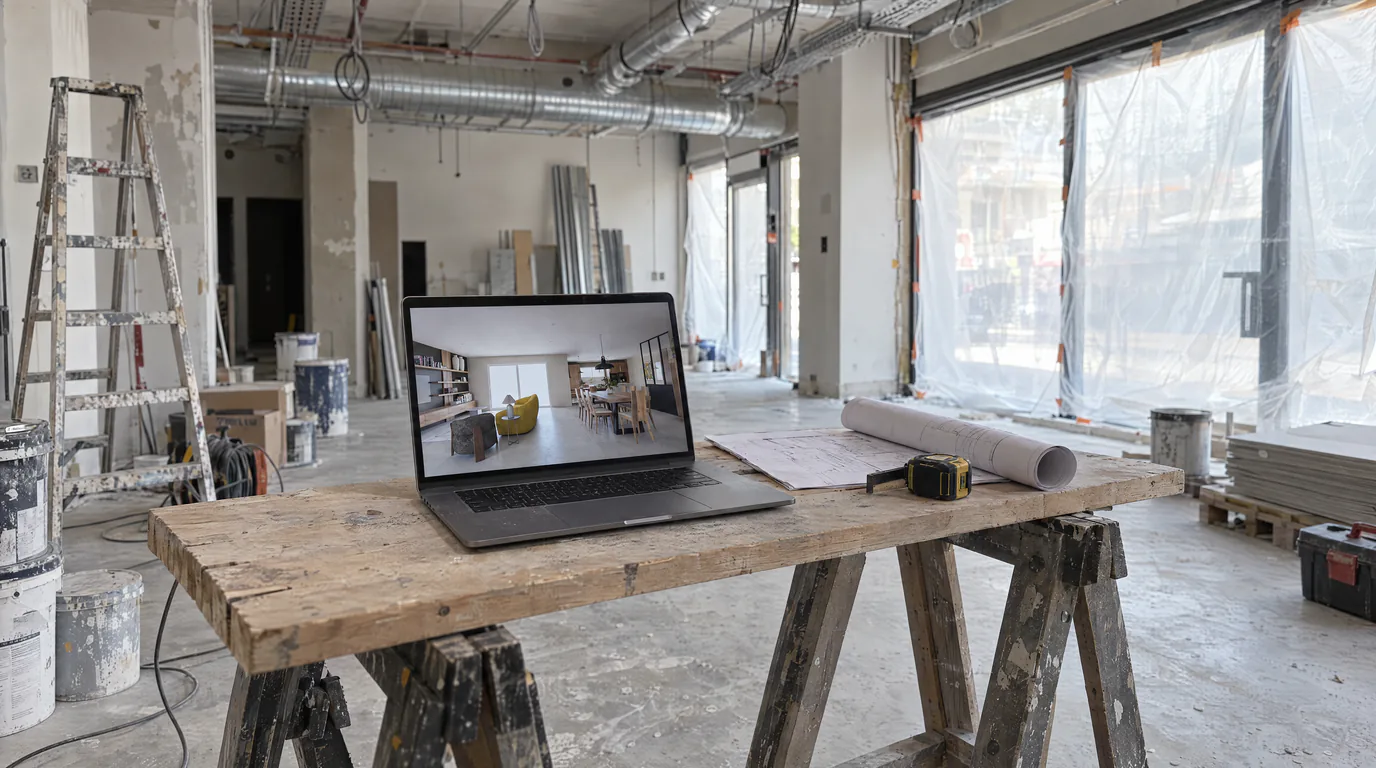
Space Planners & Decorators: AI Renders in Under a Minute
Offices, retail, restaurants: show clients the final result before any work begins. AI photorealistic renders from any 3D export, no GPU needed.
 Business
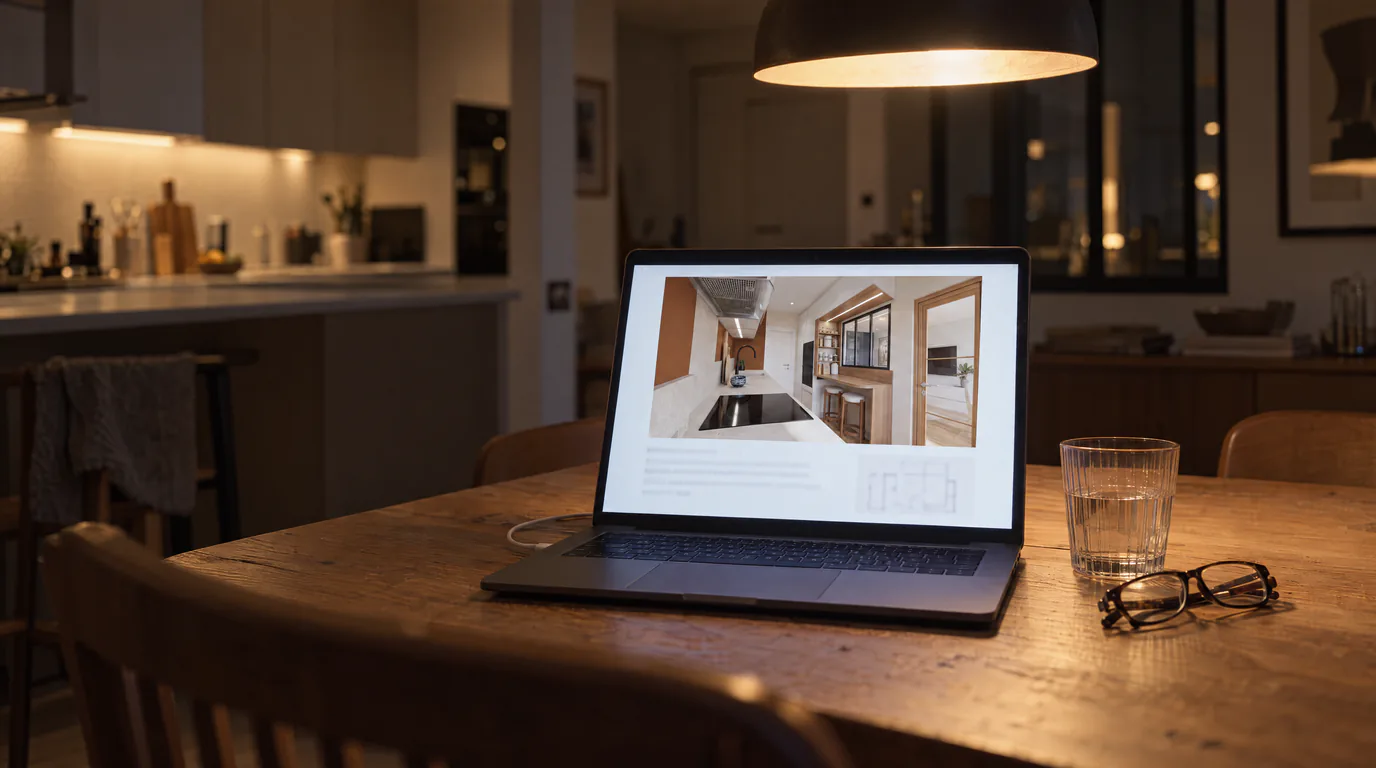
Interior Design Presentations: Double Your Close Rate
PDF presentations not convincing clients? Create interactive photorealistic presentations with secure share links that close deals on the first meeting.
 Guides
Lumion & V-Ray Alternative: AI Rendering, No GPU (2026)
License, high-end GPU and weeks of training: Lumion and V-Ray are expensive. Discover the AI alternative with no GPU that removes these barriers.
 Use cases
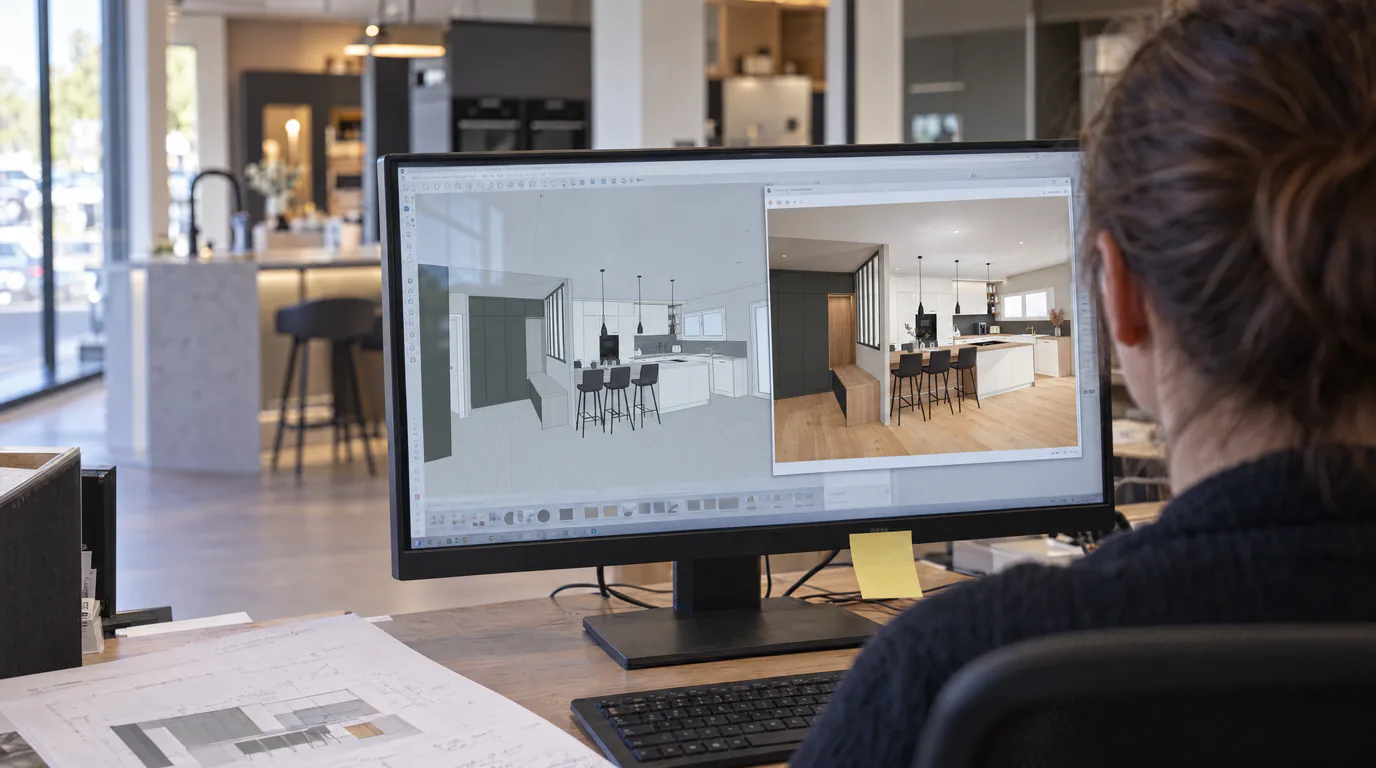
Kitchen Designers: Winner & InSitu to AI Renders
Your Winner Design or InSitu renders don't convince your clients? Learn how to transform them into photorealistic visuals in under a minute.
 Guides
AI Photorealistic Rendering: Complete 2026 Guide
Learn how AI transforms a simple 3D export into a photorealistic image in under a minute. Complete guide with comparisons, workflow and practical tips.
 Use cases
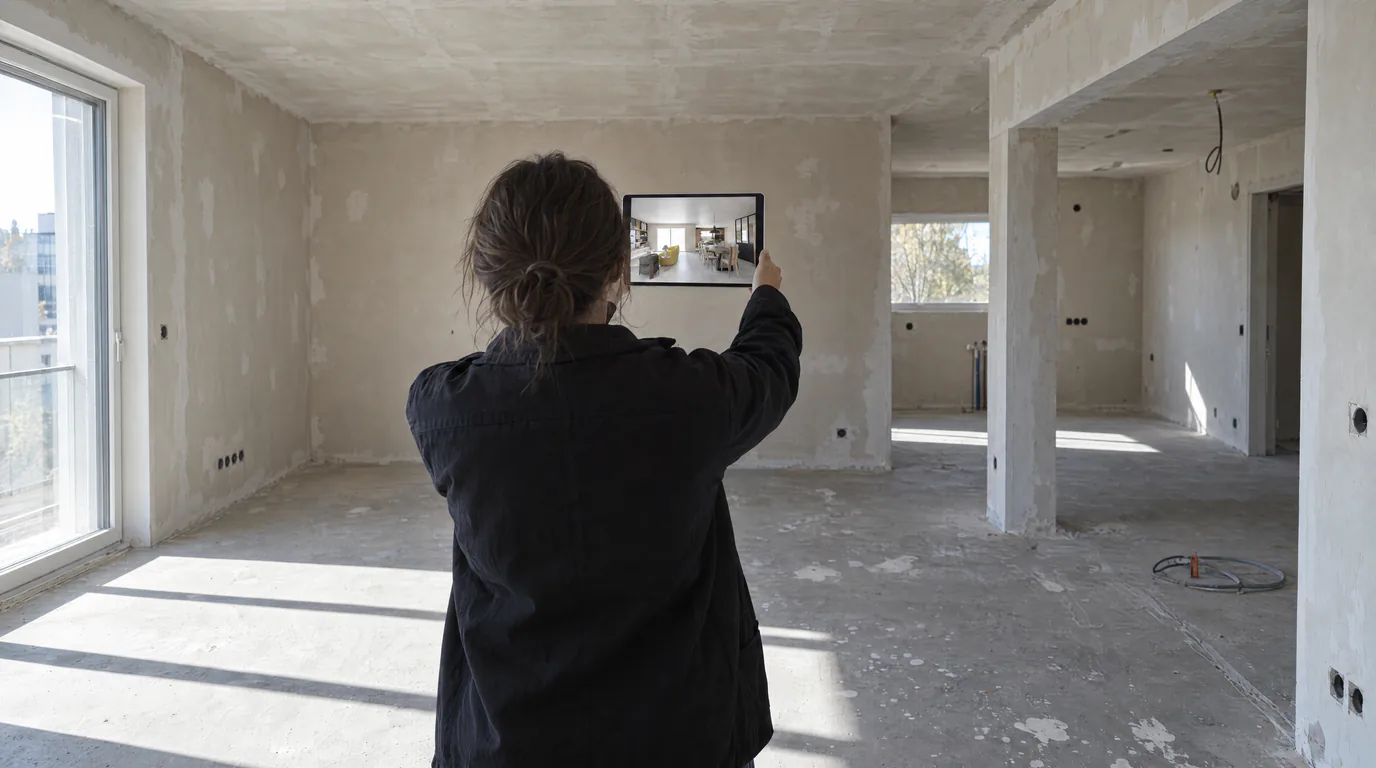
Real Estate Developers: AI Renders for Off-Plan Sales
Every apartment type visualized in minutes instead of weeks. AI replaces expensive 3D agencies for off-plan property sales.
 Use cases
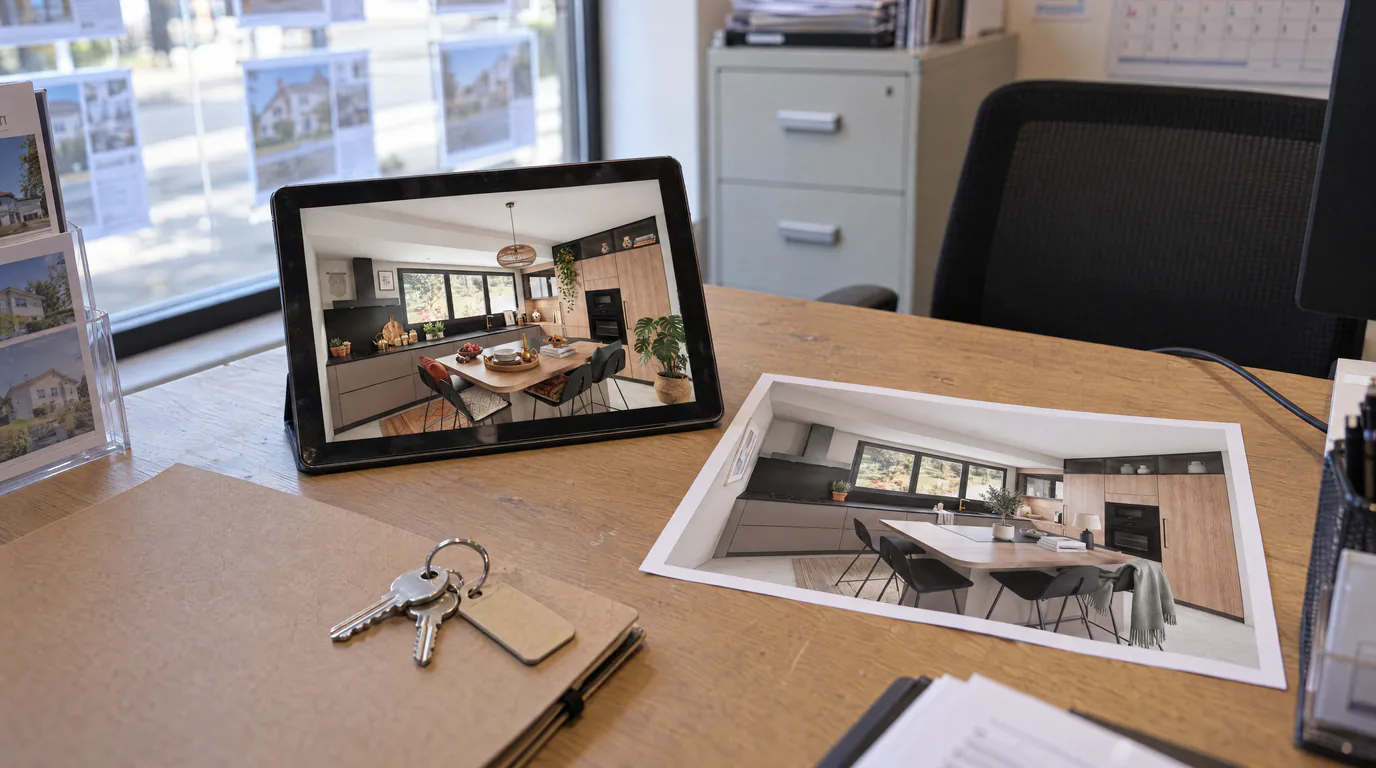
AI Virtual Home Staging: Enhance Your Furnished Listings
An already-furnished but dated property sells slower. Restyle the mood and refresh finishes with a brush using AI rendering and editing, without touching the furniture.
 Use cases
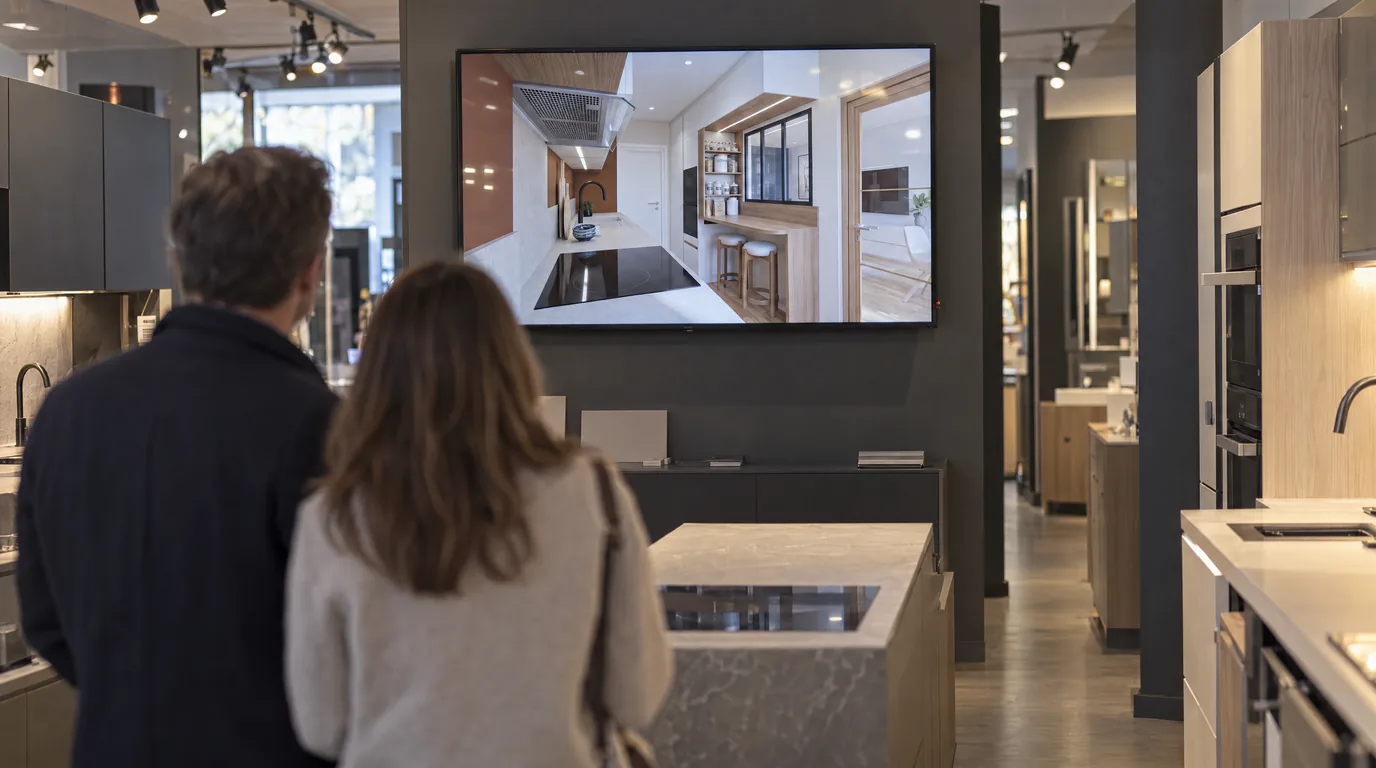
Kitchen Designers: Showroom Presentations That Close Sales
Your Winner renders look flat? Create photorealistic presentations with your logo and pro layout, shareable via secure link.
 Use cases
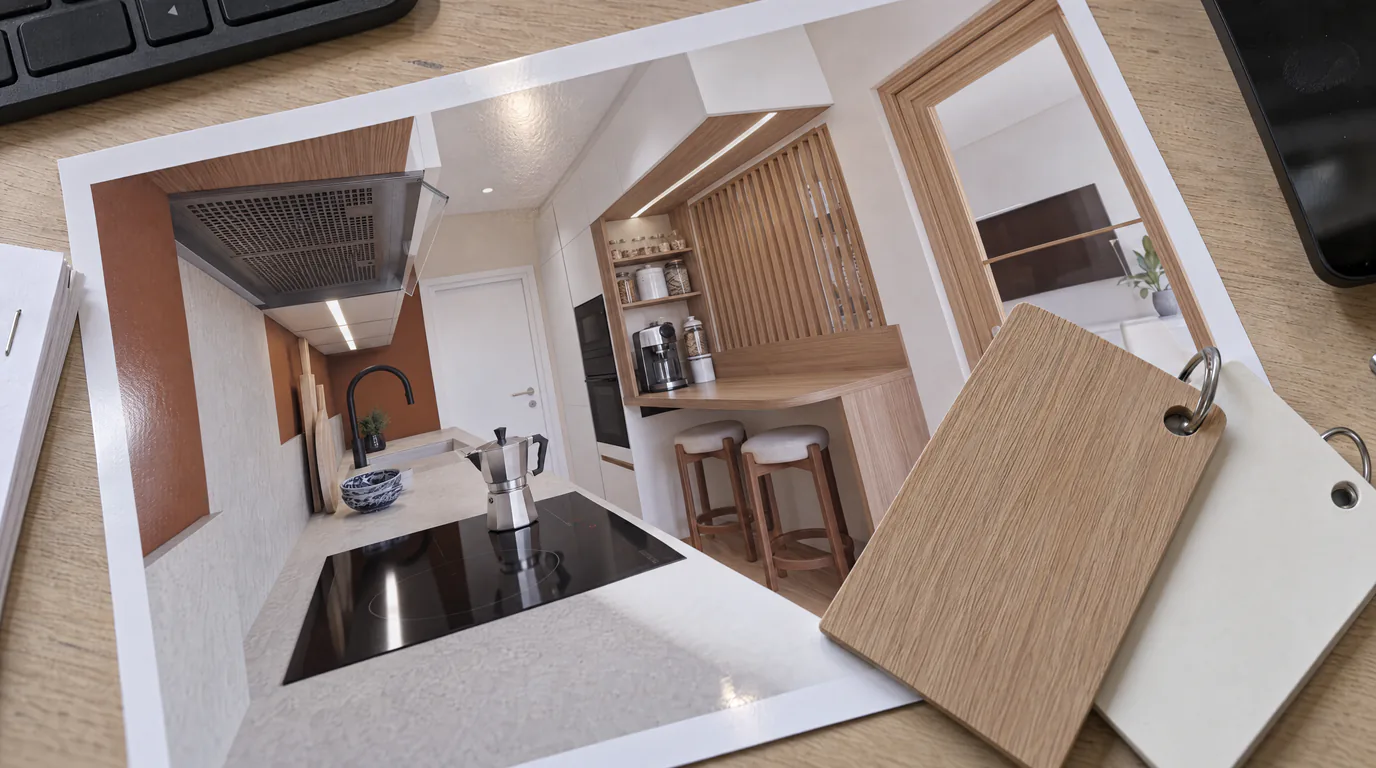
Kitchen Designers: Edit Cabinets & Countertops with AI
Your client can't decide between oak and white lacquer? Show both options in under a minute with AI editing, without touching your Winner or InSitu project.
 Use cases
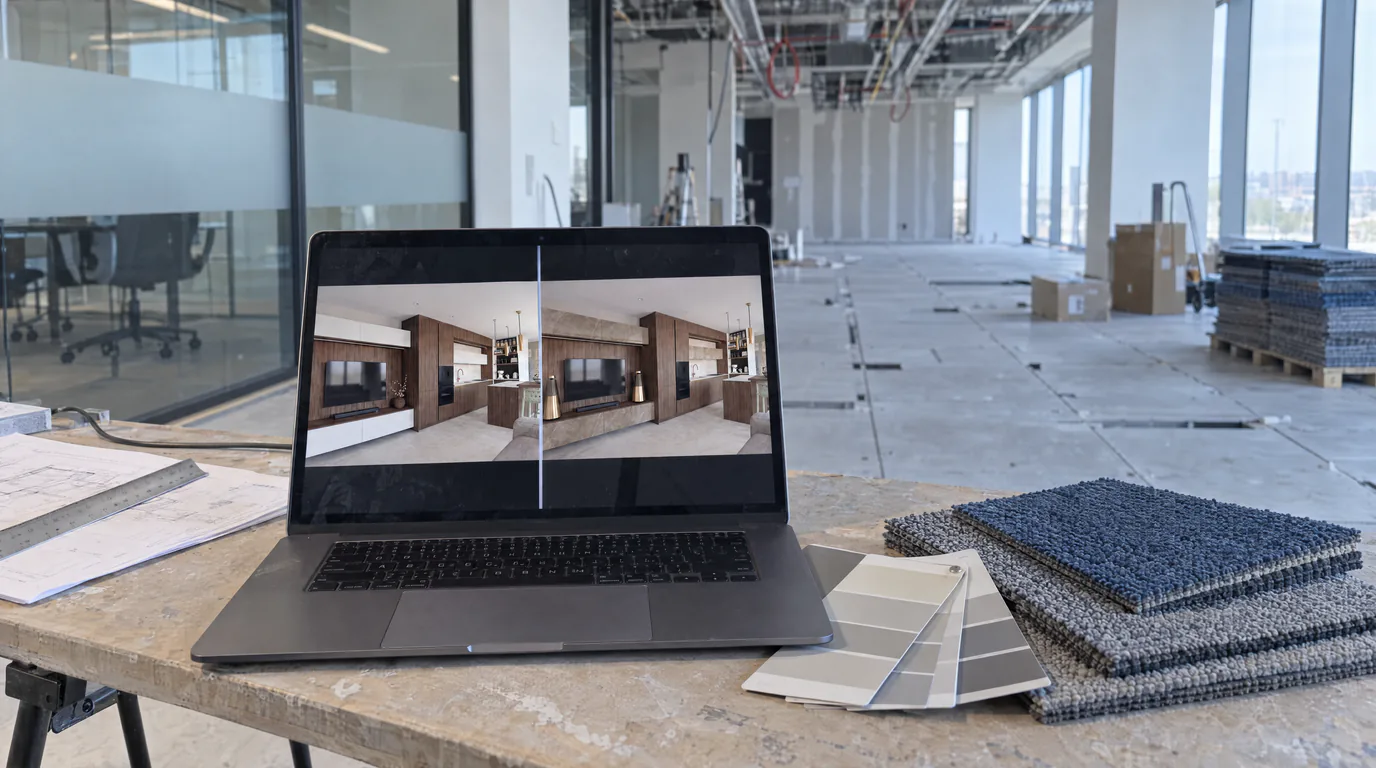
Space Planners: Test 10 Layouts Without Touching the 3D
Carpet or hardwood? White walls or anthracite? Show every option to your corporate client in 10 minutes with AI editing.
 Use cases
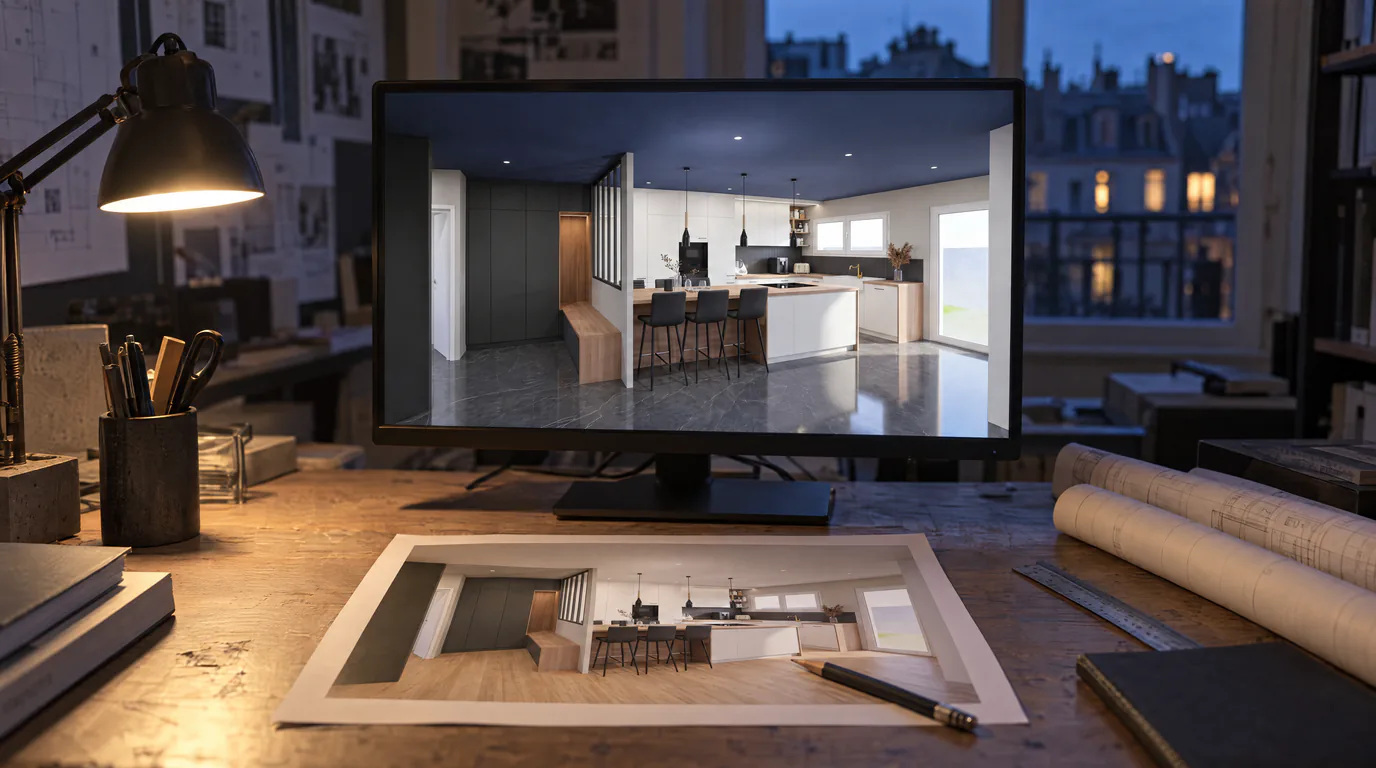
Architects: Change Finishes on Your Renders with AI
Your client wants hardwood instead of tile? Change materials, colors and ambiance directly on the render in under a minute.
 News
NewsWhy we created RenderThink
The story behind RenderThink: how an everyday problem for architects and designers became a platform used by many professionals.
 News
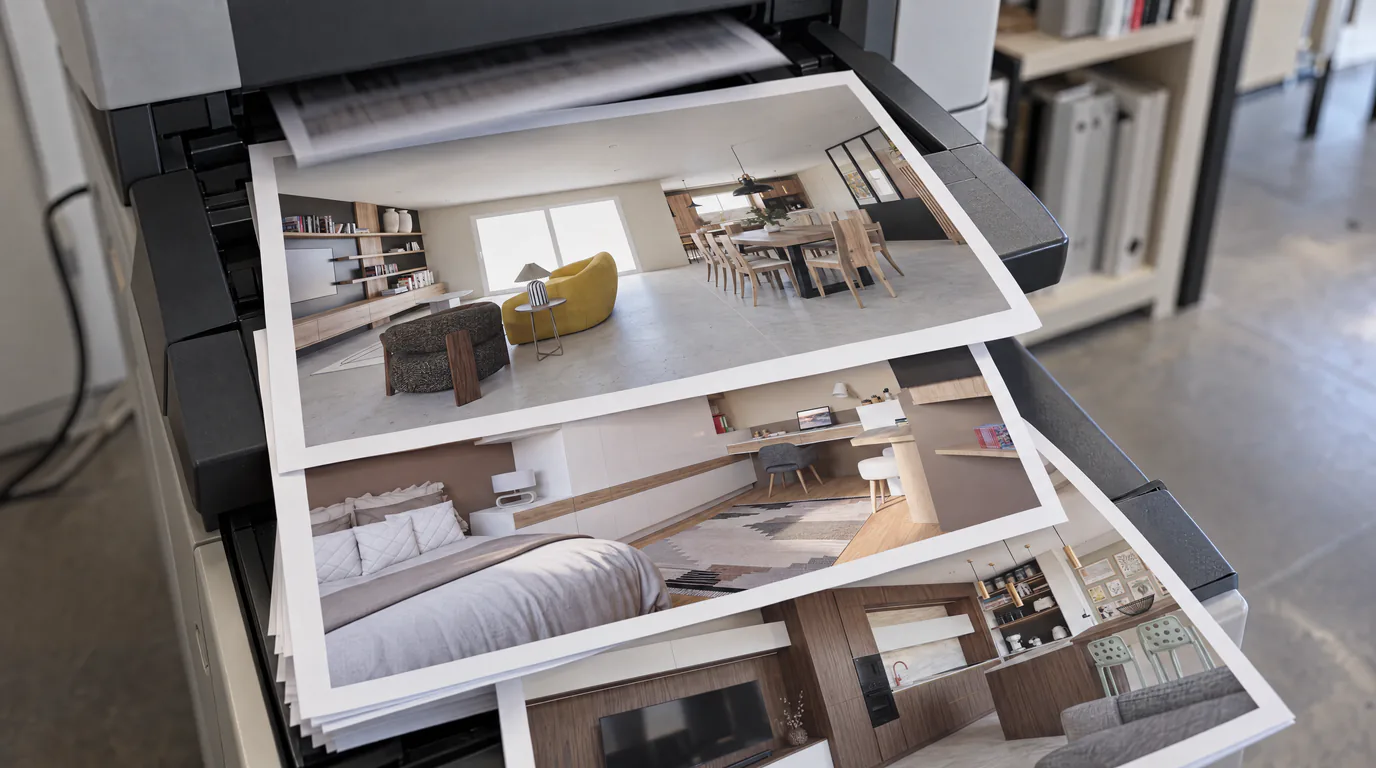
NewsAI & Interior Design: Adapt Now or Fall Behind
Your competitors already produce far faster with AI. Discover why adapting now is vital to stay competitive in interior design.
 News
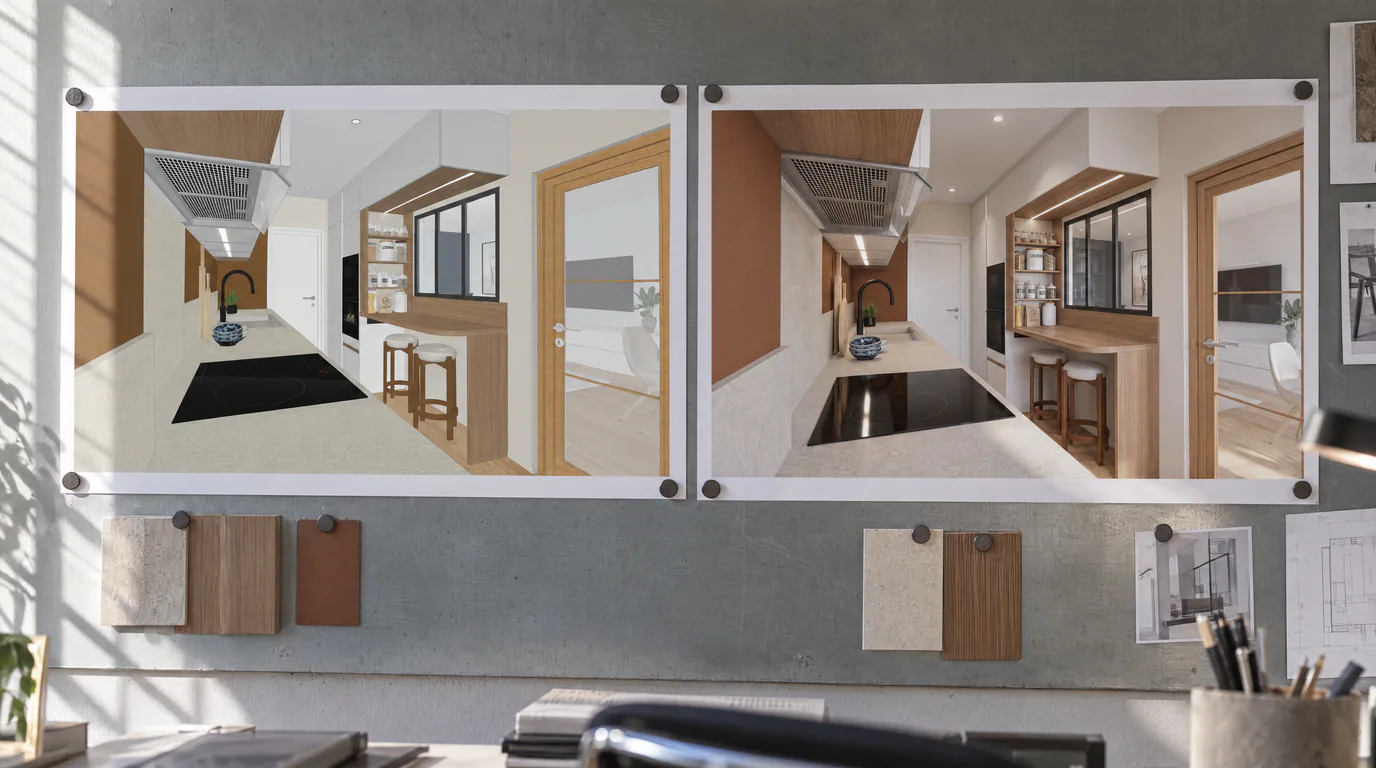
NewsWhy choose RenderThink for your 3D renders?
AI renders faithful to your model, up to around ten hours saved per week according to our users, shareable pro presentations. The all-in-one platform for interior design professionals.
 Business
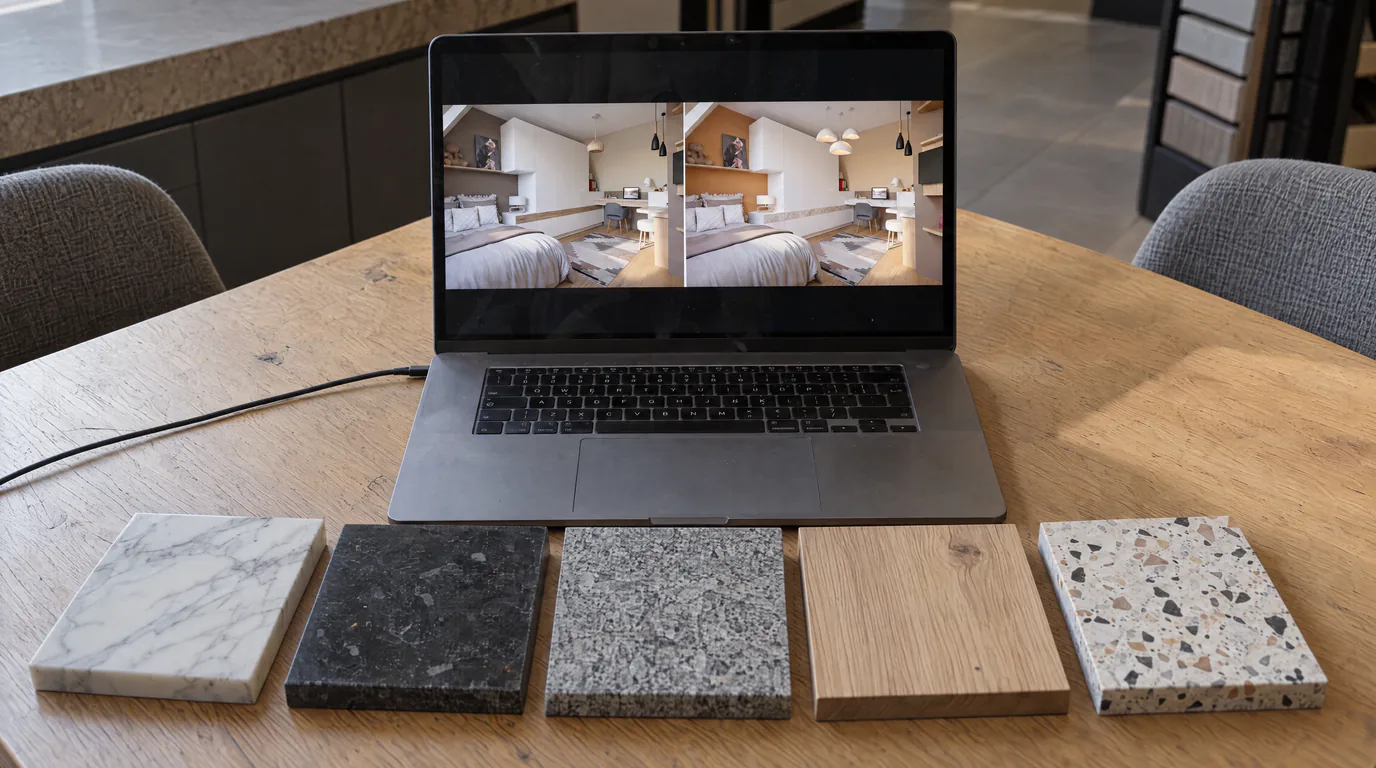
10 Material Variants in 10 Minutes with AI Editing
Oak or walnut? Marble or quartz? Show every option to your client in real-time with AI-powered photorealistic render editing.
 Use cases
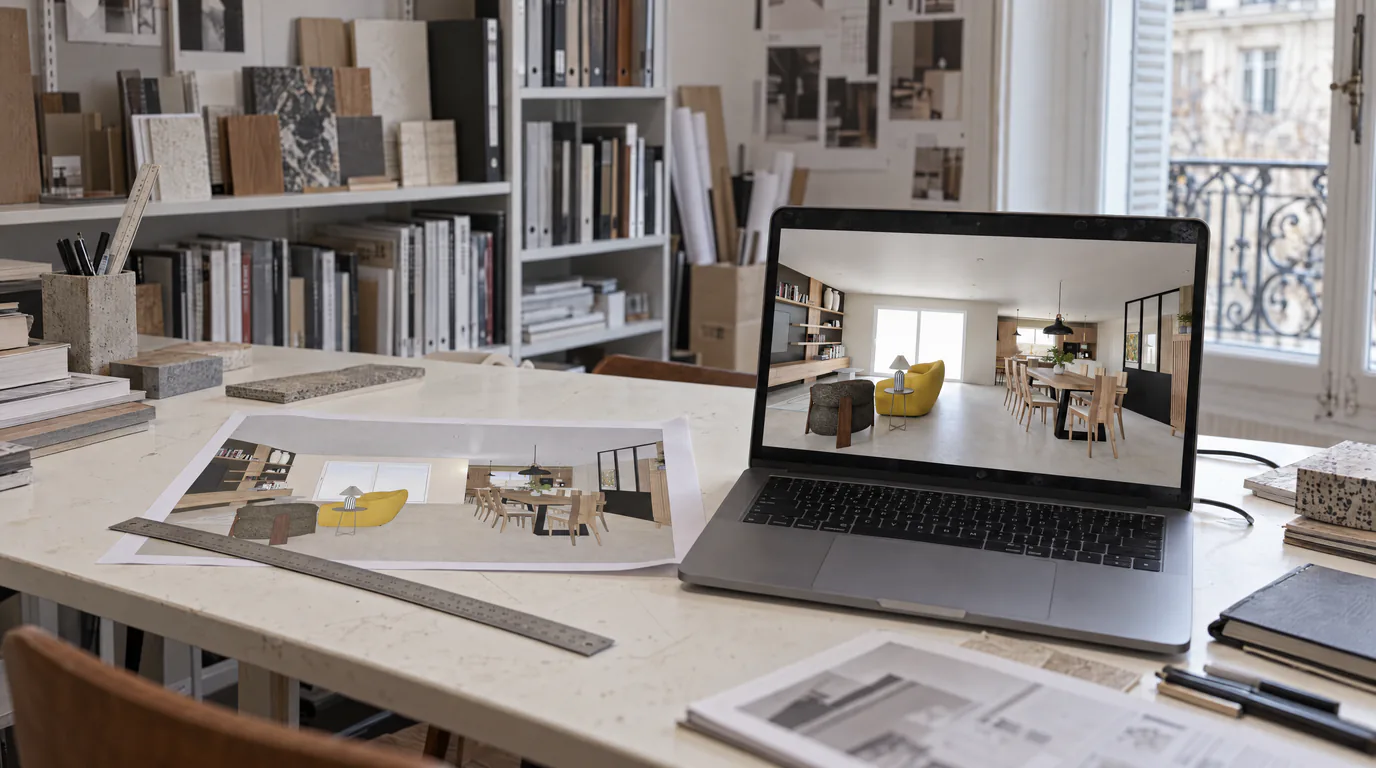
Interior Architects: AI Photorealistic Renders in Under 1 Min
Transform your SketchUp, Revit or AutoCAD exports into photorealistic renders without GPU or training. Present same-day visuals.
Try it on your own project.
Import an export, start a render, edit one zone, share the link.
14 days, no commitment