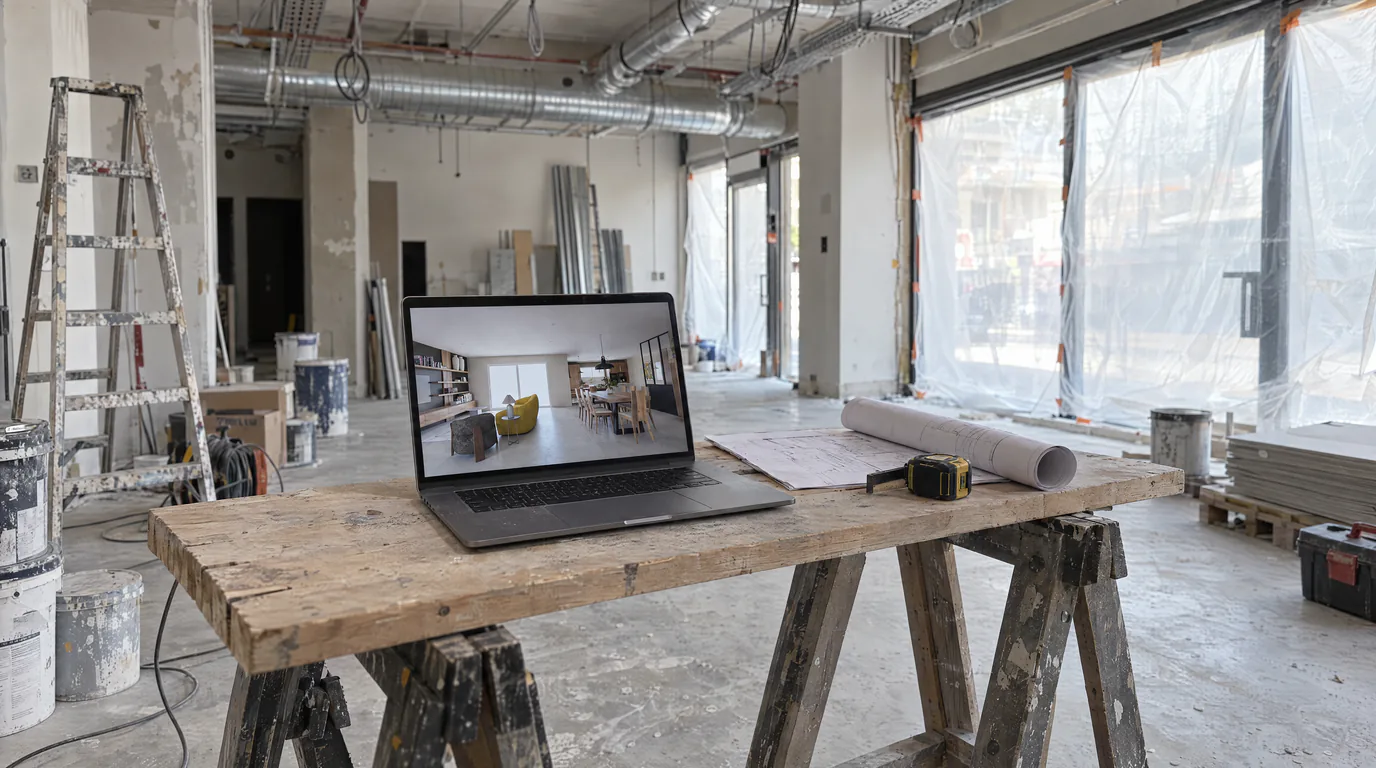
You are a kitchen designer and this situation sounds familiar: a client loves the layout of their kitchen, the island placement is perfect, the workflow is smooth, the work triangle is optimal. But they want to see the cabinet fronts in teal instead of natural oak. And their partner would prefer a marble countertop rather than quartz. And actually, the subway tile backsplash is nice, but could we see something more modern? In Winner or InSitu, each change means modifying the 3D model, finding the material in the catalog (if it exists), and re-launching a render. Three modifications, three renders, half a day of work minimum. With AI editing, these three changes take six minutes. Here is how this technology will transform the way you sell kitchens.
The kitchen designer's daily material change frustration
Kitchen design is a profession built on expertise and client relationships. Your skill lies in designing functional and beautiful spaces, not in wrestling with rendering software. Yet a growing share of your time is spent producing and reproducing visuals, simply because the client wants to see a variant.
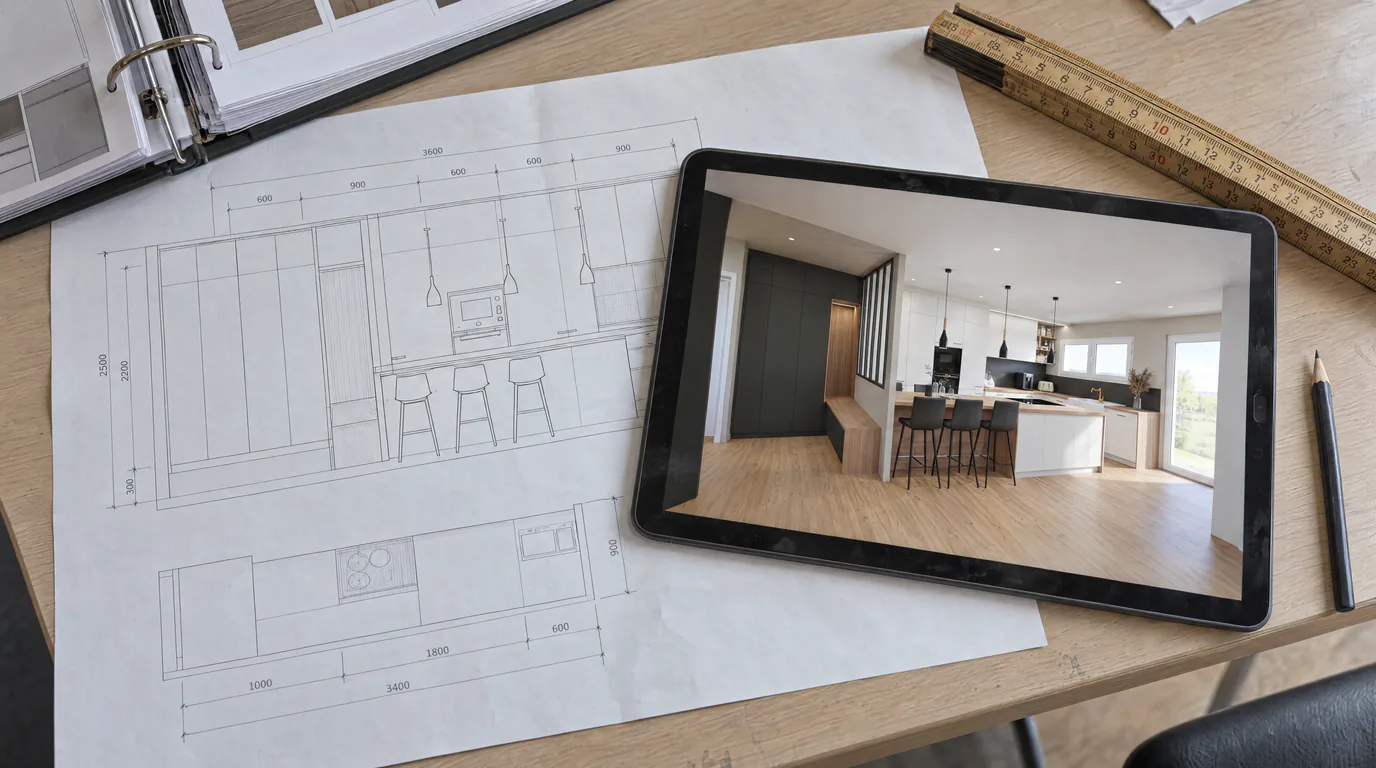
The scenario is always the same. You spend time designing the perfect kitchen in Winner or InSitu. You choose materials, adjust lighting, export a render. The client comes to the meeting, appreciates the layout, but requests aesthetic modifications. Back to the software, modify, re-render. Sometimes two or three rounds before final approval.
Every round trip costs time, energy, and delays the signature. And while you are behind your screen changing a cabinet color, you are not selling, not advising, not designing.
AI editing for cabinet fronts: colors, wood species, and finishes
Cabinet fronts represent the largest visible surface of a kitchen and are often the first element clients want to customize. AI editing excels at this type of modification.
Color changes: switch from white gloss fronts to matte navy blue, satin olive green, warm terracotta, or deep black. The AI automatically adjusts reflections and shadows based on the chosen finish. A high-gloss lacquer does not reflect light the same way as a soft-touch matte.
Wood species: test natural oak, dark walnut, blonde ash, teak, or shou sugi ban charred wood. The AI reproduces not just the color but also the grain, knots, and natural variations of the wood. The result is strikingly realistic because the AI understands how wood interacts with light.
Finishes: explore the differences between matte, satin, gloss, wood texture, and concrete effect. On a screen, these nuances can be hard to communicate. On a photorealistic render modified by AI, the client instantly sees how the finish affects the overall look of their kitchen.
Two-tone kitchens: the two-tone kitchen trend (base units in one shade, wall units in another) is perfect for AI editing. Select only the base units, change the color, keep the wall units as they are. You can test ten combinations in twenty minutes.
Countertop materials: marble, quartz, wood, and more
The countertop is the element clients hesitate over most. It is the surface they touch, use, and see first when entering the kitchen. Offering multiple options in photorealistic renders makes an enormous difference in decision-making.
Marble: gray-veined white Carrara, golden Calacatta, black Marquina. The AI renders the depth of the veins, the translucency of marble, and the subtle reflections of this natural stone.
Quartz: pure white, concrete gray, marble effect, integrated sparkle. Quartz surfaces have a specific look, more uniform than natural stone but with their own character. The AI faithfully reproduces this appearance.
Granite: absolute black, pearl gray, Kashmir. The micro-crystals that give granite its sparkle are rendered realistically, including reflection variations depending on viewing angle.
Solid wood: oiled oak, natural beech, American walnut. The visible grain, the material warmth, the soft sheen of treated wood. The AI understands the difference between raw wood and varnished wood.
Laminate and composite: for tighter budgets, test stone, concrete, or wood effects in laminate. The client sees the difference from natural materials and makes an informed choice based on their budget.
Kitchen backsplashes: tile, glass, stone, and trending styles
The backsplash is the quintessential decorative element in a kitchen. It is the opportunity to create a visual focal point, and clients generally want to explore several directions before deciding.
Subway tile: the timeless classic, available in white, black, green, pink, and dozens of other shades. The AI reproduces the tile relief and grout lines with precision.
Geometric tile: herringbone, fish scale, hexagon, zellige. Geometric patterns are particularly impressive in AI editing because the system respects the pattern repetition and adapts it to the perspective.
Tempered glass: colored lacquer, mirror, or printed. Glass reflects the surroundings, and the AI handles these reflections naturally, giving the backsplash a depth that flat textures cannot reproduce.
Natural stone: marble slab, travertine, slate. For a high-end effect, natural stone as a backsplash is spectacular. The AI renders the veins, color variations, and surface texture.
The details that complete the look: handles, flooring, and lighting
Beyond the three main elements, AI editing lets you refine every detail of a kitchen.
Handles and knobs: from modern brushed stainless handles to classic brass knobs, to integrated handleless profiles. This small detail considerably changes the overall style.
Flooring: large-format tiles, parquet, polished concrete, cement tiles. The kitchen floor is often the same as the adjacent living area, the client wants to see coherence between the two spaces.
Wall color: an accent wall behind the open kitchen, a warmer or cooler white, a shade that complements the fronts. AI editing lets you test these variations in minutes.
Appliances: stainless steel, black, white, or colored. The visual impact of the oven, refrigerator, and dishwasher affects the overall aesthetic. Show your client the difference between all-stainless appliances and integrated black built-ins.
The sample-to-render technique that impresses clients
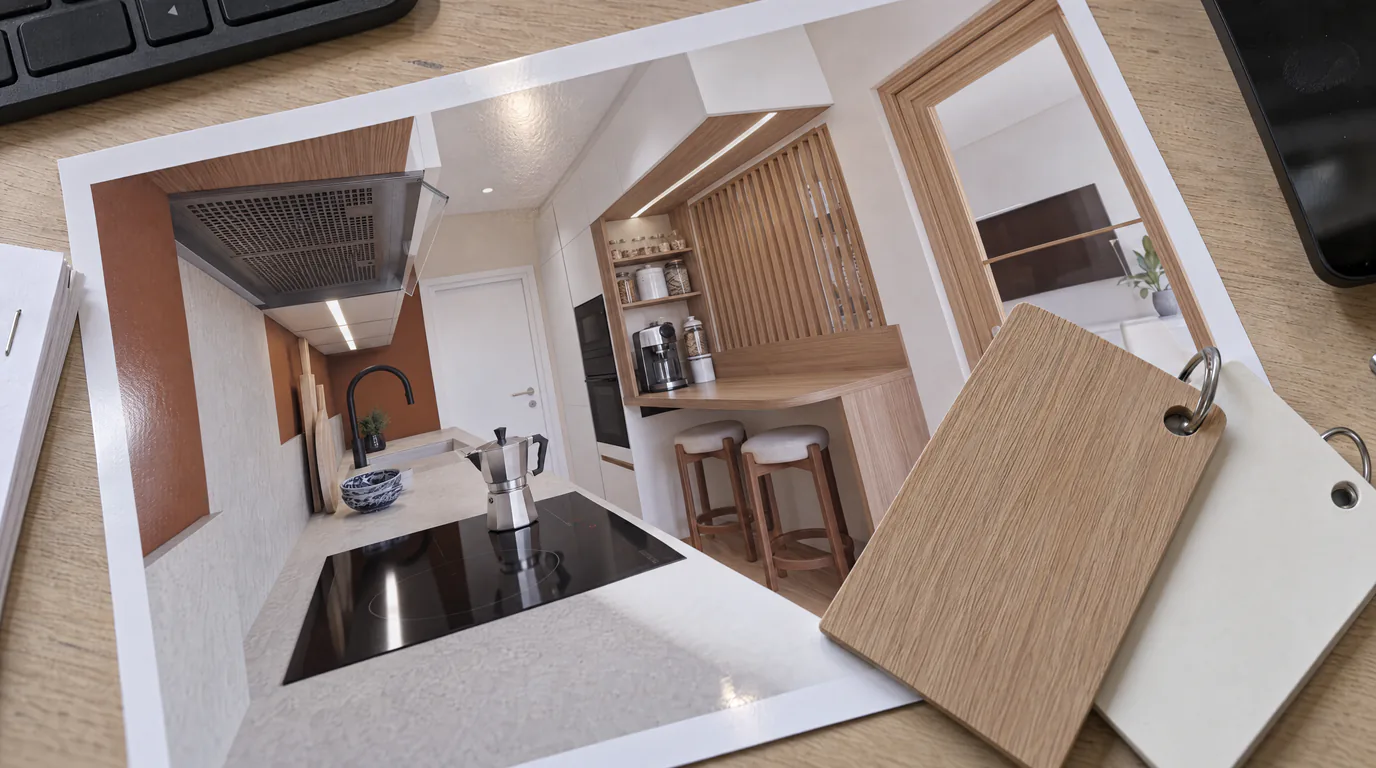
Here is a technique that will impress your clients. When a client arrives at a meeting with a physical material sample, a piece of marble, a parquet plank, a backsplash tile, you can use this visual reference to guide the AI editing. Describe the material precisely: "white marble with fine gray veins and a slightly warm background" or "light oak with pronounced grain and a matte oiled finish." The AI generates a result that remarkably resembles the actual sample.
The client sees their exact material in the context of their kitchen, not on a four-inch sample. This is an extremely powerful sales argument: the leap from sample to full photorealistic render removes the last doubts.
The complete kitchen sales scenario with AI editing
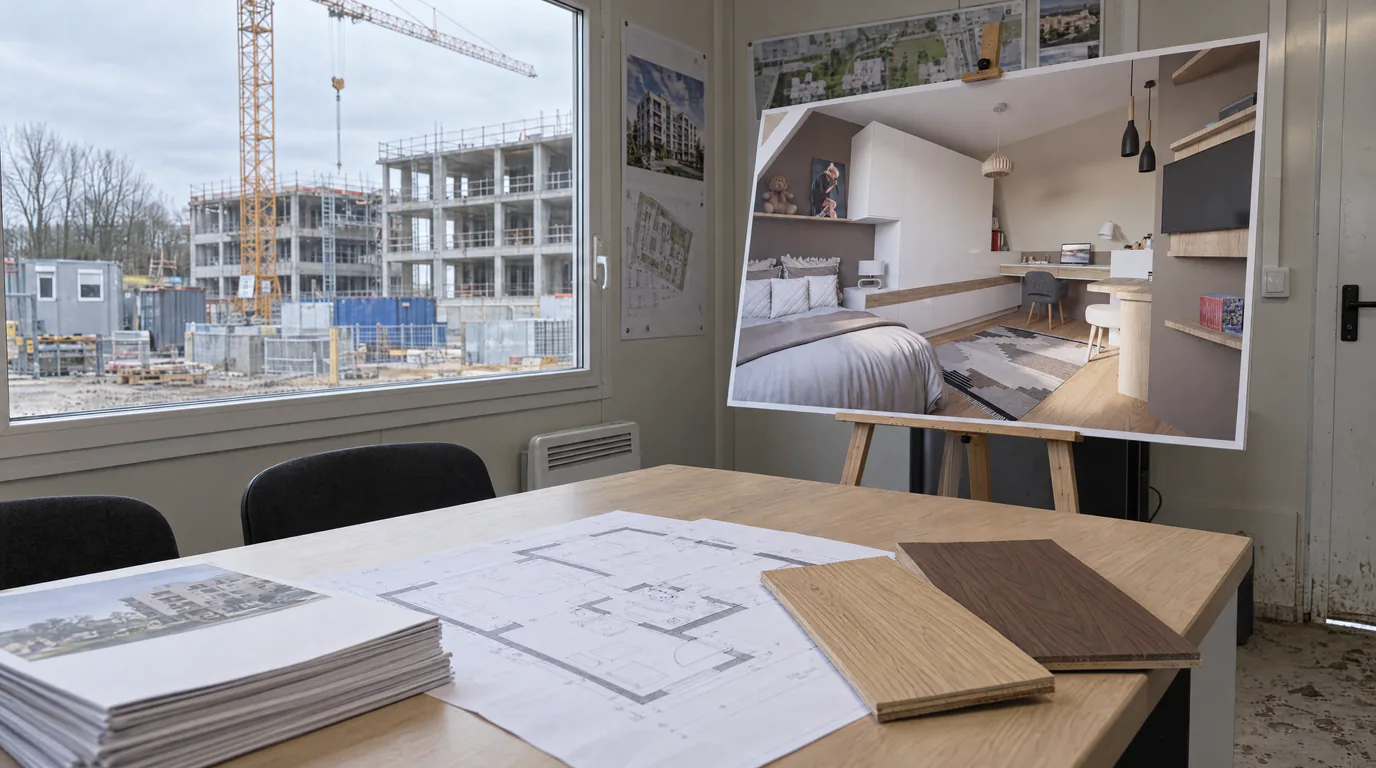
Here is how a sale unfolds with AI editing. First meeting: you design the layout with the client, validate the configuration and dimensions. You export the base render. Second meeting, a few days later: you present the photorealistic render. The client reacts, suggests modifications. In real time, you modify the fronts, the countertop, the backsplash. In fifteen minutes, you have explored five to eight variants. The client has found their ideal combination.
Compare with the scenario without AI editing. First meeting: same thing. Second meeting: presentation. The client requests modifications. You note everything down. Third meeting a week later: you present the variants. The client requests more. Fourth meeting... The cycle extends, the client's motivation wanes, and the risk of them visiting a competitor increases with each passing week.
Close more kitchen sales, faster
AI editing is not a technical tool, it is a sales tool. It shortens the sales cycle by enabling the client to make their decision during the meeting rather than between meetings. It increases client satisfaction by offering a personalized, interactive experience. And it frees up your time for what truly matters: designing, advising, and selling.
Ready to transform your kitchen presentations? Create your free account and test AI editing on your own kitchen renders. Cabinet fronts, countertops, backsplashes, everything can be modified in a few clicks. Your clients will love it.