If you are a kitchen designer, you know the situation: your client is sitting next to you in the showroom, you have just spent 45 minutes designing their kitchen in Winner Design or InSitu, and when it comes time to show the result, the built-in render is decent but unconvincing. The textures are flat, the lighting lacks realism, and your client struggles to envision the space. Yet your design is excellent. The image simply does not do it justice.
Why built-in 3D kitchen renders fall short
Let us be clear: Winner Design and InSitu are excellent kitchen design software. Their strength lies in technical modeling, dimension calculations, supplier catalog management, and accurate plan generation. But their built-in rendering engine was never designed to produce photorealistic results.
The result? Images that look like what they are: technical 3D views. Surfaces are uniform, reflections nonexistent, and the lighting often produces a cold, artificial feel. For a trained professional, it is perfectly readable. For a client about to invest €8,000, €15,000, or €25,000 in their kitchen, it is not enough to trigger a purchase decision.
And that is where you lose sales. Not because your design is poor, but because your client cannot envision the final result.
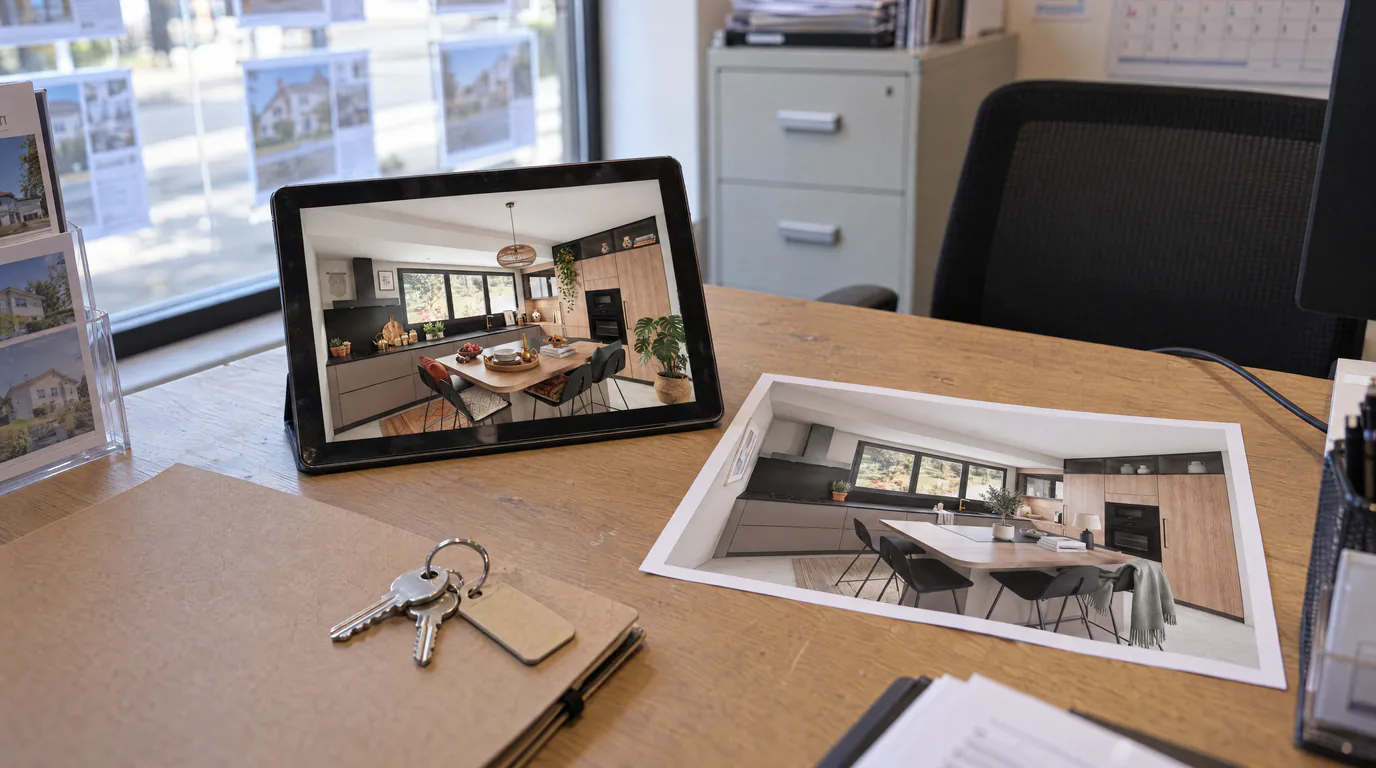
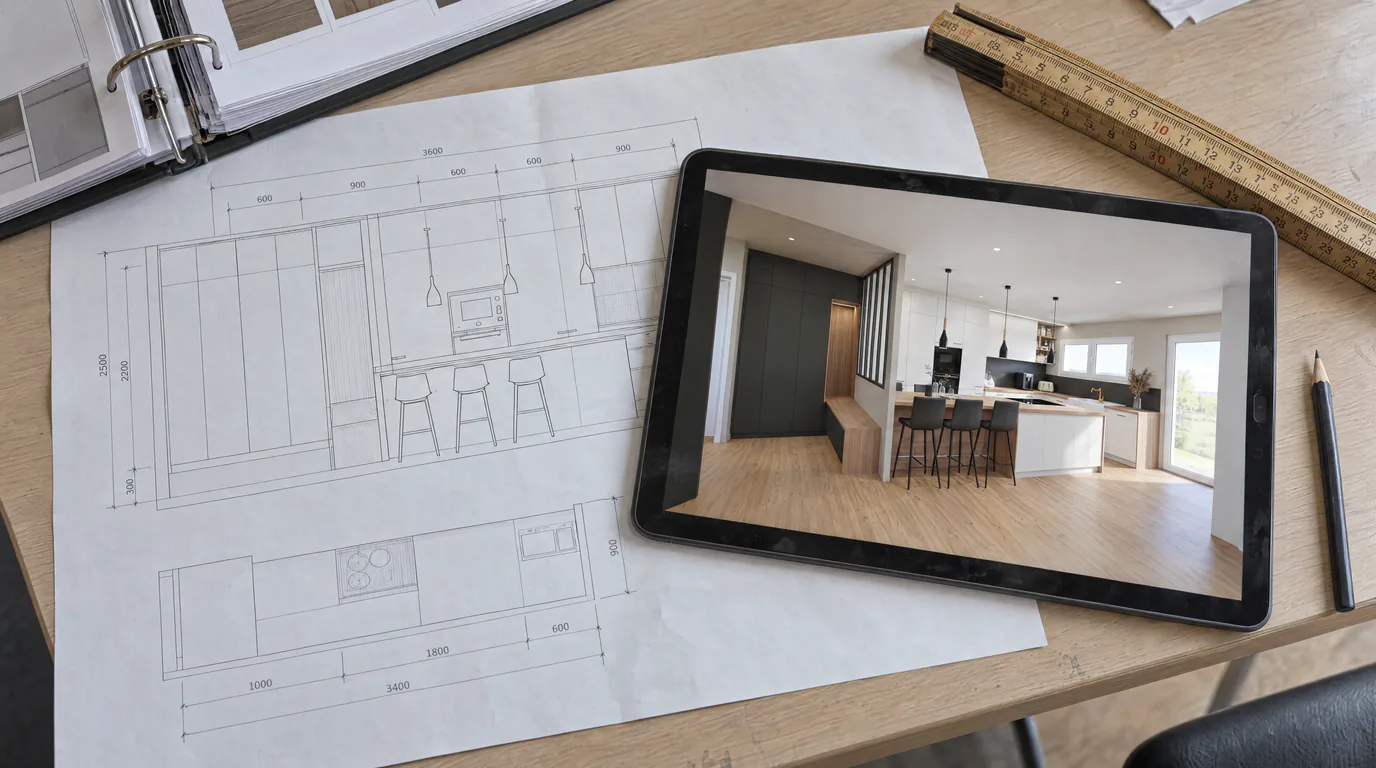
Transform your 3D kitchen exports into photorealistic renders
RenderThink was built to solve exactly this problem. You keep your usual design software, you work as you already do, and at the end, you run your images through AI to get a photorealistic render in under 2 minutes.
The process faithfully preserves your design: dimensions, layout, and the materials you selected. The AI does not reinvent your kitchen. It elevates it by adding natural lighting, realistic textures, surface reflections, and a depth of field that brings the space to life.
The step-by-step workflow for kitchen designers
Step 1: Design in your usual software. Whether you use Winner Design, InSitu, or another tool, nothing changes in your design process. Continue working exactly as you do today.
Step 2: Export a screenshot or image. From your software, simply take a screenshot of the 3D view or use the image export function. The format does not matter: PNG, JPEG, WebP, everything works.
Step 3: Upload to the platform. Log into your workspace, create a project or add the image to an existing project, and launch the render. No complex setup, no technical parameters to configure.
Step 4: Retrieve your photorealistic render. In under 2 minutes, your image is ready. Download it, include it in your presentation, or show it directly to your client on a tablet.
Real scenario: 3 photorealistic kitchen variants in 10 minutes
Picture this scene. Your client is torn between three ambiances for their kitchen: a modern style with white lacquered fronts, an industrial style with raw wood and black metal, and a Scandinavian style with natural tones and light wood.
With your software's built-in rendering, you can show them all three versions, but the visual differences are subtle and unconvincing on a technical view. The client leaves saying they will "think about it."
With AI rendering, you export the three views, run them through the platform, and 10 minutes later, your client has three photorealistic images in front of them. They truly see the difference between white lacquer and raw wood. They feel the warmth of the Scandinavian style against the bold character of the industrial look. They envision it, they compare, and they choose. Often, they choose during the appointment.
This is what makes the difference between a quote that goes into "thinking mode" and a signature on the same day.
Concrete business benefits for kitchen designers
Increase your conversion rate. A client who can envision the result is a client who signs. Photorealistic renders turn your presentations into compelling visual experiences. No more "I will think about it" that never comes back.
Stand out from the competition. Most kitchen designers still show technical views to their clients. By offering photorealistic renders, you immediately move into a different league. Your client sees that you invest in quality and professionalism.
Produce renders during the appointment. With processing time under 2 minutes, you no longer need to say "I will send you the visuals next week." You show them live, on the spot, while your client's enthusiasm is at its peak.
Feed your social media and storefront. Every photorealistic render is an image you can post on Instagram, Facebook, Pinterest, or display in your showroom. It is professional content that attracts new prospects.
Zero hardware investment. No GPU required, no additional software to install, no training to complete. RenderThink works in your browser, on any computer or tablet.
What does photorealistic kitchen rendering cost?
Far less than a lost client. A photorealistic render costs a few credits, equivalent to a few cents per image. Relative to the average price of a kitchen sold, the return on investment is immediate: a single client convinced by a photorealistic render pays for months of subscription.
And unlike traditional solutions such as V-Ray or Lumion, there is no €900 annual license, no €2,000 machine, no weeks of training. You only pay for what you produce.
Take your kitchen presentations to the next level
You already have the talent to design beautiful kitchens. You simply need the tool to showcase them at their true value. RenderThink bridges the gap between your design and your client's perception.
Try free for 14 days: create your account, upload an export from your latest Winner or InSitu project, and see the difference. Your clients will see your kitchens like never before.