Client presentations: gather your renders into a secure link that closes deals
Assemble your renders, before-after comparisons, 360° tours and moodboards into a polished presentation in your brand colors, shared via a secure link the client views on phone, tablet or computer, as many times as they like. While others send a PDF, you send a link that closes deals.
14 days, no commitment
The client receives a link. They open a real presentation.
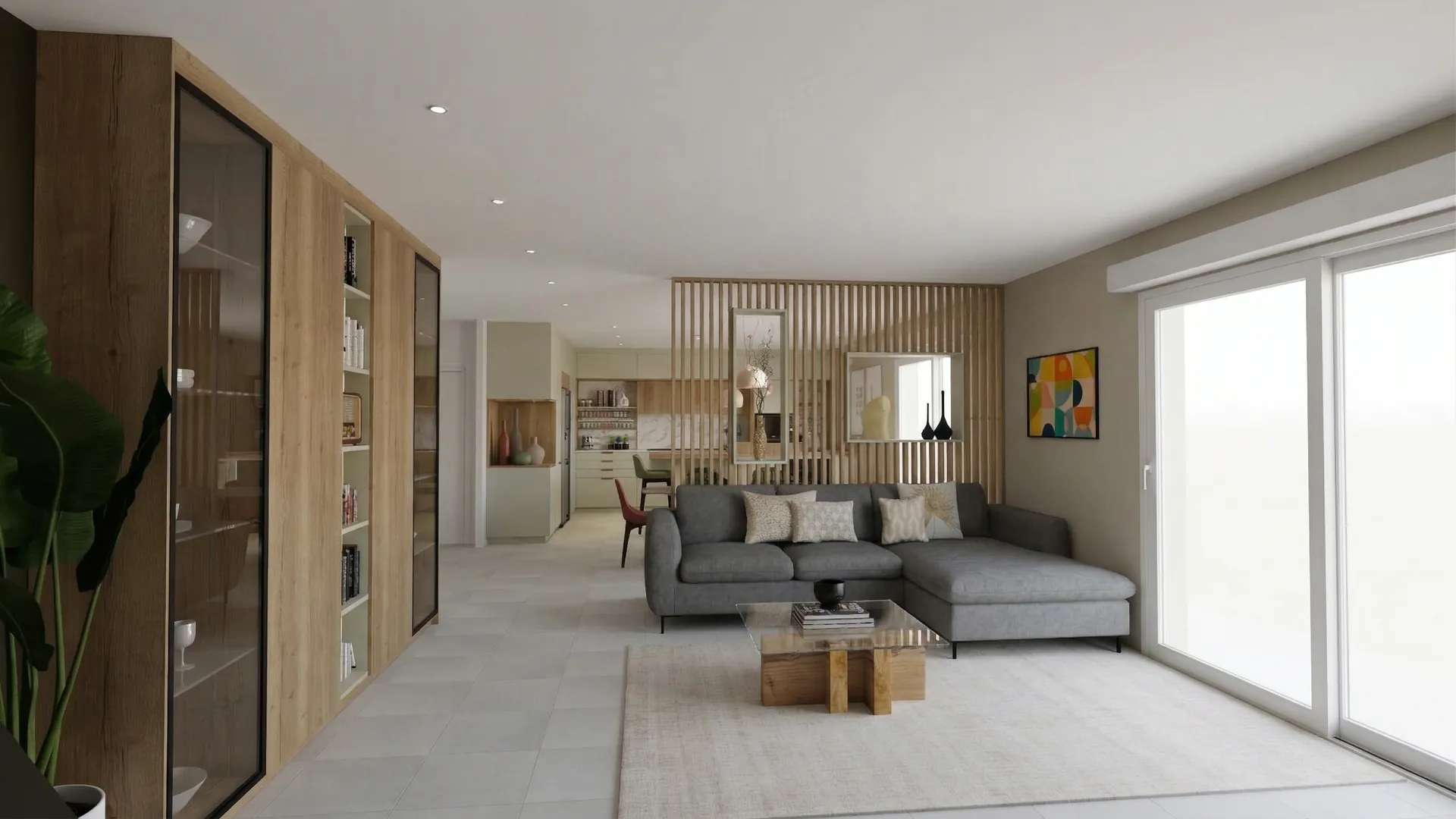
Claustra project
Fit-out of a living room opening onto the dining area, a kitchen and an entrance hall
The Laurent family · Lyon
01
The project
What you asked us for, and the answer we propose.
- Fitted area
- 92 m²
- Rooms redesigned
- 3
- Works (estimate)
- 8 weeks
Architecture is the learned game, correct and magnificent, of forms assembled in the light.
02
Living and dining
Two rooms, one light: the wooden screen separates the meal from the sofa without closing off the window.
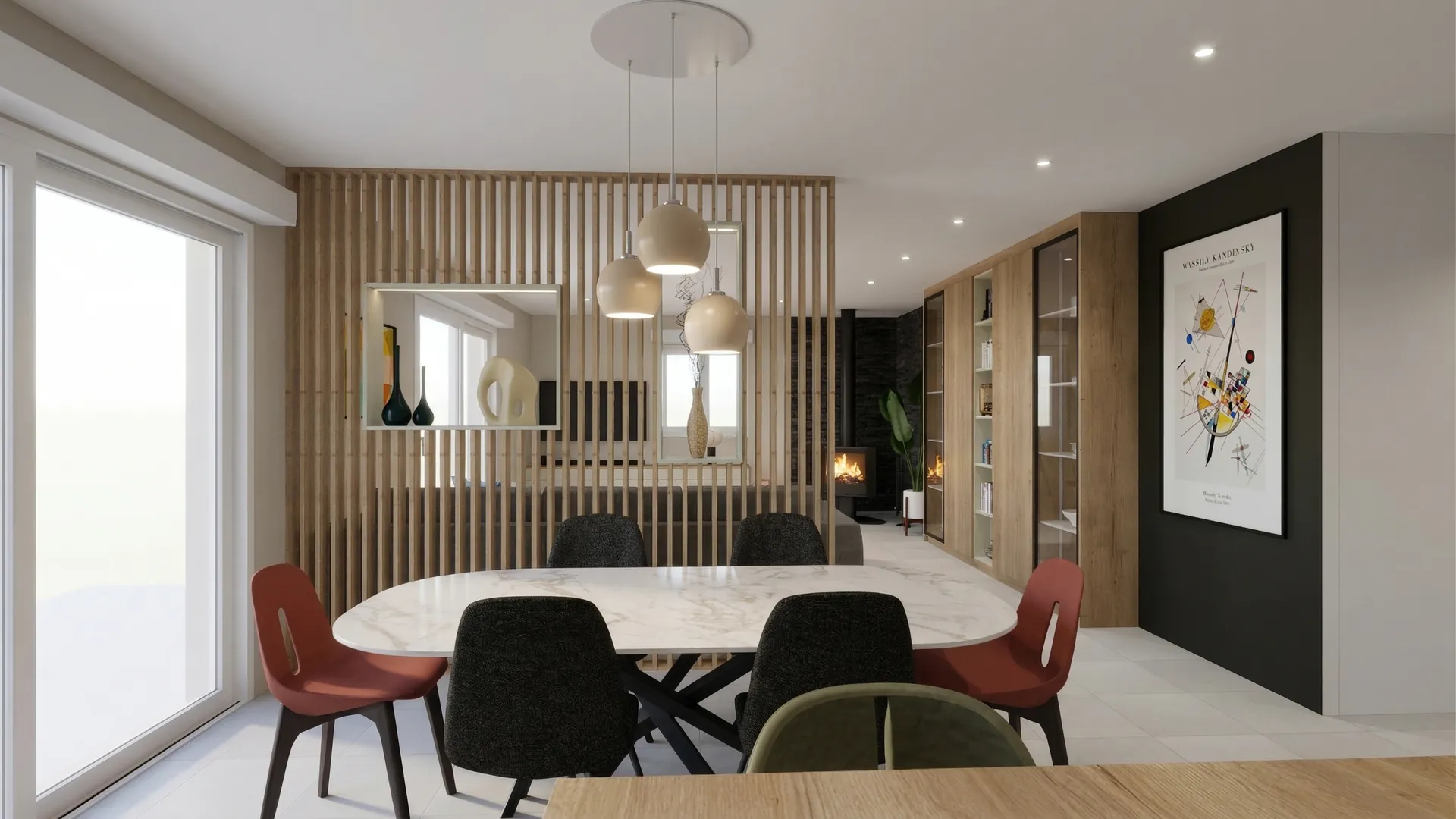
Behind the screen, the dining area stands on its own around the marble table. The mismatched chairs bring the colour the rest of the room holds back, and the matt black panel sets off the print.
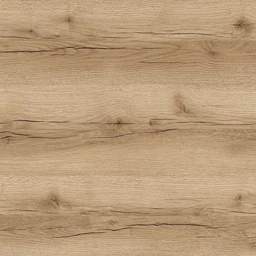 Verona oakScreen and bookcase
 Inverness taupeLiving room walls
 Santander marbleTable top
 Padua grey stoneFloor
03
Kitchen
Sage green as the thread: fronts and island, a pale worktop, a veined stone splashback.
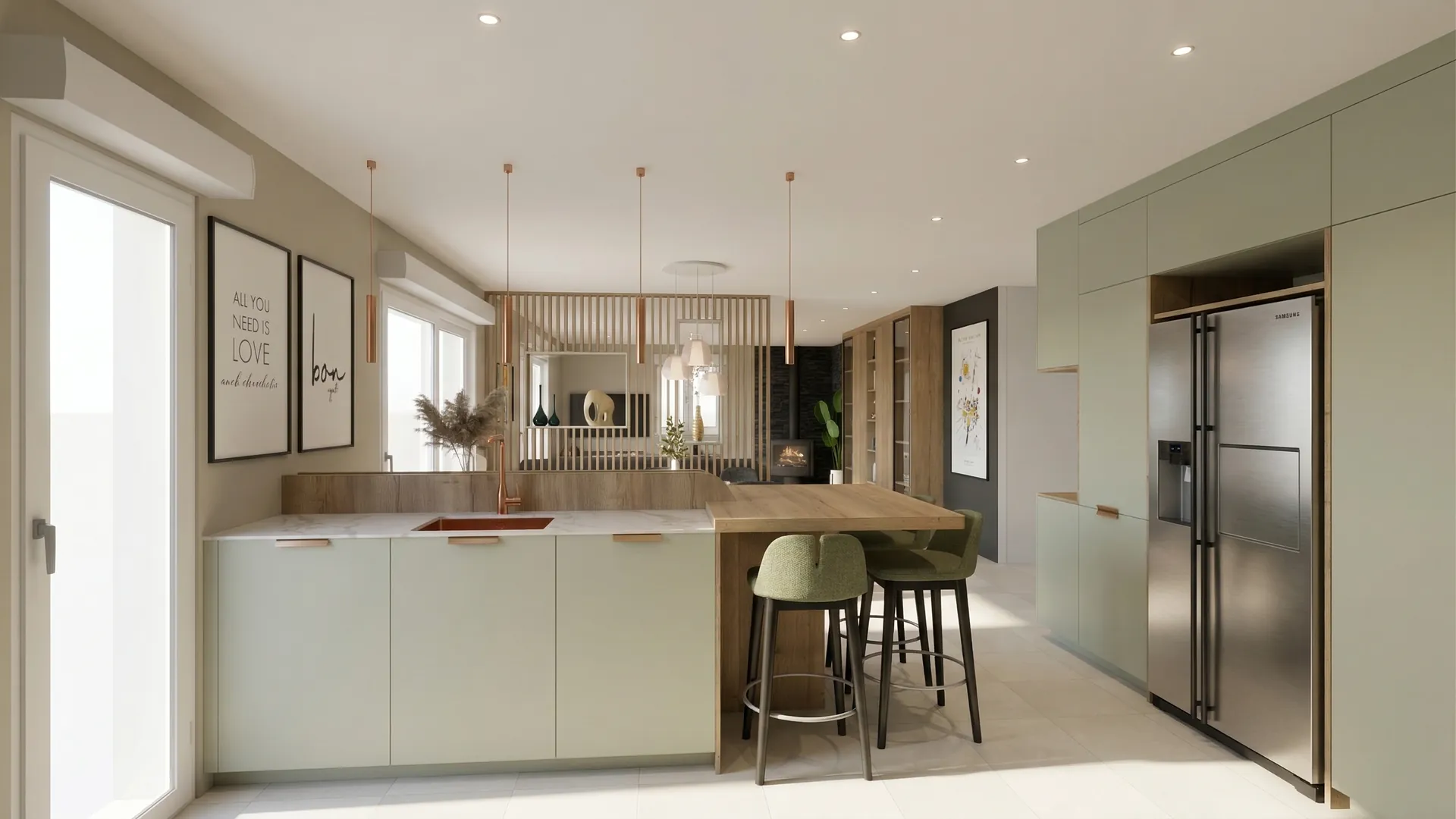
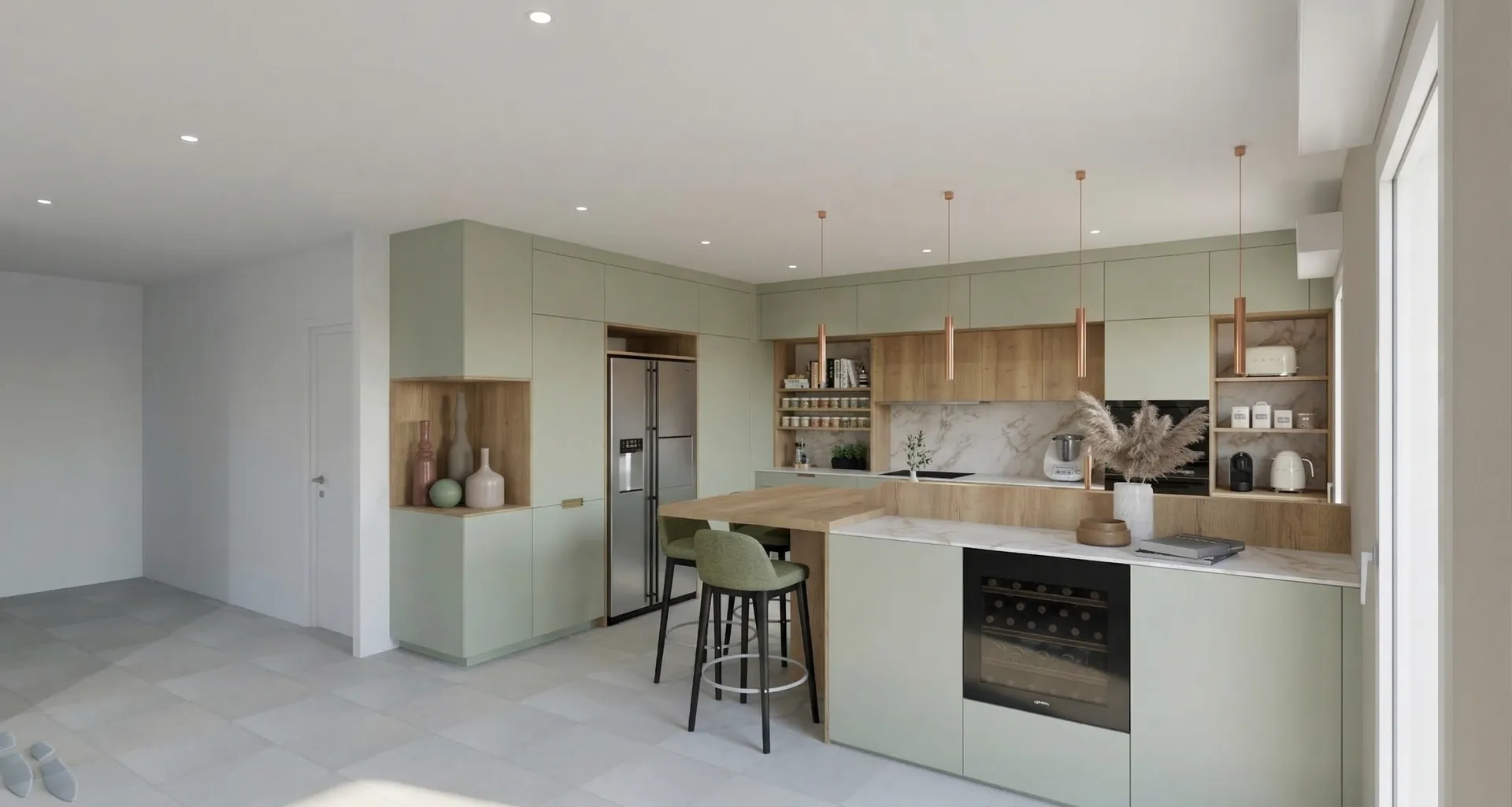
Colour palette
- Toulouse grey-green#8C968A
- Verona oak#B89B79
- Santander marble#D1D0CA
- Sorrento copper#CD978A
04
Entrance hall
A staircase that sets the tone: the first image you keep of the home.
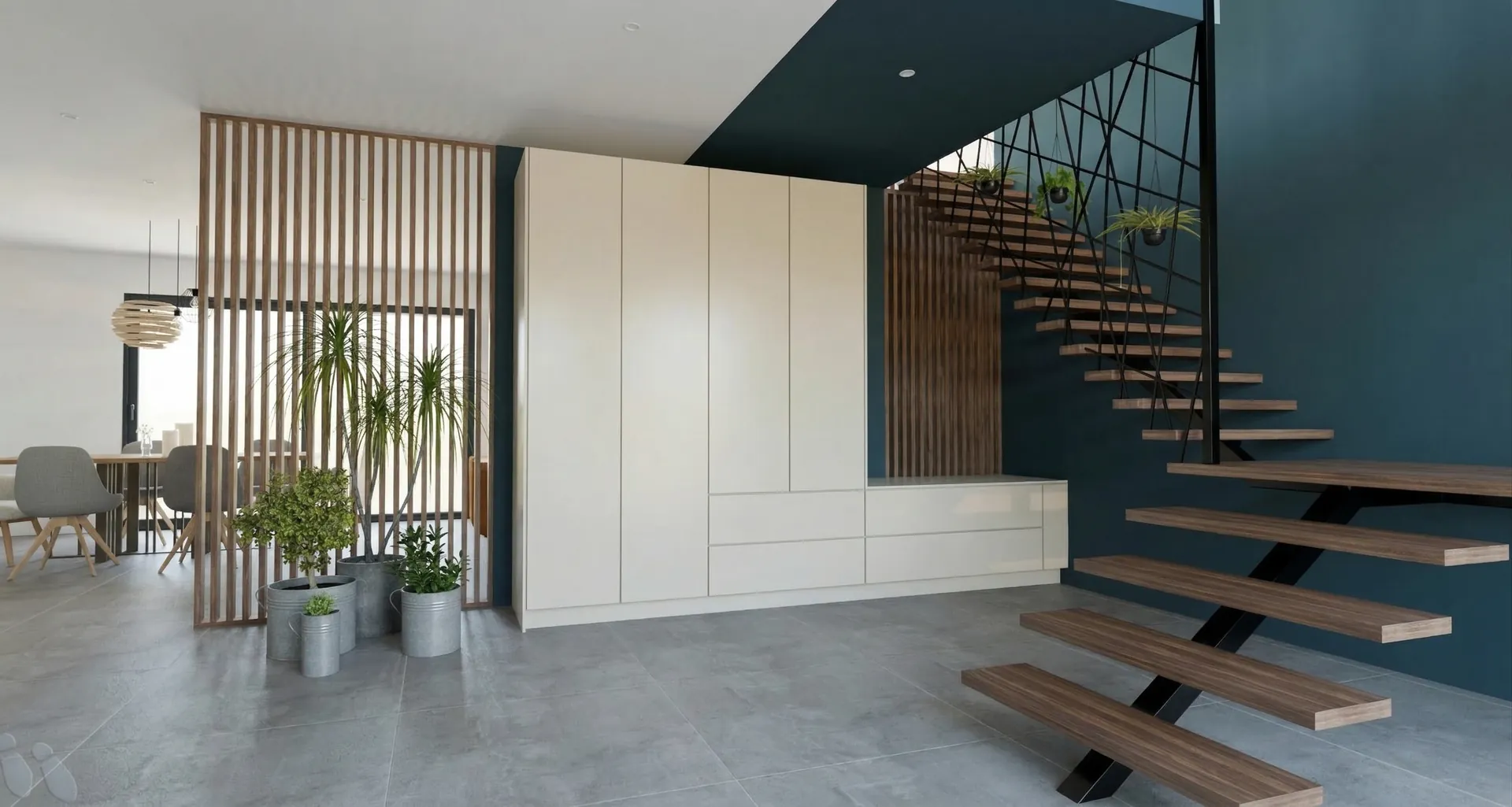
The floating wooden treads and the black handrail stand out against the deep blue-green wall. The full-height cupboard takes the whole family’s storage.
05
From design to render
Drag the slider to go from the 3D sketch to the render.
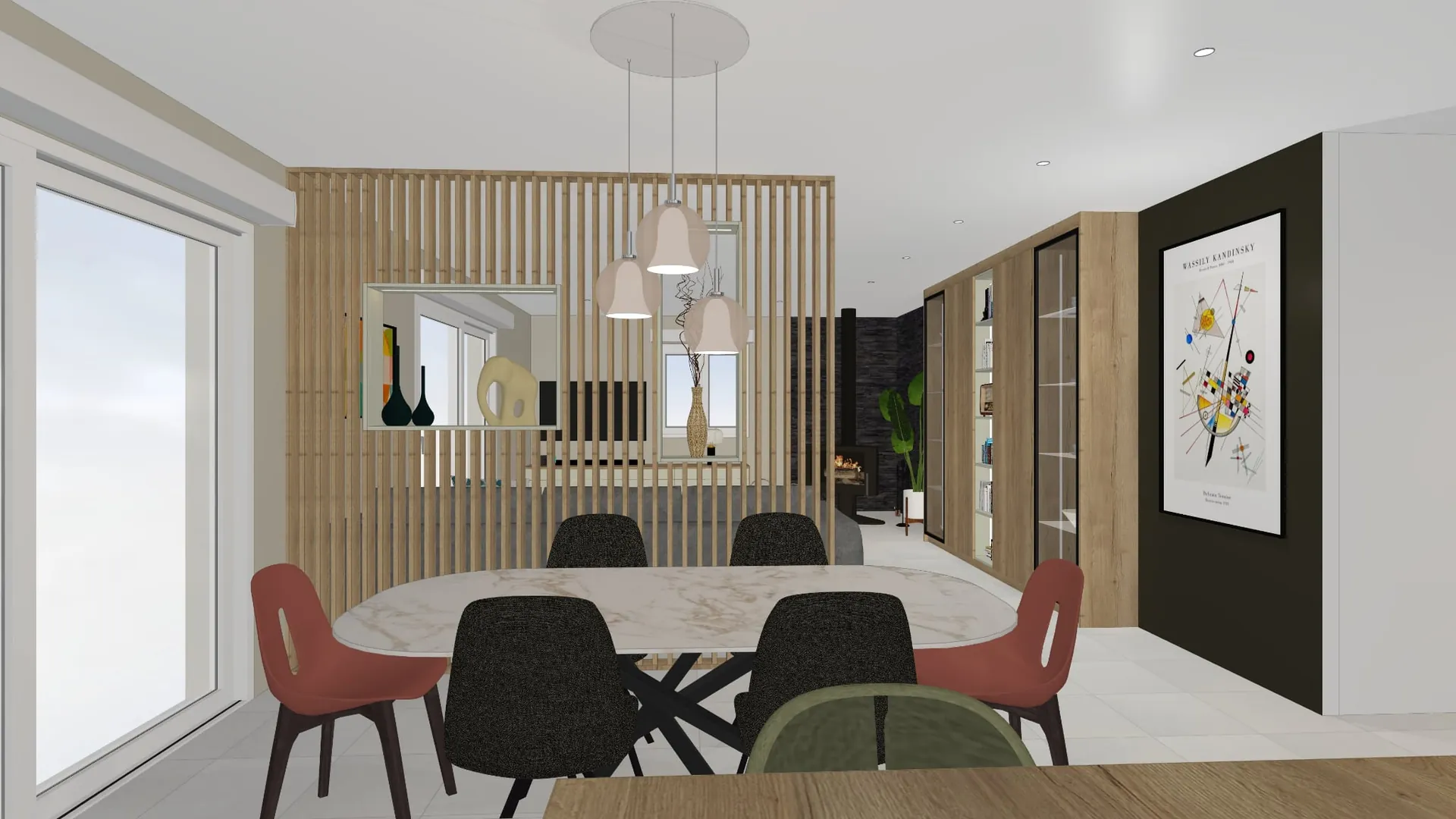
On a computer, the presentation begins
05
From design to render
Drag the slider to go from the 3D sketch to the render.
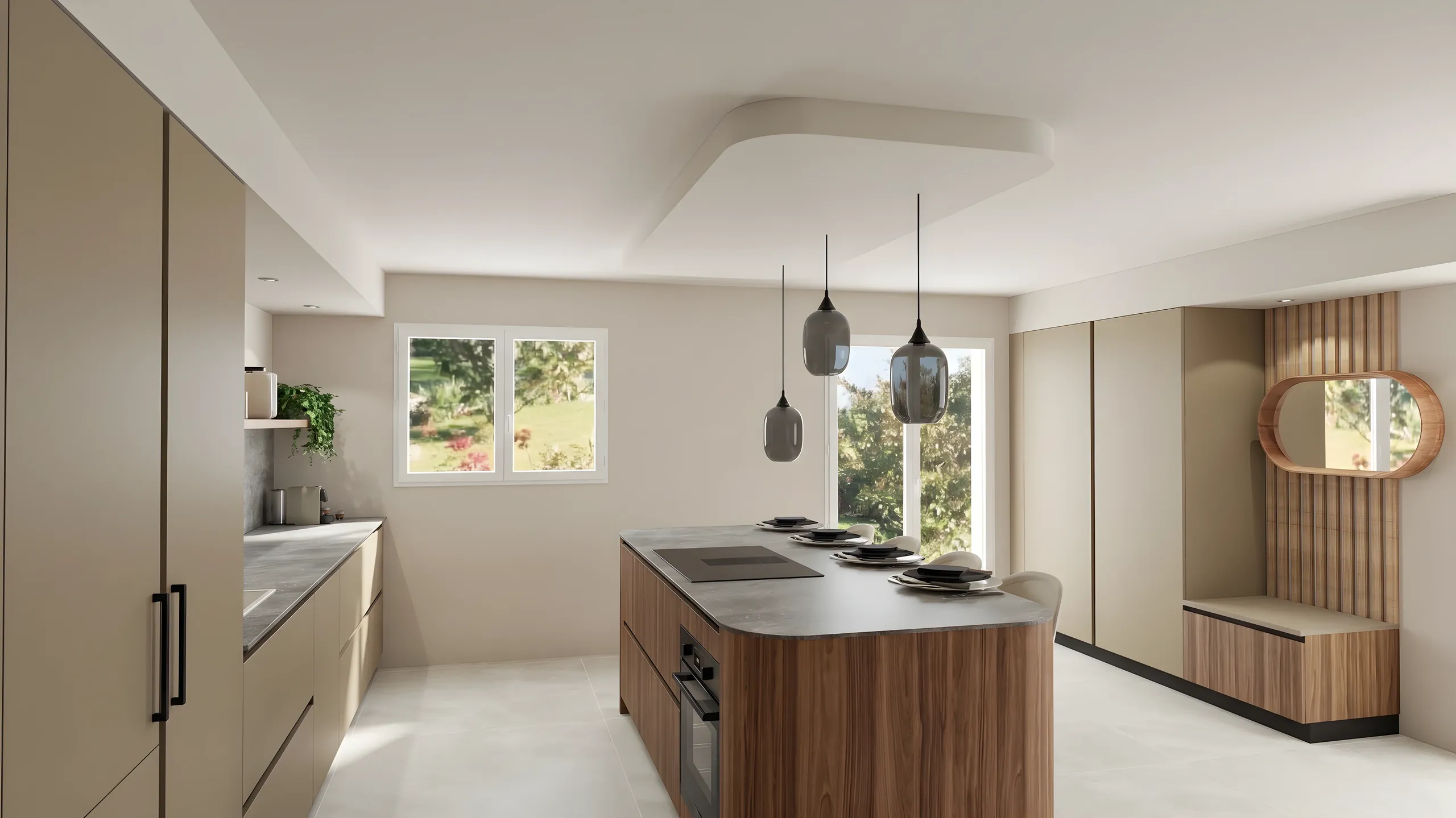
360° tour
06
The furniture
The pieces chosen for the living room, ready to order.
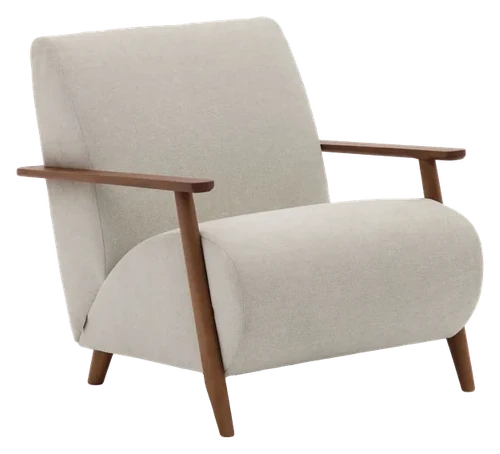 Kave HomeMeghan armchairSee the itemQuantity: 2
 Kave HomeMonsteraSee the item
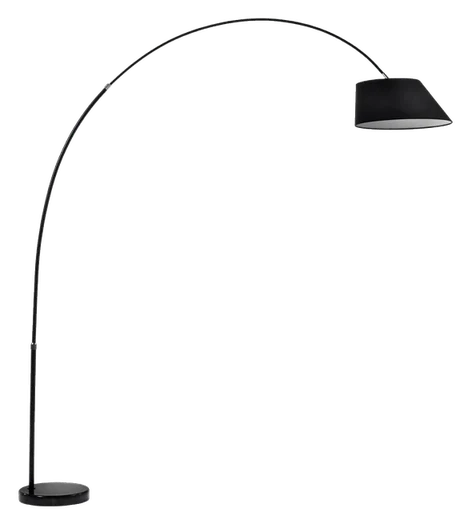 Kave HomeMay floor lampSee the item
07
Schedule
Dates firm up once the plans are approved.
- DoneSite surveyMeasured on site, plans updated.
- In progressPlan approvalYour go-ahead on each room of this presentation.
- UpcomingManufacturingAbout six weeks in the workshop.
- UpcomingInstallationTwo weeks on site.
Atelier Orme
Interior fit-out and architecture
- contact@atelier-orme.example
- 01 23 45 67 89
- atelier-orme.example
On a phone, it continues
The presentation that speeds up decisions
A secure link
No more ZIPs and pixelated PDFs: the client opens a link and views the presentation as many times as they like, with nothing to install.
Before-after & 360° tour
Slide from one state to the other with the before-after comparison, and immerse the client in the room with a 360° panorama.
Built-in product sheets
Add an Articles block listing real catalog products, with their brand and a link: the client knows what they see and where to find it.
In your brand
Your logo, colours, fonts and contact details: each presentation carries your brand, and you can keep several if you design for several companies.
Renders and moodboards together
A single presentation gathers your renders, comparisons and moodboards: the whole project in one place, in the right order.
Readable on any screen
The presentation adapts to phone, tablet and computer, and the client can download it as an A4 PDF to print.
How it works
Gather your visuals
Select the renders and moodboards to present.
Customize the presentation
Arrange the chapters and choose the brand that signs it.
Share a secure link
Your client views the presentation online, readable on mobile.
Who it is for
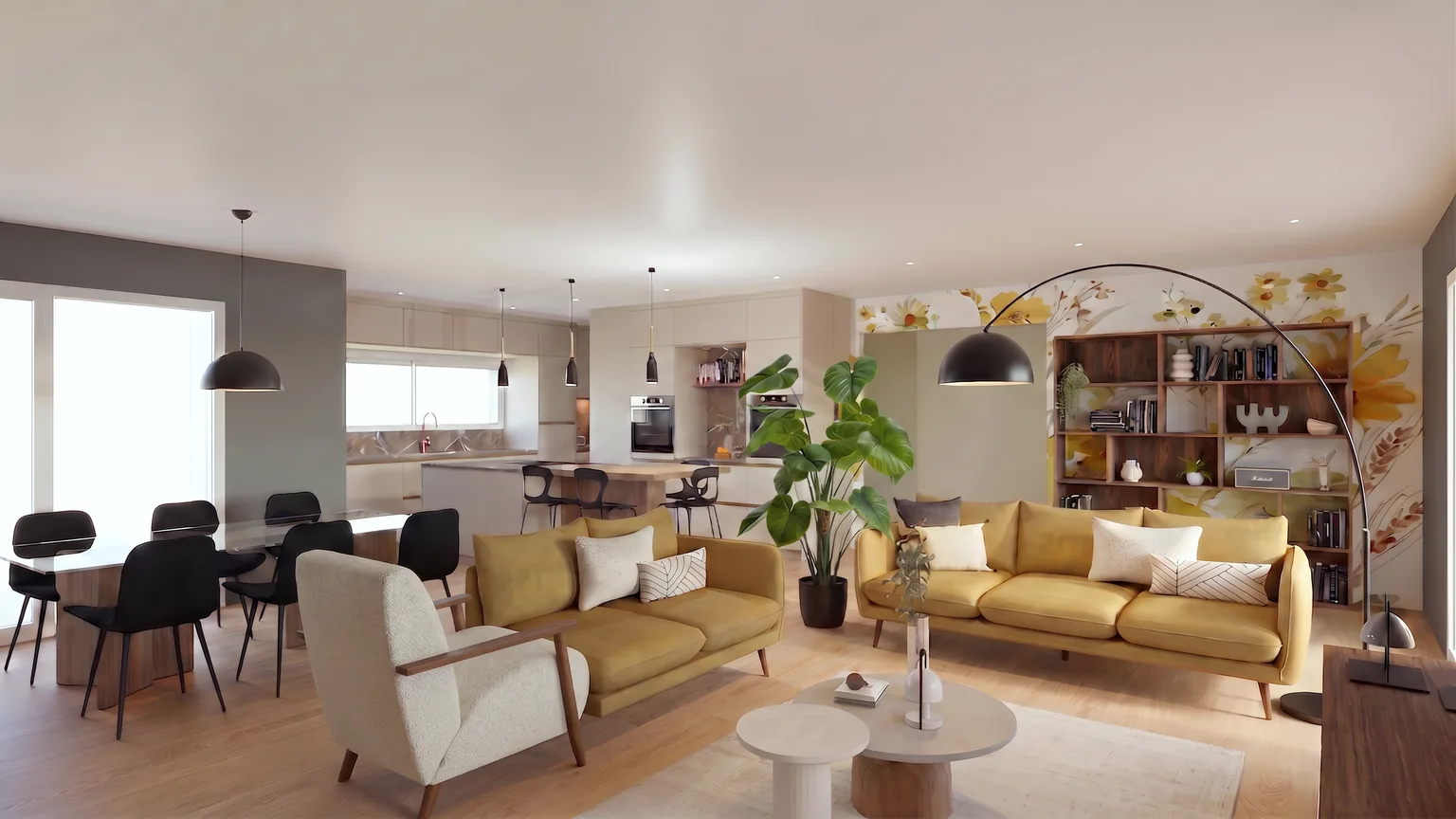
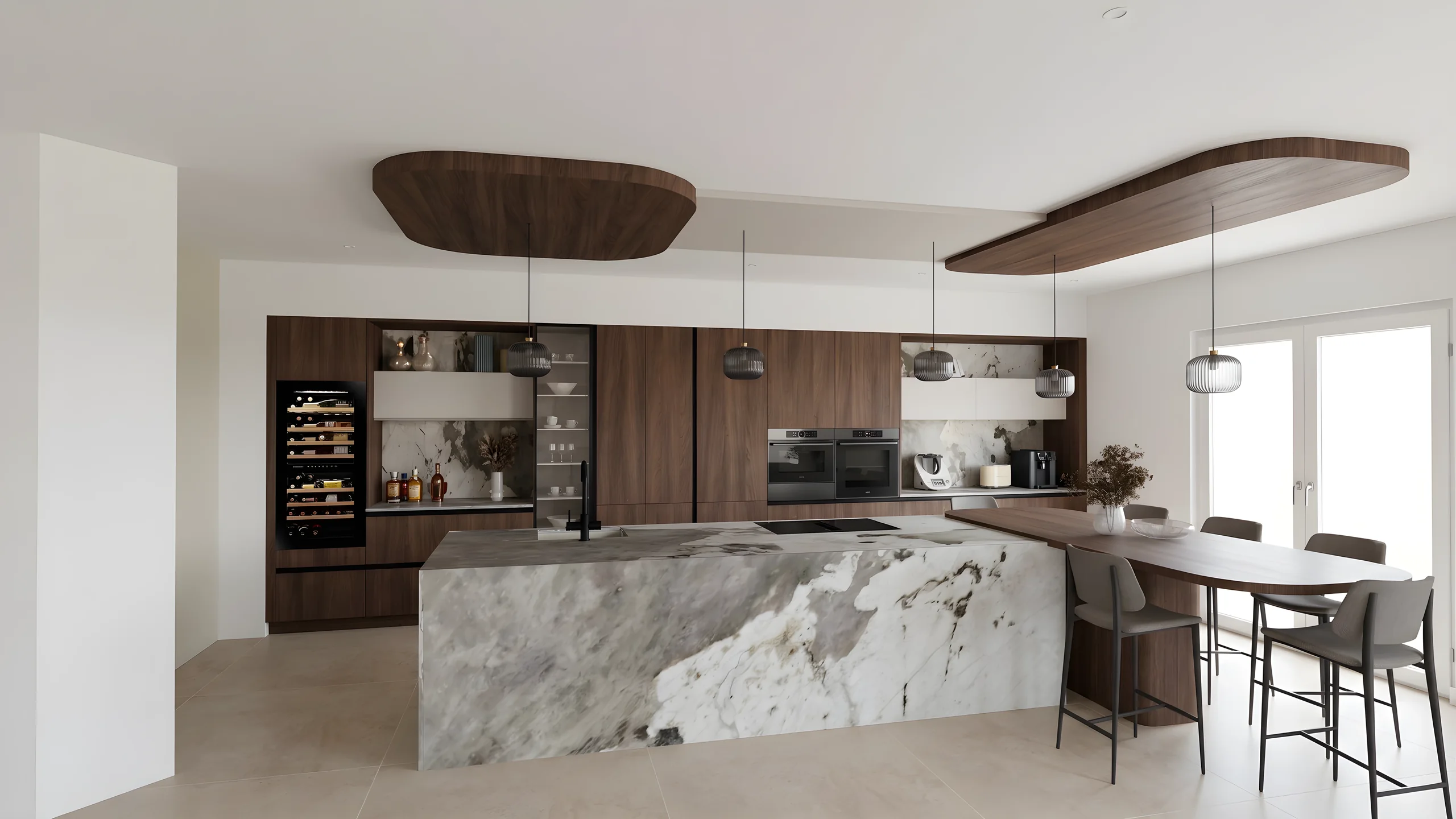 Kitchen designersTurn your Winner and InSitu exports into photorealistic renders and present them in the showroom via a secure link.
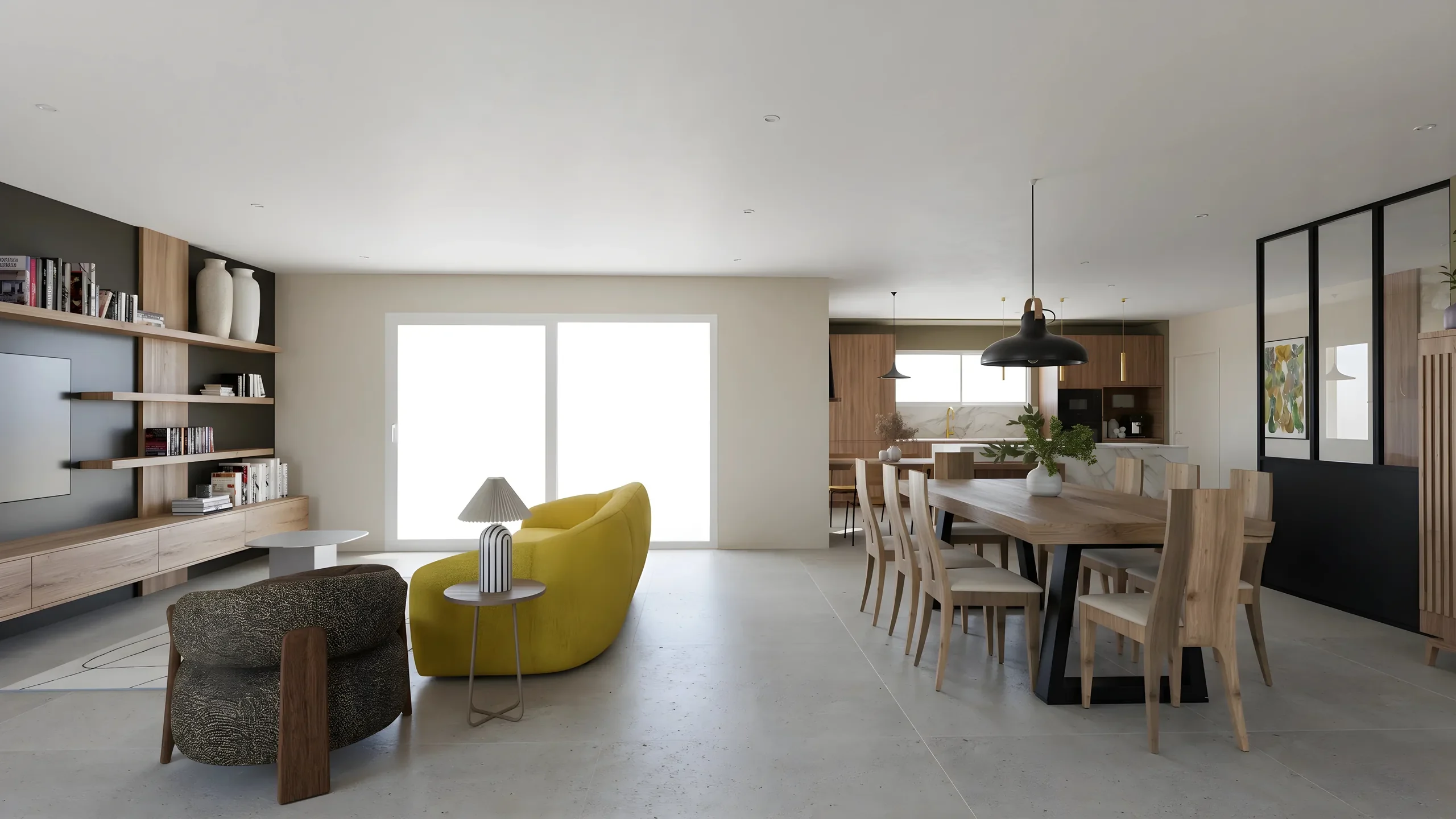 Interior ArchitectsPhotorealistic renders from your SketchUp or Revit exports, ready to present in minutes.
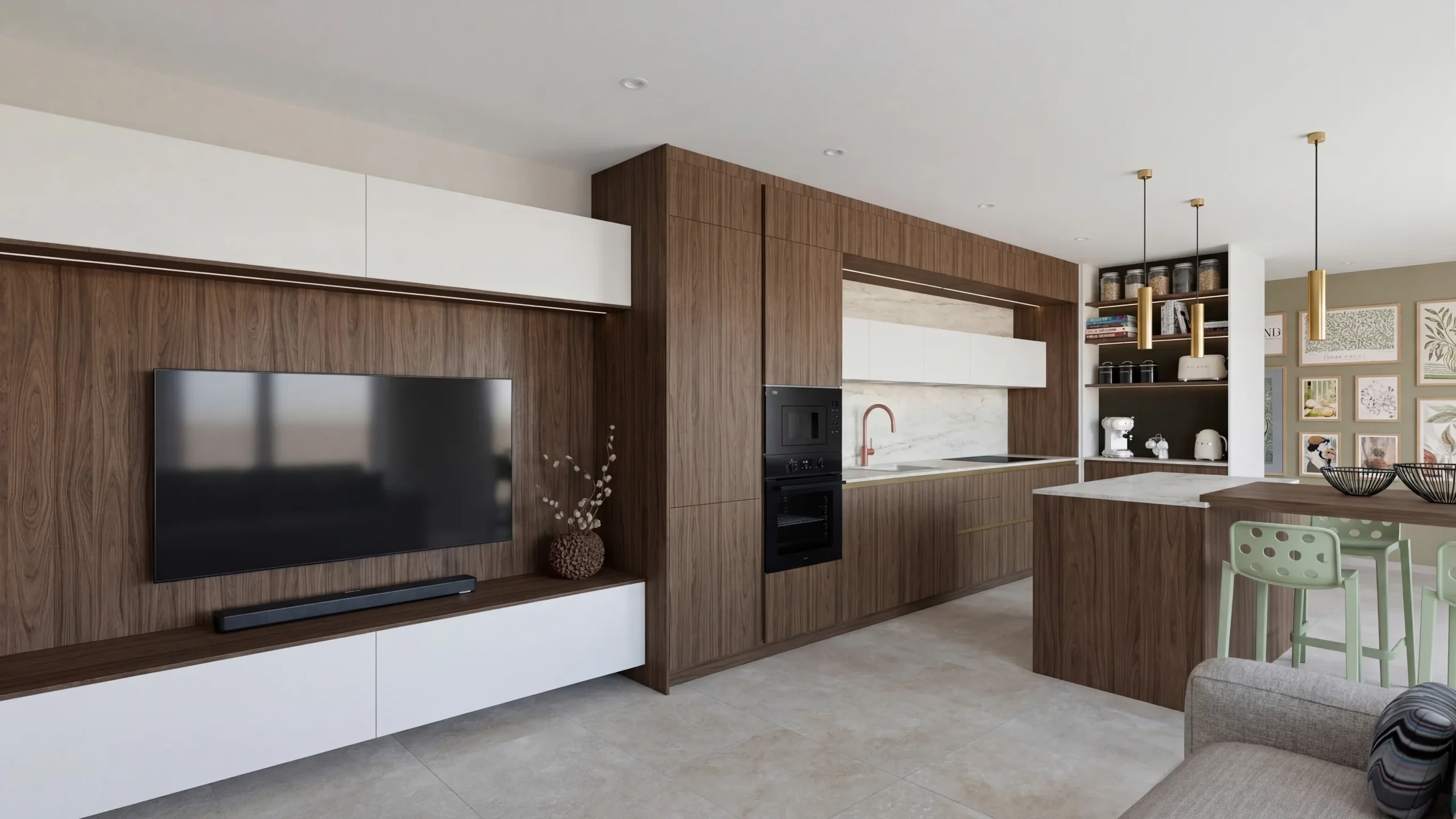 Space PlannersVisualize your office, retail and restaurant fit-outs and get them approved by your professional clients.
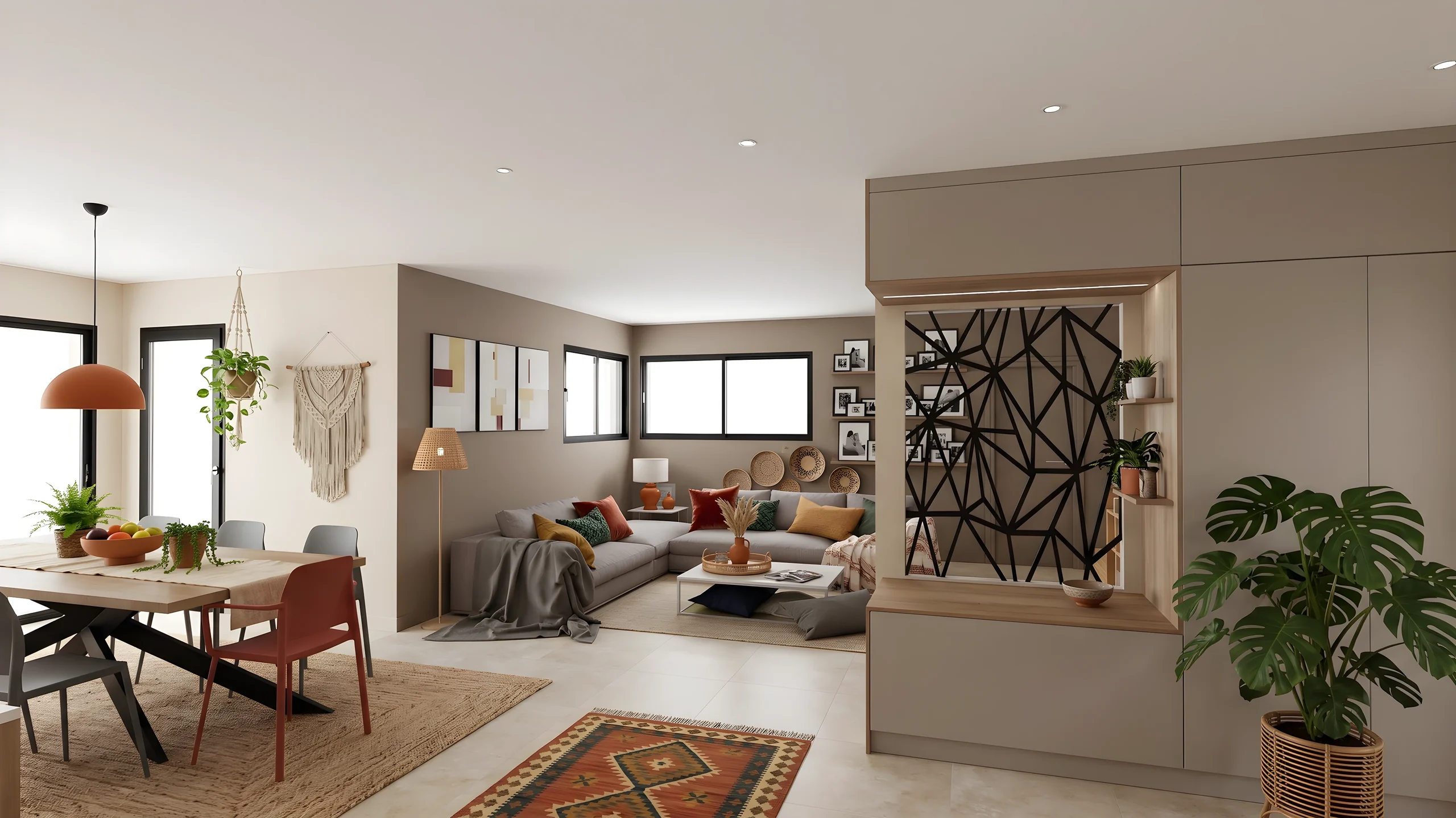 DecoratorsLet your client picture the ambiance, colors and materials before buying any furniture.
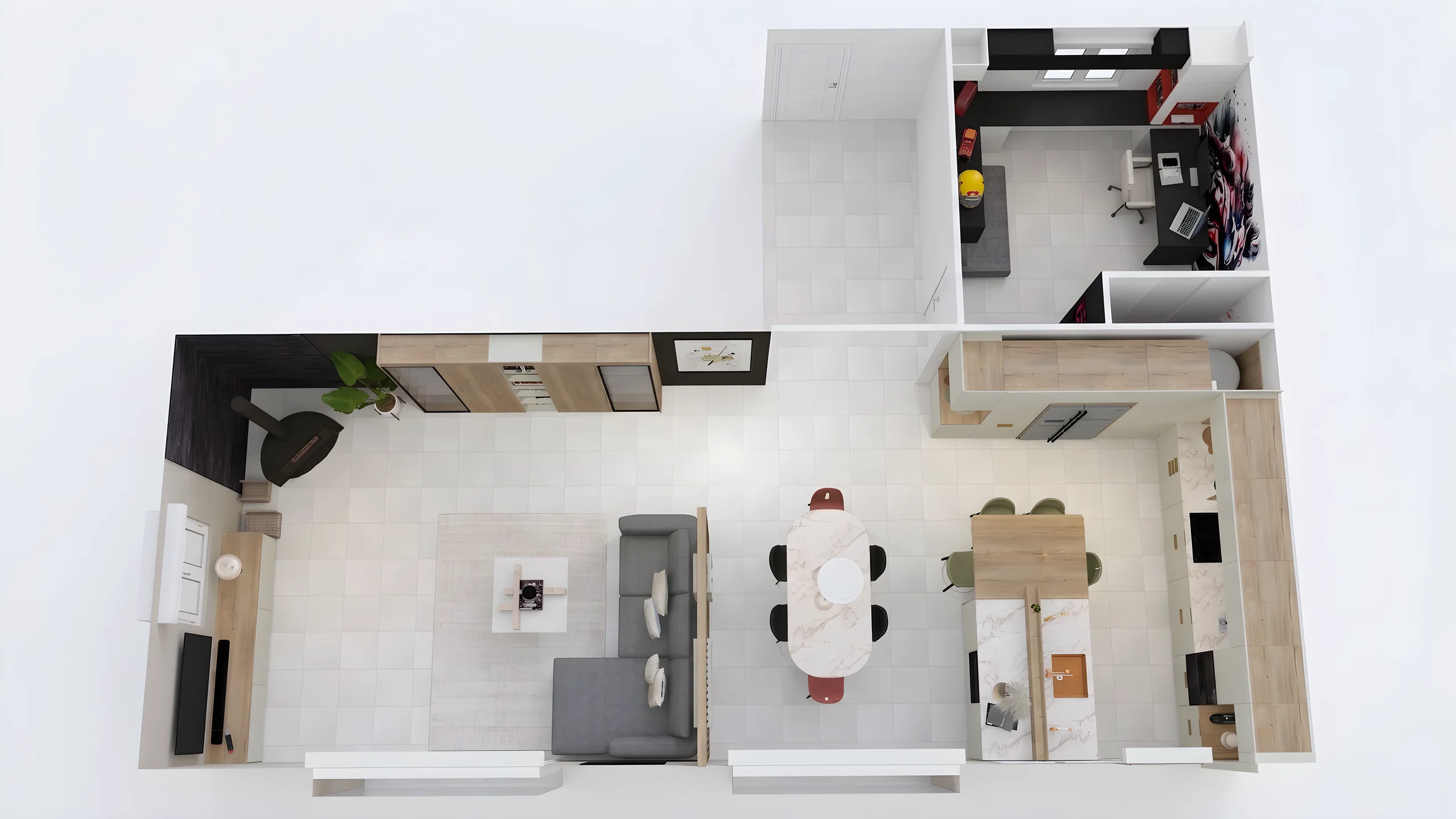 Home stagingRestyle and showcase your already-furnished listings for visuals that drive viewing requests.
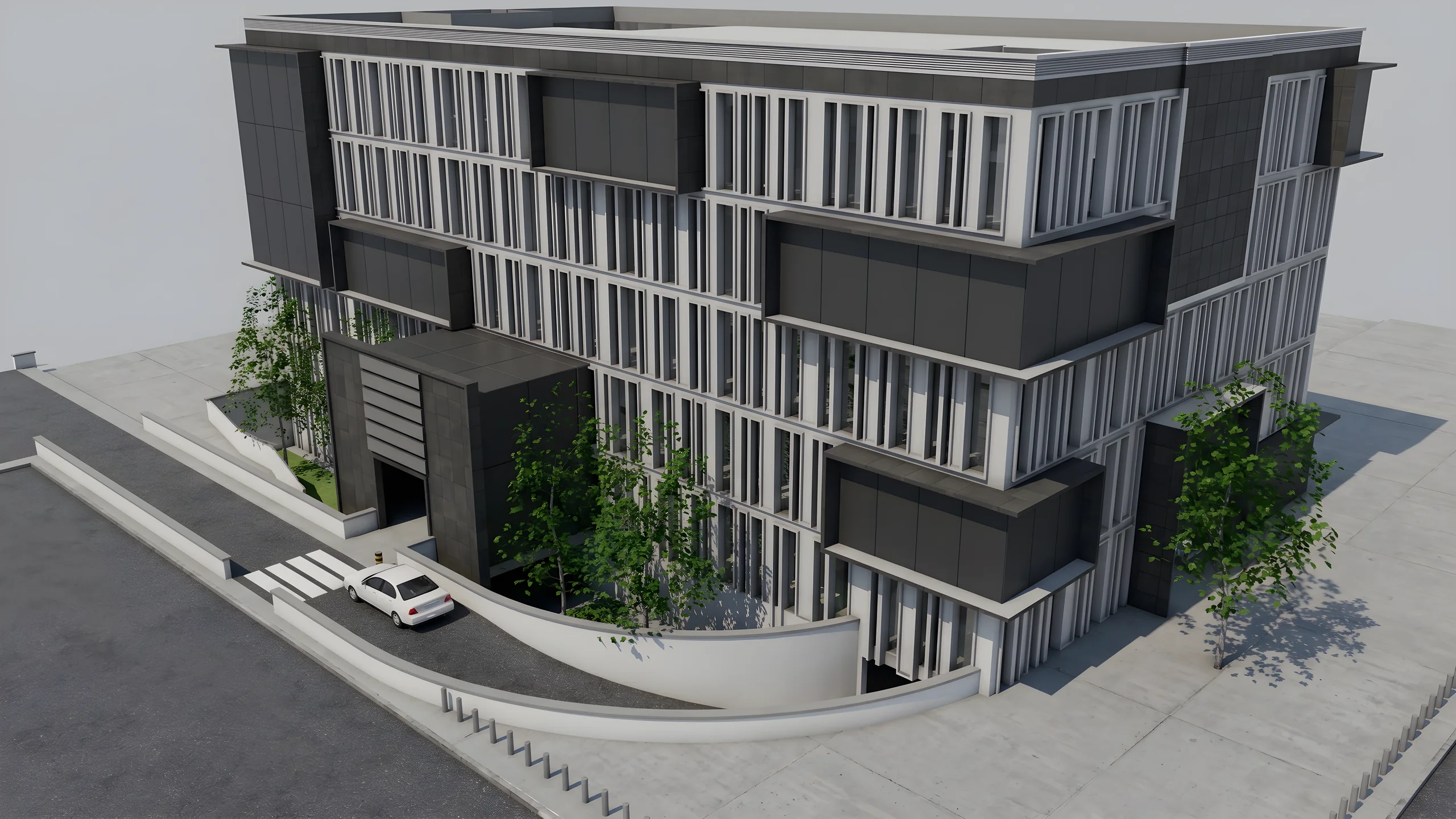 Property developersVisualize every apartment typology for off-plan sales, in minutes instead of weeks.
Read next
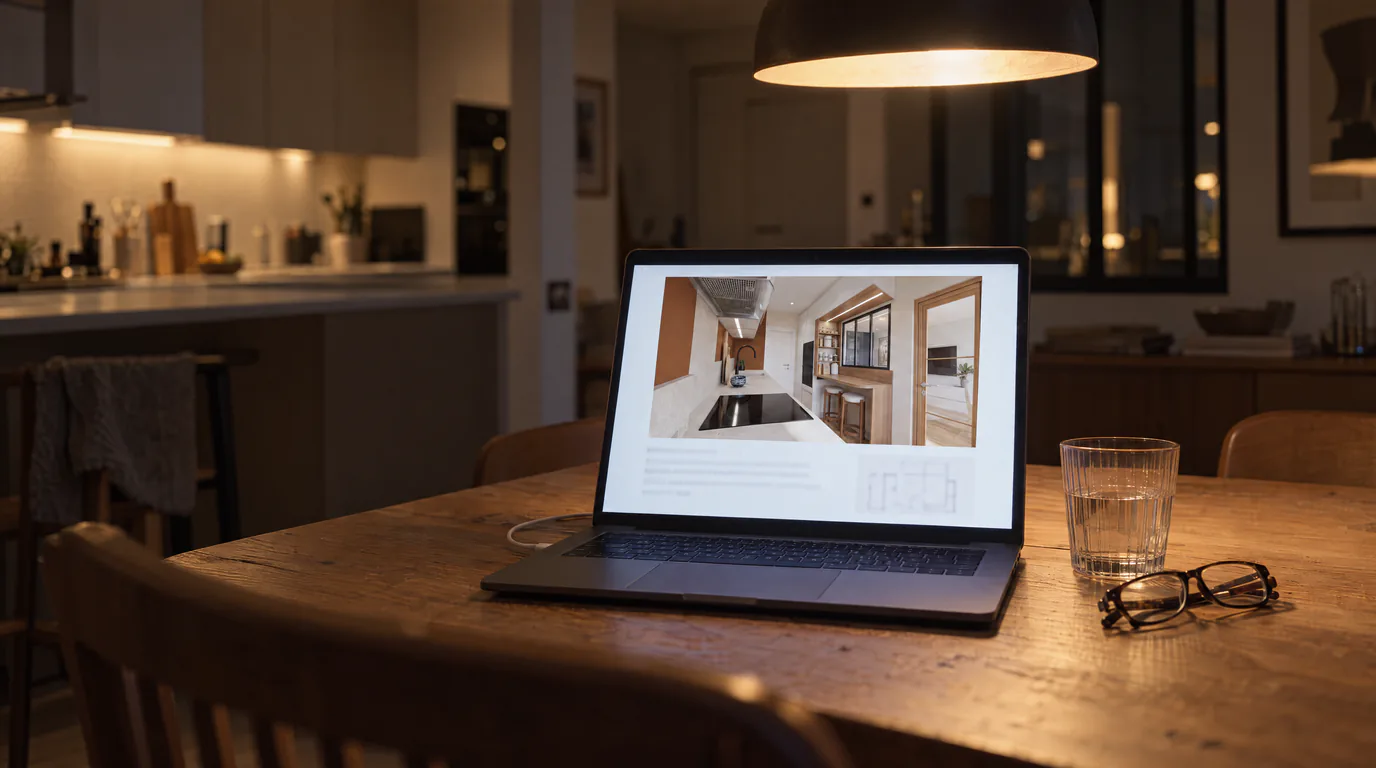 Business
Interior Design Presentations: Double Your Close Rate
PDF presentations not convincing clients? Create interactive photorealistic presentations with secure share links that close deals on the first meeting.
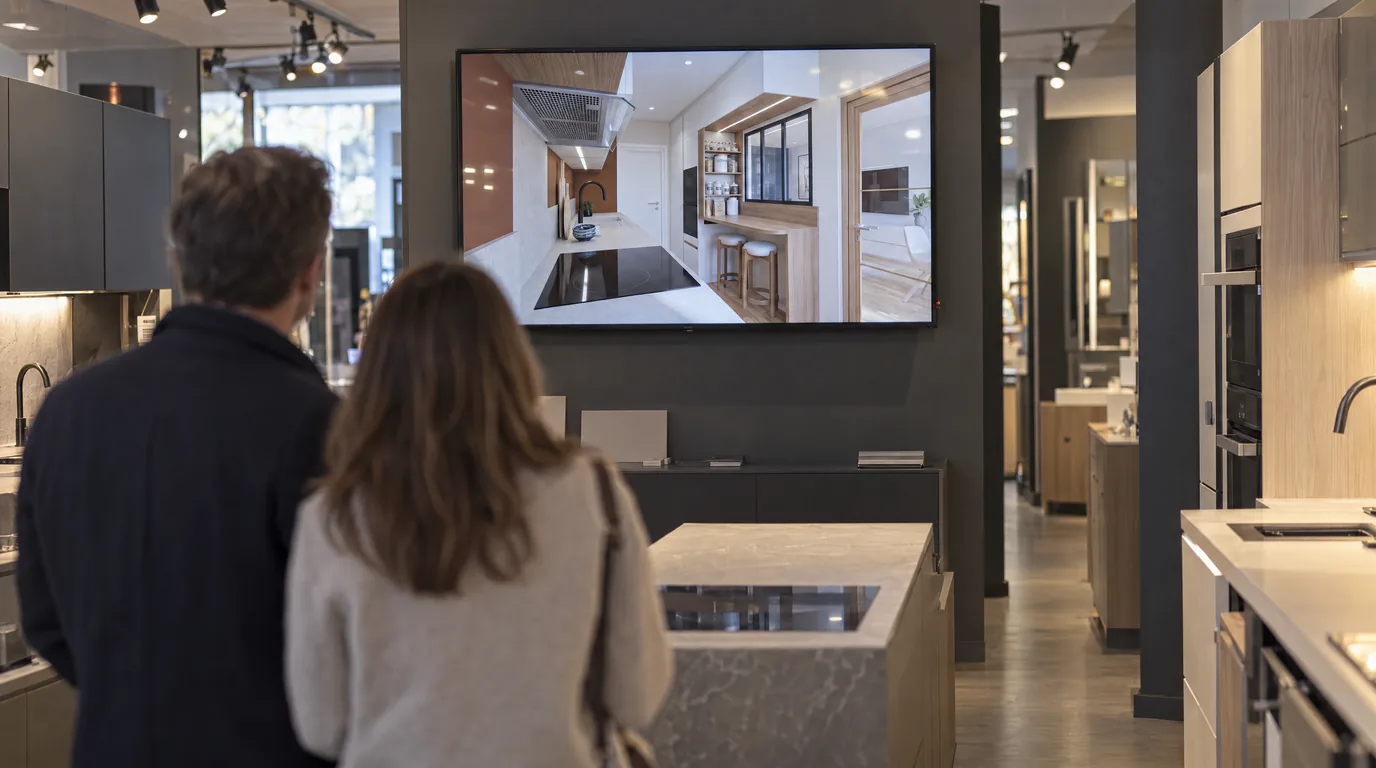 Use cases
Kitchen Designers: Showroom Presentations That Close Sales
Your Winner renders look flat? Create photorealistic presentations with your logo and pro layout, shareable via secure link.
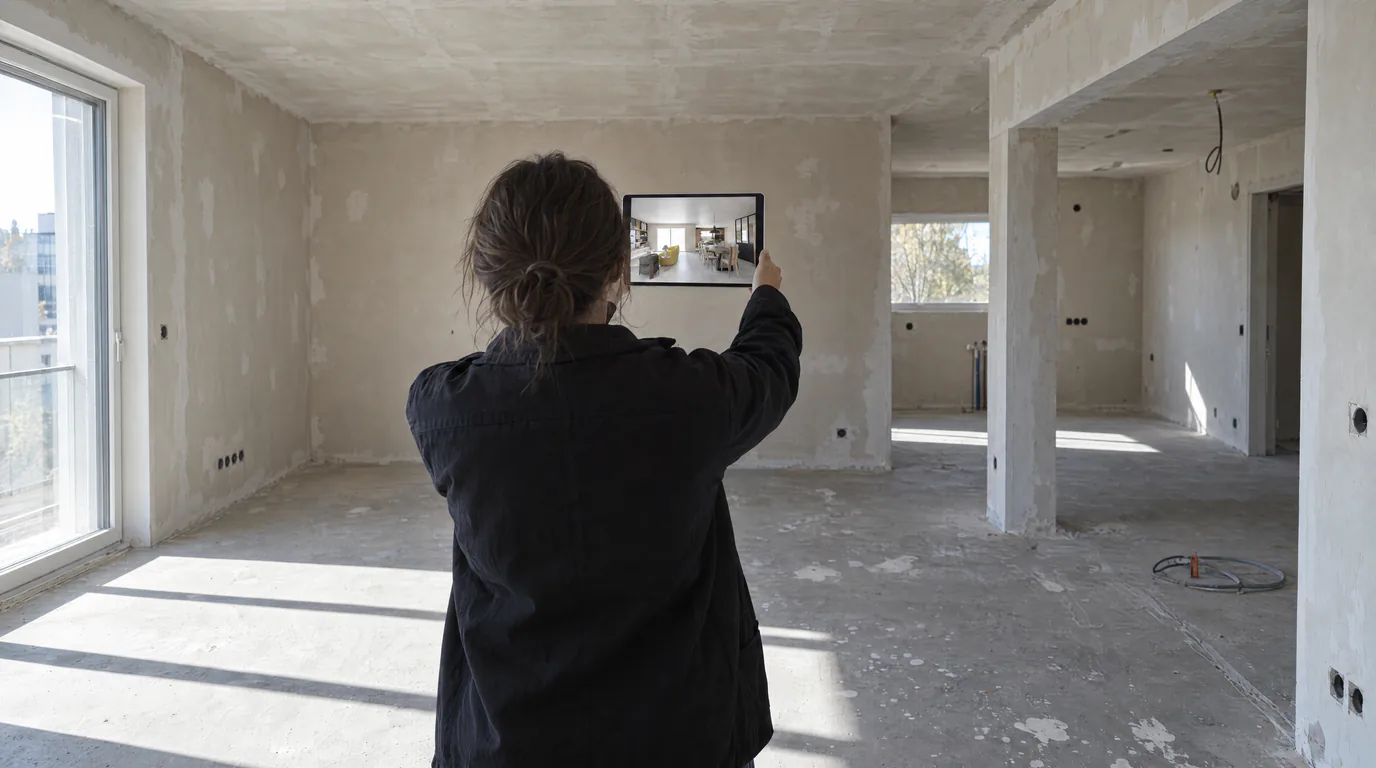 Guides
Integrate a 360 Panorama in Your RenderThink Presentations
The required format (2:1 equirectangular), how to export it from any 3D software, then integrate it into a photorealistic virtual tour with RenderThink.
Try it on your own project.
Import an export, start a render, edit one zone, share the link.
14 days, no commitment