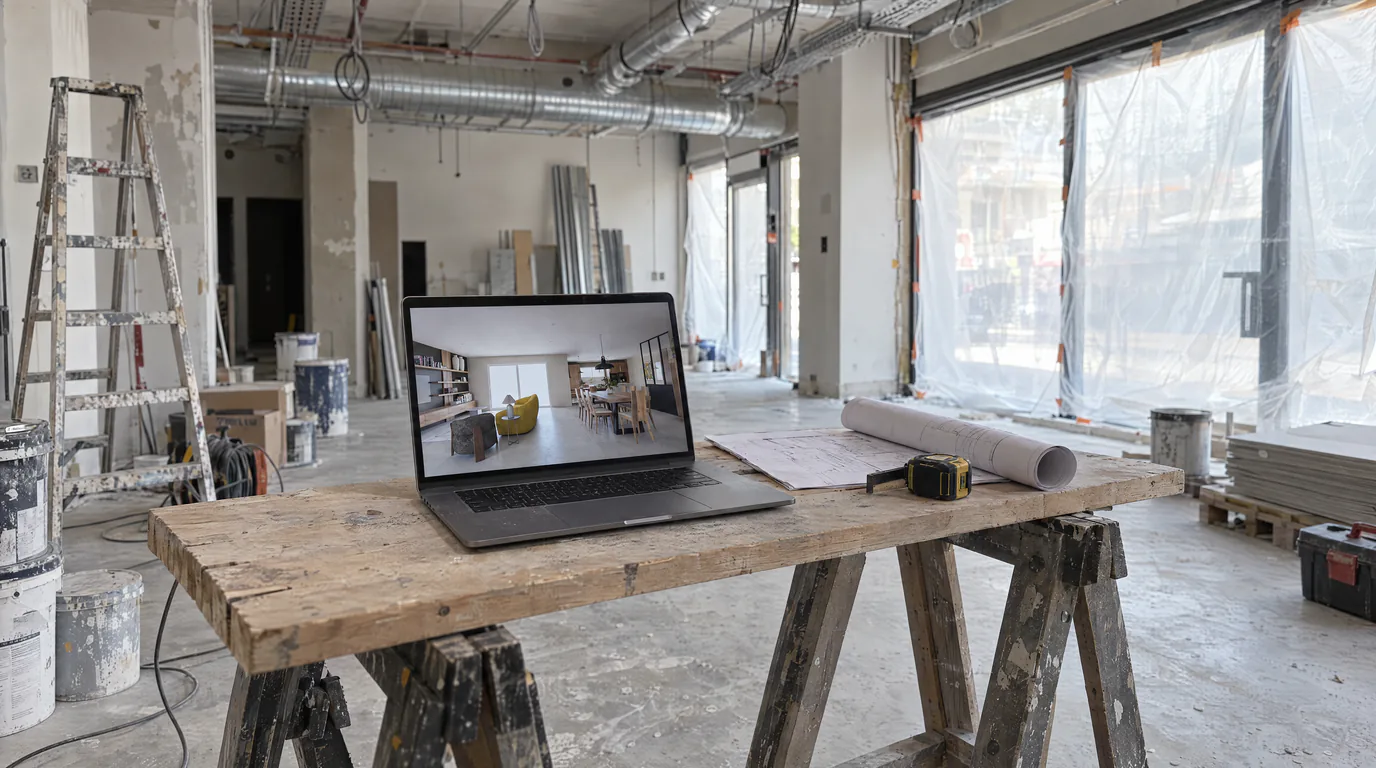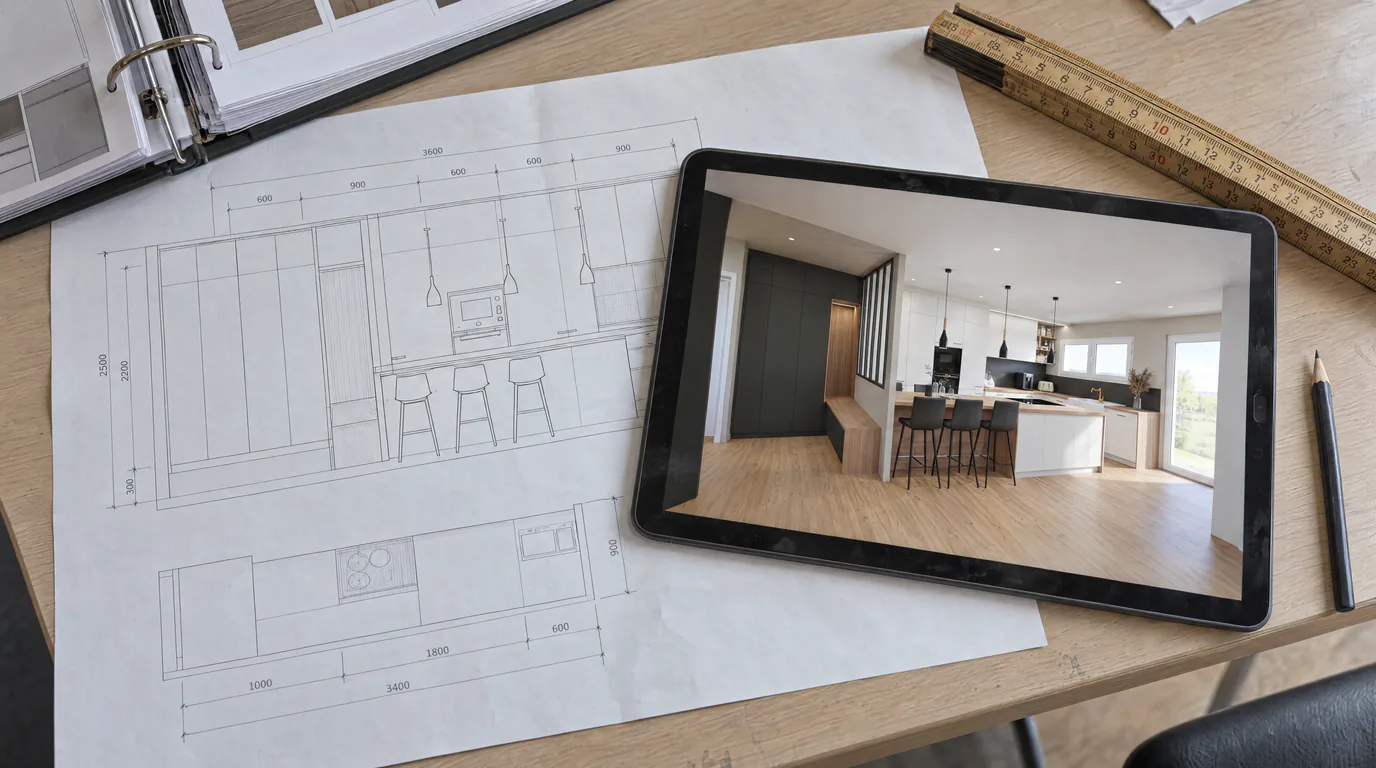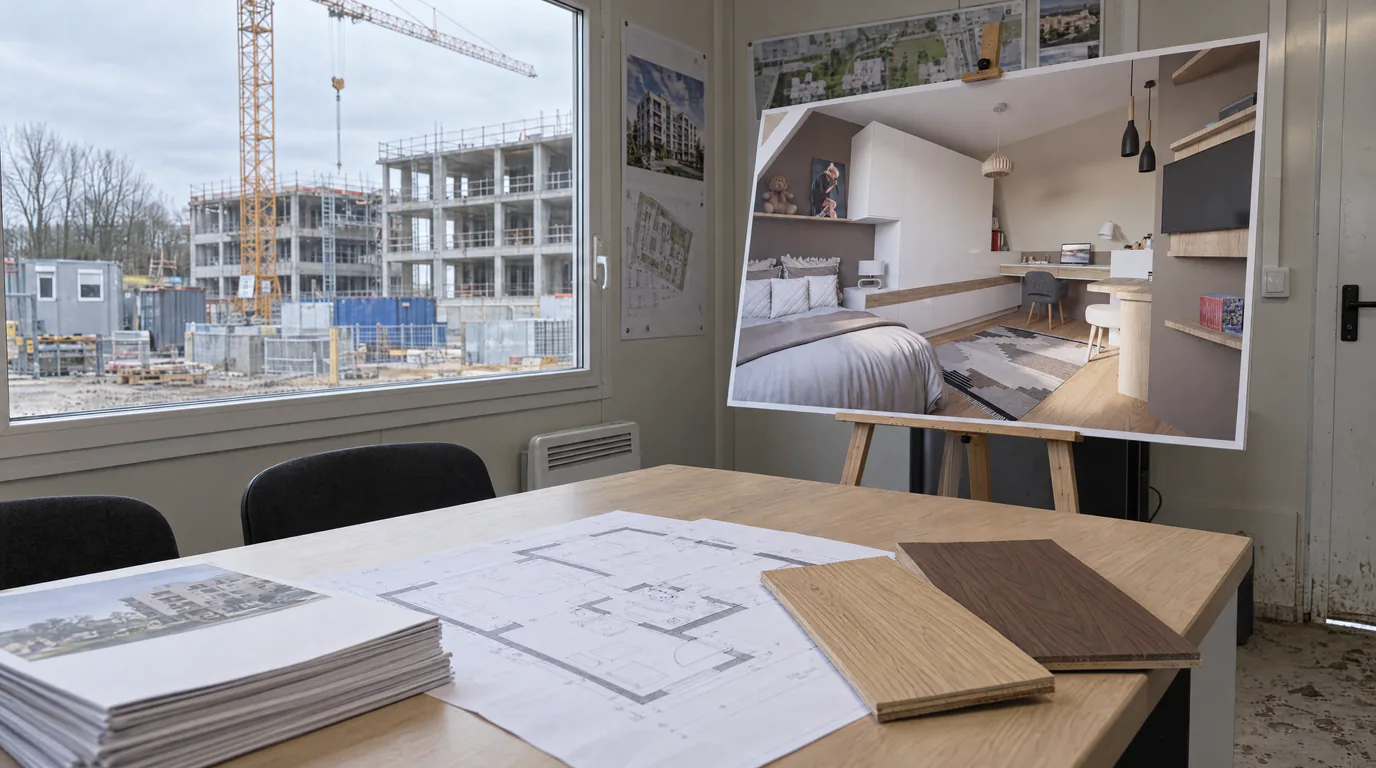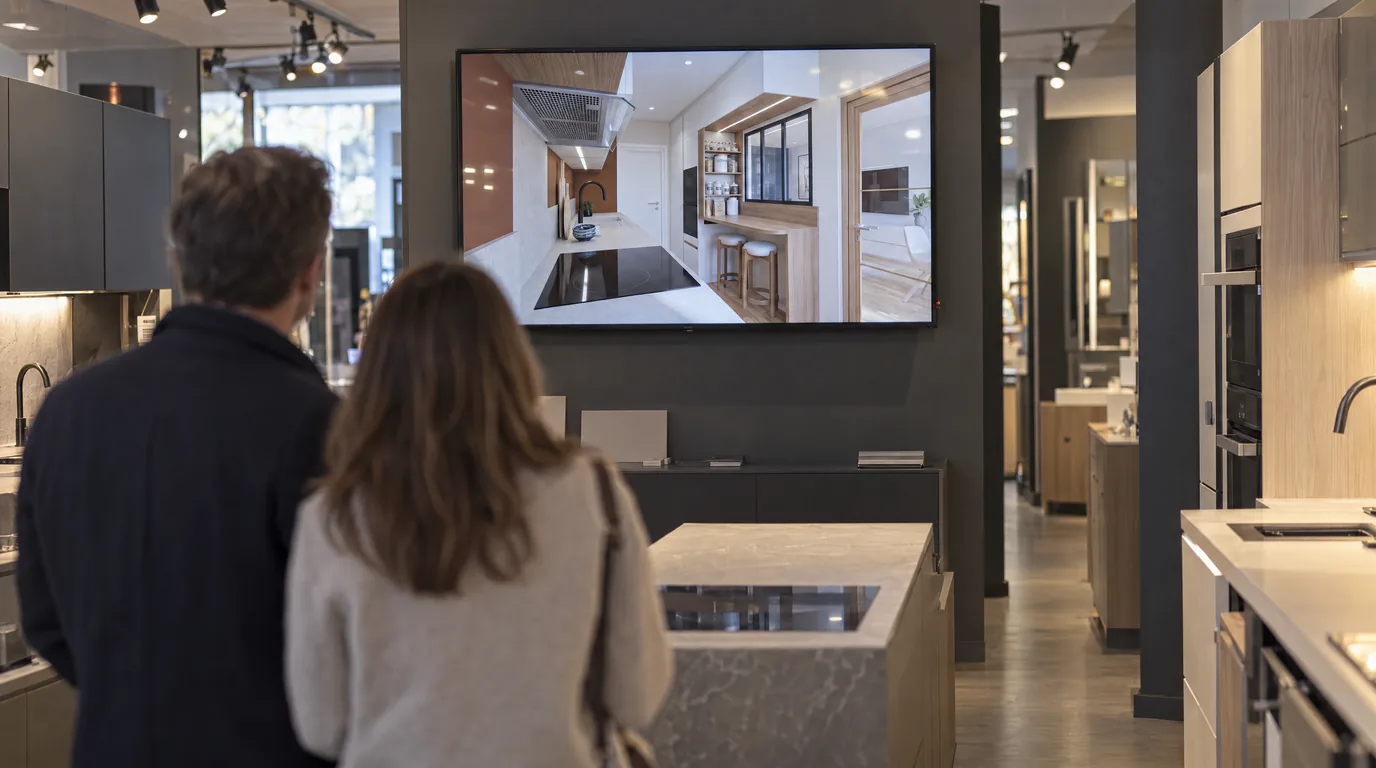
The scene is familiar to every kitchen designer: a couple walks into the showroom, you spend an hour designing their kitchen on Winner Design or InSitu, adjusting every cabinet, every front, every countertop. The technical result is flawless. But when it comes time to show the render, the magic fades. The image is acceptable but flat, the textures lack realism, the colors do not quite match reality. The client leaves saying they will "think about it." And you know what that usually means, in most cases, they will not come back to sign.
The problem: Winner and InSitu renders do not sell kitchens
Let us be clear: Winner Design and InSitu are excellent design tools. They allow you to configure a kitchen with precision, verify dimensions, generate technical drawings, and produce purchase orders. But their built-in renders are not designed to sell. The textures are generic, the lighting is artificial, and the result looks more like a 3D diagram than an interior photograph.
Yet the decision to buy a kitchen is primarily emotional. The client is not buying cabinets and hinges. They are buying a living space, a place where they will host friends, prepare Sunday meals, and share family moments. To trigger that emotion, you need a visual that lets them project themselves into the space. You need a photorealistic render.
From Winner Design exports to photorealistic kitchen renders
The process is remarkably straightforward. From Winner Design or InSitu, you export your kitchen view as a PNG, JPEG, or WebP file (max 10 MB). You upload this image to the platform. In under 2 minutes, AI transforms it into a striking photorealistic render: natural lighting, realistic reflections on countertops, faithful wood or lacquer textures, credible depth of field.
Your Winner project remains intact. Proportions are preserved. Materials are faithful. But the image now has the visual quality of a professional photograph. It is your design, elevated.
The presentation builder: your ultimate showroom sales tool
A beautiful render alone is not enough. What makes the difference in the showroom is the complete staging of the project. That is why the drag-and-drop presentation builder is the tool that will transform your closing rate.
In just a few minutes, you assemble a professional presentation that includes:
Multiple viewpoints: the overall kitchen view, a close-up of the island, a detail of the countertop and cabinet fronts, a view of the backsplash. Each angle deepens the client's immersion in their future space.
Before-and-after comparison: place the Winner export alongside the photorealistic render. The "wow" effect is immediate and demonstrates the added value of your guidance.
Material variants: with AI editing, show the same kitchen with natural oak fronts, then white lacquer, then anthracite gray. The client concretely sees each option and can choose with full confidence.
Swatches and samples: add color reference images and material swatches to anchor the visual choice in the reality of available products.
Secure link sharing: the sale continues after the showroom visit
Here is what changes the game for kitchen designers. Once your presentation is created, you share it with your client via a secure link. The client can view it at home, on their phone, tablet, or computer. They can show it to their partner, to their family, and revisit it as many times as they wish.
This solves the fundamental problem of showroom sales: the client no longer leaves empty-handed with a vague memory of what they saw on the designer's screen. They leave with a professional visual portfolio that continues selling your project in your absence.
The difference is simple: a client who leaves with quality visual material keeps your project in front of them, whereas a printed quote ends up in a drawer.
Presentation practices that close sales in the showroom
Here are the best practices to get the most out of your presentations:
Export at least 3 different angles from Winner or InSitu. The overview provides context; close-up views let the client linger on the details that matter, handles, countertop, sink, faucet.
Systematically offer 2 to 3 cabinet front variants. Hesitation is natural and part of the buying process. By showing options, you eliminate the "I need to think about it" and replace it with "I choose this one."
Include visible appliances in your renders. A built-in oven, a designer hood, an integrated refrigerator, these elements ground the project in reality and help the client visualize the complete package.
Make the first visual count. It is the first image the client will see when opening the link. It should be the most impressive, the brightest, the one that immediately makes them want to see more.
The revenue calculation for a kitchen showroom
Let us run a simple calculation, purely for illustration. Imagine you receive 20 clients per month in your showroom and your current closing rate is 30%, that is 6 signed projects. If professional photorealistic presentations lift that rate by 10 percentage points, you move to 8 projects per month. On an average ticket of €8,000, those 2 additional projects represent €16,000 in extra monthly revenue.
The cost, meanwhile, comes down to a few credits per render, which amounts to a few cents per presentation.
Turn your showroom into a closing machine
Your kitchens are beautiful, your expertise is solid, your client service is impeccable. There is just one missing piece: visuals that match the quality of your work. Visuals that trigger emotion, that let the client see themselves in the space, and that continue selling after their visit.
Try free for 14 days: export your next Winner or InSitu project, generate your first photorealistic render, and create your first client presentation. In half an hour, you will have the tool that transforms your closing rate.