AI Rendering for Interior Architects: Photorealistic in Under 1 Min
Turn your SketchUp, Revit or AutoCAD exports into photorealistic renders in under a minute, with no GPU or training. Launch every room of a project at once, edit finishes with a brush and present to your clients the same day, via a secure link they view on any device.
14 days, no commitment
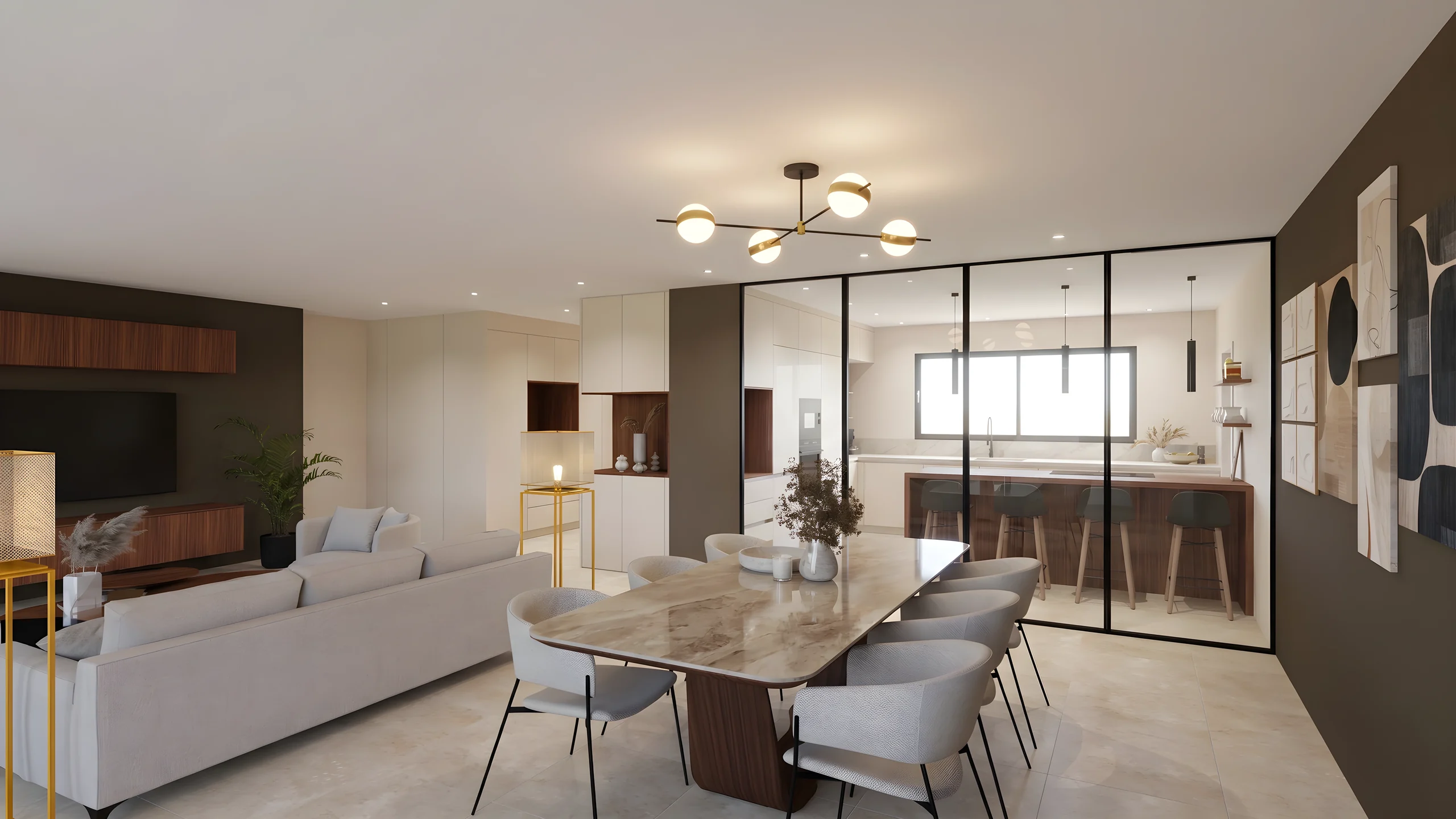
Your project is presented the same day, not three weeks later.
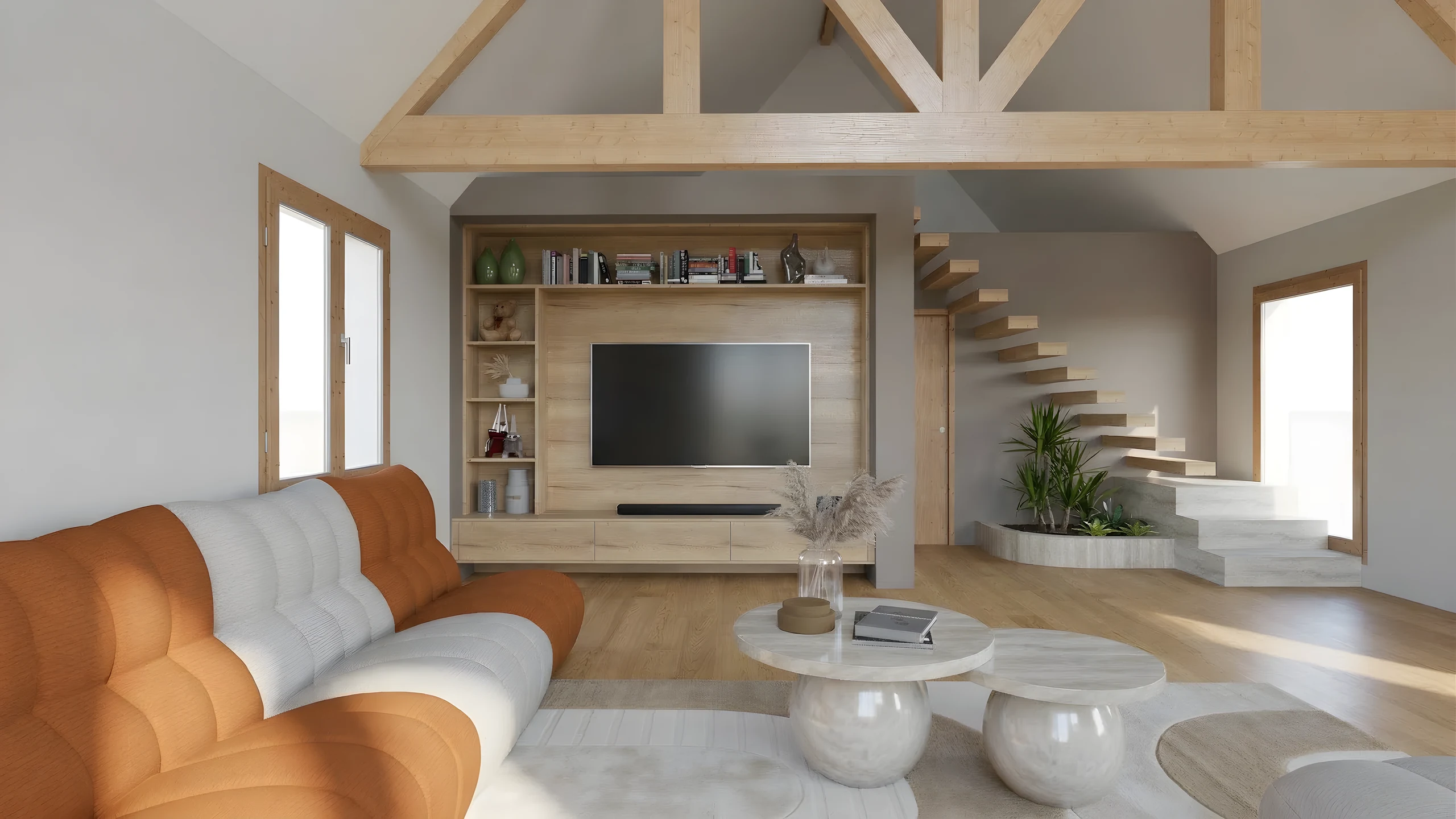
What you do on a project
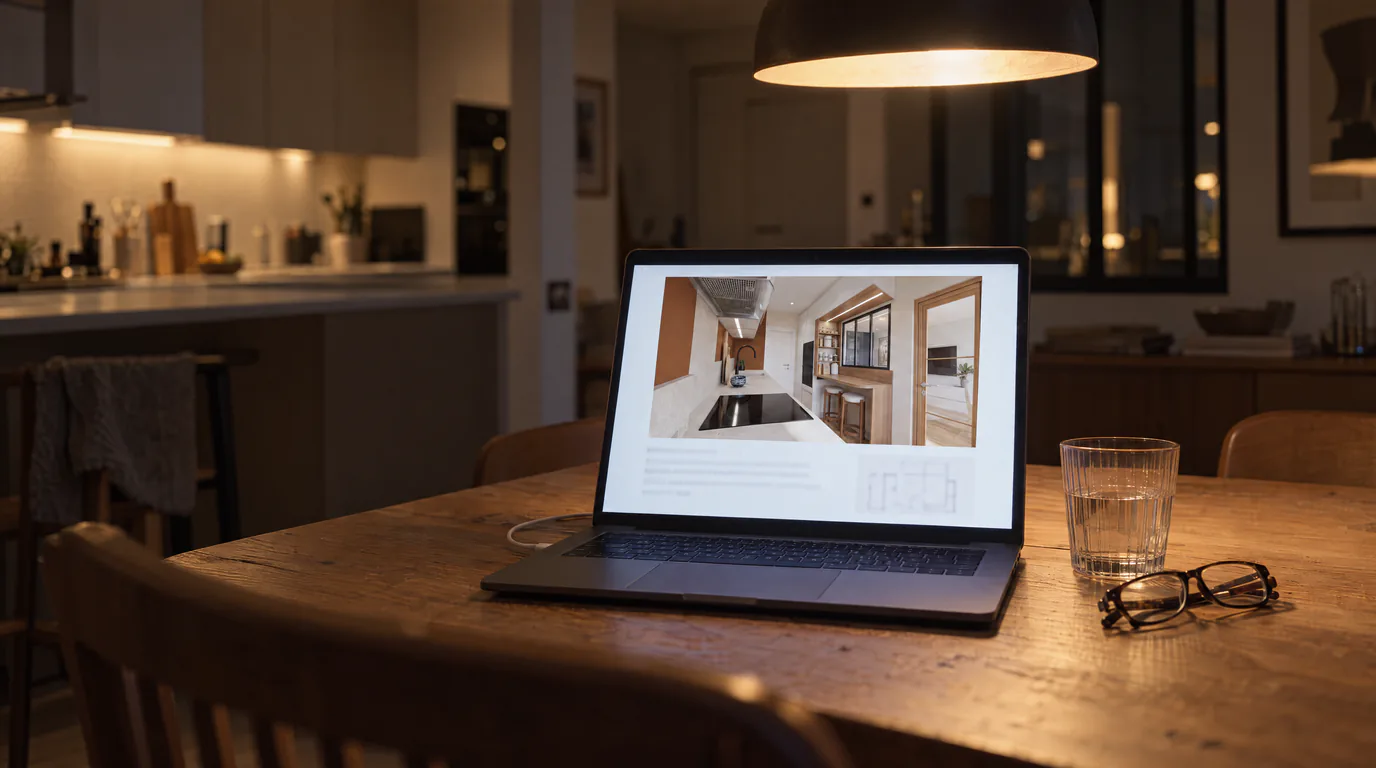
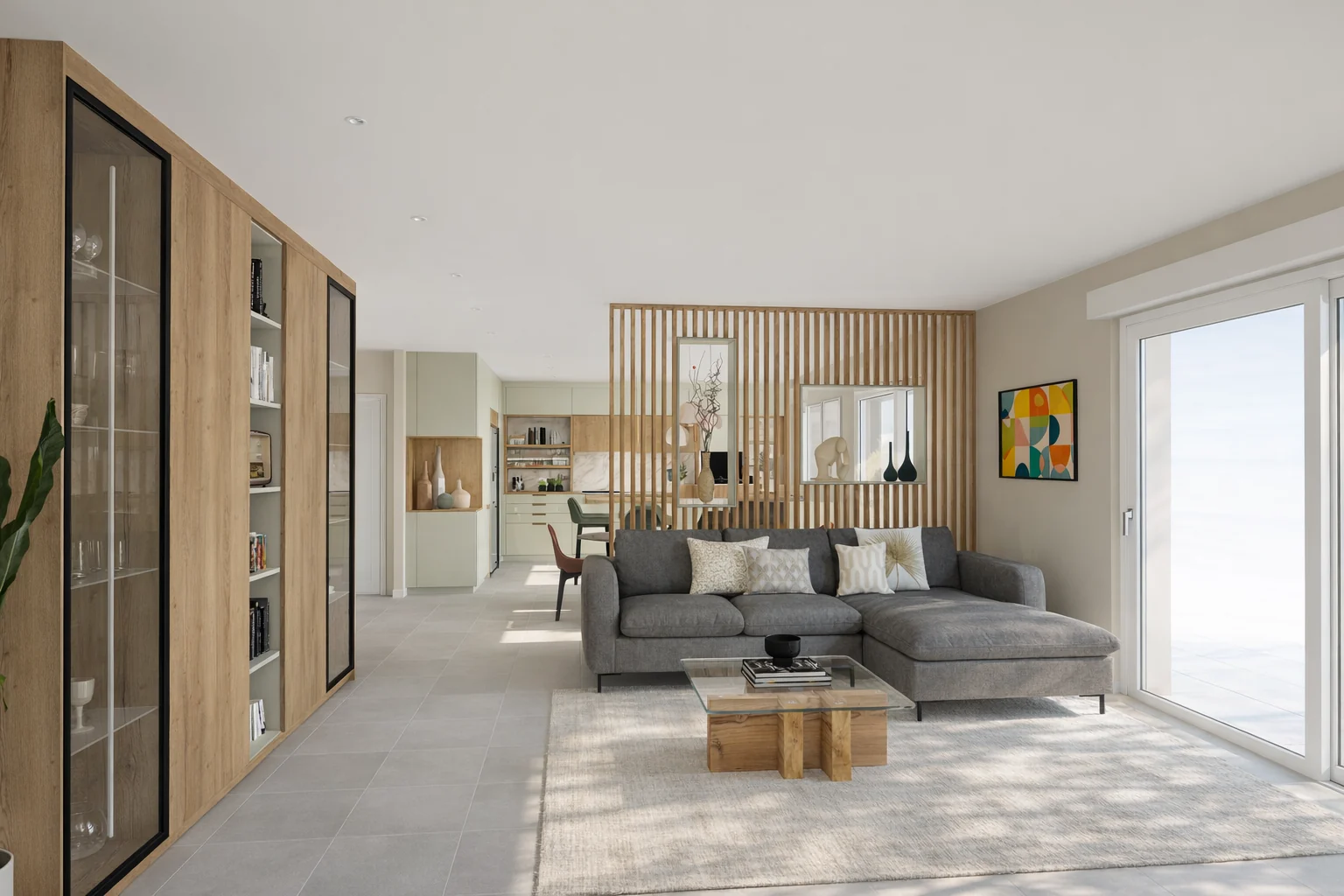 A renovation presented the same dayResidential renovation: model a living room with open kitchen in SketchUp, export several angles and present photorealistic renders the same day.
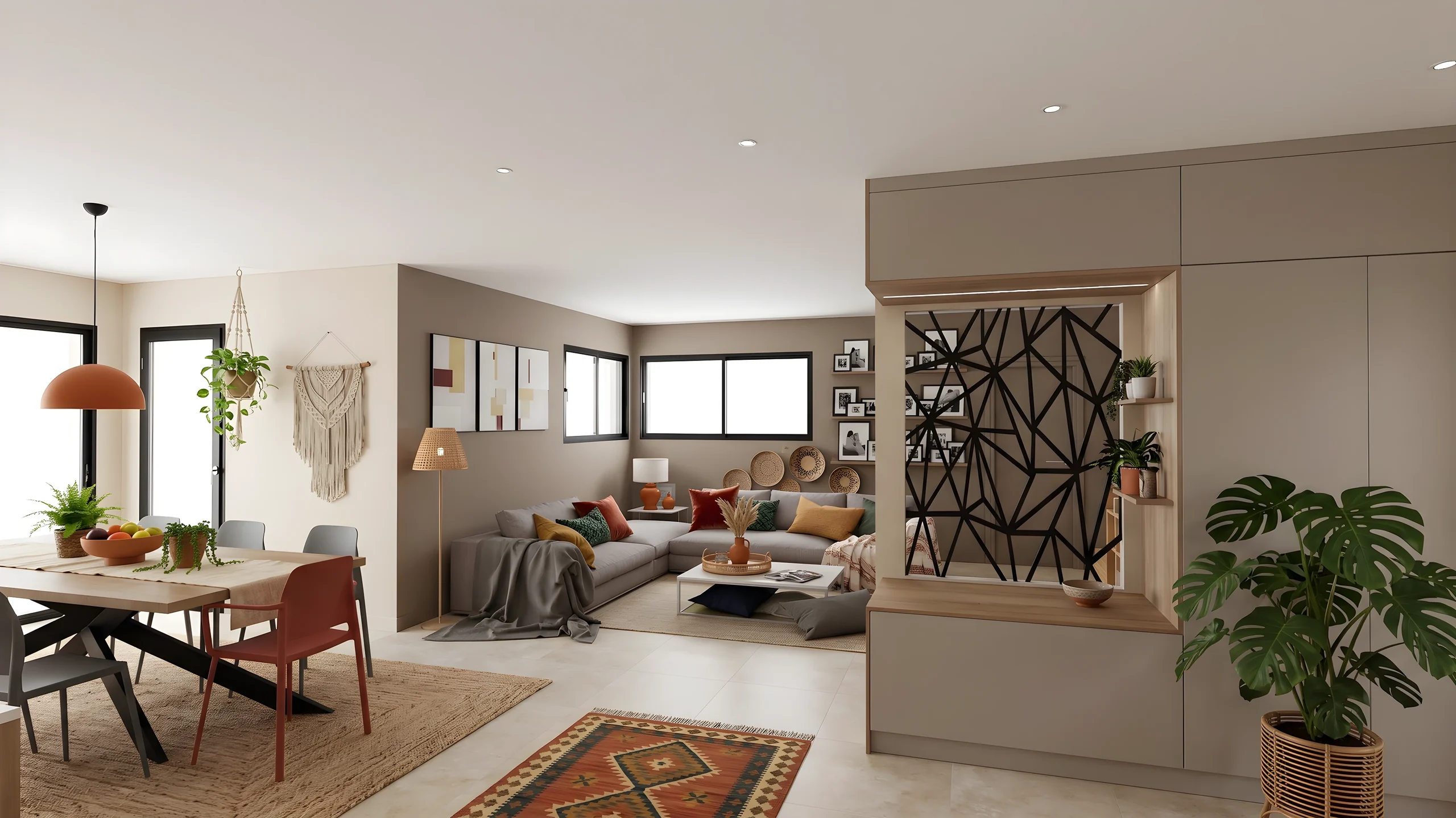 The direction approved on a boardGather the materials, catalog furniture and the client's references on a mood board, and get the direction approved before opening the model.
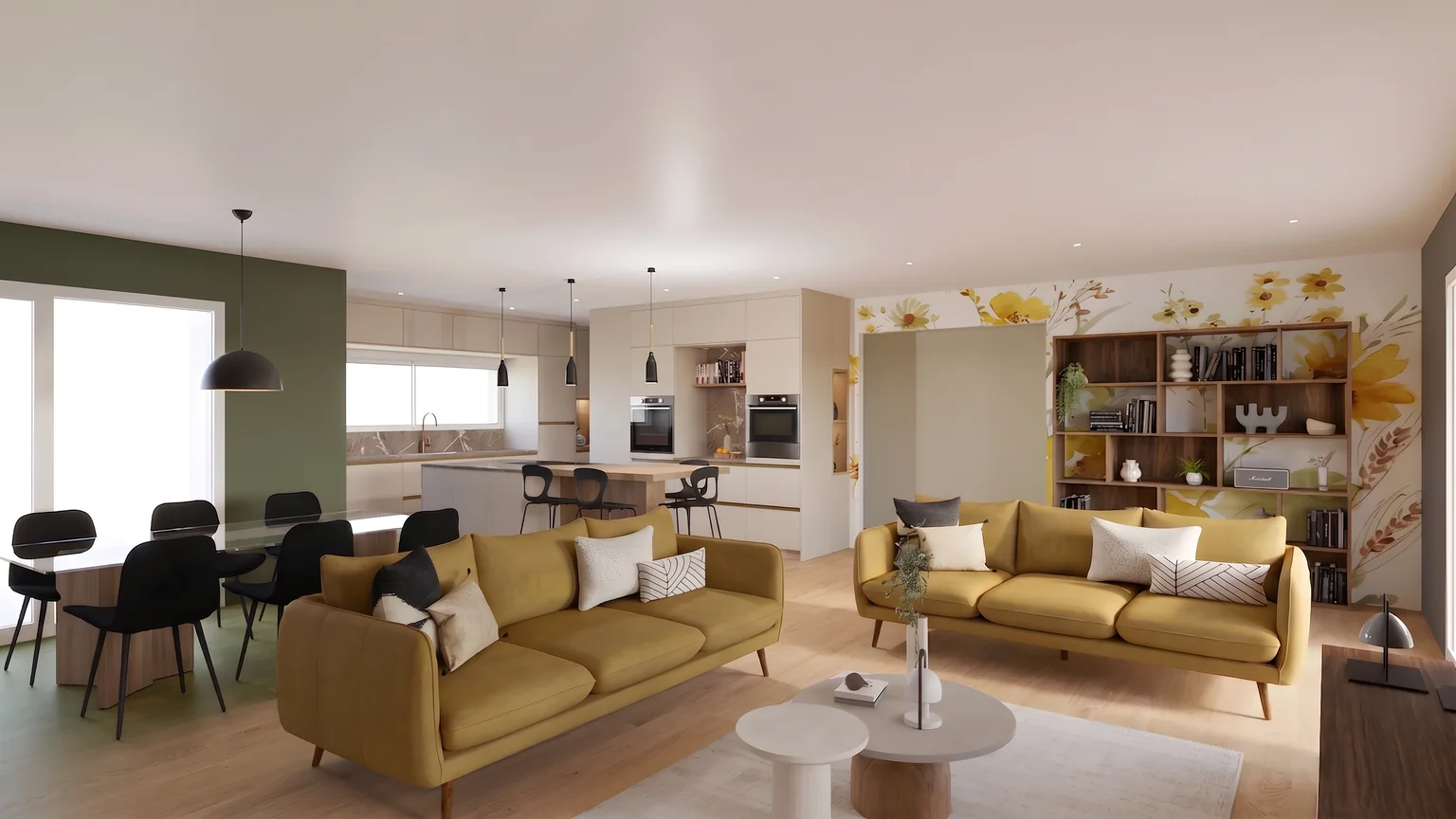 Finishes chosen during the meetingLive finish selection: brush the floor and test oak hardwood, dark walnut or polished concrete, then compare variants side by side during the meeting.
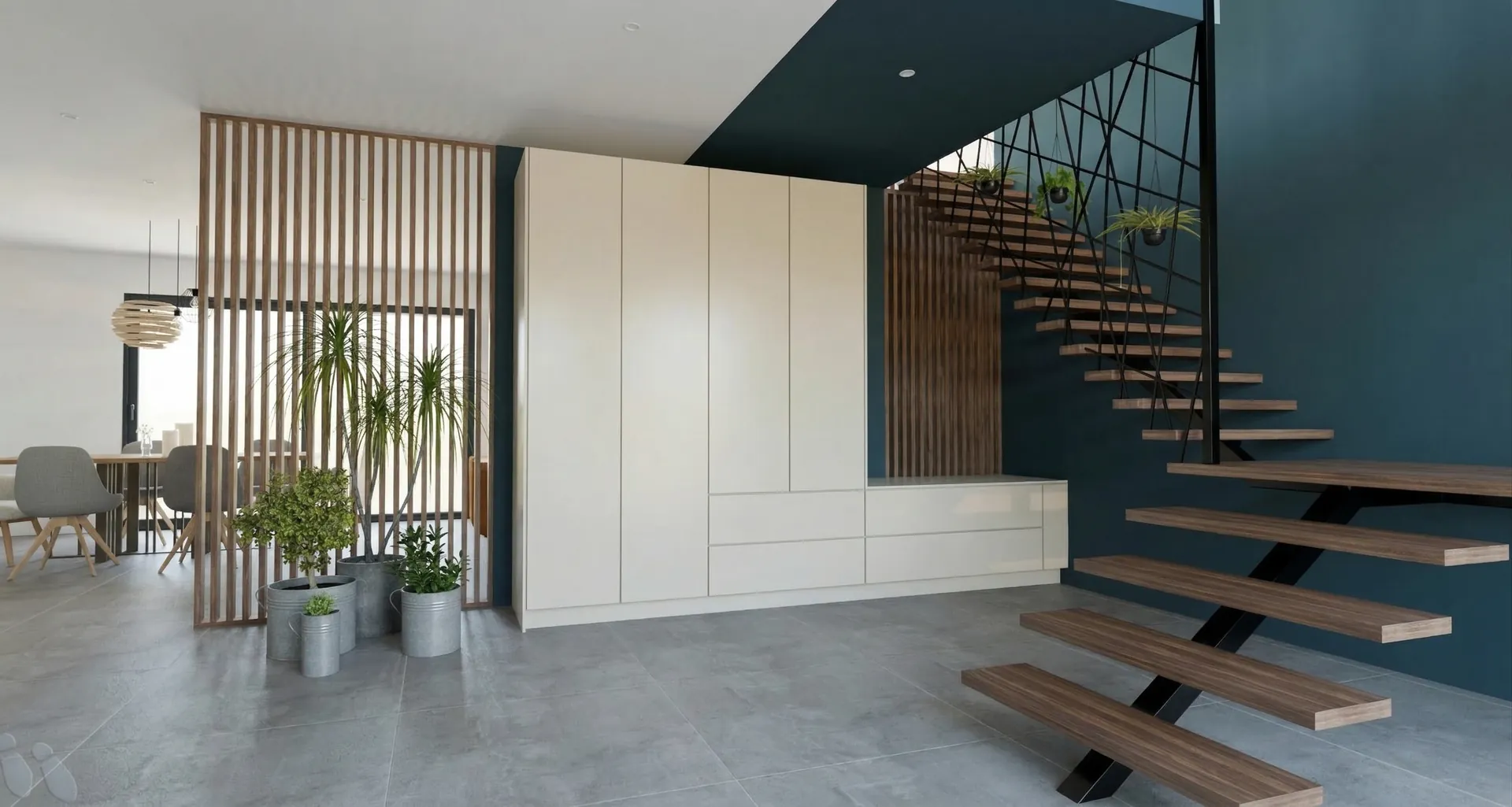 A secure link for sign-offImmersive client presentation: combine renders, before-and-after comparisons and material close-ups in a secure link to speed up the signature.
From the SketchUp export to the client’s approval
Export the project views
From SketchUp, Revit, AutoCAD or ArchiCAD, export each room as an image. No 3D file is sent: the exported view is enough, and your model stays exactly as it is.
Start the whole project at once
The rooms go to render together and come back ready to present, in about a minute each. Finishes are then reworked zone by zone, leaving the rest of the image untouched.
Present through a link, in your colors
Before and after, 360° tour, moodboard: it all fits into one presentation shared through a secure link, which the client opens on their phone without creating an account.
From your software
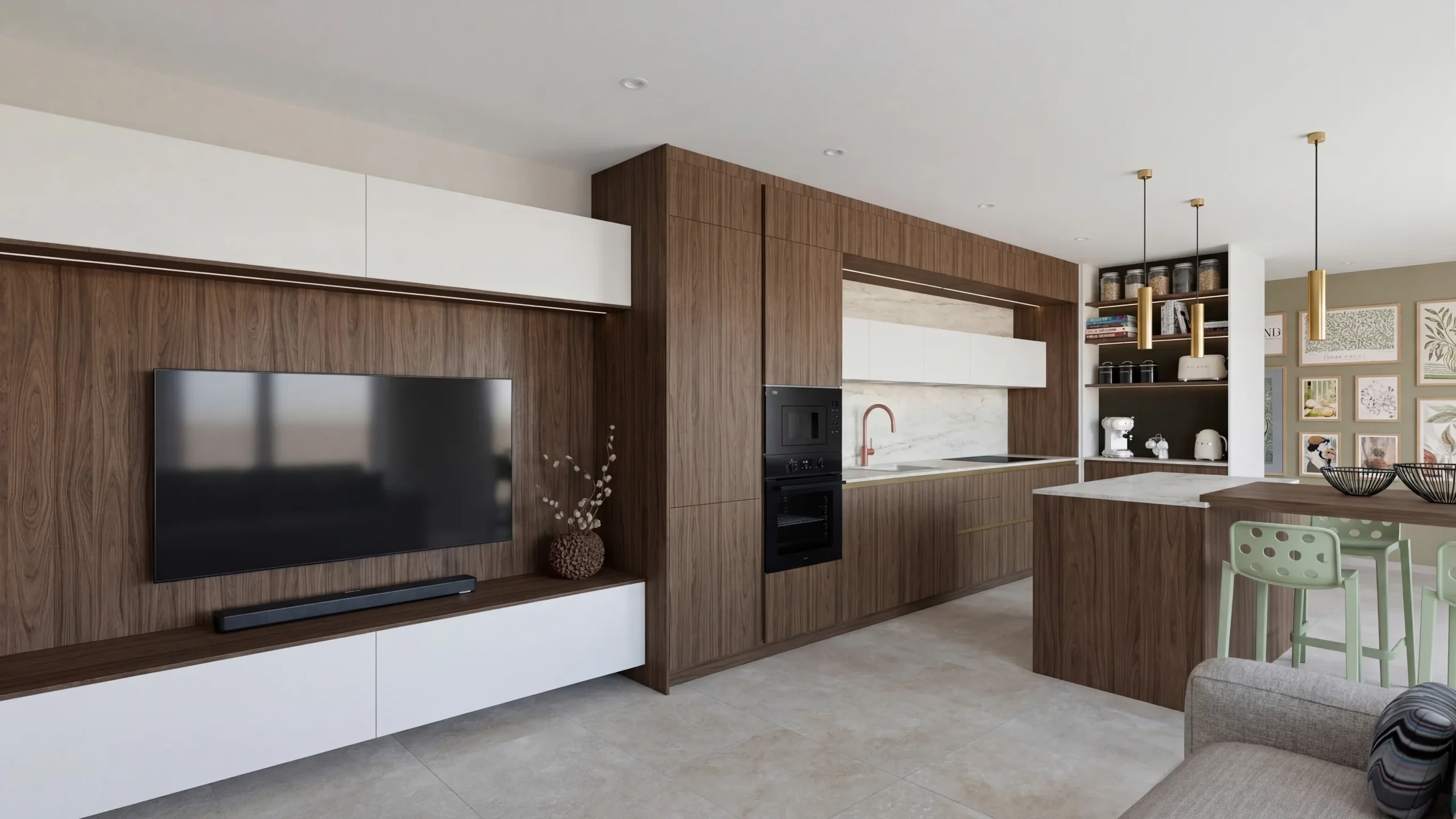 SketchUpThe plugin captures the displayed view and starts the AI render without leaving SketchUp.
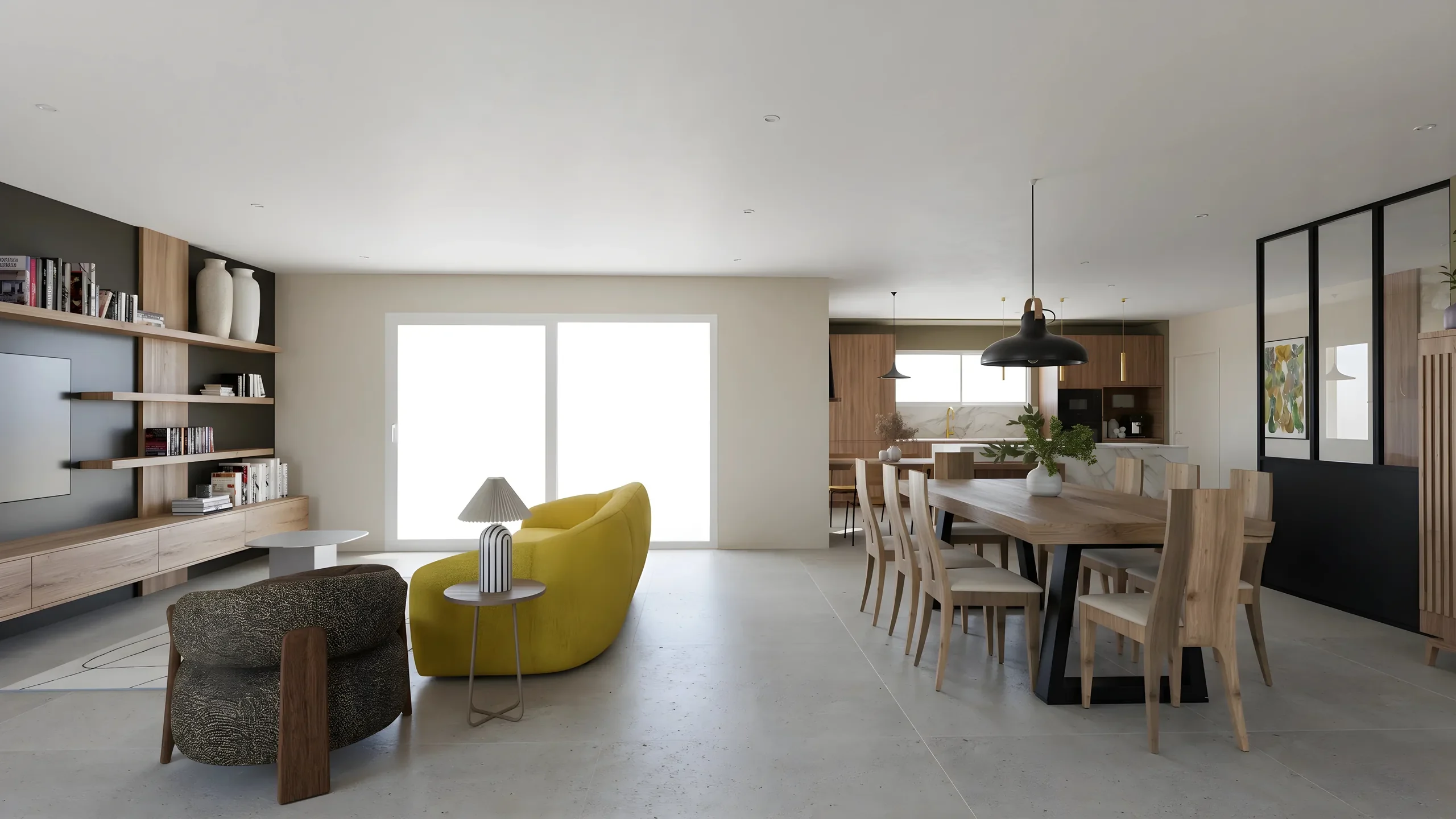 ArchicadExport the 3D view as an image, drop it in: the photorealistic render comes back in a minute, dimensions intact.
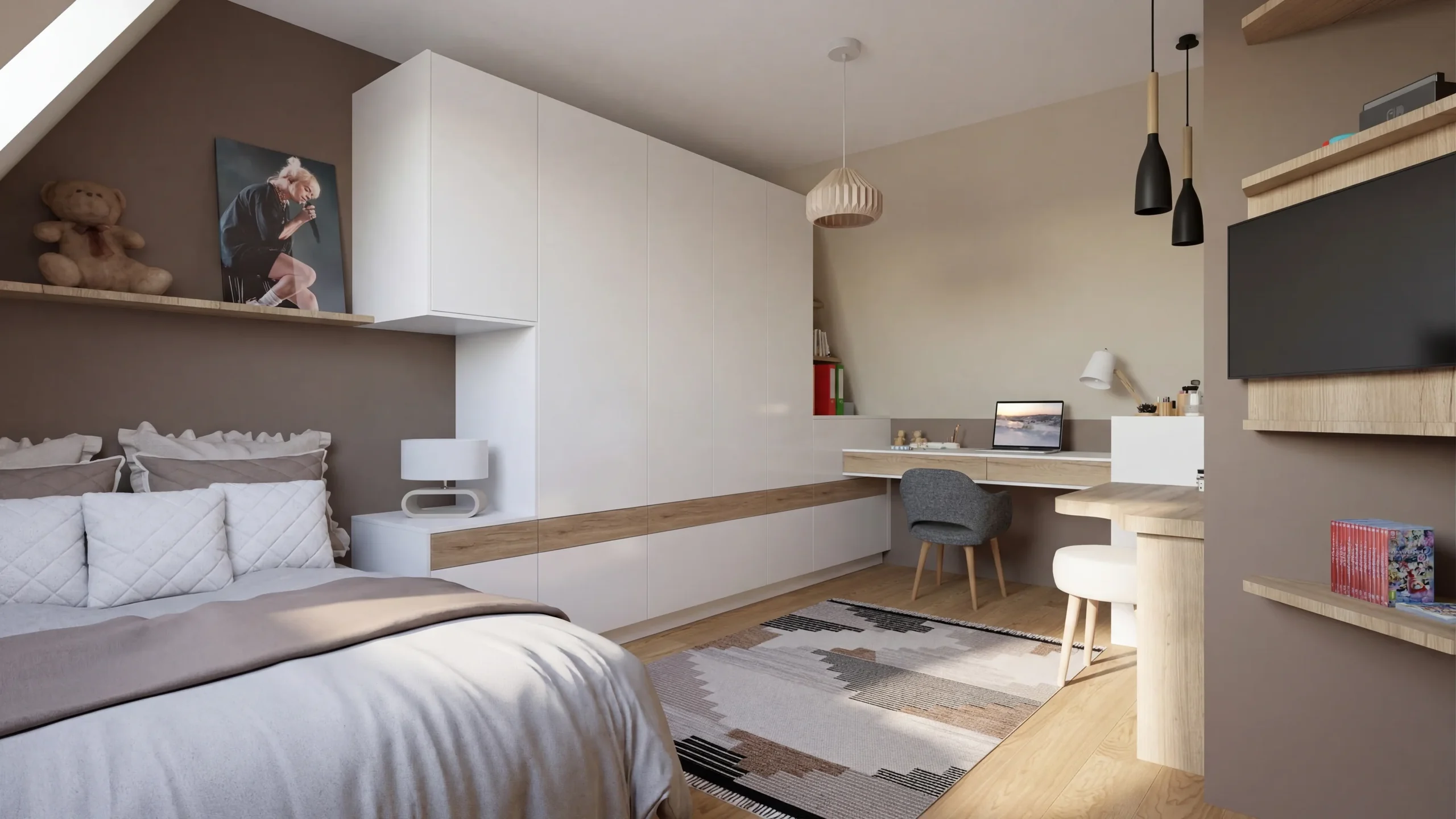 RevitA 3D view exported as an image is enough: the photorealistic render of the room comes back in a minute.
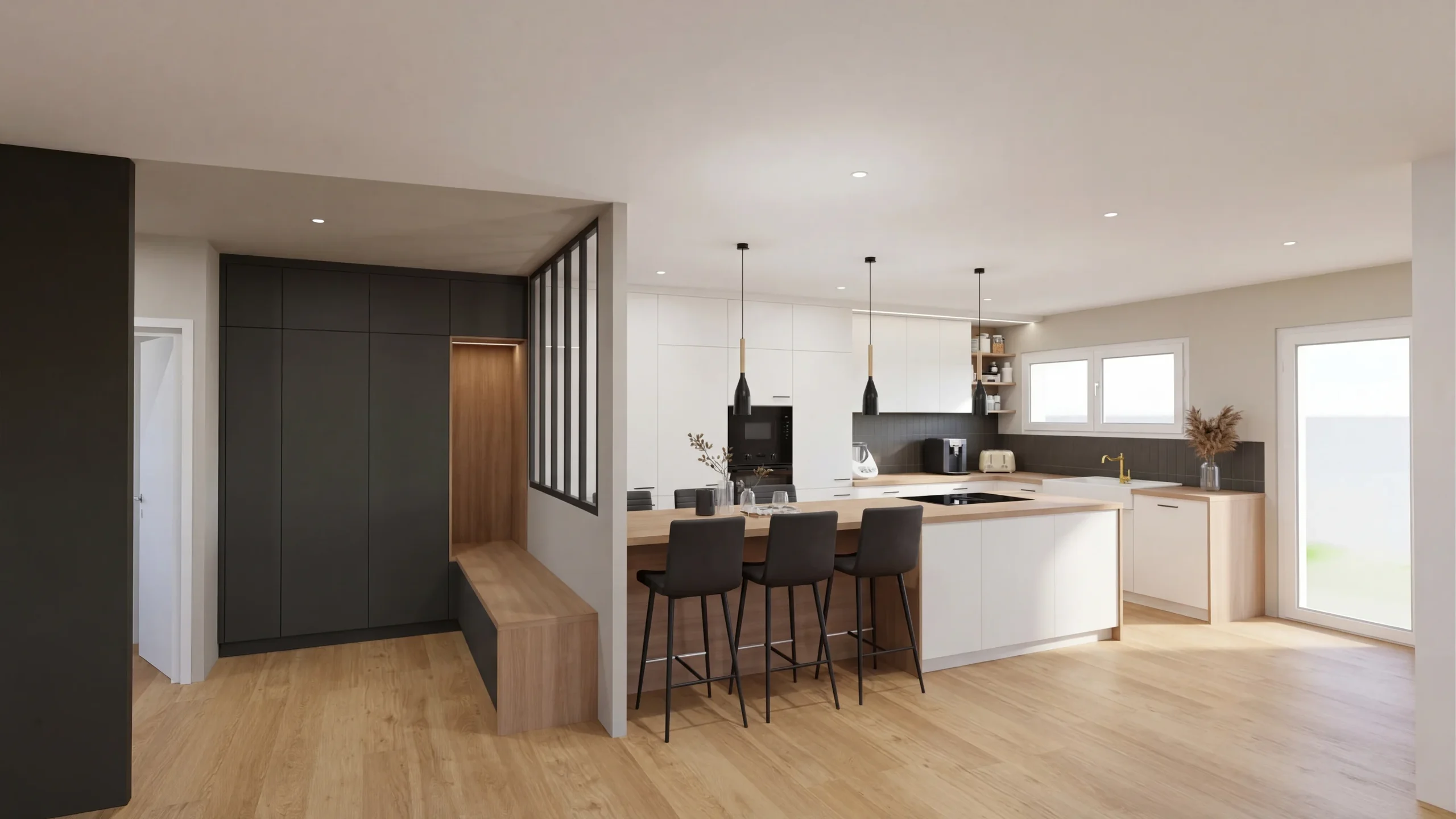 Other software and photosAutoCAD, Blender, 3ds Max, Rhino, Cedreo or a photo: one image is enough, the render comes back in a minute.
Read next
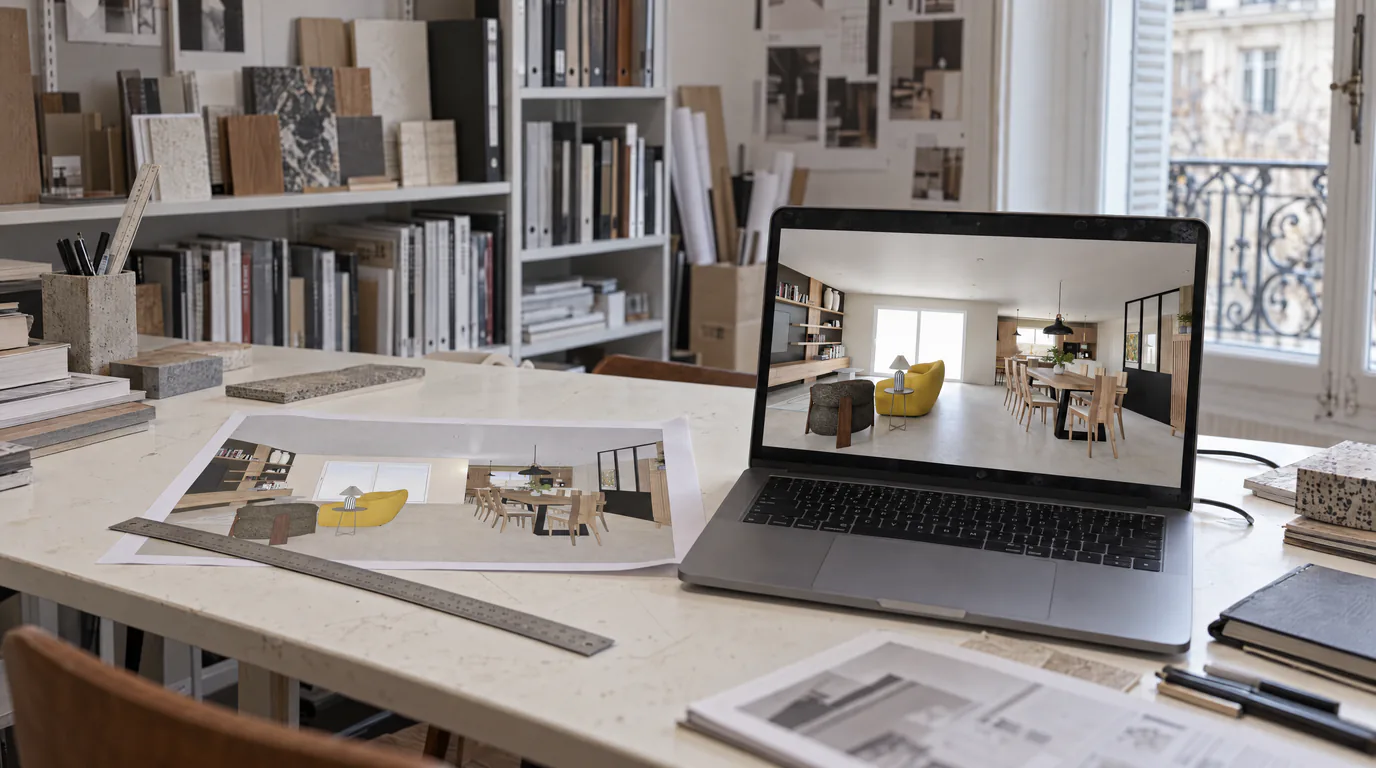 Use cases
Interior Architects: AI Photorealistic Renders in Under 1 Min
Transform your SketchUp, Revit or AutoCAD exports into photorealistic renders without GPU or training. Present same-day visuals.
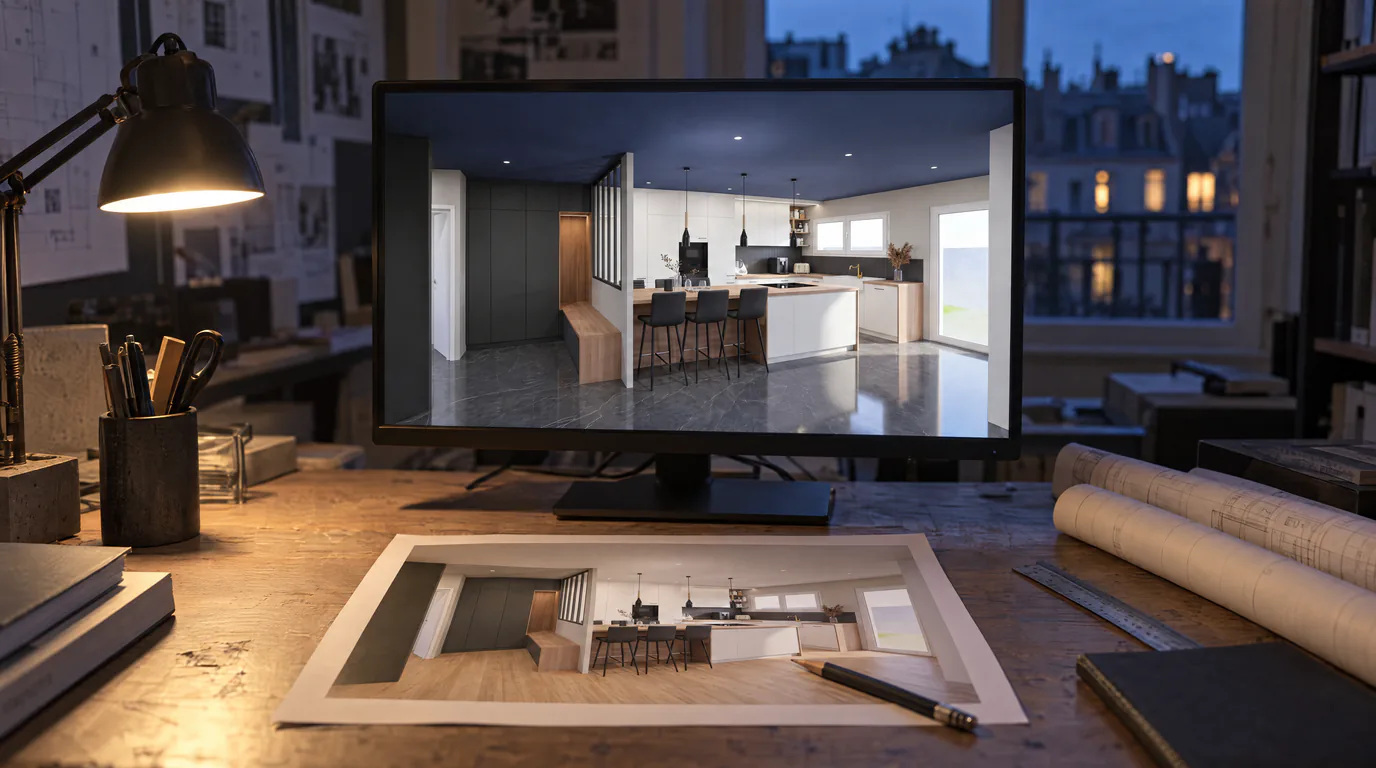 Use cases
Architects: Change Finishes on Your Renders with AI
Your client wants hardwood instead of tile? Change materials, colors and ambiance directly on the render in under a minute.
 Business
Interior Design Presentations: Double Your Close Rate
PDF presentations not convincing clients? Create interactive photorealistic presentations with secure share links that close deals on the first meeting.
Try it on your own project.
Import an export, start a render, edit one zone, share the link.
14 days, no commitment