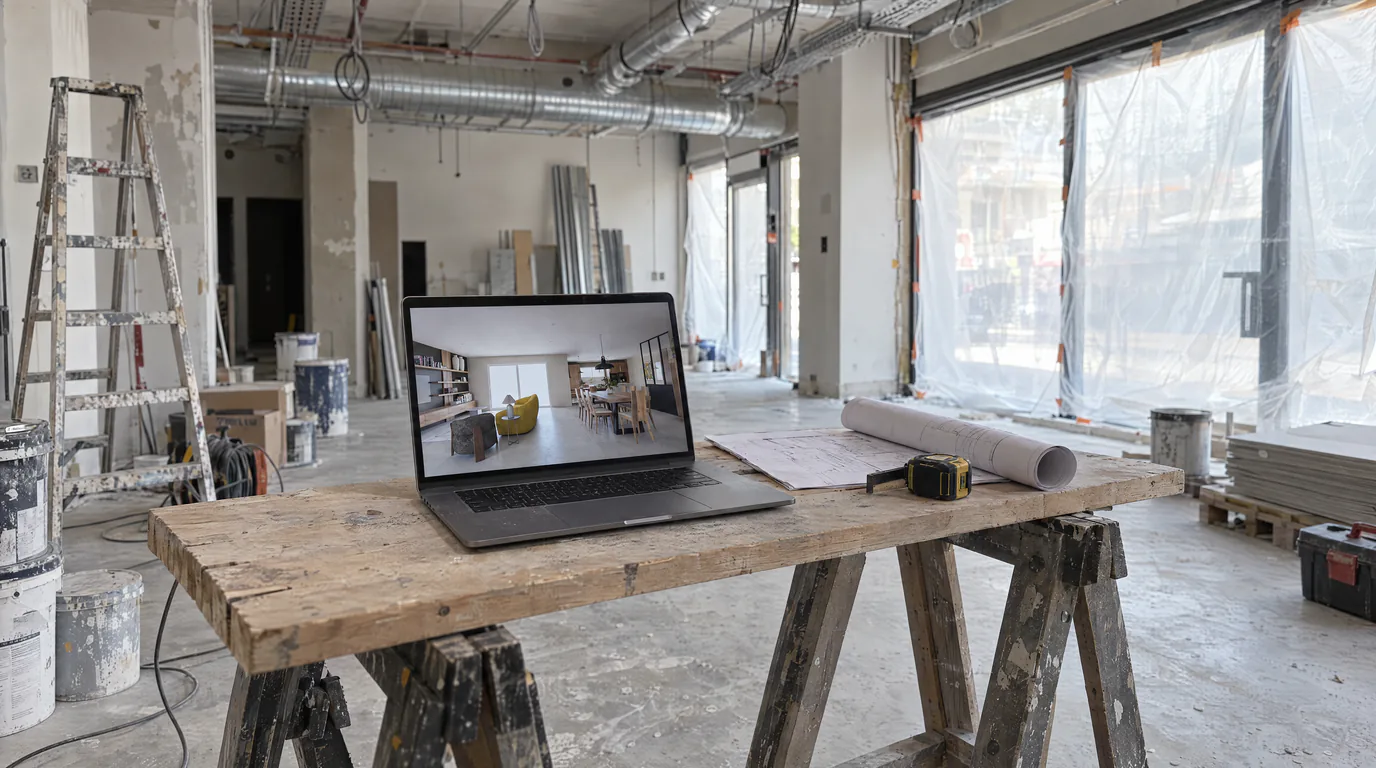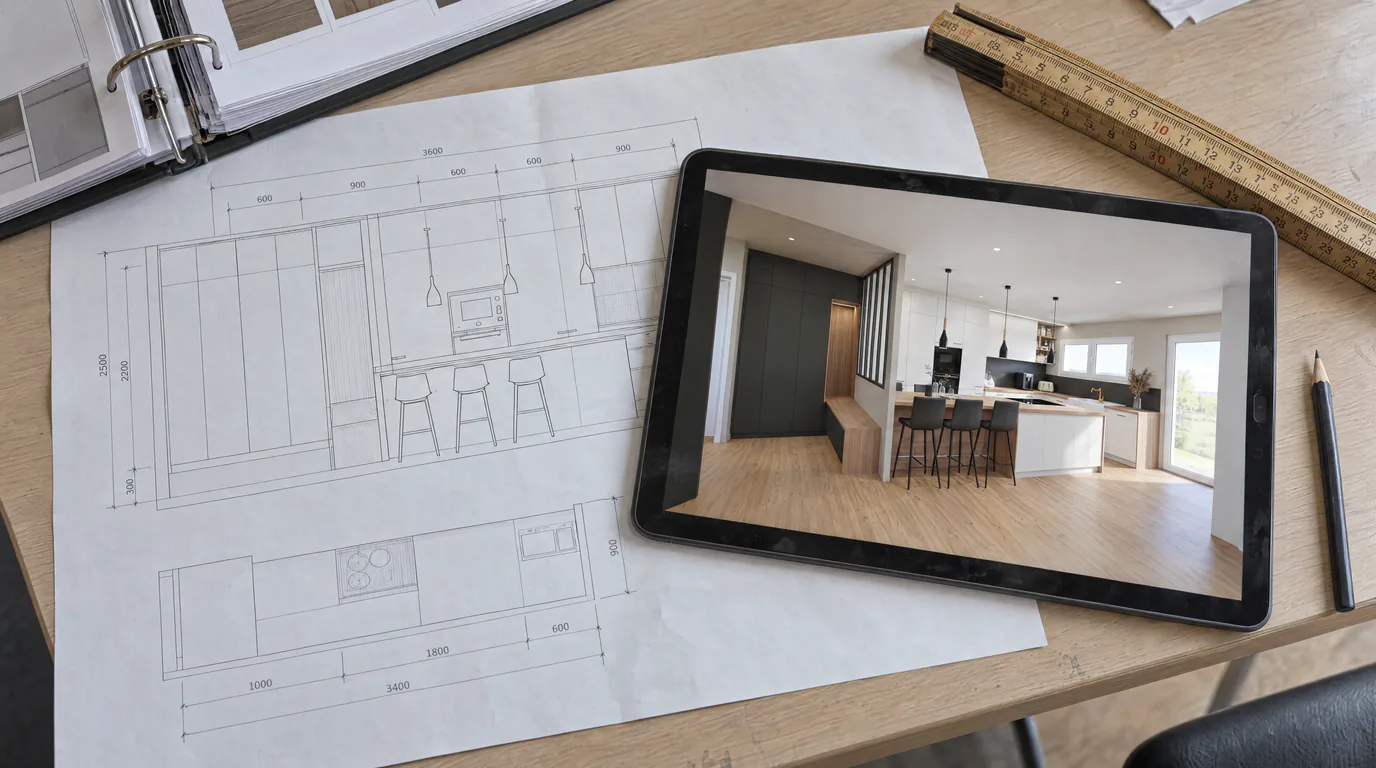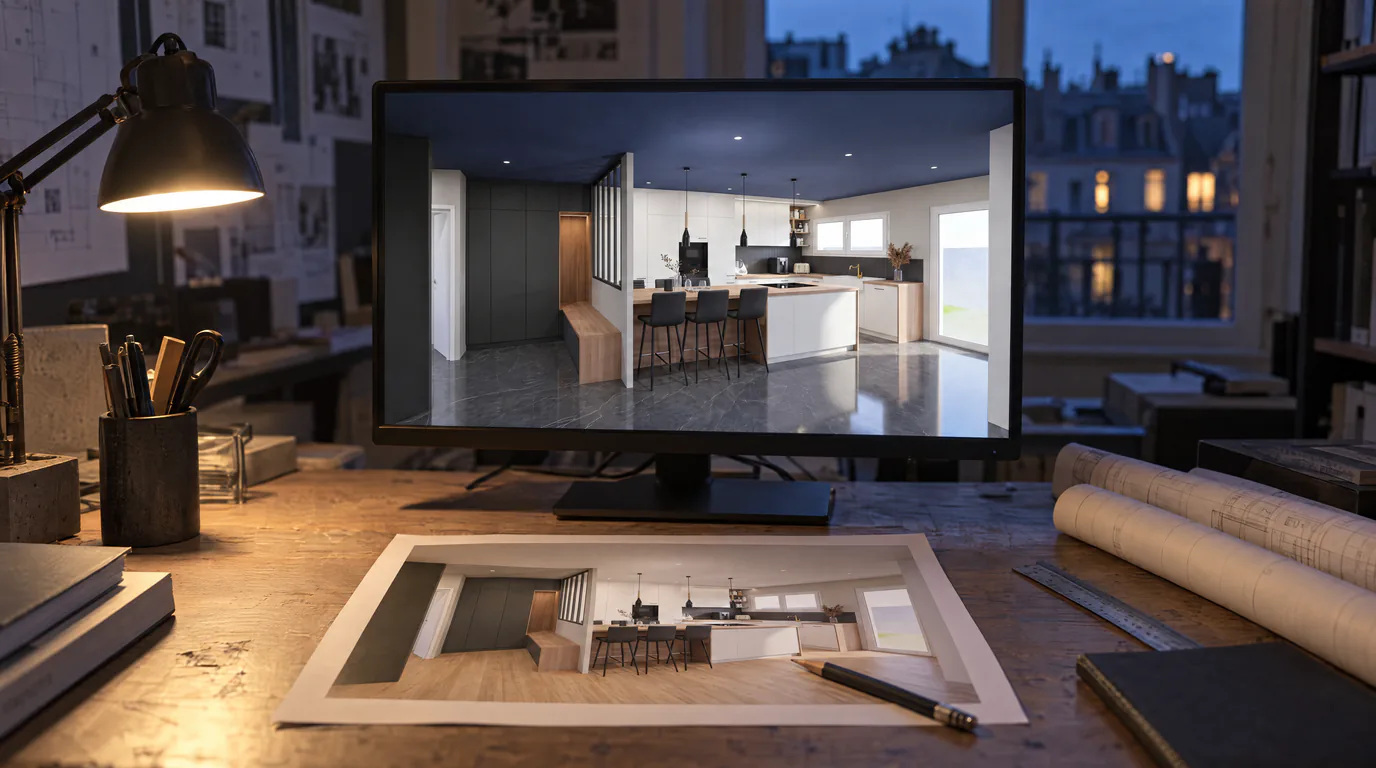
You have just finished a photorealistic render for your client. The image is stunning, the proportions are accurate, the natural lighting is perfectly calibrated. Then your client drops the inevitable question: "What if we went with oak flooring instead of tile?" With a traditional rendering engine, this simple request means hours of work, back to the 3D software, texture swap, re-render. With AI-powered editing, the answer takes under 2 minutes.
Why iteration is so costly in a traditional rendering workflow
Every architect knows this scenario. The design concept is approved, renders are produced, and the client wants to see changes. This is not only normal, it is desirable. A client who gets involved in material and ambiance choices will be more satisfied with the final result.
The problem is the cost of each iteration. In a traditional workflow with V-Ray, Lumion, or any other rendering engine, changing a material requires you to:
1. Reopen the 3D file (SketchUp, Revit, AutoCAD, Blender, 3ds Max, ArchiCAD).
2. Locate and replace the texture or material on the relevant surfaces.
3. Adjust the lighting if necessary, since a darker or more reflective material changes the overall mood.
4. Relaunch the render, locking up your machine for 30 minutes to several hours.
Multiply this by the number of variants the client requests, and you understand why many architects limit options to two or three proposals. Not for lack of creativity, but due to time and cost constraints.
AI editing: modify materials without going back to 3D
AI-powered editing works on a fundamentally different principle. Instead of modifying the 3D model and recalculating the render, you work directly on the photorealistic image. You paint the zone to transform on an edit layer (a mask), allowing you to change materials, colors, and textures on any zone in just a few strokes.
You paint the surface to modify (floor, walls, ceiling, furniture, countertops, window frames), then specify the new material, and the AI applies the change while respecting the existing perspective, lighting, and shadows. The result is coherent and photorealistic, as if the material had always been there.
Real-world AI editing scenarios for architects
Here are the situations where AI editing transforms your daily practice:
Changing the flooring across an entire apartment: your client is torn between light oak, dark walnut, and polished concrete. With conventional rendering, that means three complete renders to recalculate. With AI editing, you select the floor, apply each variant, and in 6 minutes you have three visuals to compare side by side. The client chooses on the spot.
Swapping furniture and light fixtures: your client finds the sofa too bulky, or wants to see a different pendant above the table. You point at the item with the brush, pick a product from the built-in catalog, and the AI places it at the right scale, in the scene's perspective and lighting. You present real references, including the ones your design software does not carry.
Modifying wall finishes: matte paint, textured wallpaper, lime plaster, natural stone, wood paneling. Every client has their preferences, and being able to visualize them on a photorealistic render eliminates unwelcome surprises during execution. No more saying "trust me, it will look great", you simply show them.
Comparing window frames: black aluminum, white PVC, natural wood. The visual impact of window frames on an interior is considerable, and AI editing lets you demonstrate it instantly.
How AI editing accelerates client decision-making
One of the most underestimated benefits of AI editing is its impact on the sales cycle. When a client can immediately see the result of their choices, they no longer need to "think it over during the weekend." The decision happens in the meeting, in real time, because every option is visualized concretely.
This speed of iteration also transforms the architect-client relationship. Instead of a linear process where the architect proposes and the client approves (or rejects), you enter a dynamic collaboration. The client explores possibilities with you, tests ideas they would not have dared to suggest in a traditional process, and becomes more invested in the project. The result: a more satisfied client, fewer late-stage revisions, and a project that moves forward faster.
Your workflow intact, your iterations accelerated
AI editing does not replace your architectural expertise or your modeling software. It slots in downstream of the process, as an iteration accelerator. You keep your usual workflow for design and modeling. AI steps in at the presentation and validation stage, where speed and flexibility make all the difference.
By combining the initial AI render with editing capabilities, you get a complete production cycle: a first photorealistic render in under 2 minutes, then as many variants as needed, each taking an additional 2 minutes. It is the end of trade-offs between the number of options and production time.
Try AI editing on your architectural renders
Your clients deserve to see every option, every material, every ambiance. And you deserve to produce them without spending hours. AI-powered editing makes this possible today, for any architect with a web browser, no GPU required.
Create your account and try free for 14 days. Upload one of your existing renders, select a surface, change the material. In under 2 minutes, you will understand why AI editing is transforming the architecture profession.