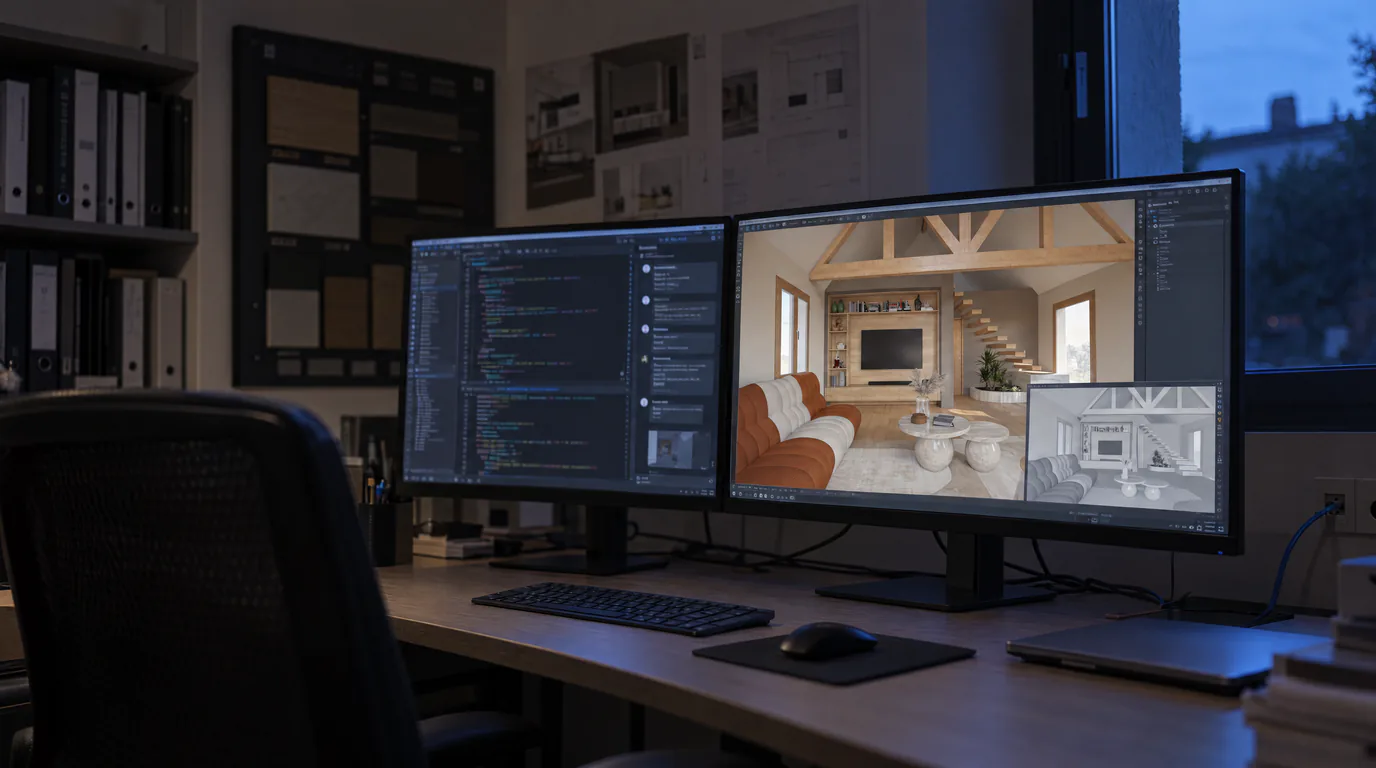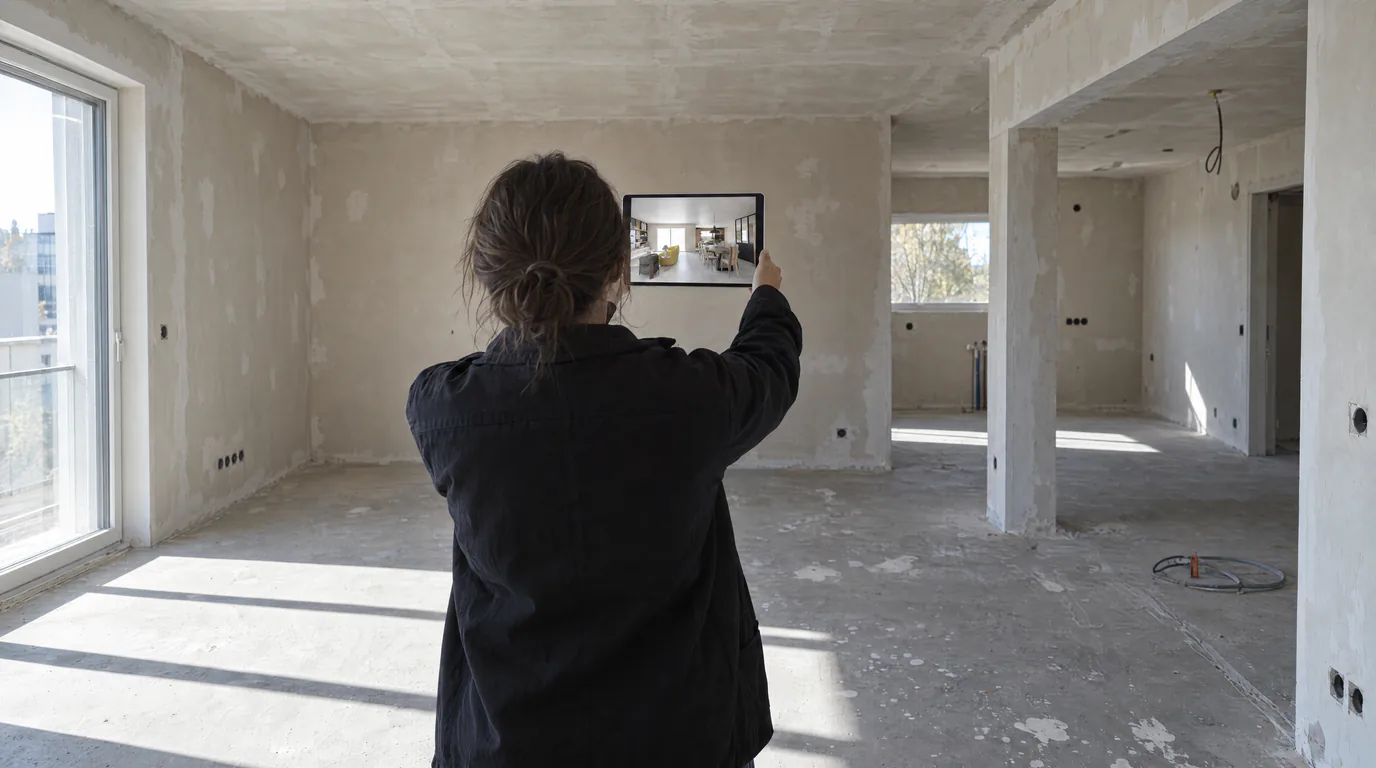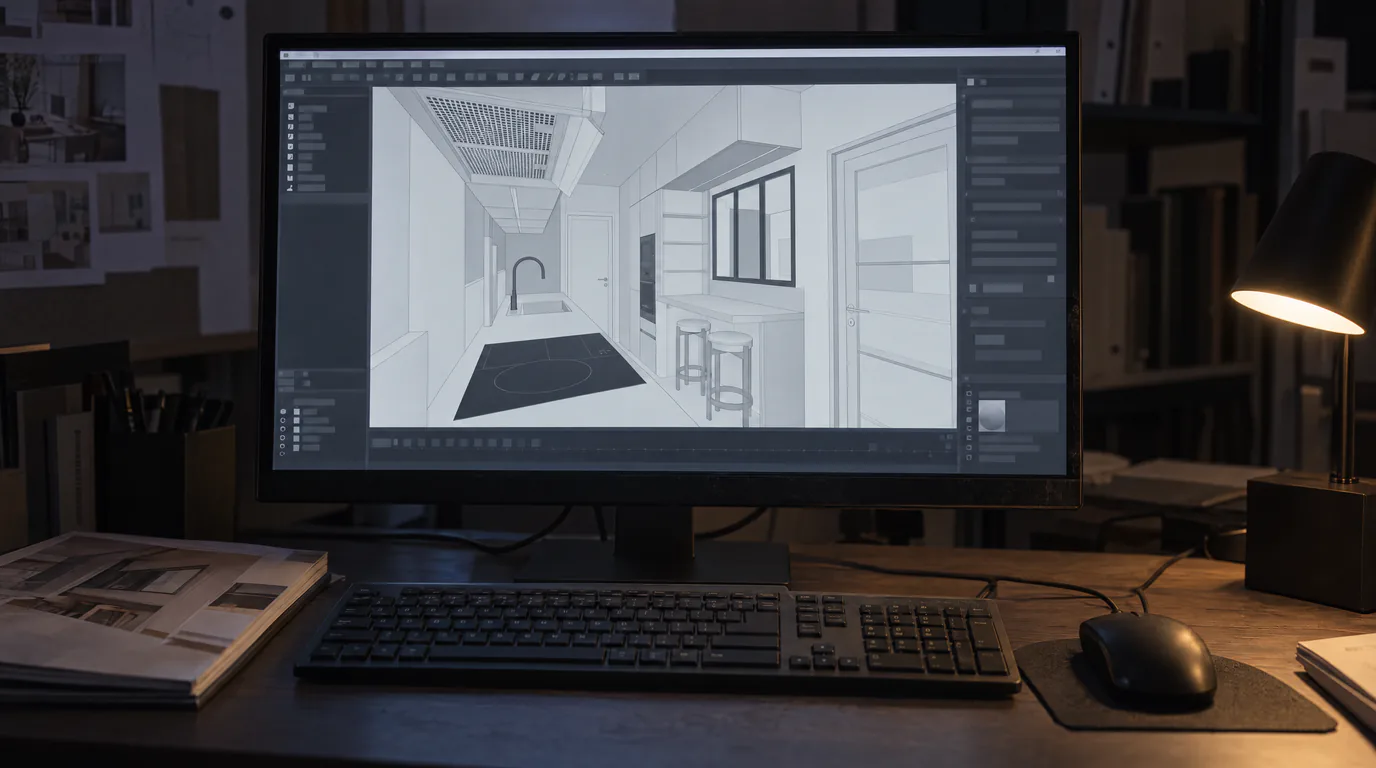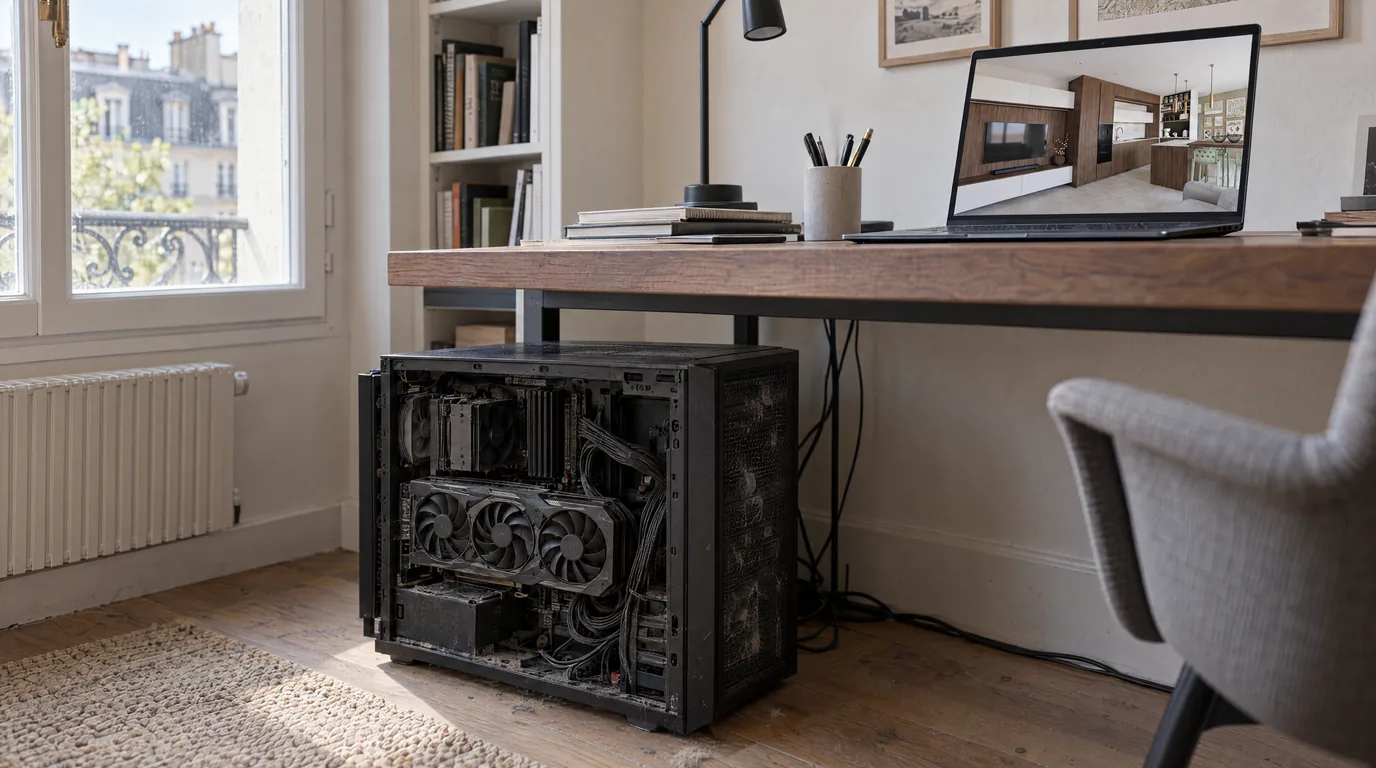
Lumion and V-Ray are undisputed references in the world of 3D rendering. Used by thousands of professionals, these rendering engines have proven their worth in terms of visual quality. But that quality comes at a cost, and not just a financial one. Between the mandatory GPU, annual licenses, weeks of training, and hours of computation per image, many interior design professionals are asking whether there is a better alternative suited to their actual needs. AI-powered photorealistic rendering offers exactly that.
The real constraints of Lumion and V-Ray for interior designers
If you use Lumion or V-Ray, you know these frustrations:
A high-end GPU is mandatory. Lumion requires a graphics card with at least 6 GB of VRAM to run properly and recommends 11 GB or more for professional use. V-Ray in GPU mode has the same requirements. In practice, this means investing roughly €1,000 to €2,000 in a graphics card (depending on the model and current prices), replaced every 3 to 4 years to stay competitive.
Substantial annual licenses. As a rough guide, a Lumion Pro license costs on the order of €1,000 to €1,200 per year, and V-Ray runs around €500 to €700 per year for a single seat (depending on current plans). If you have a team of 3, multiply those amounts. These are significant budgets, especially for freelancers and small firms.
Significant training time. V-Ray is notoriously complex. Mastering materials, lighting, render settings, and post-processing takes several weeks of intensive practice. Lumion is more accessible but still requires one to two weeks to become productive. And every major update brings its own set of changes to learn.
Render times that lock up your machine. A high-quality V-Ray render can take 30 minutes to 4 hours depending on scene complexity. Lumion is faster, but you should still expect 10 to 45 minutes per image. During that time, your machine is monopolized and you cannot work on anything else.
The true annual cost of traditional rendering
Let us put concrete numbers on the table. Here is, as an estimate and based on current pricing, what a traditional rendering setup can cost a freelance professional:
| Expense item | Lumion | V-Ray | RenderThink (AI) |
|---|---|---|---|
| License / Annual subscription | ~€1,100 | ~€640 | Variable based on usage |
| GPU (amortized over 3 years) | €500 - €1,000/year | €500 - €1,000/year | €0 |
| Initial training | €300 - €600 | €500 - €1,500 | €0 |
| Unproductive time (computing) | ~50h/year lost | ~120h/year lost | Near zero |
| Total first year (estimate) | ~€1,900 - €2,700 | ~€1,640 - €3,140 | Subscription only |
And that does not account for the most important hidden cost: time. The 50 to 120 hours lost every year waiting for renders to compute is time you could spend on your clients, on new projects, or simply on your personal life.
How AI rendering eliminates traditional bottlenecks
AI rendering works on a radically different principle. Instead of calculating each pixel through physical simulation, AI analyzes your image and generates a photorealistic render based on its learned understanding of materials, light, and space.
In practice, this means:
No GPU required. Processing happens in the cloud. Your 5-year-old laptop will do. So will your tablet. As long as you have a web browser and an internet connection, you can produce photorealistic renders.
No installation. No software to download, no plugins to configure, no updates to manage. You open your browser, log in, and get to work.
No training. The process is intentionally simple: upload, render, result. If you know how to take a screenshot and click a button, you know how to use the platform. Onboarding is immediate.
Under 2 minutes per render. Not 30 minutes. Not 2 hours. Under 2 minutes. And during that time, your machine stays available for you to continue working on other projects.
What AI rendering does better than Lumion and V-Ray
Beyond speed and accessibility, AI rendering delivers specific advantages that traditional engines cannot offer:
Universal compatibility. No matter your design software, SketchUp, Winner Design, InSitu, Blender, ArchiCAD, or others, you can use AI rendering. All you need is an image. No specific 3D formats required, no compatibility issues, no plugins.
Production during client meetings. With render time under 2 minutes, you can show photorealistic renders to your clients during the meeting itself. This is a tremendous commercial advantage: the client sees the result when their enthusiasm is at its peak.
Rapid iteration. Want to show 5 ambiance variants? With a traditional engine, that is a full day of computing. With AI rendering, that is 10 minutes. This rapid iteration capability transforms your relationship with clients.
Estimated total savings: up to €3,200 per year. Adding up savings on GPU, software license, training, and computing time, a freelance professional can save between €1,500 and €3,200 in their first year by switching to AI rendering.
Who should switch to AI rendering?
AI rendering is particularly relevant for:
Kitchen designers who need fast photorealistic renders to convince clients in the showroom. The Winner/InSitu to AI rendering export workflow is smooth and immediate.
Freelance interior architects who have neither the budget nor the time to master V-Ray or Lumion. AI rendering gives them access to professional visual quality without heavy investment.
Decorators and home stagers who produce high volumes of visuals and need a fast, cost-effective tool.
Small agencies that want to offer photorealistic renders without equipping every workstation with a high-end graphics card.
When traditional rendering still makes sense
Let us be honest: AI rendering does not replace everything. If you produce complex video animations with moving cameras, Lumion remains better suited. If you work on ultra-detailed scenes with custom materials and have the time to fine-tune every parameter, V-Ray offers unmatched granular control.
But for the majority of professionals who need quality static photorealistic renders for client presentations, AI rendering is not only sufficient, it is often superior in terms of the quality-time-cost ratio.
Test the Lumion and V-Ray alternative yourself
Rather than taking our word for it, see for yourself. Take a project you recently rendered with Lumion or V-Ray. Export the same view as an image. Run it through the platform. Compare the result, the time, and the cost.
Create your free account and enjoy a 14-day free trial to launch your first render in a few clicks. You might be surprised at what is possible in under 2 minutes, with no GPU required, and without opening a single rendering application.