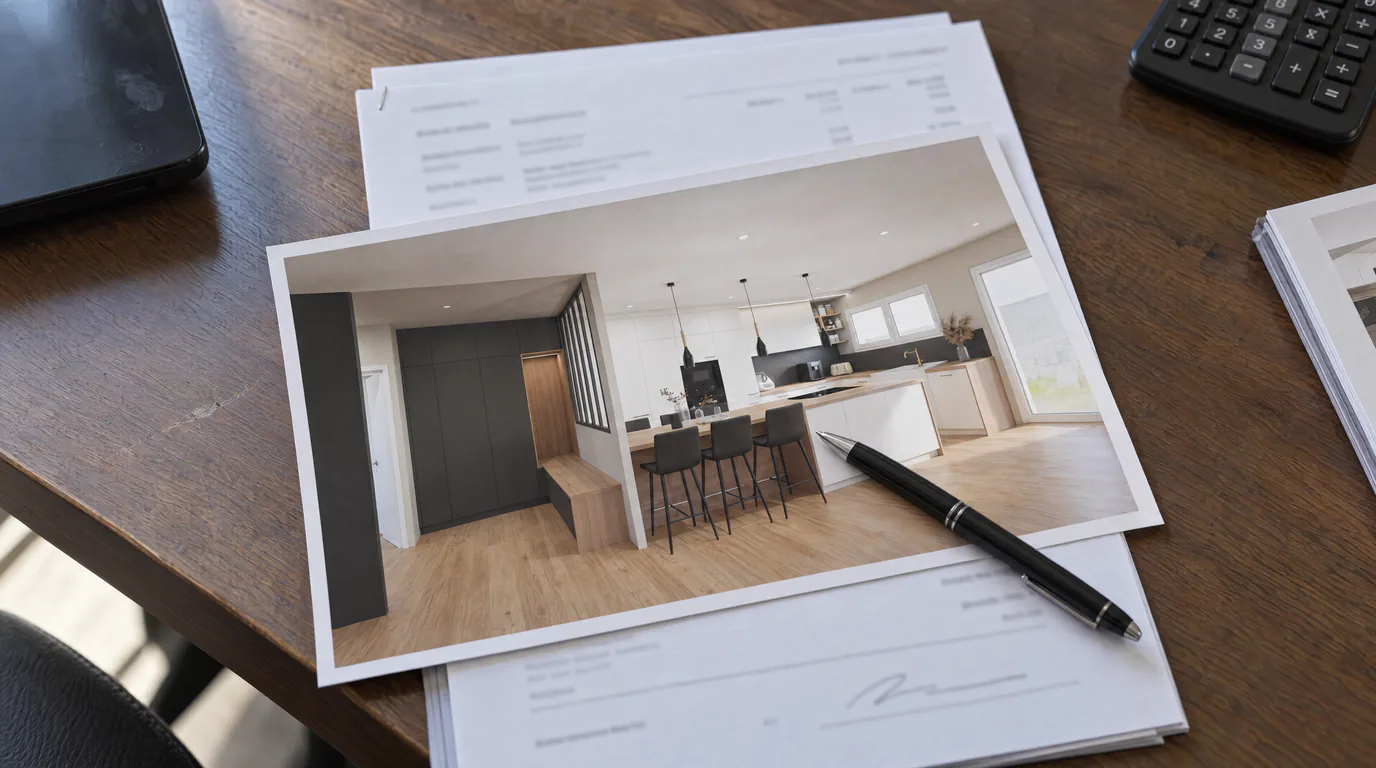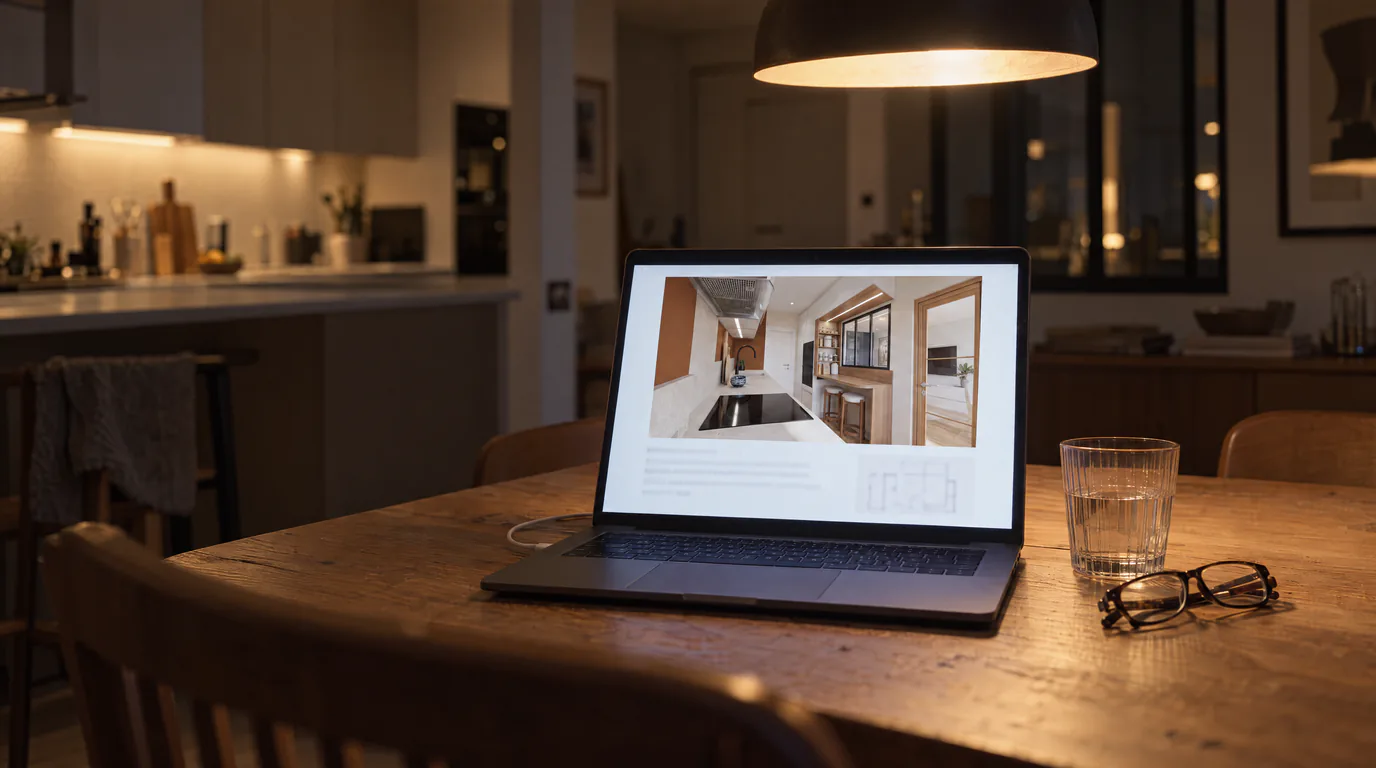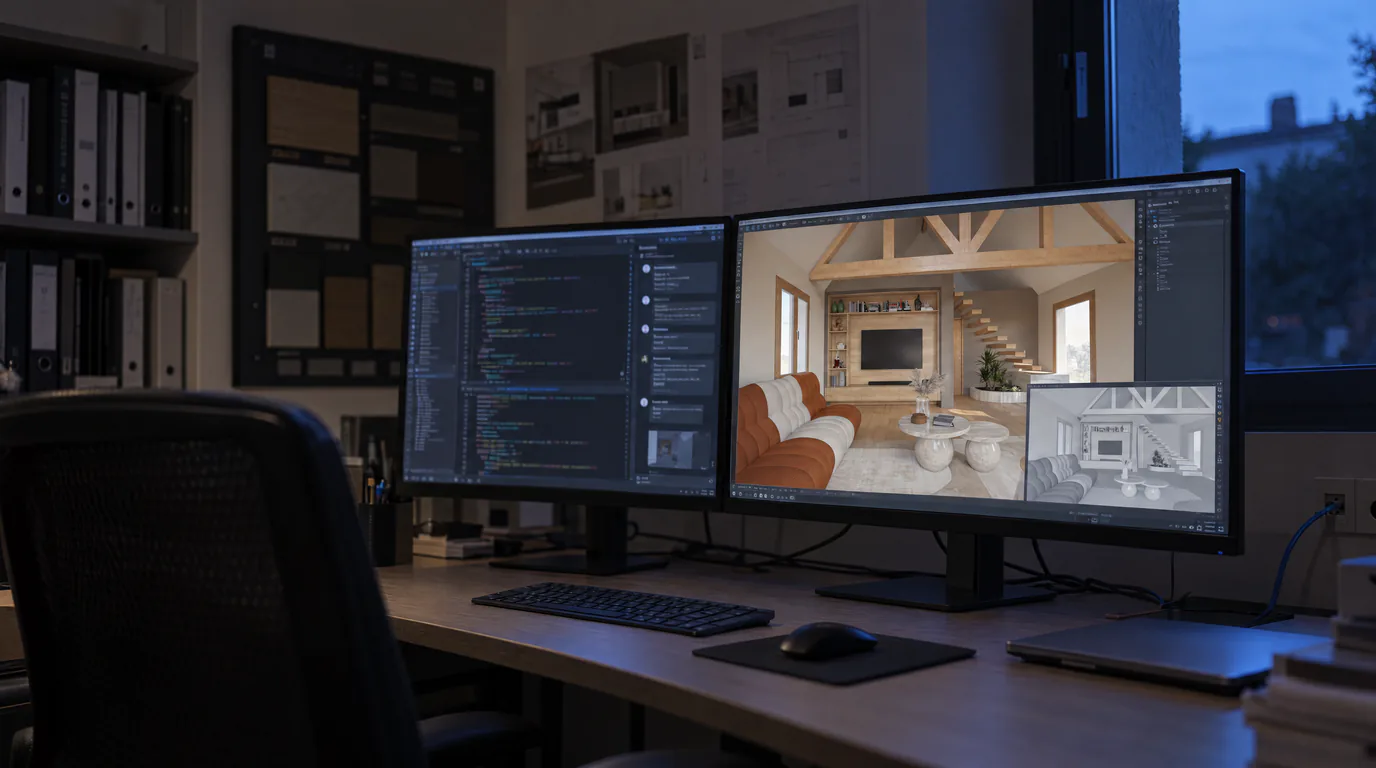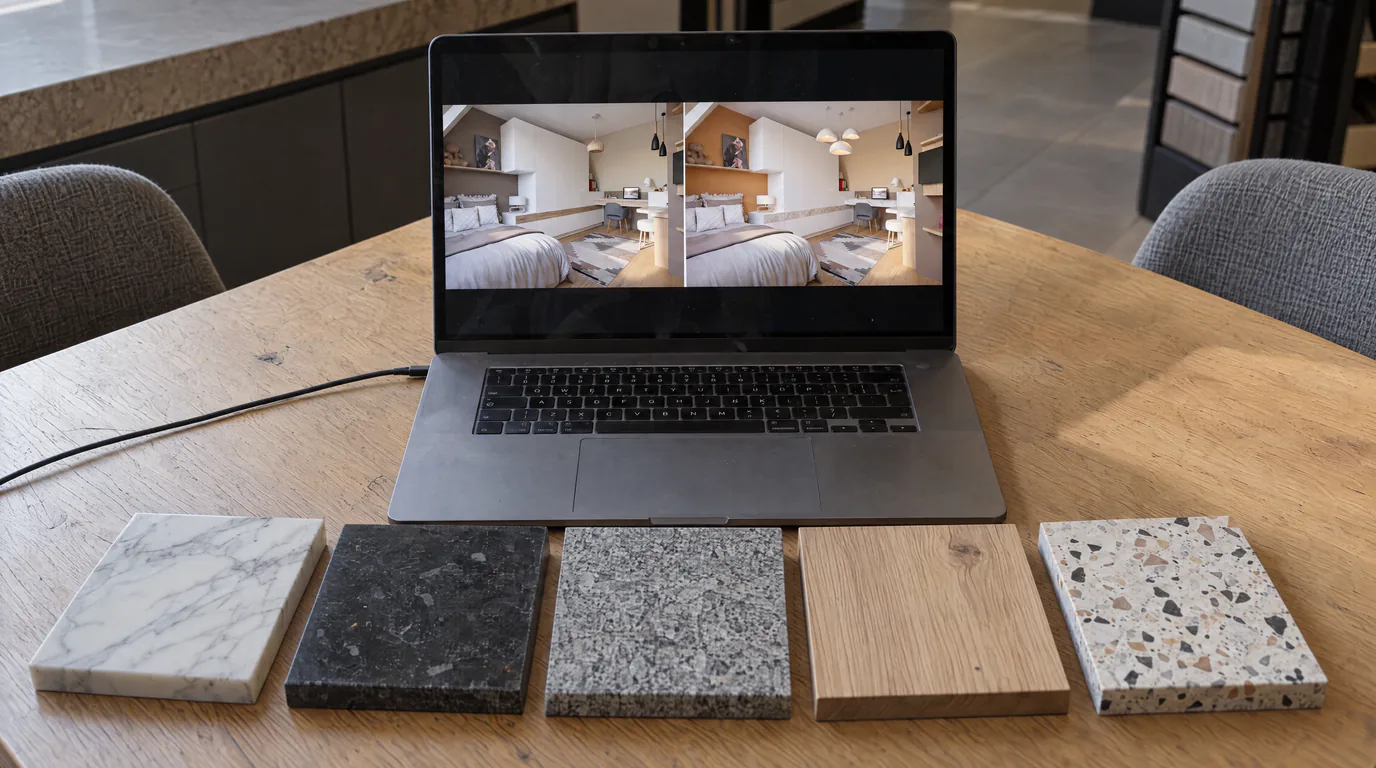
Picture this: your client is sitting across from you, and you have just presented a stunning photorealistic render of their future kitchen. They are impressed but hesitating. "I love the design, but I wonder what it would look like with a marble countertop instead of quartz. And the cabinet fronts in navy blue instead of sage green, do you think that would work?" With a traditional workflow, your answer is: "I will send you new versions next week." With AI editing, your answer is: "Let us look at that together right now." Ten minutes later, your client has seen ten material variants and made their choice. Here is how to transform your client presentations with real-time photorealistic variants.
Why producing material variants is so costly with traditional rendering
Producing a quality photorealistic render takes time. Depending on your software and scene complexity, count between 30 minutes and several hours for a single visual. Now multiply by the number of variants: if your client wants to see three countertop options, two cabinet colors, and two different floors, you theoretically arrive at twelve combinations. Twelve renders could mean several days of work.
The reality is that nobody produces twelve variants. Most professionals present one, sometimes two. The client makes their choice from a limited, often unsatisfying selection. They sign without being fully convinced, then change their mind after the order. Late modifications are expensive, create tension, and extend timelines.
The lack of variants is a commercial problem as much as a technical one. A client who hesitates without being able to compare does not make a decision. They postpone the meeting, ask for time to think, or consult a competitor who might show them more options.
The method: one base render, ten photorealistic variants in ten minutes
AI editing completely changes this dynamic. The principle is simple: you produce a single high-quality photorealistic render, then create variants by modifying materials, colors, and textures directly on the image. Each modification takes approximately 2 minutes. In ten minutes, you have five to six photorealistic variants.
The concrete workflow is as follows. You design the project in your usual software. You export an optimized view in high resolution. You generate the photorealistic render with AI. Then, during the client meeting, you use AI editing to create variants on demand. Each variant is a complete photorealistic render, not a rough sketch or a color swatch.
Real-time material iteration in the client meeting
Here is what a client meeting with AI variants looks like. You display the base render on your screen. The client reacts: "It looks great, but the oak countertop, I am not sure about it." You select the countertop, choose "veined white marble," and launch the generation. Under 2 minutes later, the client sees the result.
"Oh, I really like the marble. What if we also tried gray quartz?" Two minutes. "And a black countertop, what would that look like?" Two minutes. In six minutes, three countertop variants are ready. The client points to their favorite.
On to the cabinet fronts. "The green fronts look nice, but can we see them in navy blue?" Two minutes. "And in off-white with gold handles?" Two minutes. In four additional minutes, two cabinet variants are produced.
In ten minutes of meeting time, five photorealistic variants have been created, discussed, and compared. The client has actively participated in the creative process. They know exactly what they want because they have seen the alternatives.
Kitchen scenario: 5 countertop options in photorealistic detail
The countertop is often the element that crystallizes client hesitation. It is the most visible surface, the most tactile, the one they will interact with every day. Offering five options instead of one transforms the discussion.
Starting from a base render with a white quartz countertop, you can generate in ten minutes: a variant in gray-veined Carrara marble, one in absolute black granite, one in oiled solid oak, one in light gray polished concrete, and one in natural stone-effect dekton. Each variant is photorealistic, with correct reflections, textures, and shadows.
The client compares the five options side by side. They no longer imagine, they see. The decision is faster, more confident, and above all more satisfying. Post-order changes of mind drop dramatically when the client has actually seen what they chose.
Living room scenario: 4 flooring options that set the mood
For a living room project, the floor defines the entire room's atmosphere. Light oak parquet gives a Scandinavian, luminous feel. The same space with dark walnut parquet becomes warm and sophisticated. A polished concrete floor brings a contemporary industrial edge. Large-format natural stone-effect tiles evoke Mediterranean luxury.
Showing these four atmospheres to a client instead of asking them to choose from a four-inch sample makes all the difference. The client no longer chooses a material, they choose an atmosphere. And this projection into the actual space of their future interior is infinitely more convincing than a swatch book.
Bathroom scenario: 3 tile options for instant visualization
The bathroom is an ideal playground for variants. Tiles often cover the entirety of walls and floor, meaning the tile choice almost entirely defines the room's look. Emerald green zellige tiles for a hammam style. Large-format marble for a luxurious bathroom. Terrazzo tiles for a contemporary and playful feel.
Generate the three variants in six minutes and let the client visualize themselves in the space. This ability to concretely see the options considerably reduces decision time and post-signature doubts.
The business impact: from limited choice to a bespoke experience
The mechanism is simple. A client to whom you present a single option has two possible reactions: they accept or they hesitate. If they hesitate, the process stretches out. A client to whom you present five or ten variants lives a completely different experience. They feel heard, they participate in the creation, and they have the certainty of having explored the possibilities.
The benefit is threefold. First, the client no longer needs to "think about it" before deciding, because they have already seen the alternatives. Second, post-signature modifications decrease because the client made an informed choice. Third, word of mouth works: a client impressed by an interactive presentation recommends their designer.
The competitive advantage: your competitors show 1 option, you show 10
In a competitive market, the ability to present material variants is a major differentiator. When a client compares two professionals, the one who shows a single static view versus the one who delivers an interactive experience where they can explore materials and colors, the choice is quickly made.
This is not a question of talent or design skill. It is a question of tools. And today, the tool that allows you to create ten photorealistic variants in ten minutes is accessible to all interior design professionals, regardless of company size.
Start offering real-time material variants today
Next time a client hesitates between two materials, do not ask them to choose from a sample. Show them both options as a photorealistic render, in their own project, in under 2 minutes. The impact on client confidence and your conversion rate is immediate.
Create your free account and start offering real-time material variants to your clients. Ten options in ten minutes: that is the new standard for client presentations in interior design.