Photorealistic rendering has long been the domain of studios equipped with powerful machines and complex software. Today, AI is changing the game. In just a few minutes, a simple 3D export can become a strikingly realistic image, no GPU required, no software to install, and no technical training. Here is everything you need to know about AI photorealistic rendering as an interior design professional.
What is AI photorealistic rendering?
An AI photorealistic render is an image generated from an existing 3D model, where artificial intelligence handles the simulation of light, textures, reflections, and shadows to produce a result visually indistinguishable from a photograph. Unlike traditional rendering that calculates each light ray through brute-force ray tracing, AI recognises what the image shows and draws on its knowledge of materials and light to understand and reproduce realism intelligently.
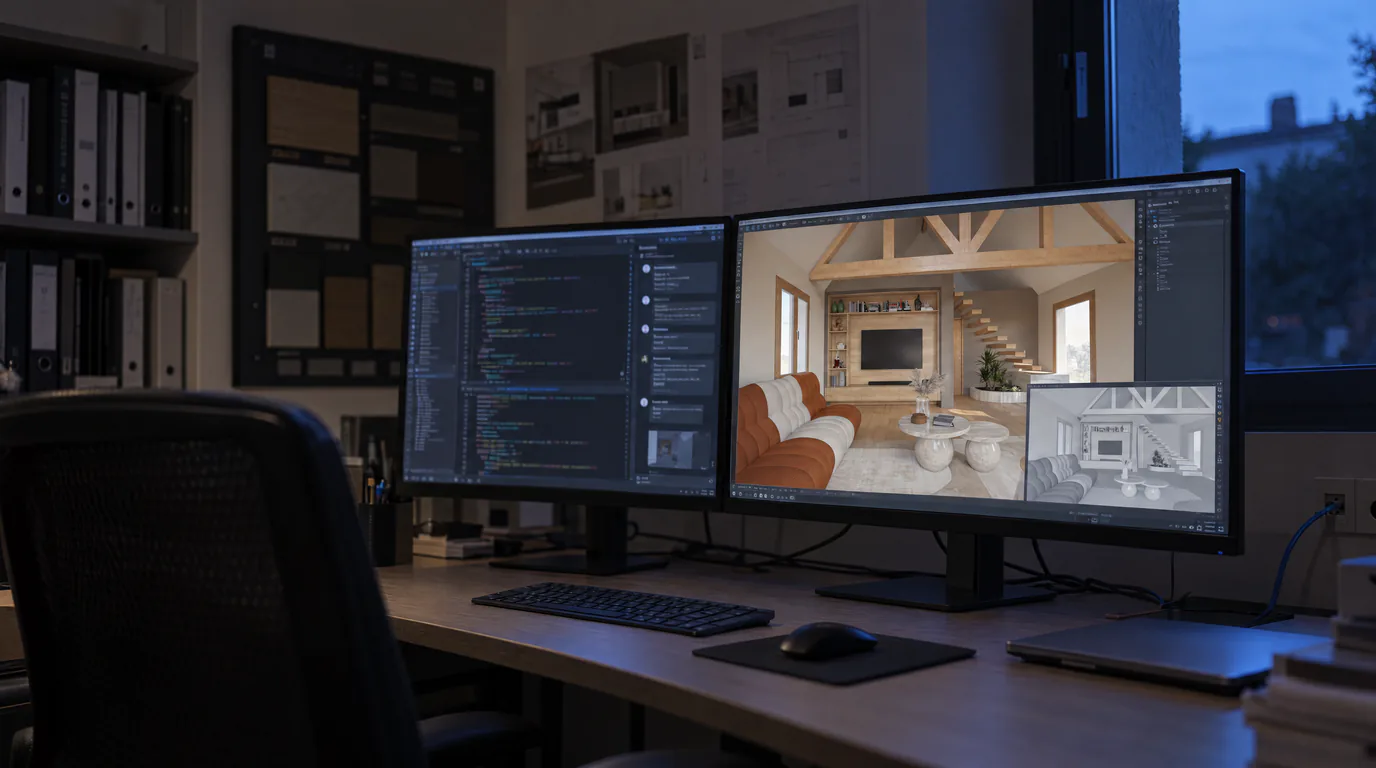
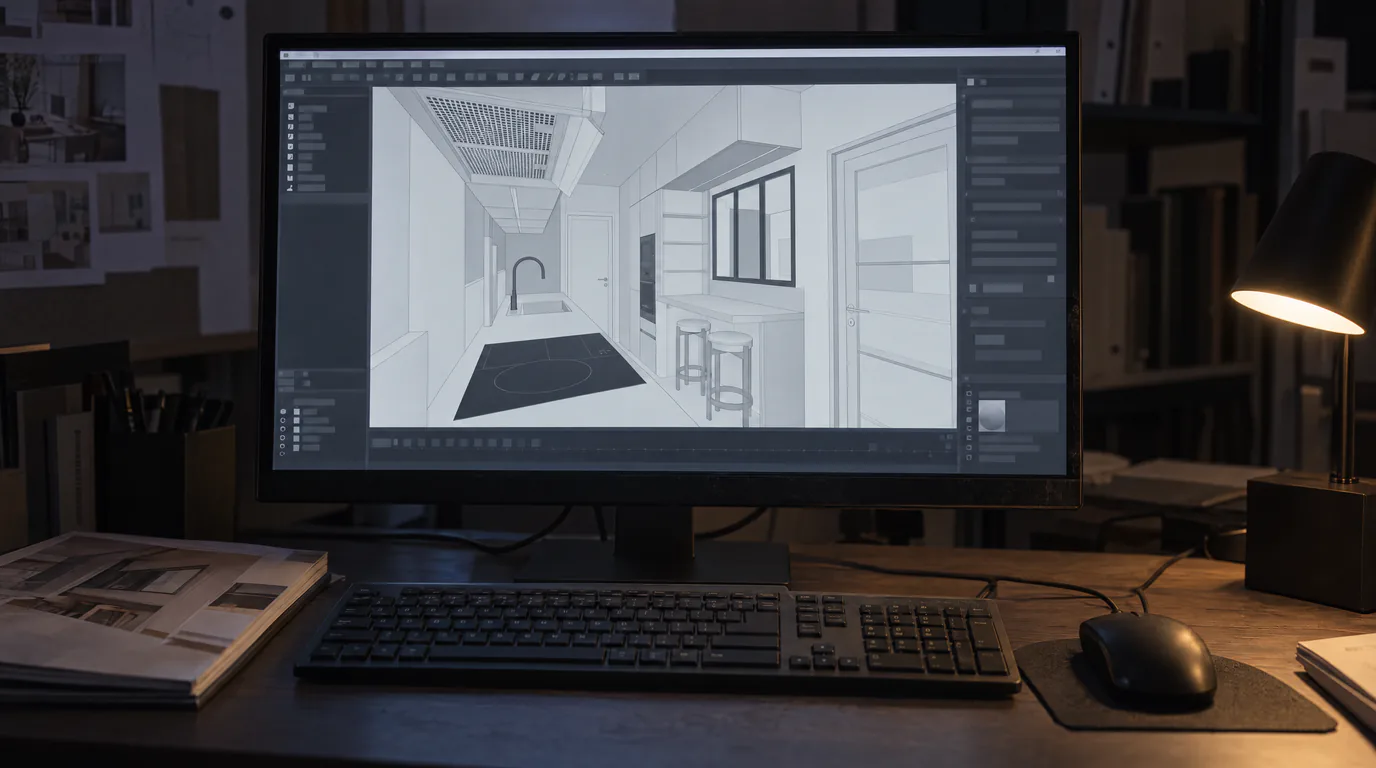
In practice, the process is straightforward: you export an image from your design software (SketchUp, Winner Design, InSitu, Blender, or any other tool), upload it to the platform, and the AI transforms it into a photorealistic render. All in under 2 minutes, where a conventional rendering engine might take 30 minutes to several hours.
How does AI photorealistic rendering work?
The workflow is intentionally simplified for professionals. Three steps are all you need:
1. Upload: you import your project image, whether it is a screenshot, a 3D export, or even a digital sketch. All common formats are supported: PNG, JPEG, WebP.
2. AI processing: the artificial intelligence relies on your image (its geometry, volumes, light sources, and composition) to reconstruct a coherent photorealistic render. It then applies processing that adds natural lighting, realistic textures, and coherent depth of field.
3. Result: in under 2 minutes, you receive a photorealistic render faithful to your original design. The layout, proportions, and material choices are preserved. This is not a reinterpretation of your project, it is your project, elevated.
AI rendering vs. V-Ray and Lumion: hours of computation saved, zero hardware investment
To clearly understand the advantage of AI rendering, here is how it compares with the most widely used traditional rendering engines in the industry:
| Criteria | V-Ray / Corona | Lumion | AI Rendering (RenderThink) |
|---|---|---|---|
| Time per render | 30 min to 4 hours | 10 to 45 min | Under 2 minutes |
| GPU required | Yes (high-end) | Yes (high-end) | No |
| Hardware cost | €1,500 - €3,000 | €1,500 - €3,000 | €0 |
| Annual license | €600 - €800 | €900 - €1,500 | Flexible subscription |
| Training required | Several weeks | 1 to 2 weeks | None |
| Installation | Heavy software | Heavy software | Web browser |
| Machine locked up | Yes | Yes | No |
The conclusion is clear: AI rendering eliminates the three biggest barriers of traditional rendering, hardware cost, learning time, and computation time, without sacrificing result quality.
Which interior design professionals benefit most?
AI photorealistic rendering is designed for all interior design professionals who need compelling visuals for their clients:
Interior architects: present your design projects with magazine-quality visuals without tying up your machine for hours. Offer multiple ambiances in a single meeting.
Kitchen designers: transform your Winner Design or InSitu exports into photorealistic images that help your clients envision the result immediately. A decisive selling point during showroom appointments.
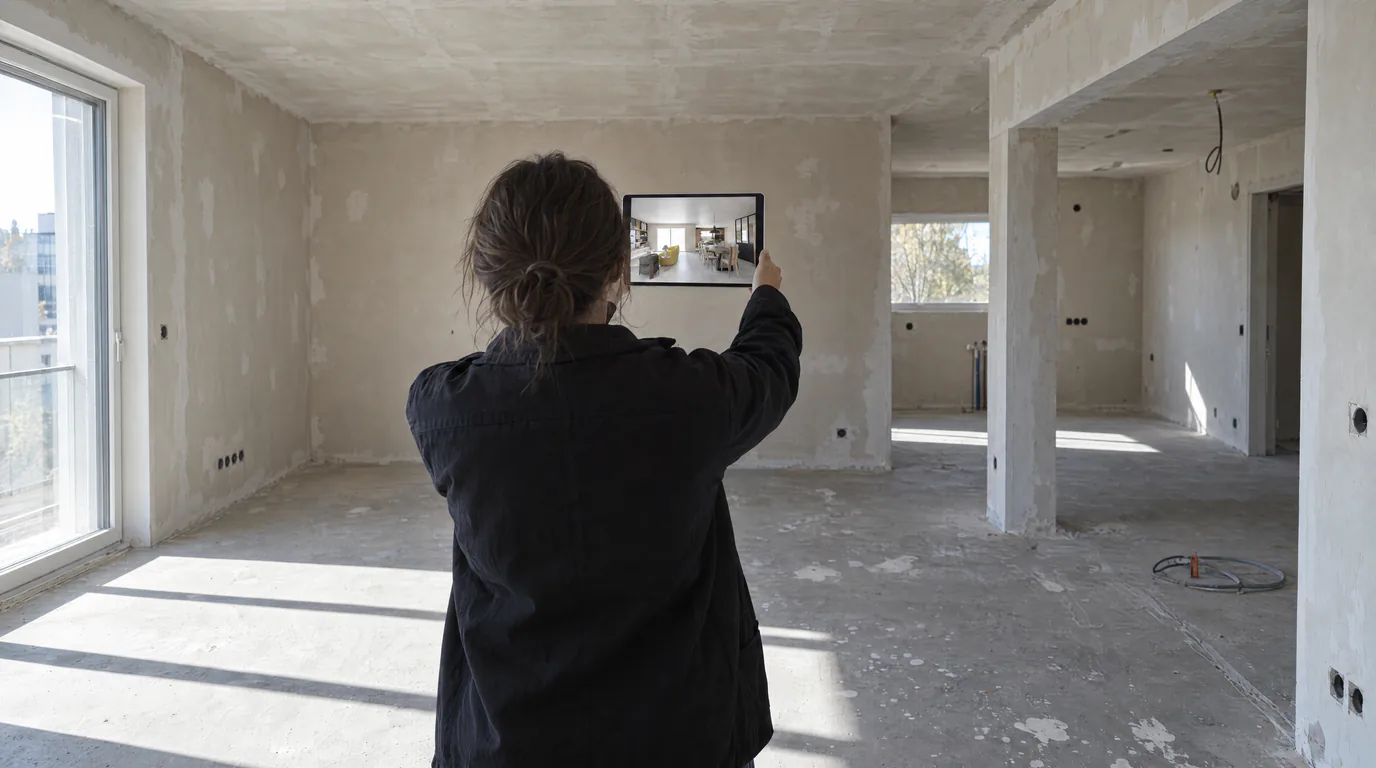
Decorators: show your clients the final result before a single piece of furniture has been ordered. Validate color, material, and furniture choices on a realistic visual.
Fit-out specialists and renovators: whether for a retail space, an office, or an apartment, impress your prospects with professional photorealistic renders from the very first meeting.
Available render quality levels
Depending on your needs, you can choose the resolution of your render. Each level has its ideal use cases:
1K (1024px): ideal for quick iterations, initial presentations, or ambiance comparisons. Lower credit cost and very fast results.
2K (2048px): the best quality-to-cost ratio. Perfect for on-screen client presentations, email deliveries, and project files. Professional quality for the vast majority of use cases.
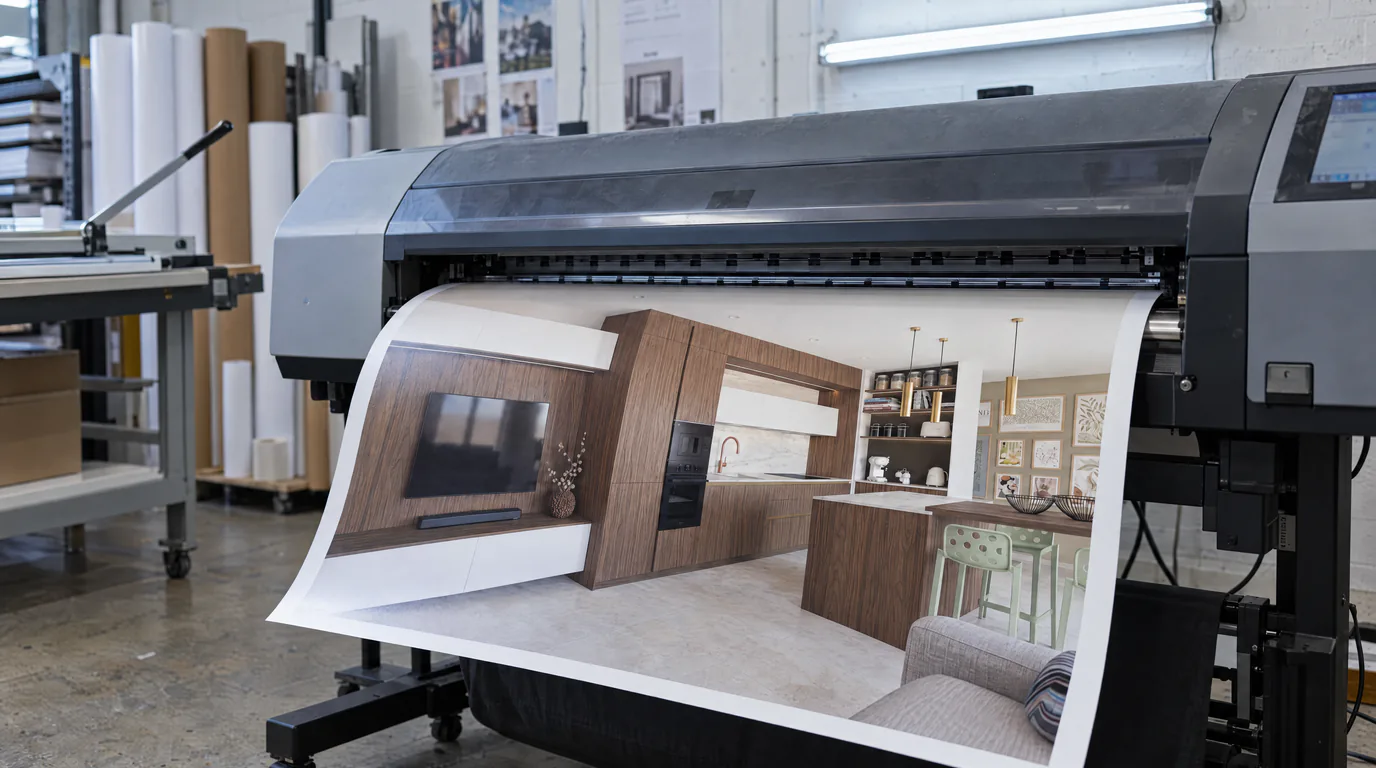
4K (4096px): for large-format prints, professional portfolios, and big-screen presentations. Exceptional detail for the most demanding projects.
8K (8192px): maximum resolution for very large format prints, wall-sized supports, and visuals that must hold up under any zoom level. Available on higher subscriptions.
Why AI rendering changes the way you sell an interior project
Professionals who adopt AI rendering today are not simply saving time. They are fundamentally transforming the way they work and sell their projects.
With production time now measured in minutes rather than hours, it becomes possible to offer 5, 10, or 15 variations of the same space in a single day. Clients no longer choose between two limited options, they explore possibilities with you, in real time or close to it. This collaborative approach builds trust, accelerates decision-making, and ultimately increases your conversion rate.
Furthermore, the accessibility of AI rendering democratizes photorealistic visuals. No more needing a €5,000 budget for hardware and software to produce professional images. A freelancer now has access to the same quality as a large firm, leveling the playing field and allowing each professional to stand out through the quality of their projects rather than the size of their technology budget.
Make the switch to AI photorealistic rendering
The takeaway is clear: AI rendering is neither a gimmick nor a compromise. It is a professional production tool that saves you time, saves you money, and wins you more clients. The technology is here, it is accessible, and it works right now.
Create your free account and enjoy a 14-day free trial to test it yourself by uploading one of your projects. In under 2 minutes, you will have your first photorealistic render. We bet you will not go back.