Give your AI assistant the tools of your trade
An invented image is not a render of your project. Connected to RenderThink, your assistant renders, edits, decorates and presents your real projects, with your credits.
14 days, no commitment
A sample conversation with an AI assistant connected to RenderThink. You send it the 3D capture of the Laurent kitchen; it adds it to the project, states the 2K render at 55 credits and waits for your go-ahead. The photorealistic render then arrives in the conversation and in the project, with a link to open it in RenderThink.
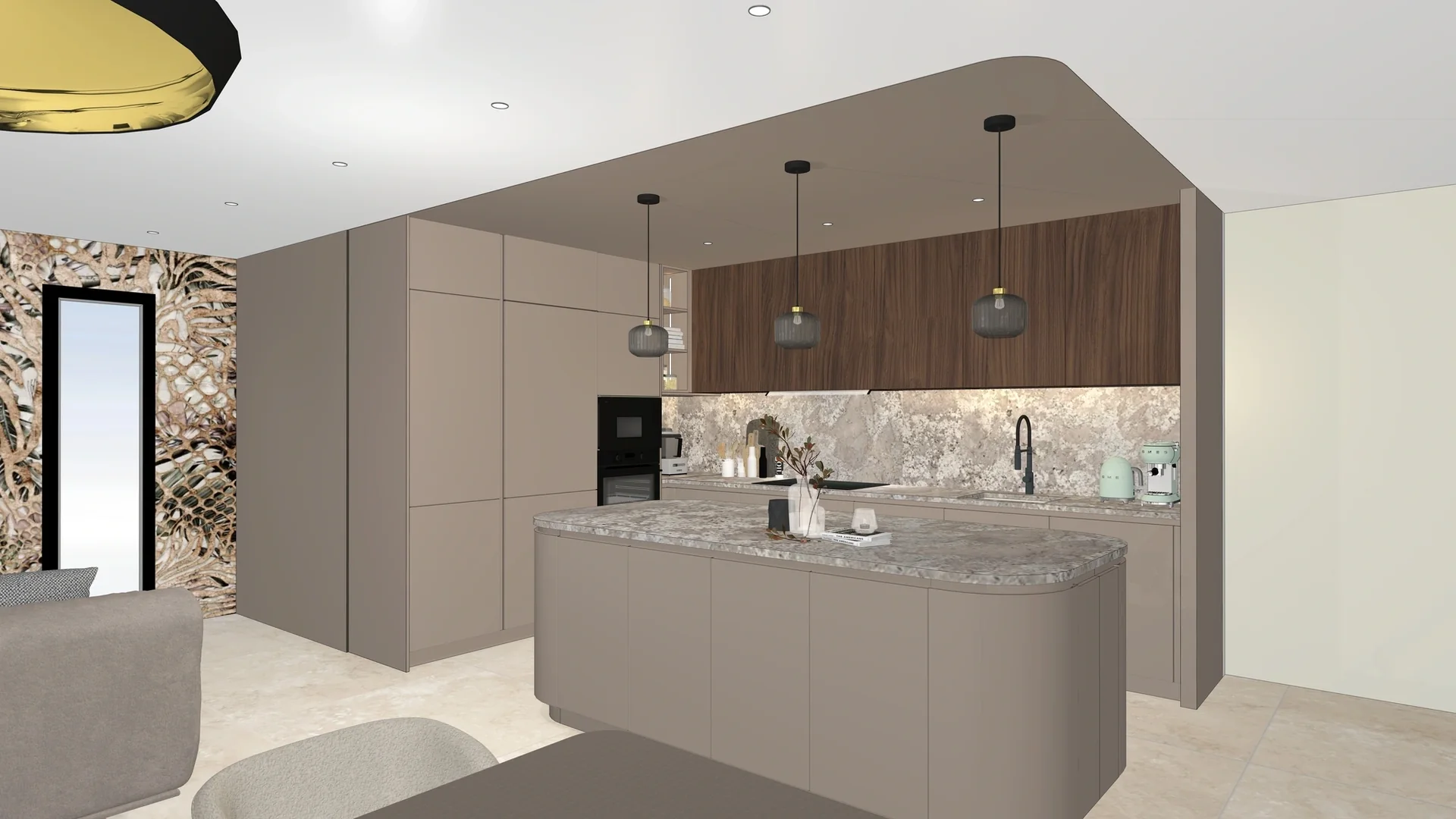
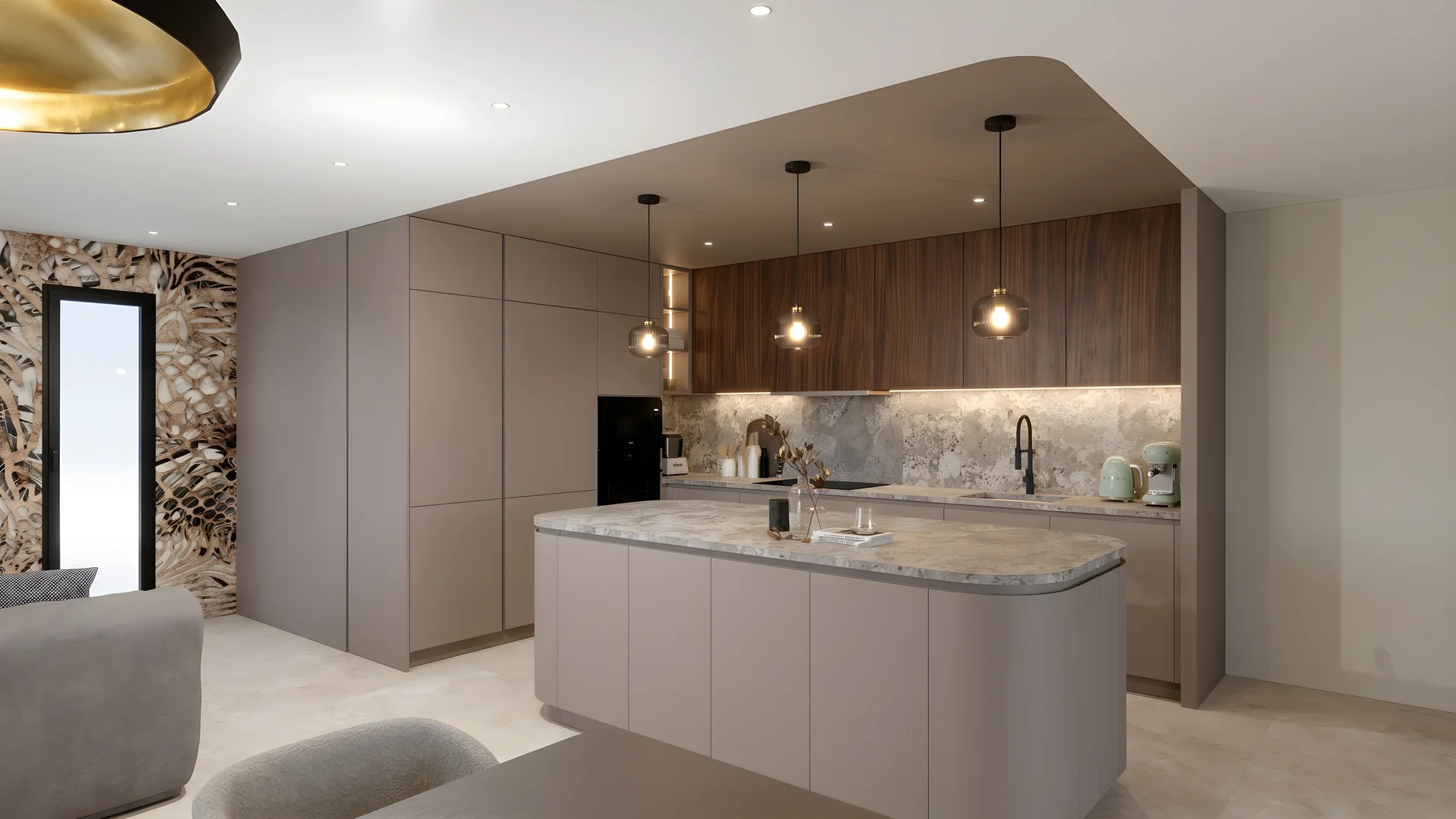
You send the capture, it states the price, you say yes: the render lands in your project.
It works in RenderThink, you decide
It starts with your go-ahead
It traces the zones to change itself and states the price in one sentence. Nothing starts without your yes.
55 credits for a 2K edit
It composes with you
Style, palette, number of accessories: it offers RenderThink’s choices, you decide.
55 credits for a 2K decoration
Everything lands in RenderThink
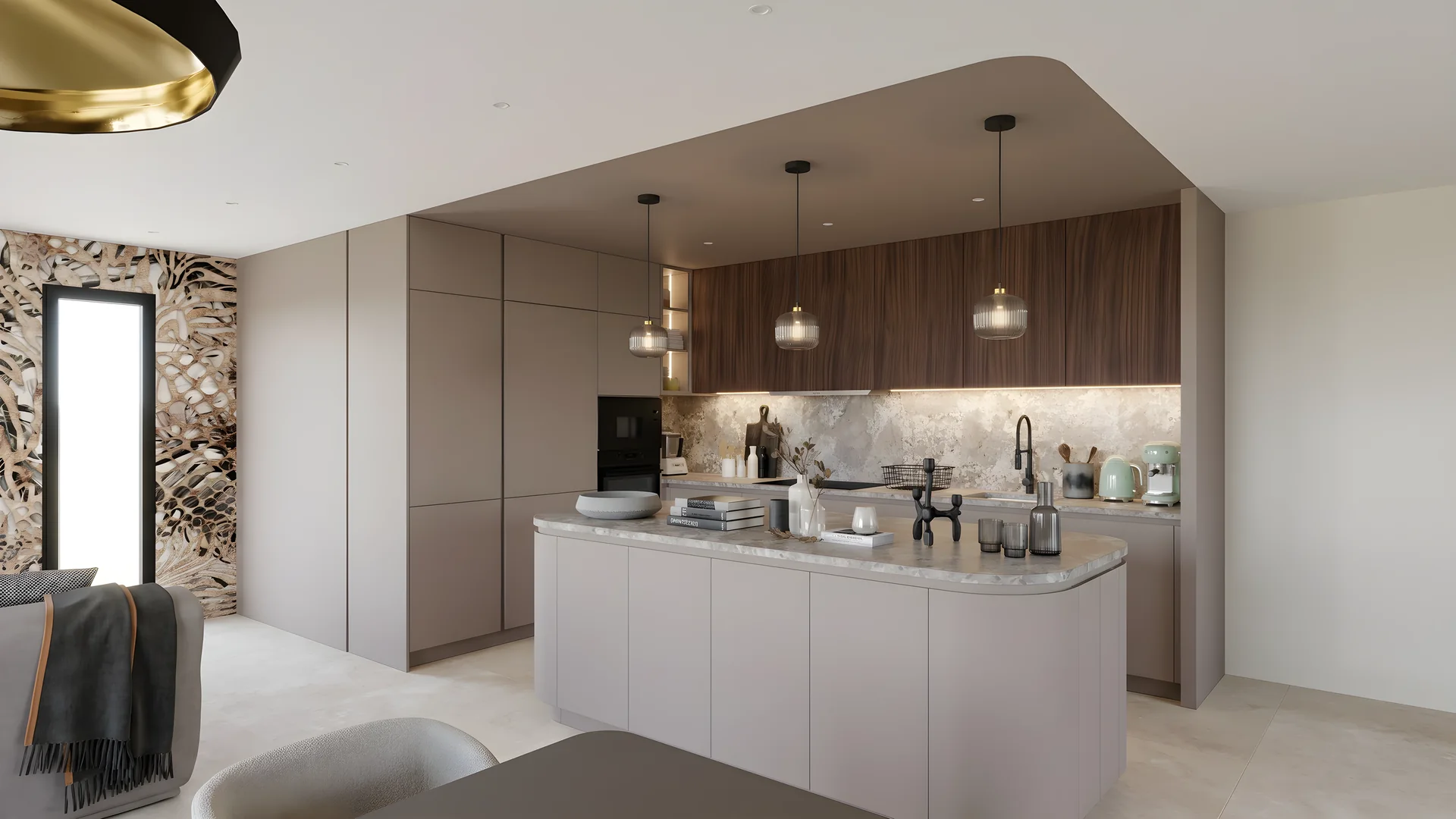
Every image goes into your project, next to its versions, and opens in one click from the conversation.
Up to 8K, print-ready
The client gets the link
It builds the presentation in your brand with your images, then publishes the link your client opens without an account.
No credits: it composes it itself
The full image, to download
Ask for an image from the project: it gives you its download link, the full image, just as the app downloads it. Keep it wherever you like.
Nothing deleted for good
It moves to the trash only what you ask for, once you agree, and it can be restored from there. Emptying the trash or deleting for good is done in the app, by you.
How it works
Add RenderThink to your assistant
In its settings, add a custom connector with the address https://mcp.renderthink.com. Step-by-step instructions for each assistant await you in My account, AI assistants section.
Authorize it
RenderThink opens: you check what it will be able to do, then authorize it. An email confirms it.
Ask
“Render the capture of the Laurent kitchen in 2K”: it answers, starts once you agree, and the image arrives in the project.
Why not just ask it for the image?
On its own, an assistant makes an image from words, with a do-everything generator. With RenderThink, it goes through a generation pipeline dedicated to interior design, and starts from your project.
Your assistant, alone
With RenderThink
- Generation
- A do-everything image generator
- A pipeline dedicated to interior design
- Starting point
- A description in words
- Your 3D capture, same framing
- Your furniture
- Reinvented with every try
- Left in place: it decorates around it
- An edit
- The whole image is redone
- Only the zones it traced change
- Resolution
- A screen-sized image
- Up to 8K, ready to print
- Where the image goes
- It stays in the conversation
- Into your project, with its versions
- For the client
- Up to you to put it all together
- A presentation in your brand, by link
Who it is for
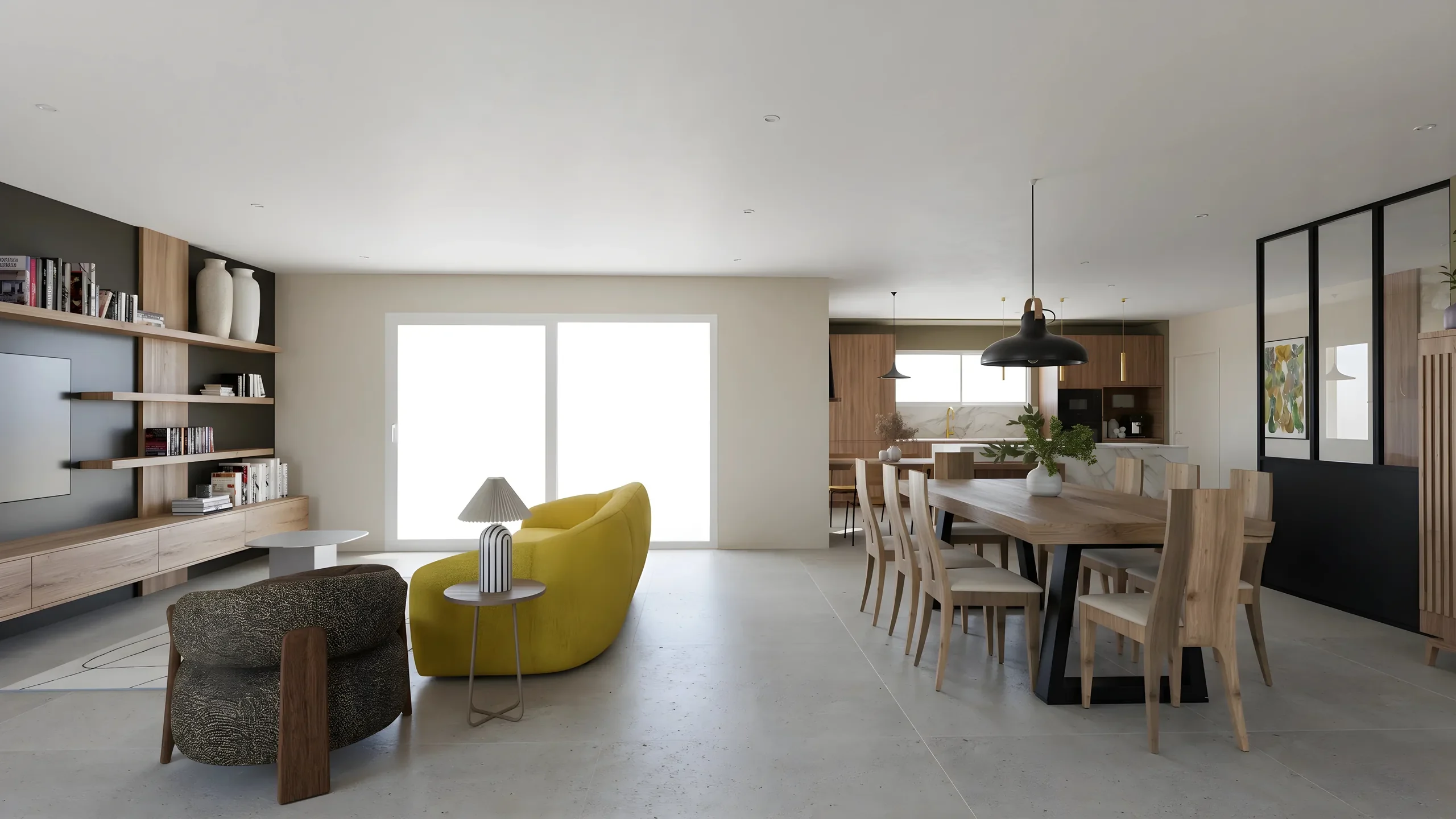
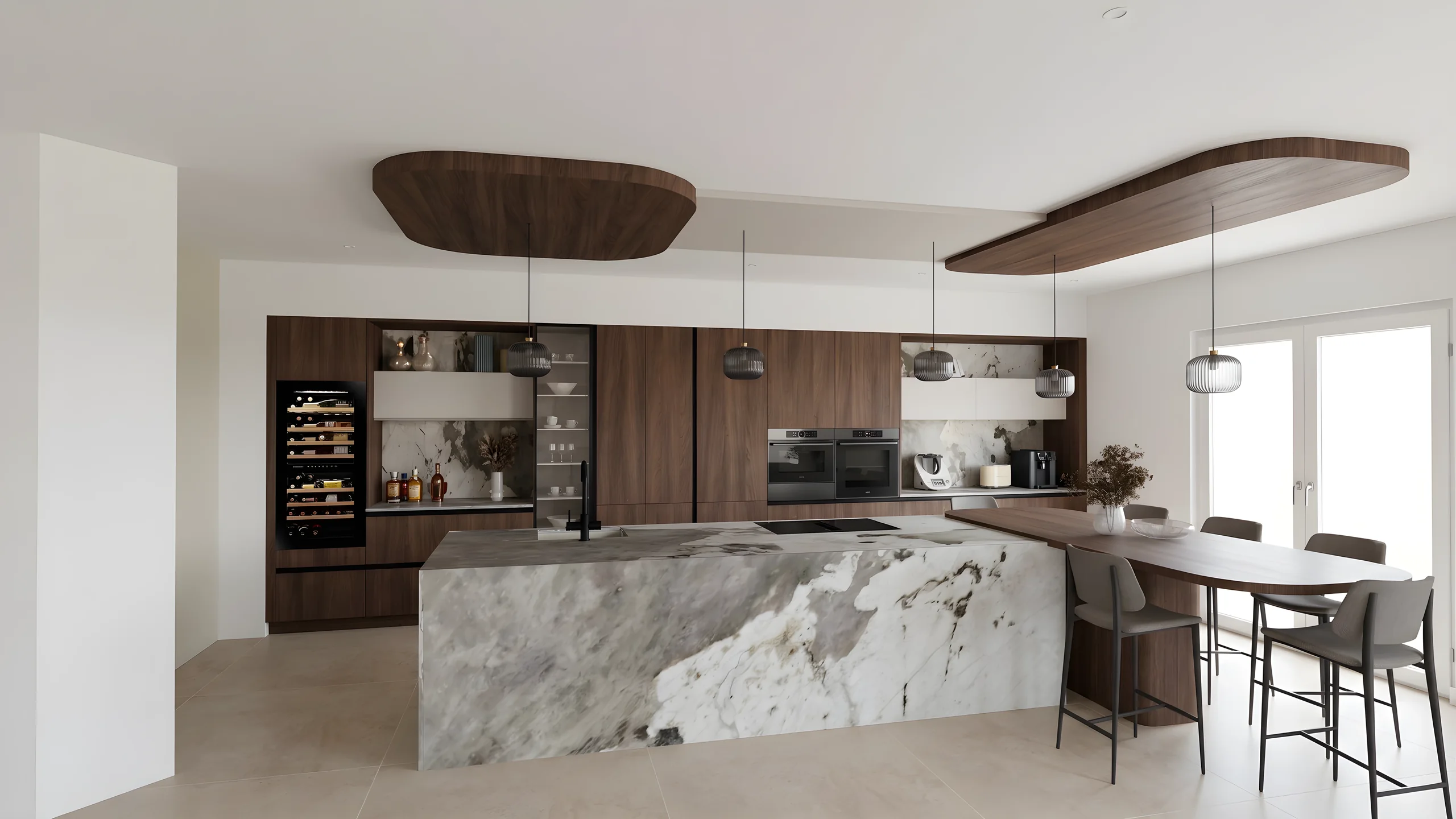 Kitchen designersTurn your Winner and InSitu exports into photorealistic renders and present them in the showroom via a secure link.
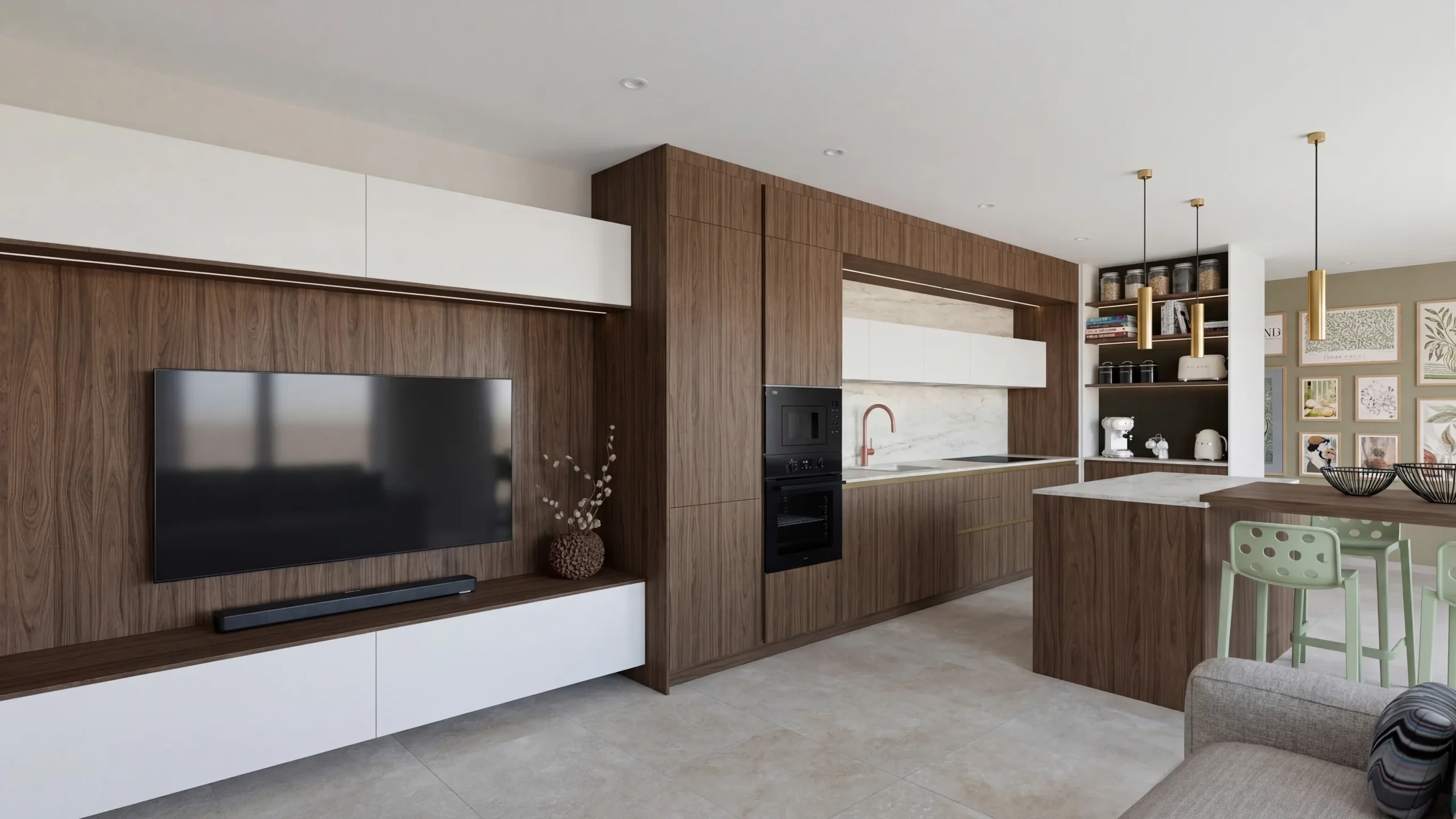
 Interior ArchitectsPhotorealistic renders from your SketchUp or Revit exports, ready to present in minutes.
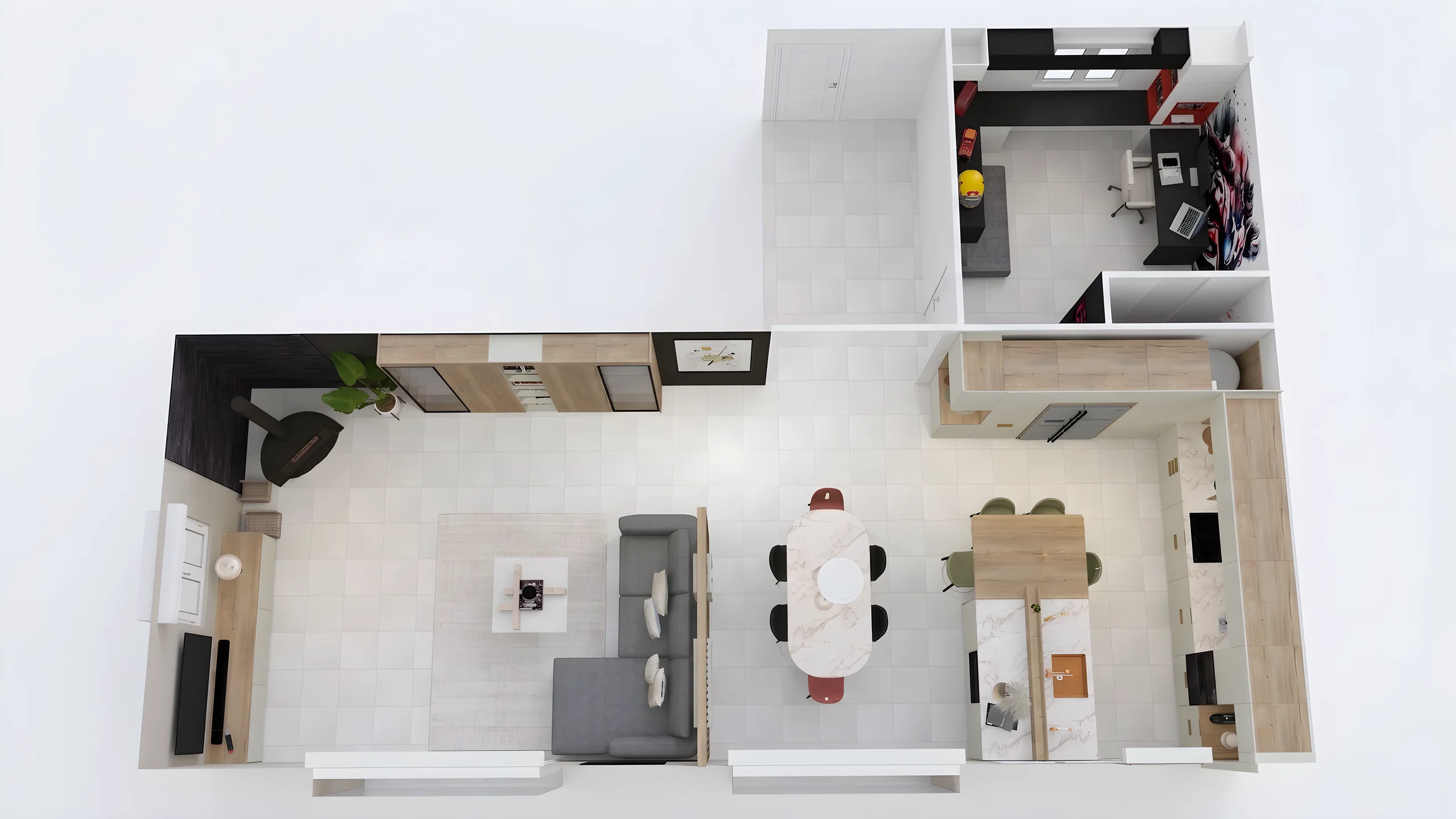
 Space PlannersVisualize your office, retail and restaurant fit-outs and get them approved by your professional clients.
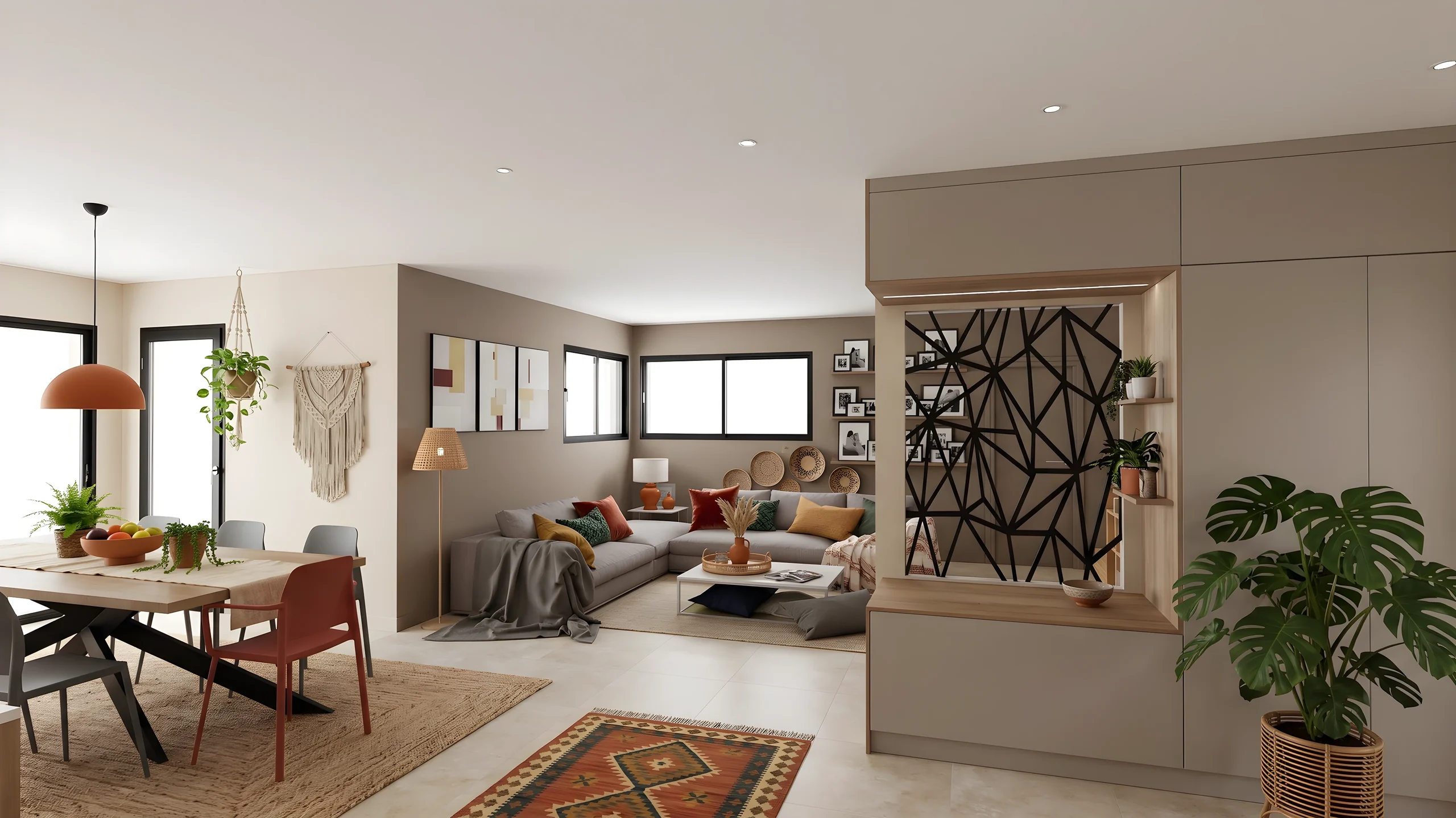 DecoratorsLet your client picture the ambiance, colors and materials before buying any furniture.
 Home stagingRestyle and showcase your already-furnished listings for visuals that drive viewing requests.
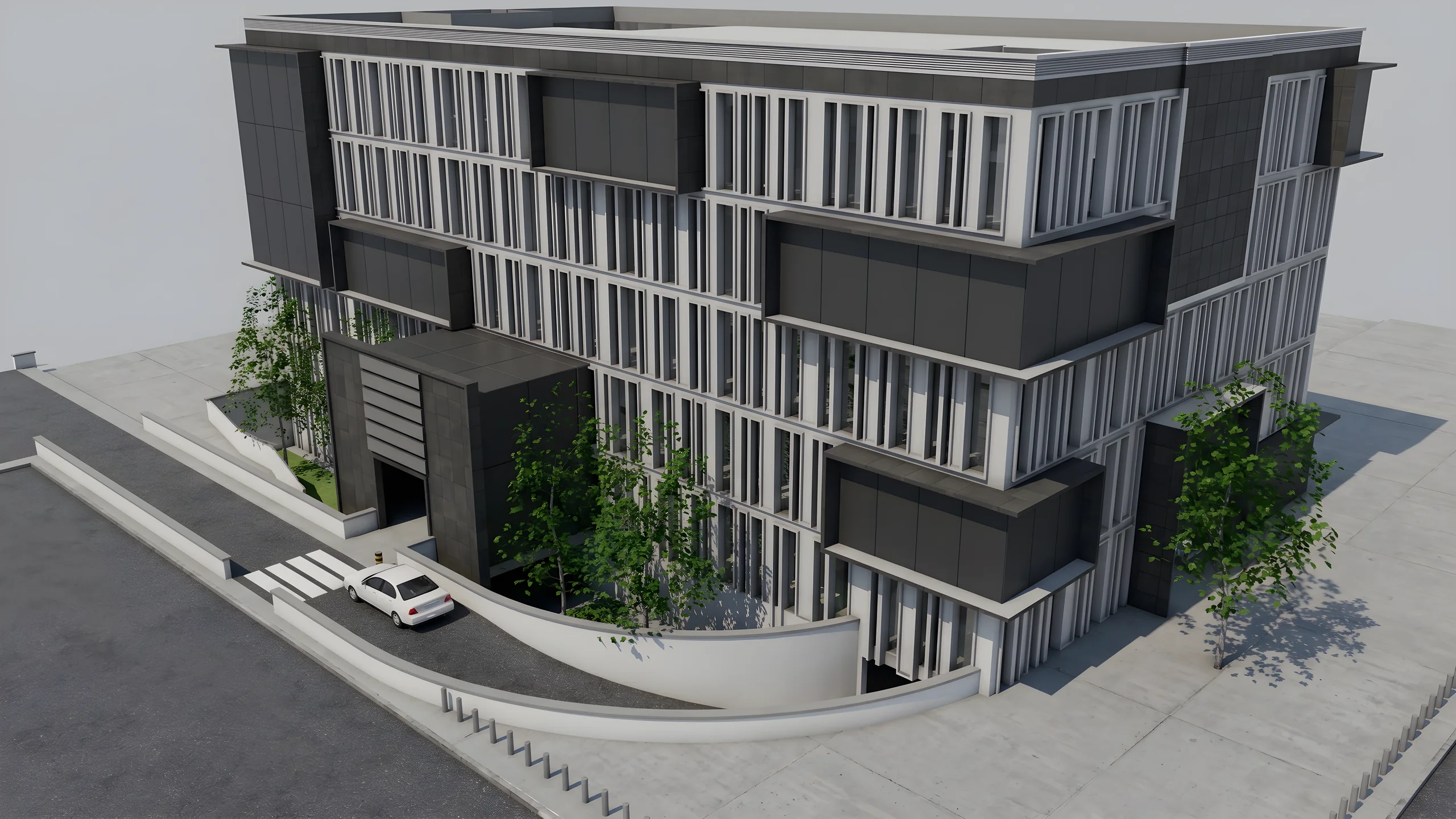 Property developersVisualize every apartment typology for off-plan sales, in minutes instead of weeks.
Read next
 Guides
Bring RenderThink Into Your Tools and AI Agents: the API Platform Explained
RenderThink opens up to your tools: rendering, editing, staging and upscaling from a configurator, your website, your business software or an MCP-compatible AI assistant. What it is, who it is for, how to start and what it costs, without jargon.
 News
NewsAI & Interior Design: Adapt Now or Fall Behind
Your competitors already produce far faster with AI. Discover why adapting now is vital to stay competitive in interior design.
 Business
Interior Design Presentations: Double Your Close Rate
PDF presentations not convincing clients? Create interactive photorealistic presentations with secure share links that close deals on the first meeting.
Try it on your own project.
Import an export, start a render, edit one zone, share the link.
14 days, no commitment