Your whole team on the same project, in one place
No more renders sent on WhatsApp, feedback lost on Slack and fixes buried in an email. Your team shares the project, its images, their versions and the client link.
14 days, no commitment
The Atelier Nova team space in RenderThink, laurent-kitchen channel. Hugo shares the project and asks Camille for an edit, attaching the render; Camille replies with the edit, filed in the project; Léa shares the updated presentation; Hugo sends the link to the clients. Three of the four members are online.
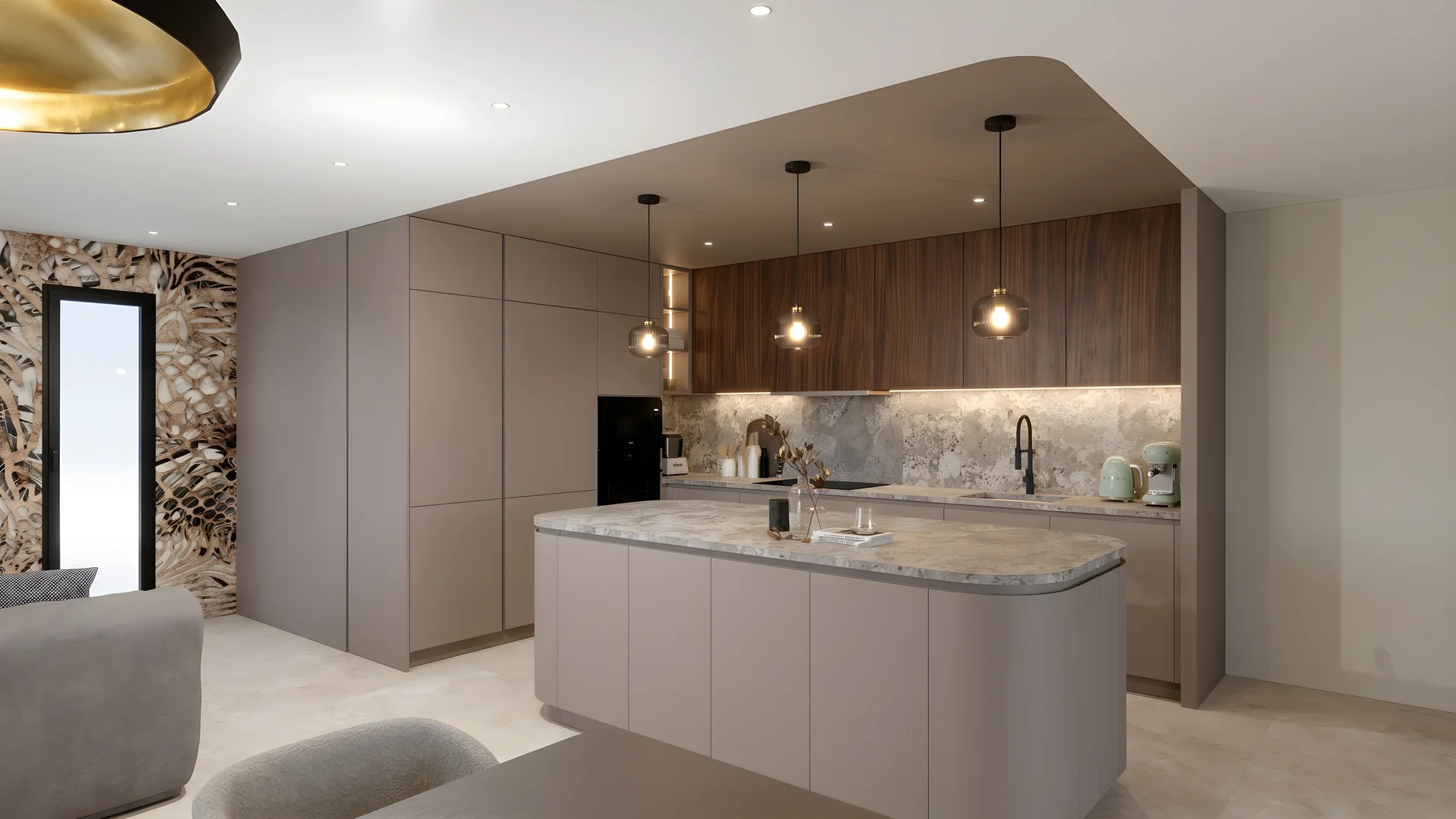
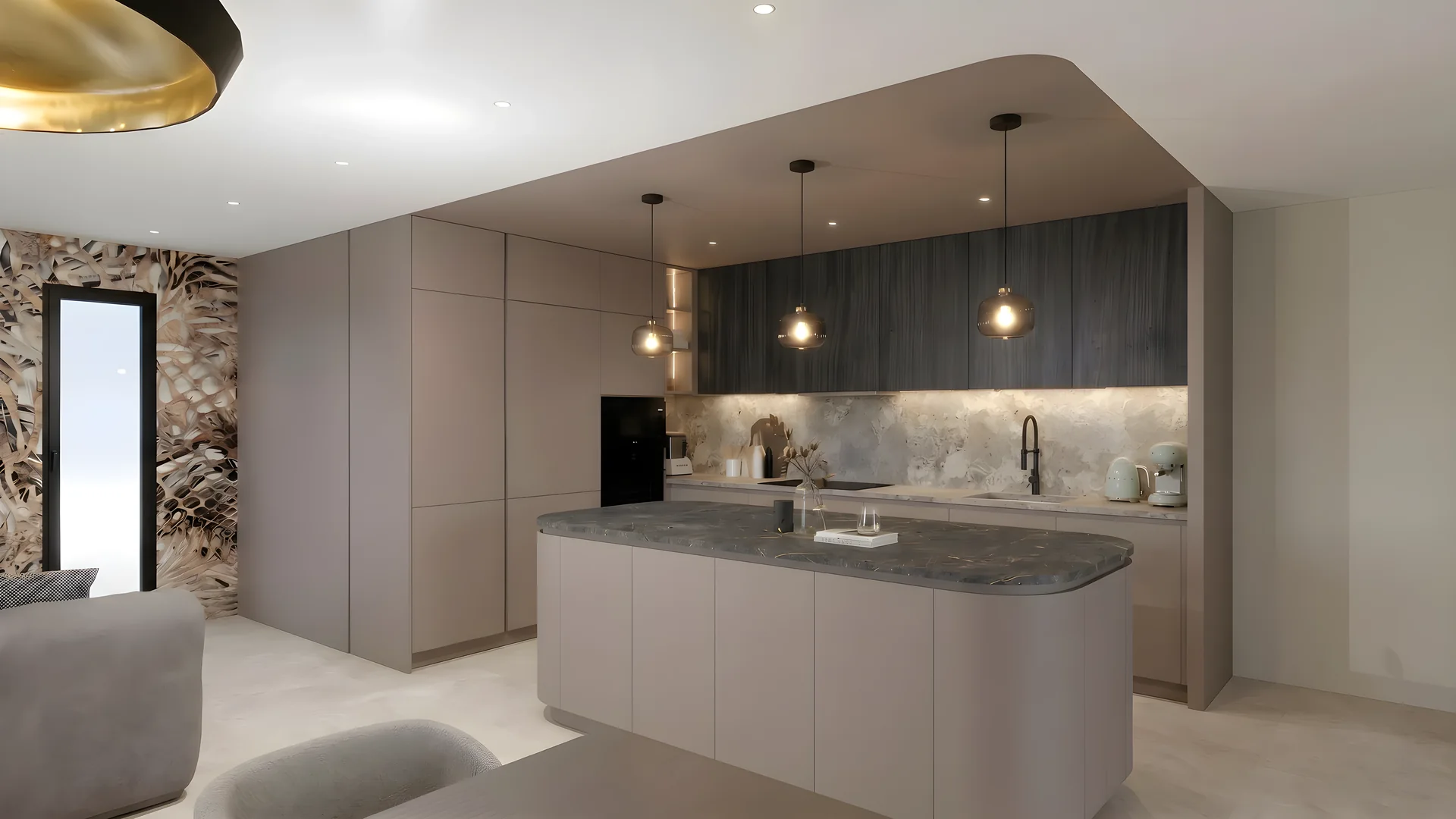
Today, the project is scattered. In RenderThink, it all stays in one place.
Your team, inside the project
A shared project, not files
Share the project in the team conversation, to view or to edit. Mention a collaborator, attach the image: the feedback stays with the project.
Every version keeps its author
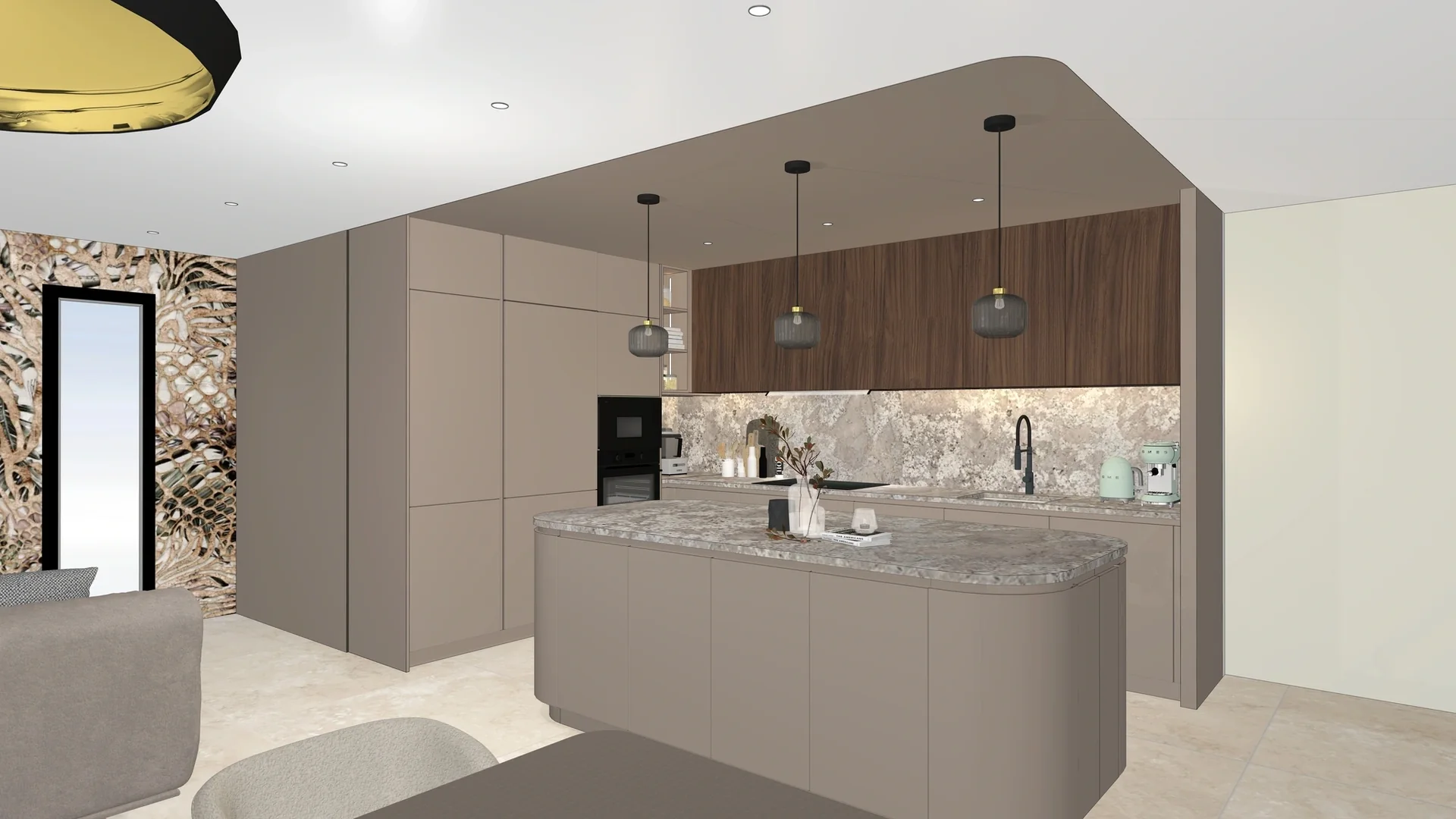
An edit replaces nothing: each image keeps its versions, comparable with the original, with the name of whoever made them.
Two on the same board
A mood board or a presentation can be edited by two people at once: you see who is working and, on the board, their cursor.





The client gets a link
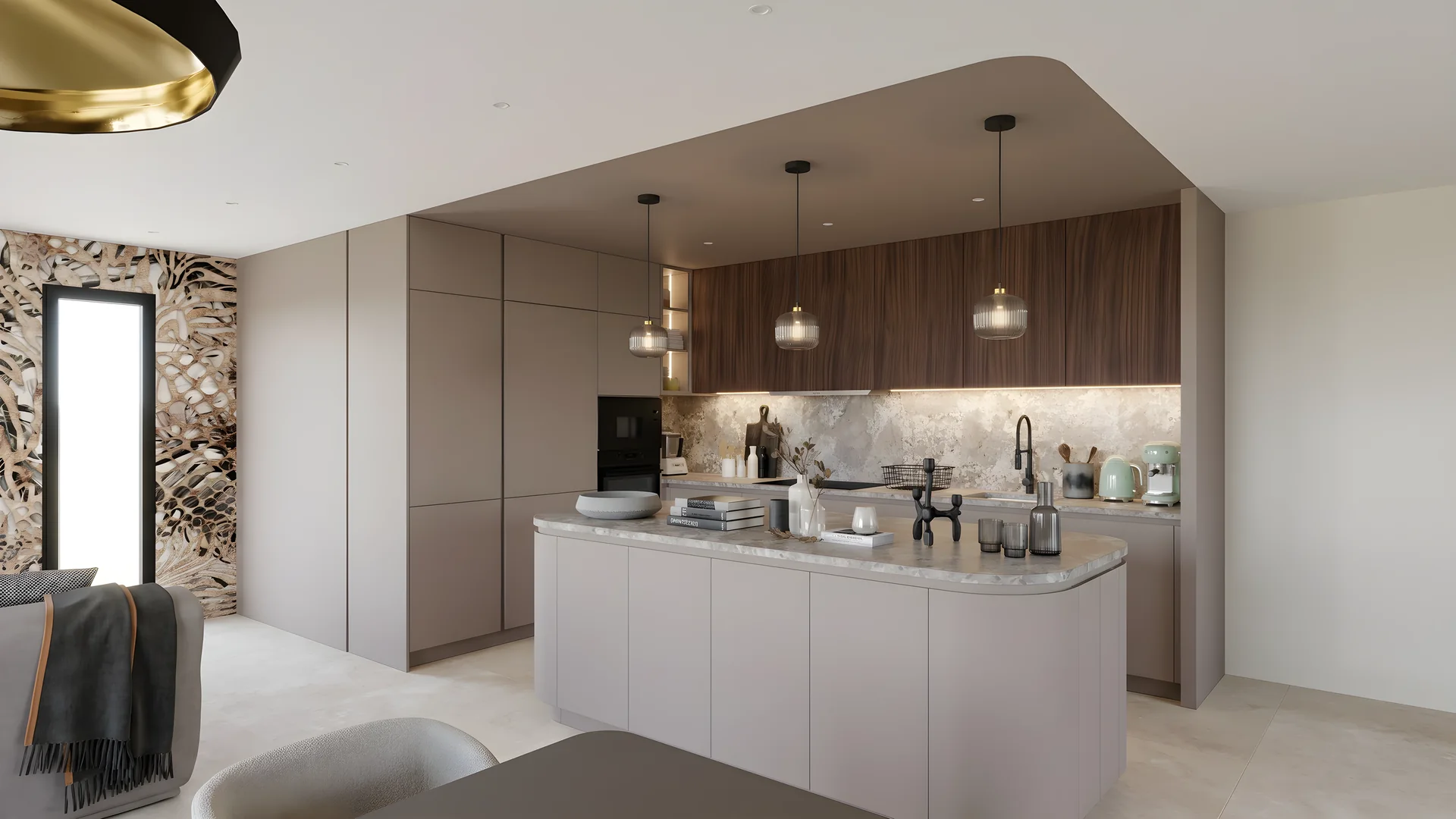
Always up to date, password-protected if needed, with an expiry date, and you see when it was opened.
Comments on the document
On a presentation or a mood board, the team comments by citing the block or element in question, and replies in the thread. The document’s owner is notified.
Credits between members
A member can ask the team for credits, and another can give some, within the monthly limit of their plan.
How it works
Create your team
In Collaboration, “Create a team”: a name, a logo if you like. The General channel is ready.
Invite
With a code to hand out, a QR code or an email. Everyone joins with their own RenderThink account.
Share the project
In the conversation, to view or to edit: the team works on it right away and sees every change live.
Why not WhatsApp, Slack or email?
They carry messages. RenderThink keeps the project: its images, their versions, the conversation and the presentation, in one place.
WhatsApp, Slack, email
RenderThink
- The render
- Compressed as an attachment, then buried in the thread
- In the project, at full resolution
- The feedback
- One message among a hundred, far from the image
- In the team conversation, with the image attached
- The fix
- Redone on the right version, if you can find it
- A new version of the image, with its author
- The mood board
- One copy per person, drifting apart
- One document, edited by two at once
- The client
- One more PDF by email
- A link that is always up to date, and you see it opened
Who it is for
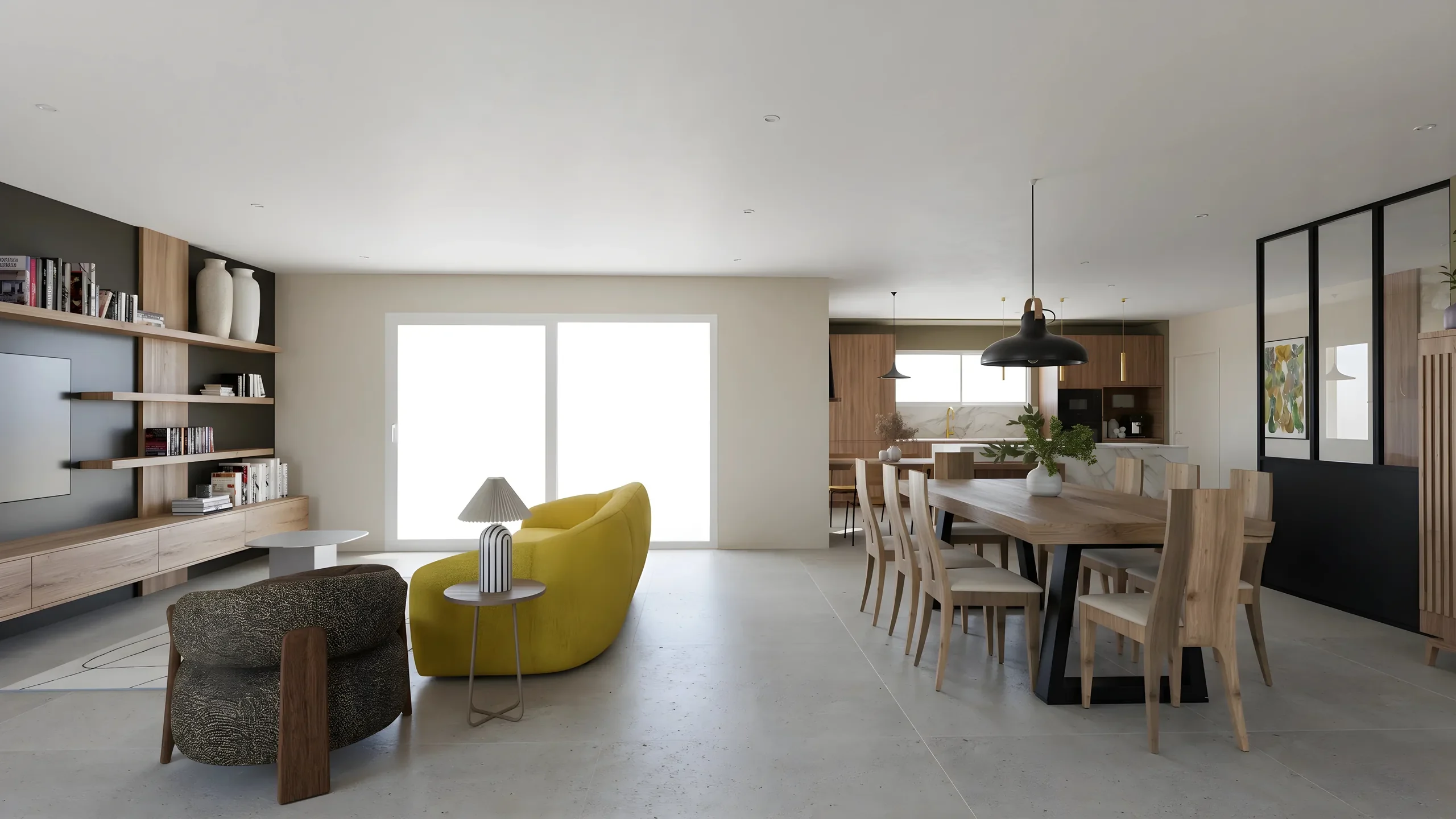
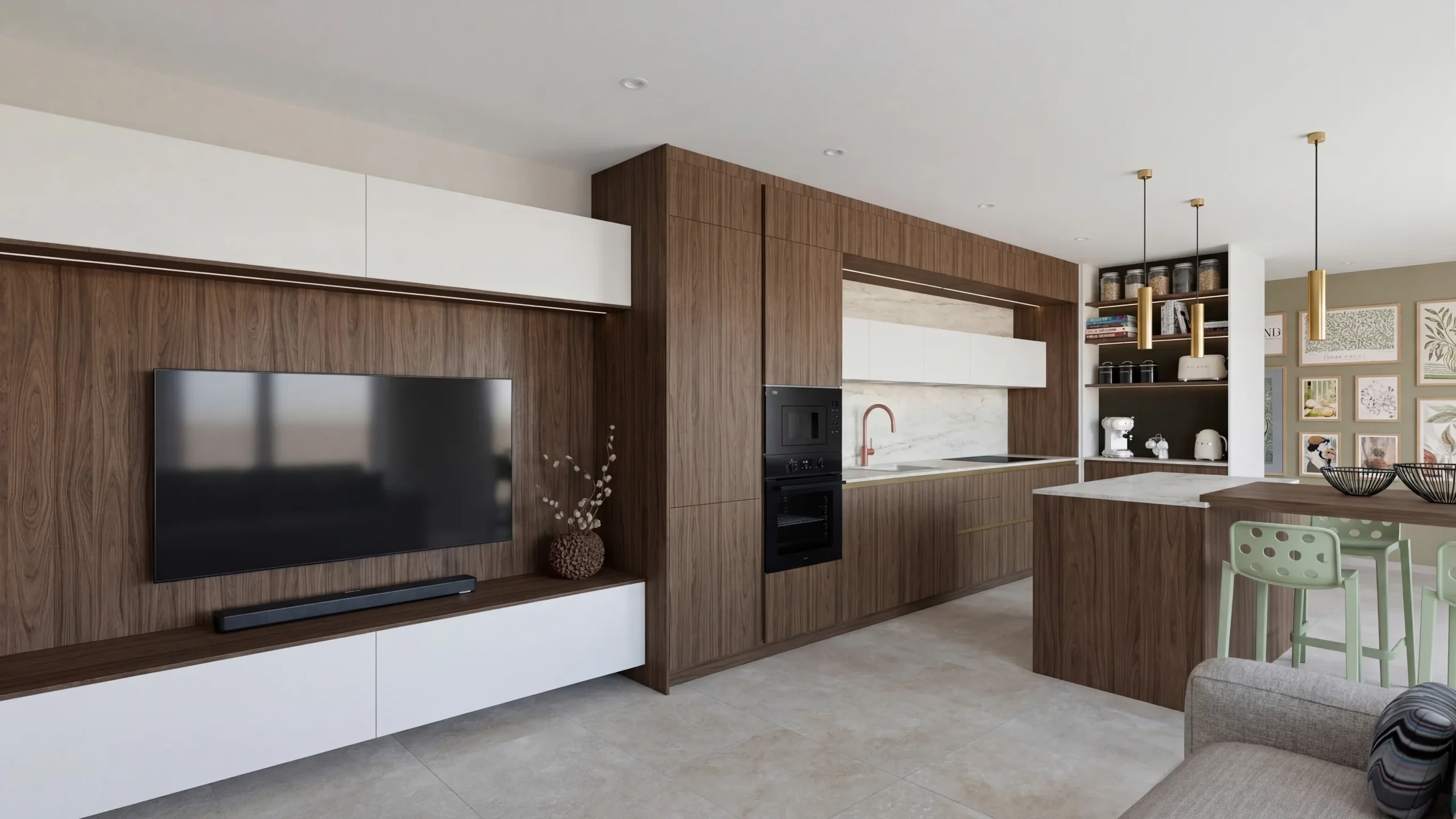
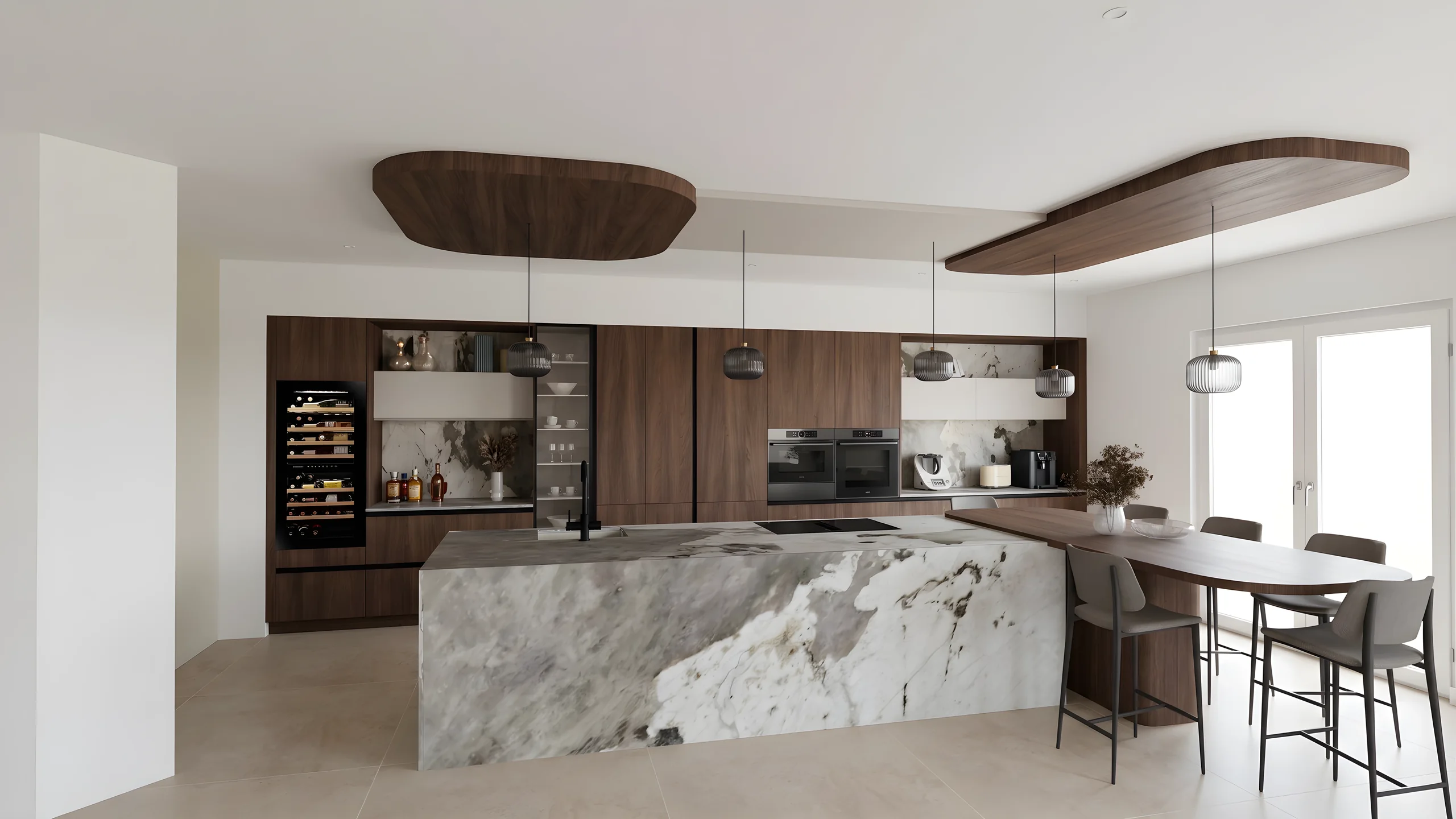 Kitchen designersTurn your Winner and InSitu exports into photorealistic renders and present them in the showroom via a secure link.
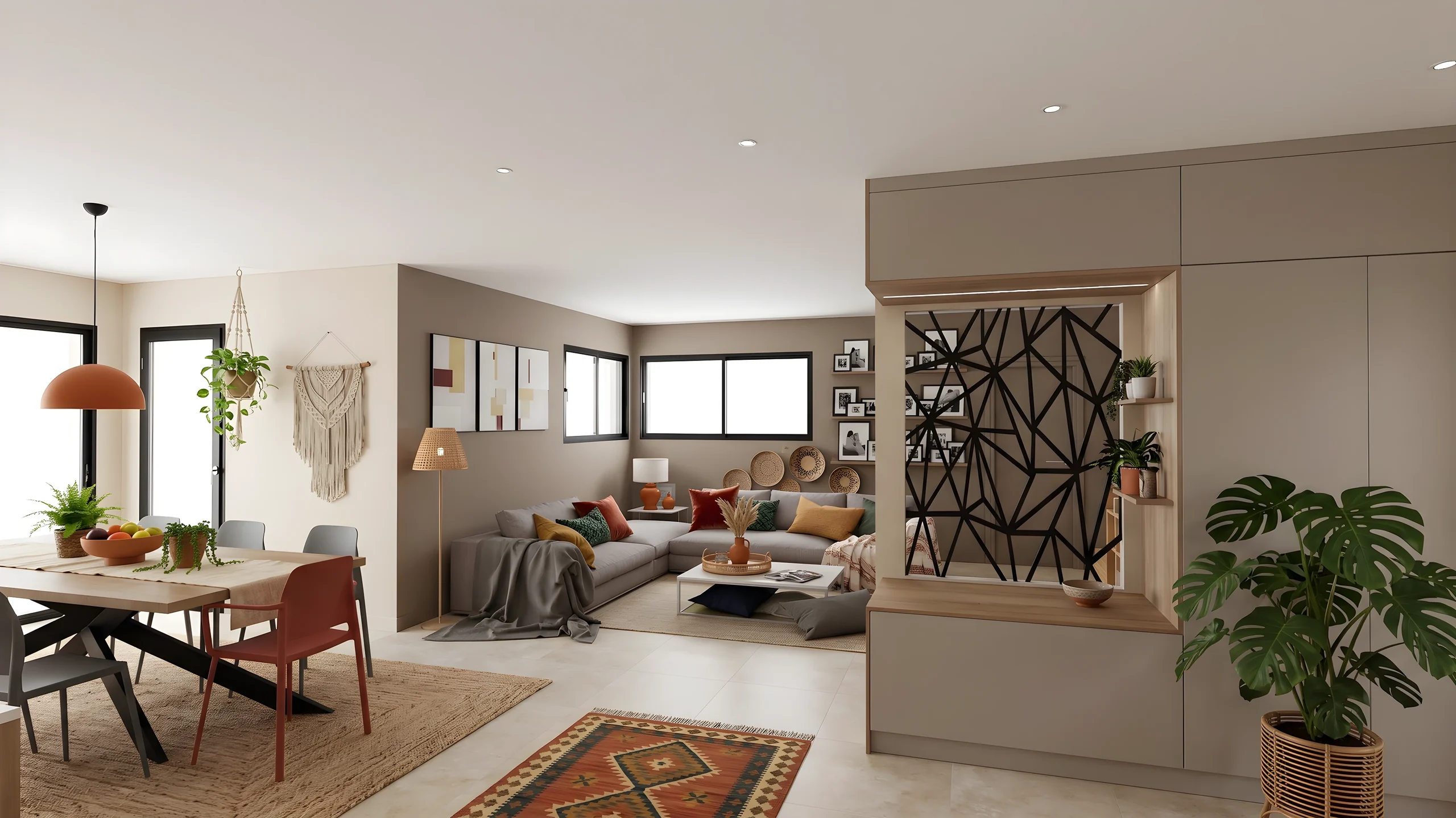
 Interior ArchitectsPhotorealistic renders from your SketchUp or Revit exports, ready to present in minutes.
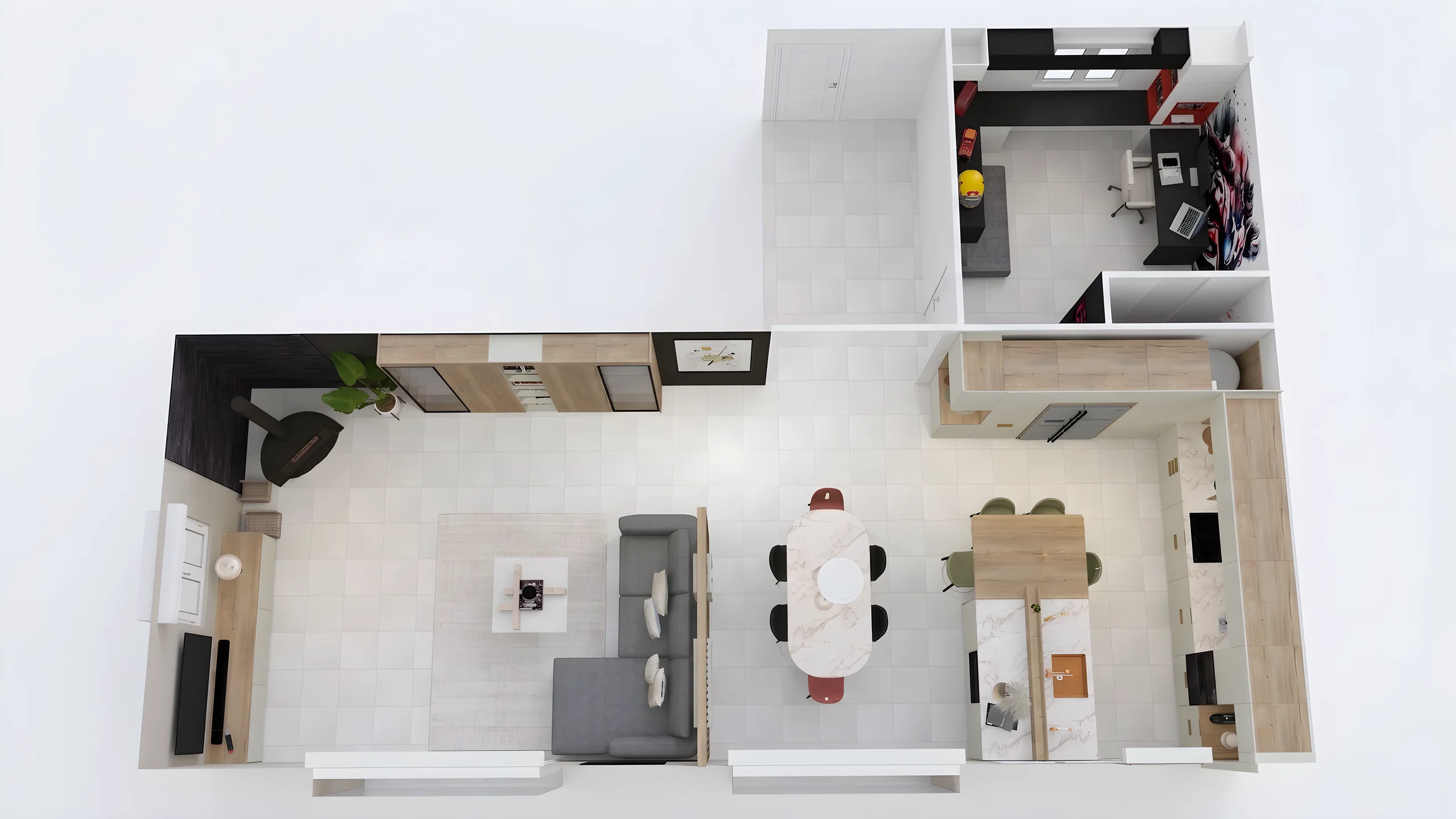
 Space PlannersVisualize your office, retail and restaurant fit-outs and get them approved by your professional clients.
 DecoratorsLet your client picture the ambiance, colors and materials before buying any furniture.
 Home stagingRestyle and showcase your already-furnished listings for visuals that drive viewing requests.
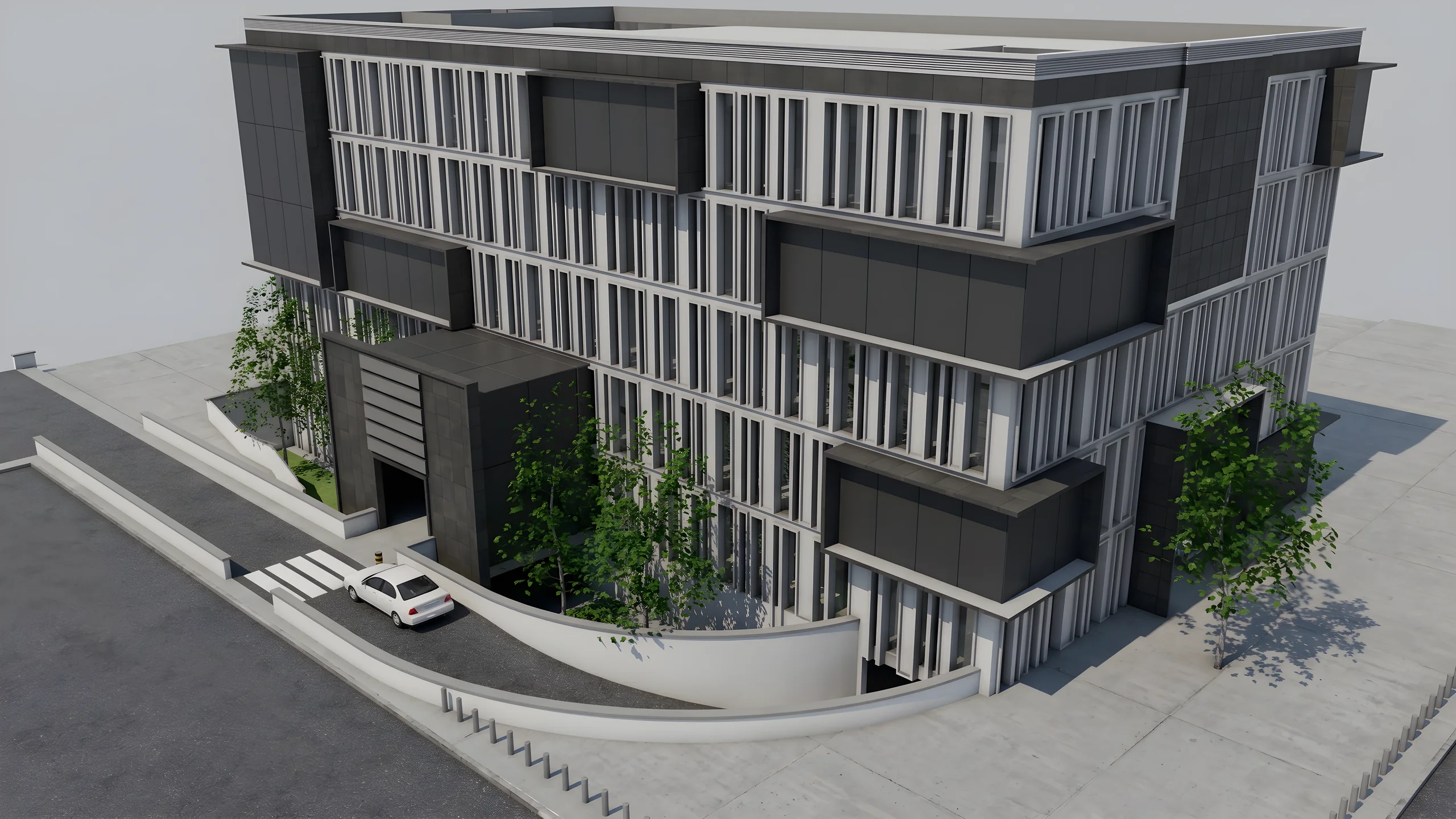 Property developersVisualize every apartment typology for off-plan sales, in minutes instead of weeks.
Read next
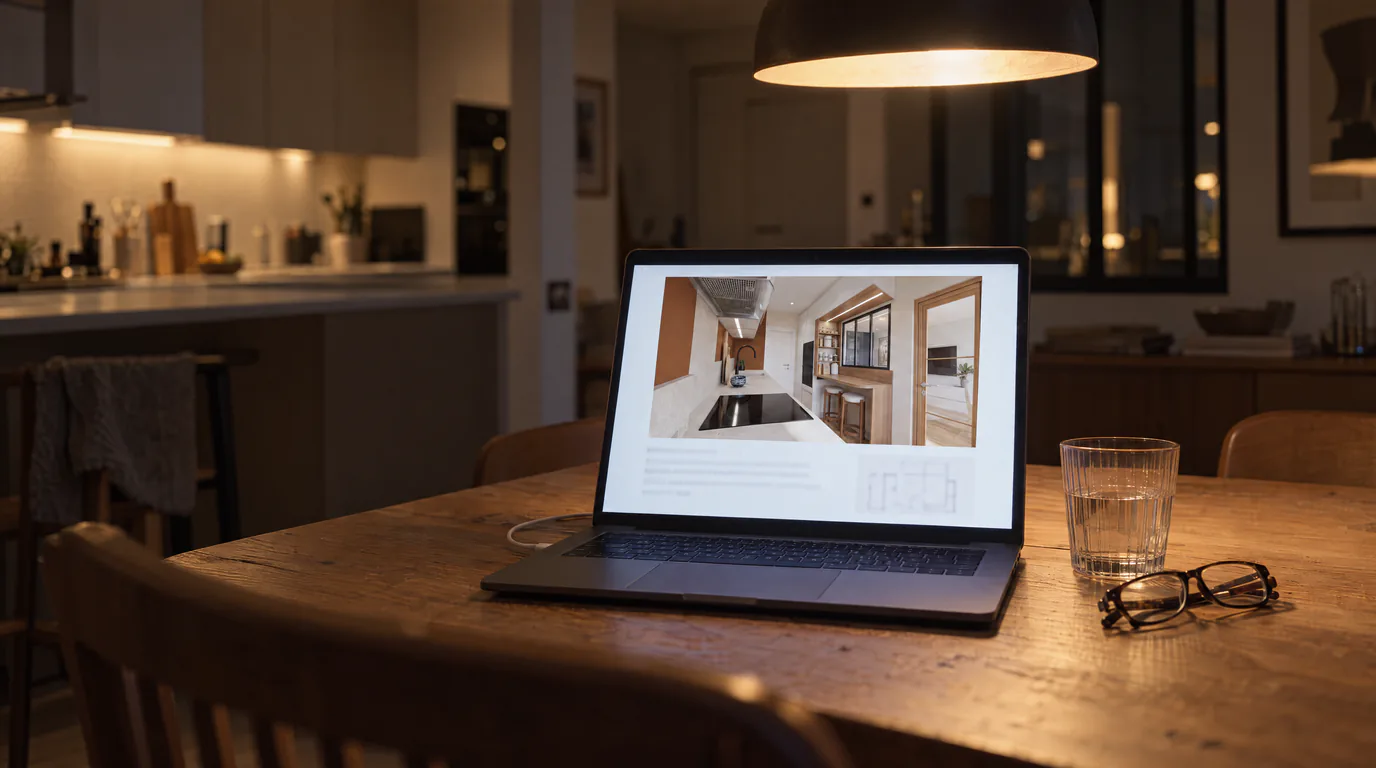 Business
Interior Design Presentations: Double Your Close Rate
PDF presentations not convincing clients? Create interactive photorealistic presentations with secure share links that close deals on the first meeting.
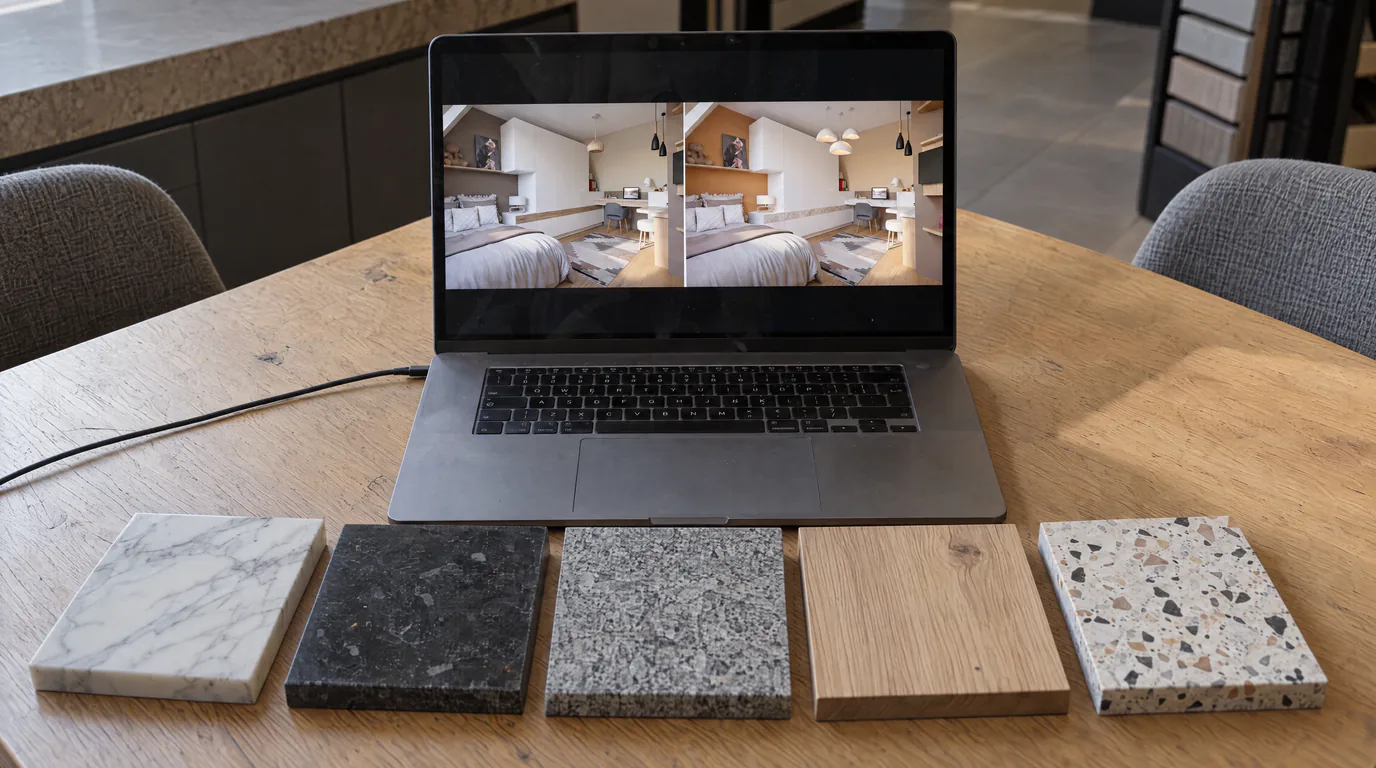 Business
10 Material Variants in 10 Minutes with AI Editing
Oak or walnut? Marble or quartz? Show every option to your client in real-time with AI-powered photorealistic render editing.
 Use cases
Kitchen Designers: Showroom Presentations That Close Sales
Your Winner renders look flat? Create photorealistic presentations with your logo and pro layout, shareable via secure link.
Try it on your own project.
Import an export, start a render, edit one zone, share the link.
14 days, no commitment