AI Rendering for Interior Decorators: Let Clients See Before They Buy
Turn your SketchUp, InSitu or AutoCAD exports into photorealistic renders in under a minute. Explore several decor moods on one side, fine-tune the exact product or material with a brush on the other, and let your client picture the result before buying a single piece of furniture.
14 days, no commitment
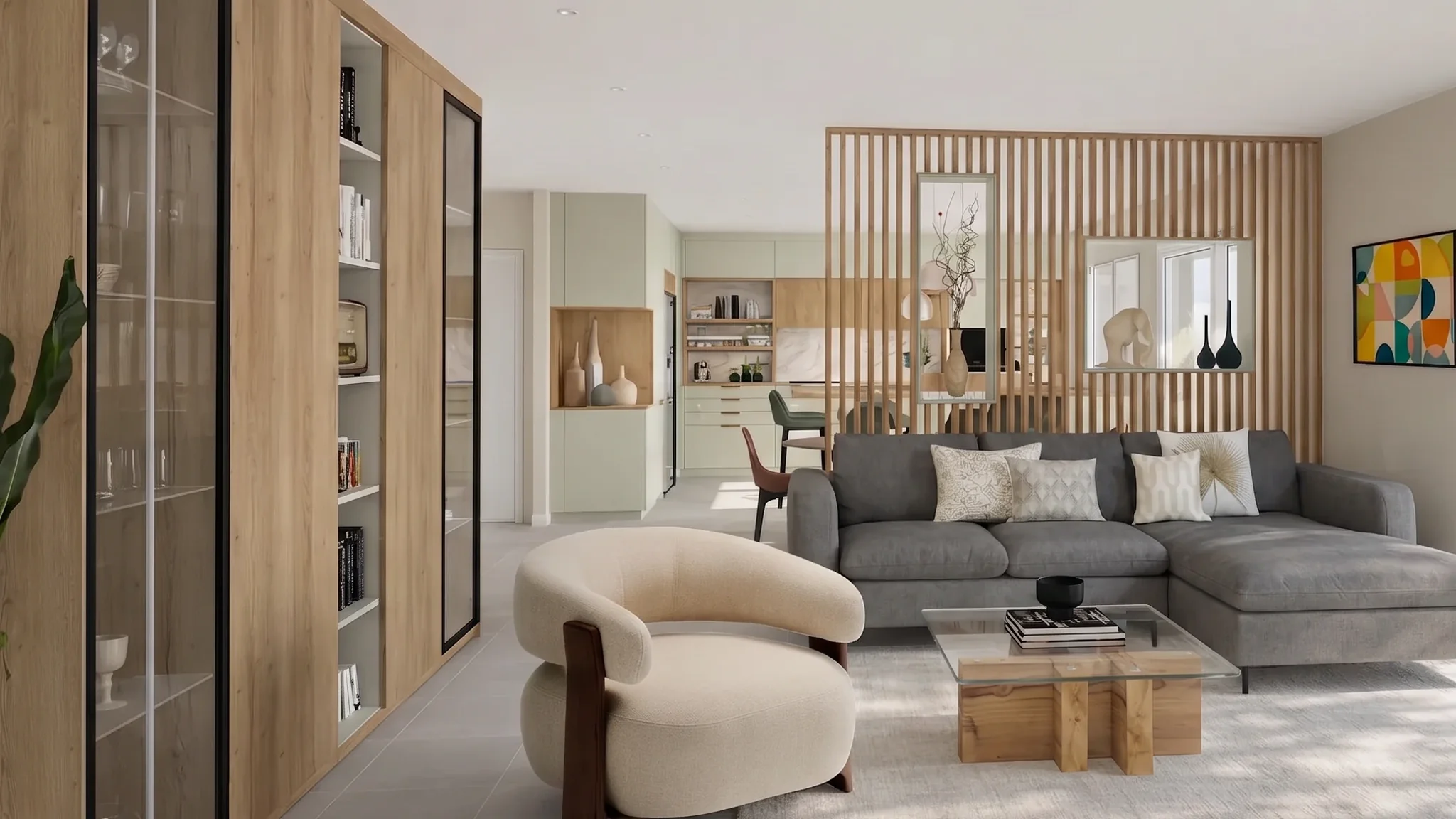
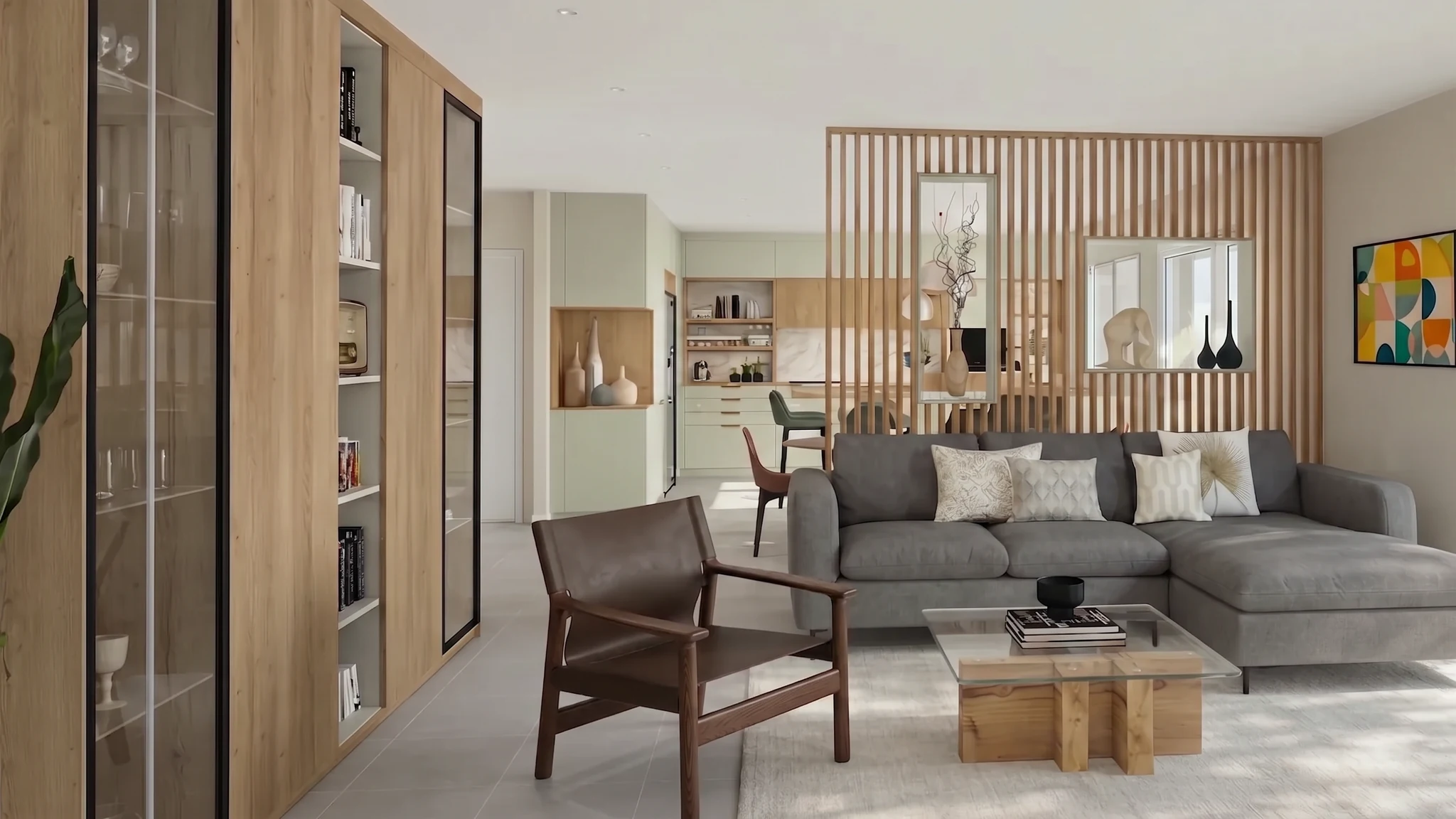
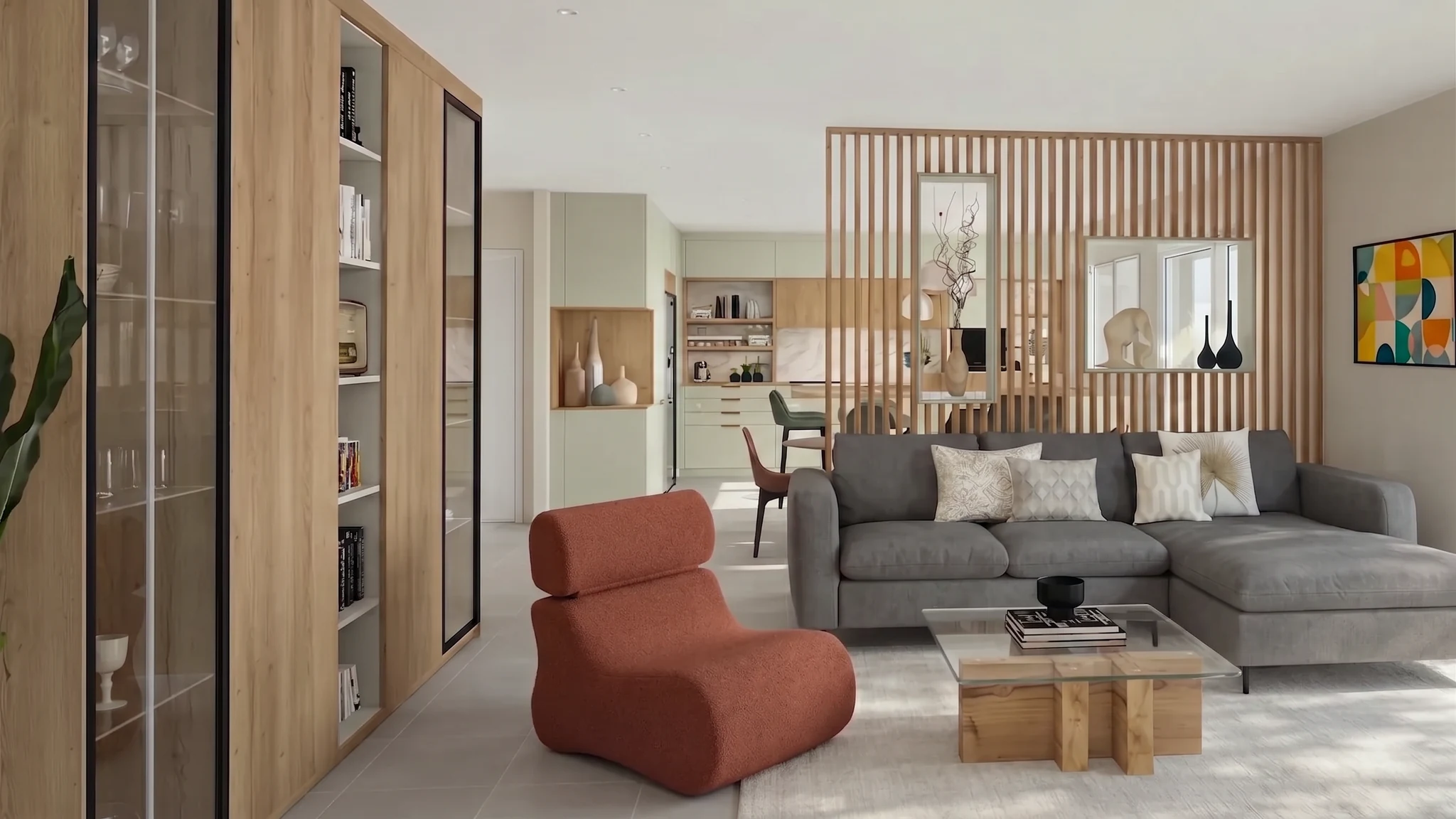
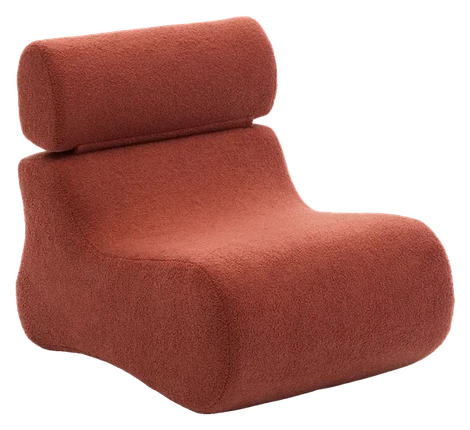
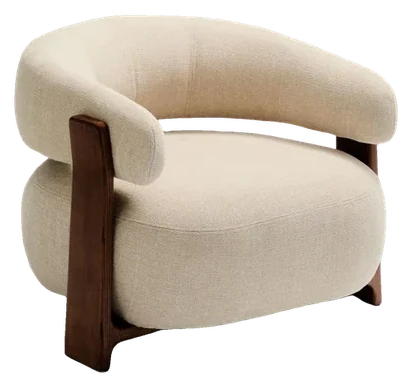 Kave HomeGranite armchairSee the item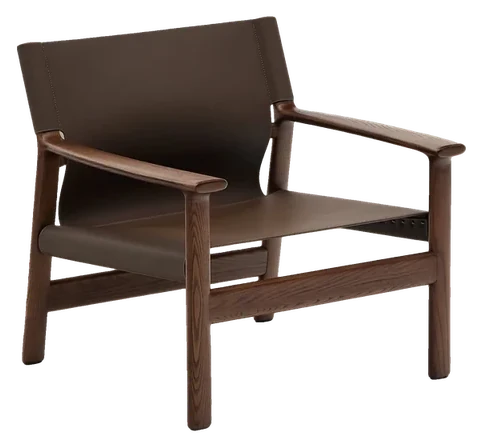
Your client picks a mood on their own room, not on a magazine photo.
Studio settings
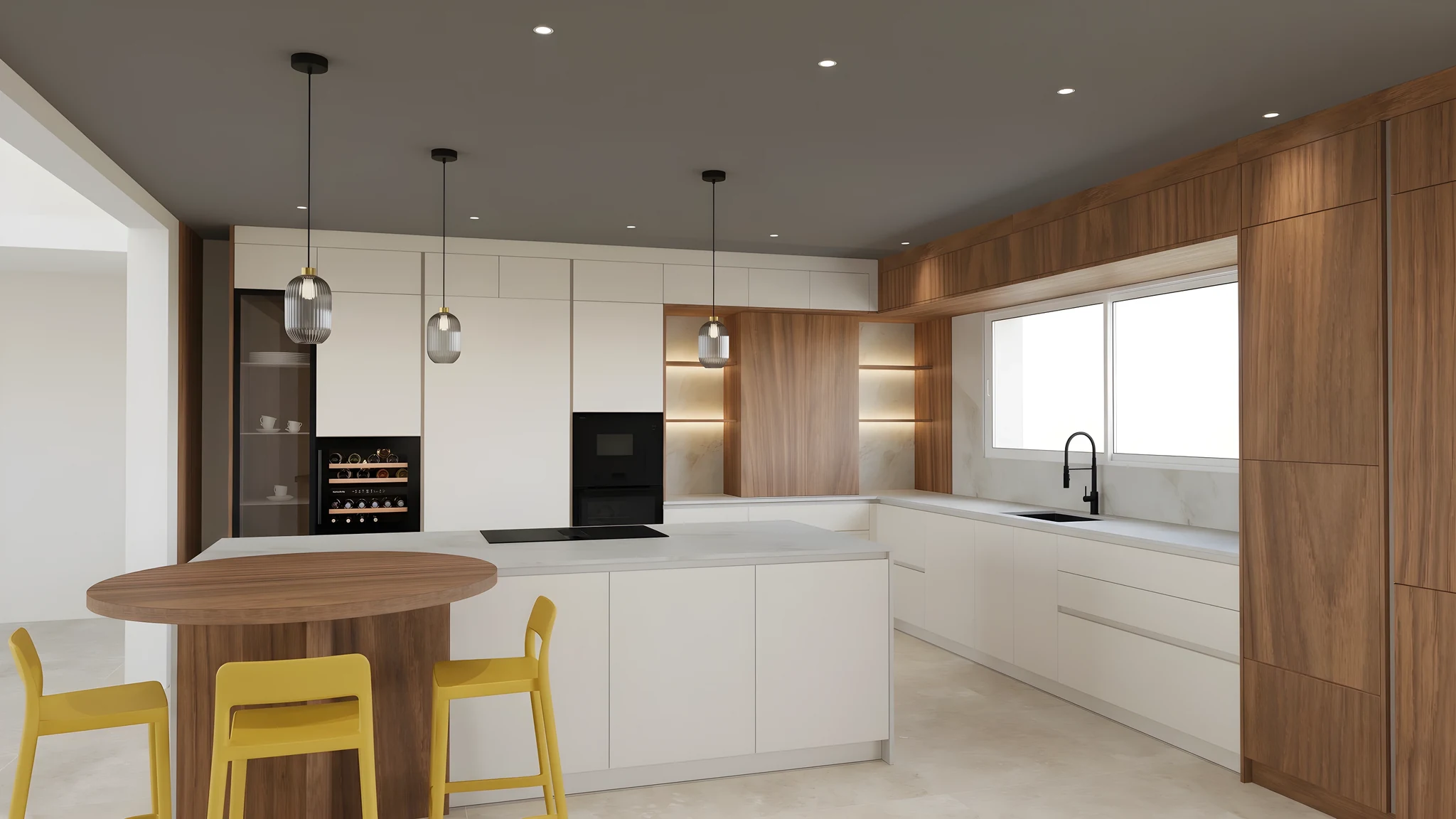
The starting render, before any decoration.
MoodNo decor
Pick a mood: the same kitchen, dressed differently.
Each image is the same furnished kitchen, dressed according to the chosen mood. Nothing is moved, no furniture is added or replaced, materials and light remain those of the render.
What you do on a room
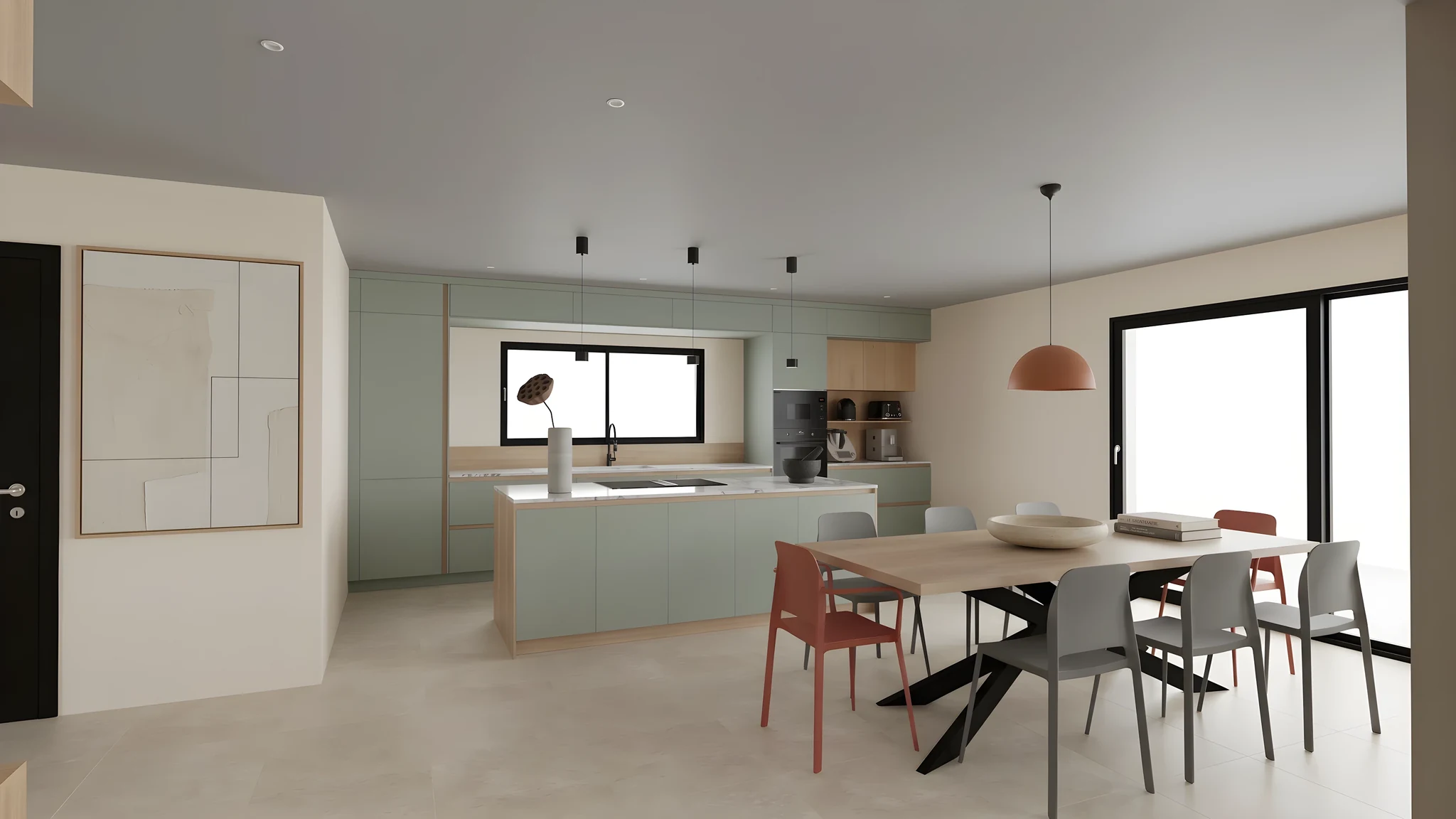 Several moods on one roomExplore several complete decor moods of the same room (minimalist, Scandinavian, warm, classic) to pin down the client's taste before any furniture purchase.
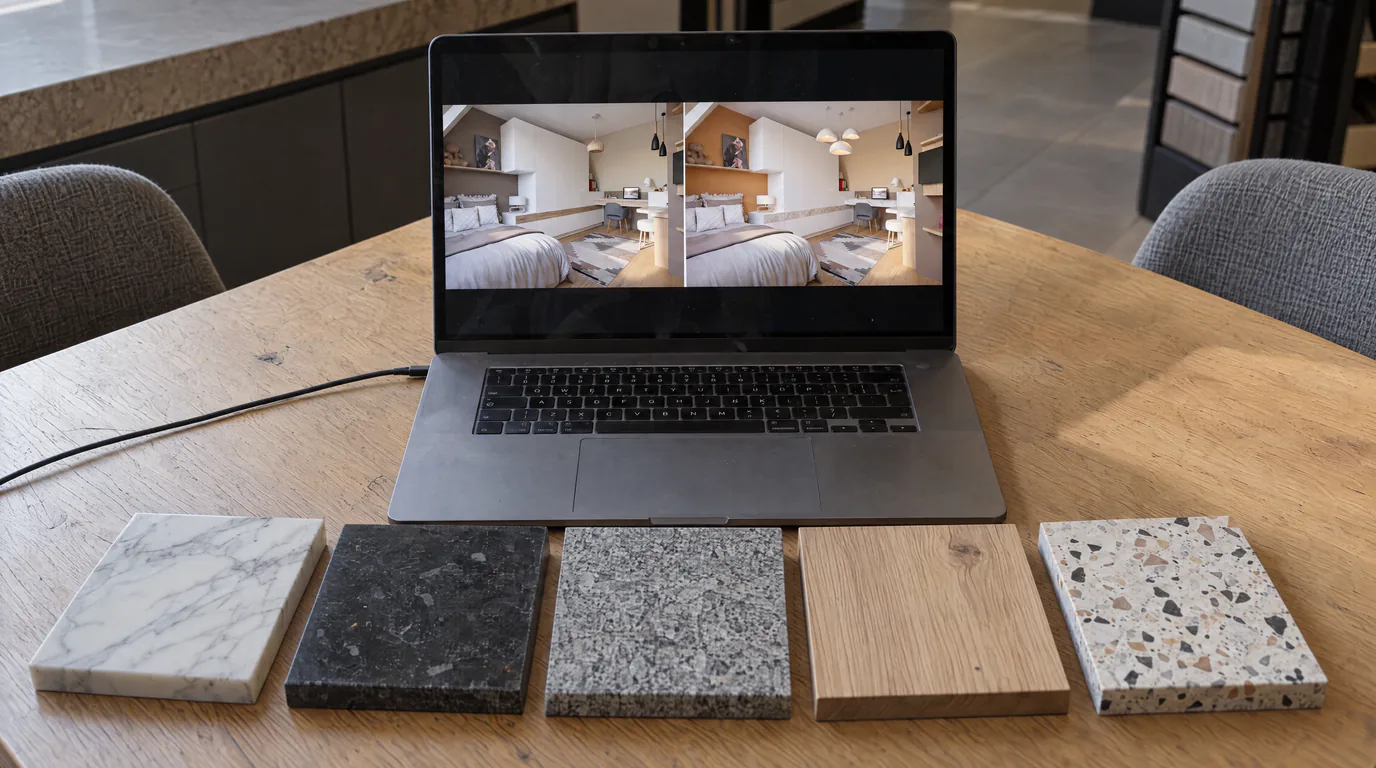
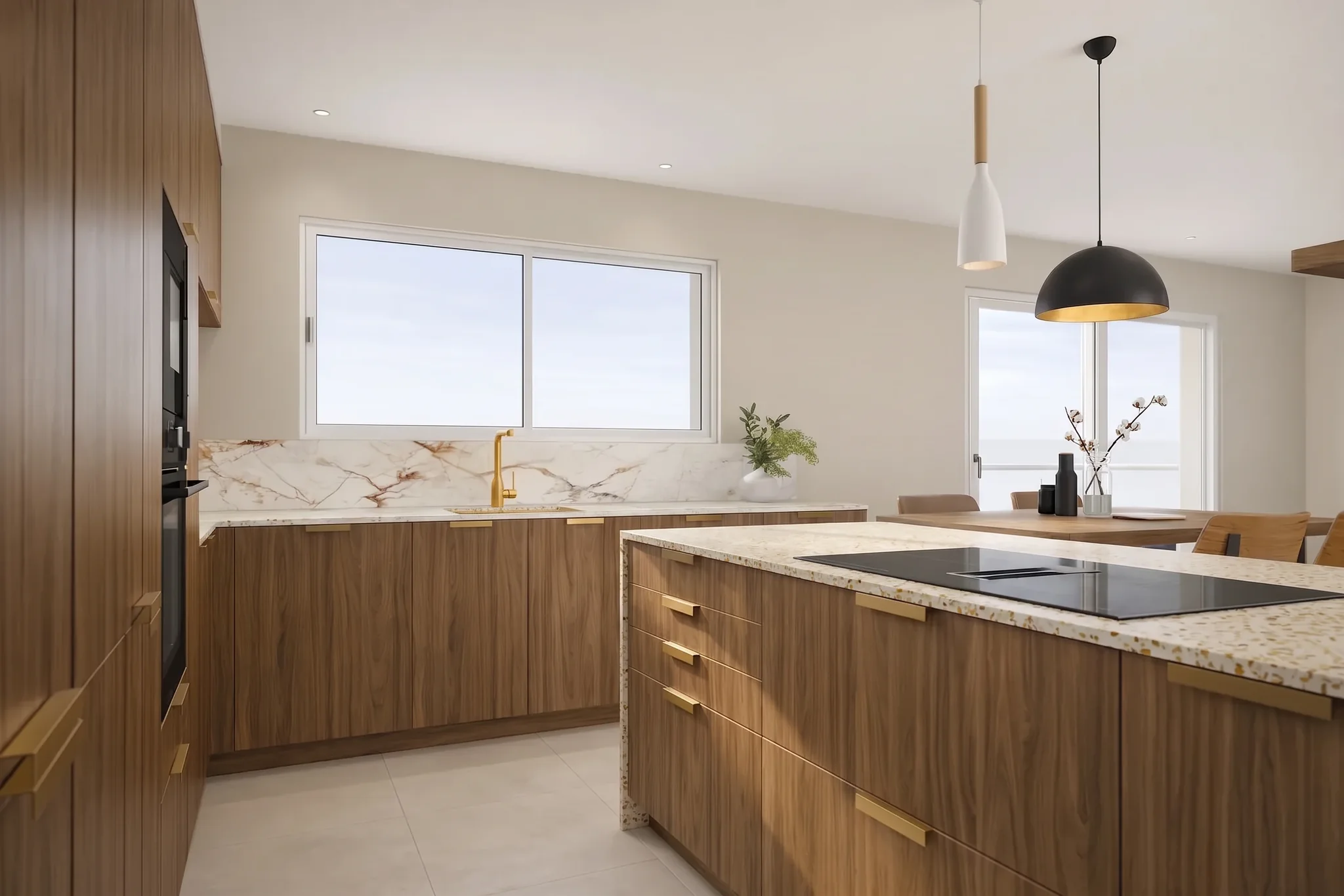 The exact material picked by brushFine-tune the exact material or product with a brush (light oak, dark walnut, polished concrete, large-format tile) on the same room before ordering the flooring.
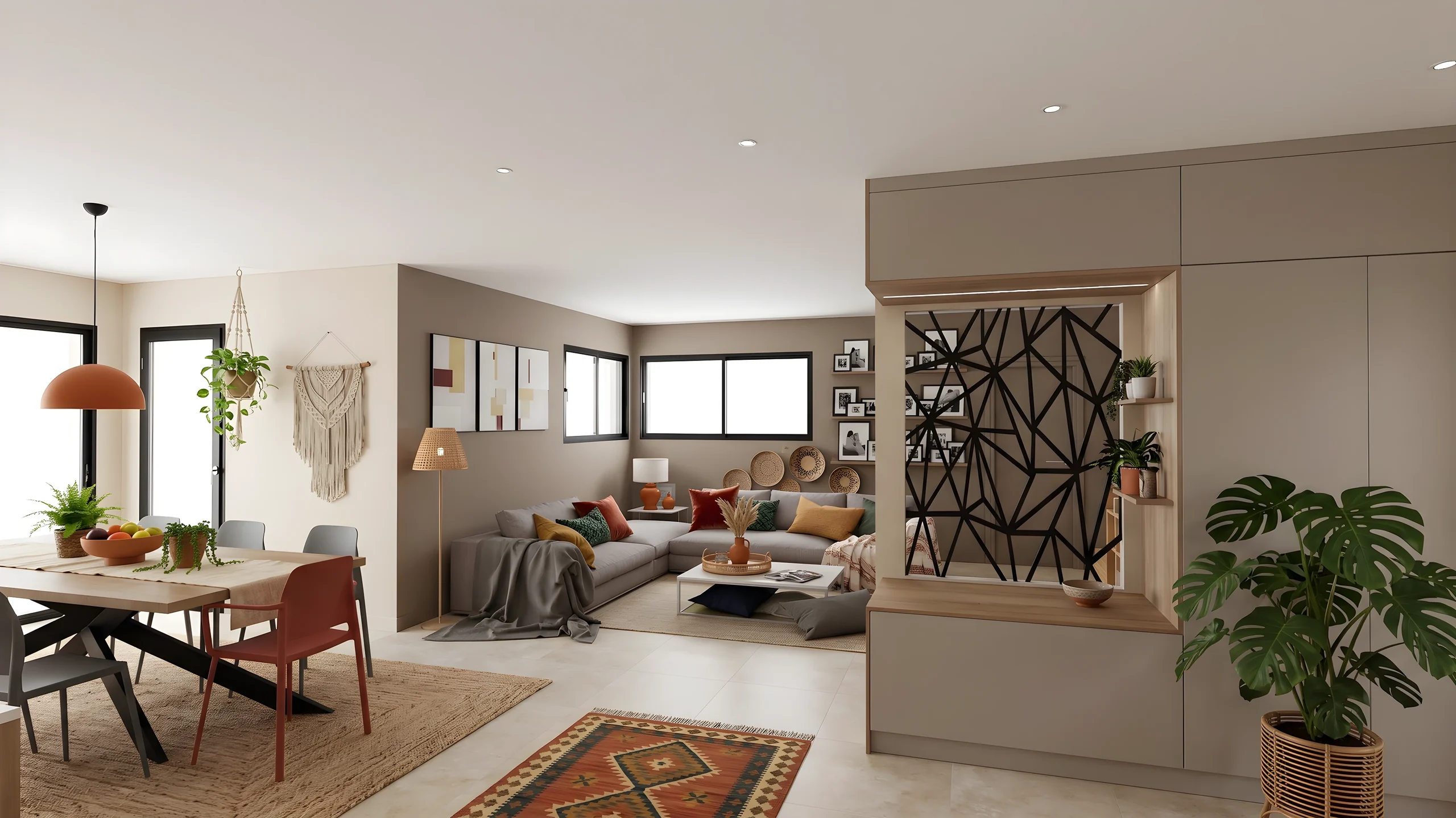 The mood board before any purchaseGather shades, materials and catalog furniture on a board, and share it with the client to settle the mood before any purchase.
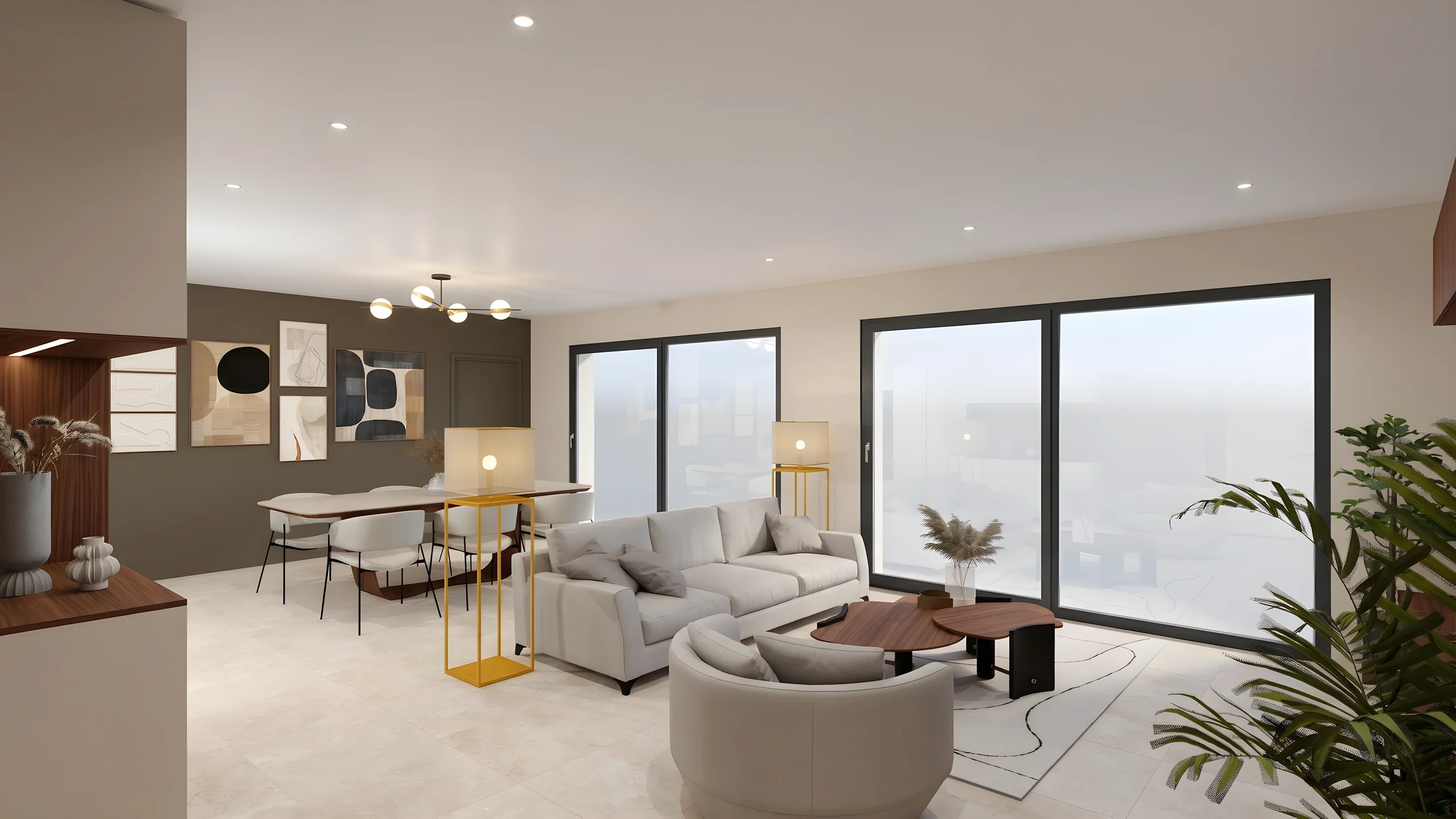 A decorated room from your exportPresent the decorated result of a living room, bedroom or bathroom from a SketchUp or InSitu export, without going back through a render engine.
From the sketch to the approved mood
Start from your sketch or your photo
A view exported from SketchUp, InSitu or AutoCAD, or a photo of an already furnished room: the image is what counts, never a proprietary 3D format.
Try the moods, then refine the material
A mood dresses the whole room in under a minute; a material, a color or a catalog product is then placed with the brush, on the marked area only.
Let your client choose
The versions you keep sit side by side in a presentation shared through a secure link: your client decides at home, before the first purchase order.
From your software
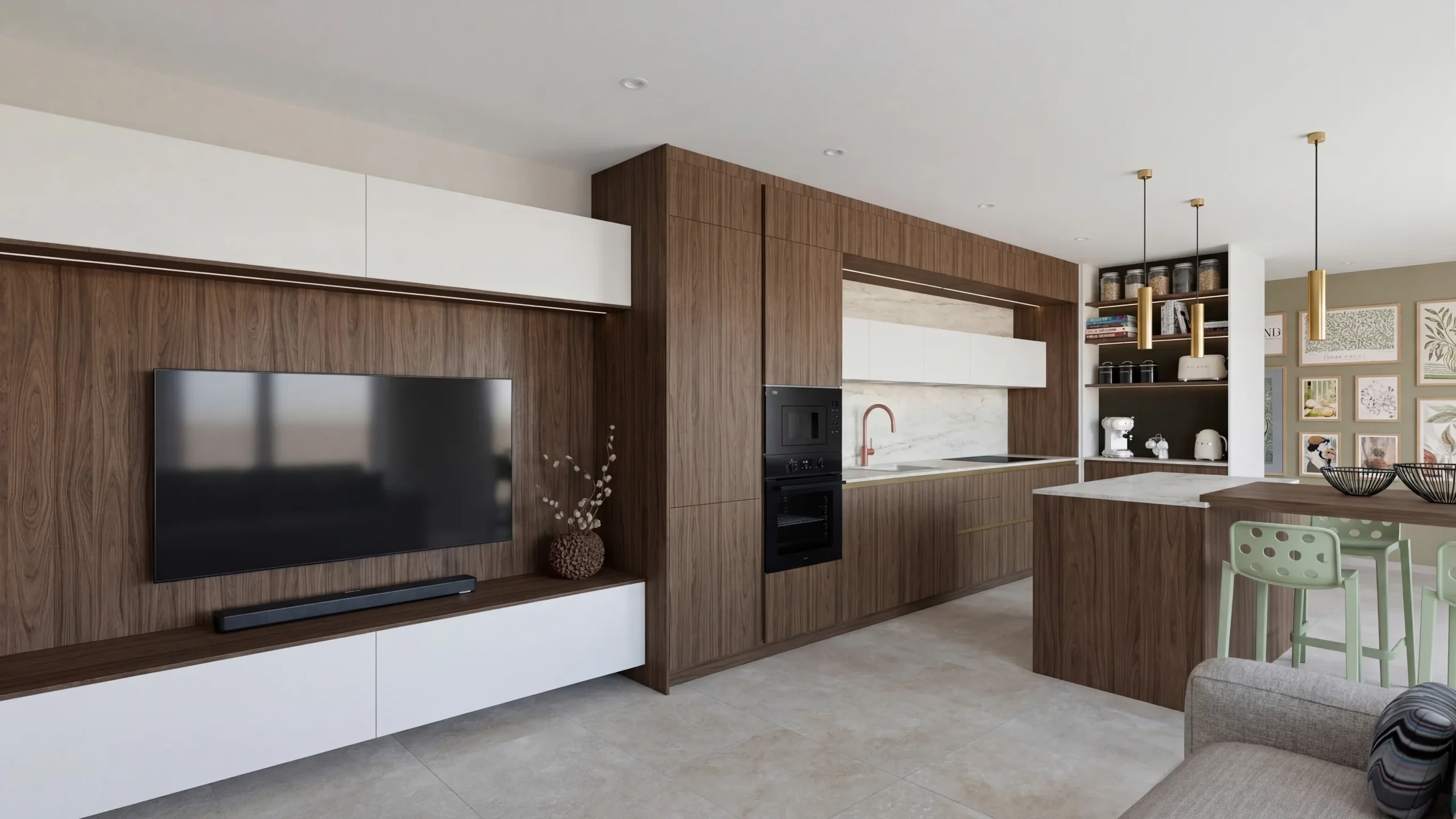 SketchUpThe plugin captures the displayed view and starts the AI render without leaving SketchUp.
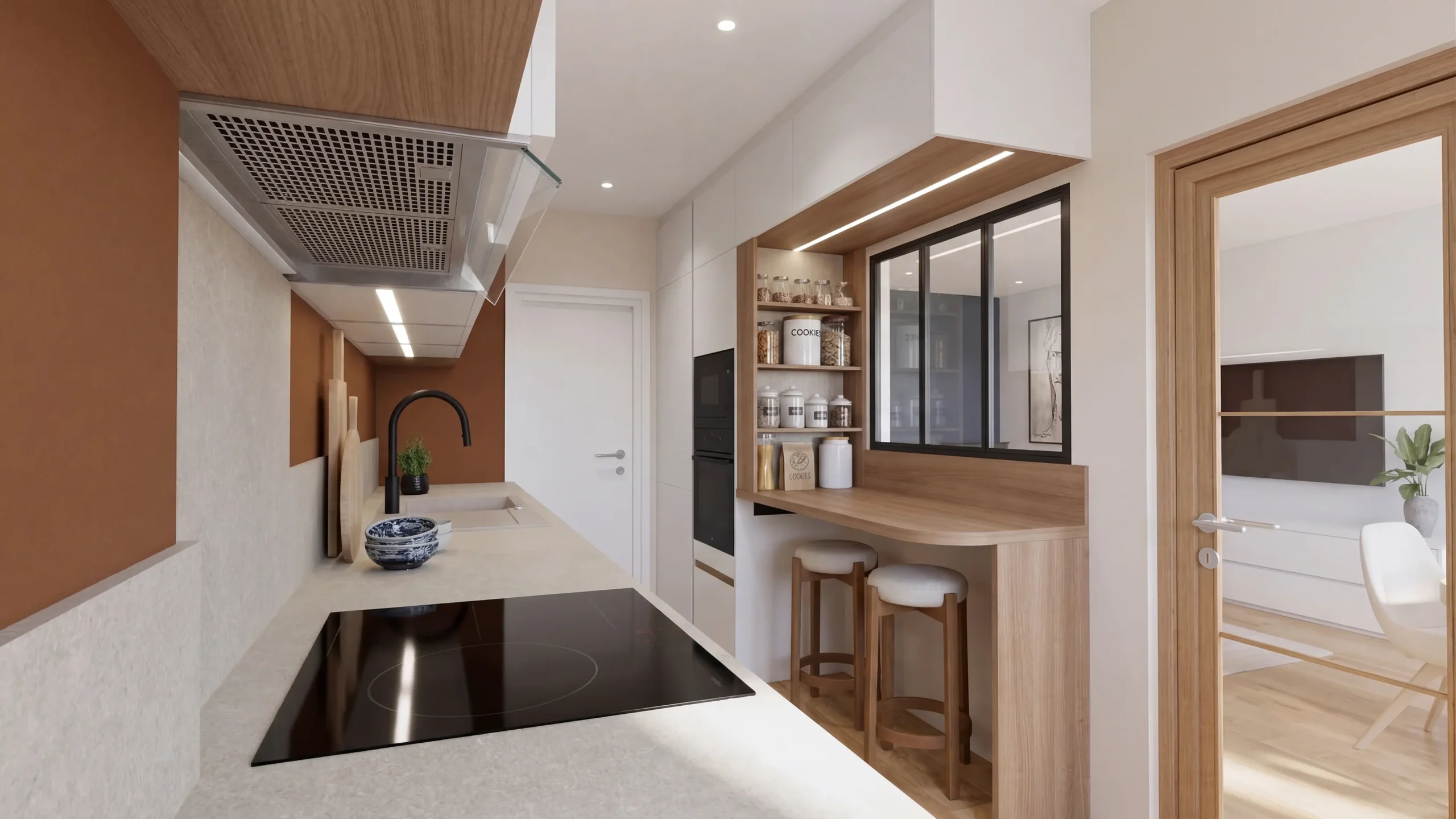 InSitu and KitchenDrawAI rendering in InSitu’s Scenes menu: the captured view goes to render, the kitchen stays open.
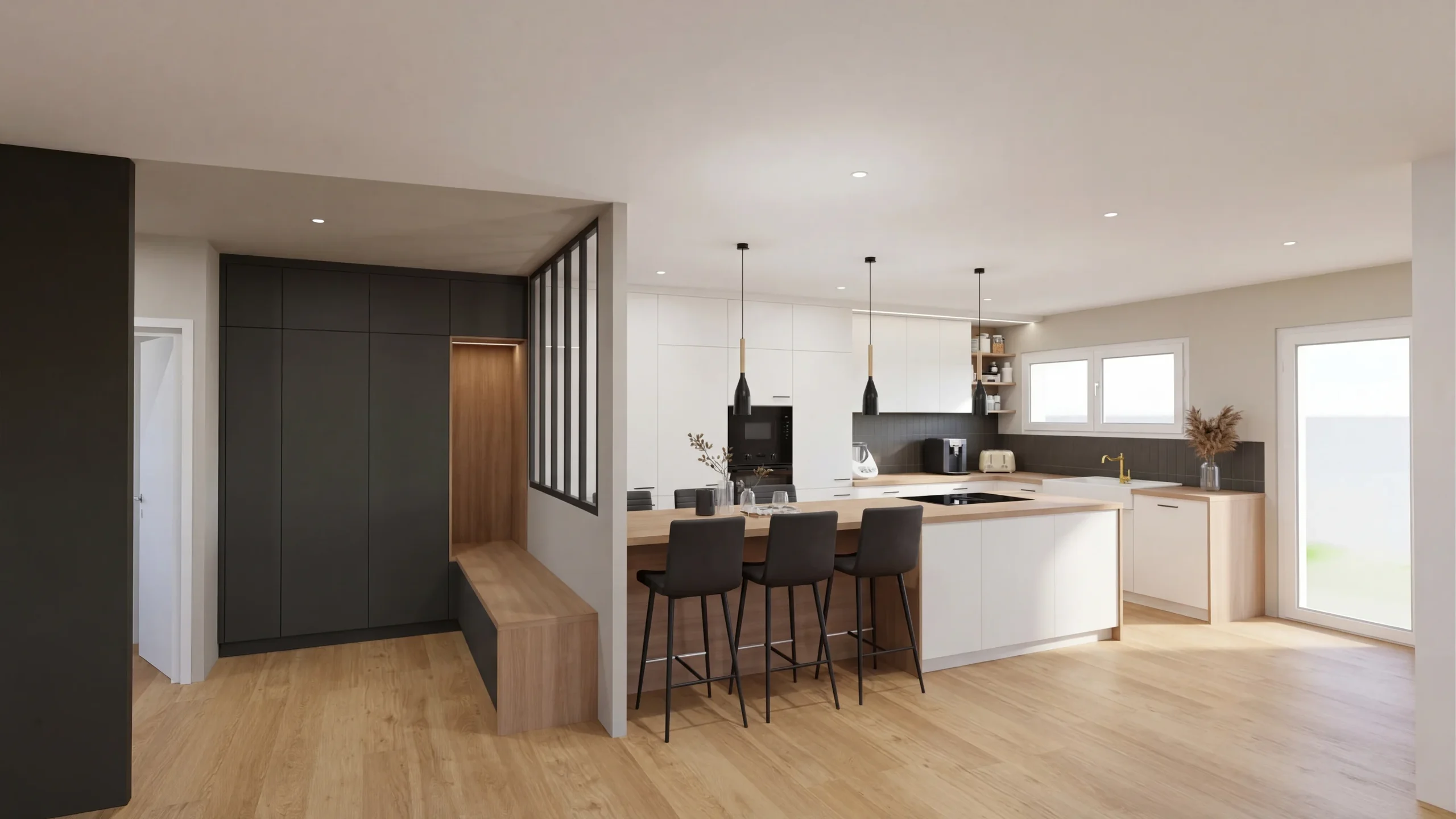 Other software and photosAutoCAD, Blender, 3ds Max, Rhino, Cedreo or a photo: one image is enough, the render comes back in a minute.
Read next
 Use cases
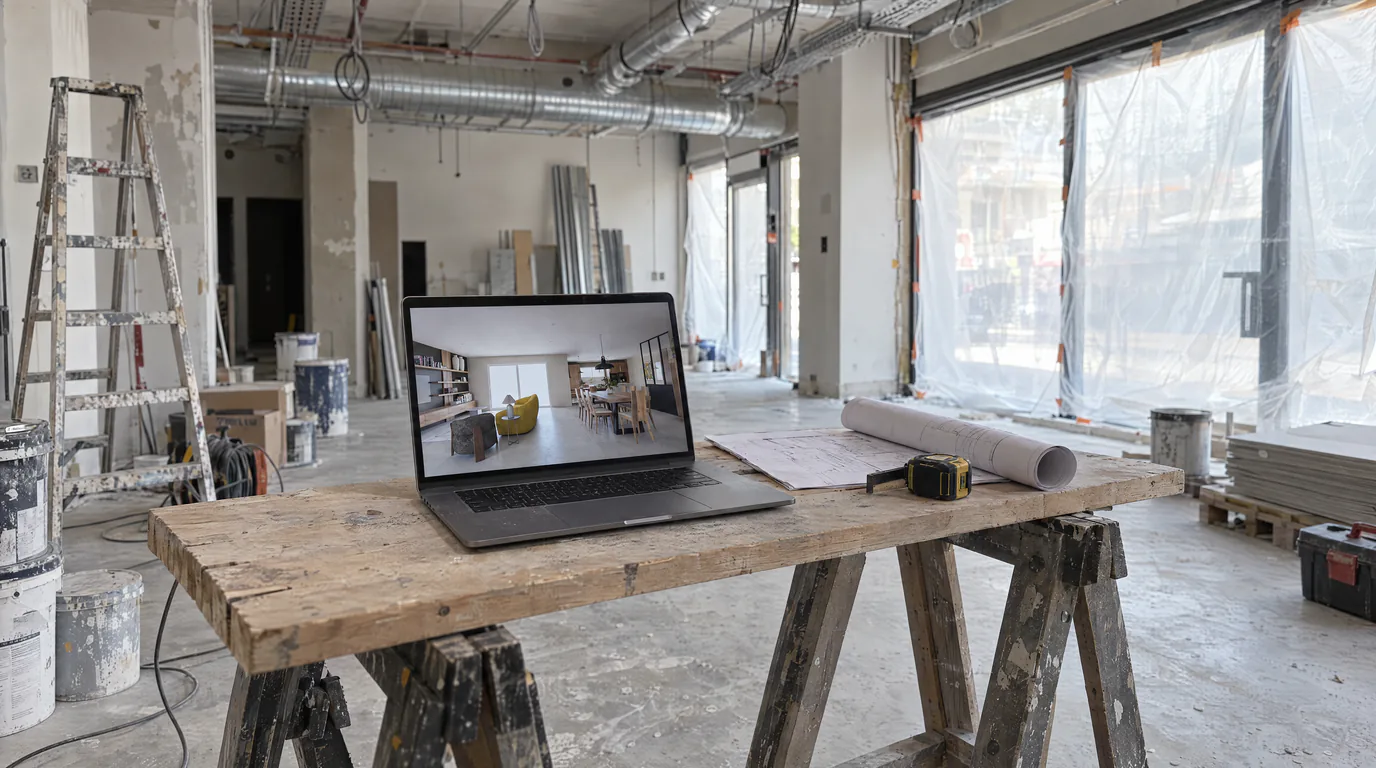
Space Planners & Decorators: AI Renders in Under a Minute
Offices, retail, restaurants: show clients the final result before any work begins. AI photorealistic renders from any 3D export, no GPU needed.
 Use cases
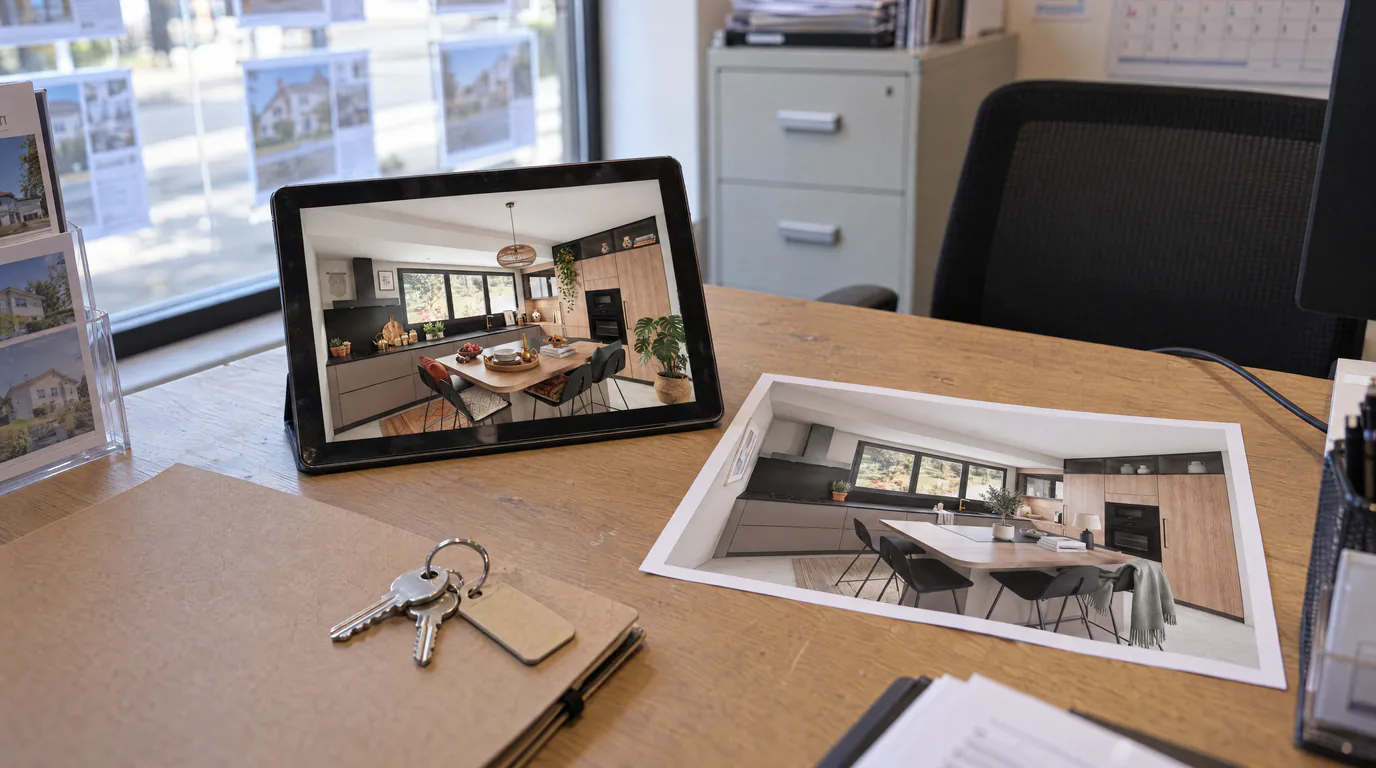
AI Virtual Home Staging: Enhance Your Furnished Listings
An already-furnished but dated property sells slower. Restyle the mood and refresh finishes with a brush using AI rendering and editing, without touching the furniture.
 Business
10 Material Variants in 10 Minutes with AI Editing
Oak or walnut? Marble or quartz? Show every option to your client in real-time with AI-powered photorealistic render editing.
Try it on your own project.
Import an export, start a render, edit one zone, share the link.
14 days, no commitment