July is all about teamwork. The month's headline feature: a genuine collaboration space where your teams talk, share their projects and work together on the same presentation, in real time. Enough to turn RenderThink into a shared workplace, from the first message to the final presentation.
A collaboration space for your team
Bring your studio together in a space dedicated to each team. Organize your conversations into topic channels (one per client, project or subject), talk one-on-one through private messages, and keep everyone aligned in one place.
The messaging has everything you'd expect from a modern tool: emoji reactions, replies to a specific message, mentions to ping a teammate, plus forwarding, editing, copying and deleting your messages. Unread messages are highlighted so nothing slips through. Perfect for interior architects in agencies and for space planners and decorators working many hands at once.
Share your presentations and moodboards, gather feedback
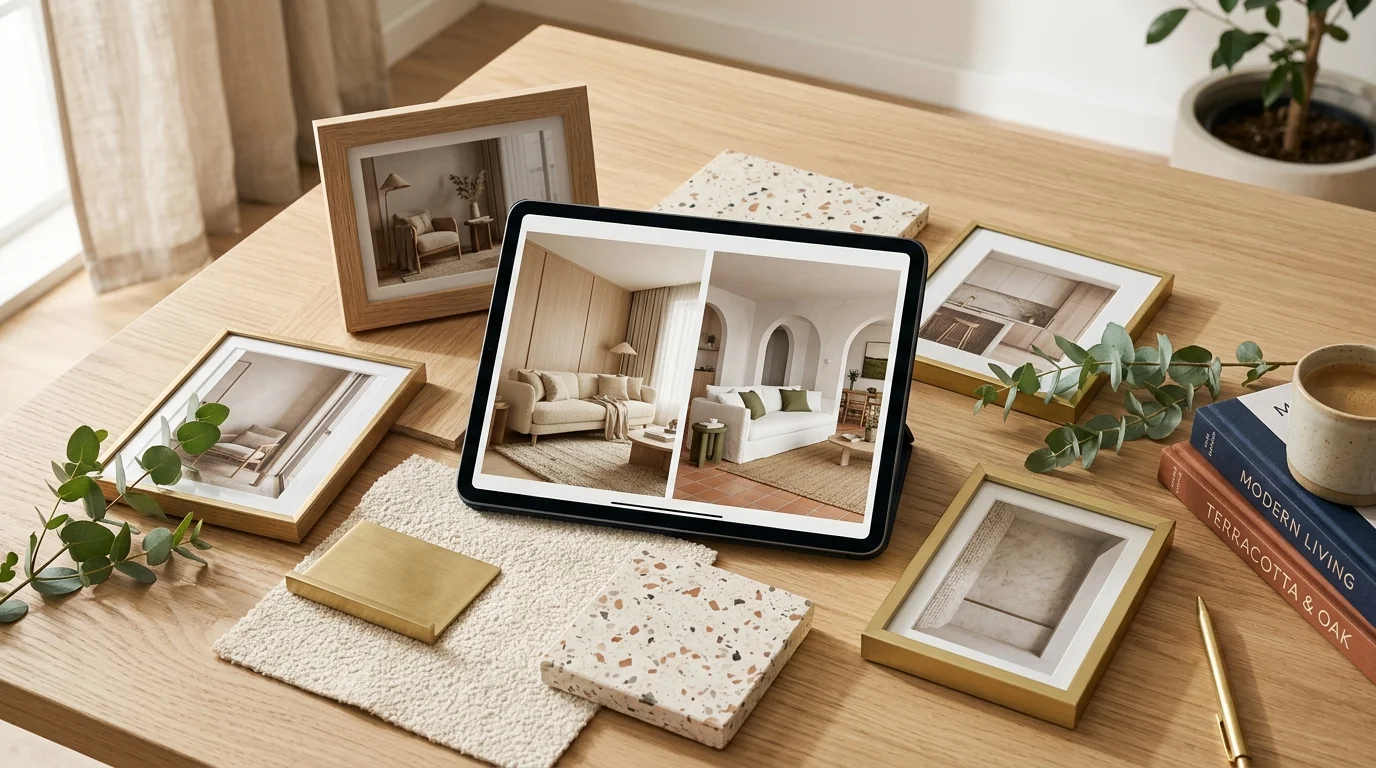
No more back-and-forth by email. From a team conversation, share a presentation or a moodboard in seconds: the document appears right in the thread, ready for your teammates to review.
Better still, everyone can leave comments as they read: comment on a passage, reply to a remark and delete their own. Feedback stays attached to the document, in the right spot, instead of getting lost in an inbox. Perfect for validating a client presentation together before sending it out.
Work together, at the same time
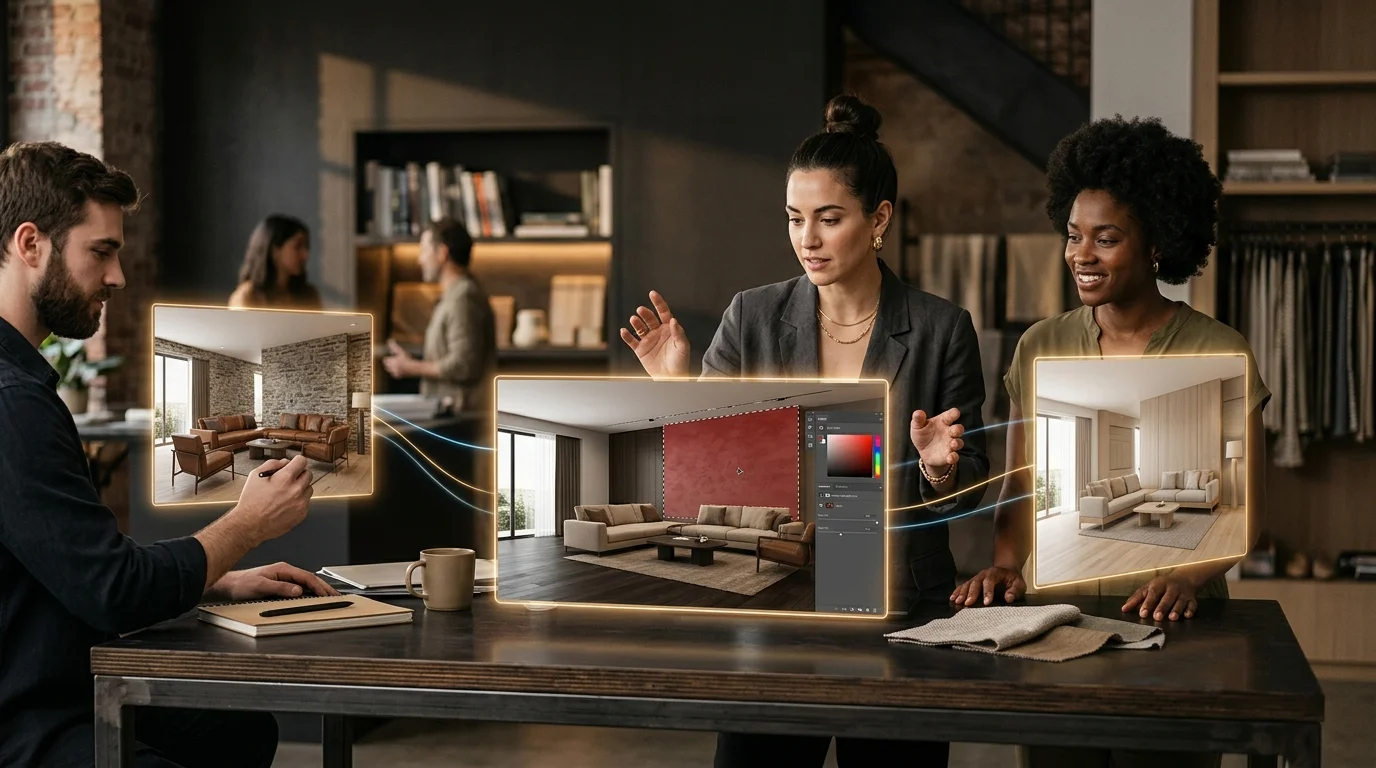
We go further than simple sharing: you can now edit a presentation or a moodboard together, at the same time. Everyone sees who's around thanks to live presence, follows the others' cursors on the canvas, and changes sync instantly from one screen to the next.
Compose a moodboard four hands at a time, tweak a presentation while a colleague reworks another section: everyone stays on the same version, without overwriting each other's work. Creation becomes a team sport.
An even more faithful render engine
Work on our AI render engine continues, always with the same goal: staying as faithful as possible to your project. This month, we refined the handling of light and exposure and adopted a neutral white balance, for renders with truer colors, free of any unwanted warm or cool cast. The AI better respects the lighting you intended, without inventing any.
Automatic decoration steps up
Introduced last month, automatic decoration (still in beta) is already getting sharper. New: a density cursor that sets how many decorative elements get added, independently of the chosen style. Three levels (Minimal, Balanced or Layered), depending on whether you just want to dress a room or fill it generously.
Density is locked for the whole session: your primary view and every secondary view keep the same dosing, for a consistent result from one angle to the next. Behind the scenes, the AI also better respects the existing layout: it lays its decoration layer over an already-furnished room without disrupting its volumes or furniture. In the spirit of virtual home staging, only more controlled.
More comfortable than ever on mobile
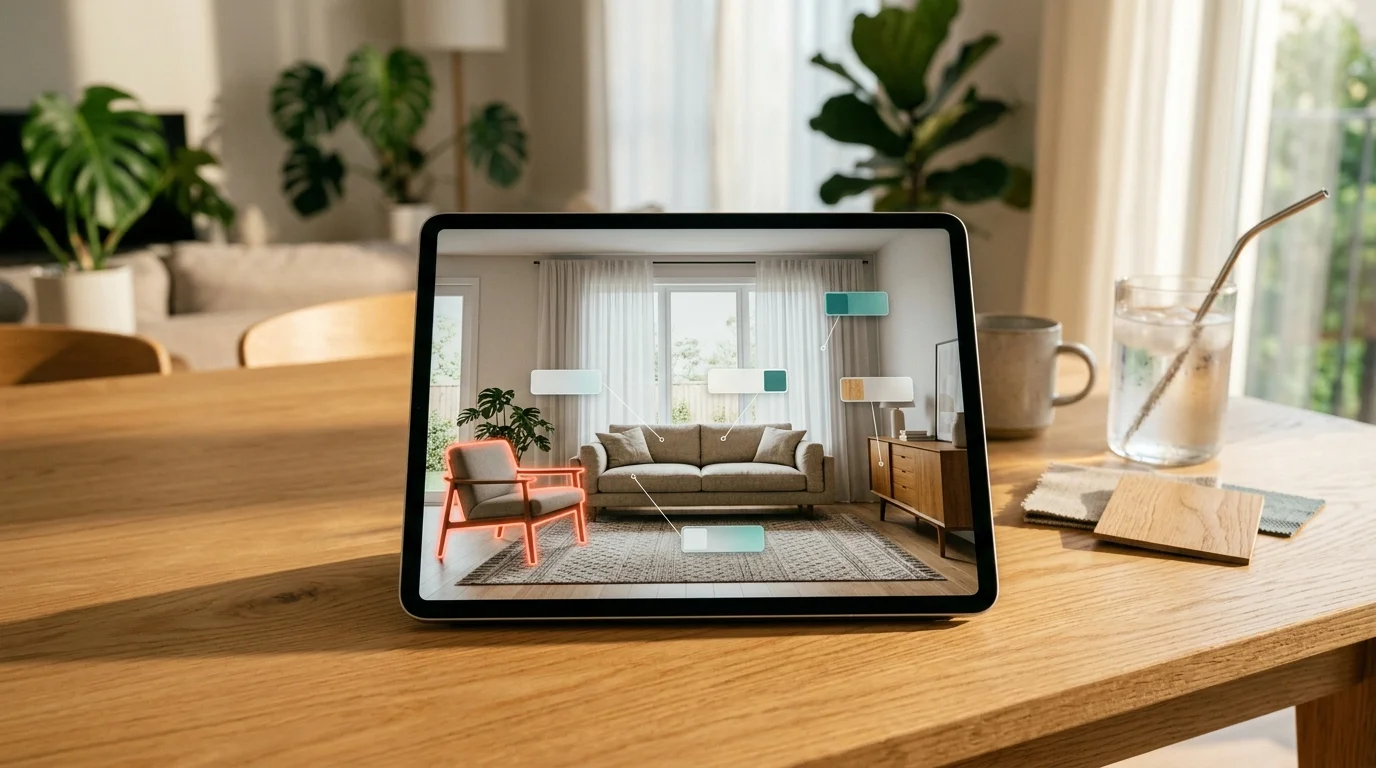
We keep polishing the experience on mobile and tablet. Modal windows give way to more thumb-friendly bottom sheets, and the whole interface feels smoother on small screens. Manage your projects and your team conversations from your phone, between two meetings or in the showroom.
Log in to bring your team together in your new collaboration space. We can't wait to see what you'll create together this month.