Built-in moodboards: the mood board that kicks off the project, without leaving the tool
Build mood boards by drag and drop with your catalog of furniture and materials, your own images and backgrounds, on a free canvas with alignment, groups and layers. Share them through their own link, or place them in the presentation of your renders: the starting point of a project that lives in one place, from concept to signature.
14 days, no commitment
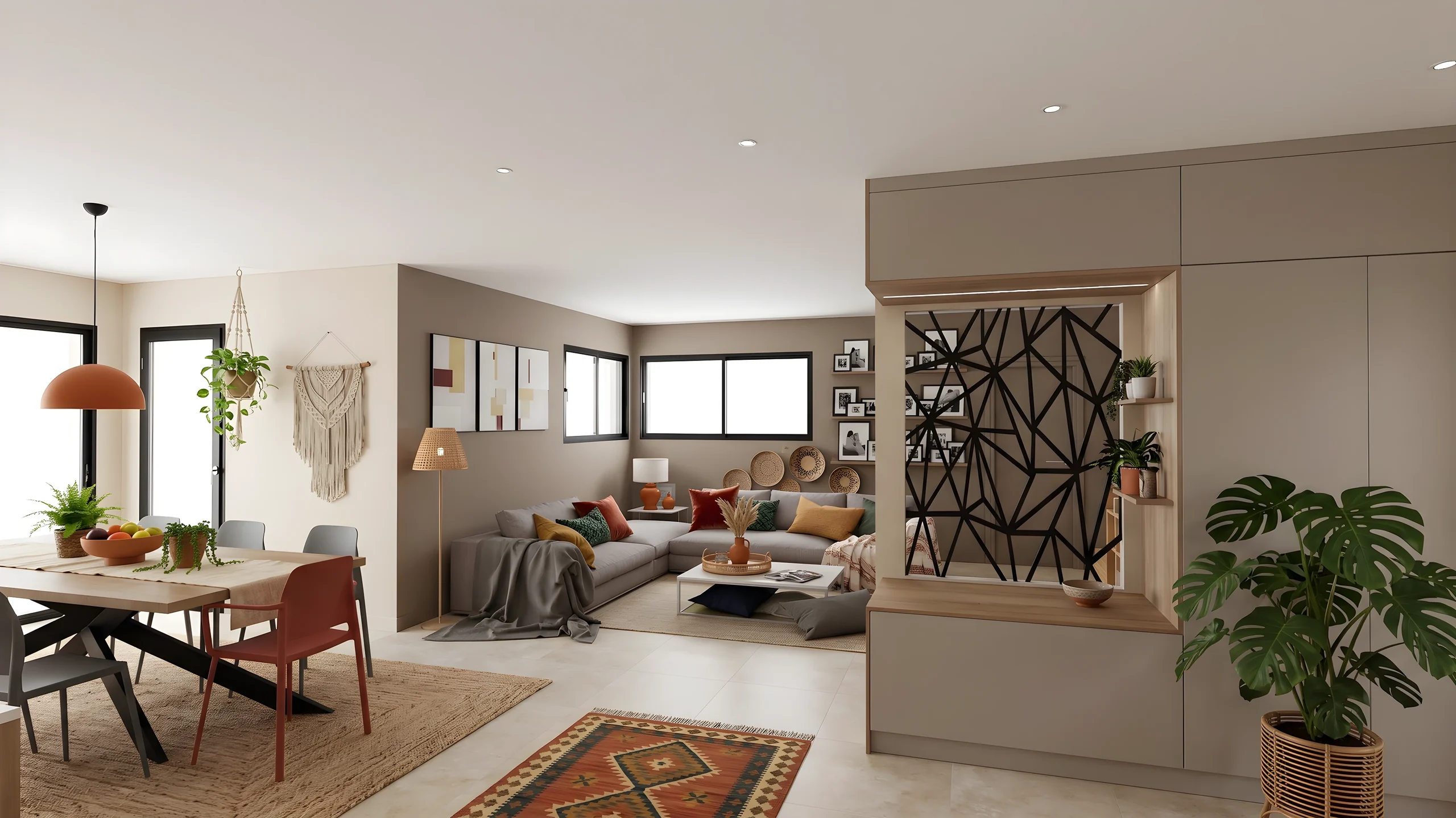
The visual direction is settled on a board, filed in its project.
The moodboard editor: the “Bohemian” board, built from catalogue items, a rendered mood and its palette. “Design” is editing it at the same time and places a floor lamp on it.
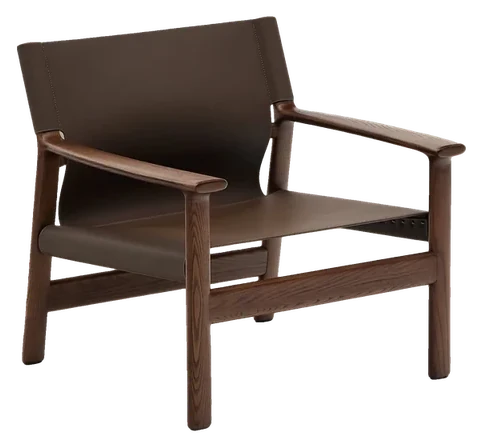
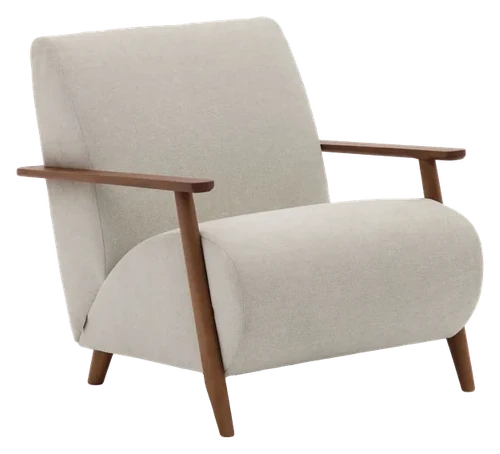
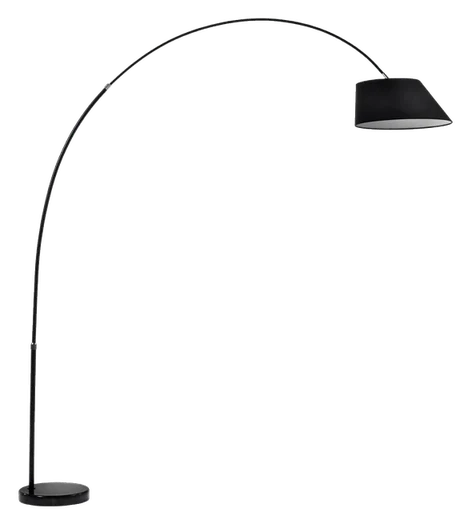
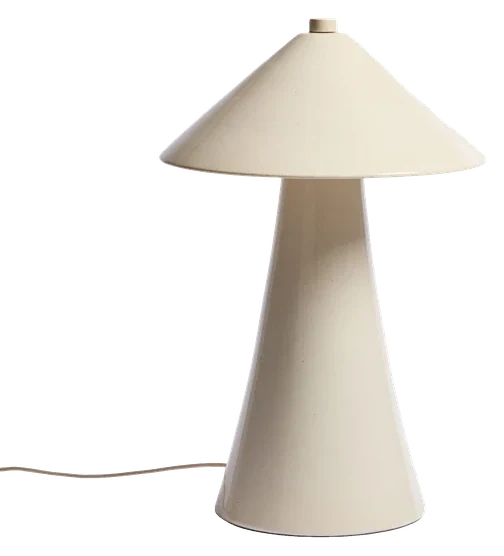
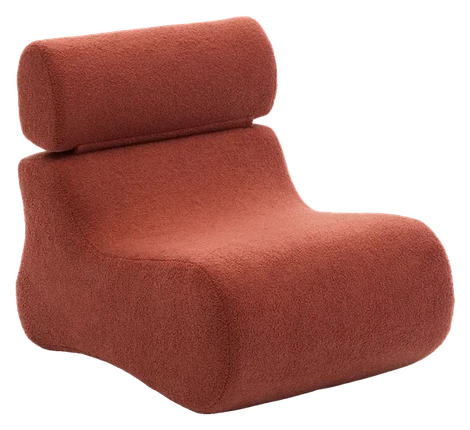



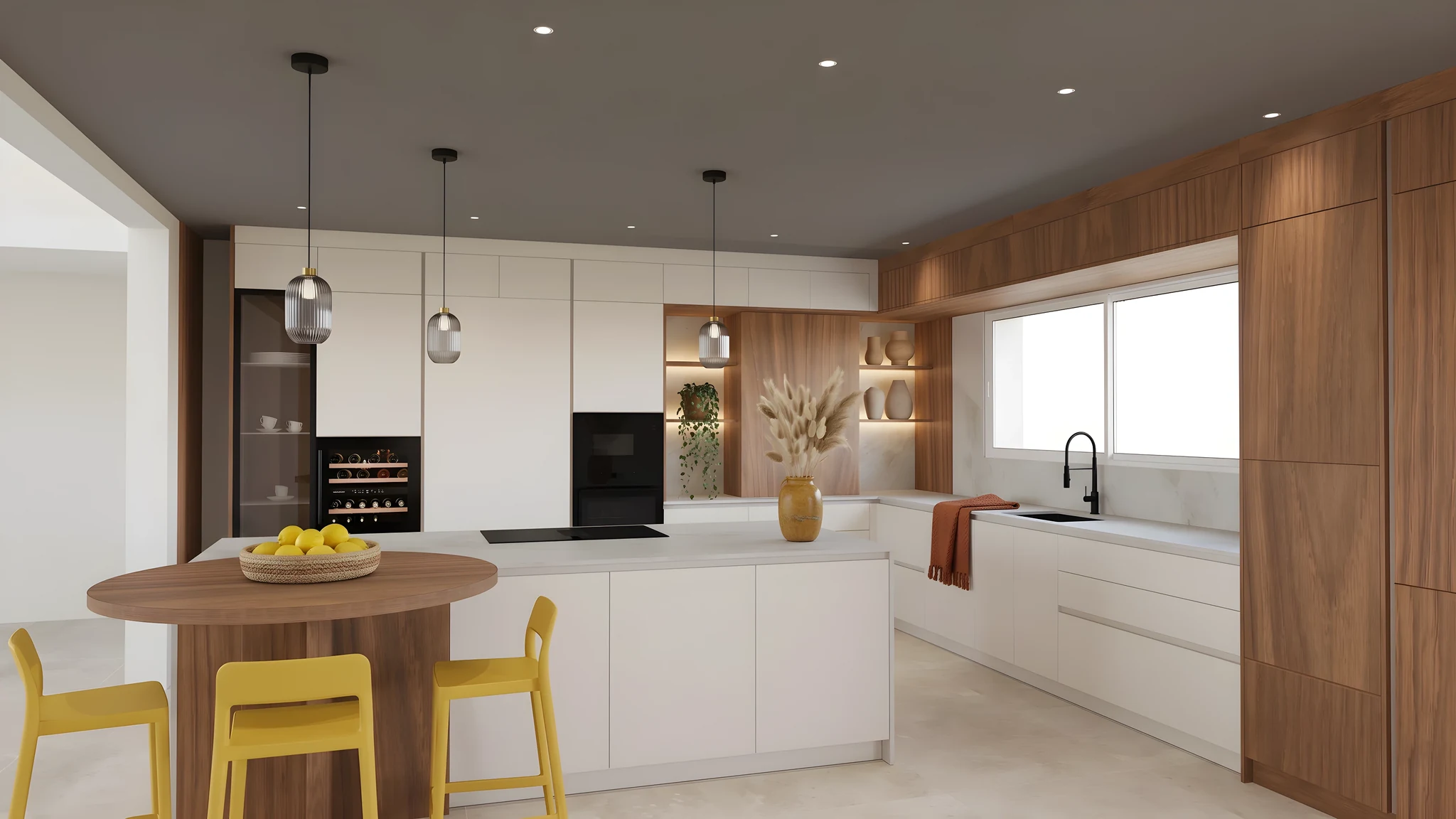
On a computer or tablet, move the pieces: the board comes together as in the editor.
The moodboard that lives with your renders
Drag and drop
Assemble images, materials, shapes and text on a free canvas, with alignment, groups and layers.
With your catalog
Pick from a catalog of furniture and materials, or add your own visuals and backgrounds.
In the same presentation
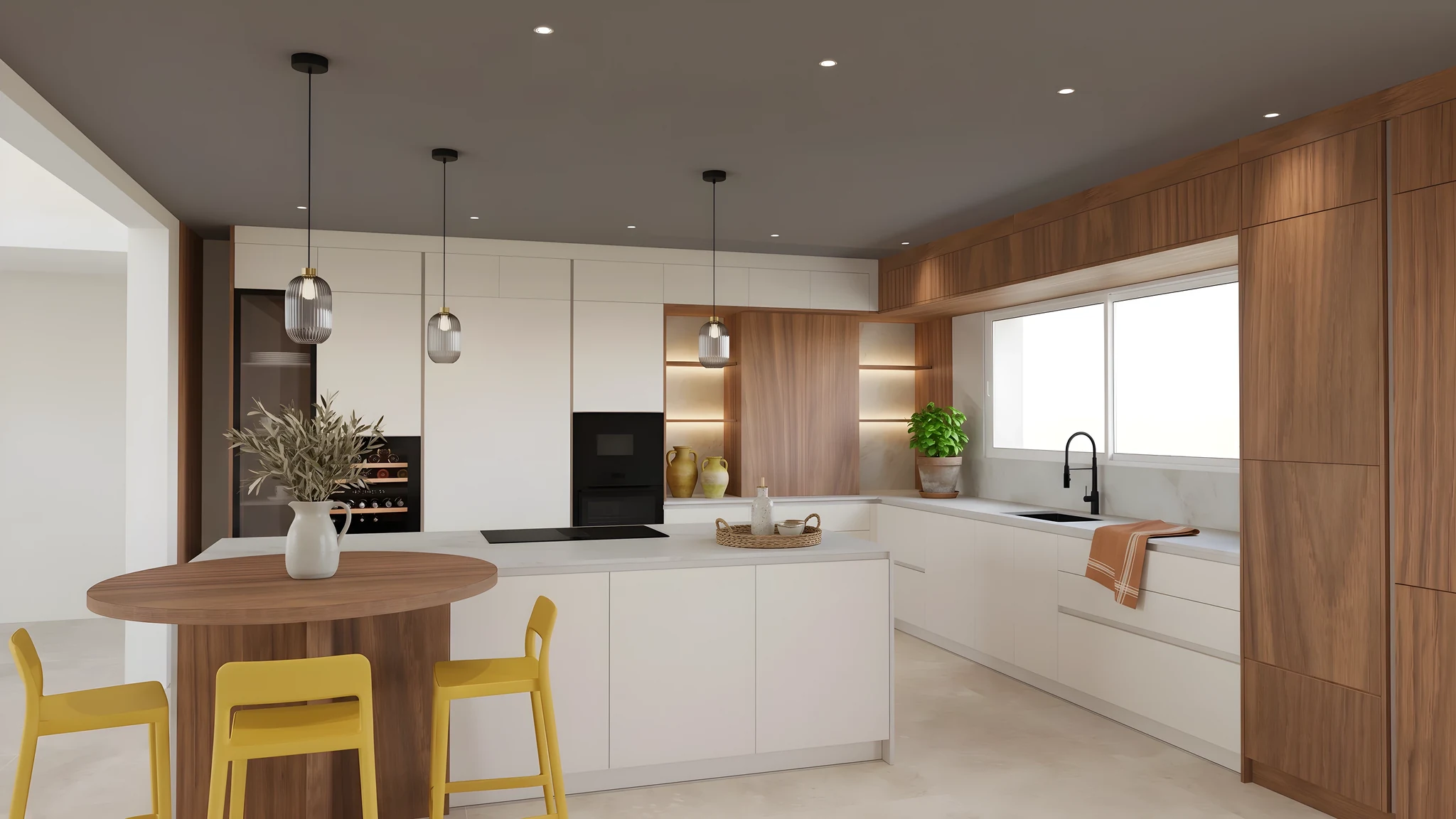
Place the board in your client presentation, next to the renders: the client sees it there, and opens its interactive version through its secure link.
Your visuals too
The board is not limited to the catalog: add your site photos, your material samples and your references by dropping the file onto the canvas. Catalog items, for their part, go on cut out.
Multi-select and groups
Select several elements by dragging a frame, group them, move the whole set at once and reorder the layers: the board is reworked without falling apart.
The direction approved before the 3D
Get a mood approved before design work starts. A disagreement is settled on a board in minutes, not on a project that is already modelled.
How it works
Compose your board
Drag and drop images, materials and products from your catalog.
Refine the mood
Adjust colors, shapes and layout until it feels right.
Move on to the project
Share the board through its link, or place it in the client presentation, next to your renders.
Who it is for
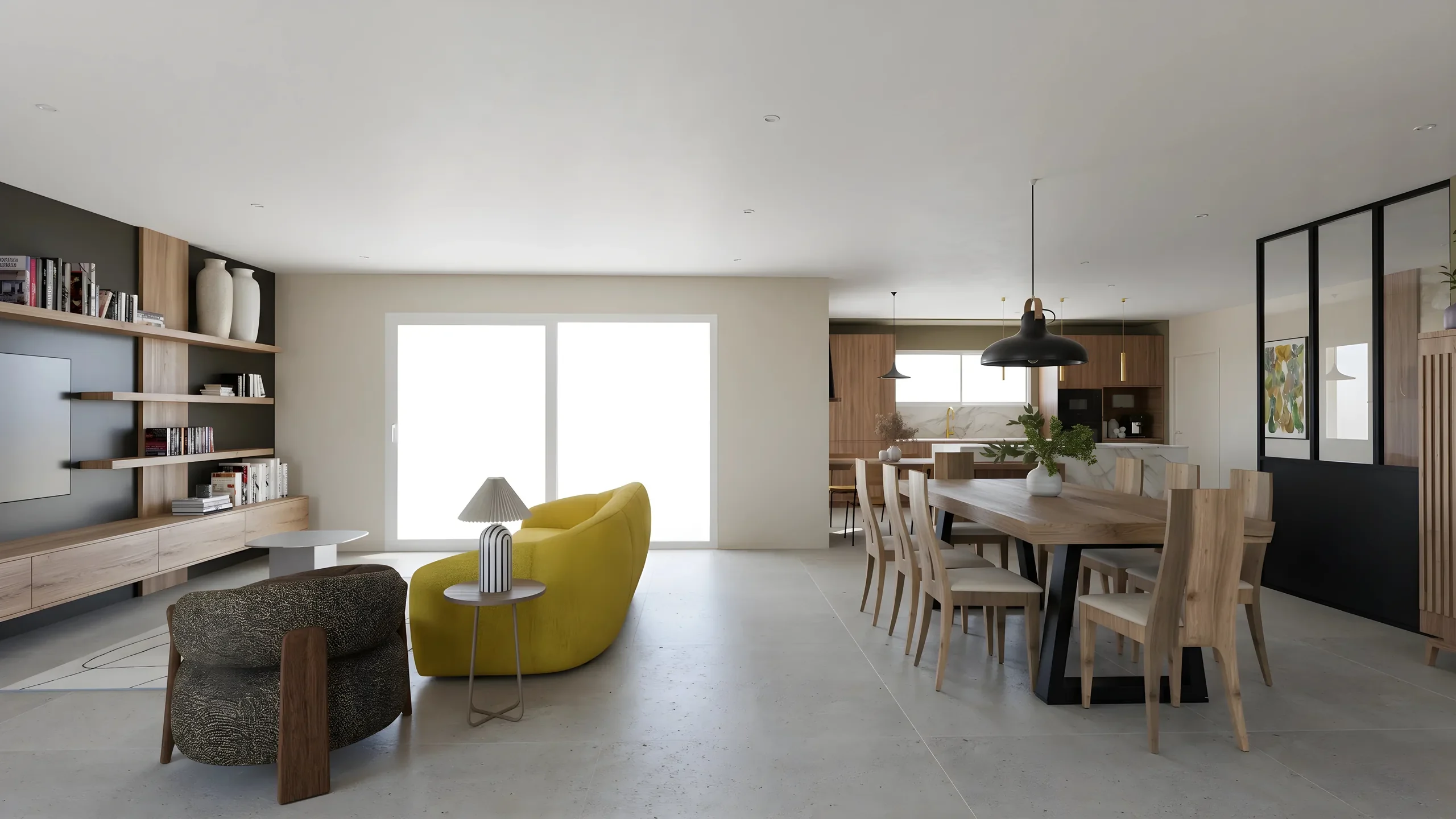 Interior ArchitectsPhotorealistic renders from your SketchUp or Revit exports, ready to present in minutes.
- DecoratorsLet your client picture the ambiance, colors and materials before buying any furniture.
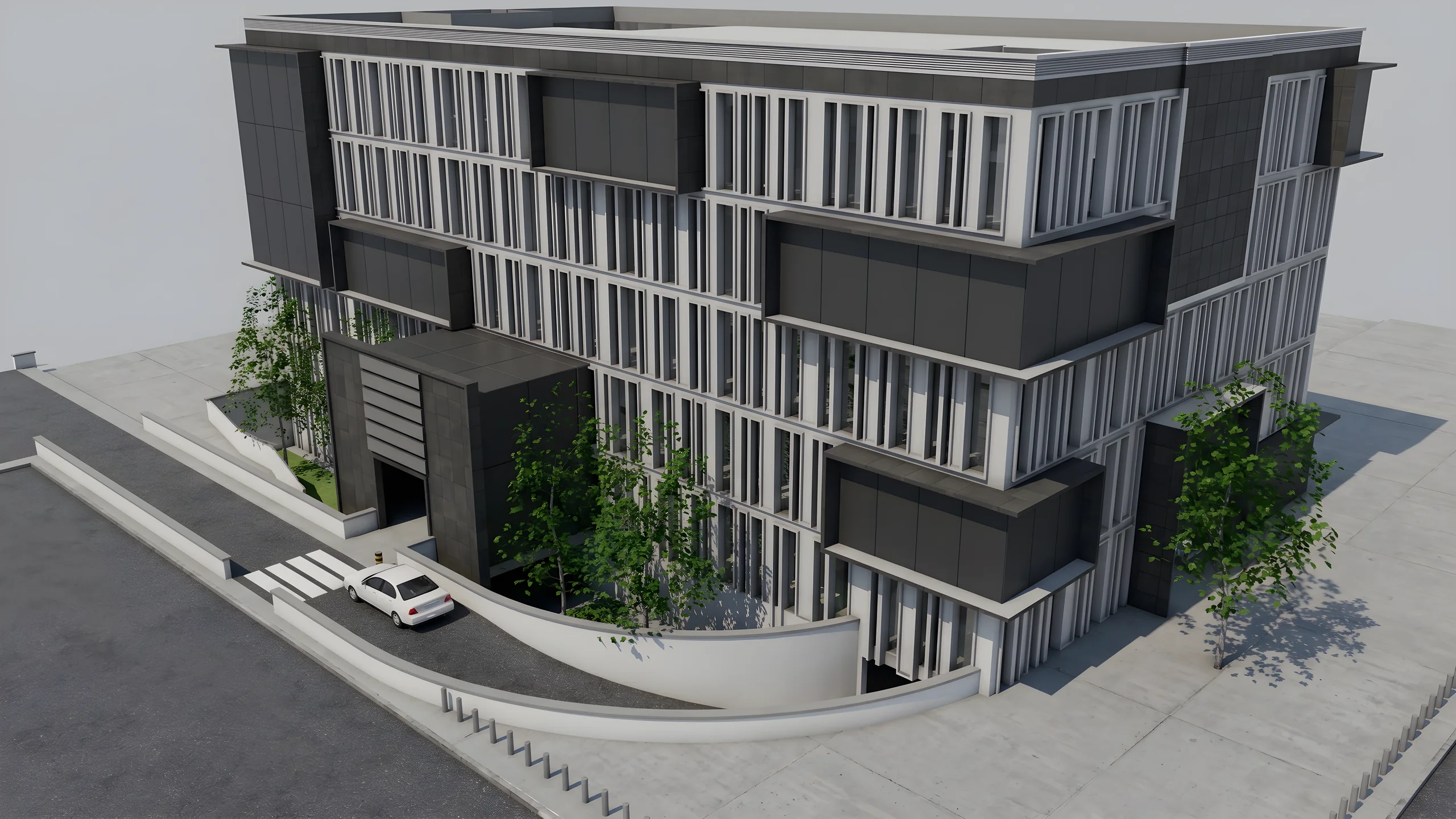 Property developersVisualize every apartment typology for off-plan sales, in minutes instead of weeks.
Read next
 Business
Interior Design Presentations: Double Your Close Rate
PDF presentations not convincing clients? Create interactive photorealistic presentations with secure share links that close deals on the first meeting.
 Use cases
Space Planners & Decorators: AI Renders in Under a Minute
Offices, retail, restaurants: show clients the final result before any work begins. AI photorealistic renders from any 3D export, no GPU needed.
 Business
10 Material Variants in 10 Minutes with AI Editing
Oak or walnut? Marble or quartz? Show every option to your client in real-time with AI-powered photorealistic render editing.
Try it on your own project.
Import an export, start a render, edit one zone, share the link.
14 days, no commitment