Photorealistic 3D rendering by AI: your exports transformed in a minute, no graphics card
Upload an export from SketchUp, Revit, AutoCAD or any other tool. RenderThink turns it into a photorealistic render faithful to your design, with no GPU and no install. Launch up to 20 views at once and get them back ready to present in the Studio, right in your browser.
14 days, no commitment
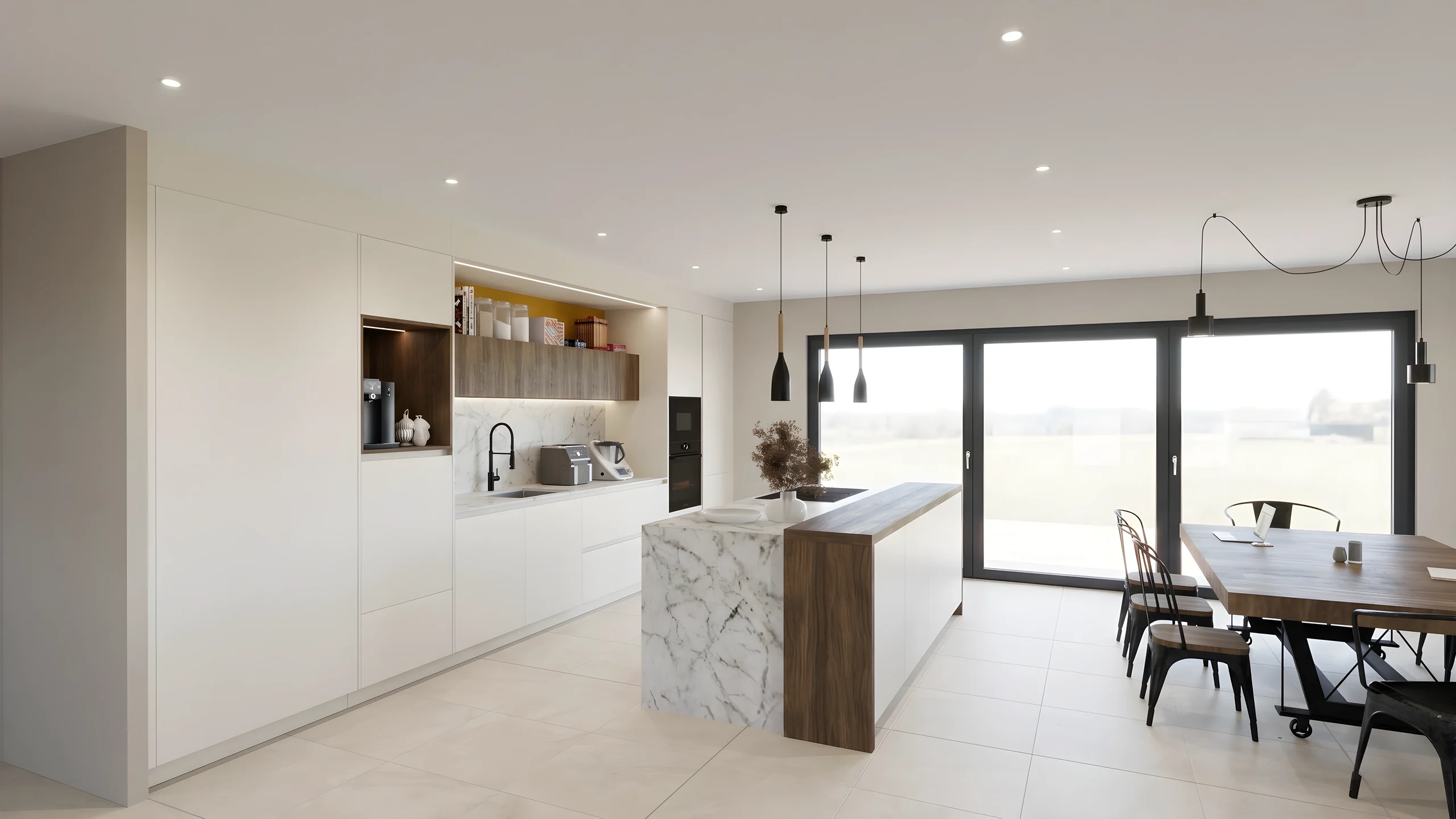
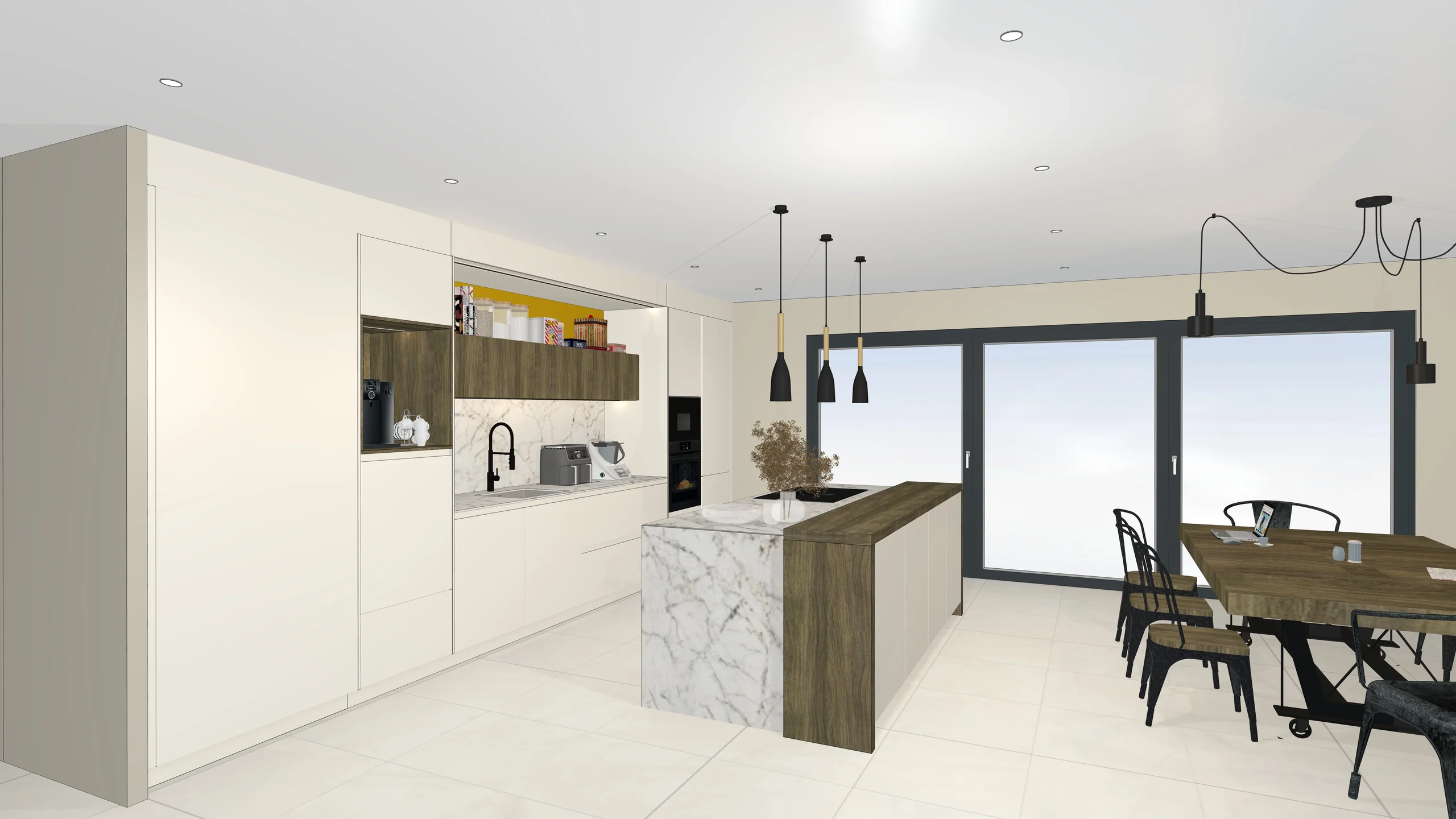
Your 3D export becomes a photorealistic image in under a minute.
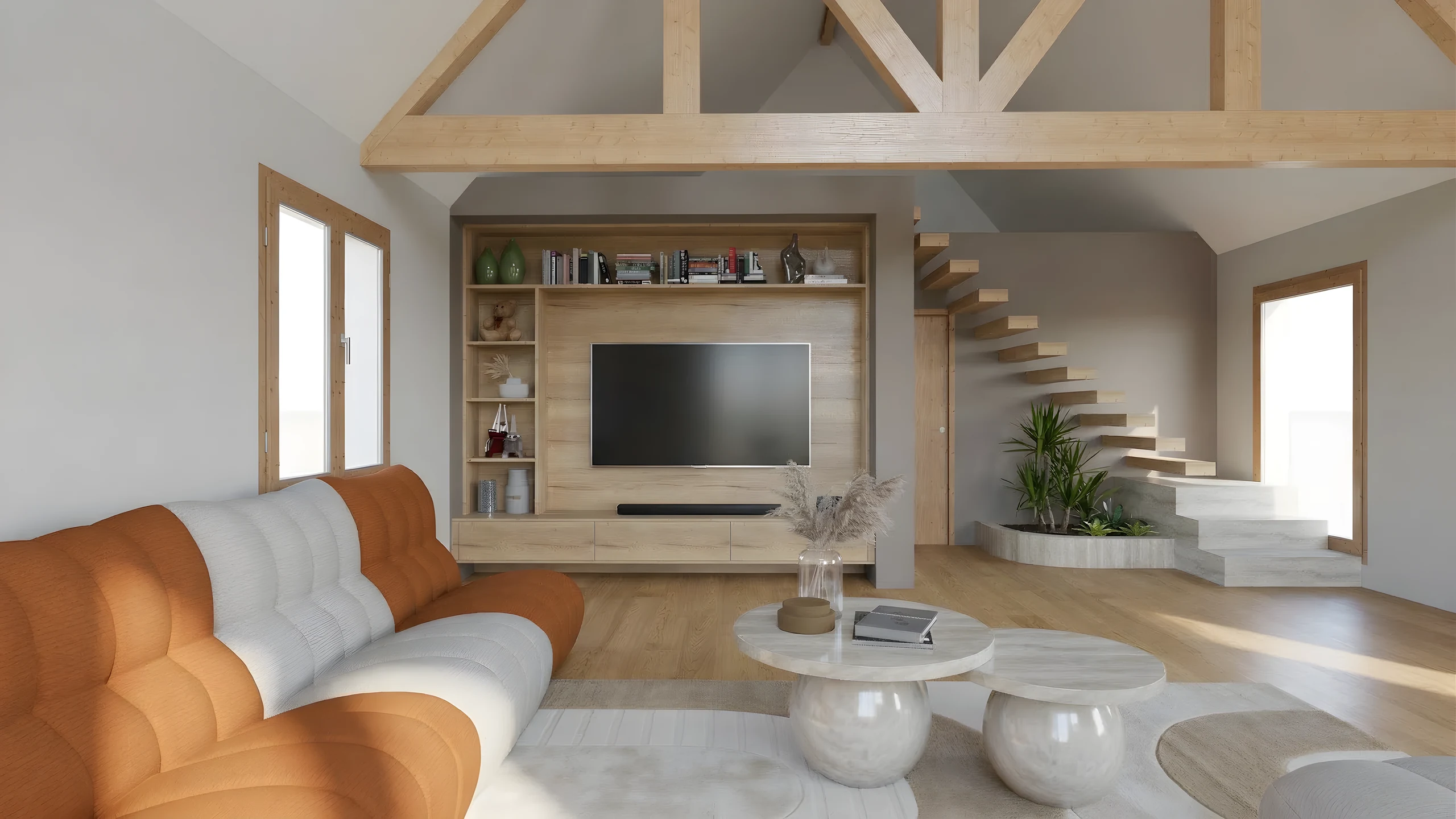
Why AI rendering changes everything
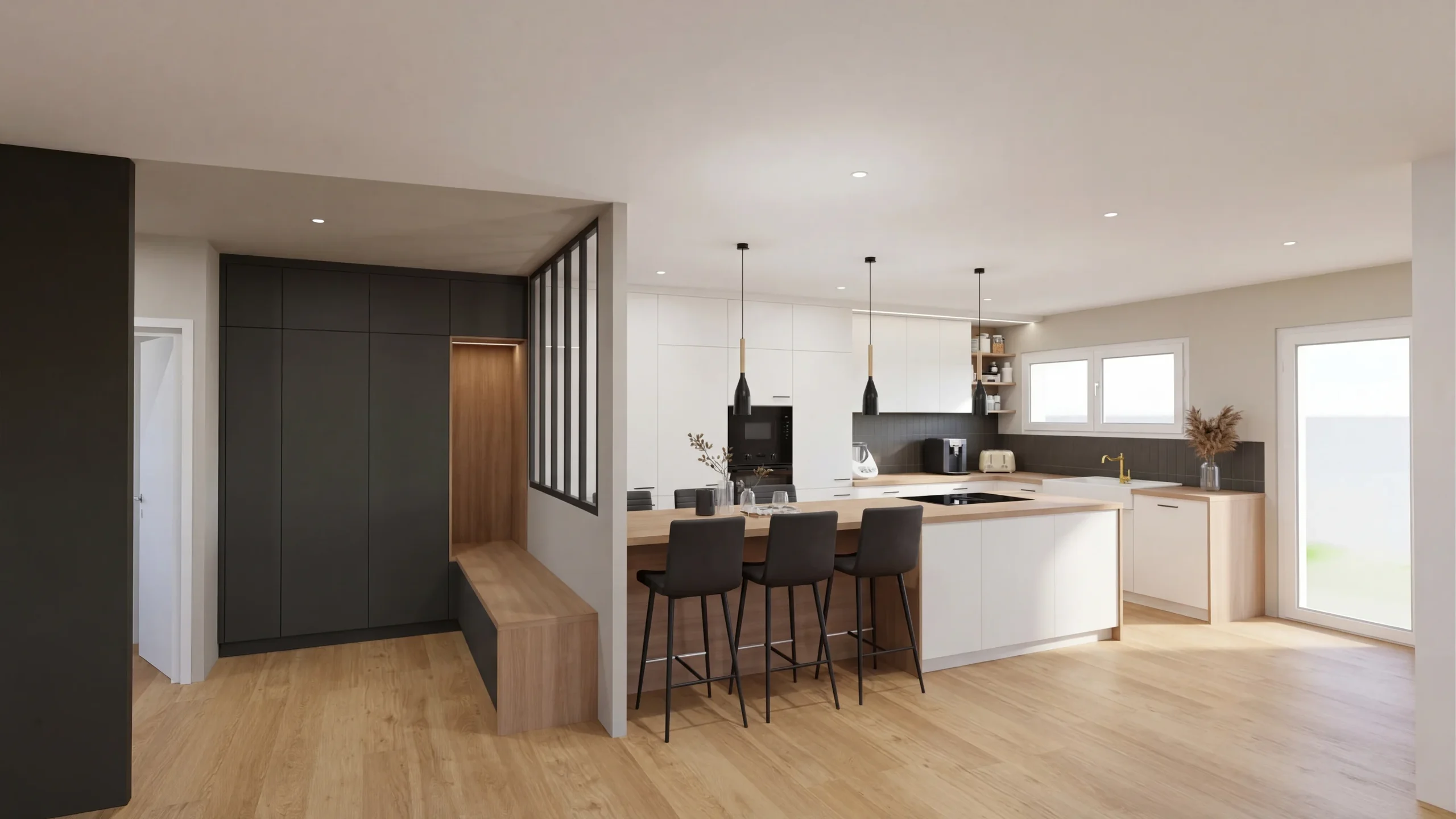
Faithful to your design
RenderThink doesn't reinvent your room, it photographs it. Your dimensions, layout and materials are respected: it's your project made photorealistic, not an image that merely resembles it.
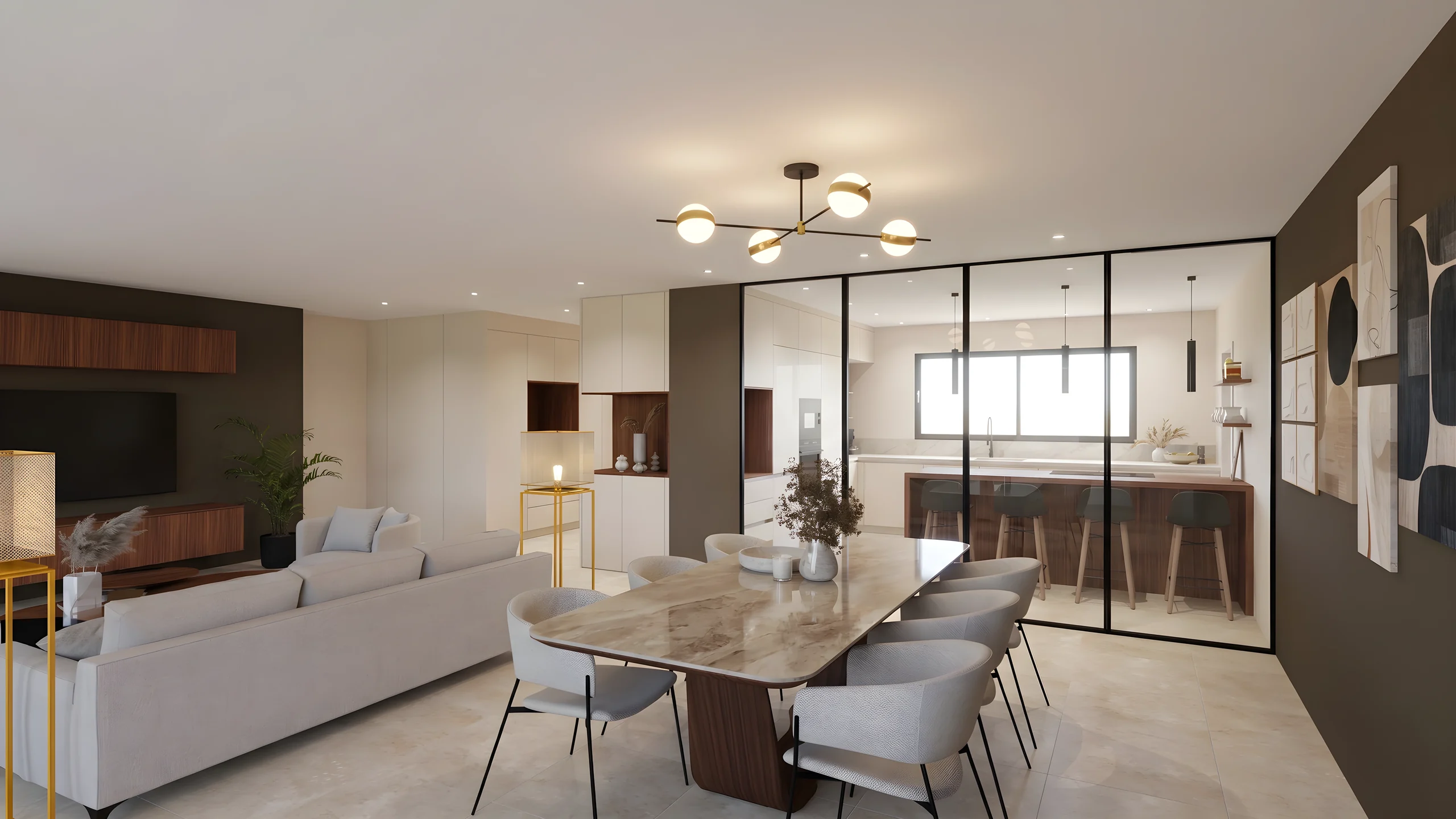
The batch, not one image
Select all your views, launch the batch and come back when everything is ready: up to 20 renders at once, while your machine stays free.
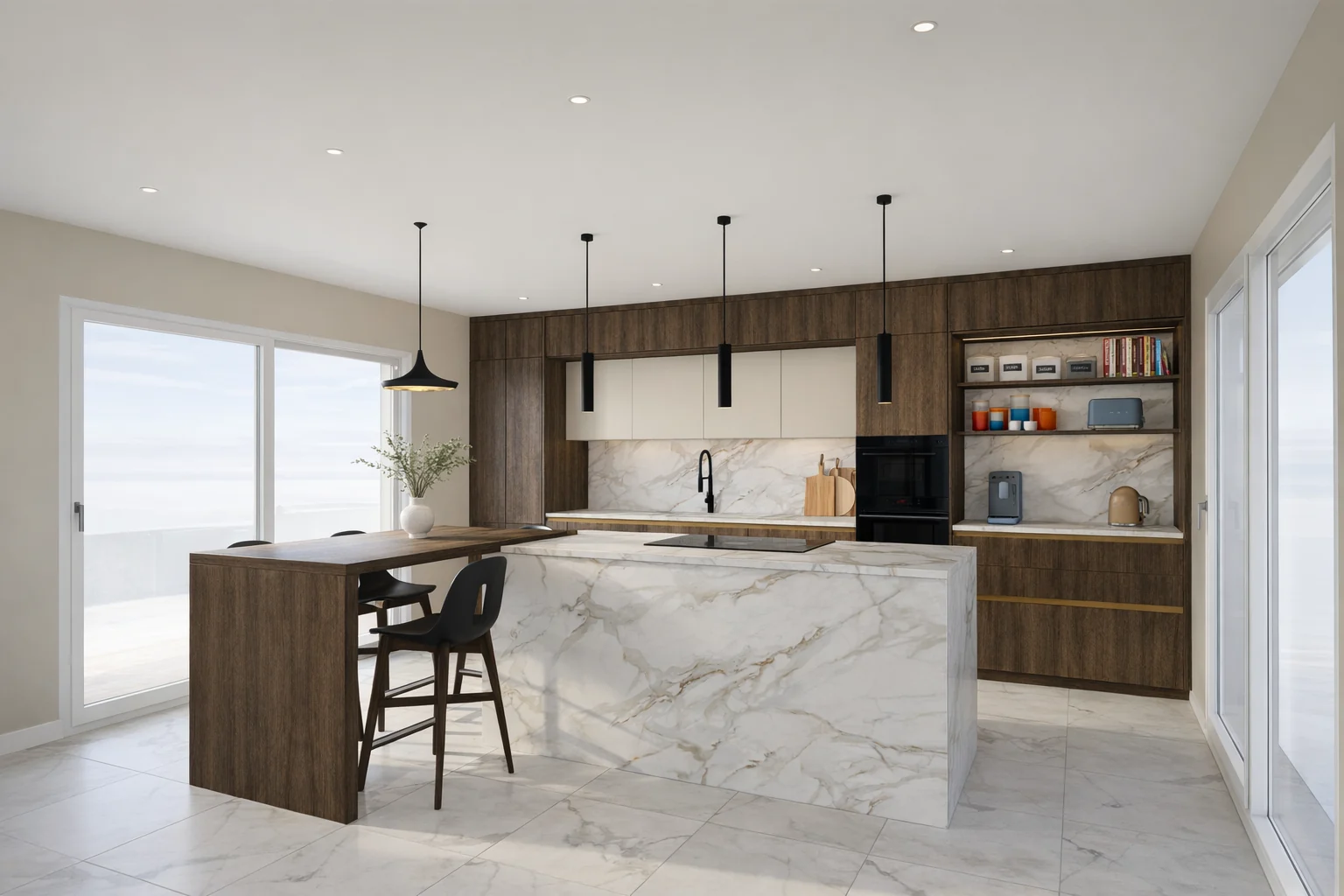
Under a minute, no GPU
Where V-Ray or Lumion take hours of computation and a graphics card, each render arrives in under a minute from 1K to 4K, slightly more in 8K, in the cloud, from a simple browser.
Up to 8K Ultra HD
From a 1K draft to check framing to large-format 8K Ultra HD print: the resolution follows your need, from showroom to sales brochure.
No prompt to write
No magic formula to craft, no art direction to master. You choose the view and the quality, RenderThink handles the rest.
A step in your workflow
Rendering isn't the end: move straight on to editing variants, styling the mood and the client presentation via secure link, without ever switching tools.
How it works
Export your 3D views
From SketchUp, InSitu, Winner, Revit or any other software, export your scenes as images.
Choose the quality
From a quick draft (1K) to large-format print (8K Ultra HD), depending on your need. An optional note painted on the image points out what the model shows poorly.
Get your photorealistic renders
AI turns your exports into realistic visuals in minutes, ready to present.
Why not a regular AI image generator?
A consumer generator makes an image from text. RenderThink starts from your project and carries it all the way to the client presentation.
Consumer AI generator
RenderThink
- Starting point
- A written description
- Your 3D export, respected in detail
- Faithfulness
- Reinvents the scene every try
- Keeps your dimensions, layout and materials
- Volume
- One image at a time
- Up to 20 renders launched at once
- Retouching
- Regenerates the whole image
- Targeted brush: only the chosen area changes
- Resolution
- Low definition
- Up to 8K Ultra HD, print-ready
- Client side
- Up to you to assemble and share
- Secure-link presentation, as a team
Who it is for
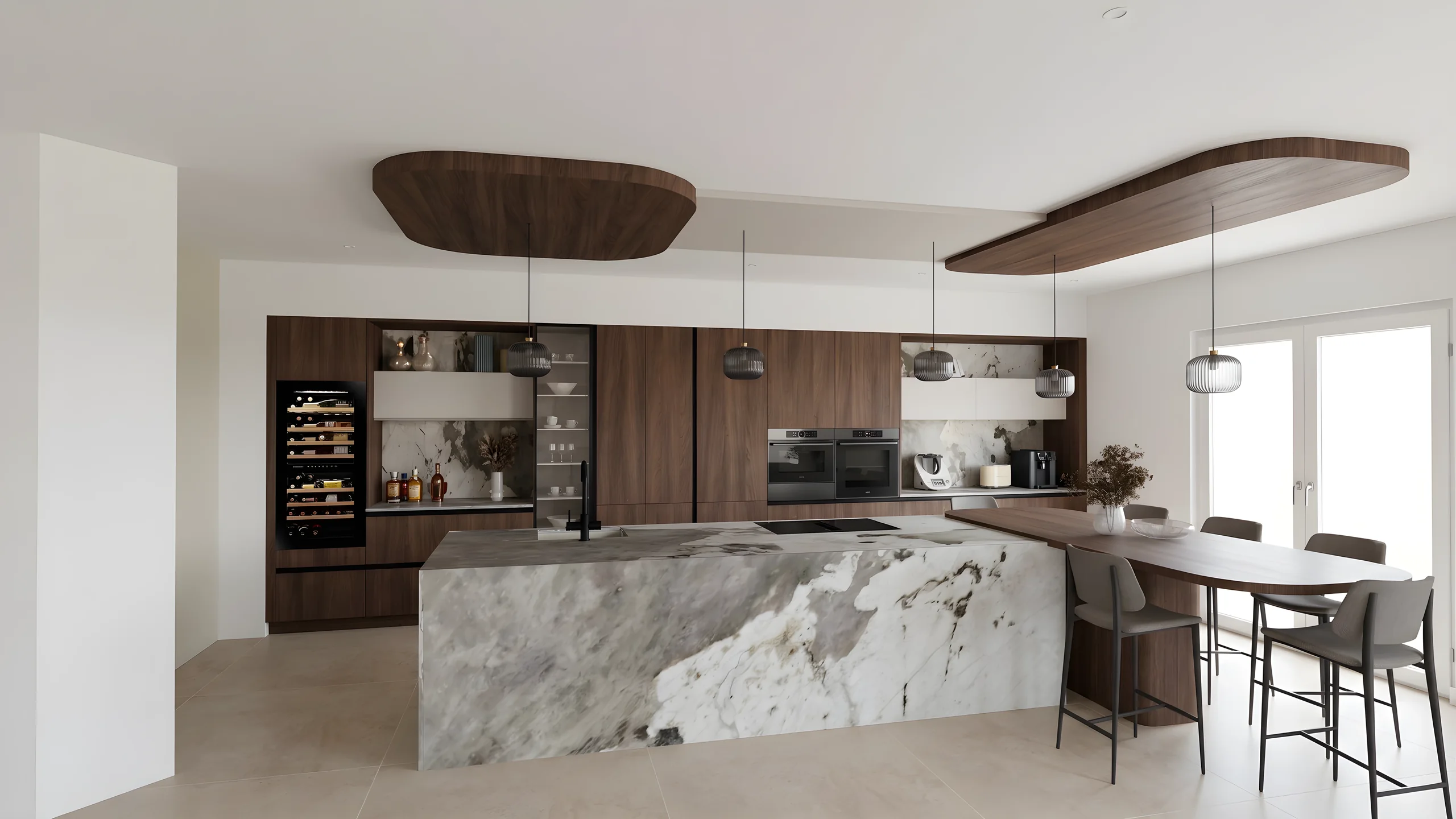 Kitchen designersTurn your Winner and InSitu exports into photorealistic renders and present them in the showroom via a secure link.
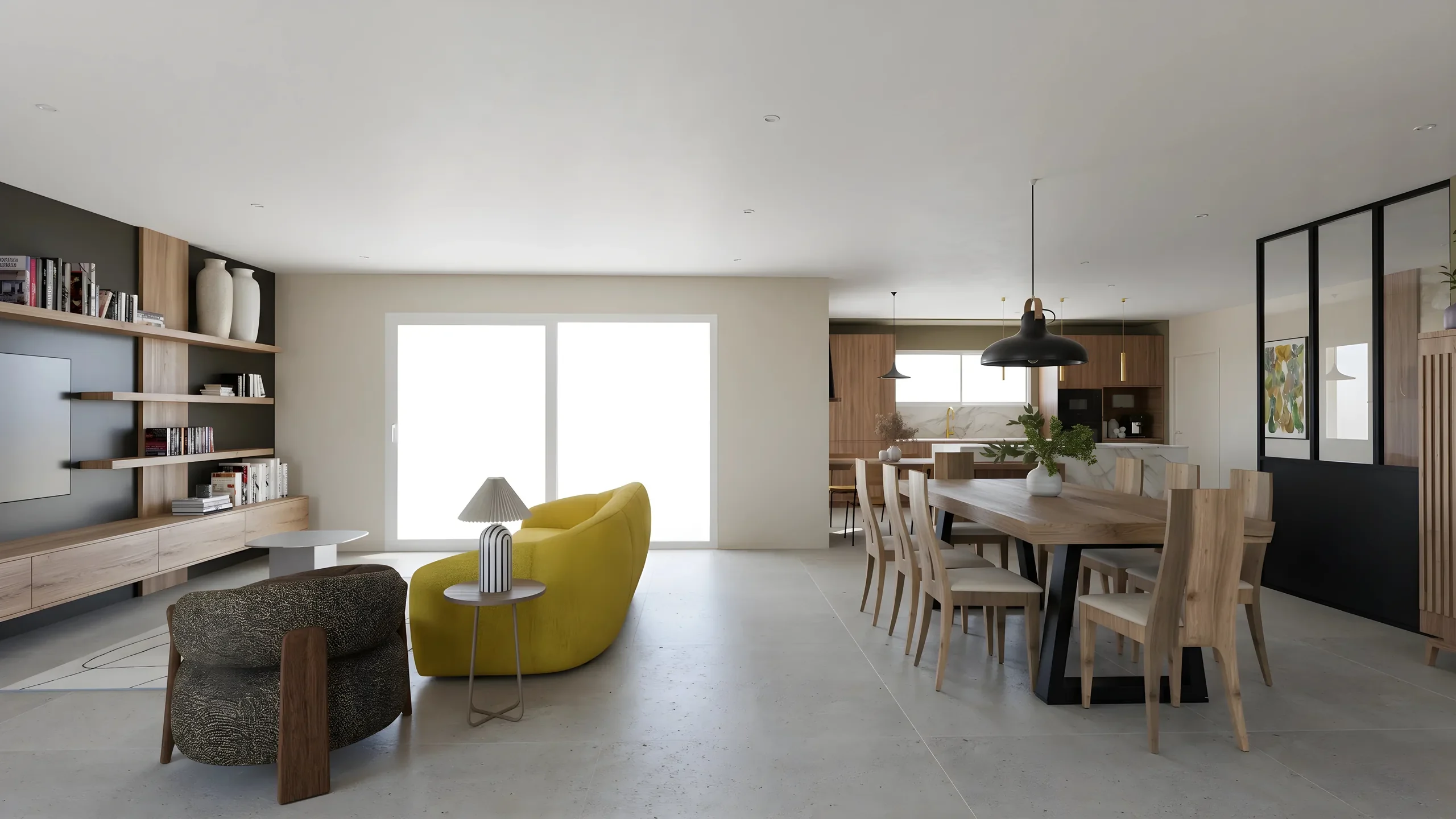 Interior ArchitectsPhotorealistic renders from your SketchUp or Revit exports, ready to present in minutes.
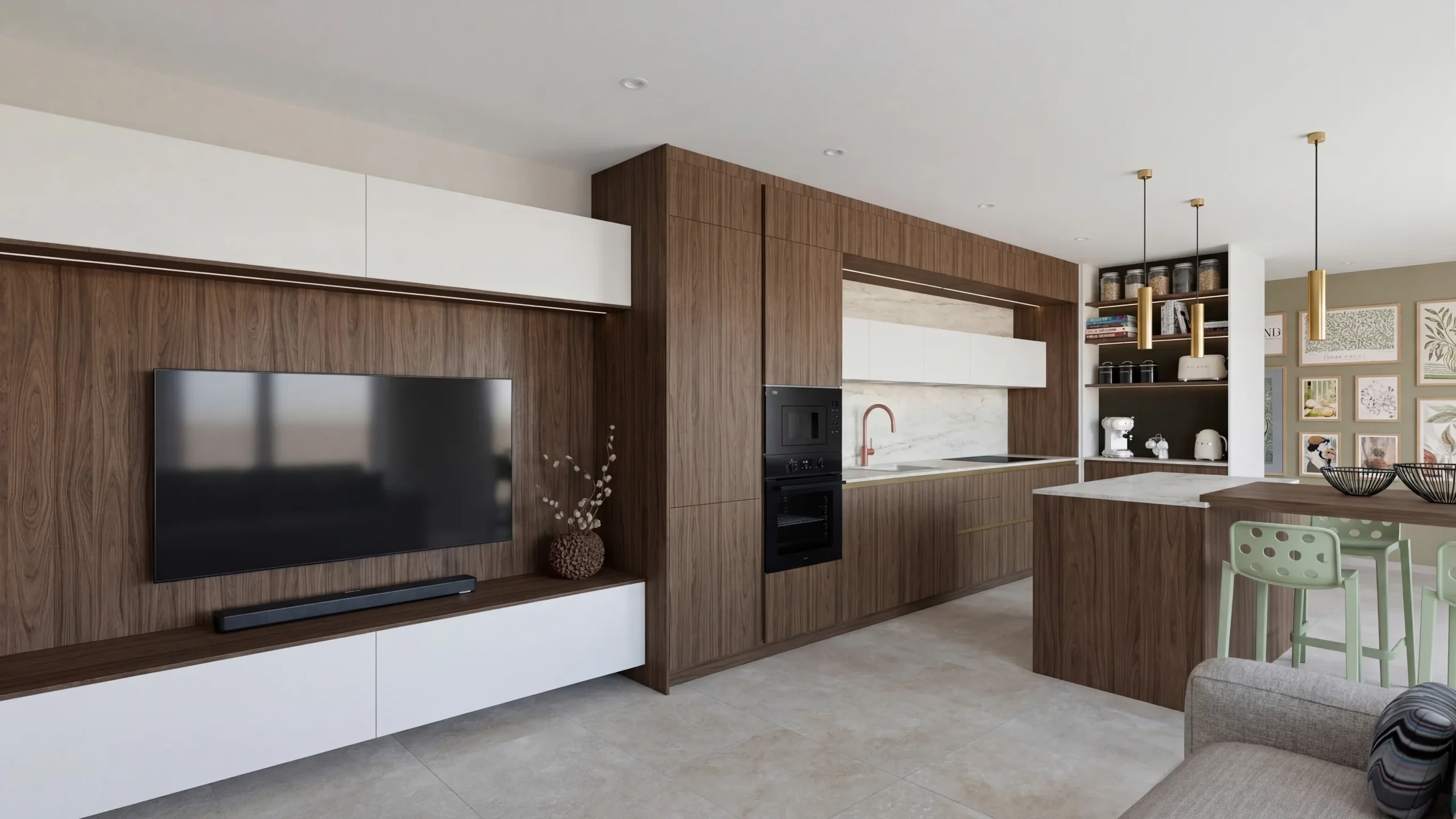 Space PlannersVisualize your office, retail and restaurant fit-outs and get them approved by your professional clients.
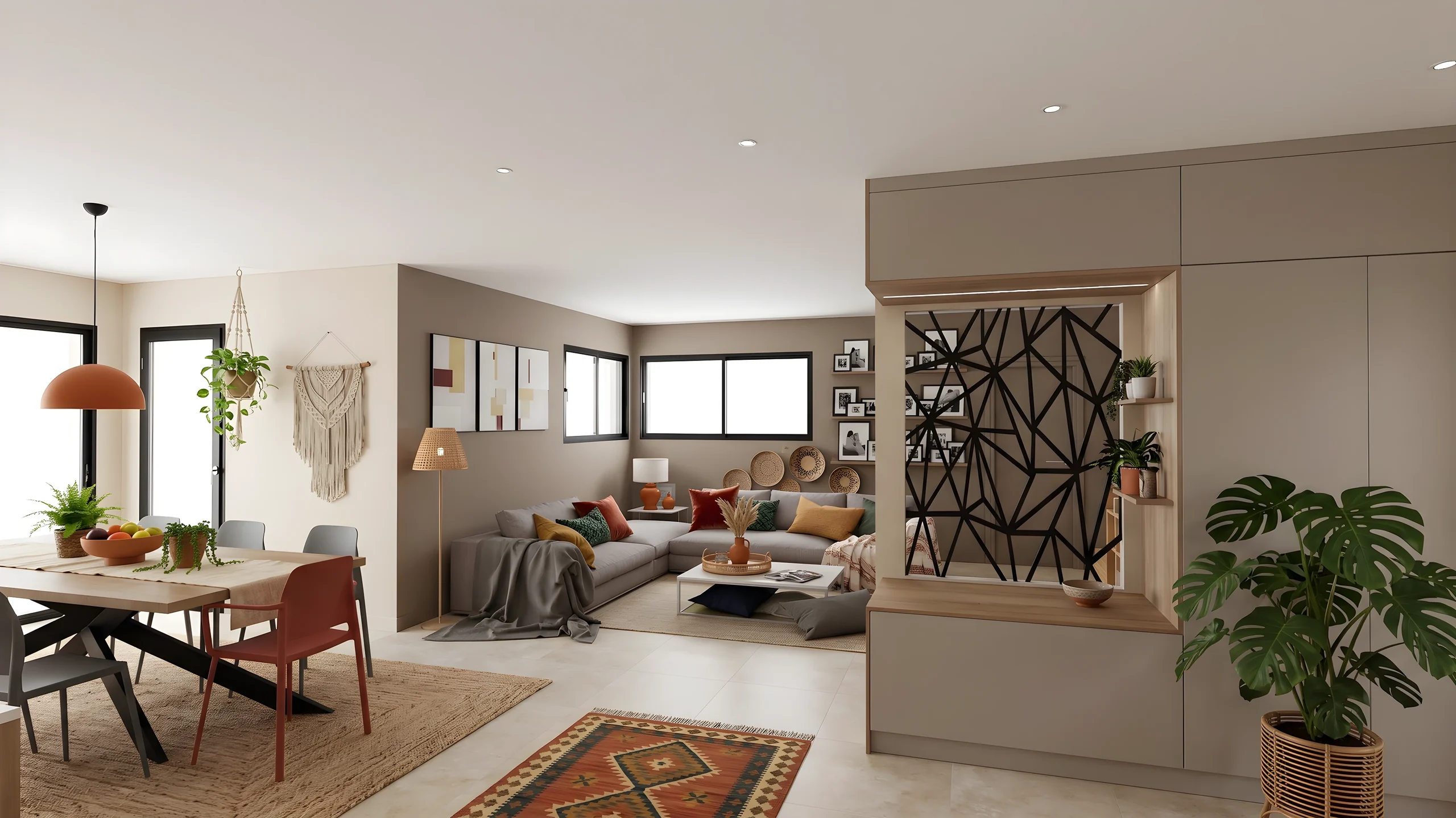 DecoratorsLet your client picture the ambiance, colors and materials before buying any furniture.
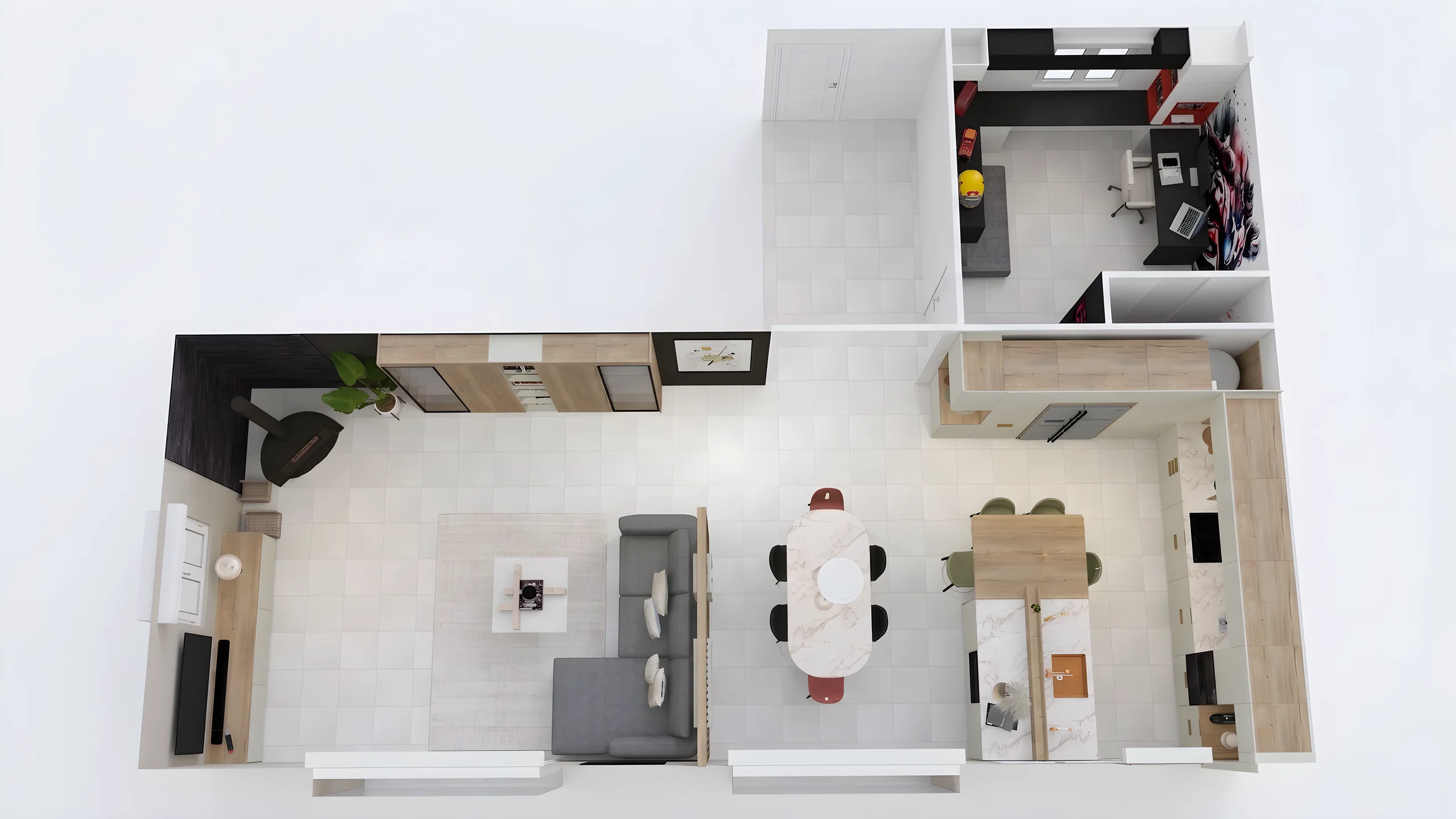 Home stagingRestyle and showcase your already-furnished listings for visuals that drive viewing requests.
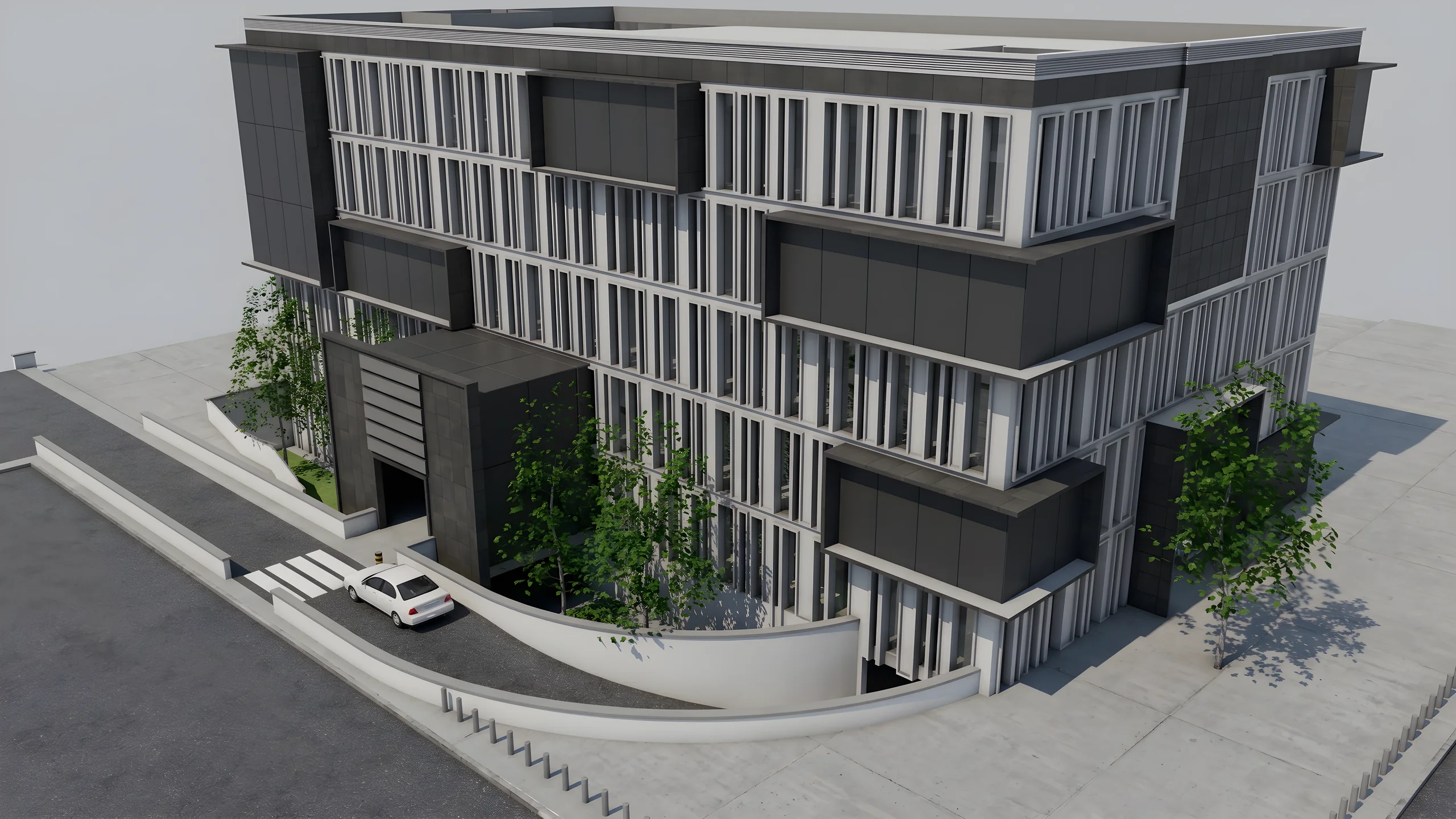 Property developersVisualize every apartment typology for off-plan sales, in minutes instead of weeks.
Read next
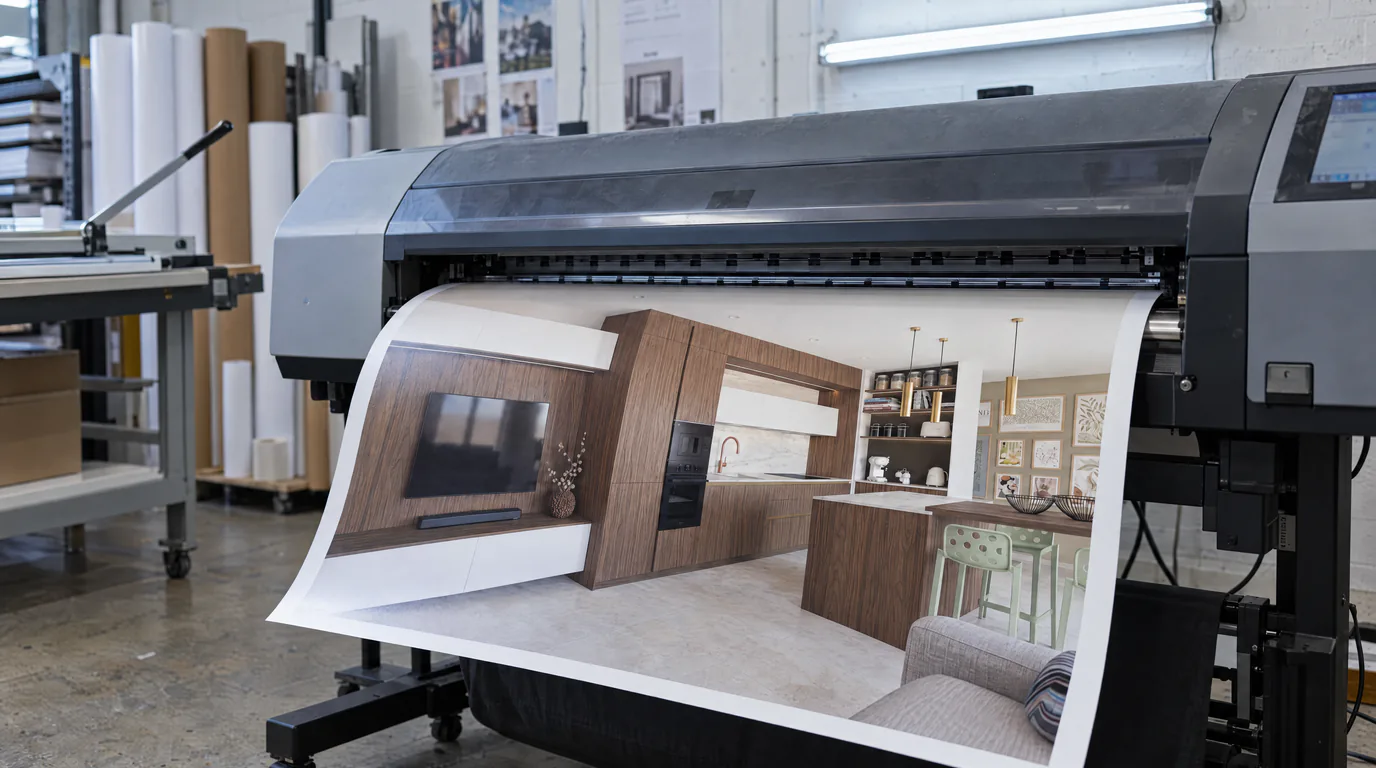 Guides
AI Photorealistic Rendering: Complete 2026 Guide
Learn how AI transforms a simple 3D export into a photorealistic image in under a minute. Complete guide with comparisons, workflow and practical tips.
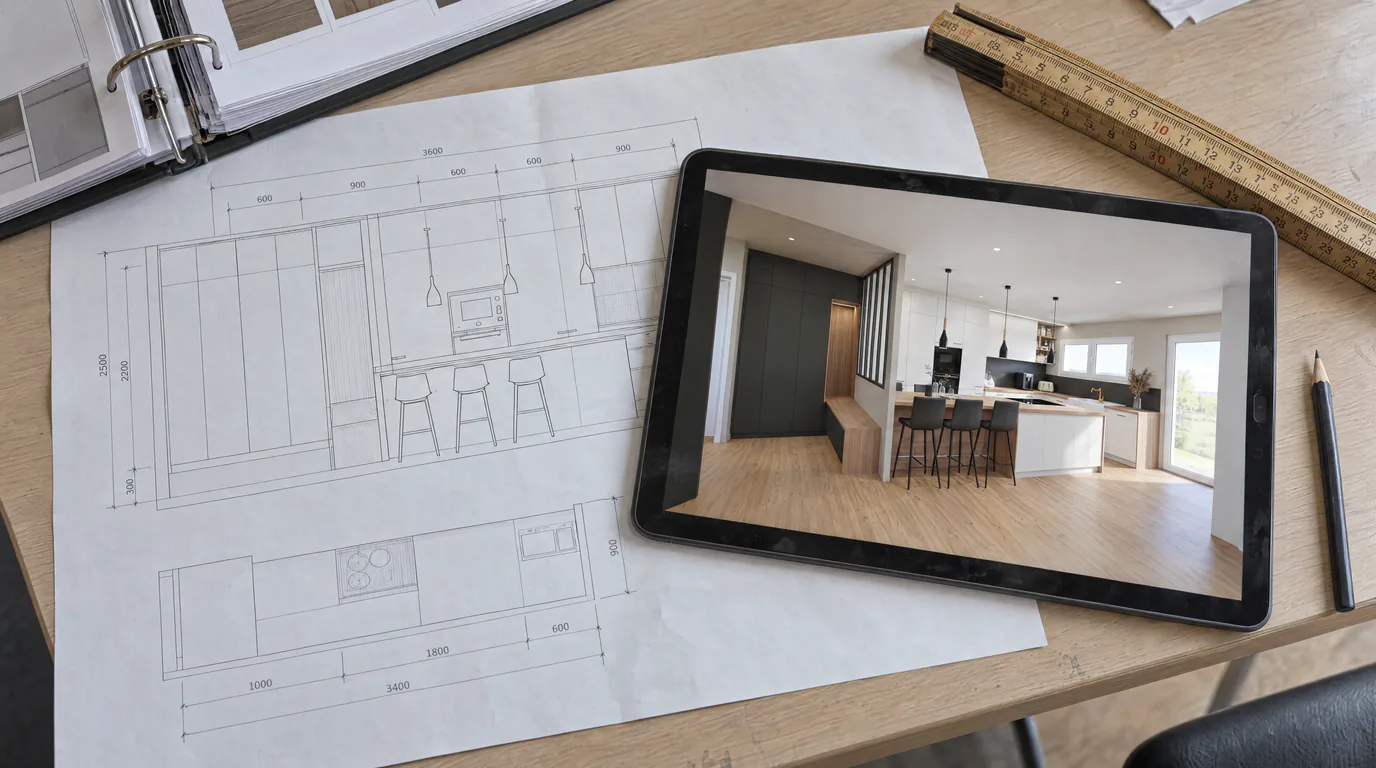 Use cases
Kitchen Designers: Winner & InSitu to AI Renders
Your Winner Design or InSitu renders don't convince your clients? Learn how to transform them into photorealistic visuals in under a minute.
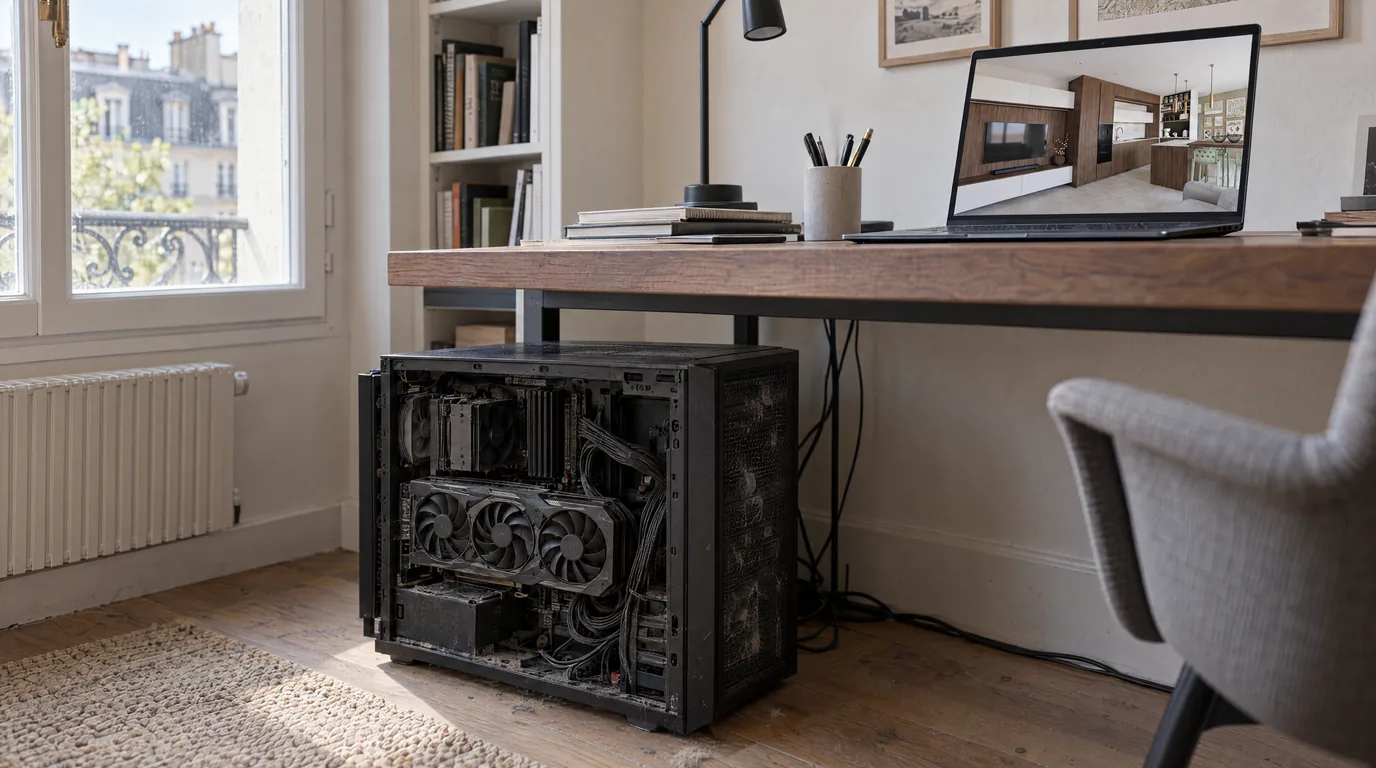 Guides
Lumion & V-Ray Alternative: AI Rendering, No GPU (2026)
License, high-end GPU and weeks of training: Lumion and V-Ray are expensive. Discover the AI alternative with no GPU that removes these barriers.
Try it on your own project.
Import an export, start a render, edit one zone, share the link.
14 days, no commitment