AI rendering from Winner Design: your kitchen export becomes a photorealistic render in a minute
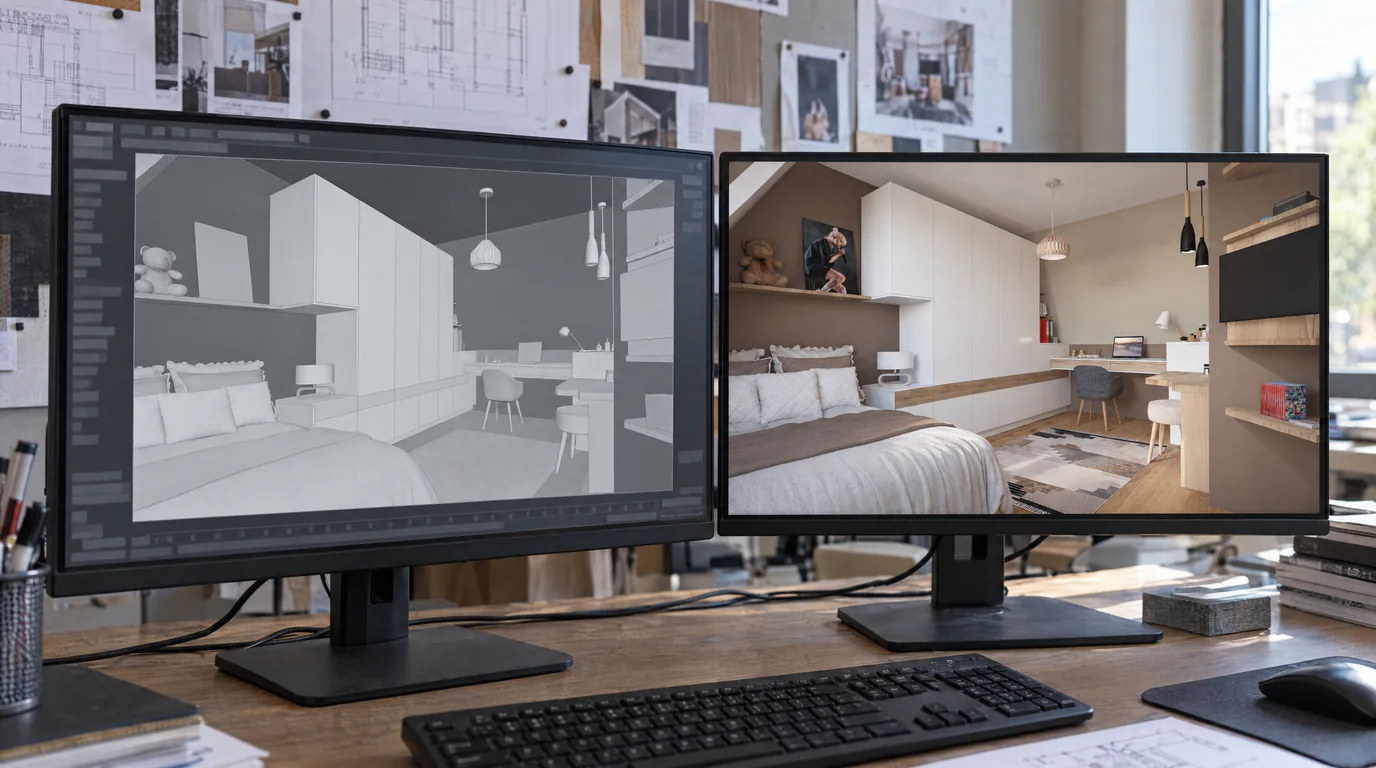
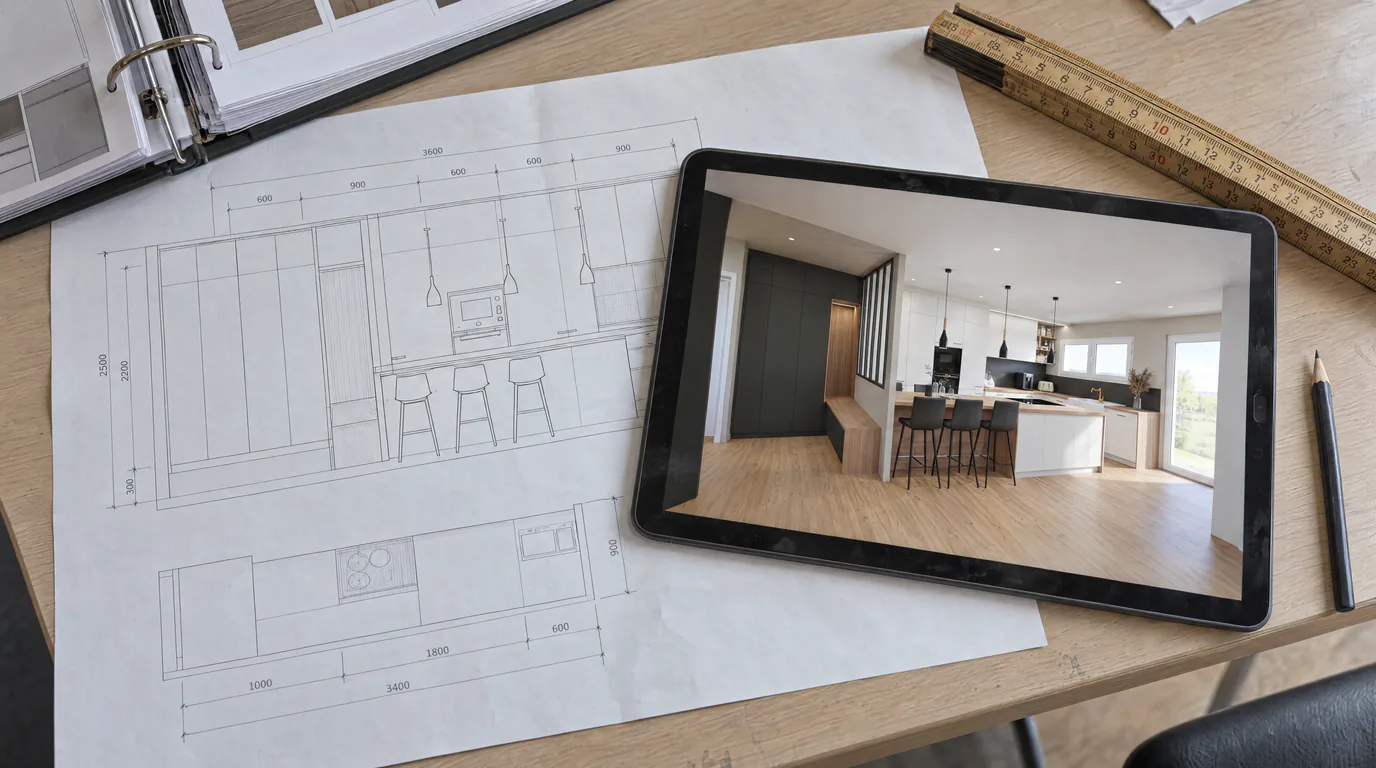
Export the view from Winner Design, drop the image: RenderThink turns it into a realistic render, faithful to your layout, fronts and catalogues, in about a minute. Kitchen, bathroom or fitted wardrobe, the path is the same. No change of software, no plugin to install.
14 days, no commitment
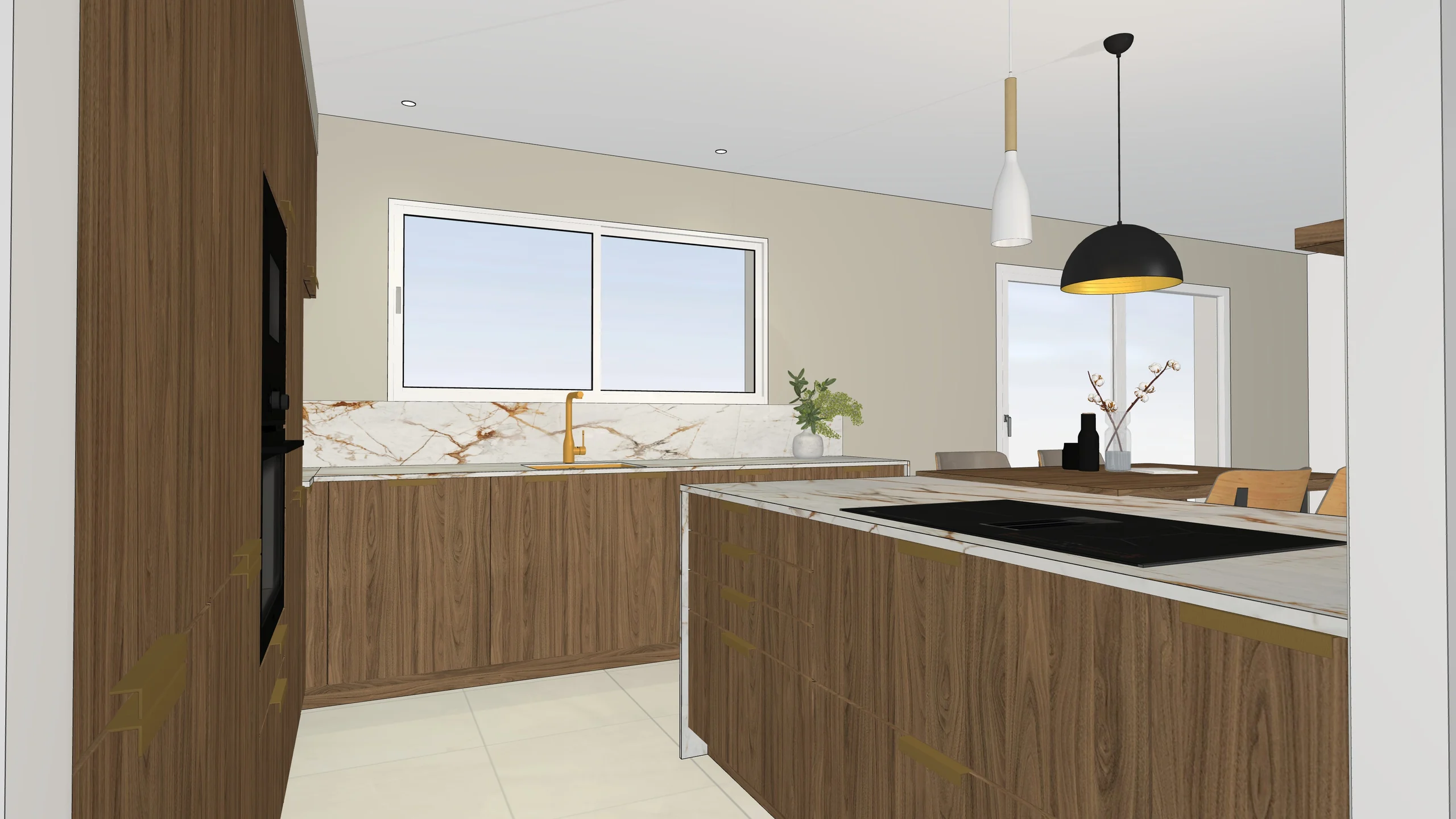
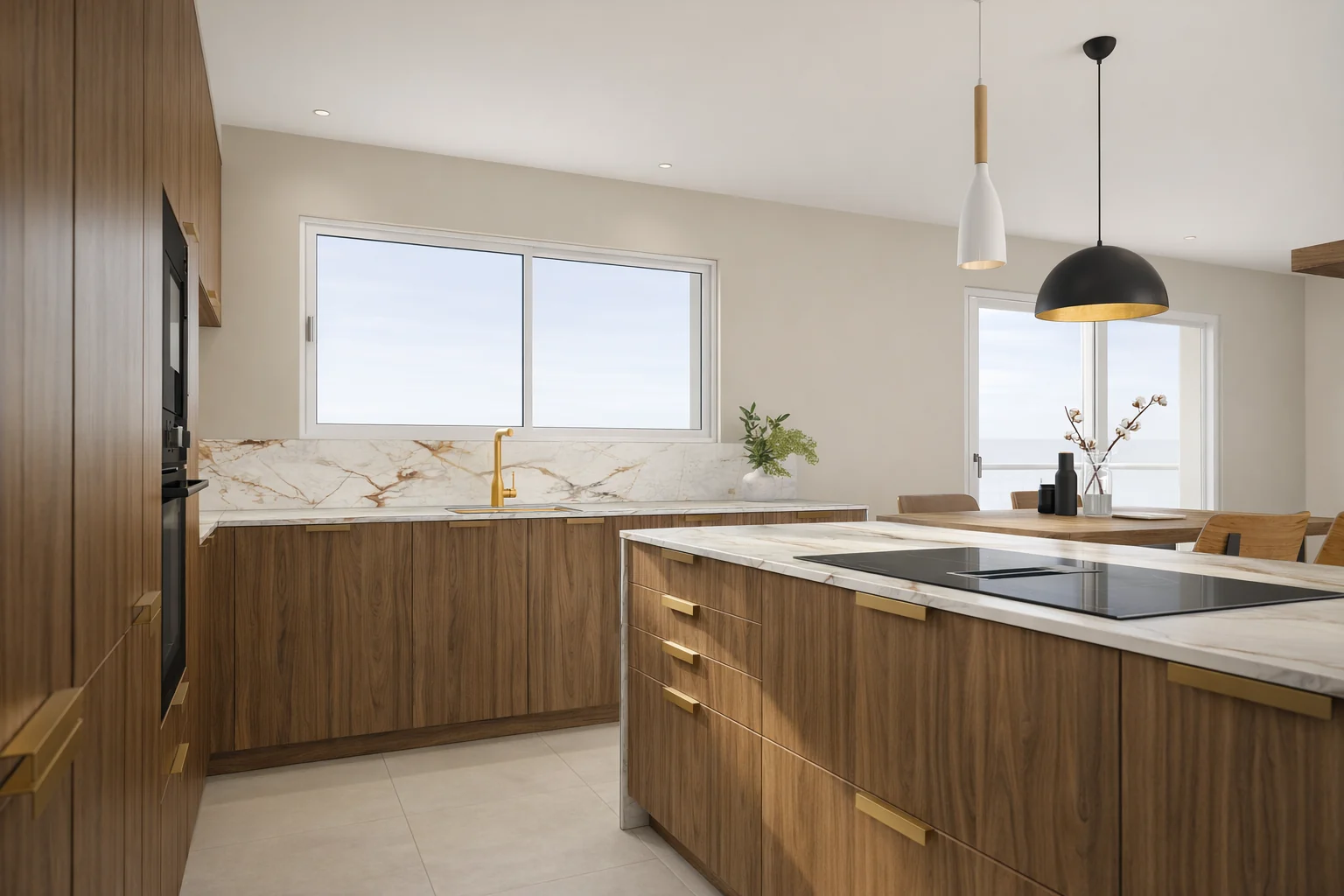
- Median 1K render, under 30 seconds
- 28 s
- Ready for large-format printing
- 8K
- Free trial, no commitment
- 14 days
Your Winner plan becomes the image the client was waiting for to make up their mind.
An image export, nothing else
Winner Design has no plugin, and needs none: you export the view as an image, at the best resolution the software offers, preferably PNG, and drop it into the Studio, in the browser or in the desktop app. No project file is sent, no proprietary format is required. Winner saves your viewpoints: three saved angles per room are enough for a complete presentation.
Export the view as an image
Maximum resolution offered by Winner, PNG rather than JPEG, materials already close to the intended result: a light oak is read better than a generic grey. Three angles per room: worktop or basin head-on, from the entrance, at an angle for the volume.
Drop it in and start the render
Drag the image into the project, pick the resolution, from 1K draft to 8K, and start several angles at once. The computation runs on our servers, each render comes back in about a minute.
Vary the finishes on the render
Paint the fronts, the worktop or the splashback and choose the new finish or a catalogue product: the variant appears in a few dozen seconds, without reopening Winner or starting a render again.
Send the showroom presentation
The approved angles, a before-and-after comparison and the swatches, gathered in a presentation shared by secure link that the client opens at home, on phone, tablet or computer, without an account.
What you do from Winner Design
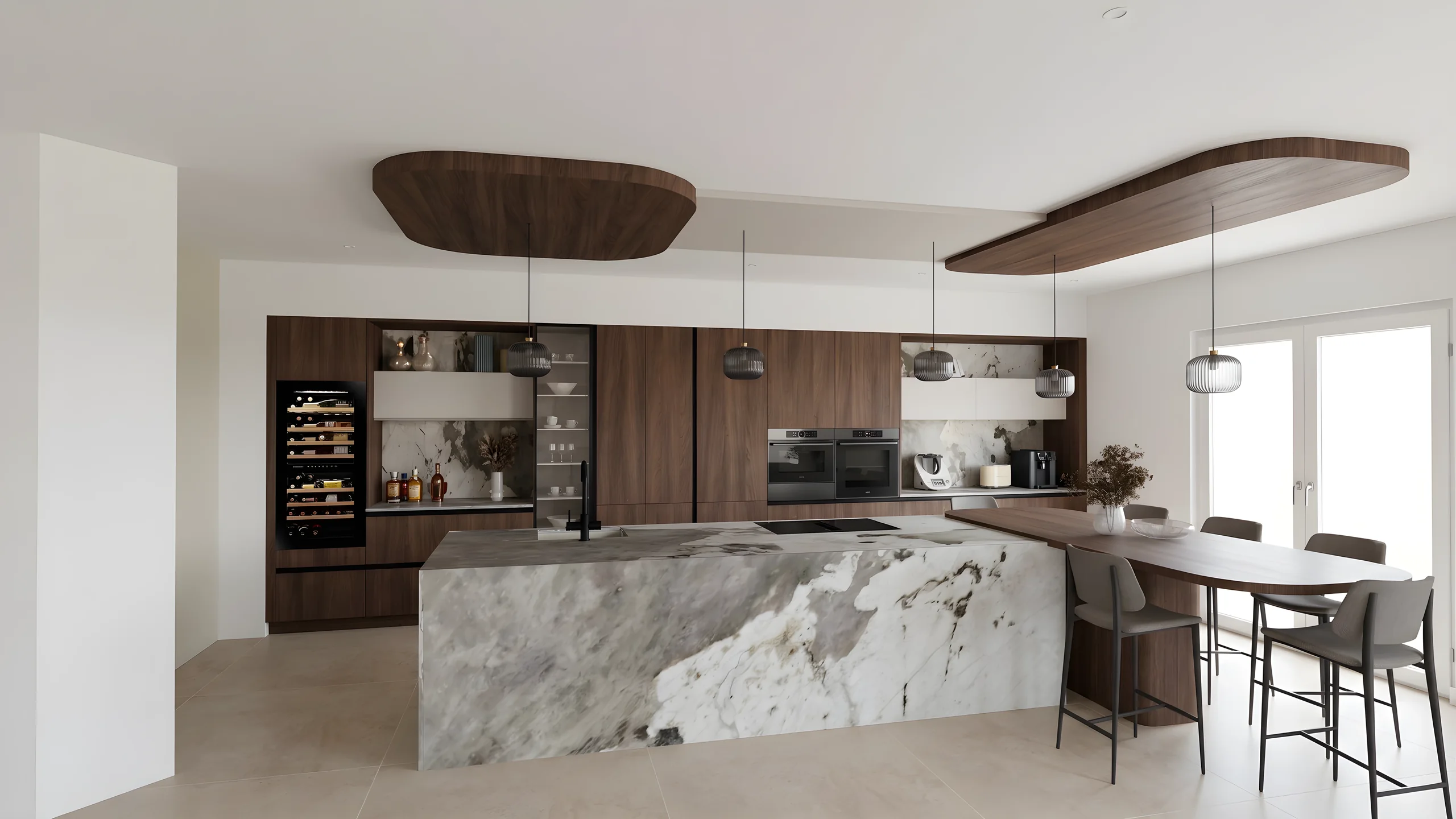
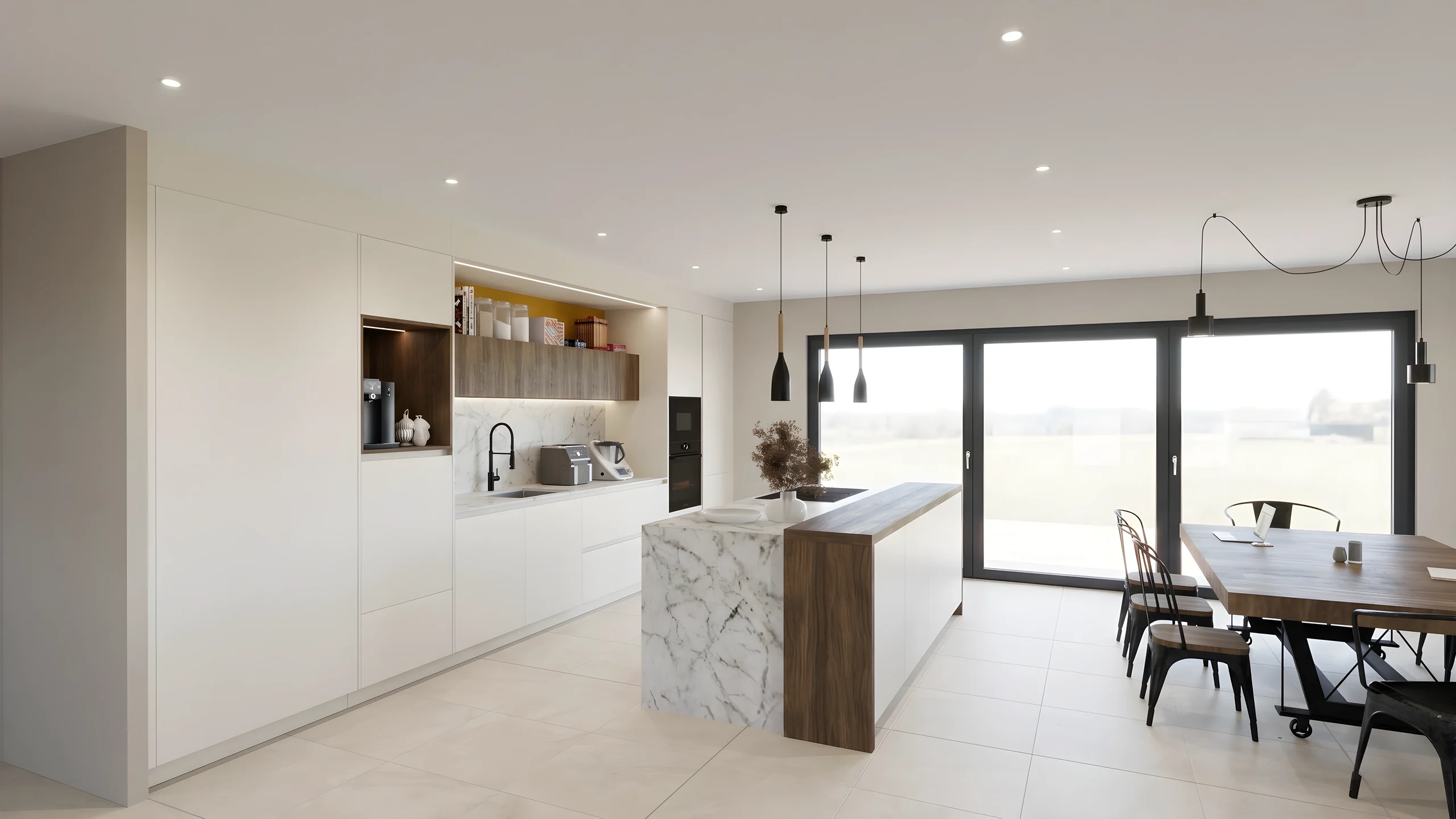 Photorealistic kitchen renderThe Winner export becomes a realistic image, with natural light, reflections on the worktop and faithful textures, up to 8K for the brochure or the showroom’s big screen.
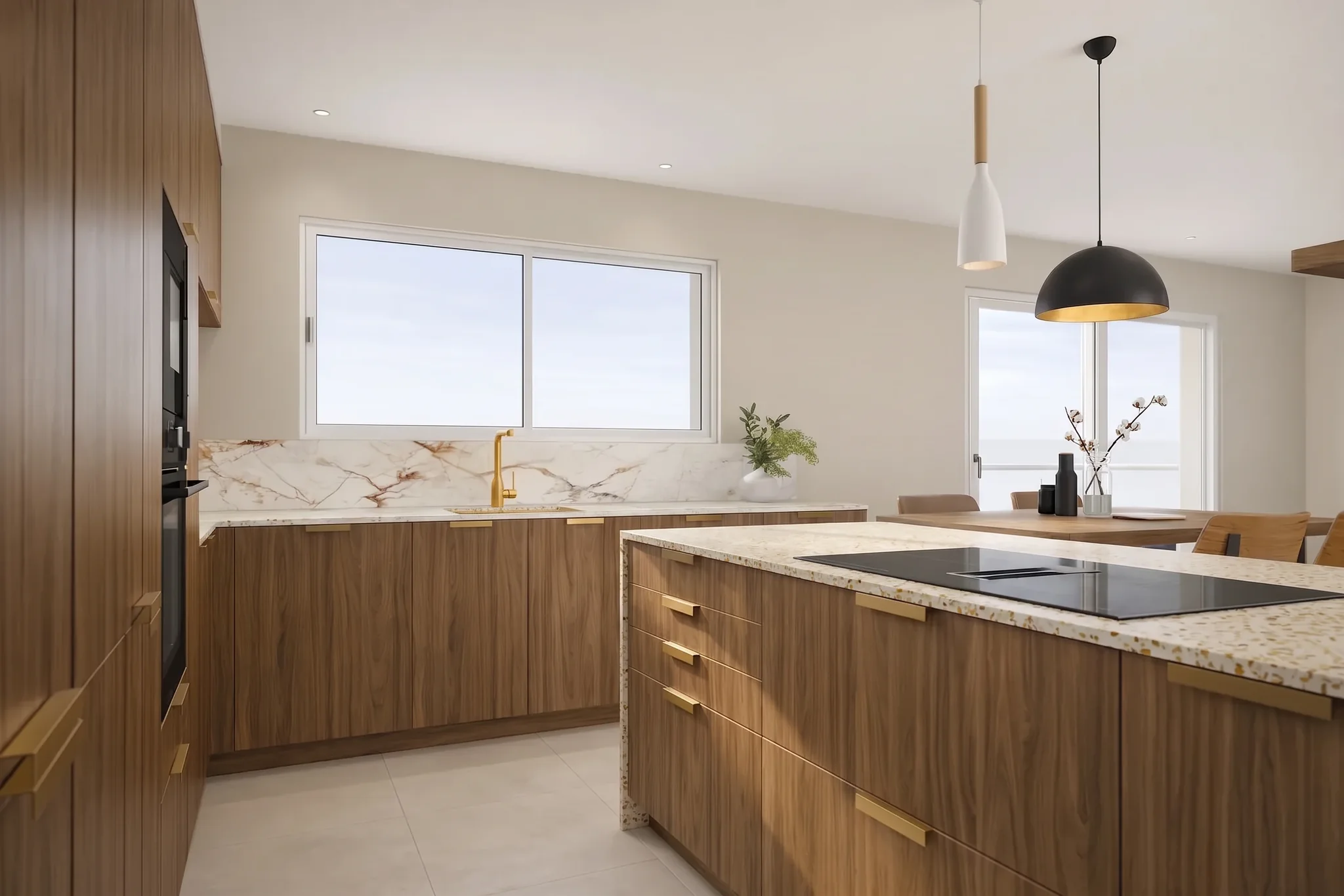 Front variants with the brushFronts, worktop, splashback, floor: each zone is repainted on the render, with the brush or smart click. The layout and dimensions do not move.
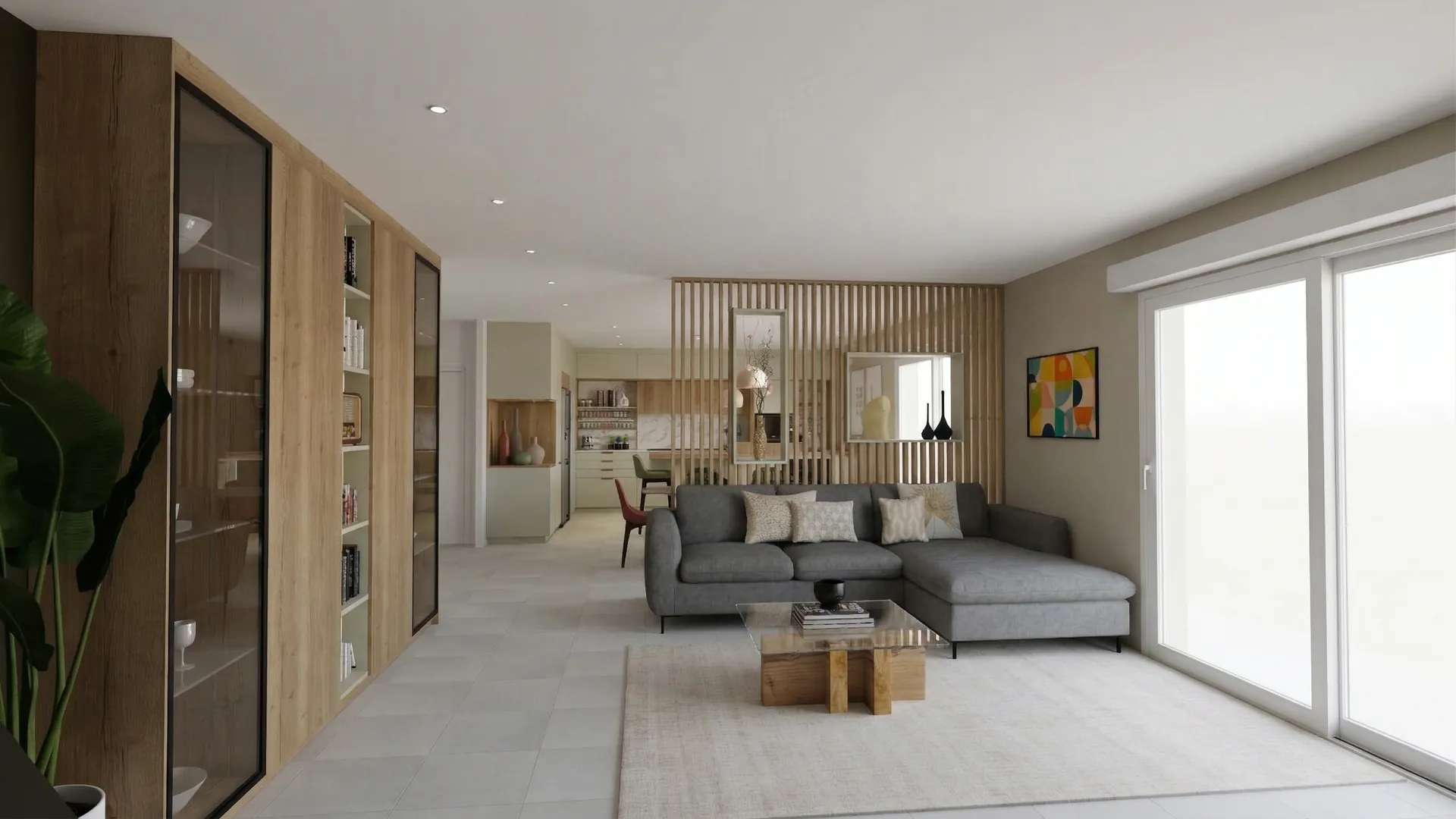 Showroom presentationA secure link in your colours, with before-and-after and 360° tour, that the client opens on their phone without an account. Password and expiry if you wish.
Read next
 Guides
SketchUp & Winner Exports: 7 Tips for Perfect AI Renders
Practical tutorial: the export settings from SketchUp, Winner and InSitu that make the difference between a decent render and a stunning one.
 Use cases
Kitchen Designers: Winner & InSitu to AI Renders
Your Winner Design or InSitu renders don't convince your clients? Learn how to transform them into photorealistic visuals in under a minute.
 Use cases
Kitchen Designers: Showroom Presentations That Close Sales
Your Winner renders look flat? Create photorealistic presentations with your logo and pro layout, shareable via secure link.
Try it on your own project.
Import an export, start a render, edit one zone, share the link.
14 days, no commitment