Space Planner: AI Photorealistic Renders for Offices, Retail and Hotels
Turn your SketchUp, AutoCAD, ArchiCAD or 3ds Max exports into photorealistic renders in under a minute. Launch a project's multiple zones at once, brush in fit-out variants and get the whole thing approved via a secure link, without ever touching the 3D model.
14 days, no commitment
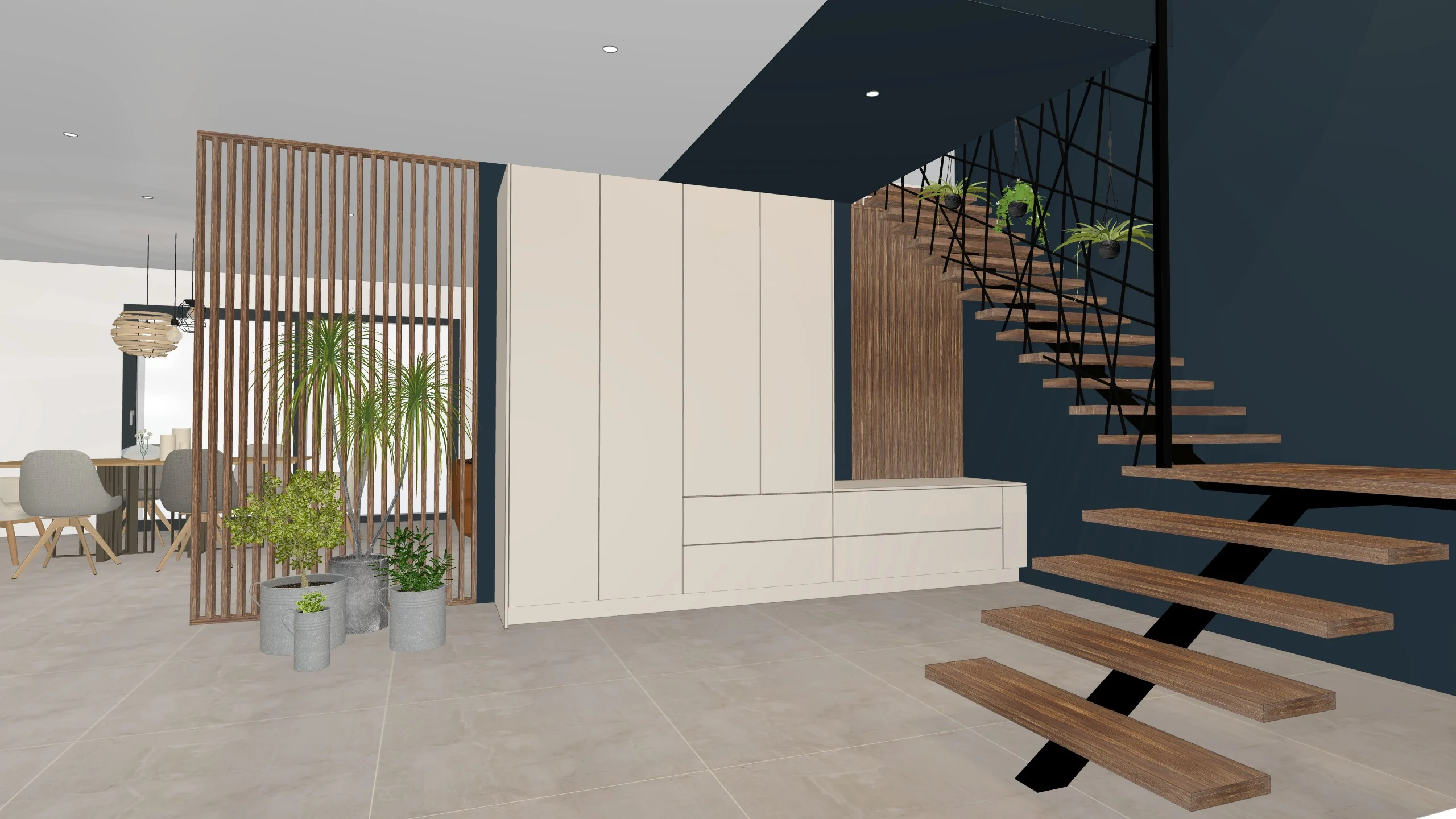
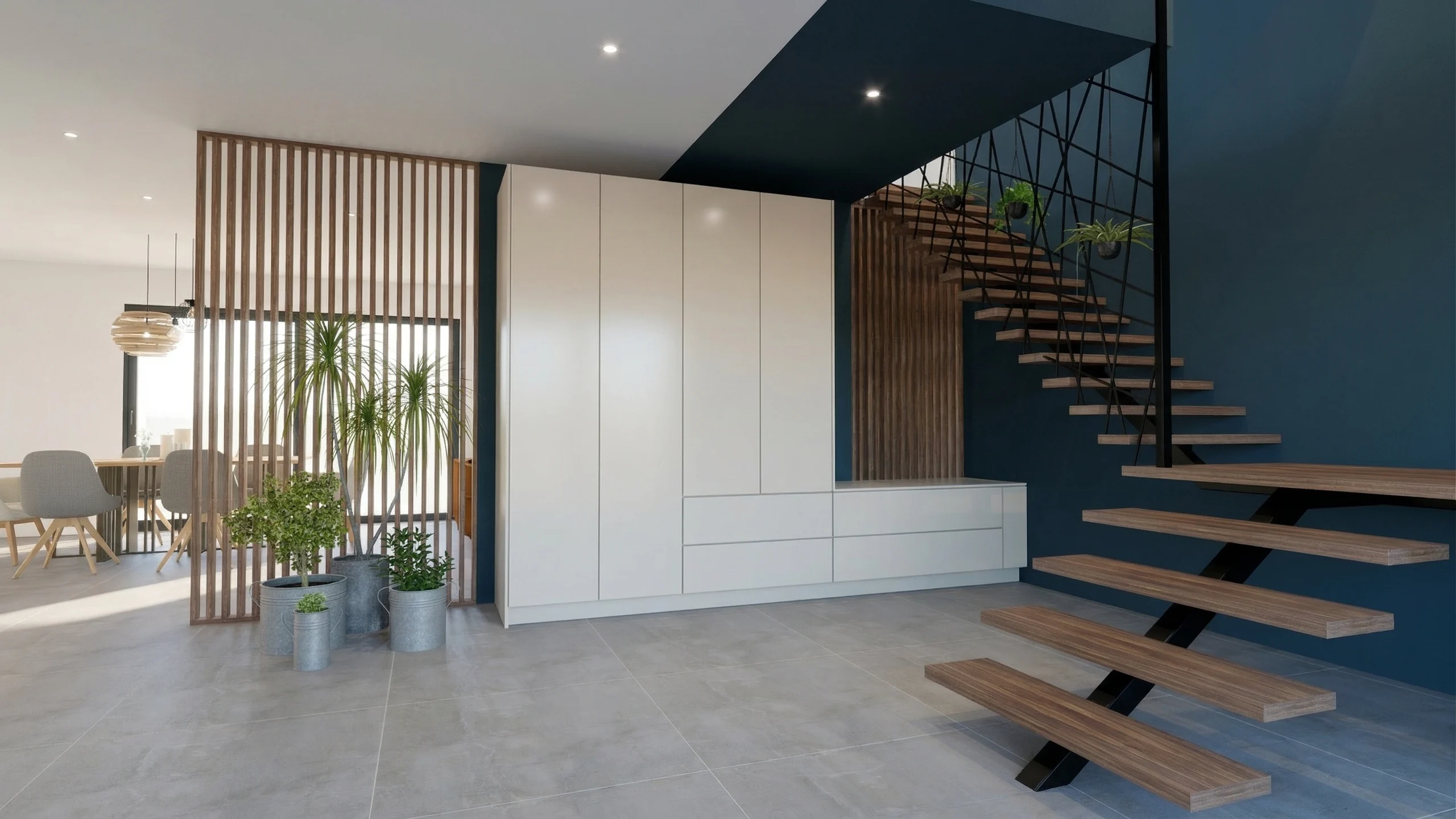
Every zone of the project is shown finished, and varied as many times as needed.
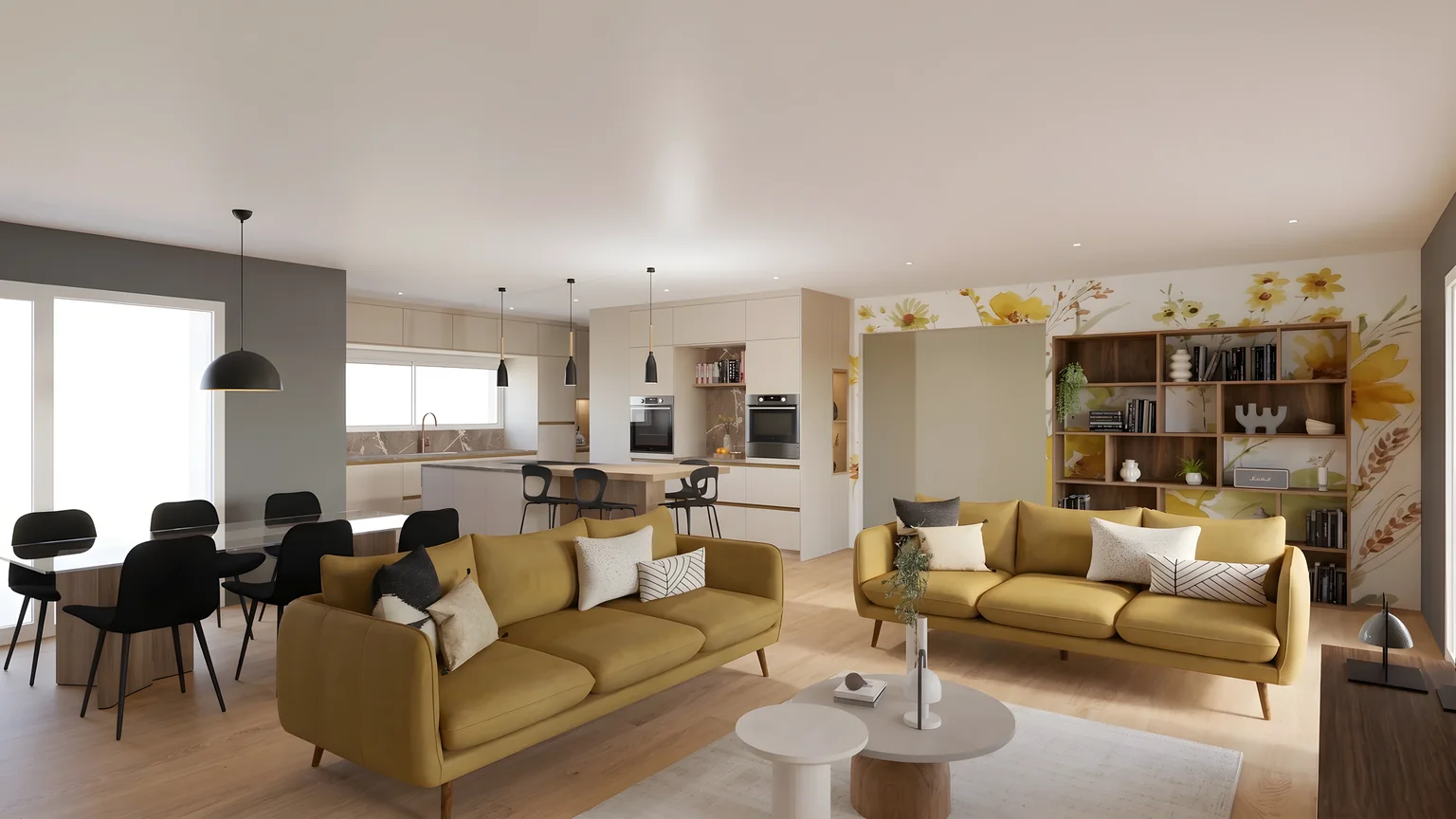
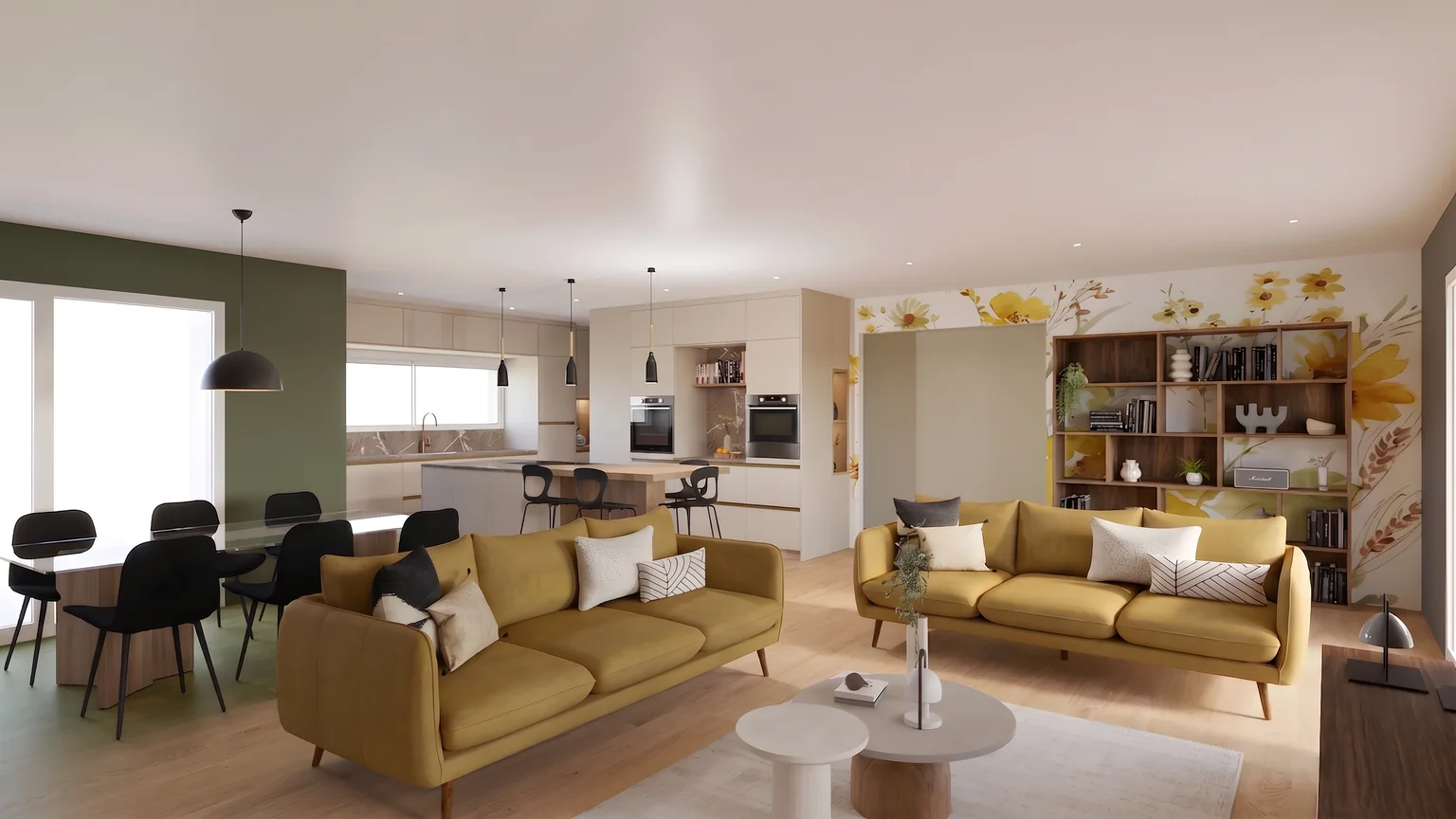
01Modify
Another shade, on the designated zone only.
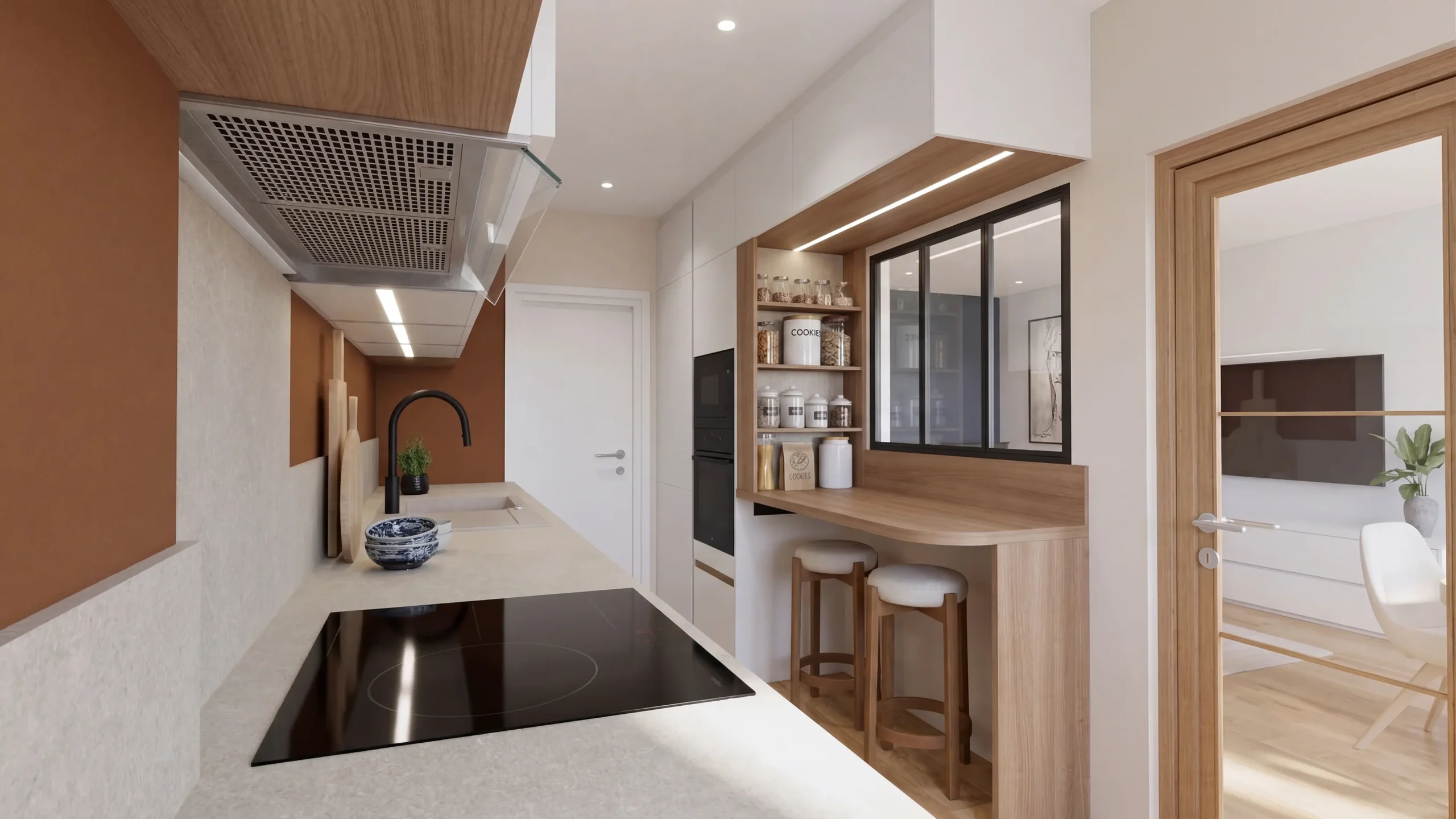
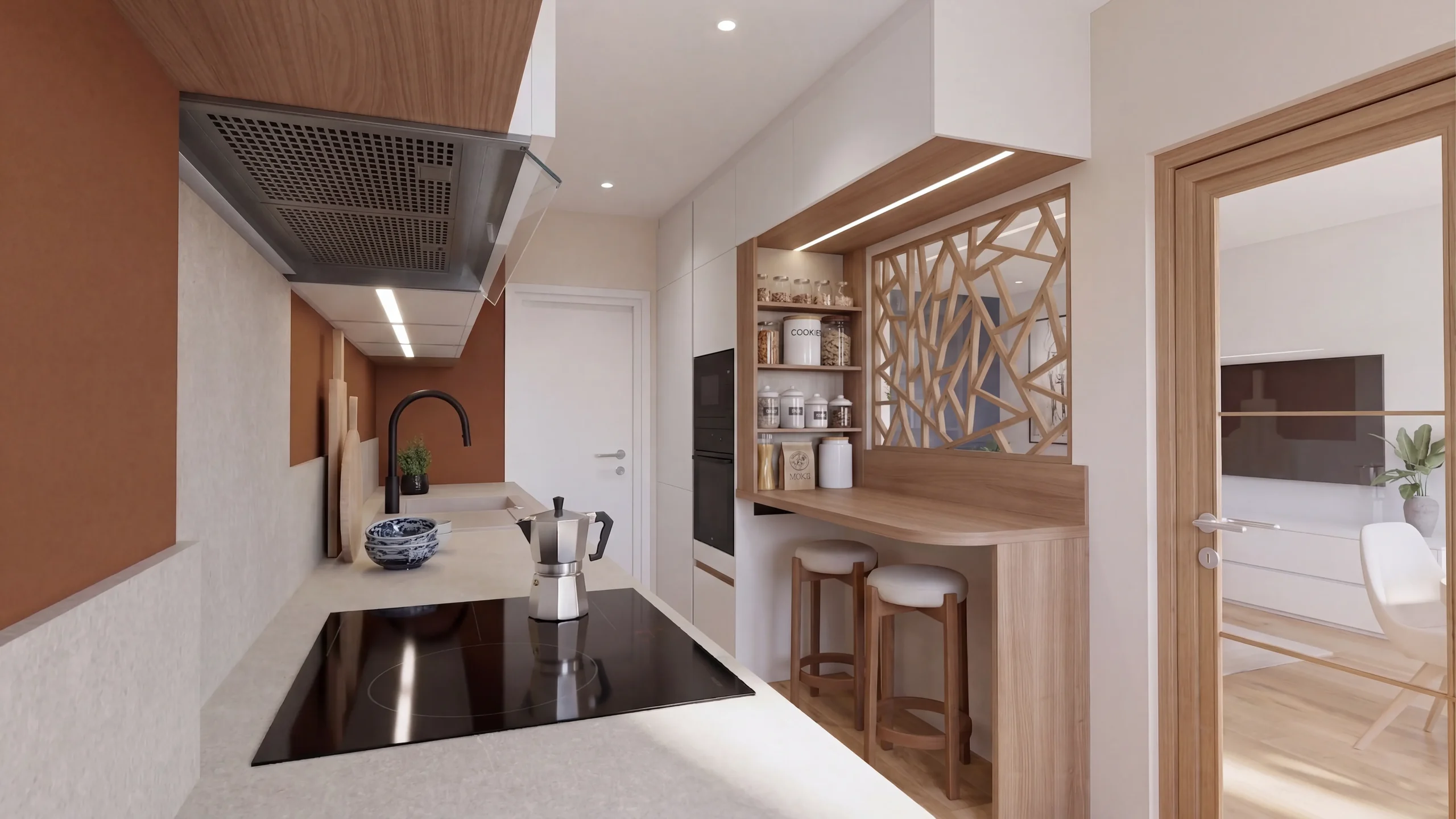
02Replace
The new one takes its place, at scale.
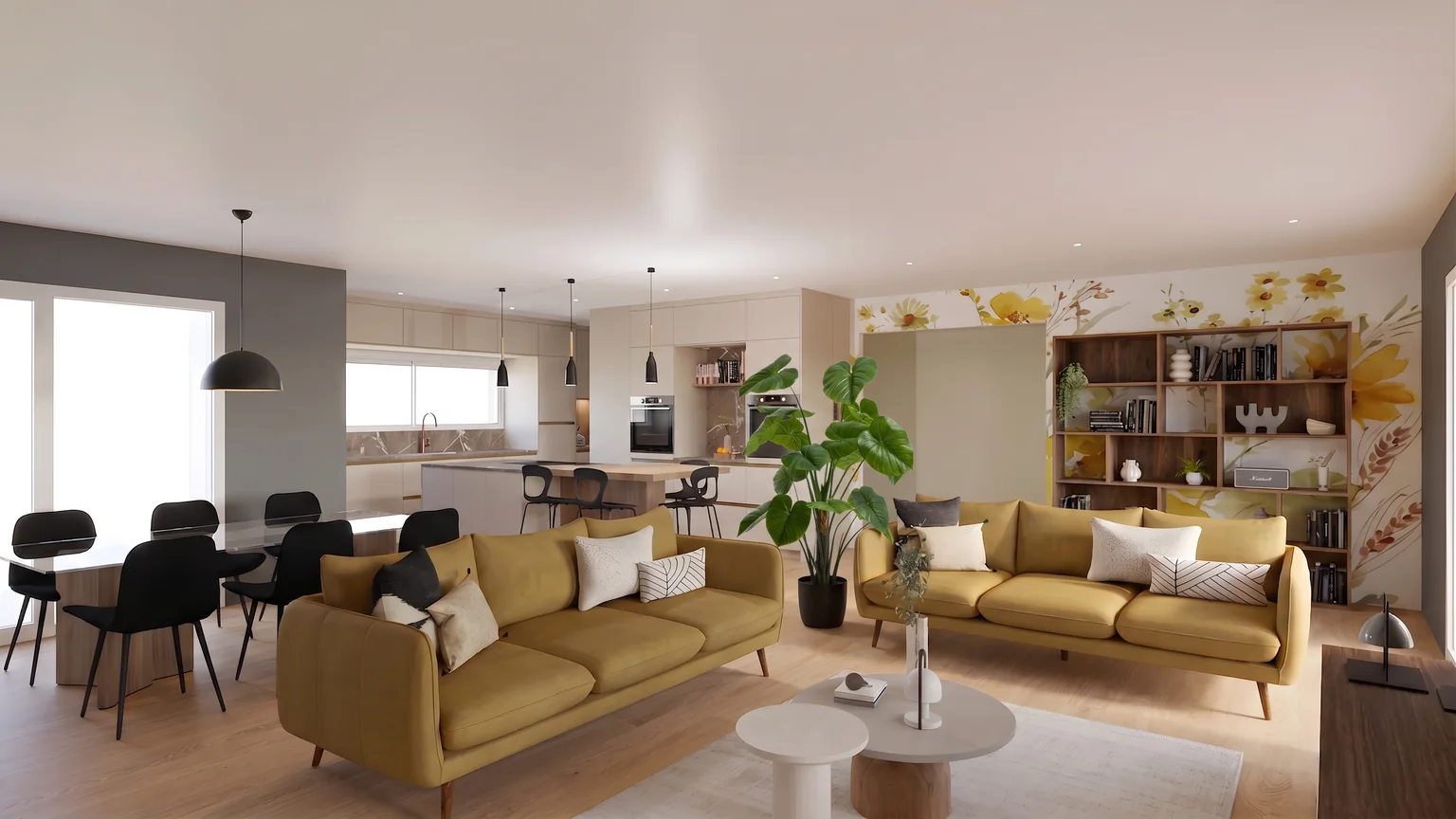
03Add
A catalogue product, placed at its real size.
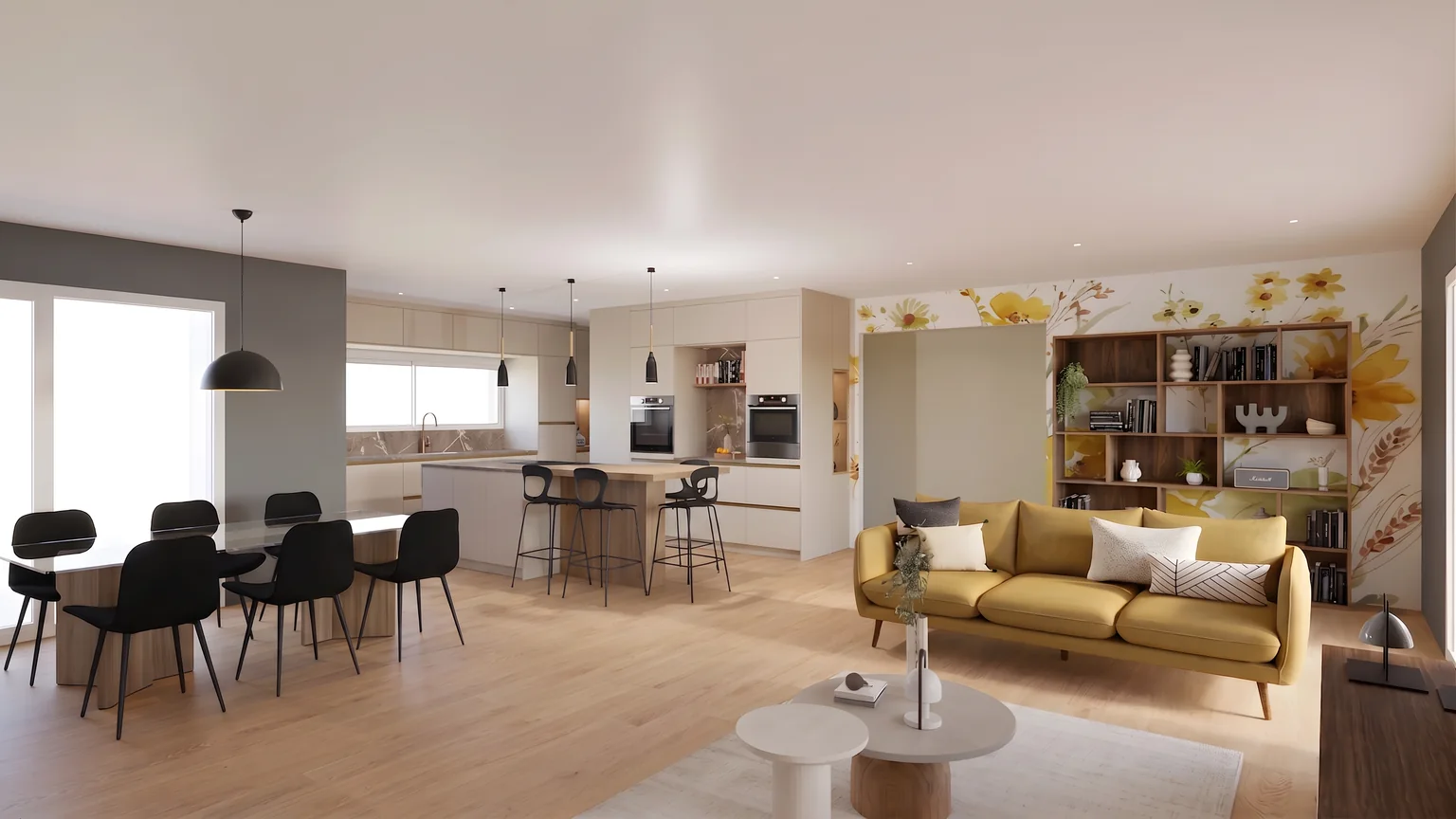
04Remove
The floor is rebuilt behind it.
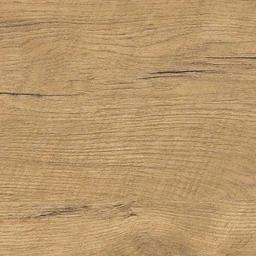





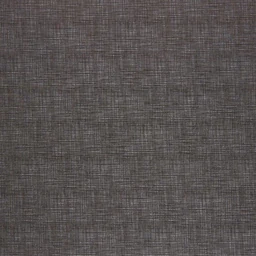




What you do on a project
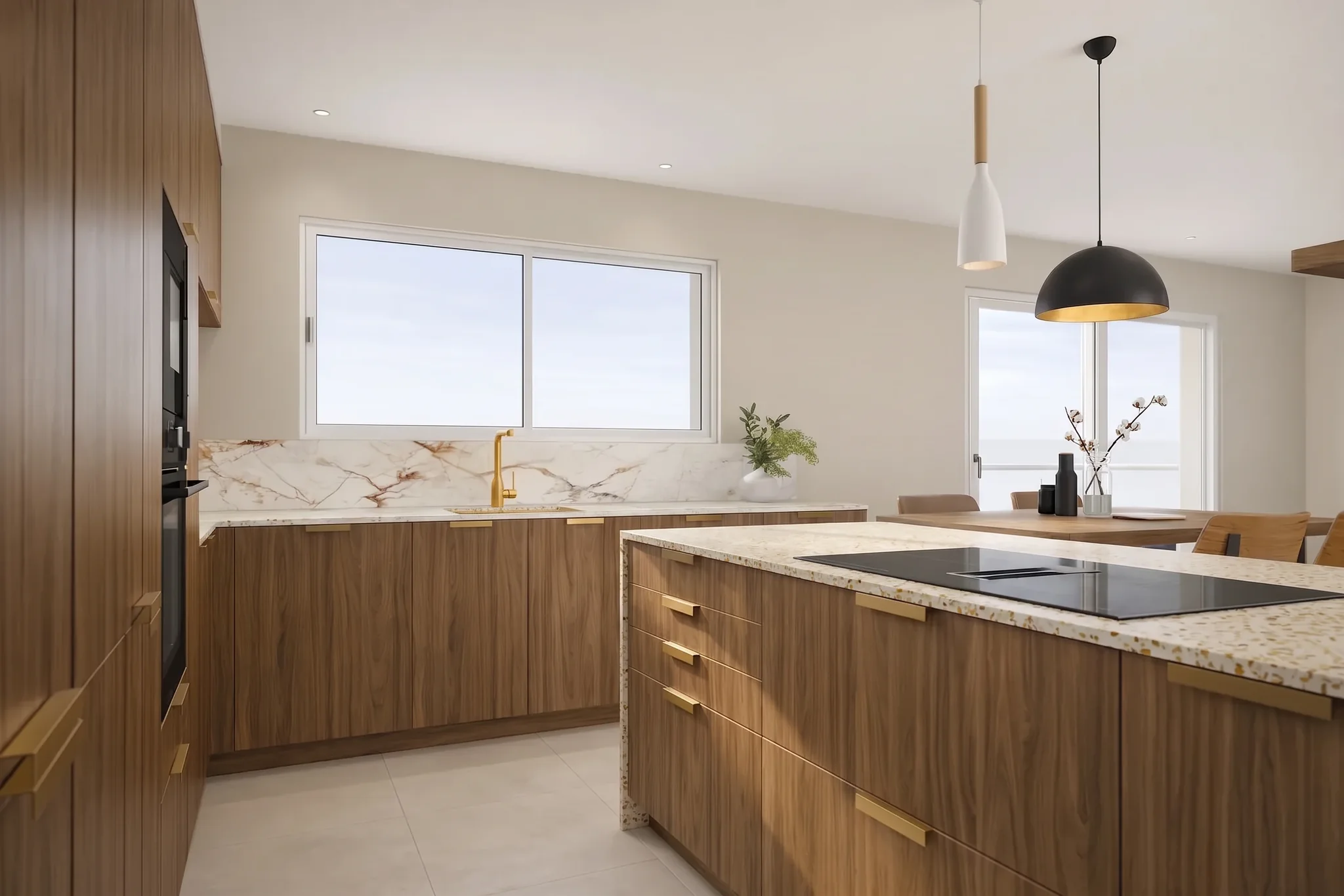 A surface changed without reopening the modelOffice fit-out: derive several colour schemes for a floor, grey floor with white furniture, oak parquet, anthracite carpet with gold accents, for a management committee meeting. The brush works on the render, whatever the surface.
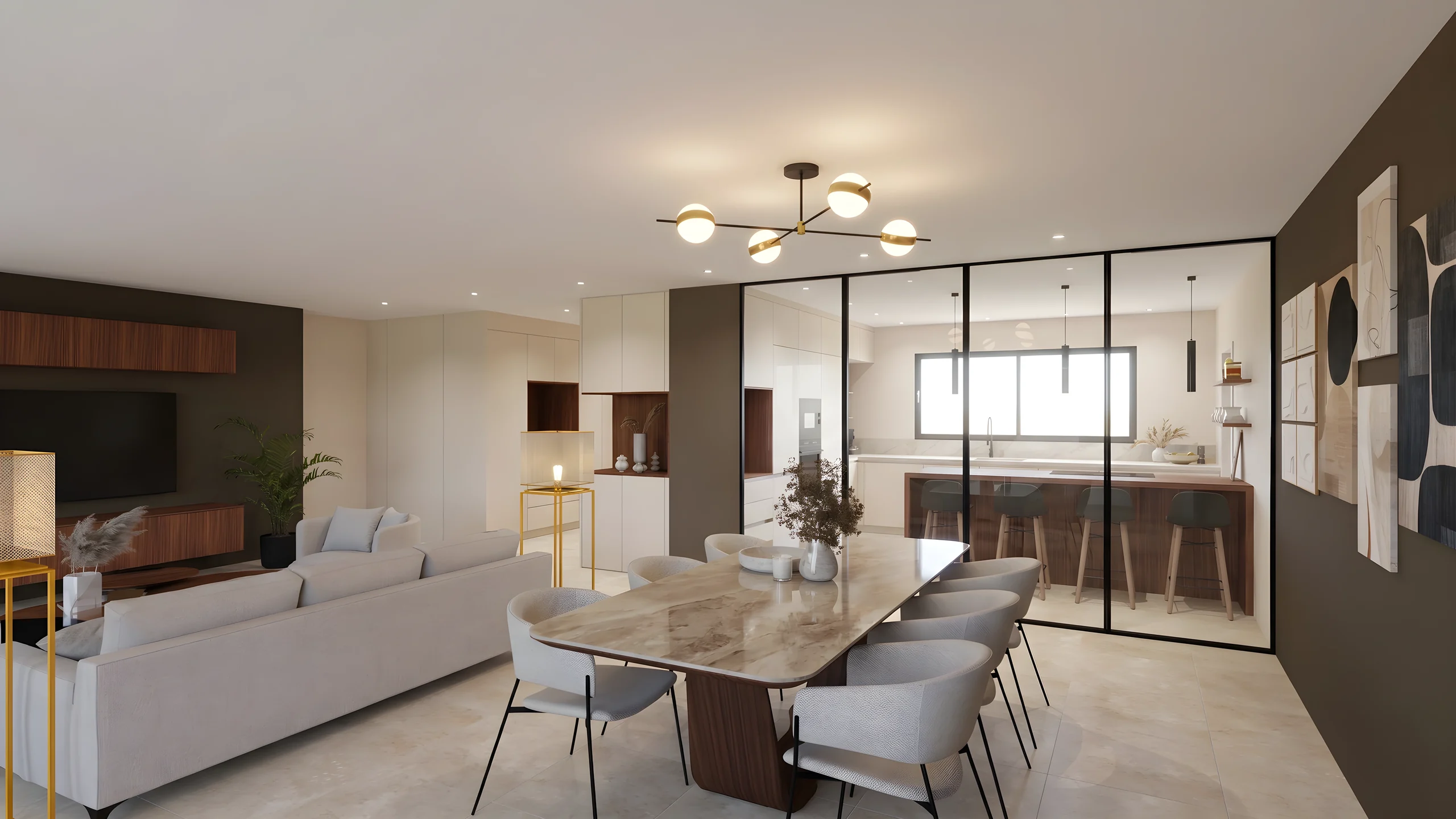 Every zone launched togetherMulti-zone: launch the renders of the open space, the lobby and the meeting room at once, and get them back consistent and ready to present.
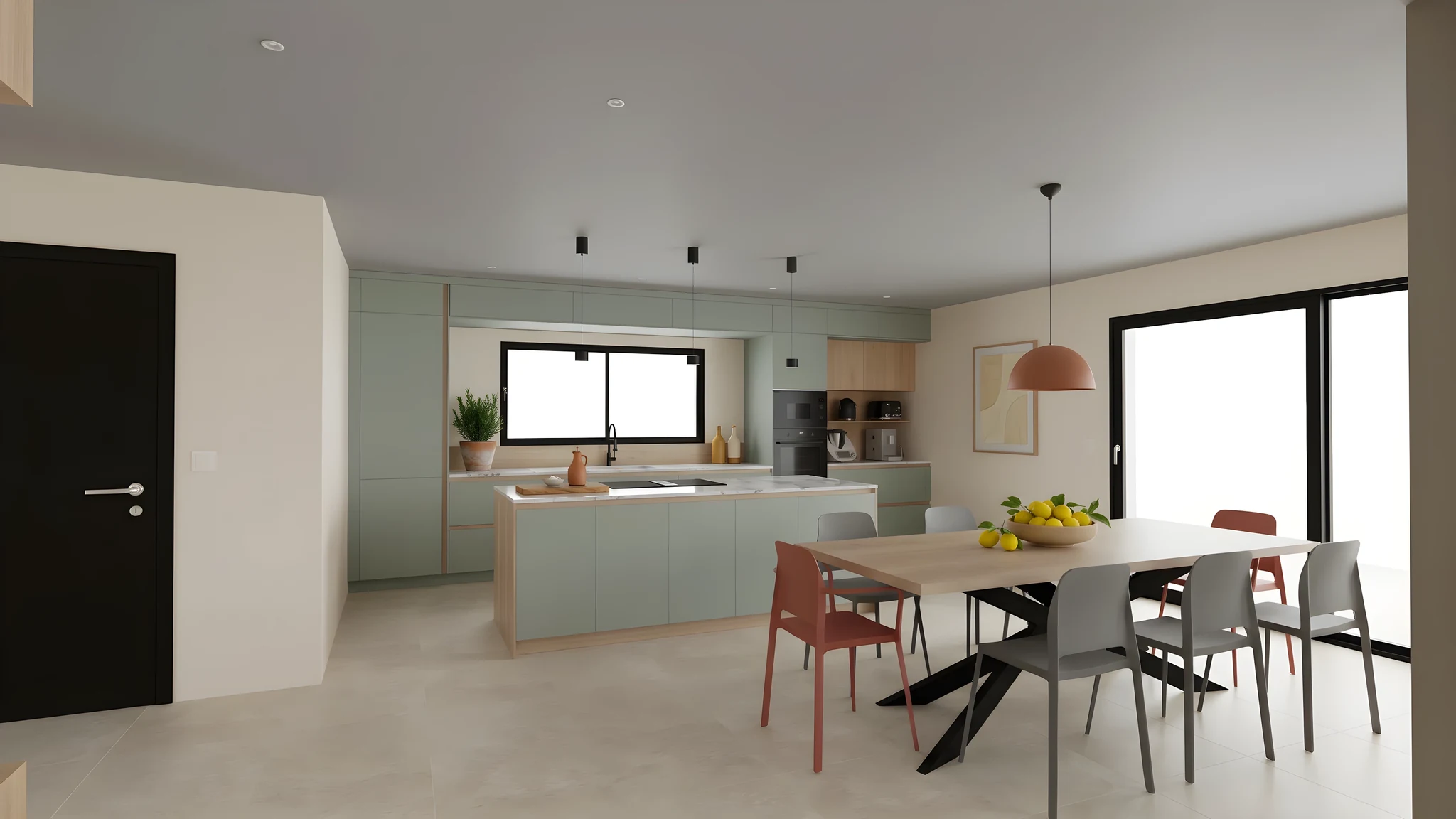 The same room, two moodsHospitality and restaurants: present the director with two artistic directions for a lobby, or test a dining room's coverings before locking the ambiance and starting work.
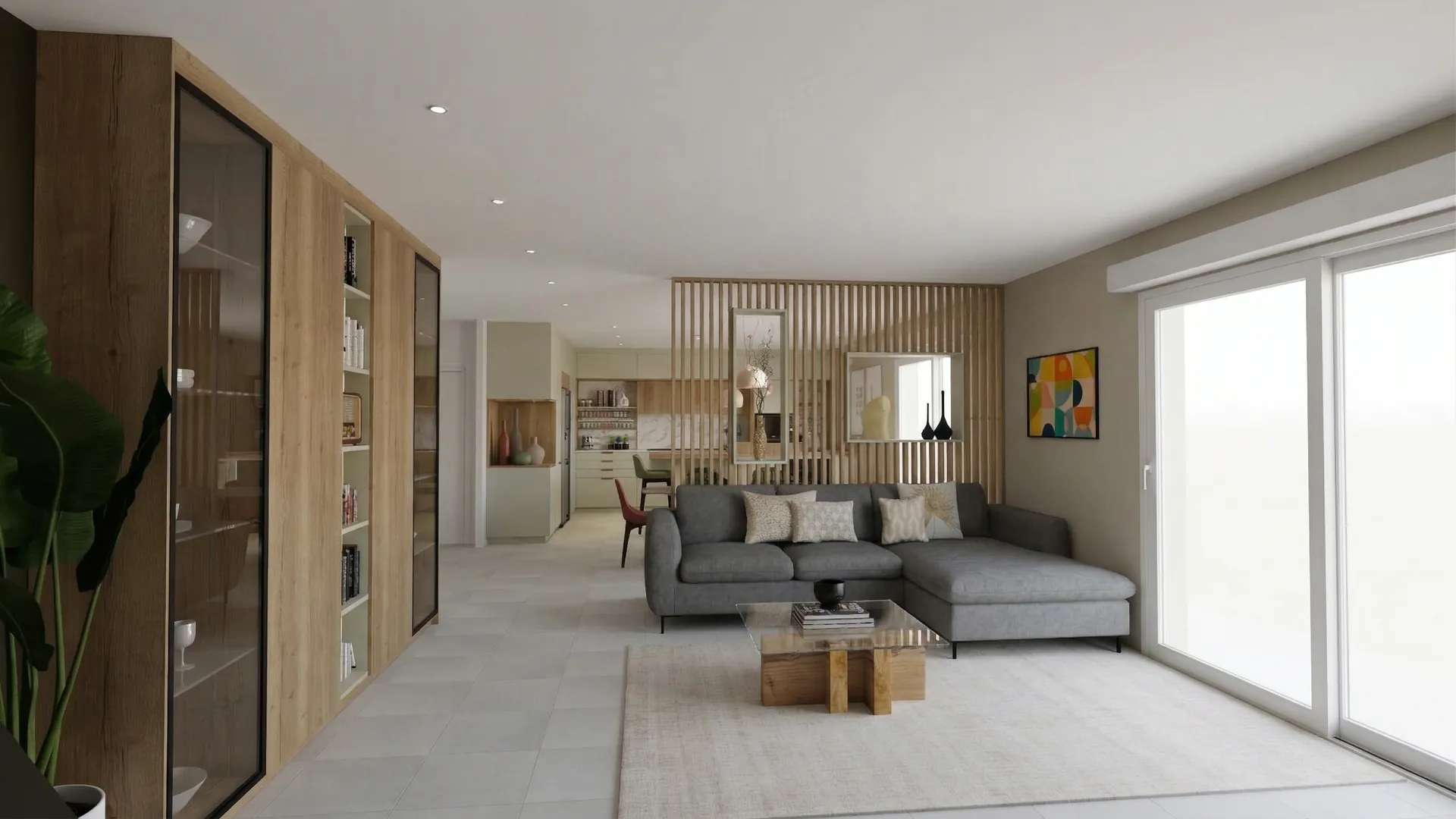 A tender presented through one linkTender response: assemble each space's renders into a presentation shared via secure link that the client can circulate within their team.
From the model to the approval file
Export one view per zone
Reception, open plan floor, meeting room, storefront: export one image per zone from SketchUp, AutoCAD, ArchiCAD or 3ds Max, as PNG, JPEG or WebP.
Start the zones together, vary with the brush
The views leave together and come back in about a minute. A floor, a piece of furniture or signage is then changed on the render, zone by zone, without reopening the model.
Get approval through a link
The file gathers zones, variants and comparisons into one presentation shared through a secure link, with a password and an expiry date when the contract calls for it.
From your software
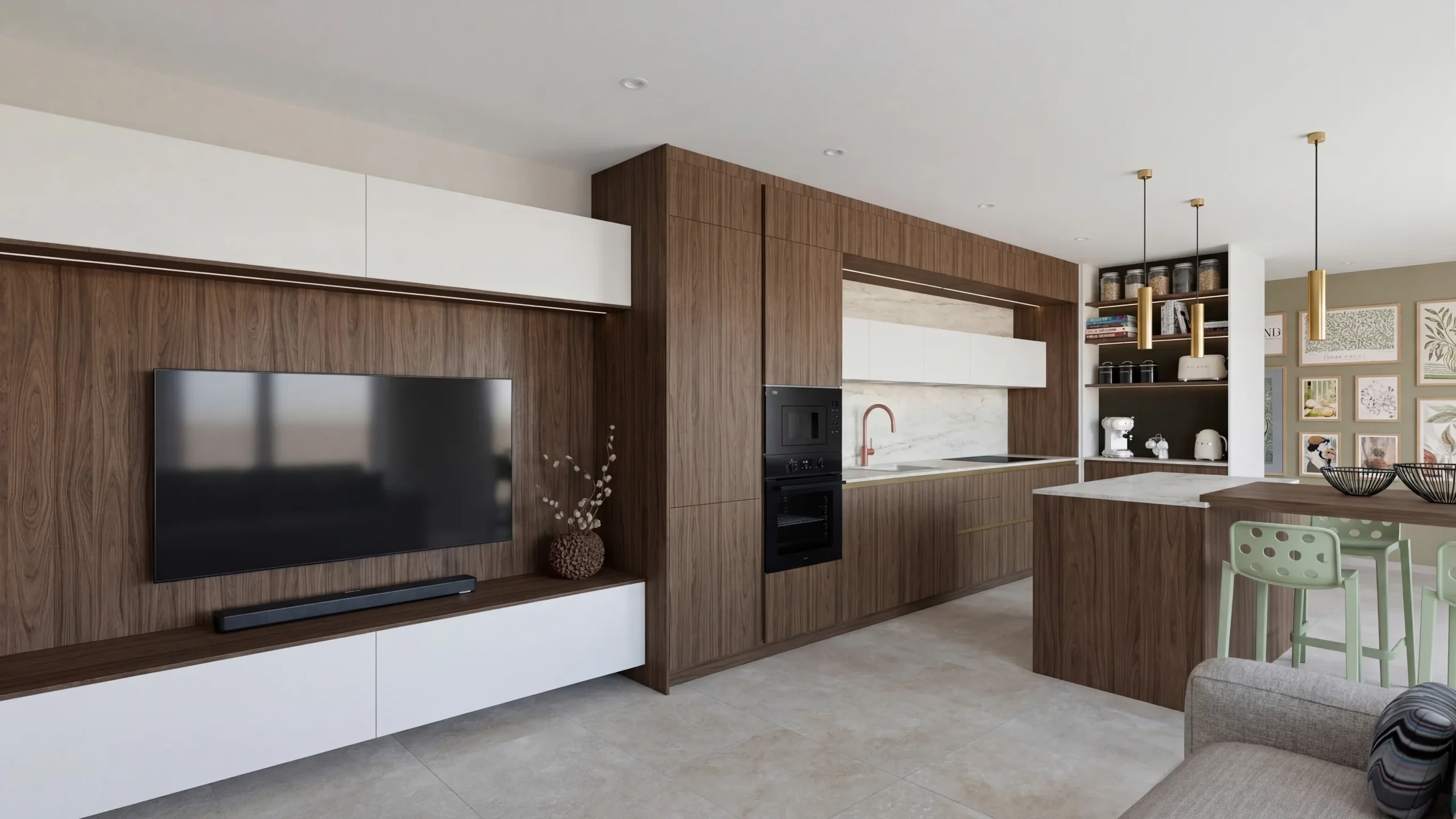 SketchUpThe plugin captures the displayed view and starts the AI render without leaving SketchUp.
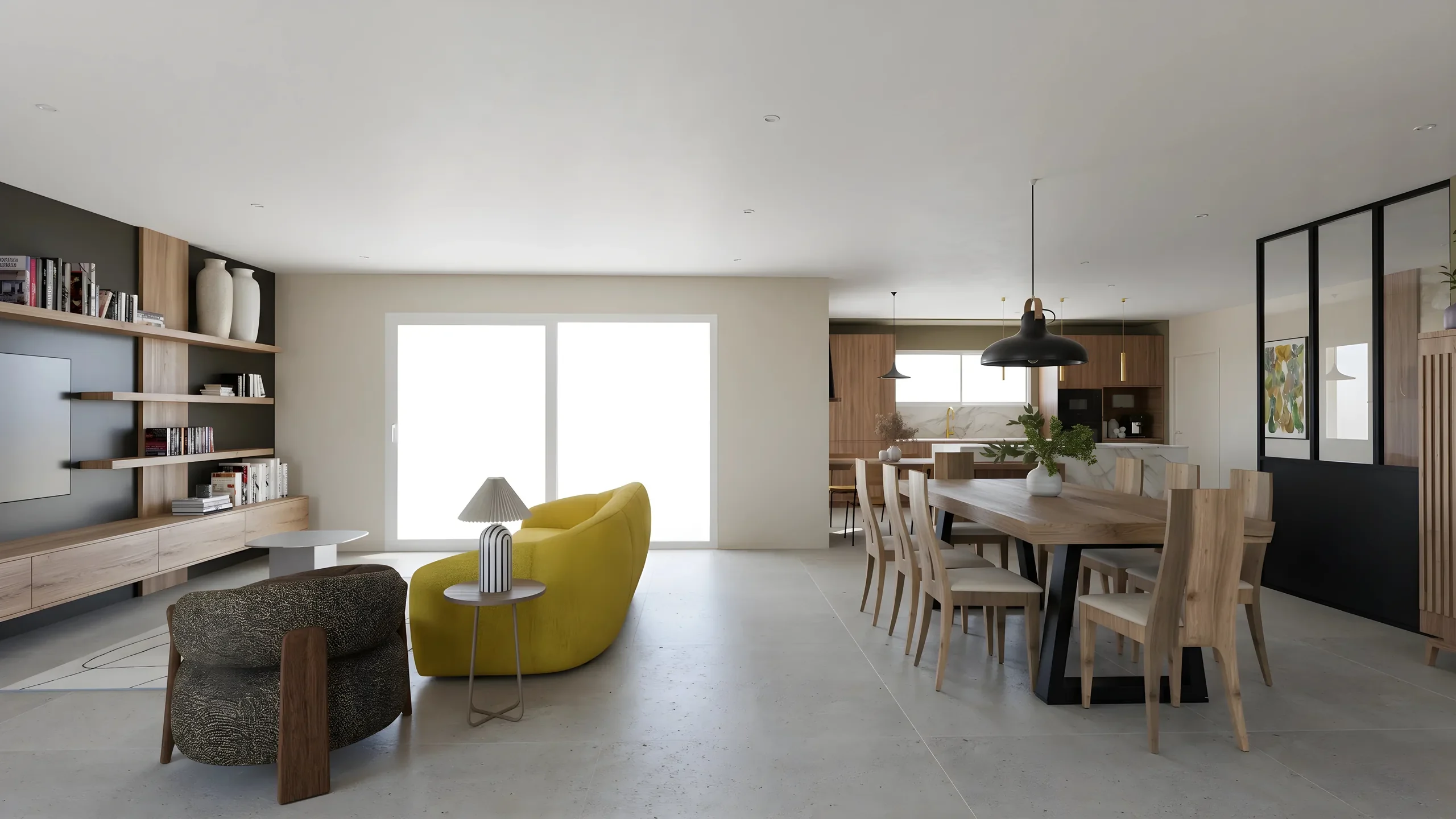 ArchicadExport the 3D view as an image, drop it in: the photorealistic render comes back in a minute, dimensions intact.
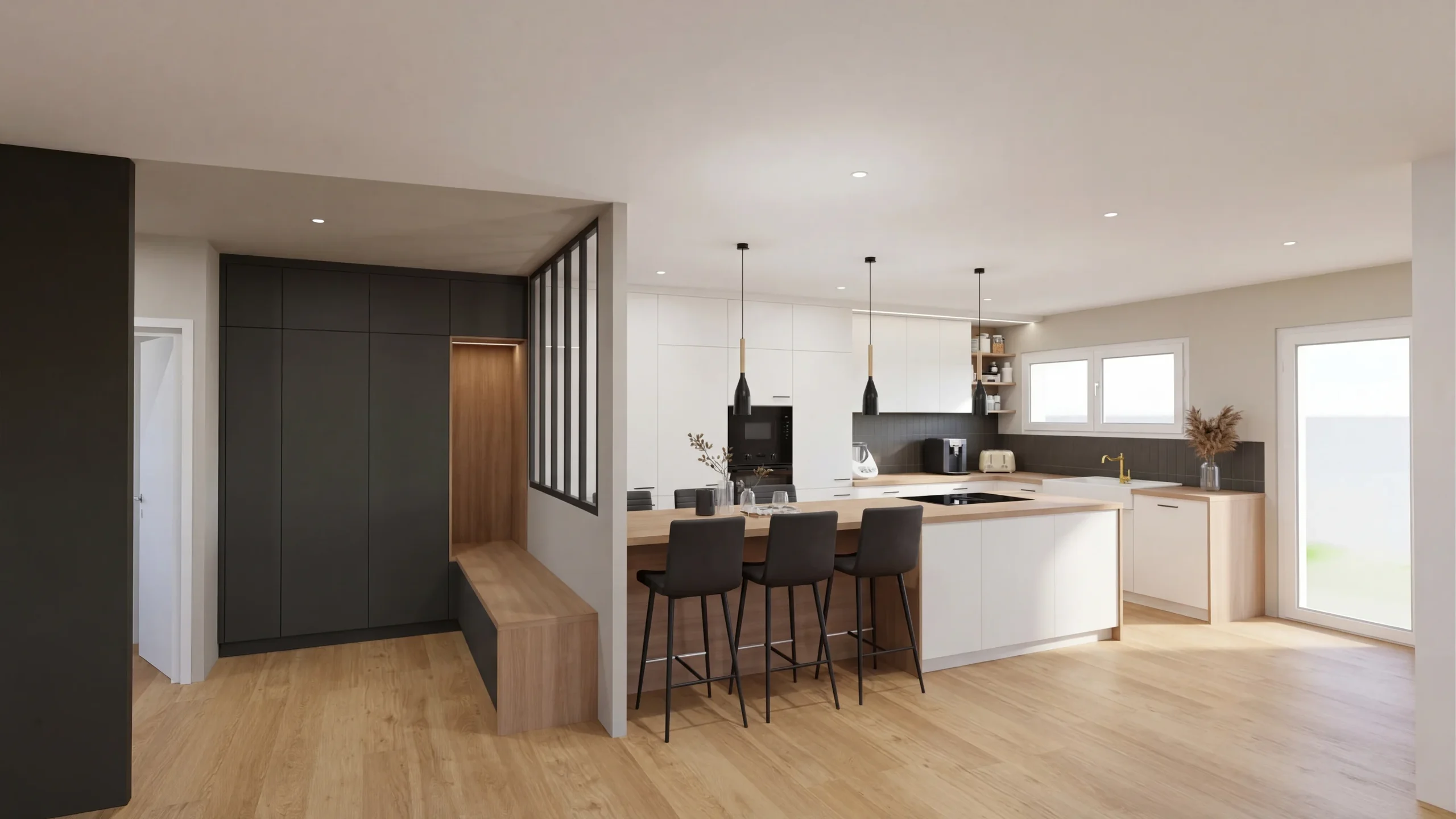 Other software and photosAutoCAD, Blender, 3ds Max, Rhino, Cedreo or a photo: one image is enough, the render comes back in a minute.
Read next
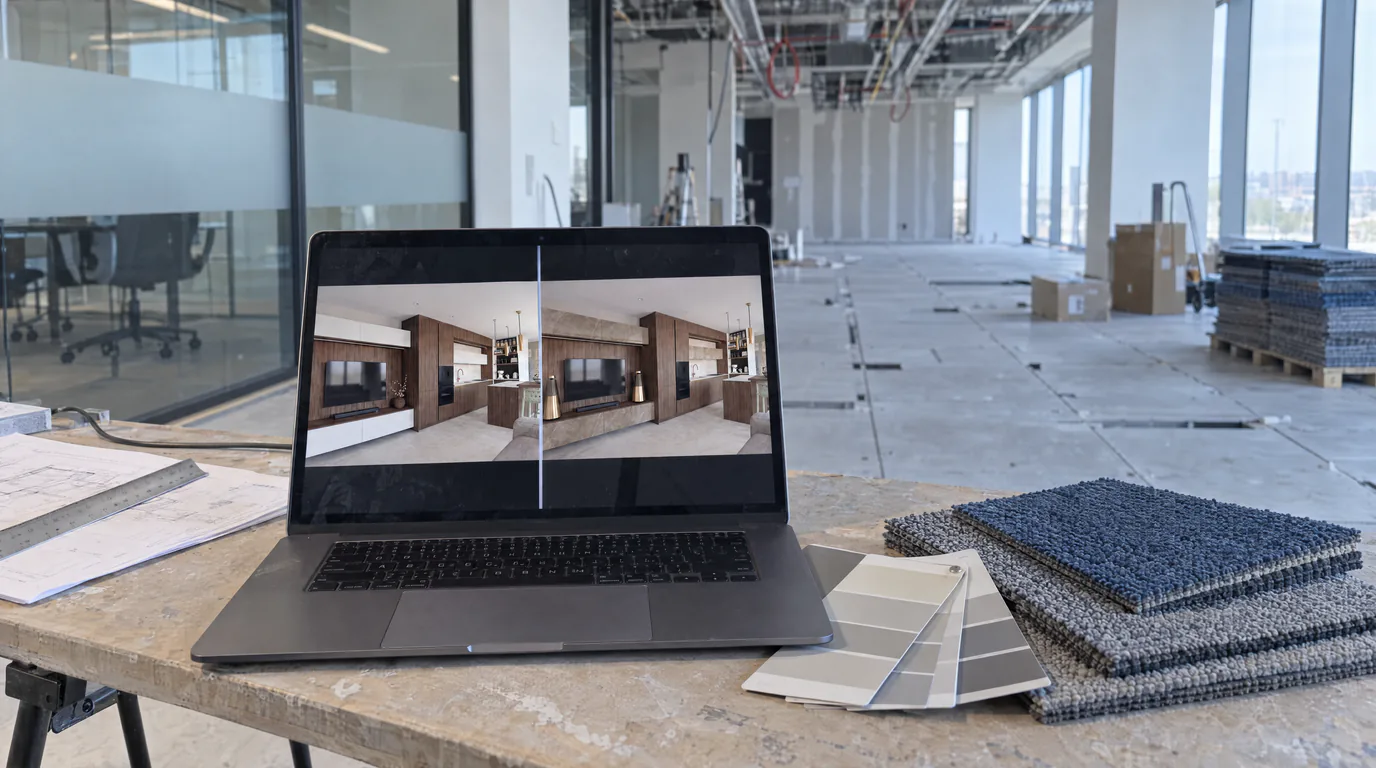 Use cases
Space Planners: Test 10 Layouts Without Touching the 3D
Carpet or hardwood? White walls or anthracite? Show every option to your corporate client in 10 minutes with AI editing.
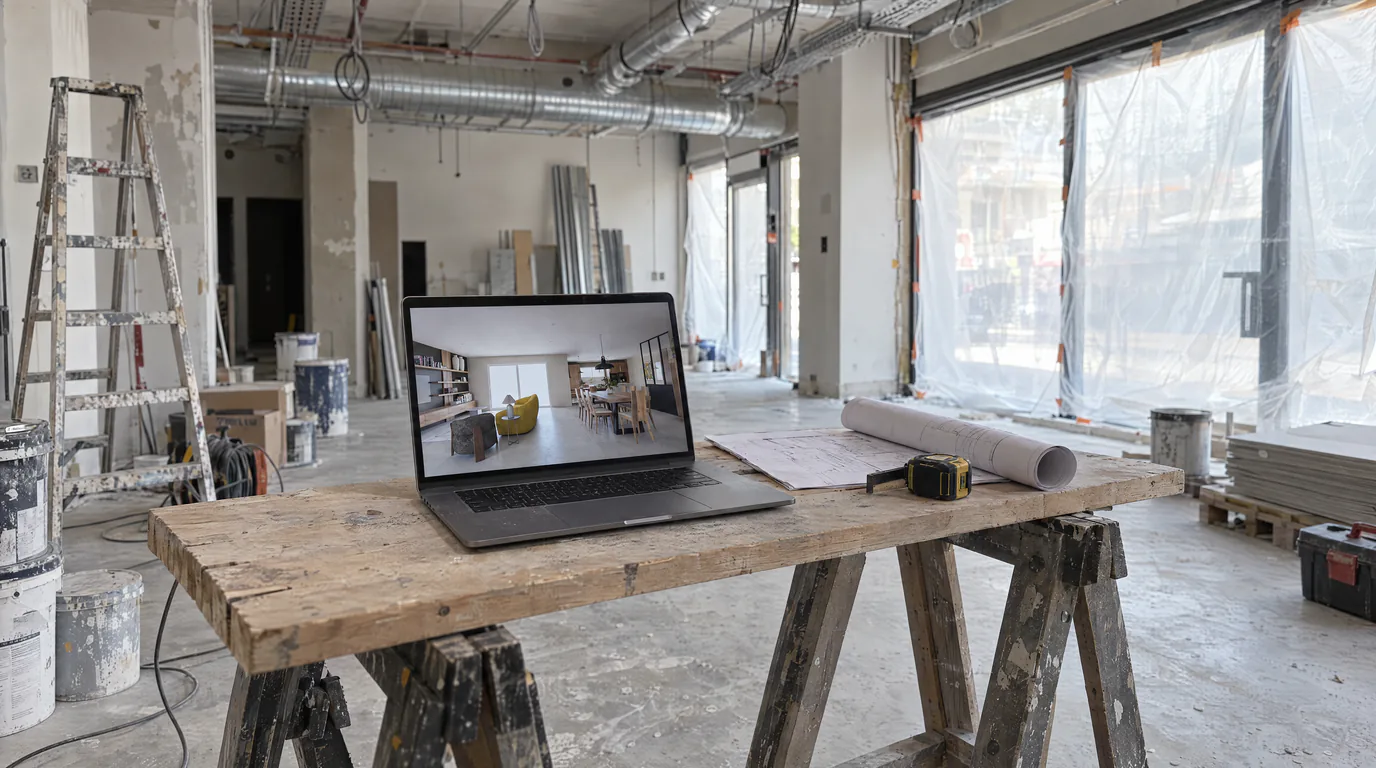 Use cases
Space Planners & Decorators: AI Renders in Under a Minute
Offices, retail, restaurants: show clients the final result before any work begins. AI photorealistic renders from any 3D export, no GPU needed.
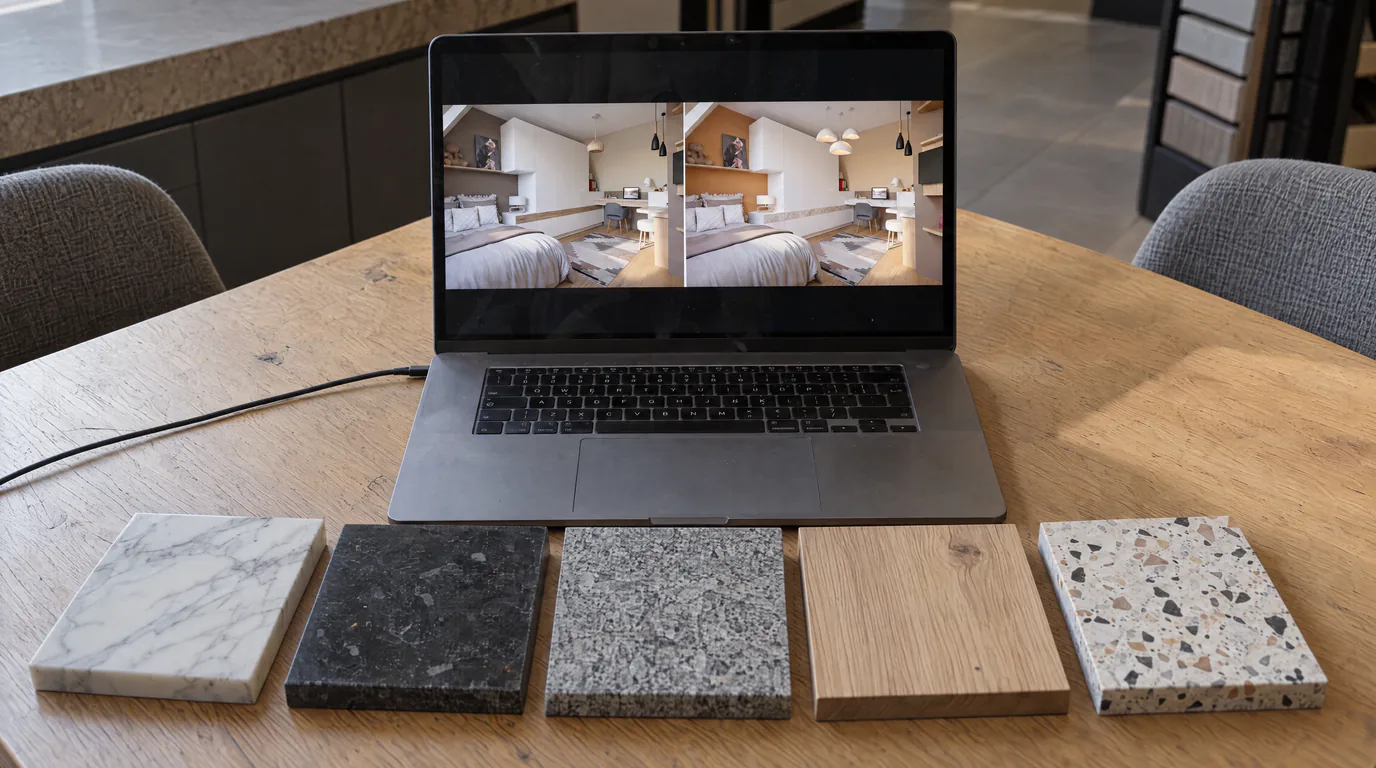 Business
10 Material Variants in 10 Minutes with AI Editing
Oak or walnut? Marble or quartz? Show every option to your client in real-time with AI-powered photorealistic render editing.
Try it on your own project.
Import an export, start a render, edit one zone, share the link.
14 days, no commitment