3D kitchen rendering by AI: your Winner, InSitu or KitchenDraw exports as visuals that close the sale
Turn your Winner Design, InSitu or SketchUp exports into photorealistic kitchen renders in under a minute. Vary the fronts, countertops and backsplashes, then share a showroom presentation the client views at home via a simple link.
14 days, no commitment
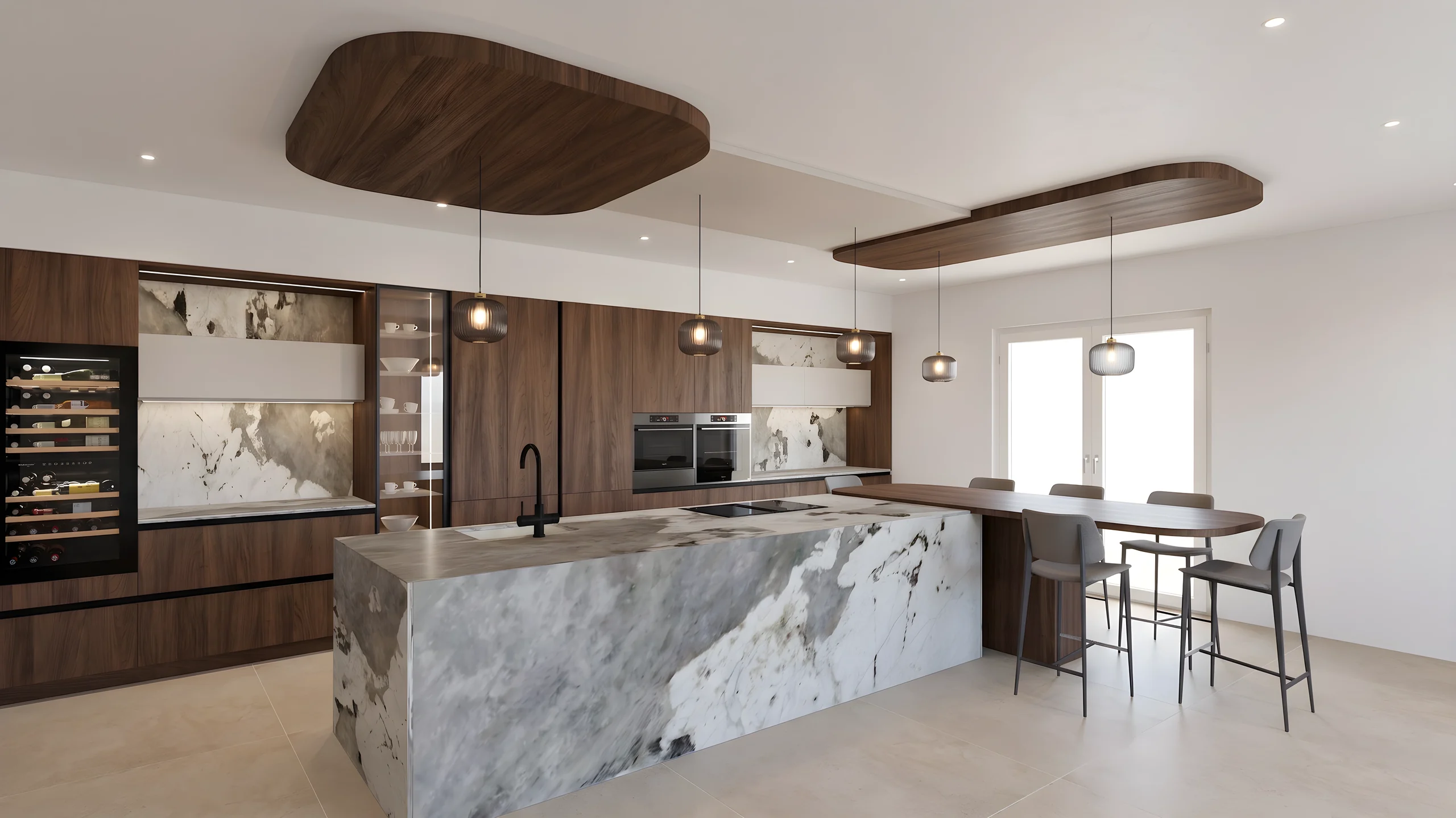
Your client sees the finished kitchen before leaving the showroom.
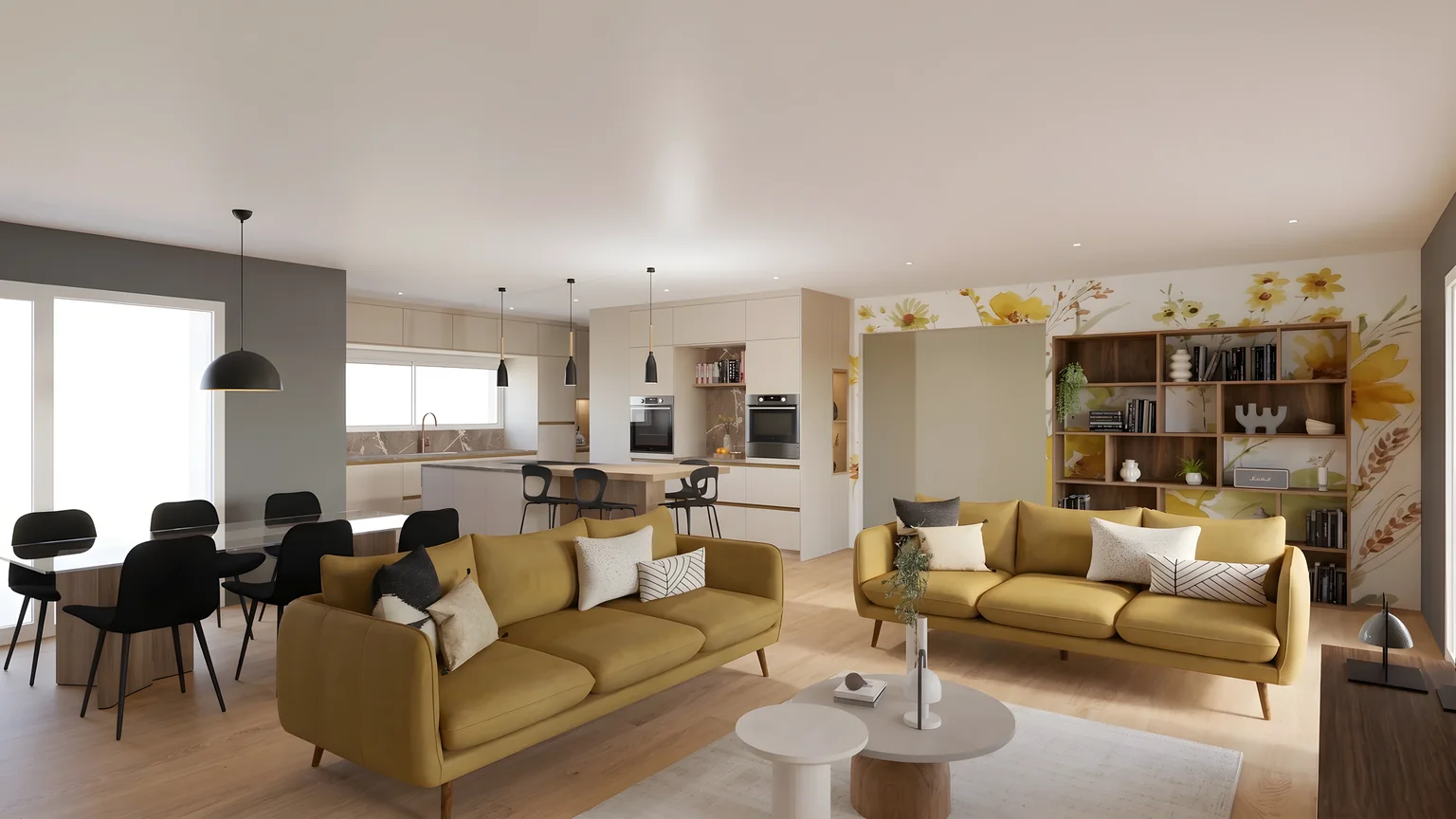
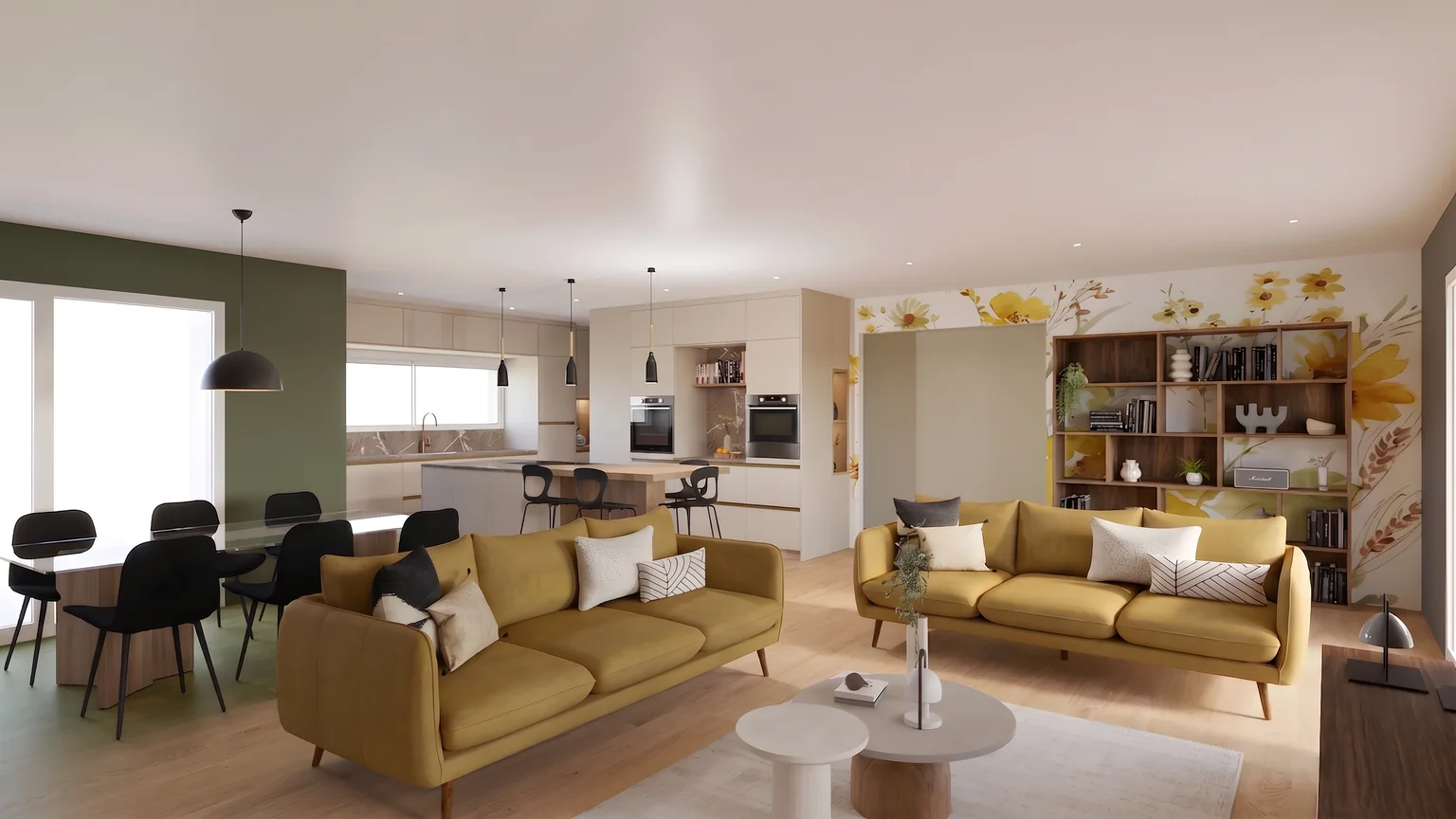
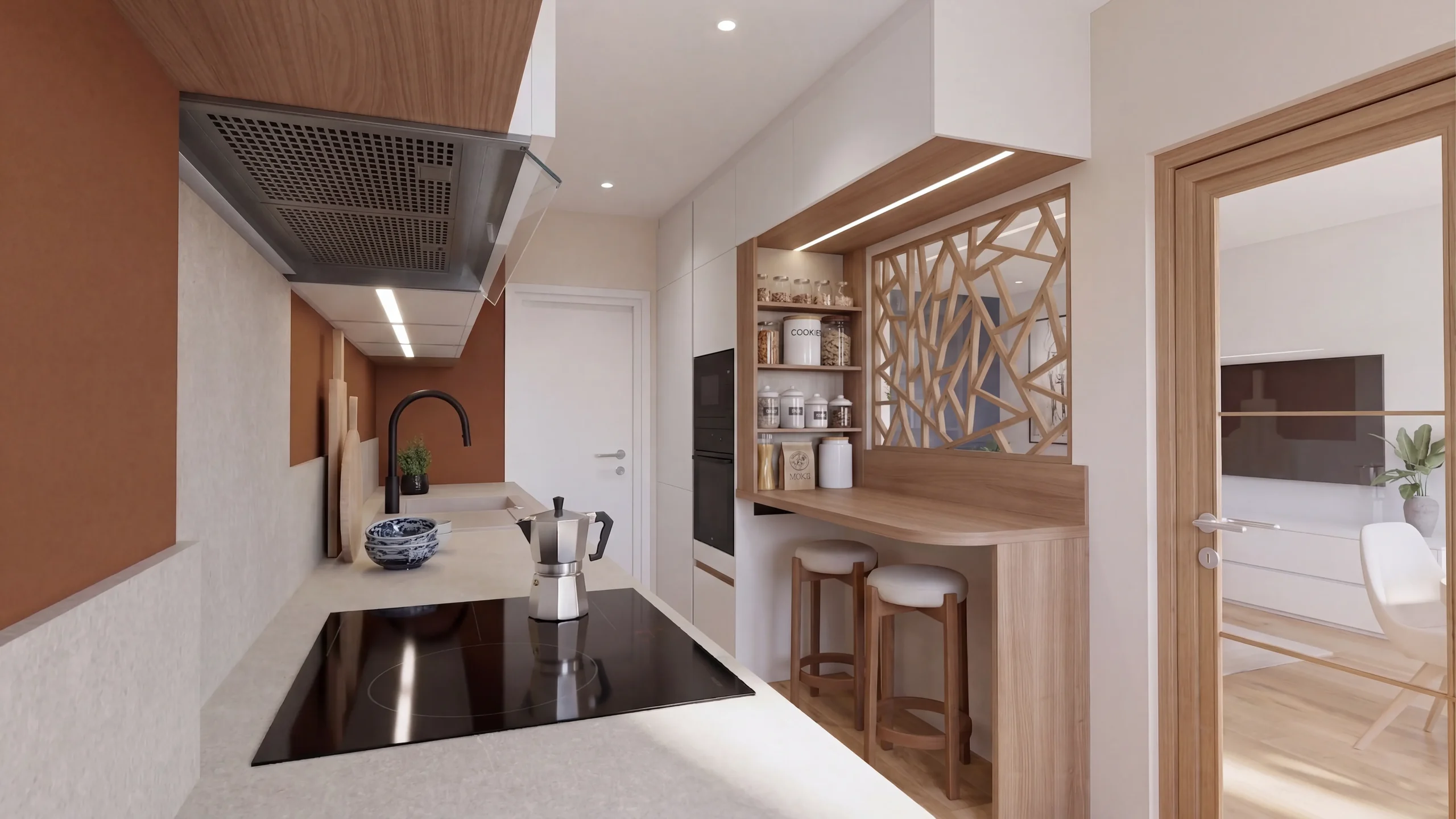
01Modify
Another shade, on the designated zone only.
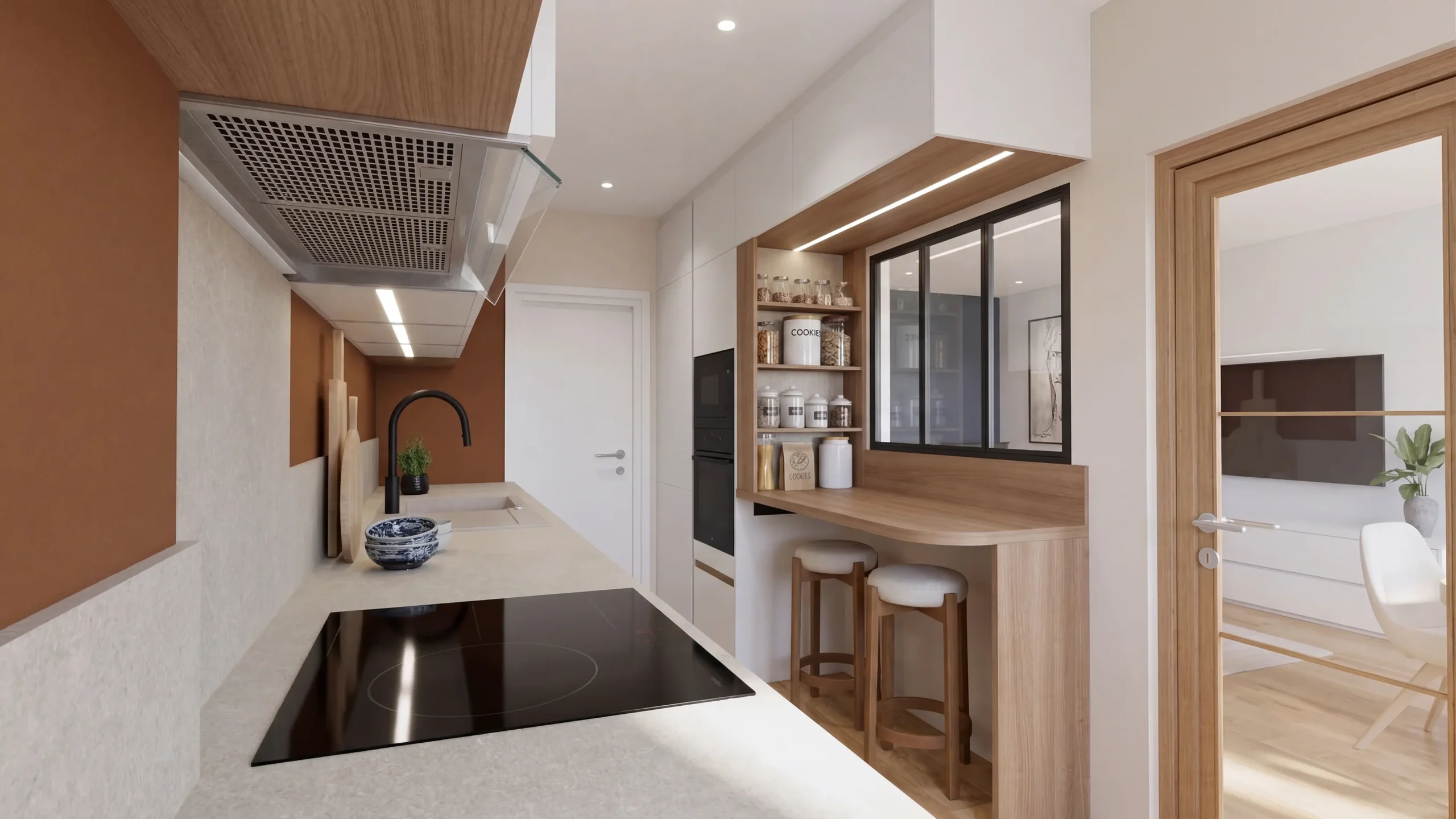
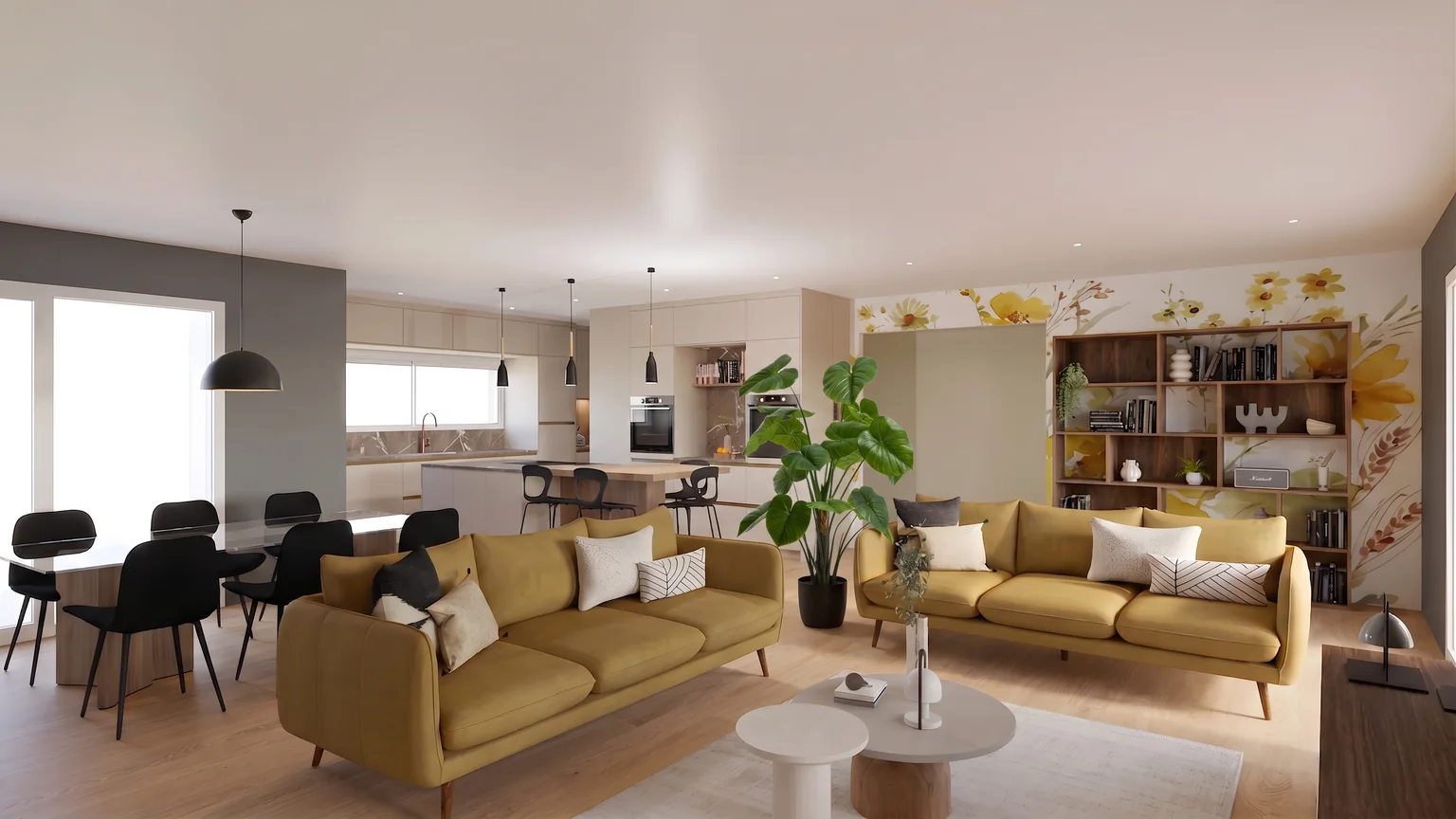
02Replace
The new one takes its place, at scale.
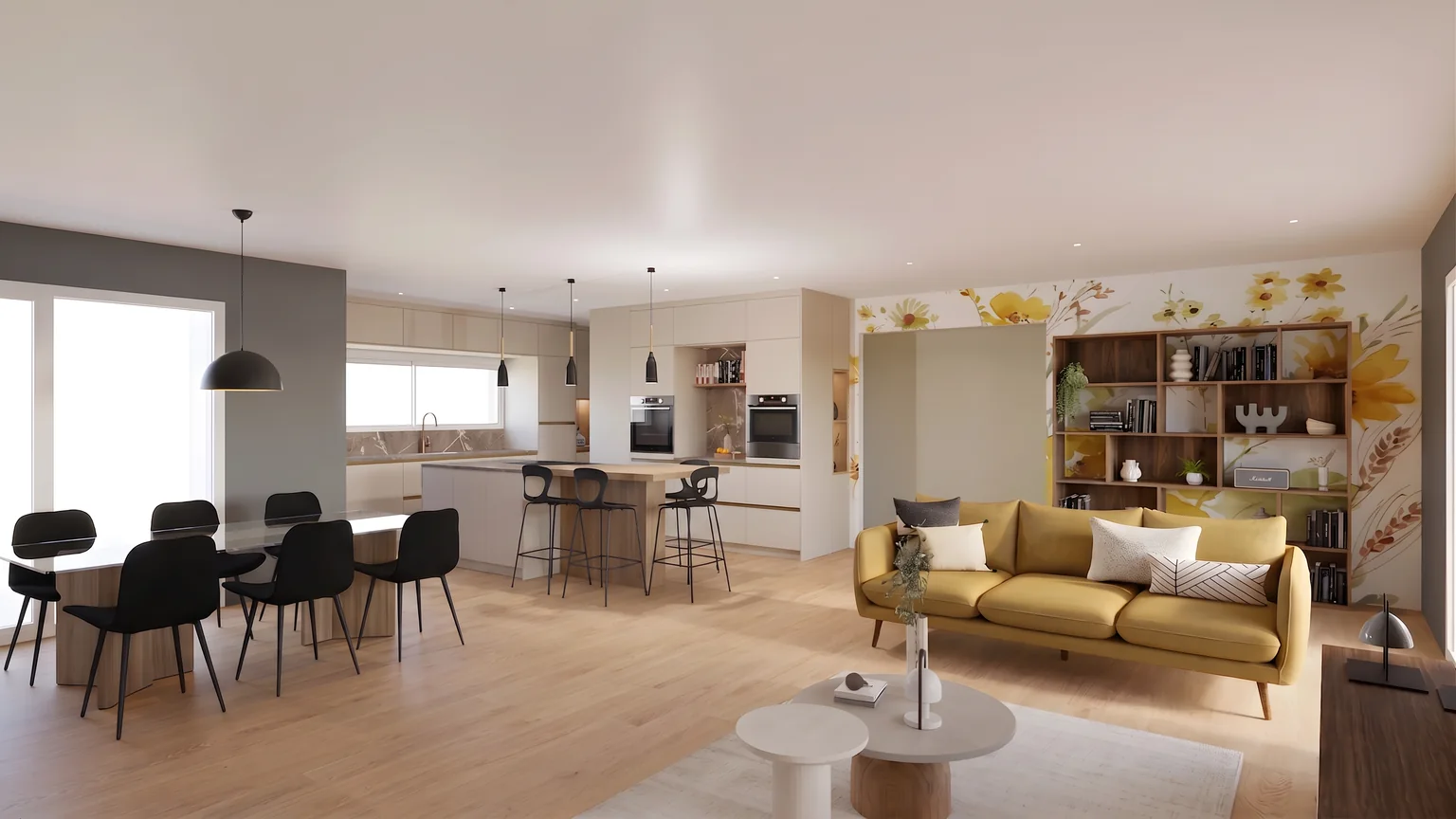
03Add
A catalogue product, placed at its real size.
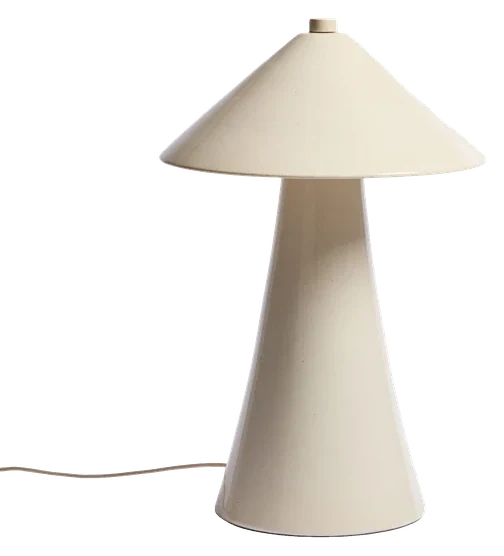
04Remove
The floor is rebuilt behind it.










What you do in the showroom
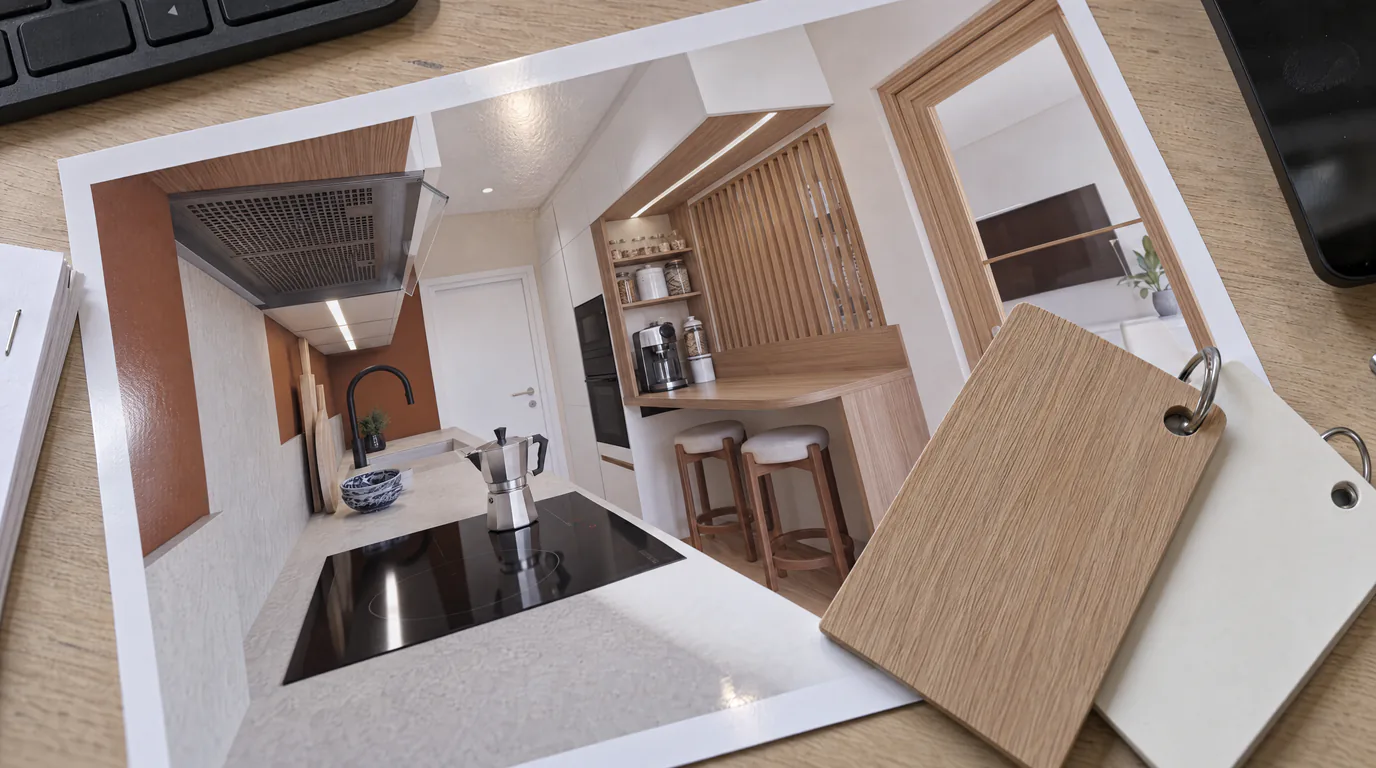
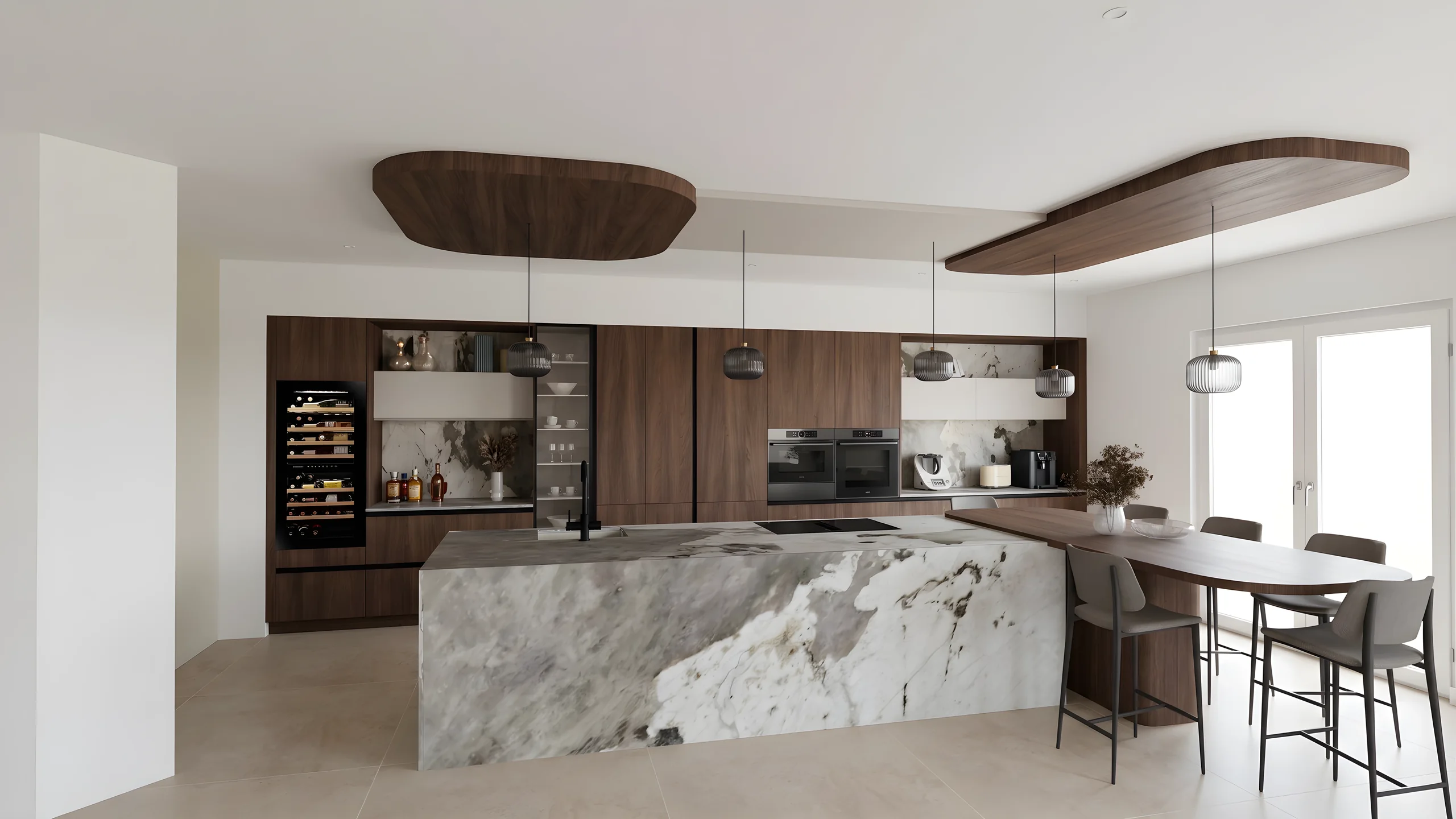 The render during the appointmentTurn a Winner Design or InSitu export into a photorealistic render during the appointment, before the client leaves the showroom.
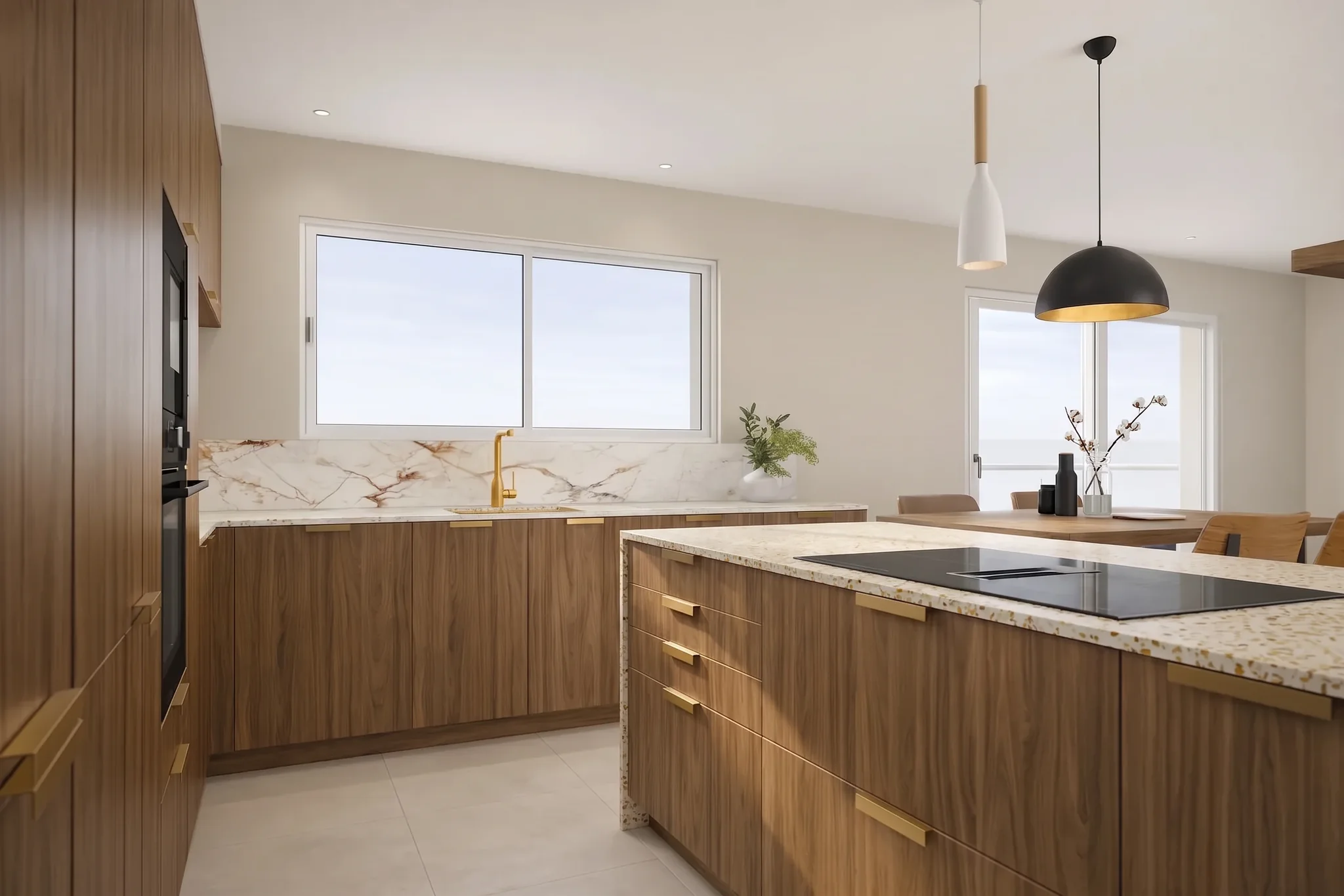 Fronts and countertops comparedCompare several fronts, countertops (marble, quartz, granite, solid wood) and backsplashes side by side on the same kitchen, with the brush.
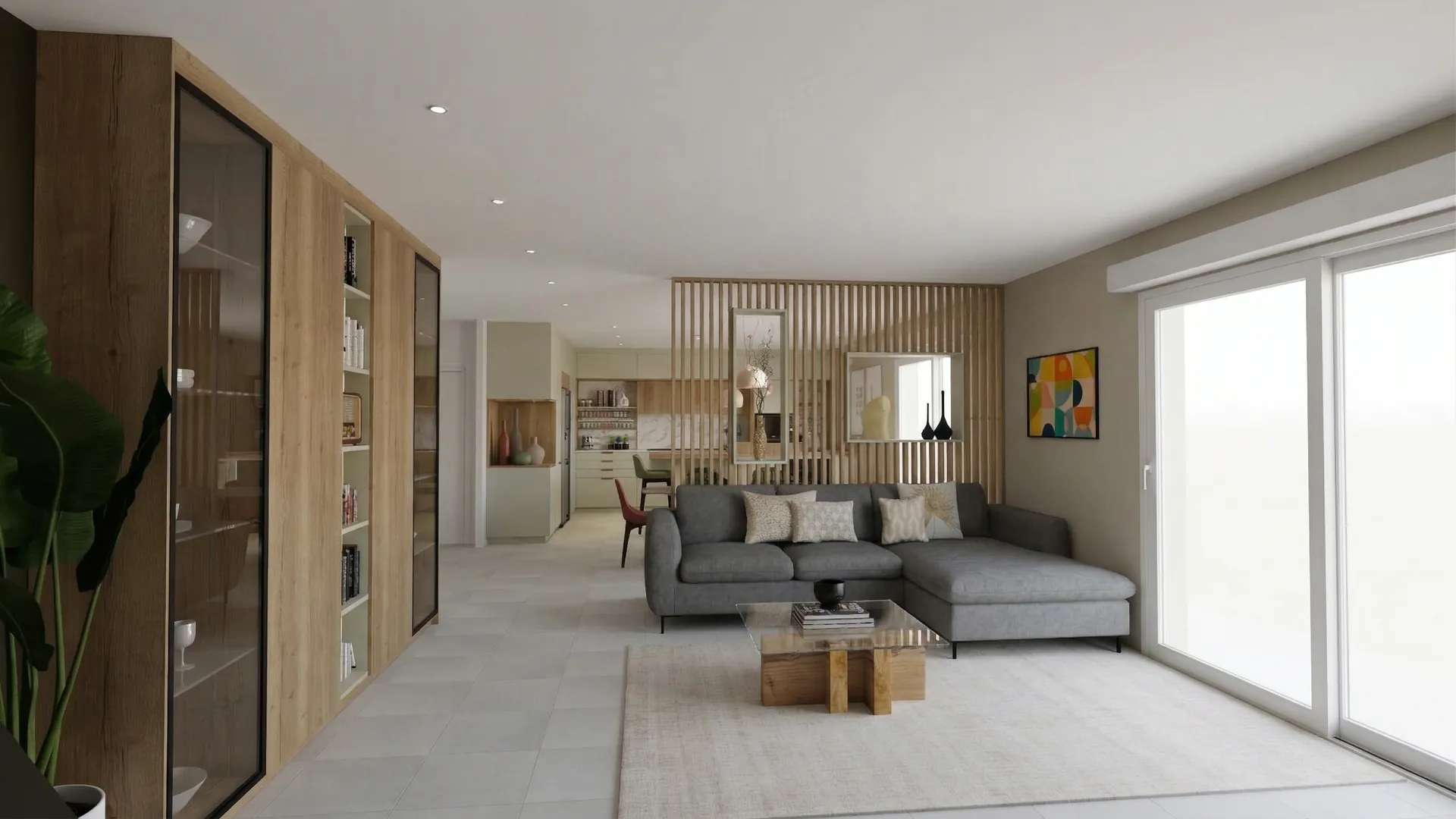 The showroom presentation sent by linkBuild a complete showroom presentation (before-after, multiple angles, swatches) and send it via a secure link for sign-off at home.
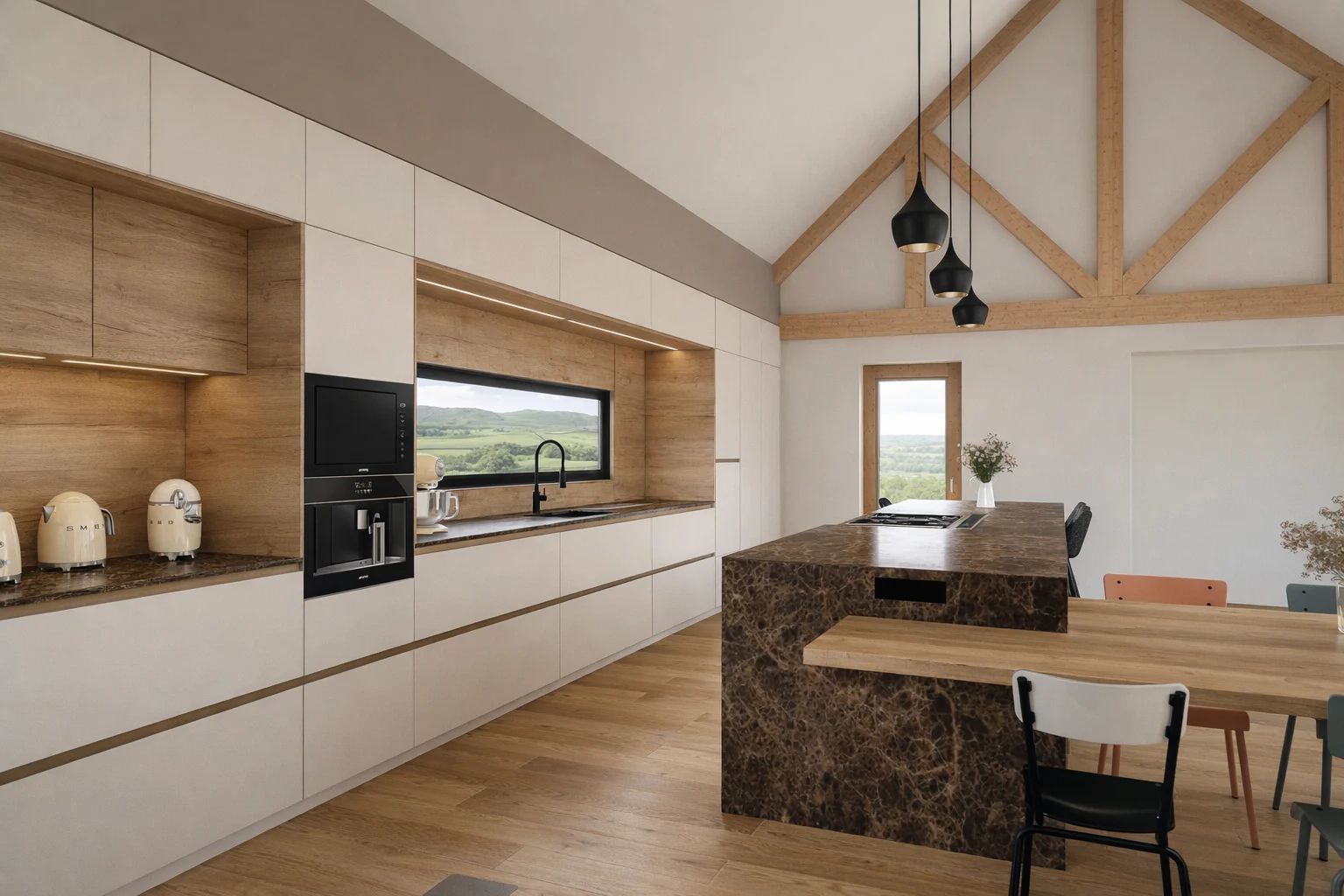 The InSitu view rendered without exportFrom InSitu, KitchenDraw or SketchUp, the plugin captures the view on screen and starts the render from a window of the software, with no file in between.
Many of my clients come with unrealistic IKEA projects that are difficult to use as is. Thanks to my custom facades and RenderThink, I can transform these bases into high-end 3D renders. This allows me to enhance entry-level projects with a premium finish, without blowing the budget. A real lever for client projection and sales.
 M. Beddar MehdiCustom kitchen designer
From your kitchen plan to the signature
Export your kitchen view
From Winner Design, InSitu or KitchenDraw, export the view as PNG, JPEG or WebP. With the InSitu or SketchUp plugin, the view on screen goes straight to render, with no file in between.
Start every angle at once
Overall view, island, countertop: the angles leave together and come back together, in about a minute. A door front or a backsplash is then changed with the brush, without reopening your software.
Let the client leave with the project
Gather the views you keep and their variants into a presentation shared through a secure link. The client reopens it at home, shows it around and comes back decided.
From your software
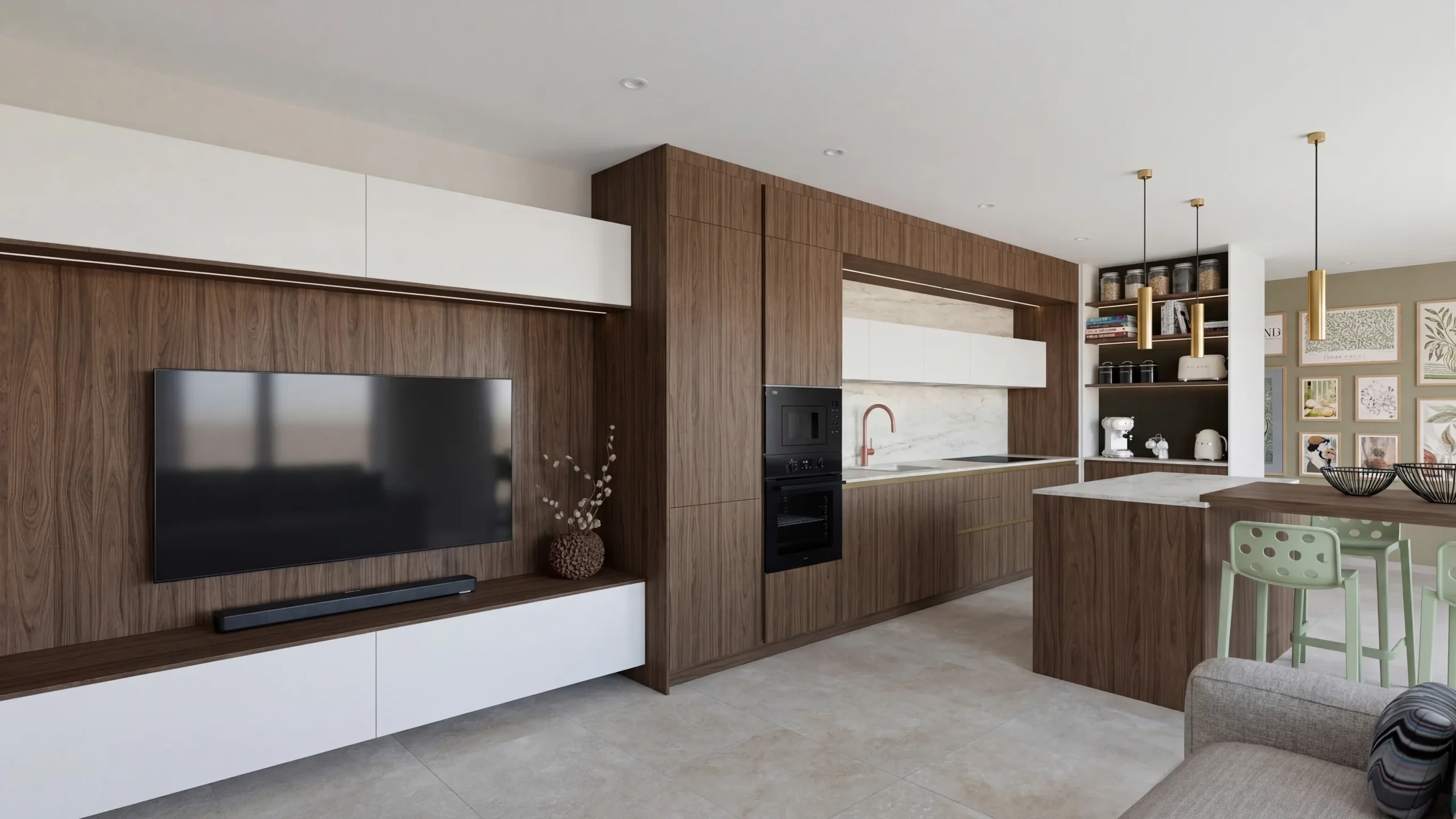 SketchUpThe plugin captures the displayed view and starts the AI render without leaving SketchUp.
- InSitu and KitchenDrawAI rendering in InSitu’s Scenes menu: the captured view goes to render, the kitchen stays open.
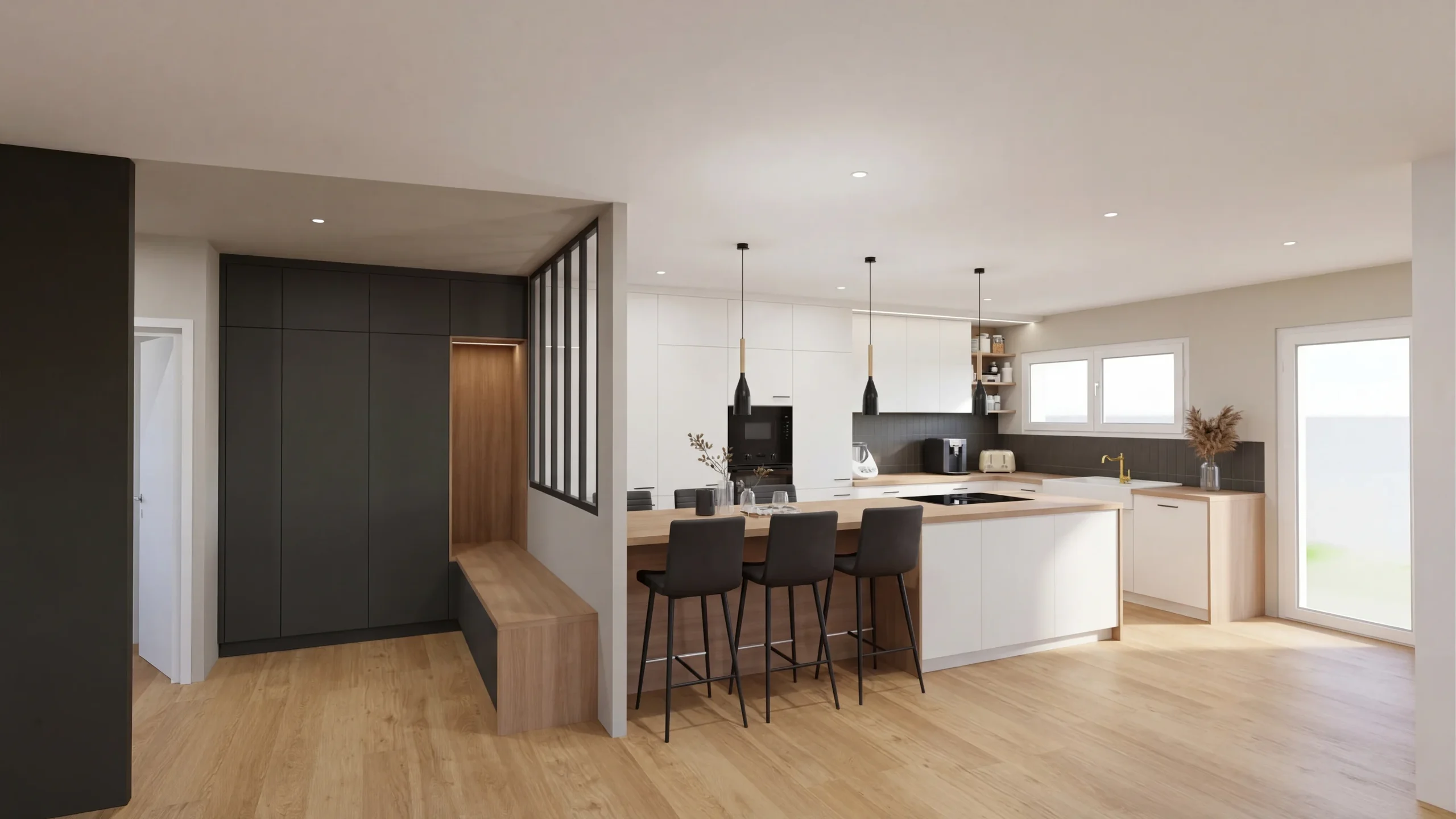 Winner DesignExport the view as an image, drop it in: the photorealistic render comes back in a minute.
Read next
 Use cases
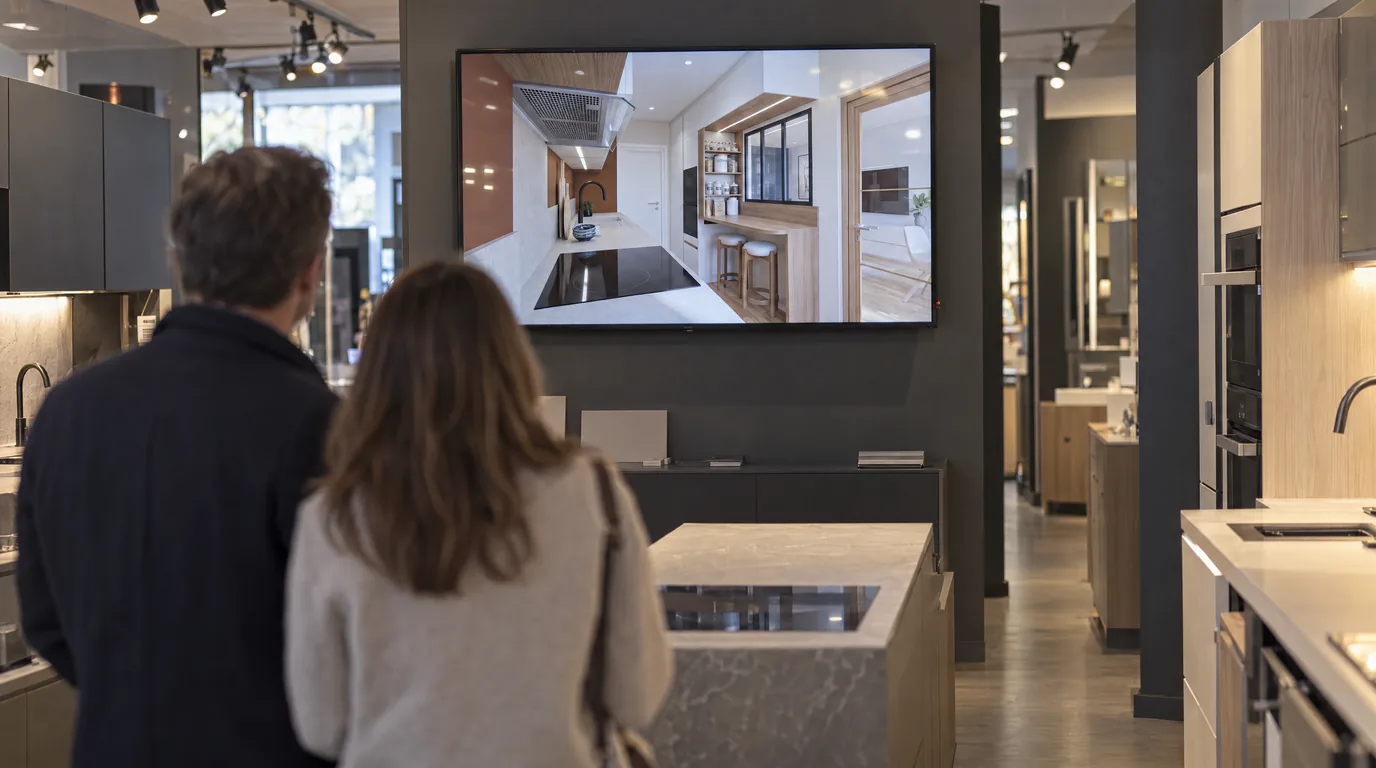
Kitchen Designers: Showroom Presentations That Close Sales
Your Winner renders look flat? Create photorealistic presentations with your logo and pro layout, shareable via secure link.
 Use cases
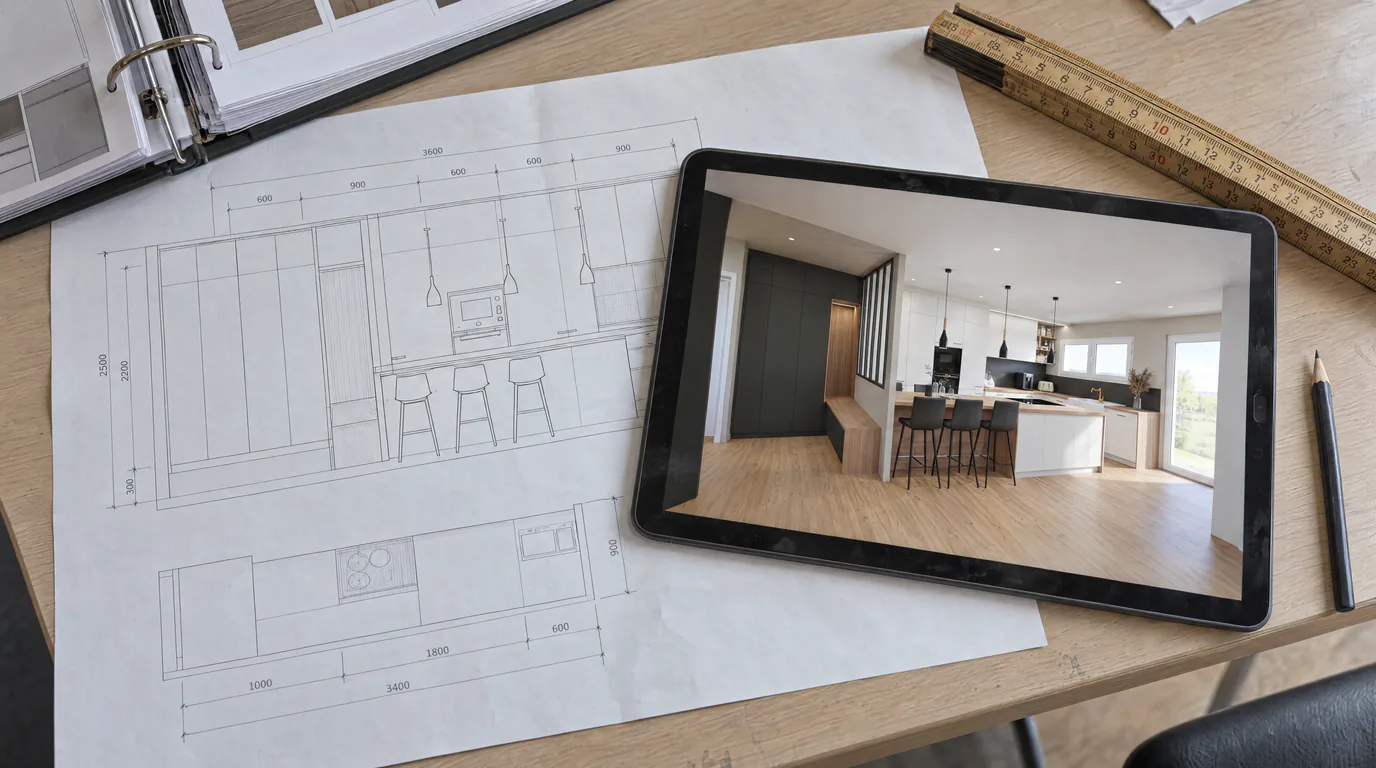
Kitchen Designers: Winner & InSitu to AI Renders
Your Winner Design or InSitu renders don't convince your clients? Learn how to transform them into photorealistic visuals in under a minute.
 Use cases
Kitchen Designers: Edit Cabinets & Countertops with AI
Your client can't decide between oak and white lacquer? Show both options in under a minute with AI editing, without touching your Winner or InSitu project.
Try it on your own project.
Import an export, start a render, edit one zone, share the link.
14 days, no commitment