AI Rendering for Real Estate Developers: Sell Off-Plan with Photorealistic Visuals
Turn your architects' exports into photorealistic renders in minutes. Launch all of a development's typologies at once, show finish options with a brush and bundle everything into a sales package shared via secure link, without waiting weeks or relying on a 3D agency.
14 days, no commitment
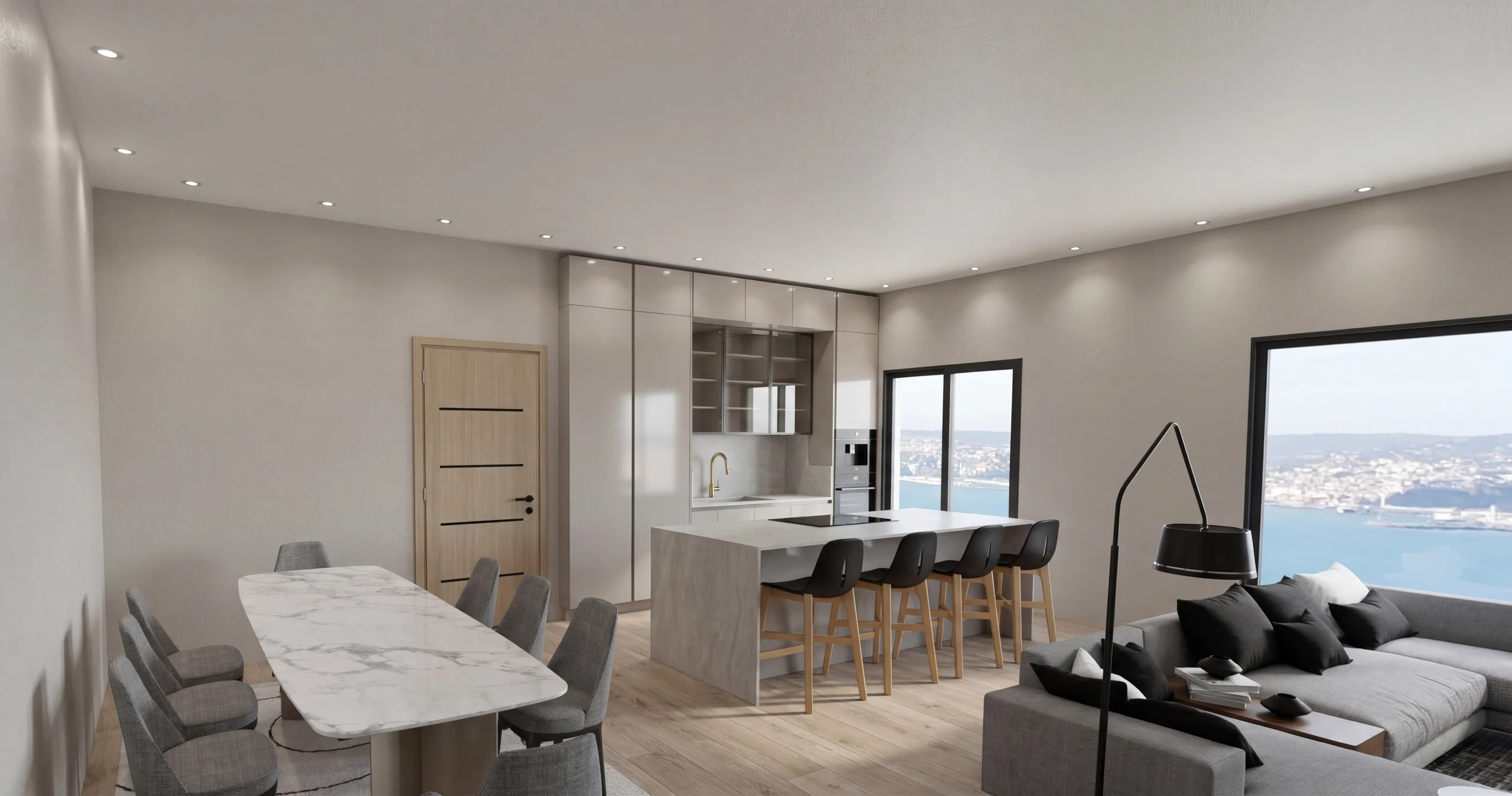
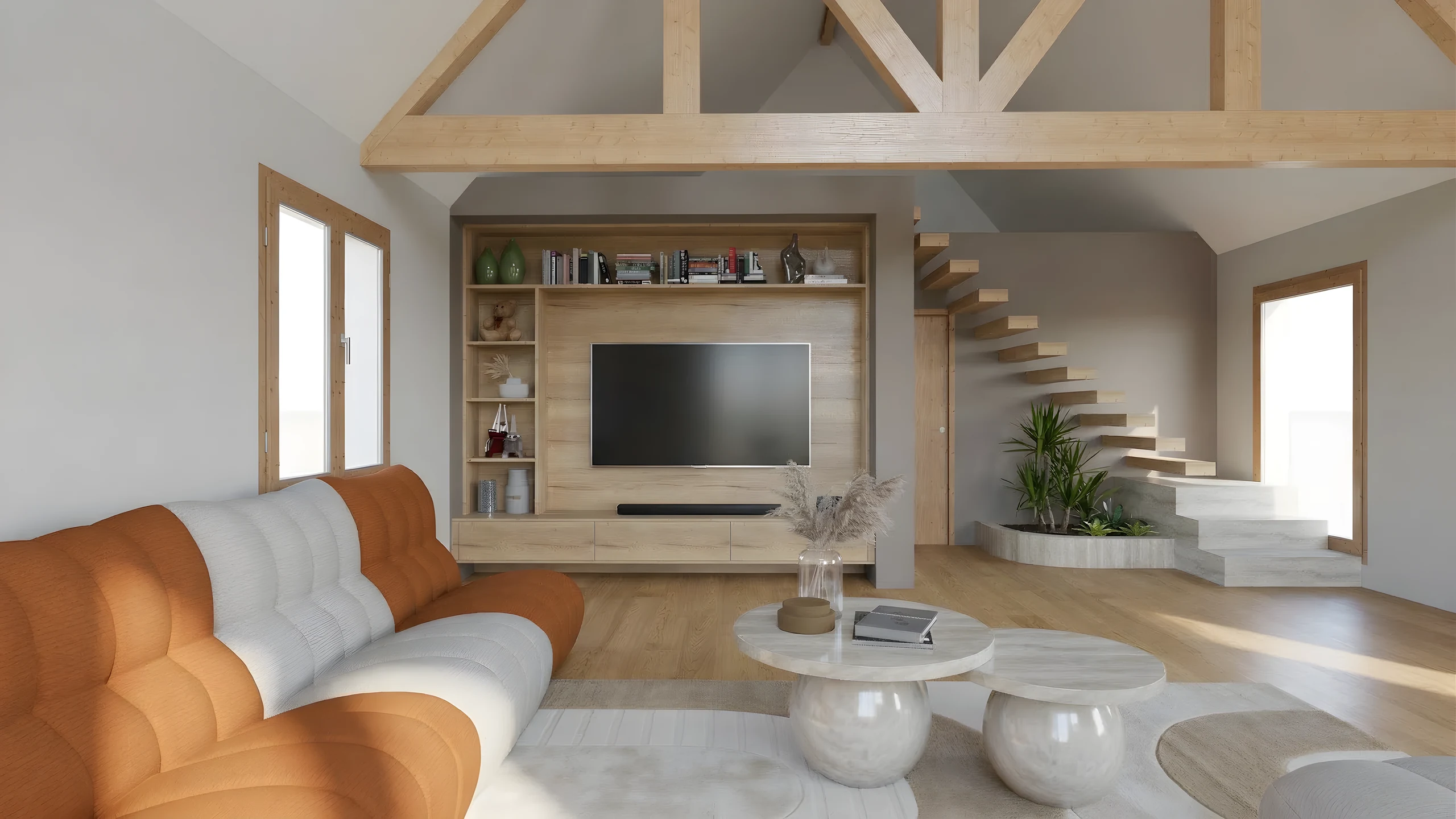
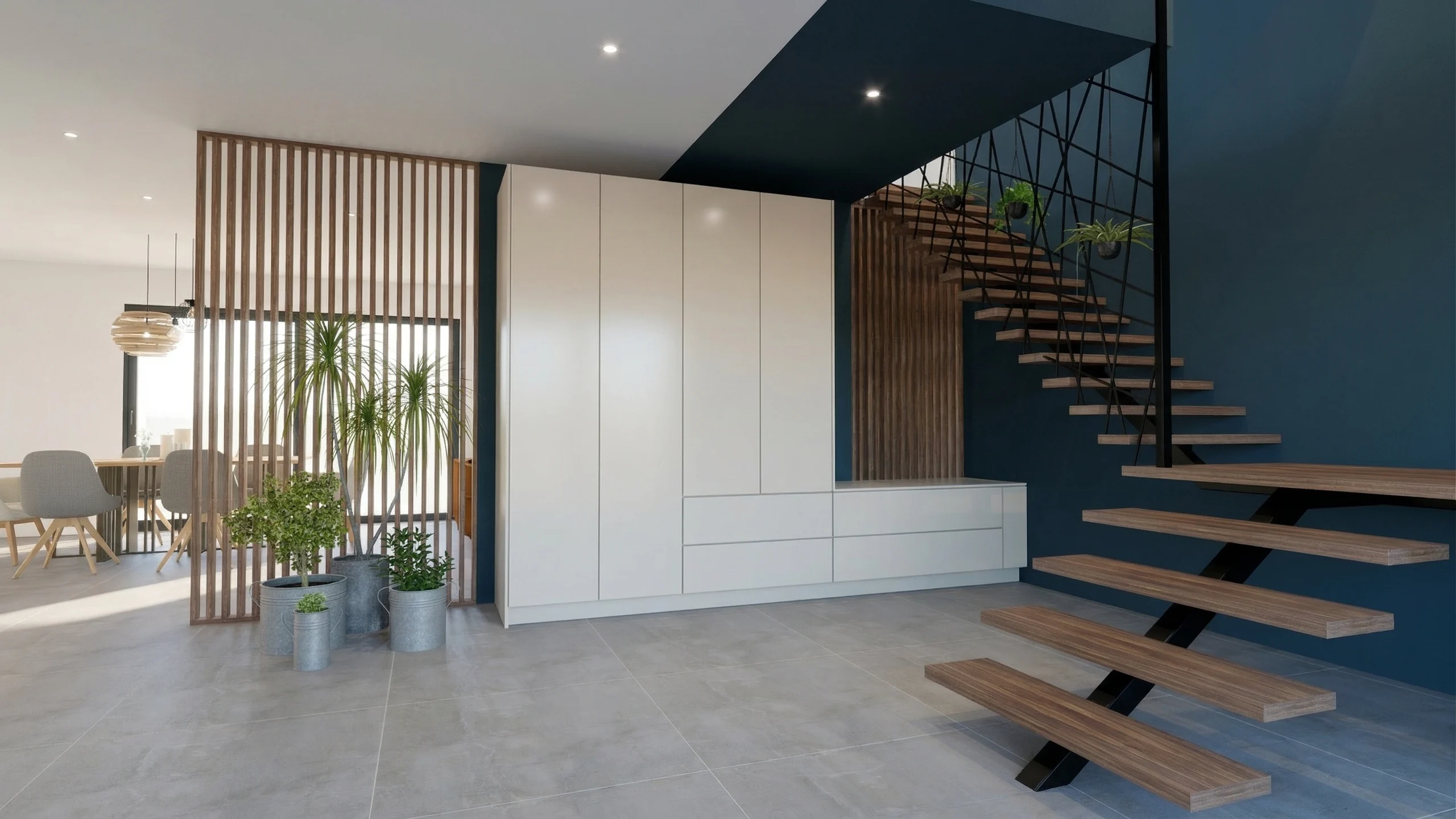
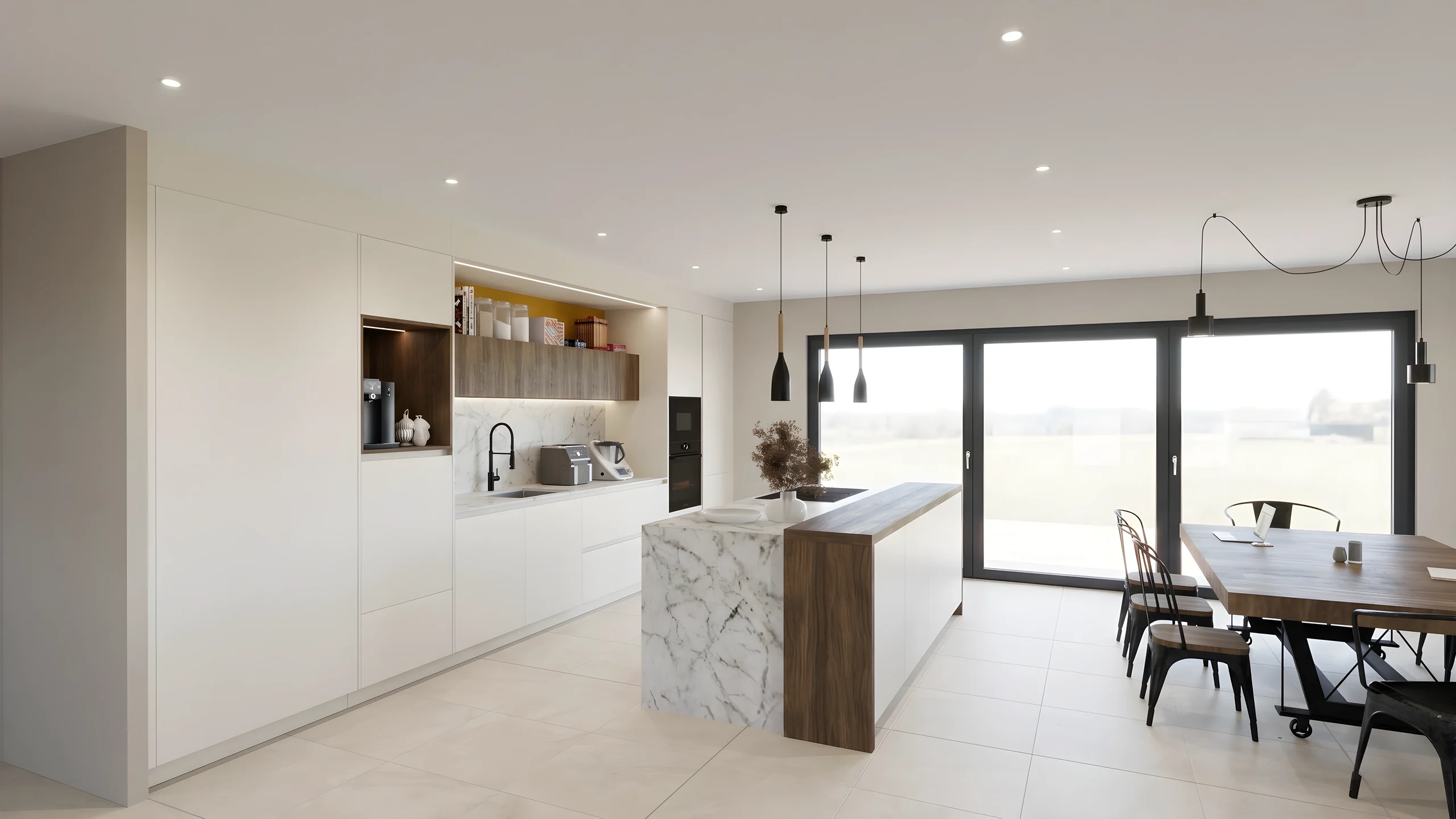
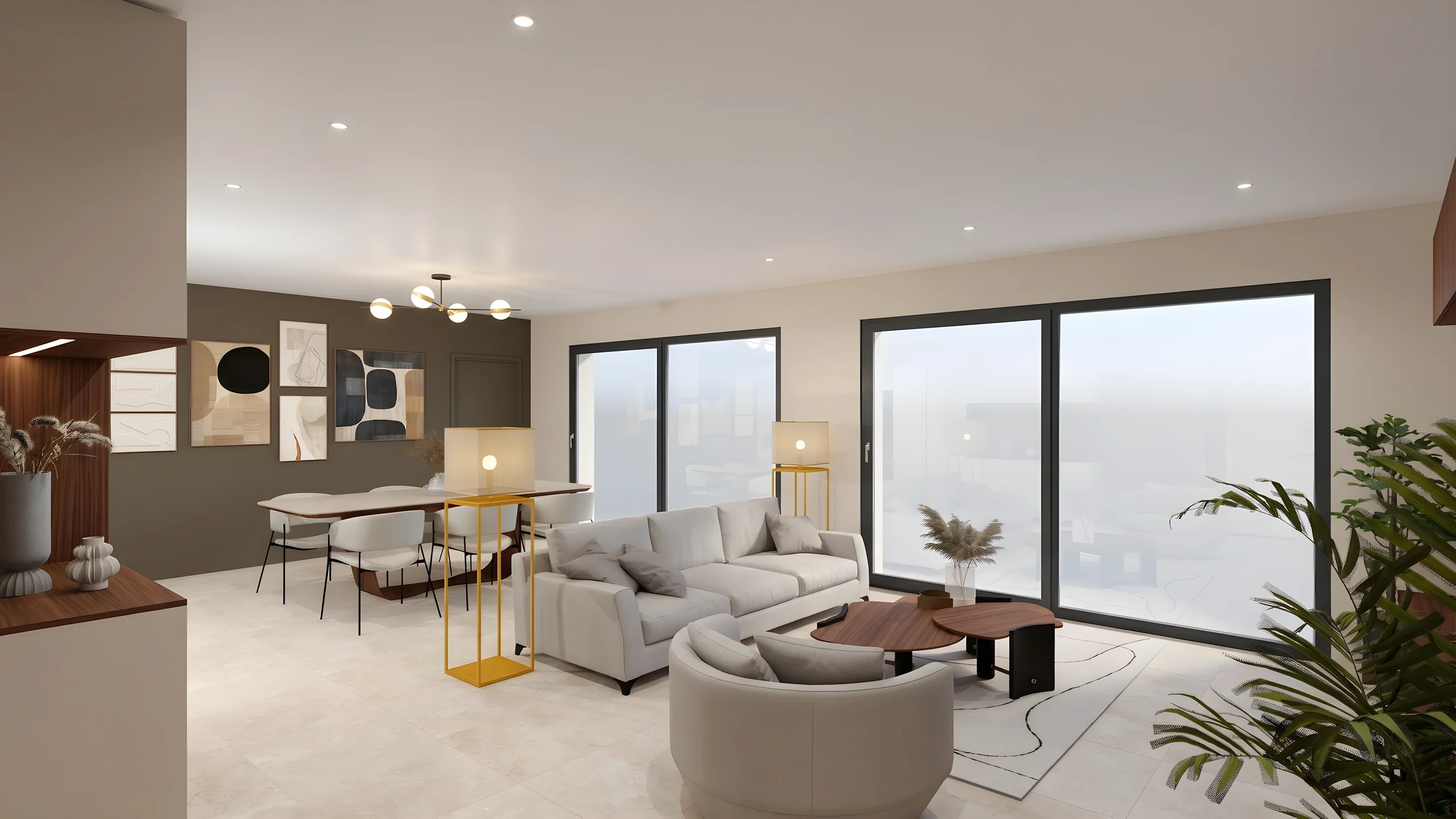
Every unit type in the scheme is shown finished, before the first shovel hits the ground.
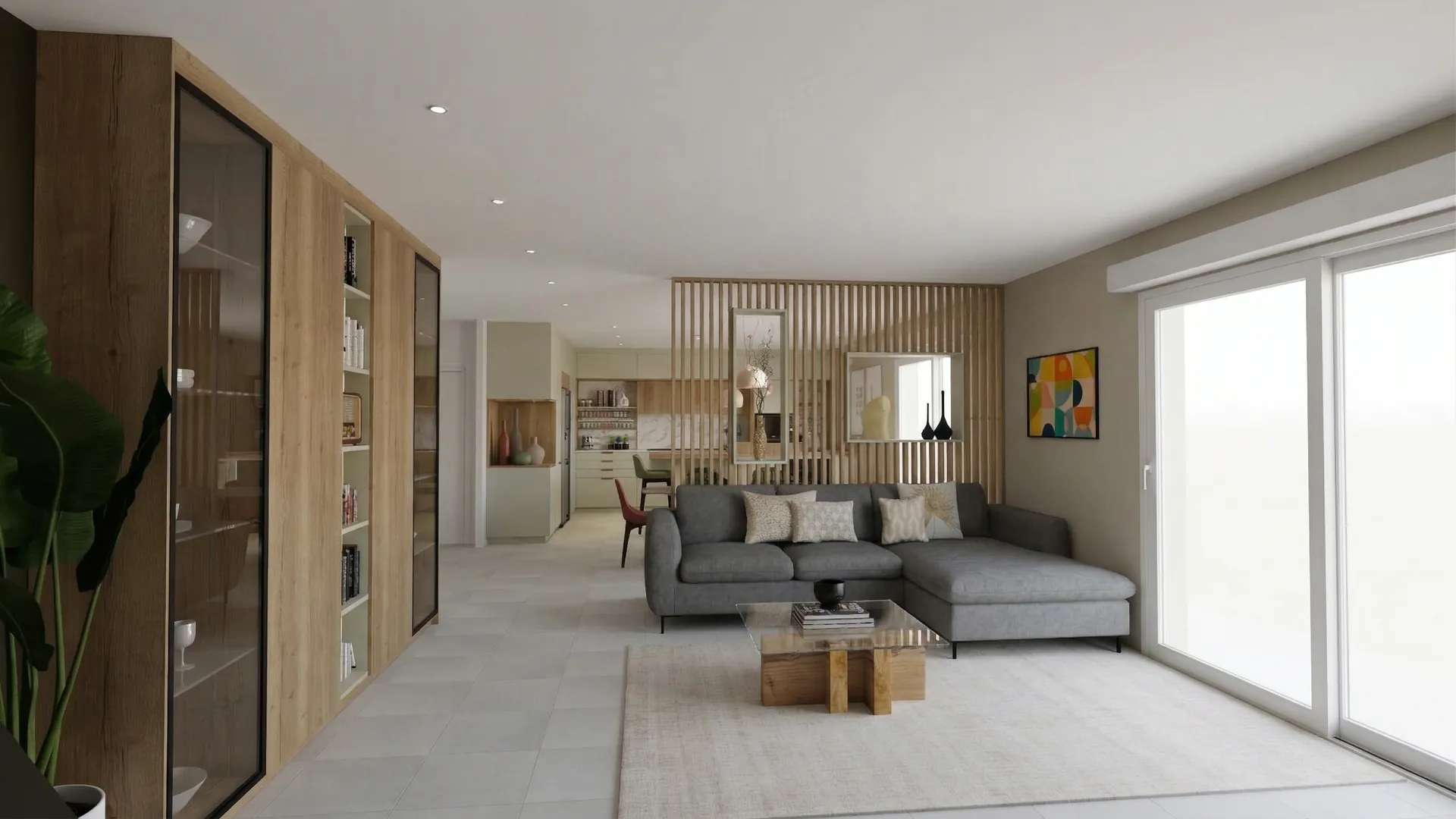
Claustra project
Fit-out of a living room opening onto the dining area, a kitchen and an entrance hall
The Laurent family · Lyon
01
The project
What you asked us for, and the answer we propose.
- Fitted area
- 92 m²
- Rooms redesigned
- 3
- Works (estimate)
- 8 weeks
Architecture is the learned game, correct and magnificent, of forms assembled in the light.
02
Living and dining
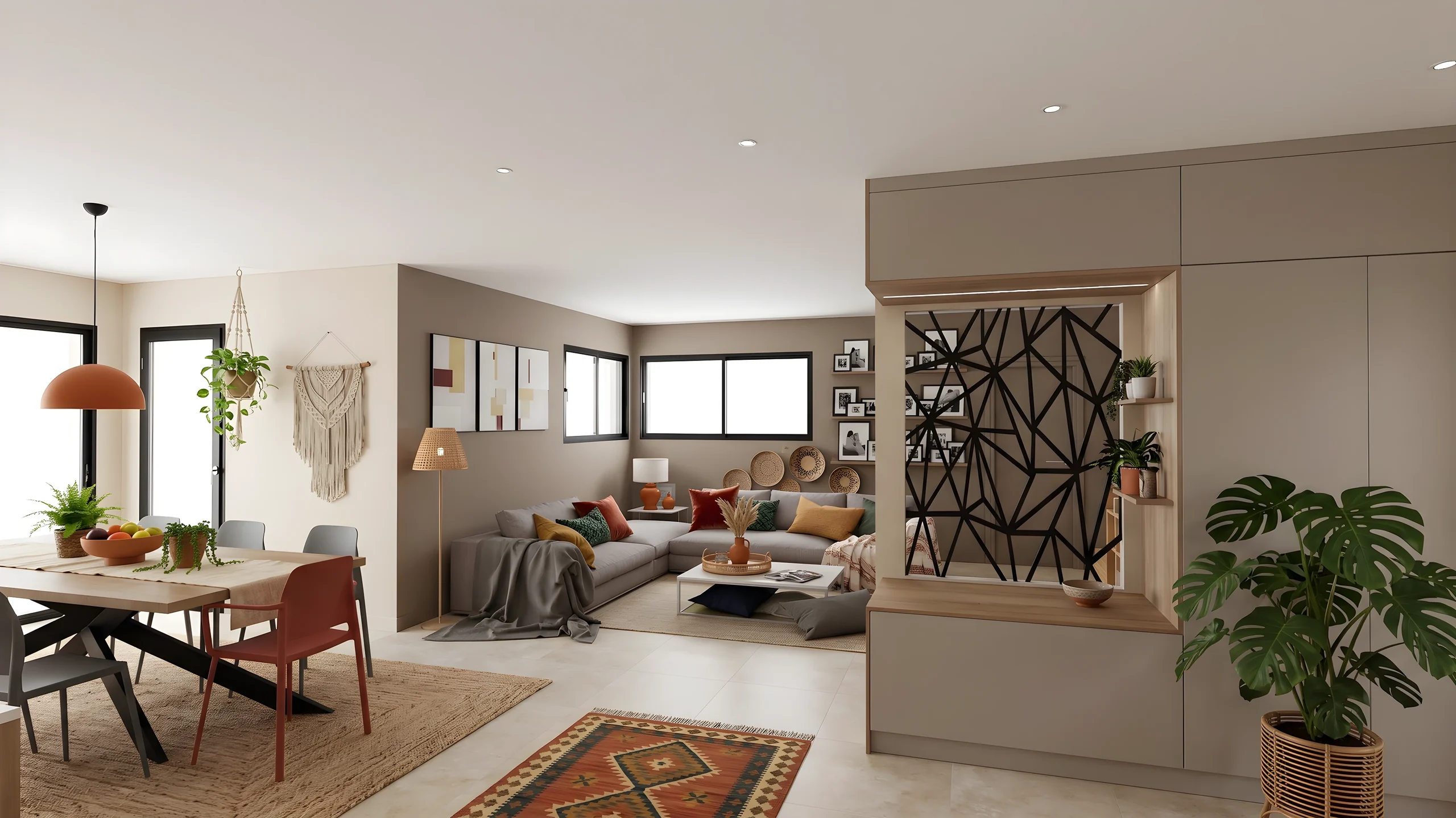
Two rooms, one light: the wooden screen separates the meal from the sofa without closing off the window.
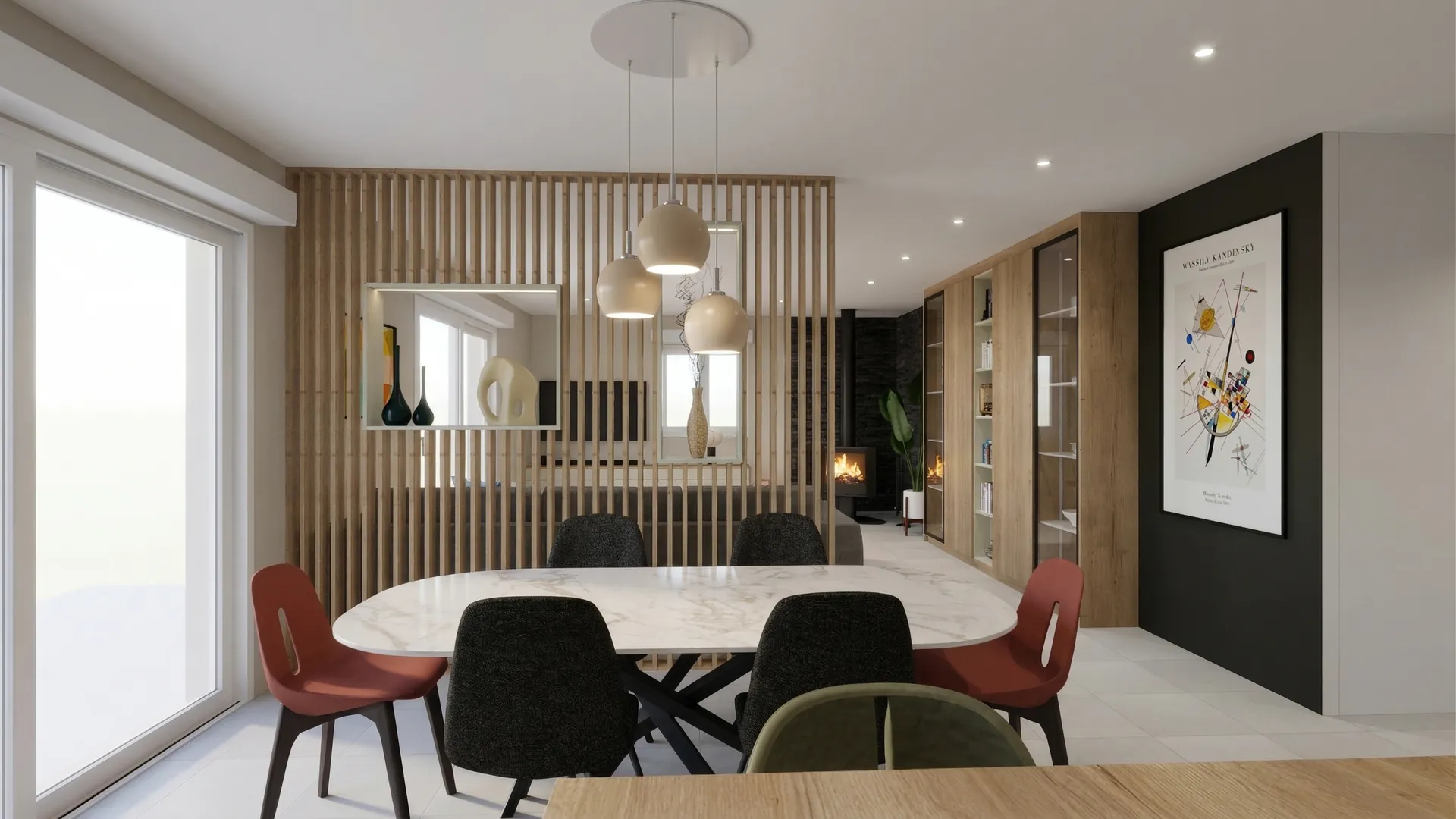
Behind the screen, the dining area stands on its own around the marble table. The mismatched chairs bring the colour the rest of the room holds back, and the matt black panel sets off the print.
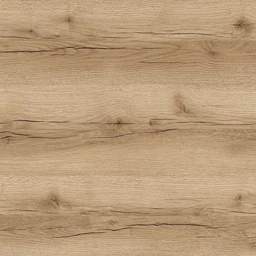 Verona oakScreen and bookcase
 Inverness taupeLiving room walls
 Santander marbleTable top
 Padua grey stoneFloor
03
Kitchen
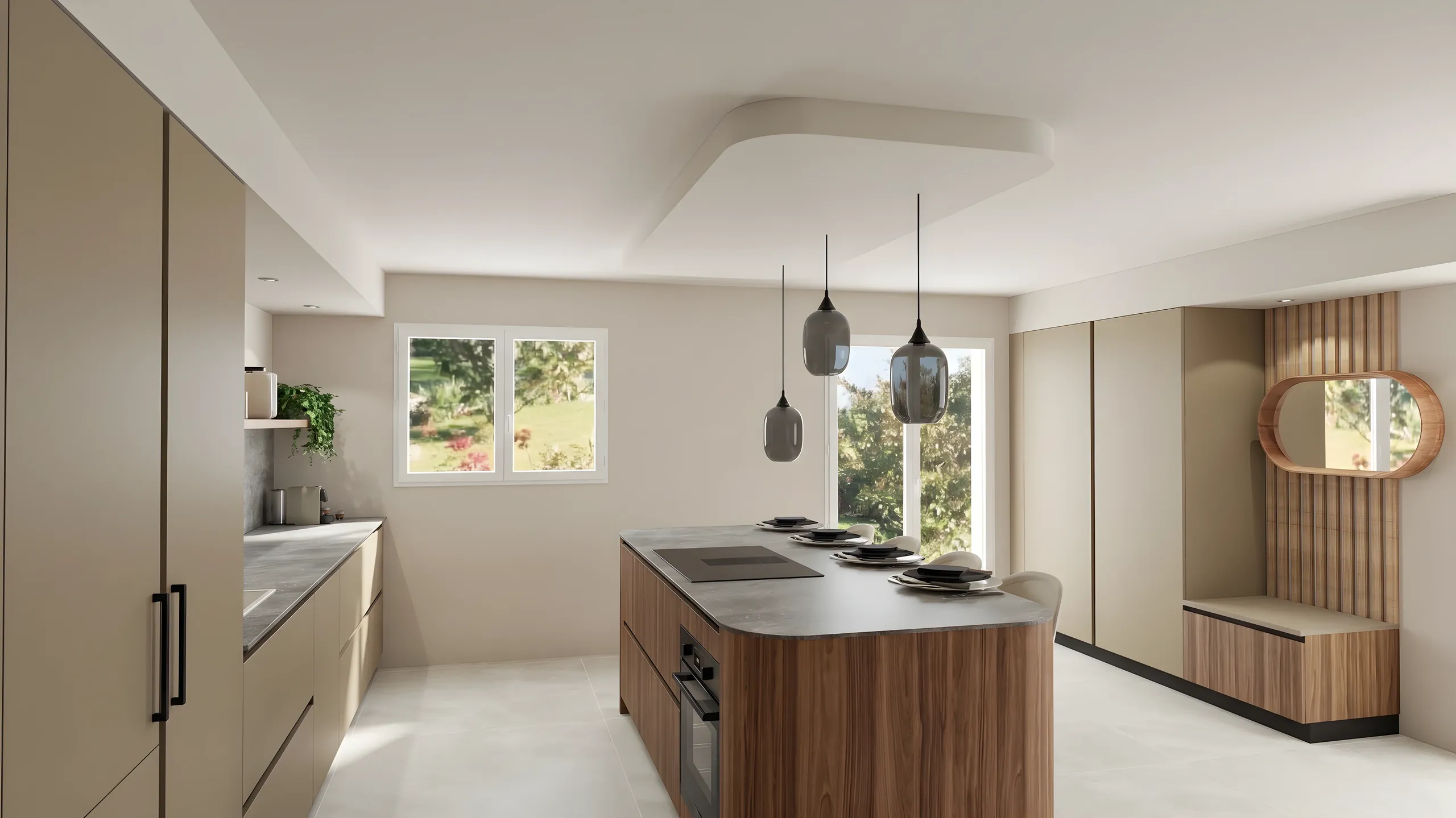
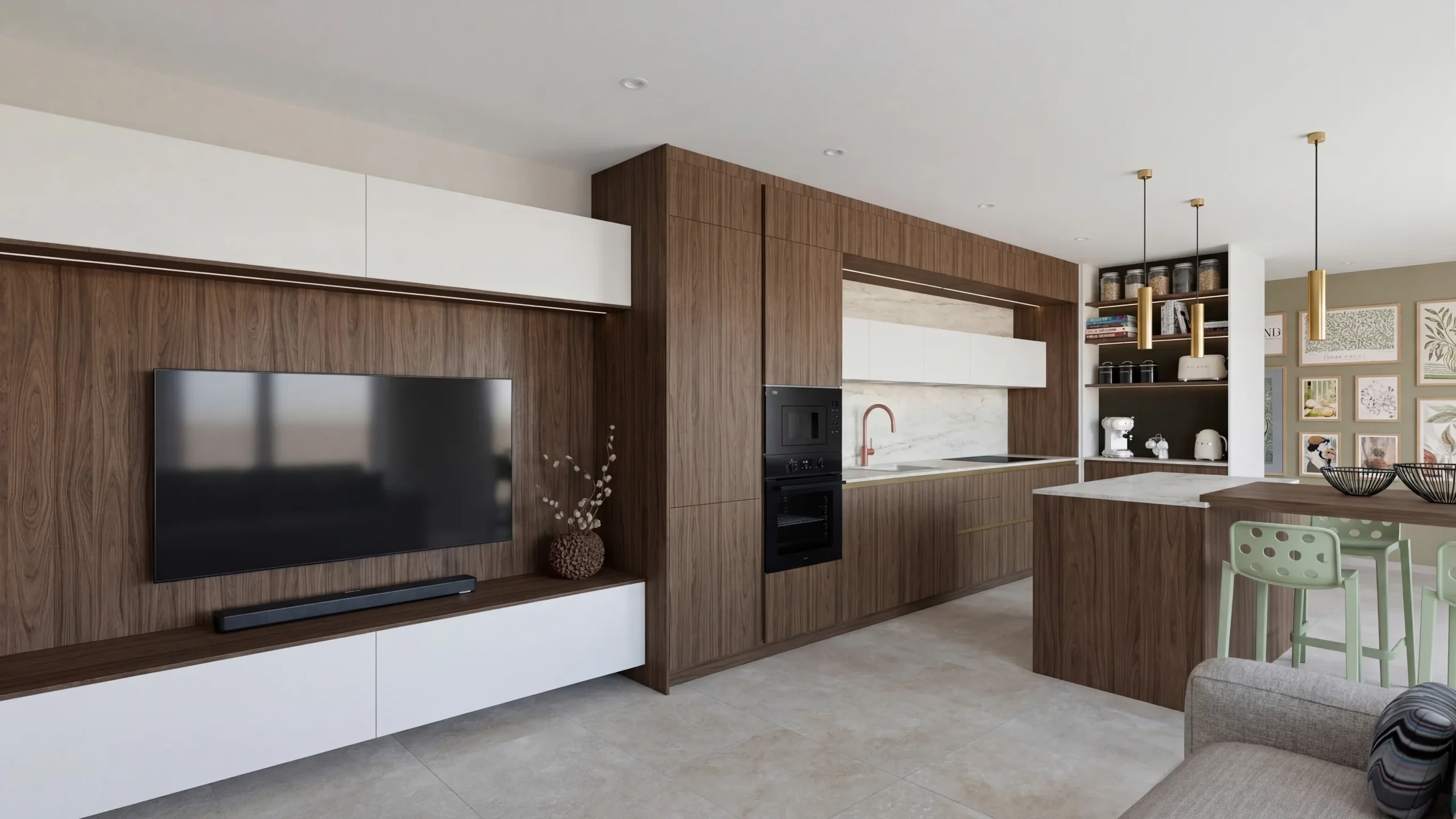
Sage green as the thread: fronts and island, a pale worktop, a veined stone splashback.
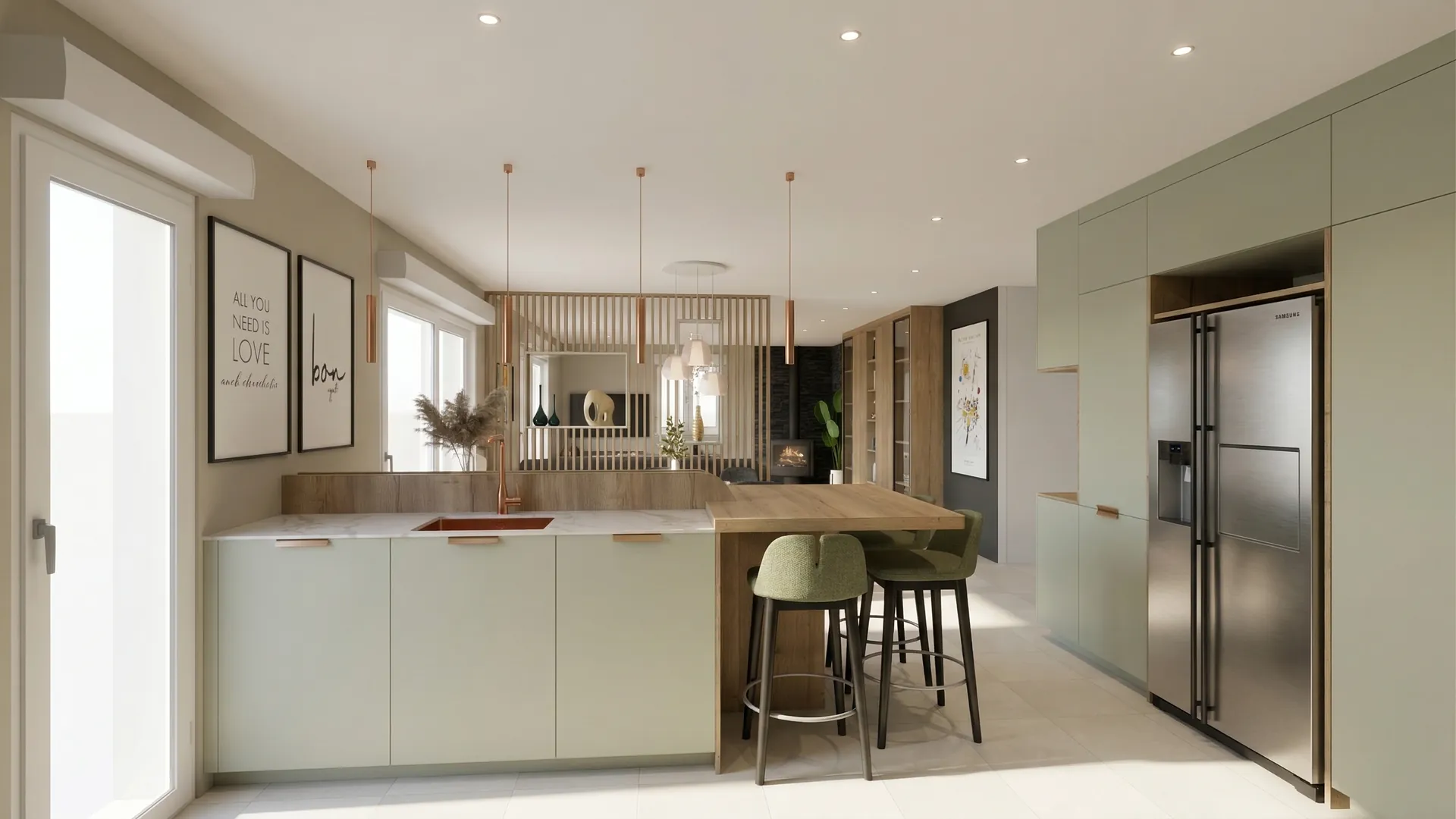
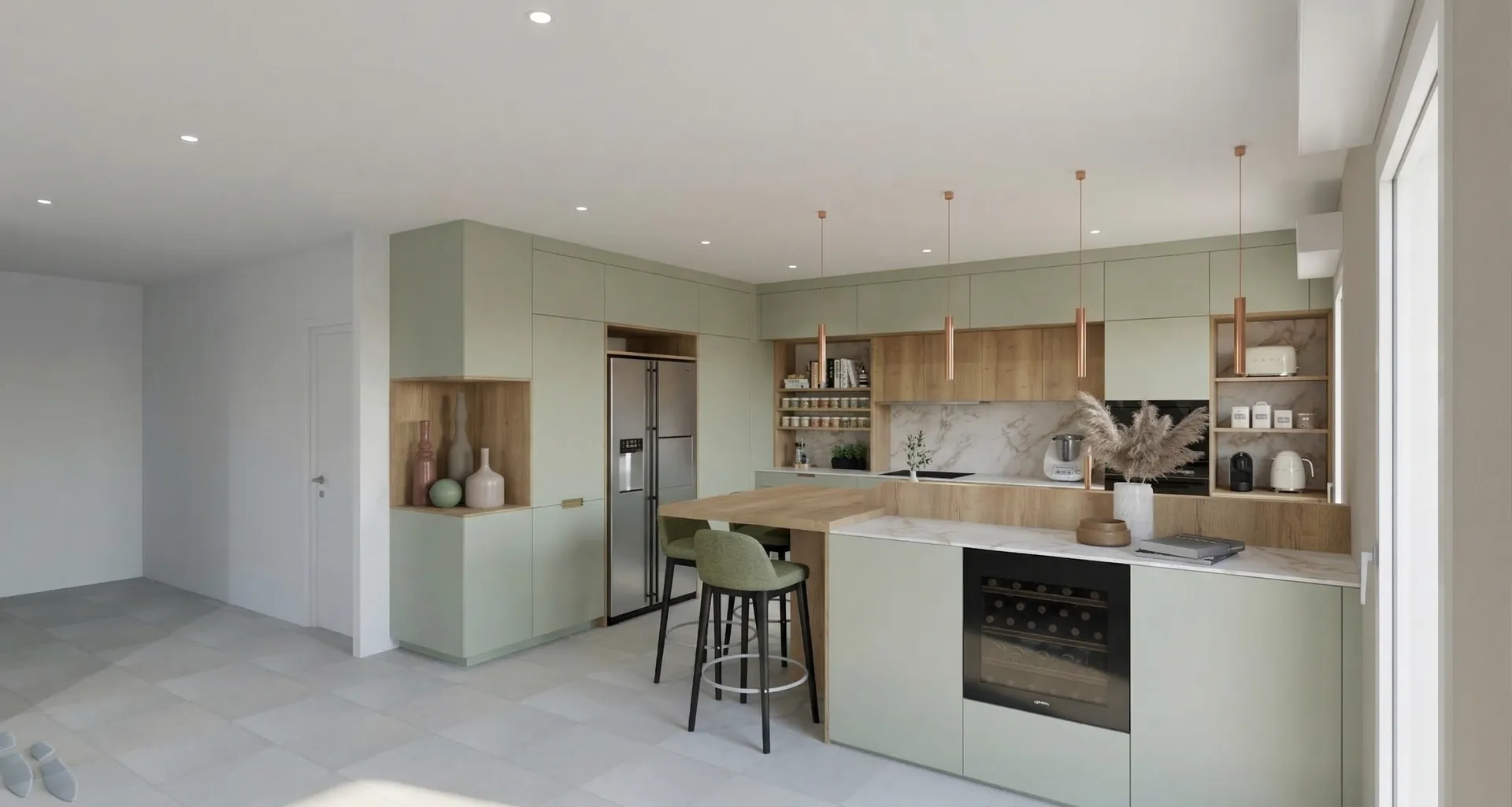
Colour palette
- Toulouse grey-green#8C968A
- Verona oak#B89B79
- Santander marble#D1D0CA
- Sorrento copper#CD978A
04
Entrance hall
A staircase that sets the tone: the first image you keep of the home.
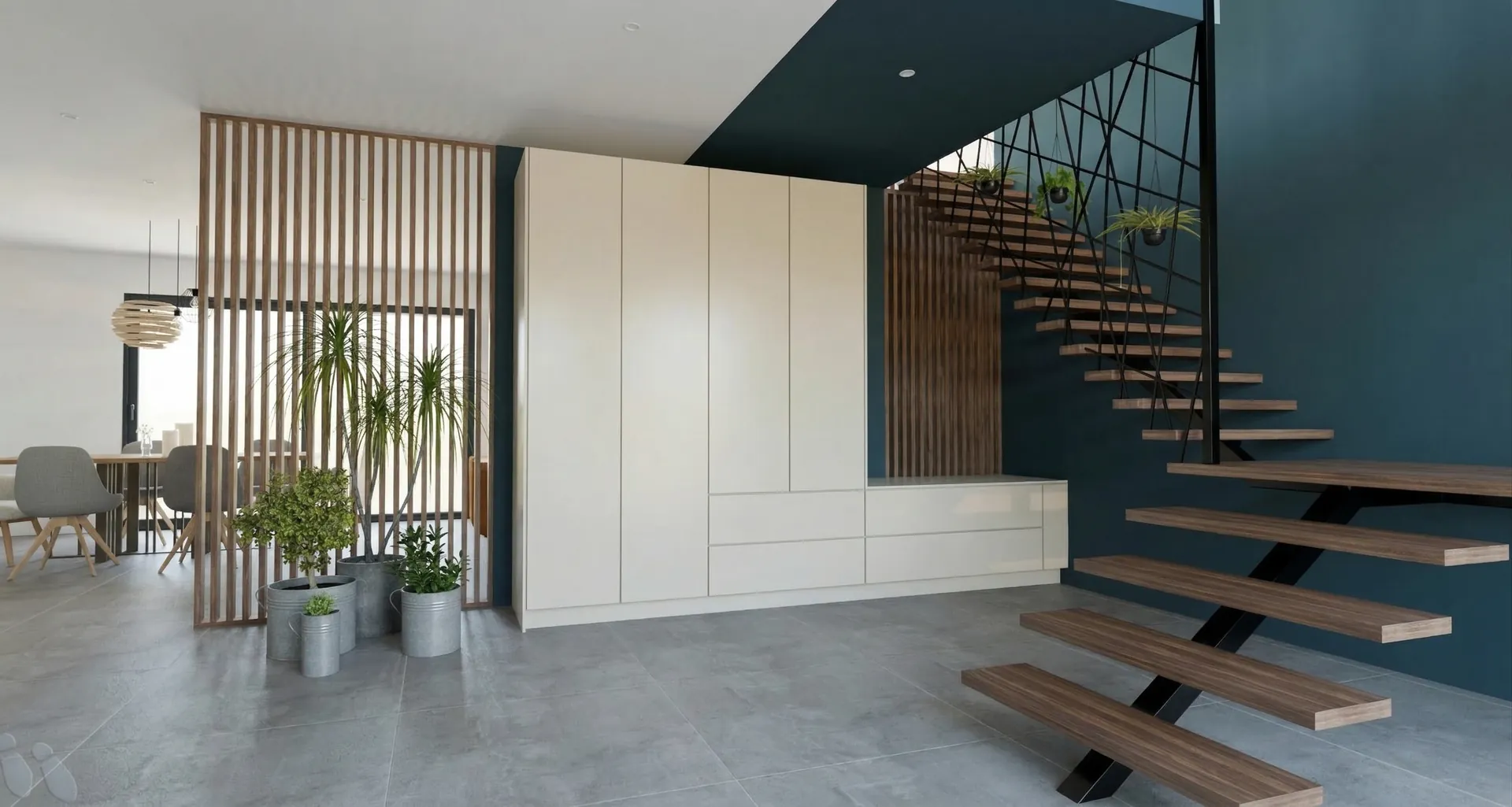
The floating wooden treads and the black handrail stand out against the deep blue-green wall. The full-height cupboard takes the whole family’s storage.
05
From design to render
Drag the slider to go from the 3D sketch to the render.
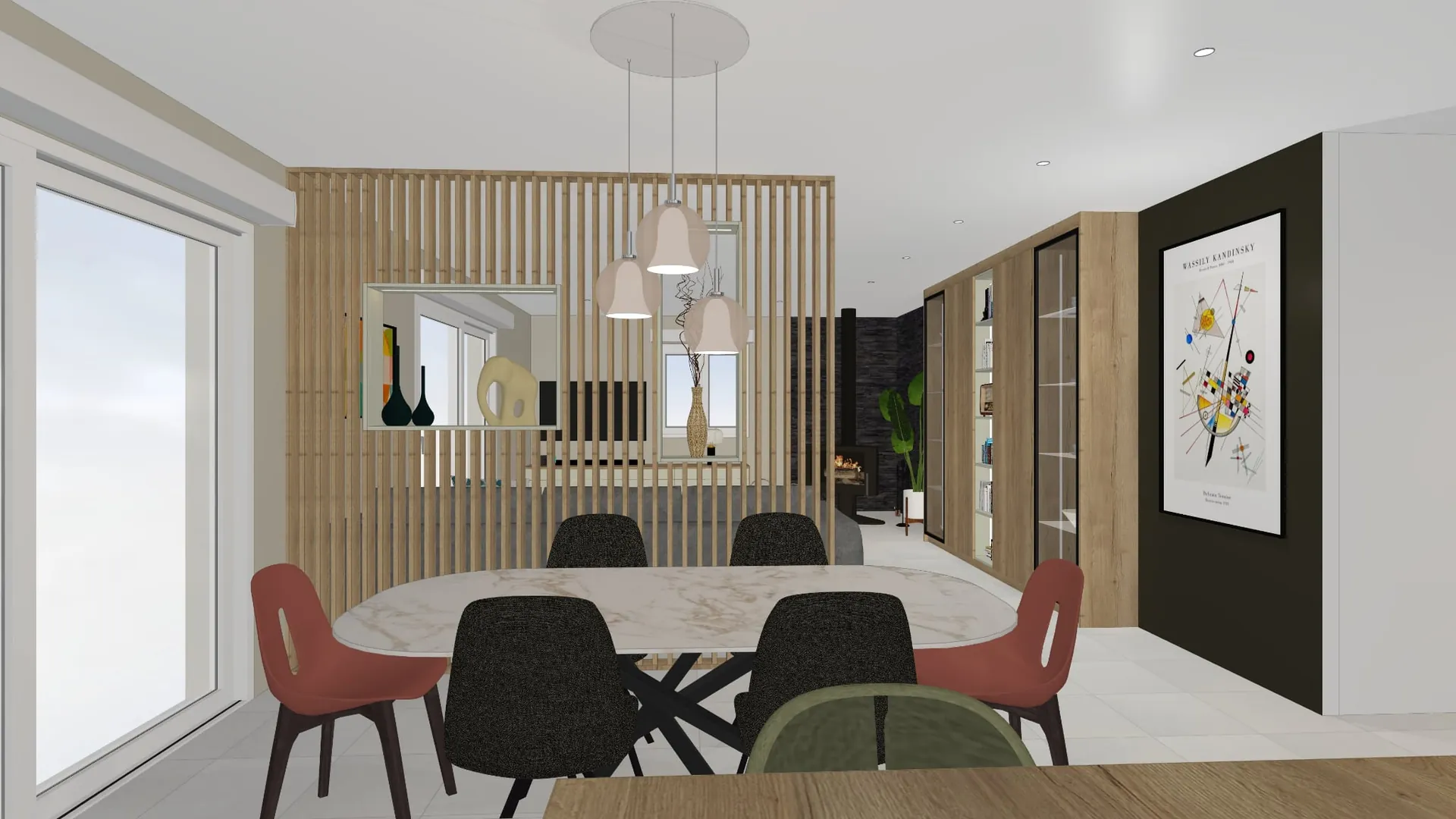
On a computer, the presentation begins
05
From design to render
Drag the slider to go from the 3D sketch to the render.
360° tour
06
The furniture
The pieces chosen for the living room, ready to order.
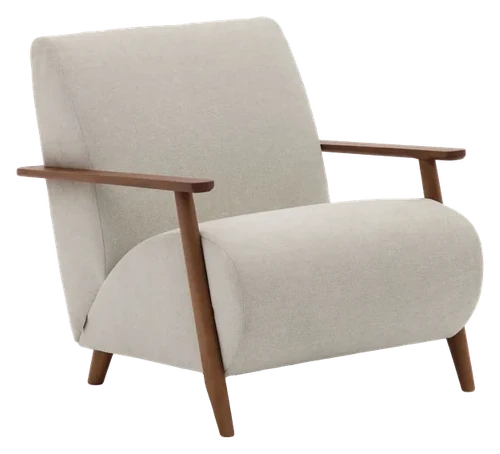 Kave HomeMeghan armchairSee the itemQuantity: 2
 Kave HomeMonsteraSee the item
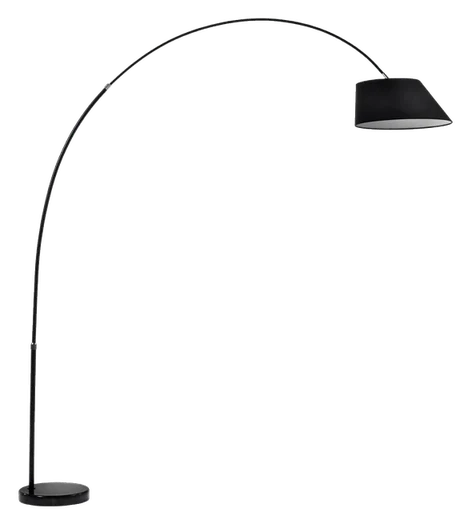 Kave HomeMay floor lampSee the item
07
Schedule
Dates firm up once the plans are approved.
- DoneSite surveyMeasured on site, plans updated.
- In progressPlan approvalYour go-ahead on each room of this presentation.
- UpcomingManufacturingAbout six weeks in the workshop.
- UpcomingInstallationTwo weeks on site.
Atelier Orme
Interior fit-out and architecture
- contact@atelier-orme.example
- 01 23 45 67 89
- atelier-orme.example
On a phone, it continues
What you do on a scheme
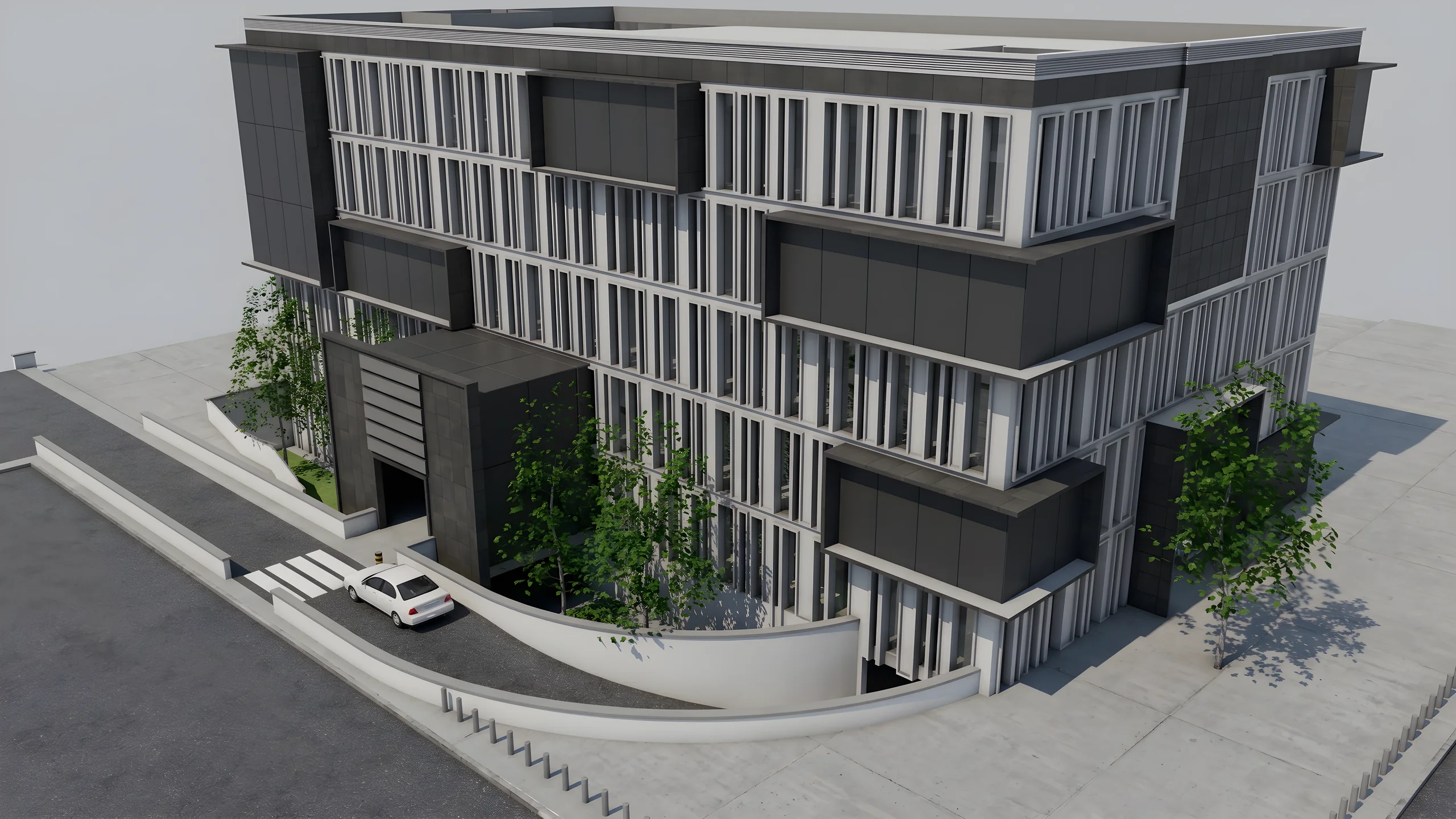
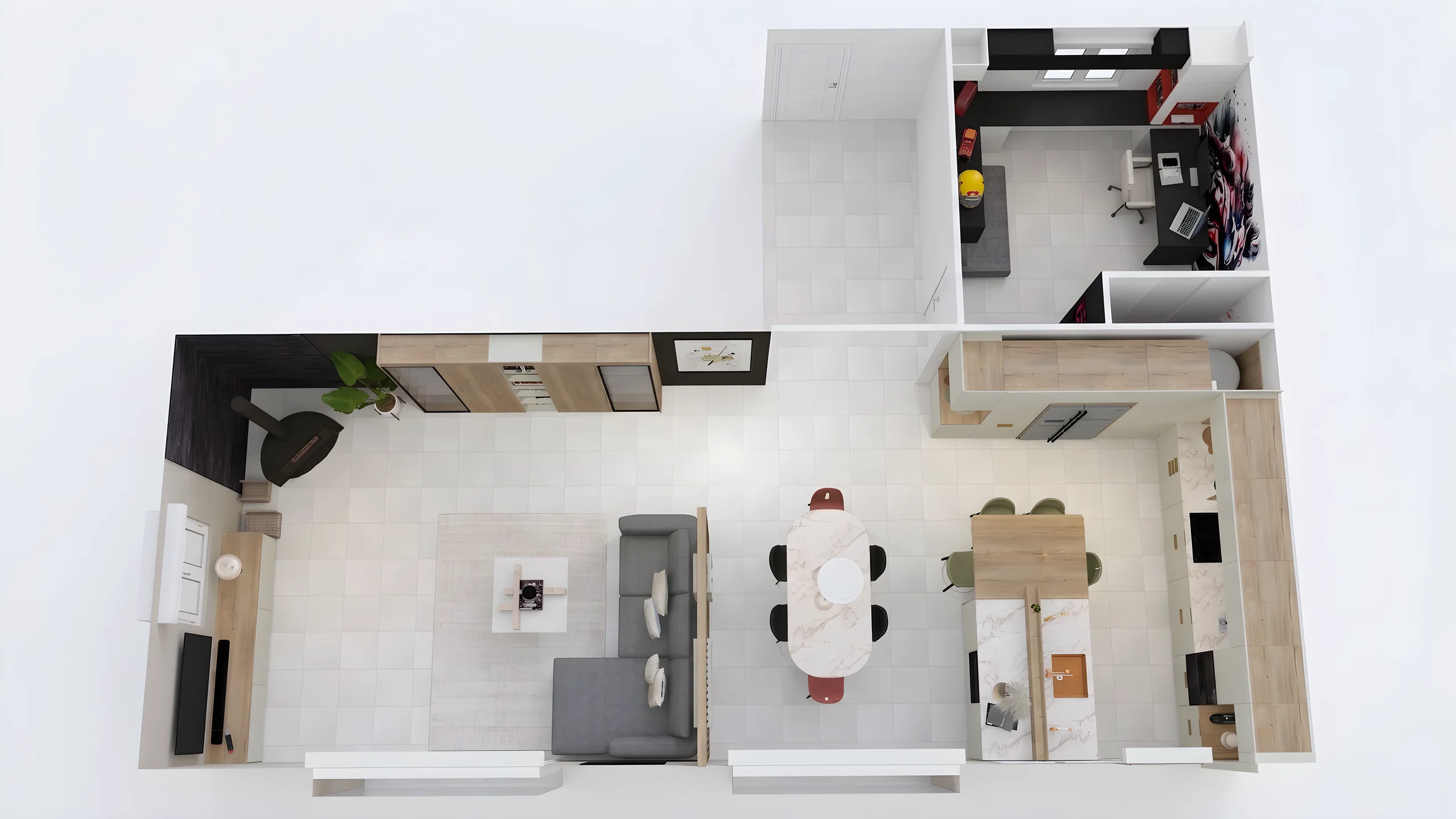 Every typology rendered room by roomProduce photorealistic renders of the living room, kitchen, and master bedroom for each typology in the development, from Revit, AutoCAD, ArchiCAD, or SketchUp exports.
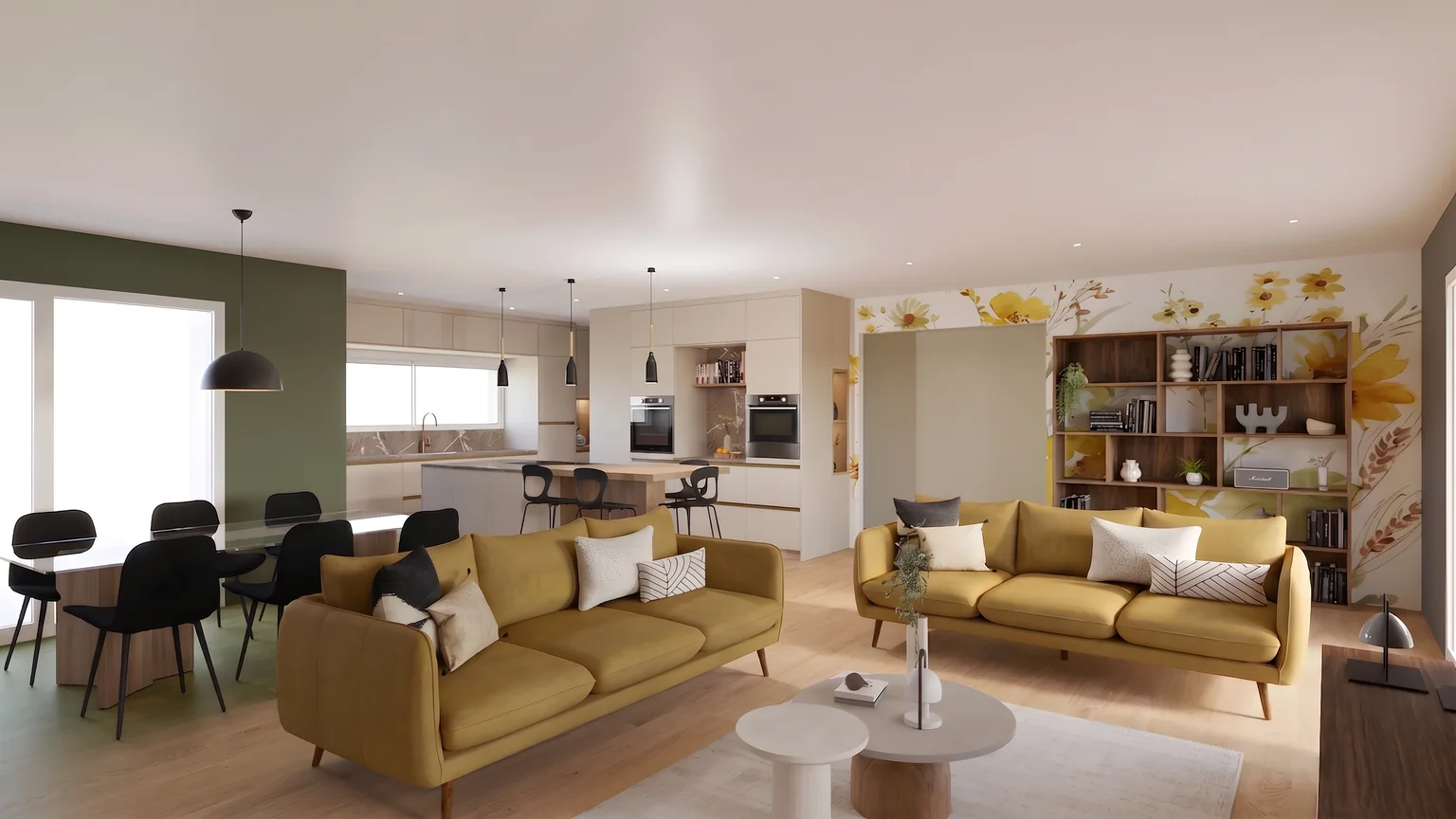 Unit finishes brushed on the renderPresent finish variants (flooring, paint, tile, cabinet fronts) with a brush on the actual apartment during meetings to support buyer customization choices.
 A sales package for each unitBuild a sales package per unit combining renders, floor plans, and finish options, shareable via a secure link and viewable on mobile.
 The finish ranges on one boardGather the finishes of each range, floors, tiles and fronts, on a mood board with catalogue products, and share it with the sales team and the architect in the same team space.
From the architect’s exports to the sales file
Collect the architect’s views
Revit, ArchiCAD, AutoCAD or SketchUp: one exported image per unit type and per room is enough. No BIM file leaves your office, no rendering setting has to be tuned.
Start the whole scheme
The unit types go to render together and come back in about a minute each, up to 8K for the printed brochure. Finish options are then varied with the brush.
Arm the sales team
One file per unit, shared through a secure link with a password and an expiry date, which the buyer opens in the sales office or at home, without creating an account.
From your software
 SketchUpThe plugin captures the displayed view and starts the AI render without leaving SketchUp.
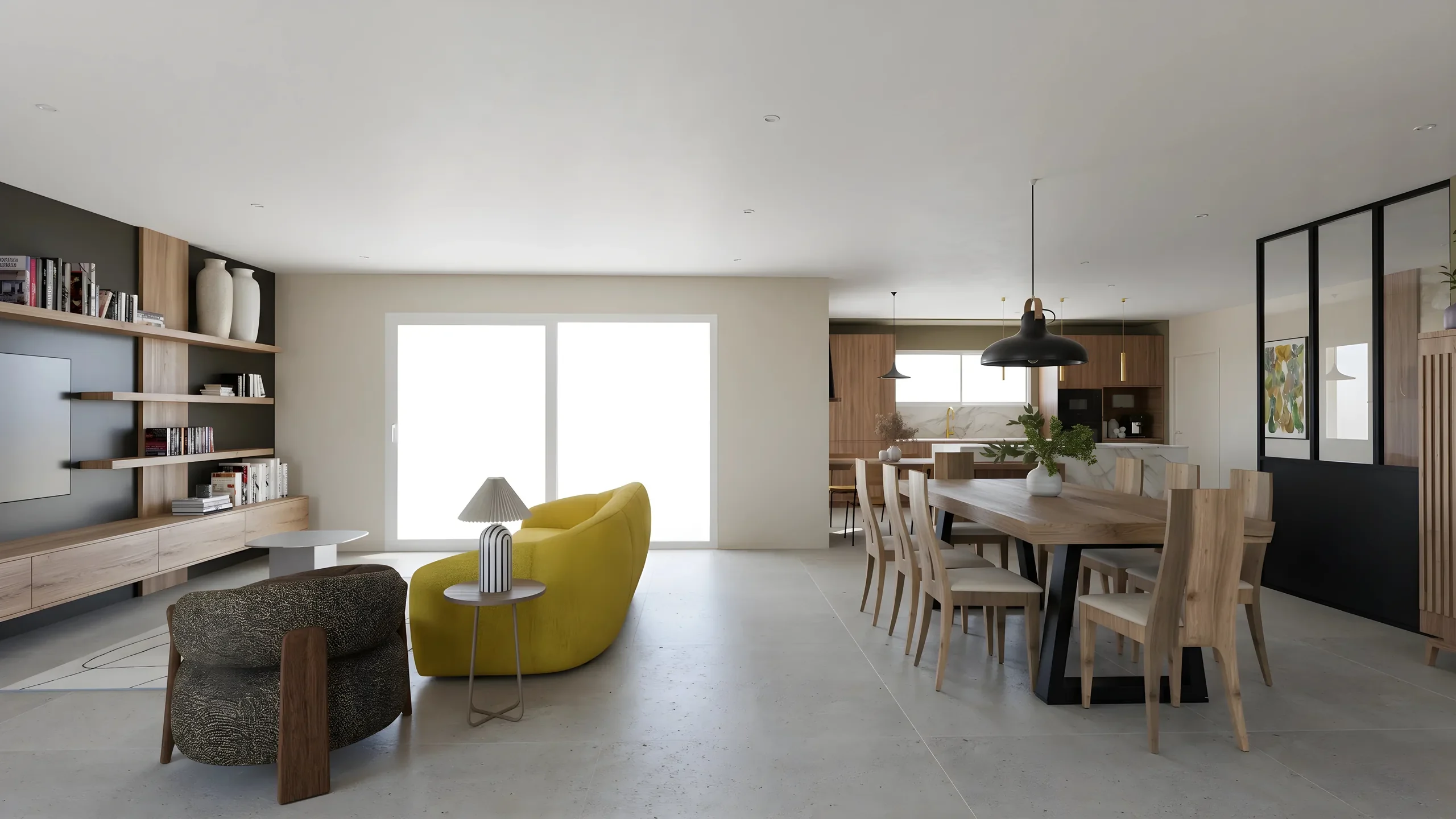 ArchicadExport the 3D view as an image, drop it in: the photorealistic render comes back in a minute, dimensions intact.
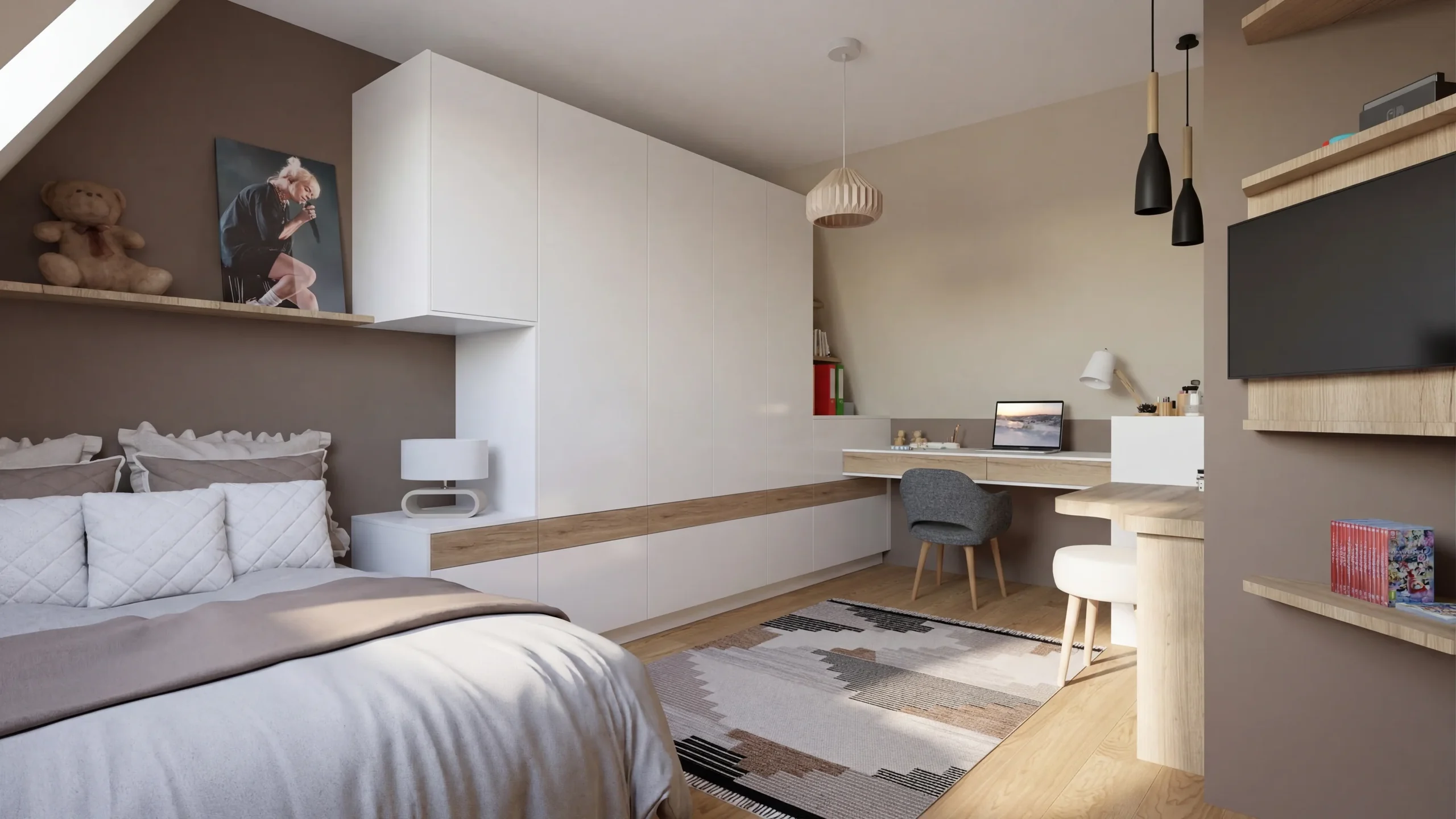 RevitA 3D view exported as an image is enough: the photorealistic render of the room comes back in a minute.
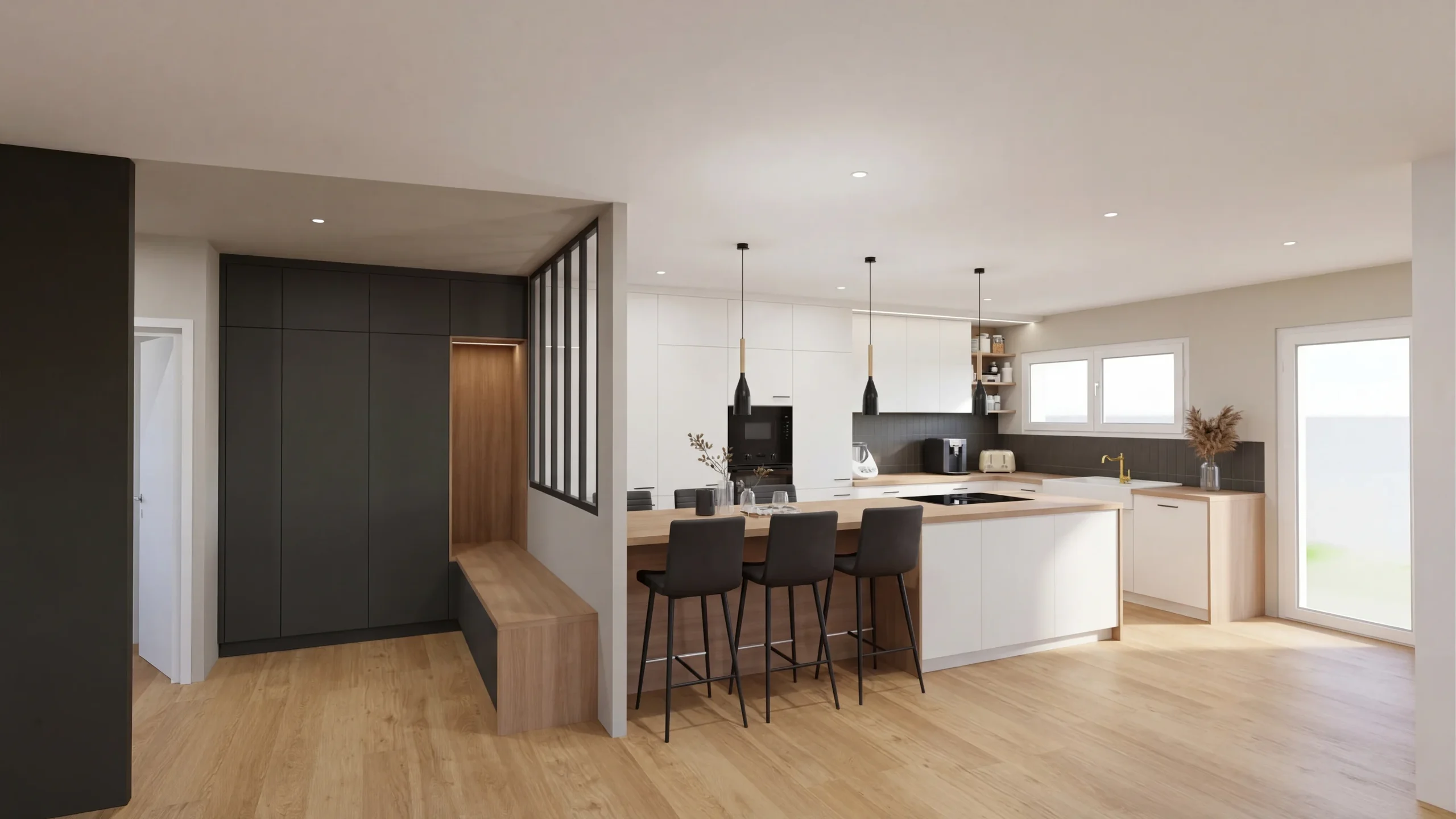 Other software and photosAutoCAD, Blender, 3ds Max, Rhino, Cedreo or a photo: one image is enough, the render comes back in a minute.
Read next
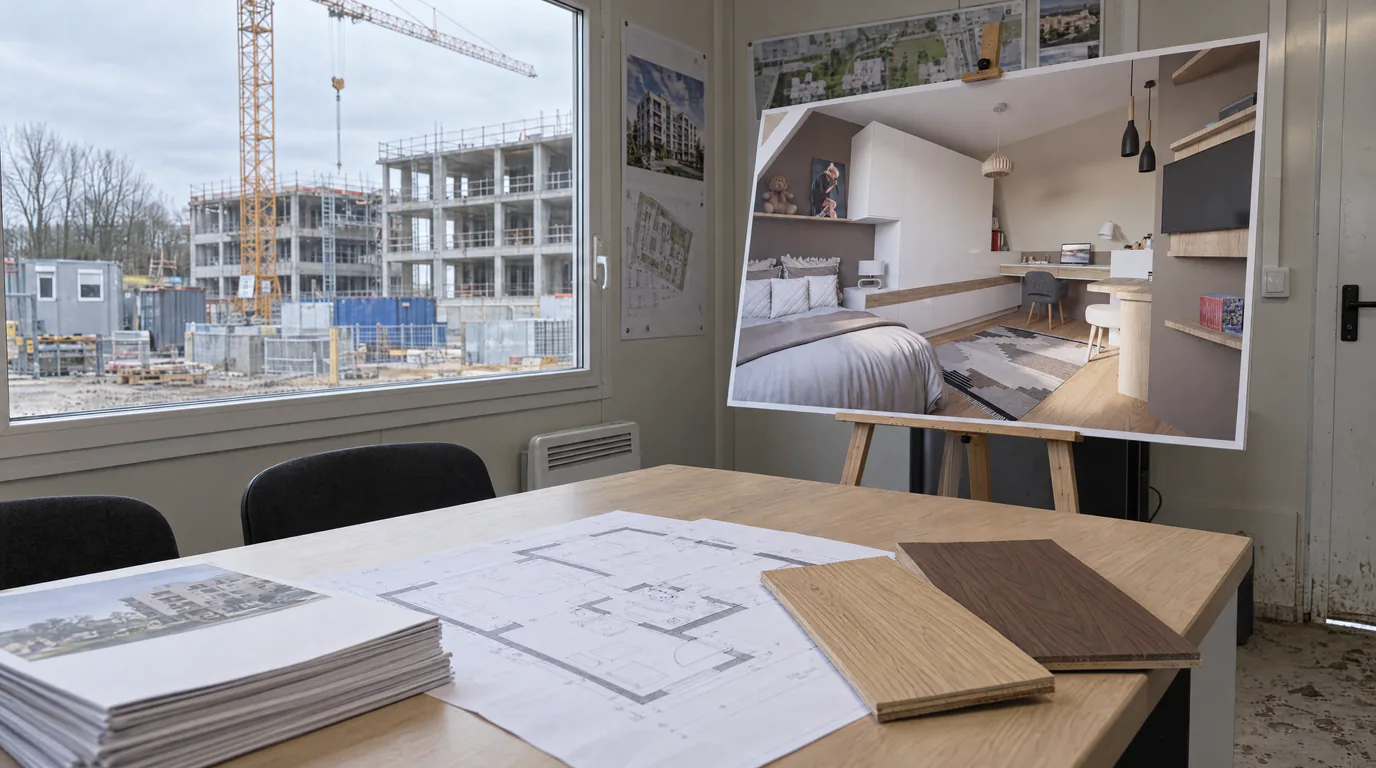 Use cases
Real Estate Developers: AI Renders for Off-Plan Sales
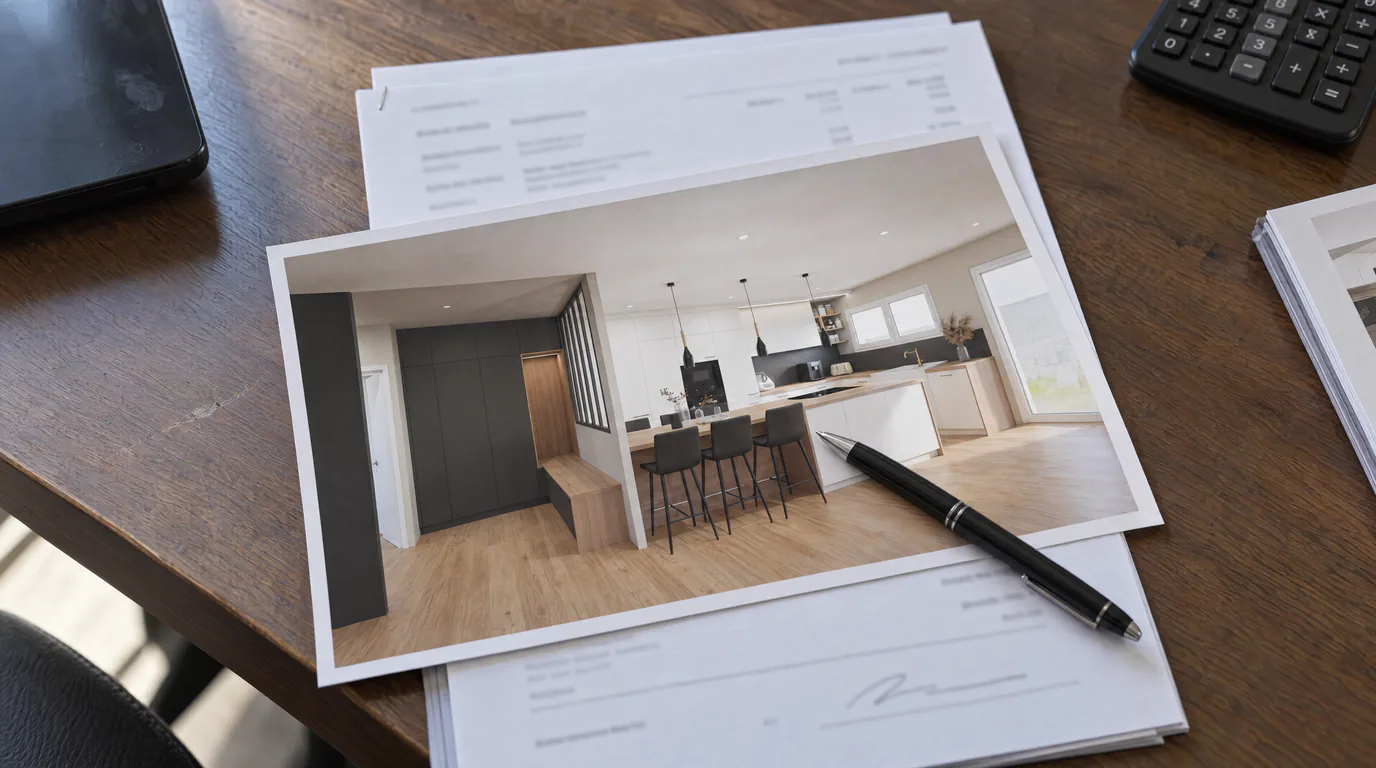
Every apartment type visualized in minutes instead of weeks. AI replaces expensive 3D agencies for off-plan property sales.
 Business
Photorealistic Rendering ROI: What Does a Render Earn?
A photorealistic render costs a few euros but can trigger €10,000+ projects. Data-driven ROI analysis for design professionals.
 Guides
Integrate a 360 Panorama in Your RenderThink Presentations
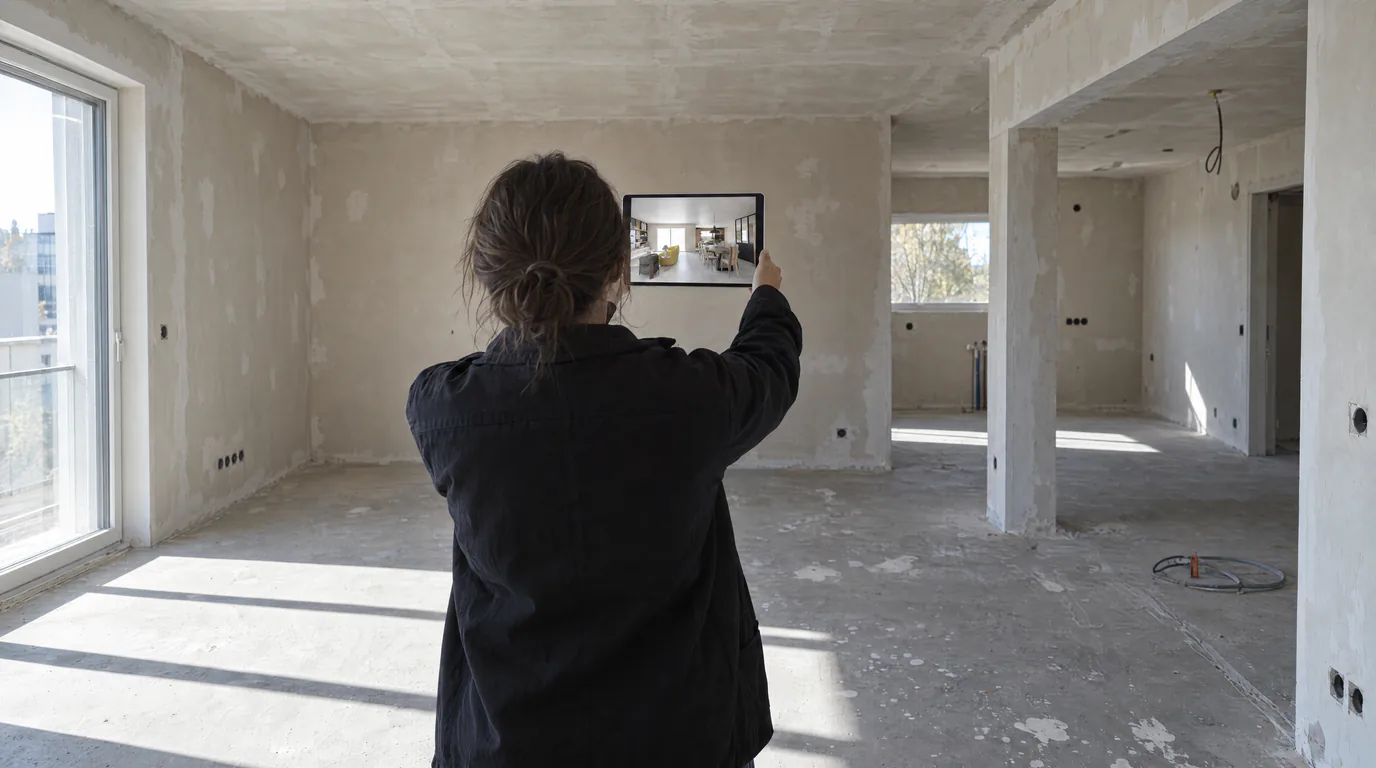
The required format (2:1 equirectangular), how to export it from any 3D software, then integrate it into a photorealistic virtual tour with RenderThink.
Try it on your own project.
Import an export, start a render, edit one zone, share the link.
14 days, no commitment